


Change Image Color
Change image color online for free, with Hex color control and no watermark.
What is Change Image Color?
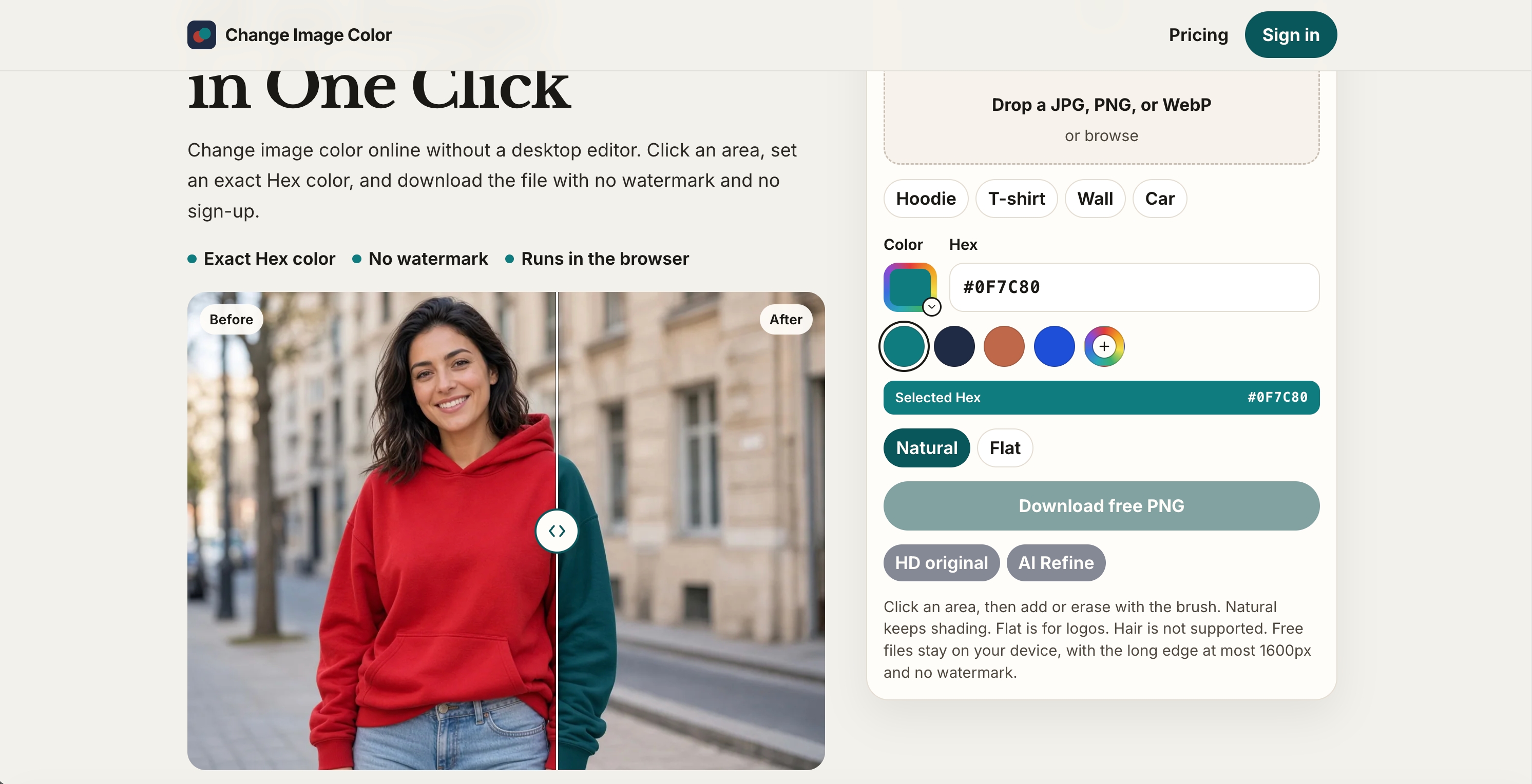
Change Image Color is an online image color changer for recoloring selected areas of photos and graphics. Open a JPG, PNG, or WebP, select the area you want to change, and choose a target color using the color picker or a Hex code. Use it to preview clothing colorways, create product color mockups, explore wall paint ideas, test car colors, or recolor logos without installing a desktop editor. ### Key features - Select an area with a click, then adjust the selection with a brush. - Choose a target Hex color for your product or brand. - Preserve shading and texture with Natural mode, or use Flat mode for solid-color graphics. - Recolor images in your browser for free, without uploading them to a server. - Download a PNG with no watermark and no account required. Free exports support up to 1600 pixels on the longest edge. - Access original-size HD export with an account and an eligible plan or credits. ### Optional AI refinement AI Refine provides an AI-assisted edit of the selected area before the final color adjustment. This feature requires an account and credits, and sends the image and selection to the server for processing.
Change Image Color Traffic Analysis
Alternatives to Change Image Color
Looking for a Change Image Color alternative? Compare these curated AI tools that offer similar features and use cases.

fal.ai
fal.ai is a generative AI API platform that lets developers integrate dozens of image, video, 3D, and audio models via simple endpoints—optimized for 4x faster inference than standard hosting.

WaveSpeedAI
WaveSpeedAI is a unified platform hosting 1000+ AI image, video and audio models — including Seedance, WAN, Kling, nano-banana and Qwen — exposed through a single API with per-call pricing.

Kie.ai
Kie.ai is a one-stop AI API platform that provides unified access to video, image, music, and chat models with 99.9% uptime, fast response times, and pricing below Replicate and Fal.ai for equivalent models.