

AI Photo Editor · 37 tools
Best AI Photo Editor Tools (2026)
Compare AI photo editors for background removal, portrait retouching, object removal, upscaling, generative edits, and free online tools.
All AI Photo Editor tools


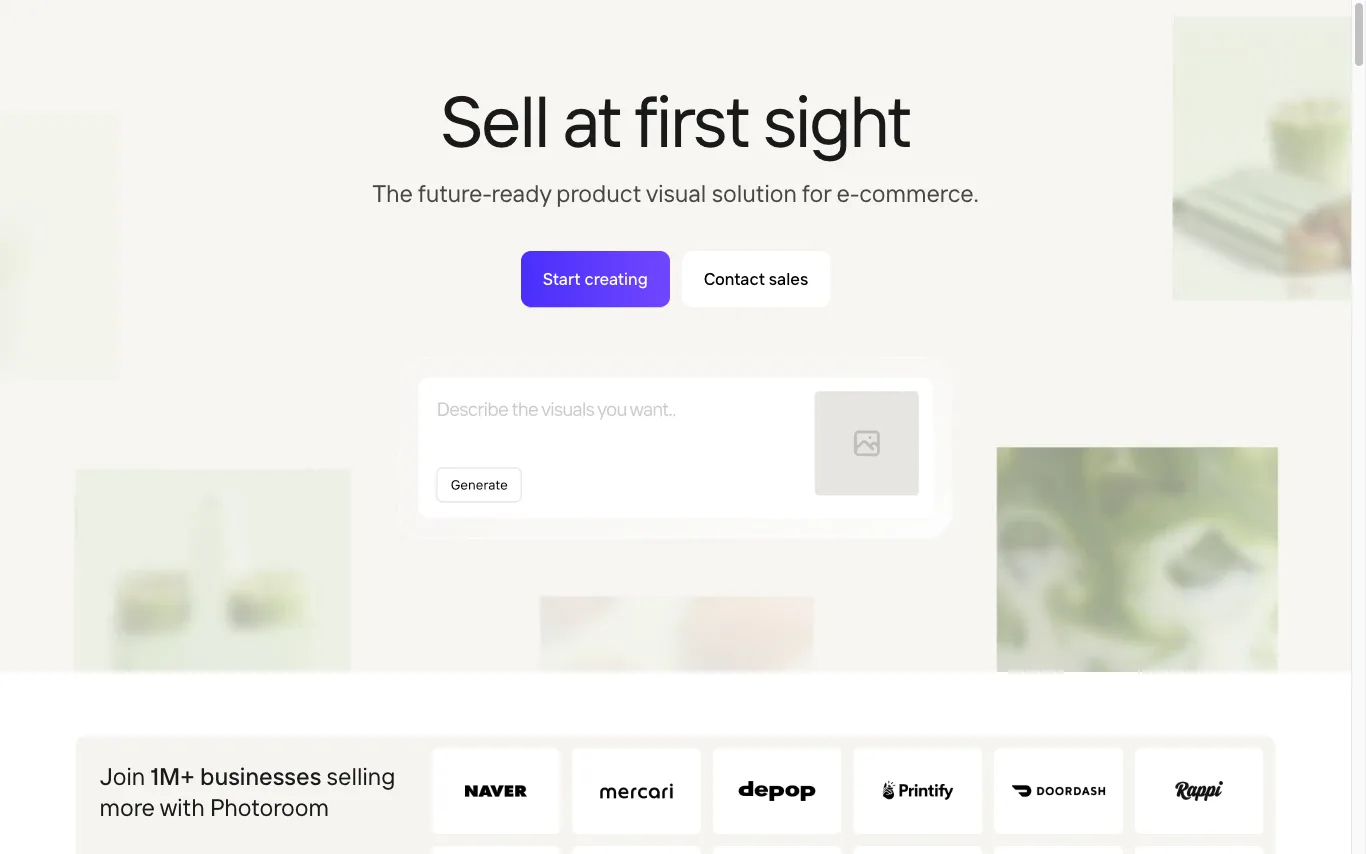

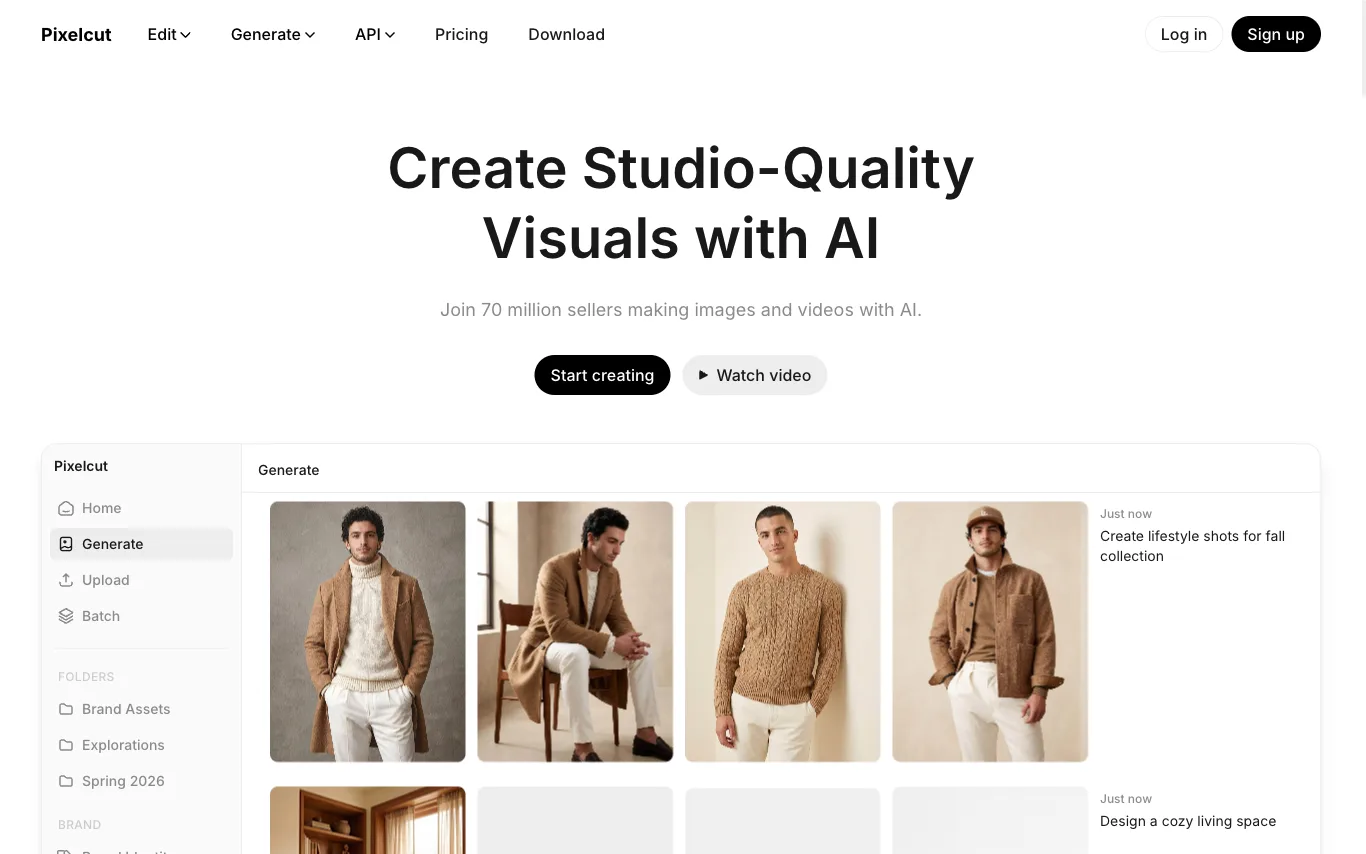


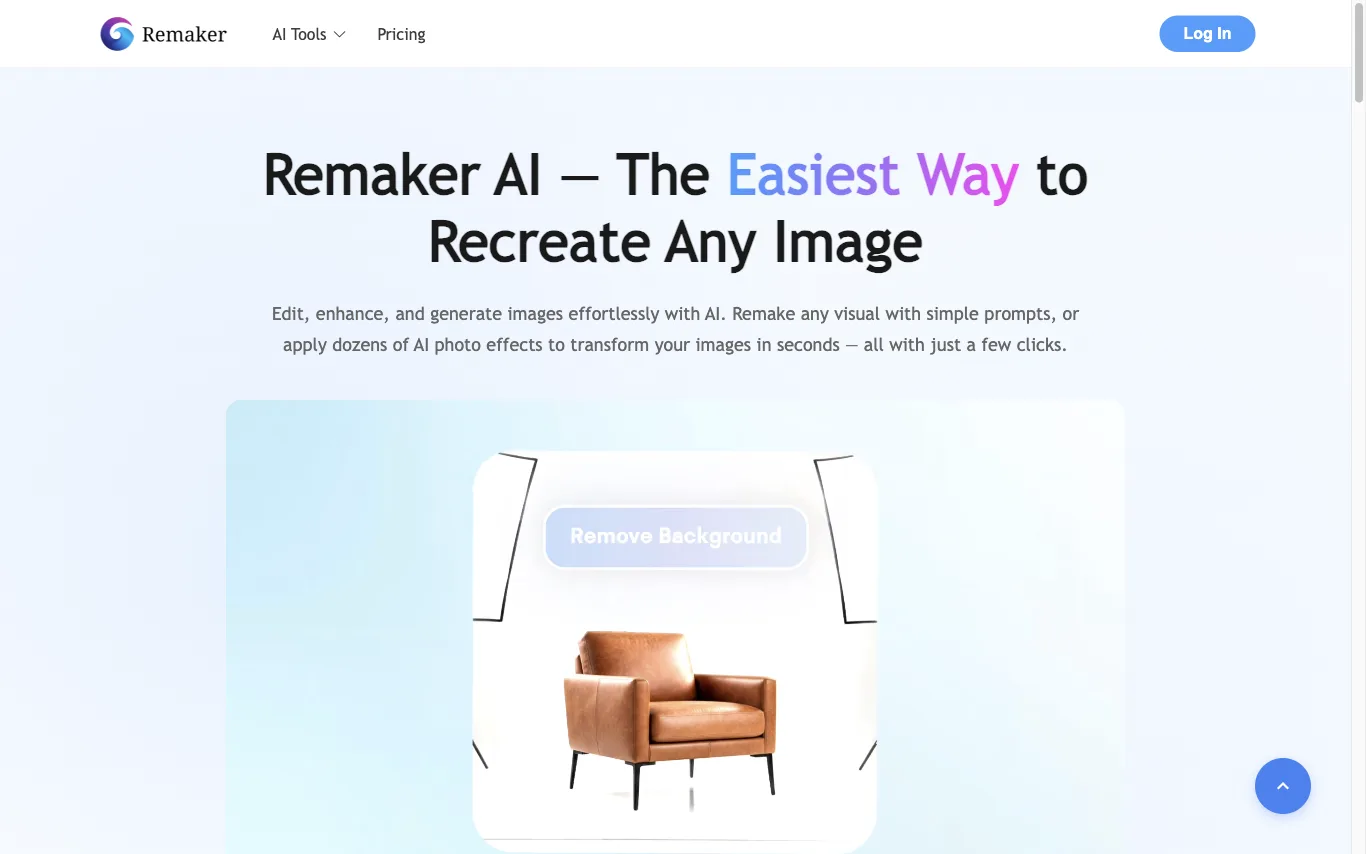

Remaker AI lets you edit, enhance, and generate images with AI. Apply dozens of AI photo effects, remove backgrounds, upscale images, and erase objects — recognized as a Top 50 AI Web Product by a16z.


Photo Editor AI is a free online tool for AI-powered photo enhancement, retouching, background removal, and creative image transformations.
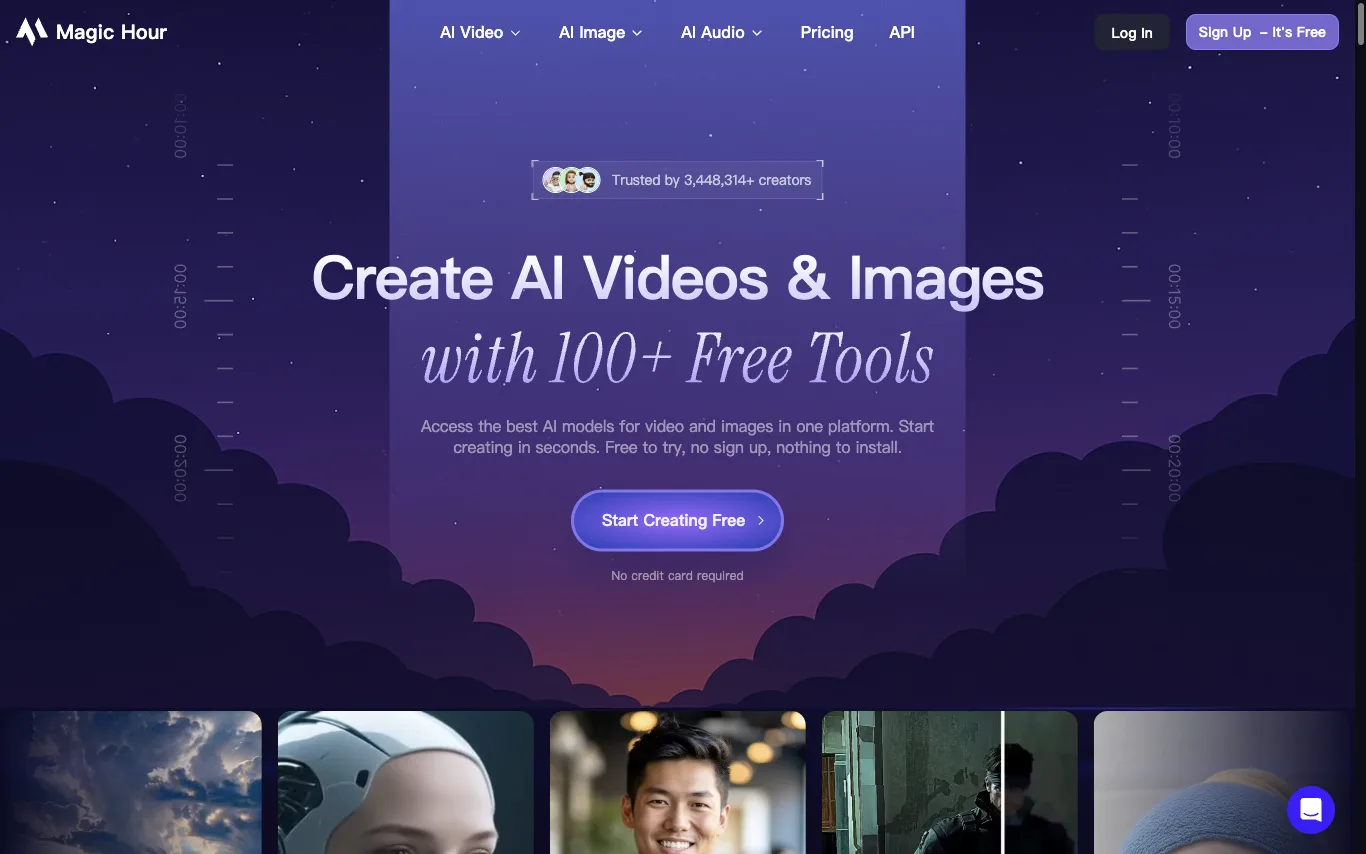

Magic Hour offers 100+ AI tools for video and image creation in one platform: face swap, lip sync, talking photos, AI headshot generator, video upscaler, and more. Credits roll over, and errors are refunded. Trusted by 3M+ creators.
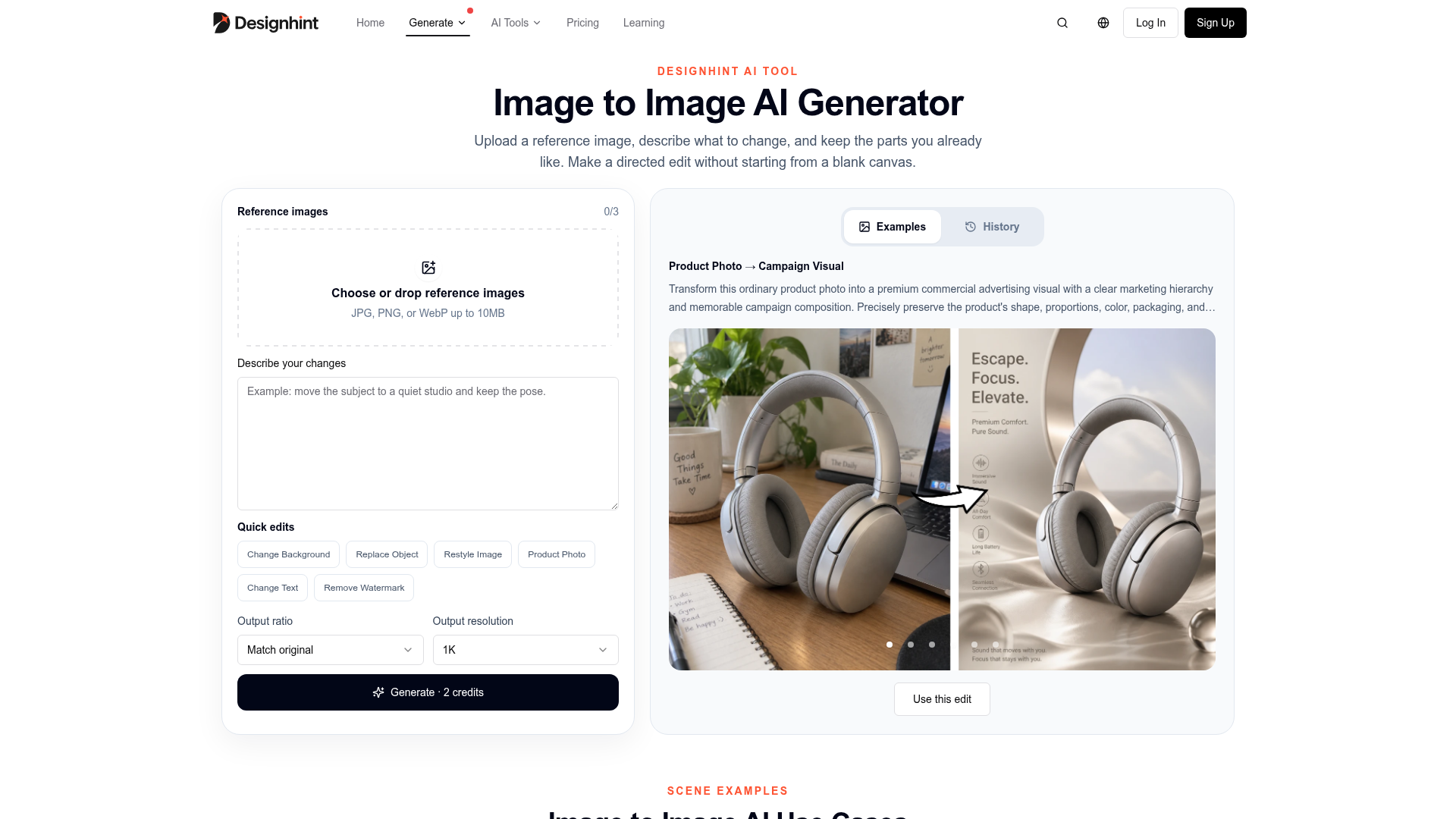

Upload a reference image, describe what to change, and keep the parts you already like to make directed edits without st
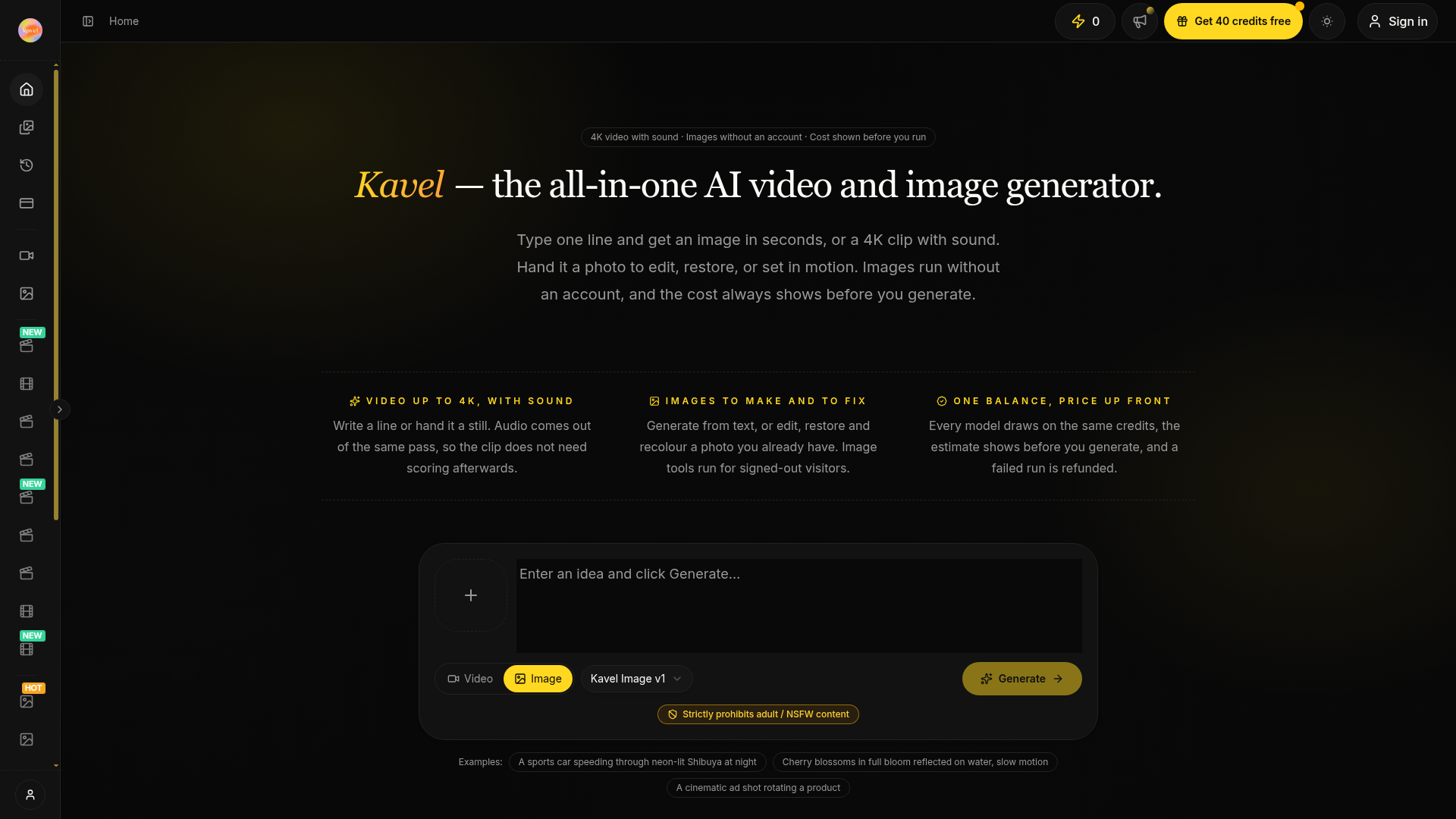
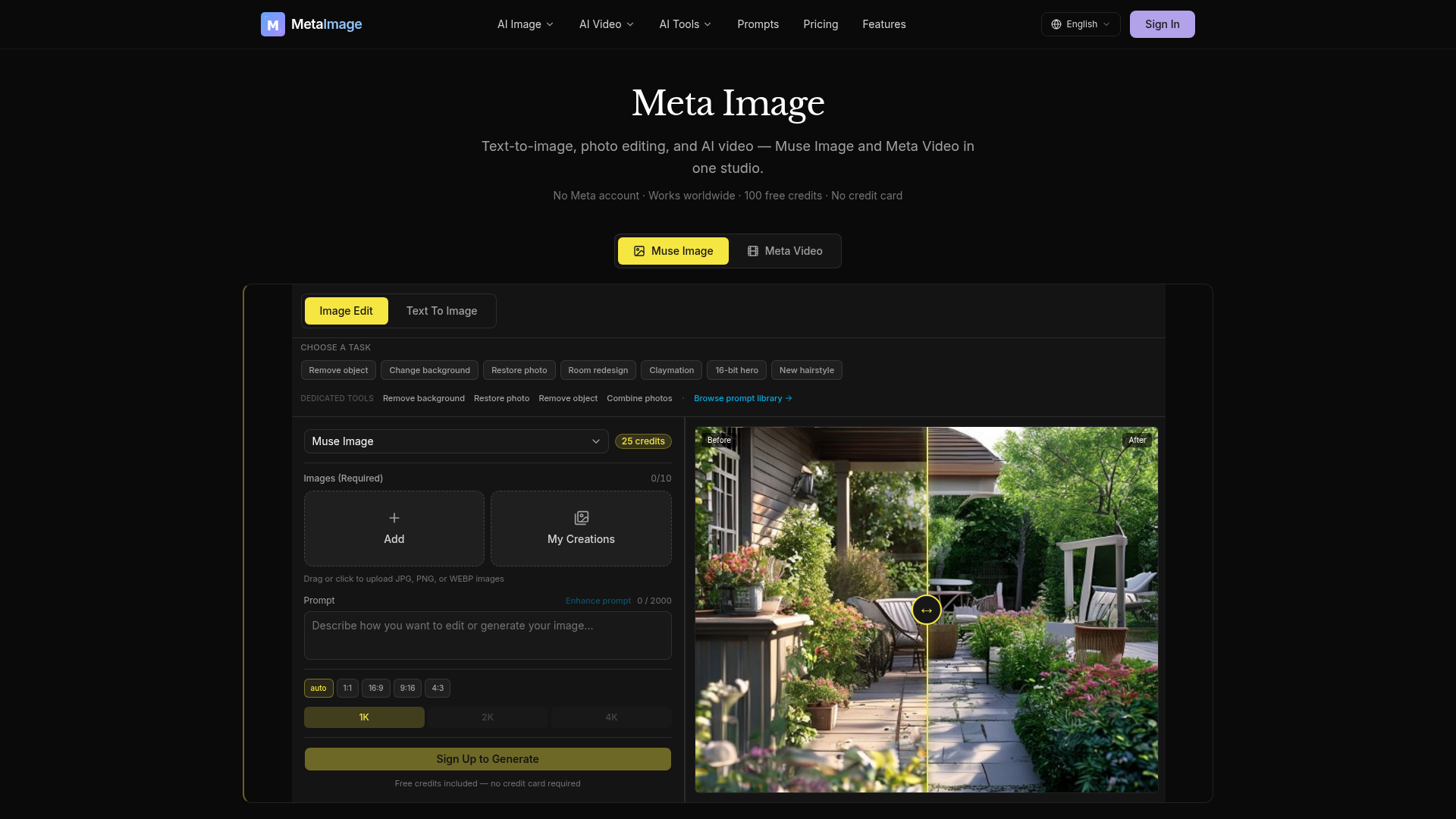
Meta Image is an independent AI generator studio offering comprehensive tools for text-to-image generation, photo editing, and AI video creation. It integrates Muse Image for advanced image generation and natural-language editing, alongside Meta Video for transforming text prompts or still images into short MP4s. The platform provides dedicated editing capabilities such as object removal, background changes, and photo restoration. For video, users can choose from multiple AI engines like Kling, Seedance, and Gemini Omni, each suited for different styles and durations. Users receive 100 free credits to start, with no credit card required, making it accessible for immediate use. Meta Image is designed to assist with various creative tasks, from generating e-commerce product listings and social media graphics to professional headshots and business imagery. It simplifies the creation of visual content, allowing users to produce high-quality images and videos without needing complex editing software.
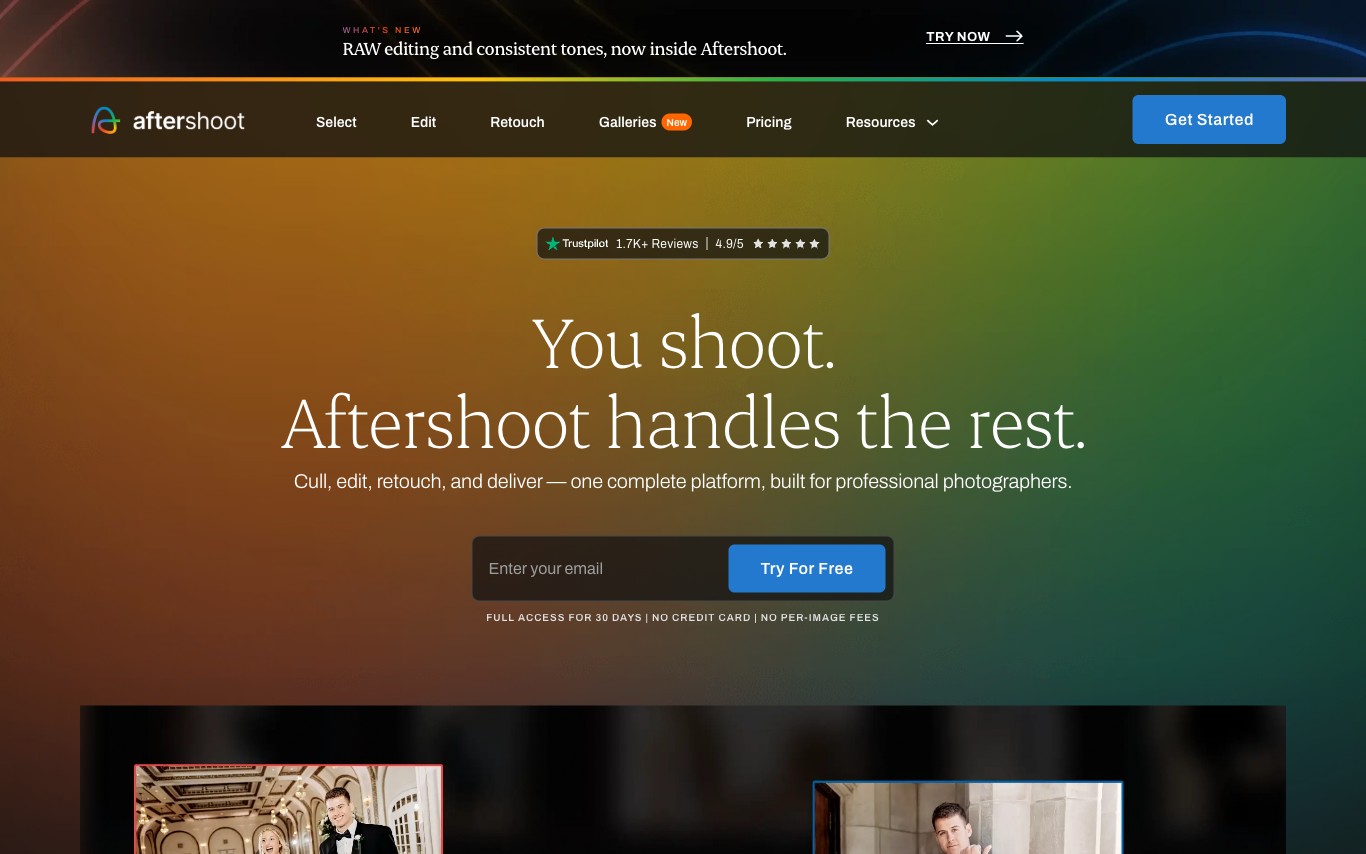

Aftershoot is an AI desktop app for professional photographers that automatically culls the best shots from large batches, applies editing presets, and retouches portraits. It integrates with Lightroom Classic and Capture One.
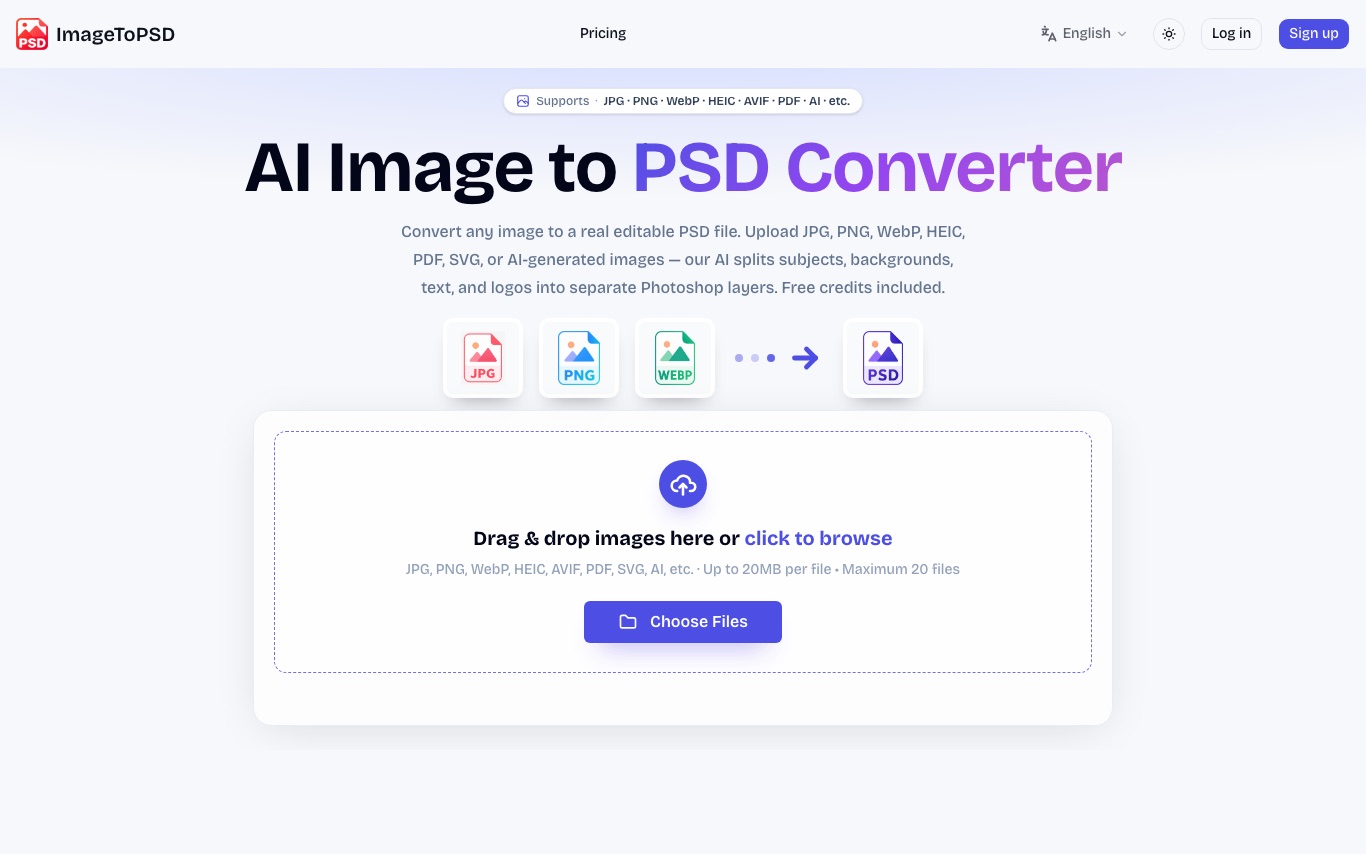

ImageToPSD converts flat images to real layered PSD files. AI separates subjects, backgrounds, text, and logos into editable Photoshop layers. Accepts JPG, PNG, WebP, HEIC, AVIF, PDF, and SVG.
What is an AI photo editor?
An AI photo editor edits images from a text prompt or one click, instead of manual masking and layers. It can remove or replace backgrounds, retouch portraits, erase objects, upscale resolution, and restyle a photo. Tools range from full editors to single-purpose apps for one task like background removal.
Core features to look for
- One-click background removal and replacement
- Object and people removal with clean fill
- Portrait retouching: skin, blemishes, and lighting
- Upscaling and denoising for low-res photos
- Generative edit or fill from a text prompt
- Batch processing and common export formats
Who uses AI photo editors, and how
Background removal
Sellers and marketers cut out products or people for clean, consistent listings and ads.
Portrait retouching
Photographers smooth skin, fix lighting, and enhance headshots without manual editing.
Object & people removal
Erase photobombers, logos, or clutter and let AI fill the gap naturally.
Restore & upscale
Sharpen, denoise, and enlarge old, blurry, or low-resolution photos.
How does an AI photo editor work?
AI photo editors run trained vision models that recognize faces, objects, and backgrounds, then edit at the pixel level. Background removal separates subject from background, object removal inpaints the gap with plausible pixels, and upscalers predict detail to enlarge without blur. Generative editors use diffusion models to add or change content from a prompt.