

AI Spreadsheet · 5 tools
Best AI Spreadsheet Tools (2026)
Compare AI spreadsheet tools that turn plain English into Excel and Google Sheets formulas, analyze your data, build charts, and automate reports — including free options.
All AI Spreadsheet tools
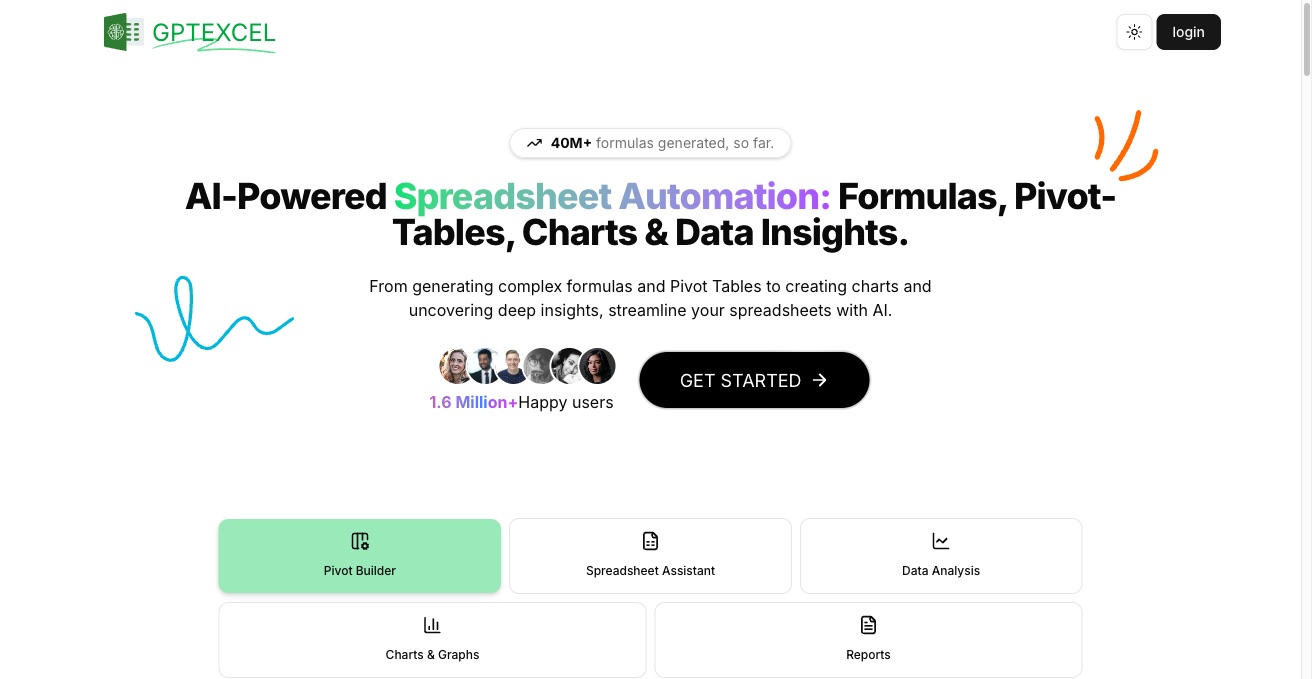


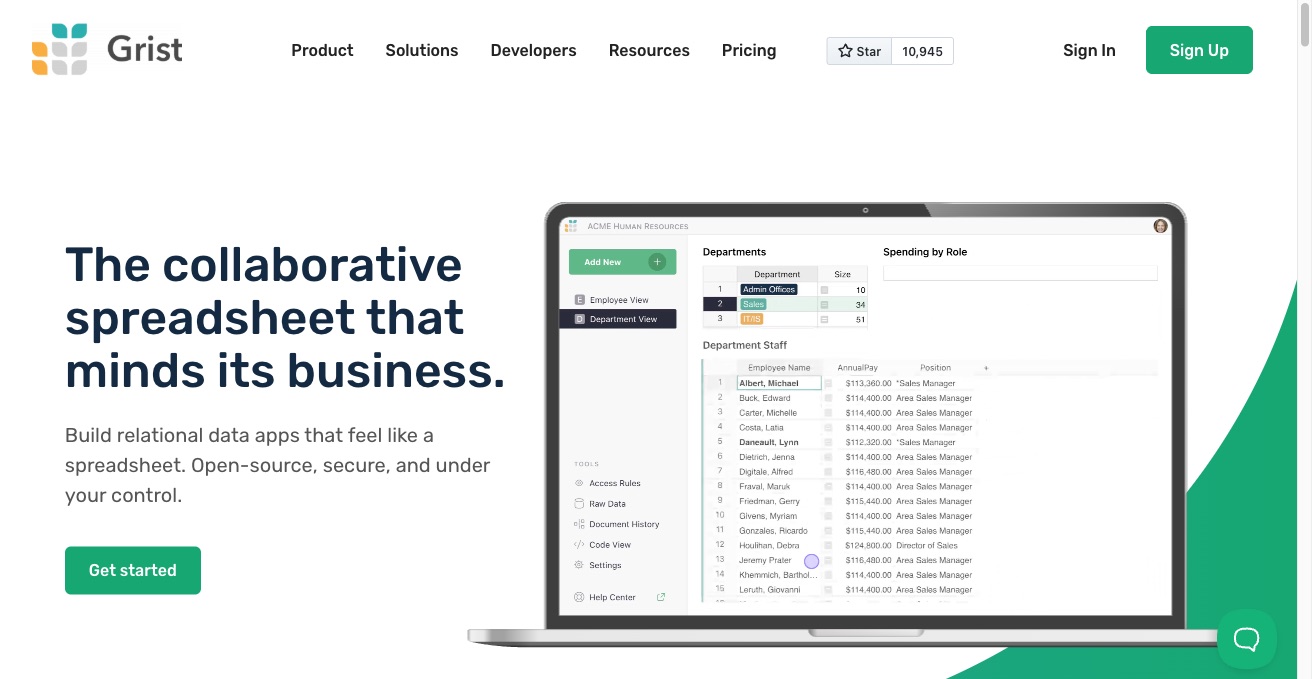

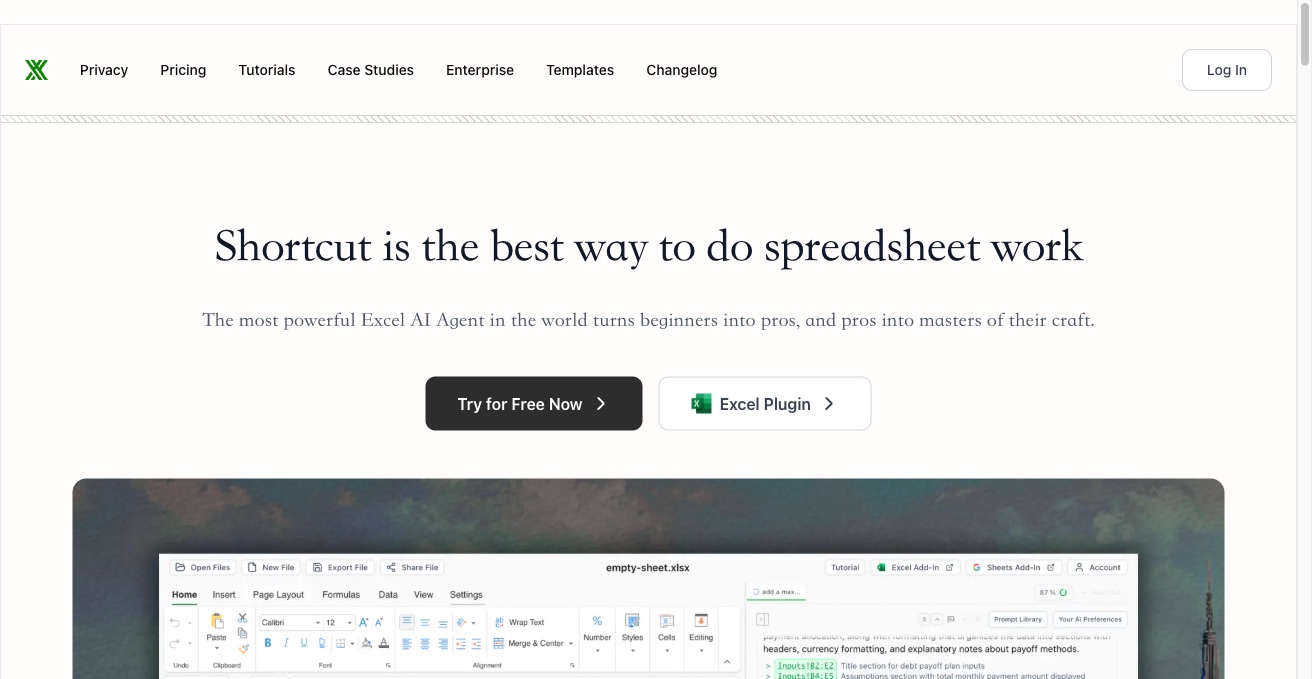

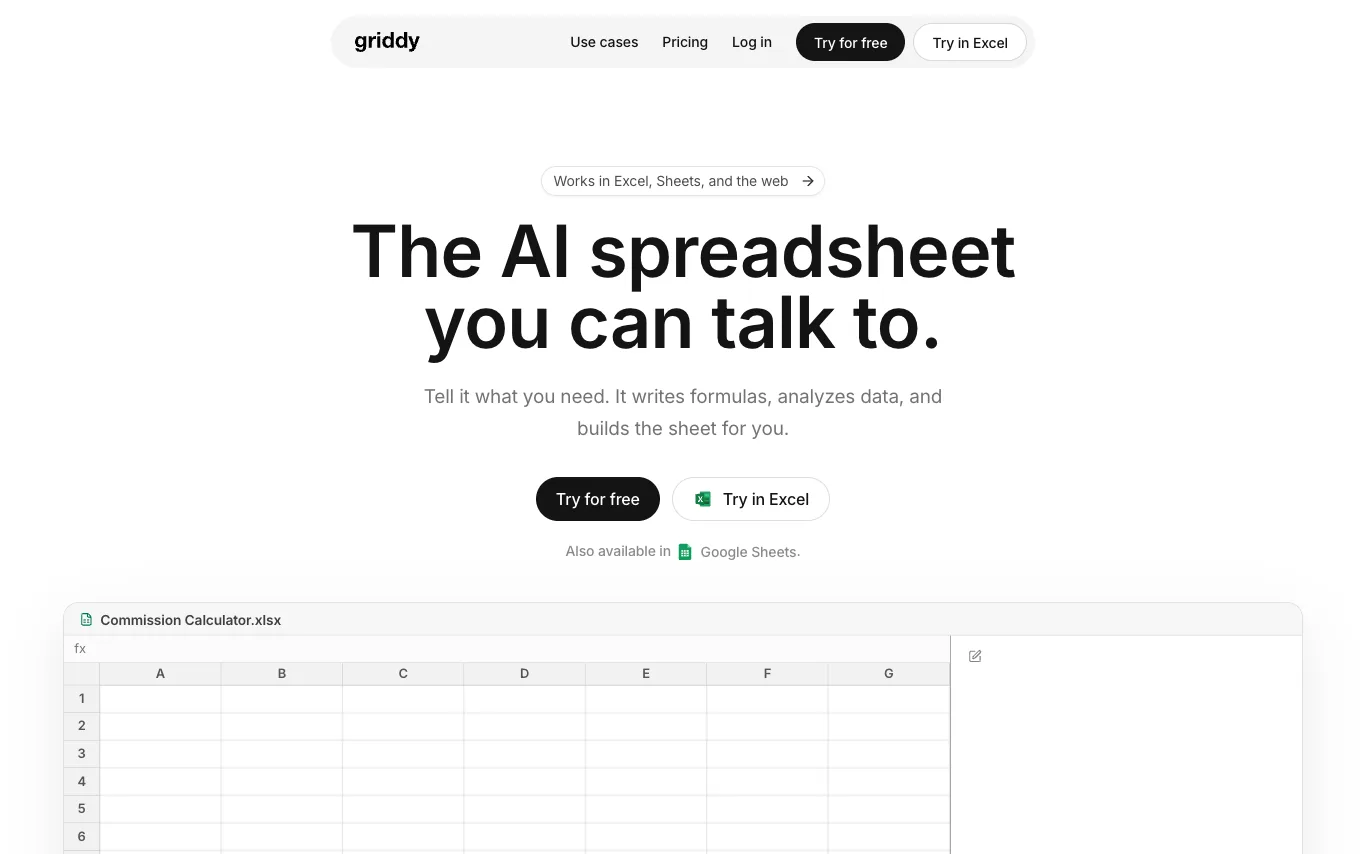

Griddy is an AI-powered spreadsheet assistant that works in Microsoft Excel, Google Sheets, and the web. Users describe what they need in plain language, and Griddy writes formulas, generates charts, cleans data, and builds reports. It is trusted by individuals at companies like Google, PwC, PepsiCo, Capgemini, Lenovo, and Amazon.
What is an AI spreadsheet tool?
An AI spreadsheet tool uses a large language model to work with tabular data through plain-language instructions. It can write and explain Excel or Google Sheets formulas, clean and transform data, generate charts, and answer questions about a sheet you upload. Some run as add-ons inside Excel and Sheets, while others are AI-native spreadsheets built around a chat panel.
What AI spreadsheet tools can do
- Turn plain-English requests into Excel or Sheets formulas
- Explain and debug complex formulas step by step
- Chat with a sheet to query and summarize data
- Clean, dedupe, and reformat messy columns automatically
- Generate charts, pivot tables, and reports from raw data
- Write Apps Script, VBA, SQL, and regex
Who uses AI spreadsheet tools
Formula help
Get a working Excel or Google Sheets formula from a description instead of memorizing function syntax.
Data analysis
Upload a CSV or sheet and ask questions to surface trends, summaries, and outliers.
Spreadsheet automation
Clean data, generate macros, and build repeatable reports without hand-writing scripts.
Learning and onboarding
Students and new analysts who want formulas explained and spreadsheet skills taught in context.
How AI spreadsheet tools work
You describe the task in plain language, and the model translates it into a formula, script, or transformation for your spreadsheet. Tools that answer questions about your data read the sheet or CSV you upload, then reason over the rows to summarize or chart them. Add-ons run inside Excel or Google Sheets, while AI-native apps keep the model and the grid in one interface.