

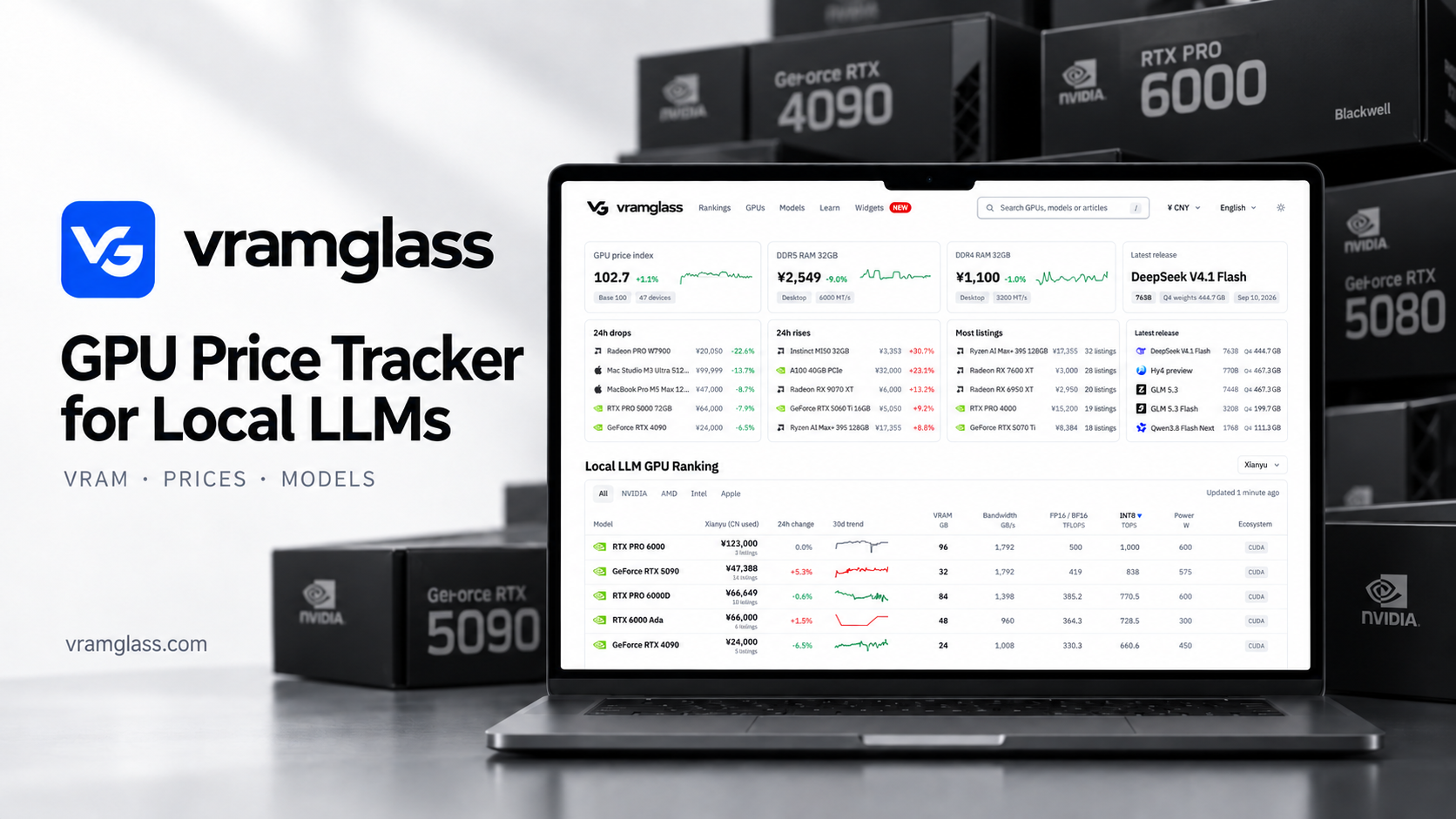

VRAMGlass is a free web tool for people choosing hardware to run large language models locally. Compare GPUs by VRAM capacity, memory bandwidth, power and software ecosystem, explore open-weight model families and their quantized weight sizes, and use documented memory and fit estimates to plan the hardware you actually need.
Open Source AI Models · 6 tools
Best Open Source AI Models Tools (2026)
Compare open-source AI models with public weights — open LLMs, image, speech, and multimodal models you can download, self-host, fine-tune, and run offline.
All Open Source AI Models tools

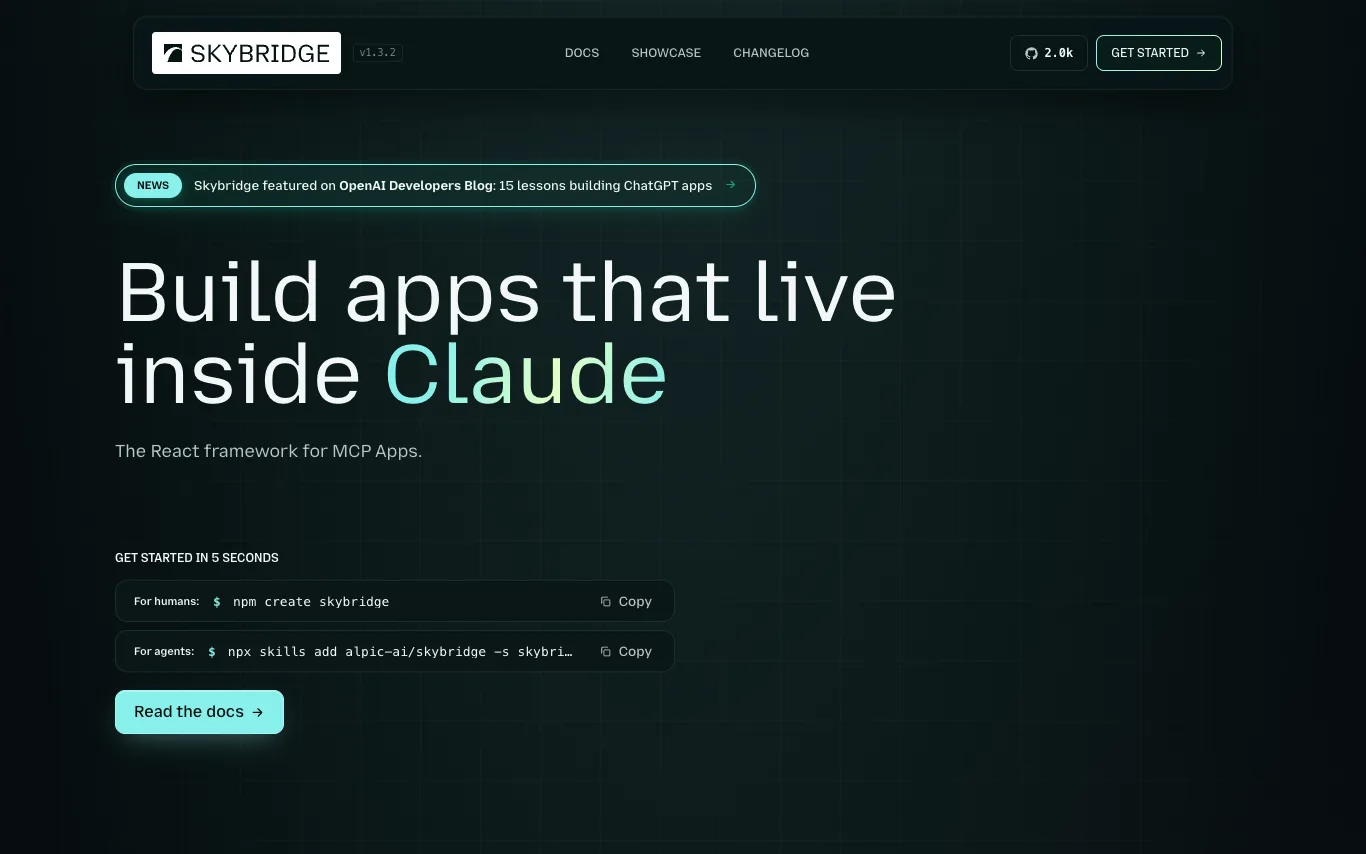

Skybridge is an open-source TypeScript framework for building MCP (Model Context Protocol) apps. It allows developers to write once and run in multiple MCP clients like Claude, ChatGPT, and VSCode. The framework provides a full-stack development experience with type-safe end-to-end inference, a local emulator, hot module reload, and a public tunnel for testing. It is MIT-licensed and has 100K monthly npm downloads.
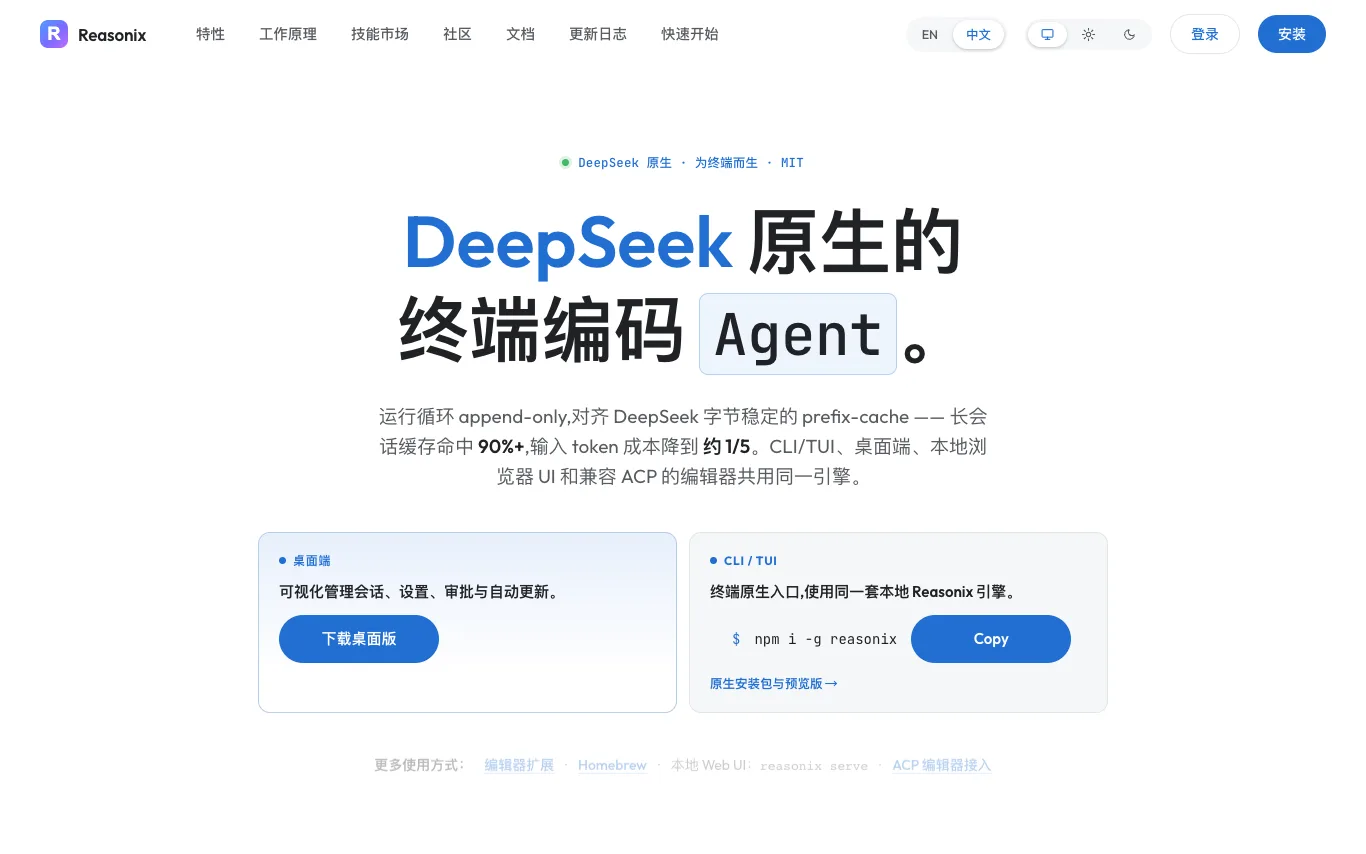

Reasonix is an open-source AI coding agent designed for the terminal, browser, and ACP-compatible editors, engineered around DeepSeek. It uses an append-only loop aligned with DeepSeek's byte-stable prefix cache, achieving 90%+ cache hit on long sessions and reducing input-token costs to about 1/5. The same engine powers the CLI/TUI, desktop app, local browser UI, and ACP-compatible editors. Reasonix is MIT-licensed and developed in public with 97 contributors.
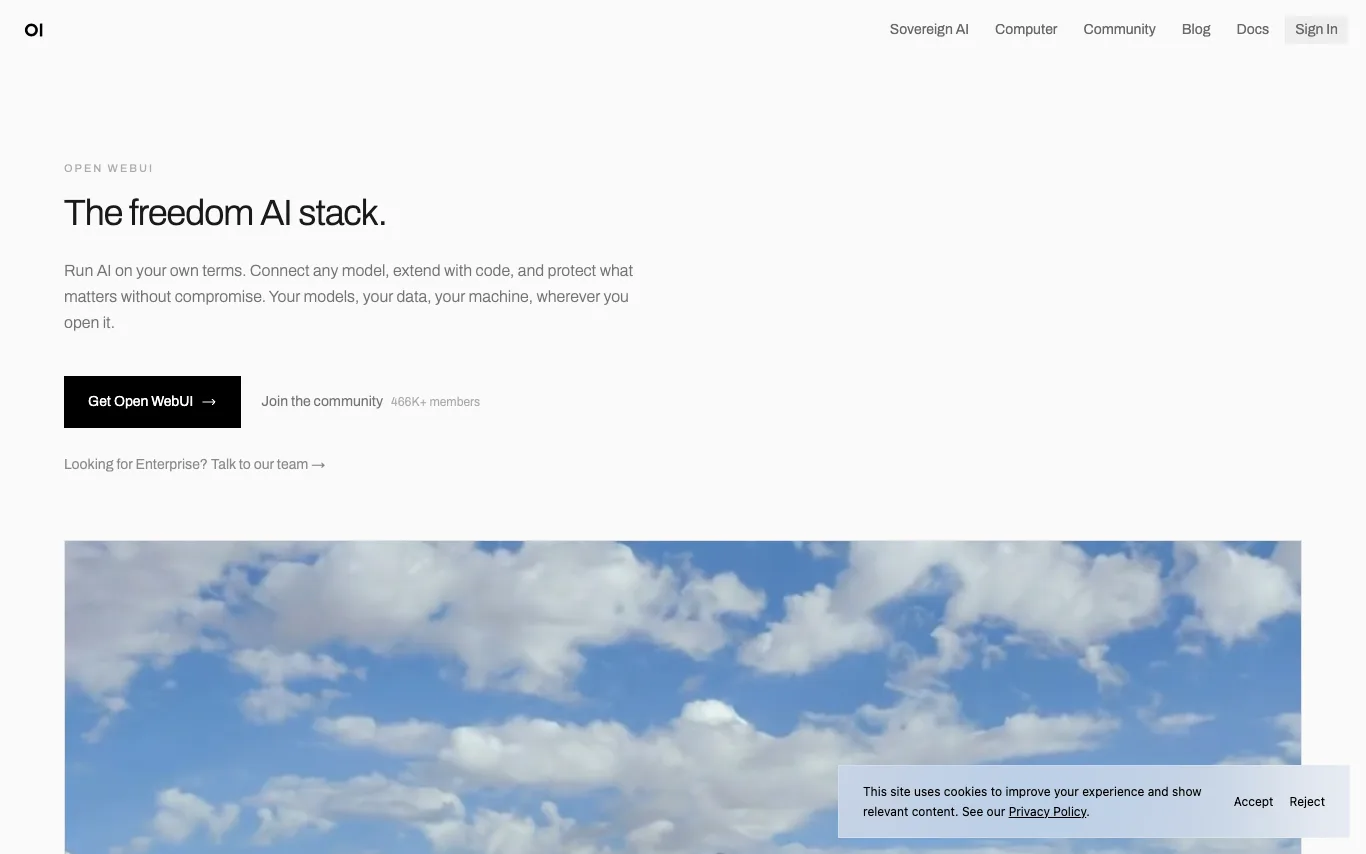

Open WebUI is a self-hosted AI platform that lets you run AI on your own terms. Connect to any model, local or cloud, extend with Python, and share what you build. Your models, your data, your machine, wherever you open it. Built for individuals and enterprises, it offers SSO, RBAC, audit logs, and on-premises or air-gapped deployment.
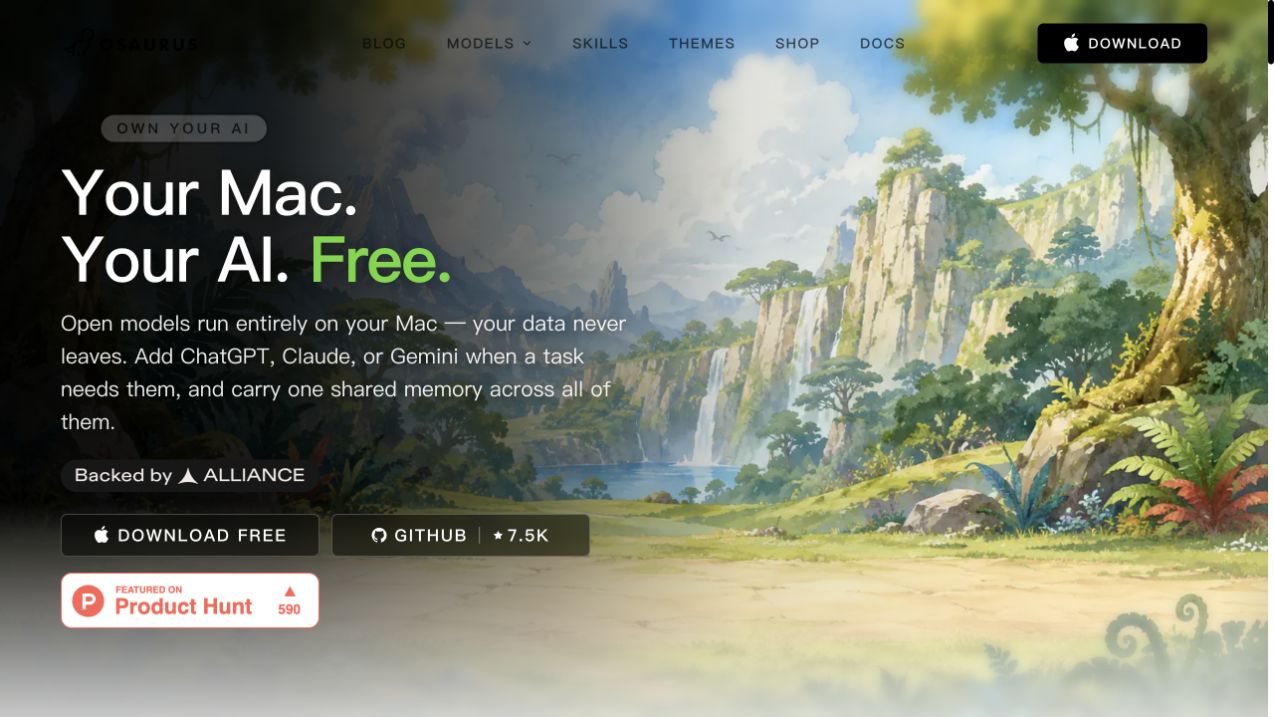

Osaurus is a native macOS harness for AI agents, built in Swift and fully open source under the MIT license. It allows users to run open models locally on Apple Silicon, ensuring privacy and offline functionality. Users can also connect cloud models like ChatGPT, Claude, or Gemini when needed, with a shared memory across all models. The app supports autonomous agents, file reading/writing, and tool execution, all without sending data to servers.
What is an open-source AI model?
An open-source AI model is a trained model whose weights are published under a license that lets you download, run, and modify it yourself. Instead of calling a paid API, you host it on your own hardware or cloud and keep full control of data and cost. The category spans open LLMs like Llama, Mistral, Qwen, and DeepSeek, plus open image, speech, and embedding models.
What open models give you
- Downloadable weights under open or permissive licenses
- Self-host on your own GPU, server, or laptop
- Fine-tune and quantize for your domain and hardware
- Full data privacy — nothing leaves your infrastructure
- No per-token API fees once deployed
- Community checkpoints, benchmarks, and ready-made variants
Who uses open-source models
01
Self-hosting teams
Run models on your own servers to control data, latency, and cost.
02
Fine-tuning for a domain
Adapt an open base model to your data, tone, or a specialized task.
03
Researchers and tinkerers
Inspect weights, reproduce results, and experiment with model internals.
04
Offline and edge apps
Ship AI that runs locally on-device without an internet connection.
How open-source models work
Open models are shared as weight files on hubs like Hugging Face, usually with a license spelling out what you may do. You load them with a runtime — llama.cpp, Ollama, vLLM, or Transformers — and run inference on CPU or GPU, optionally quantizing to fit smaller hardware. To specialize a model you fine-tune it on your own dataset, producing a new checkpoint you own.