



Create 3D props and characters from text or reference images.
Best Text to 3D Tools (2026)
Compare text-to-3D and image-to-3D AI generators that turn prompts and photos into textured, game-ready 3D models you can rig, animate, export, and print.

Meshy AI is an AI 3D model generator that turns text or images into production-ready 3D meshes with textures, for game developers, 3D artists, and AR/VR creators.

Tripo is an online AI 3D generator. Turn text or images into high-quality 3D models in minutes with detailed textures, usable in games, 3D printing, and AR/VR.

Hitem3D is an AI 3D model generator based on Sparc3D and Ultra3D. It produces print-ready models with clean topology, PBR textures, and portrait-grade detail up to 1536³ resolution.
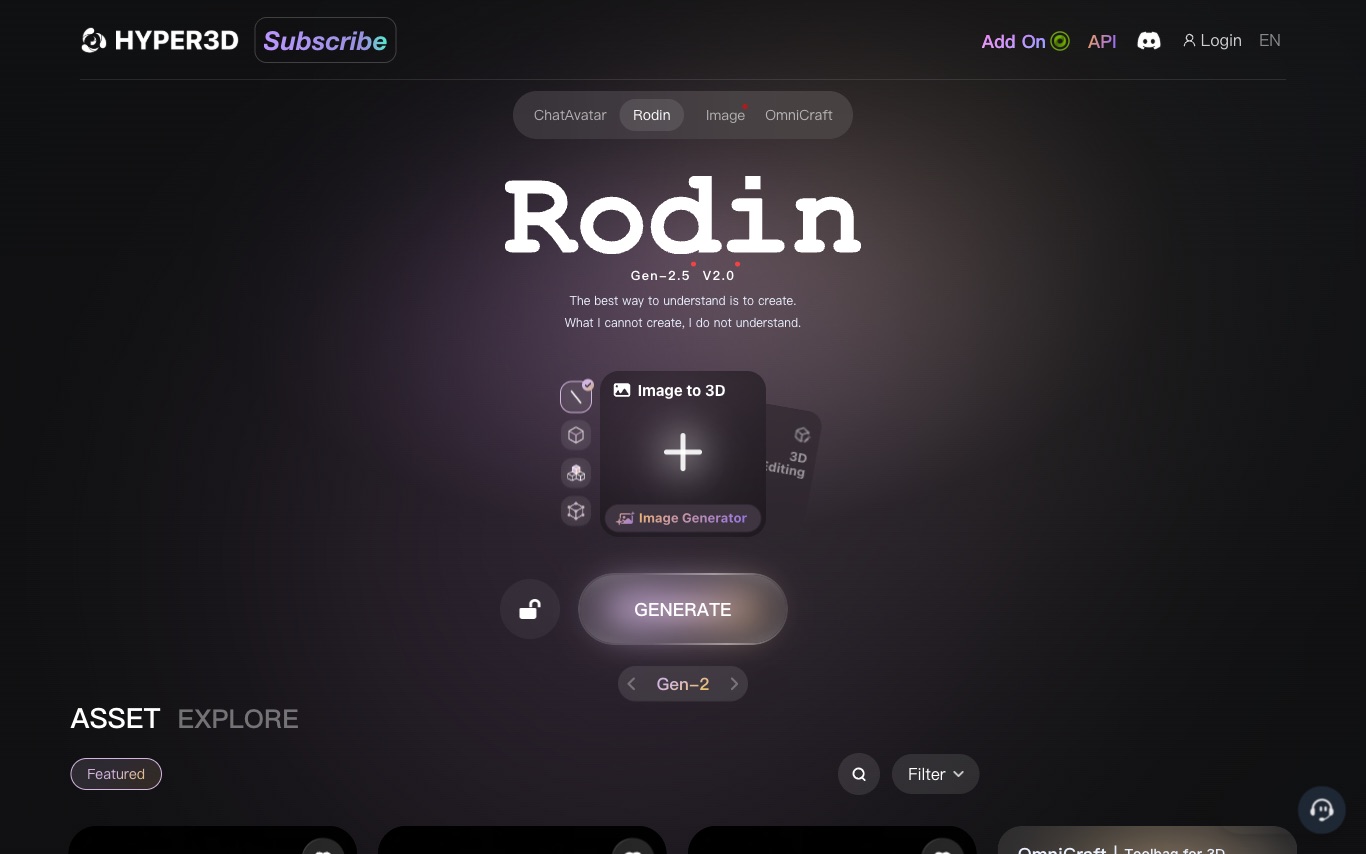
Hyper3D Rodin is an AI 3D generation platform with Gen-2 and Gen-1.5 models. It supports multi-view references, mesh editing, SVG to 3D, format conversion, and credit-based pricing with API access.
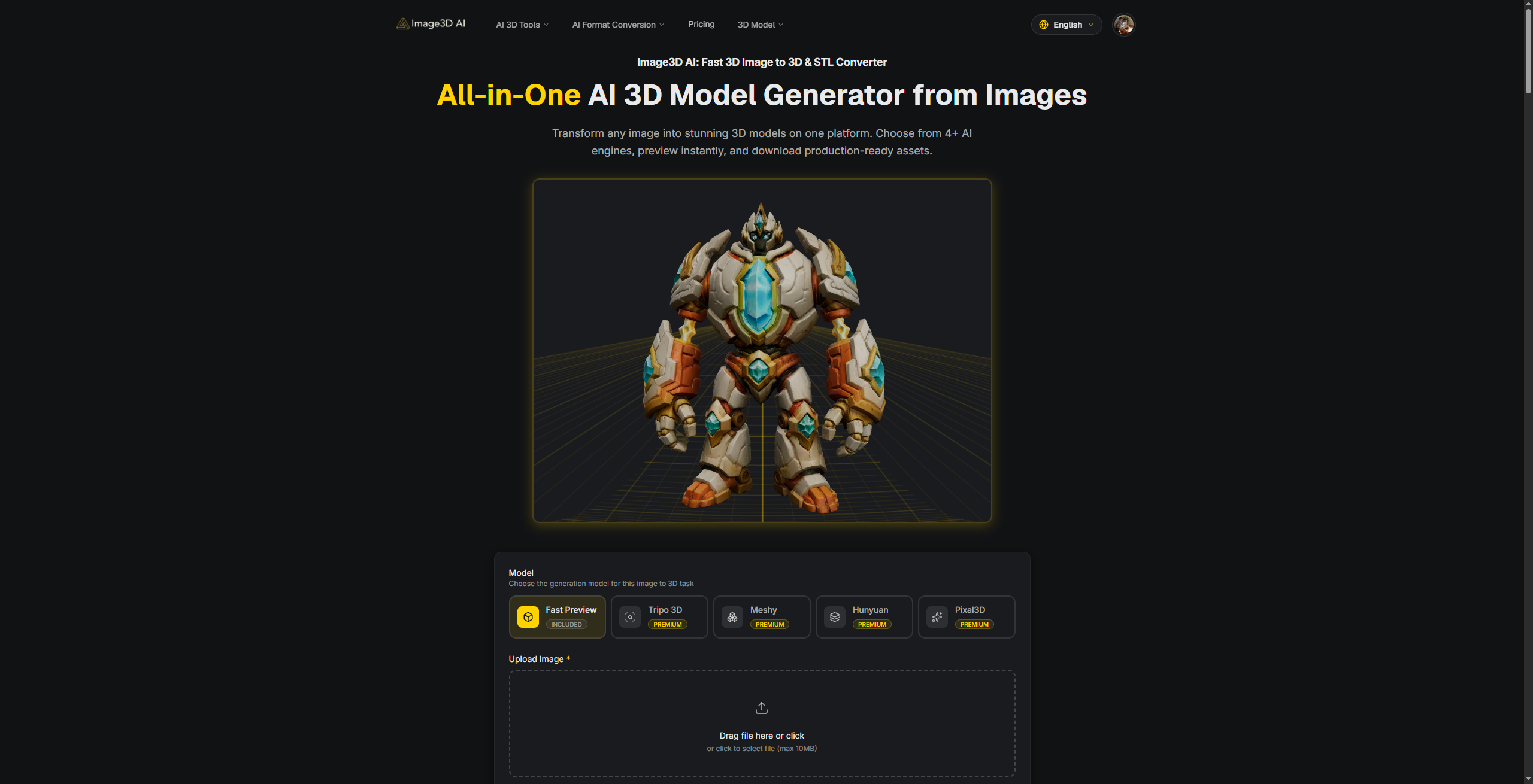
all-in-one AI 3D platform to generate 3D assets online.
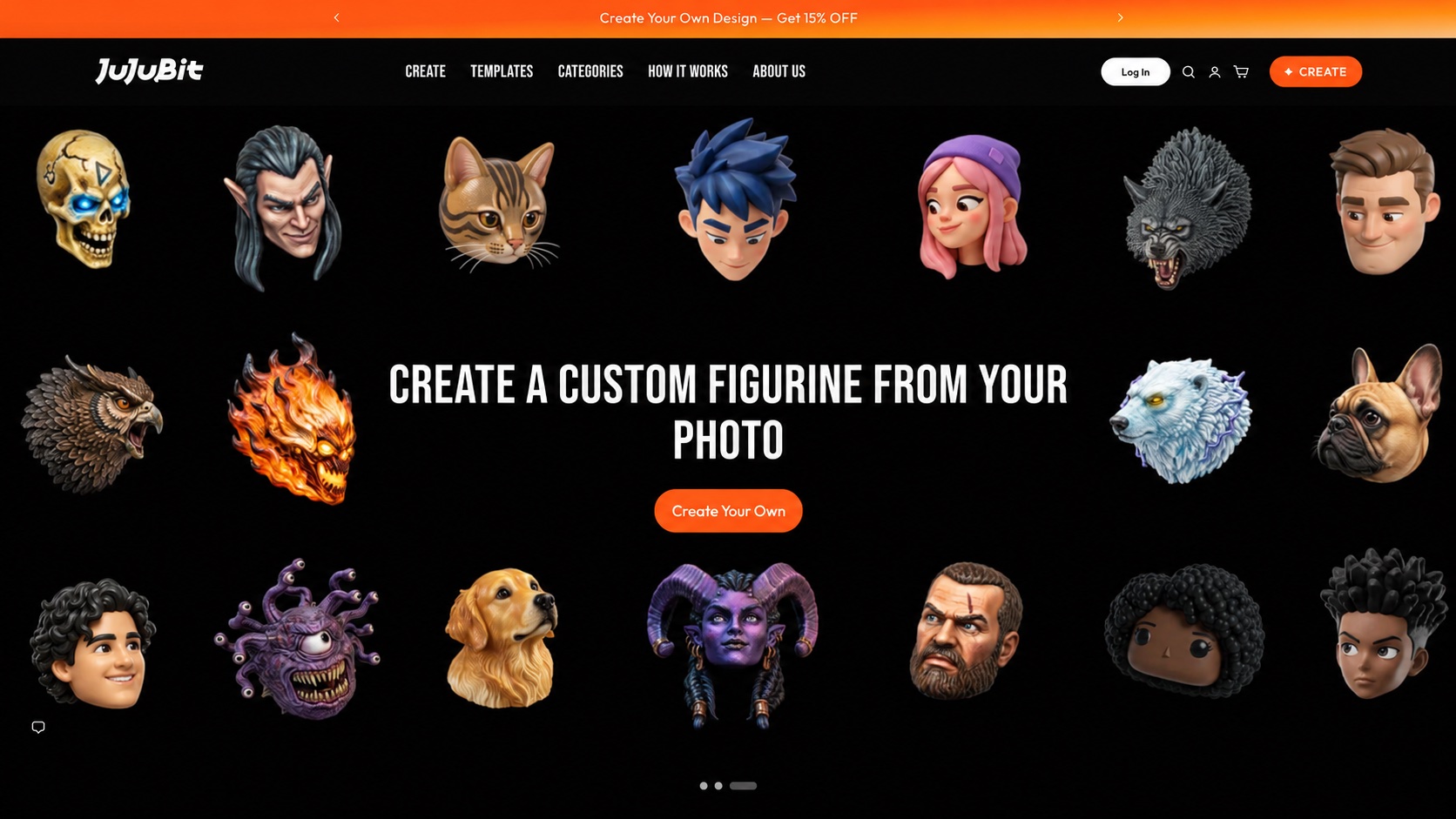

Turns your photos, characters, and ideas into 3D figures
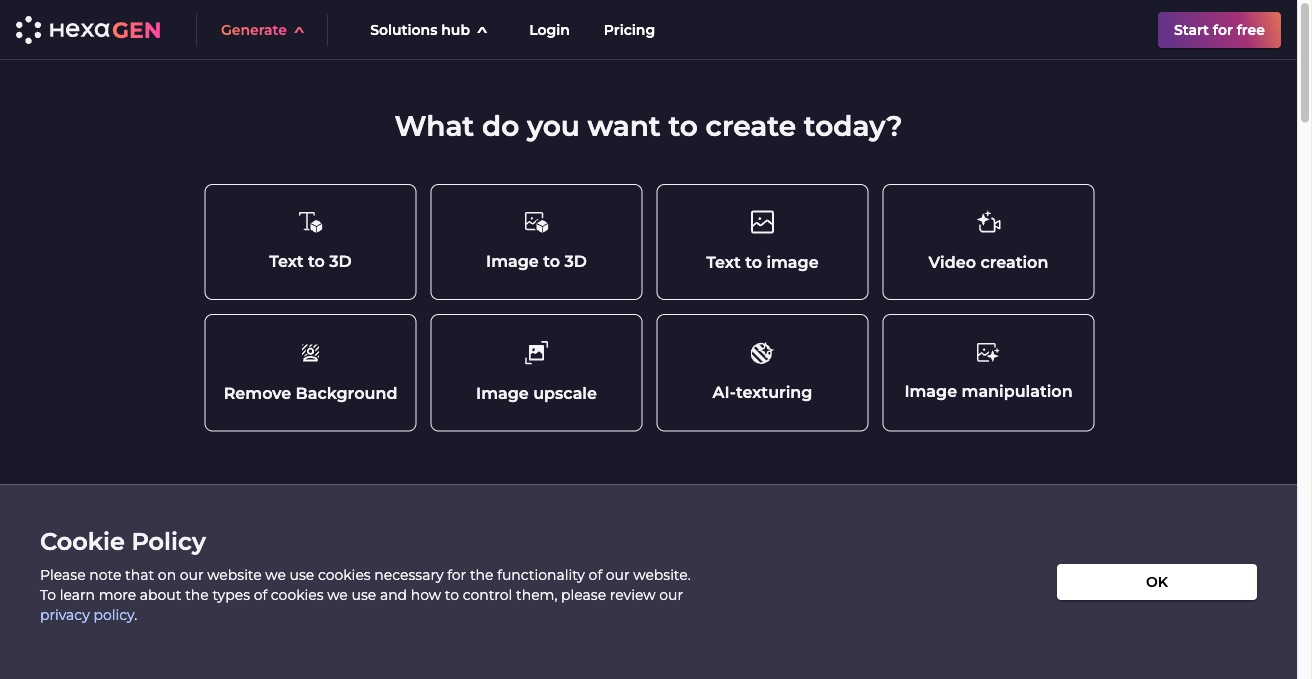

HexaGen is an automated 2D and 3D content creation platform. Generate 3D assets from text or images, plus text-to-image, video creation, background removal, and AI texturing.
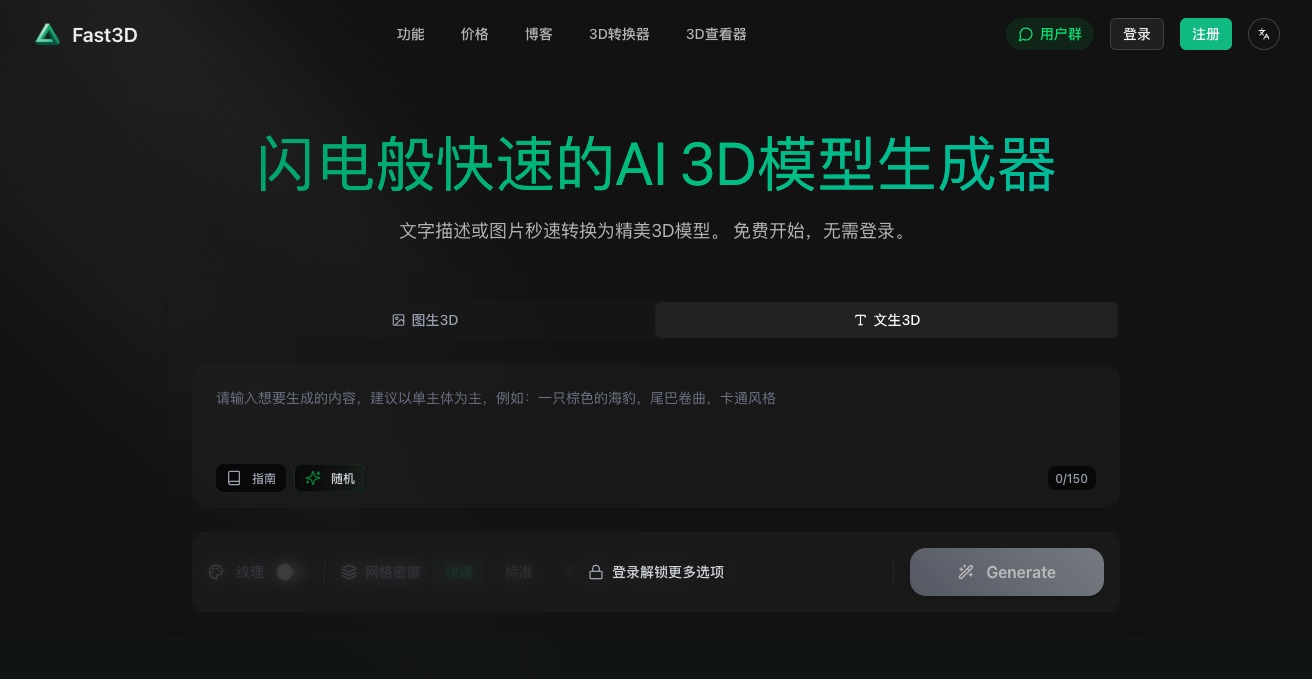

Fast3D is an AI 3D model generator that converts text or images into high-fidelity 3D models in about 10 seconds, with PBR textures and export to GLB, FBX, OBJ, and STL.
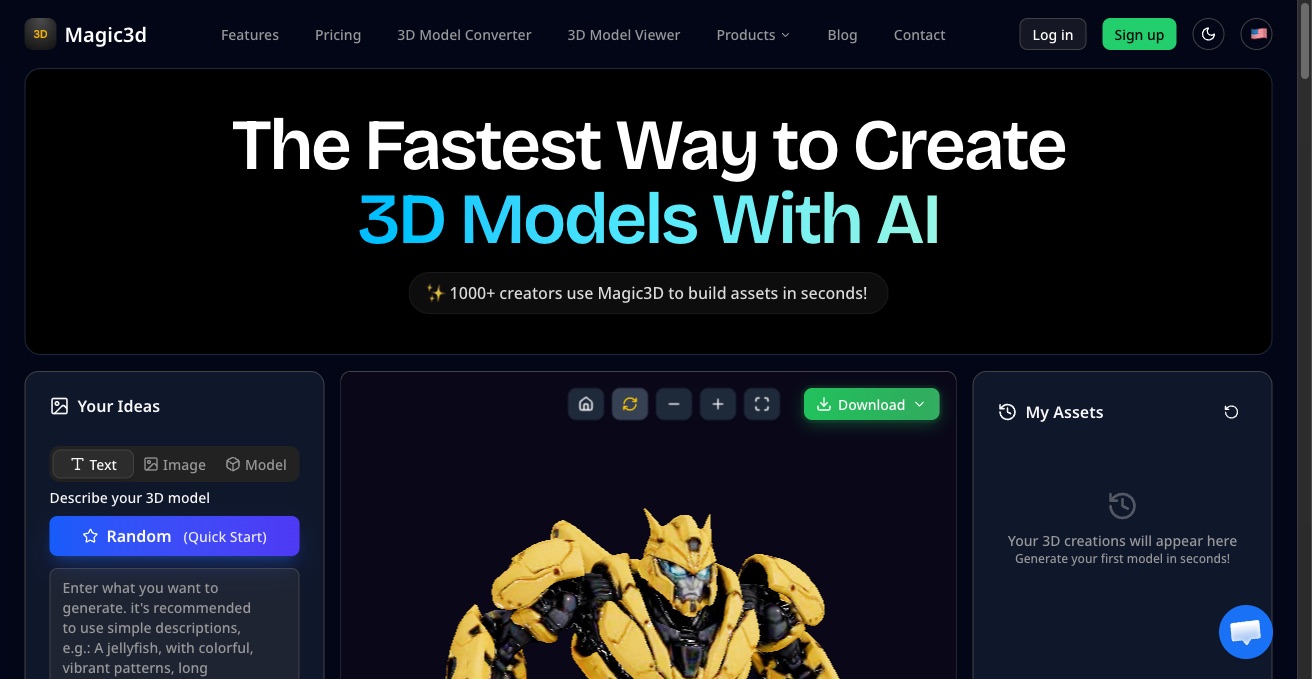
Magic3D is a free AI 3D model generator. Turn text prompts or images into 3D models suitable for games, 3D printing, and AR/VR pipelines.
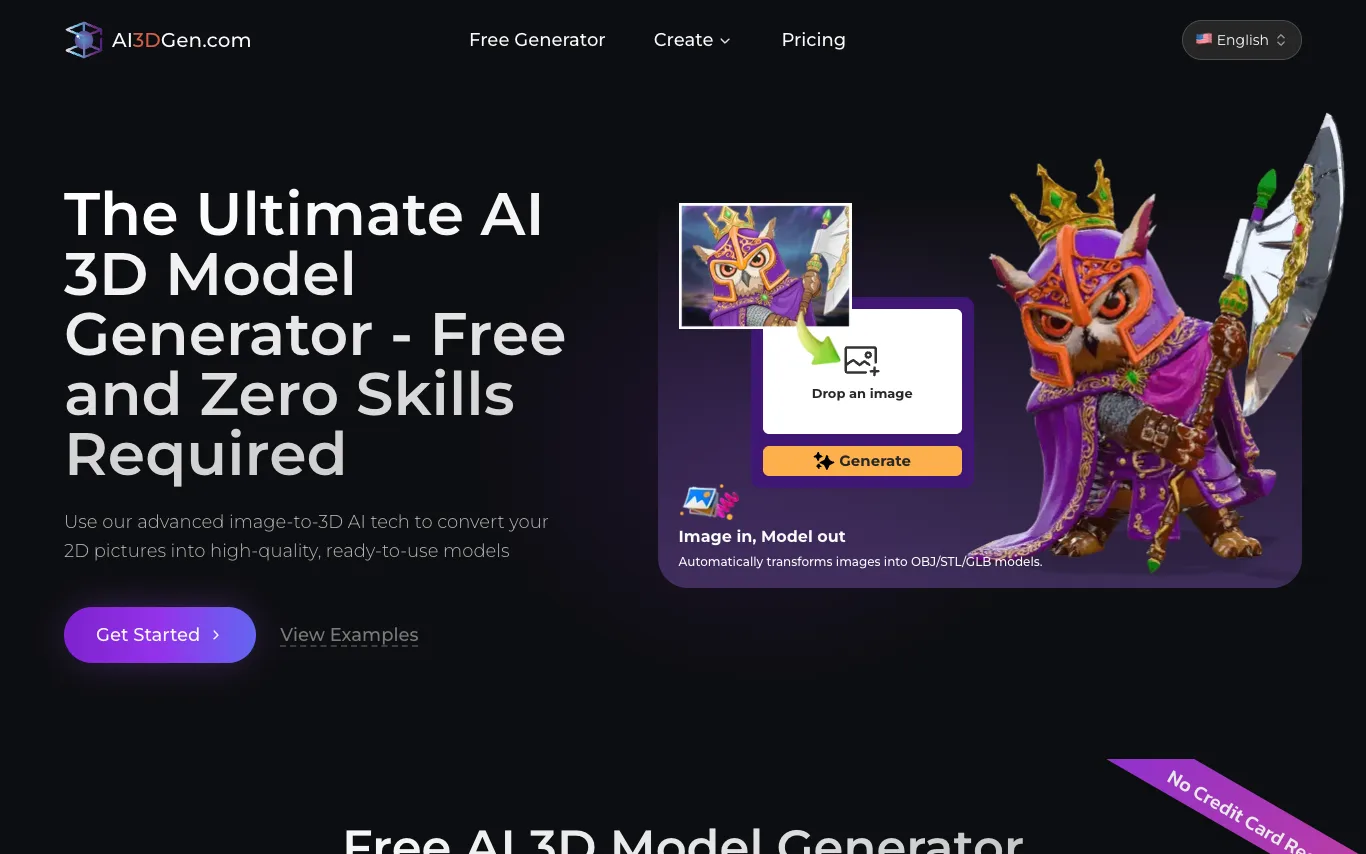

AI3DGen is a free AI-powered 3D model generator that converts 2D images into high-quality 3D models. Users can upload images and export models in OBJ, STL, and GLB formats for gaming, 3D printing, and design. The platform requires no signup or technical skills, making 3D creation accessible to everyone.
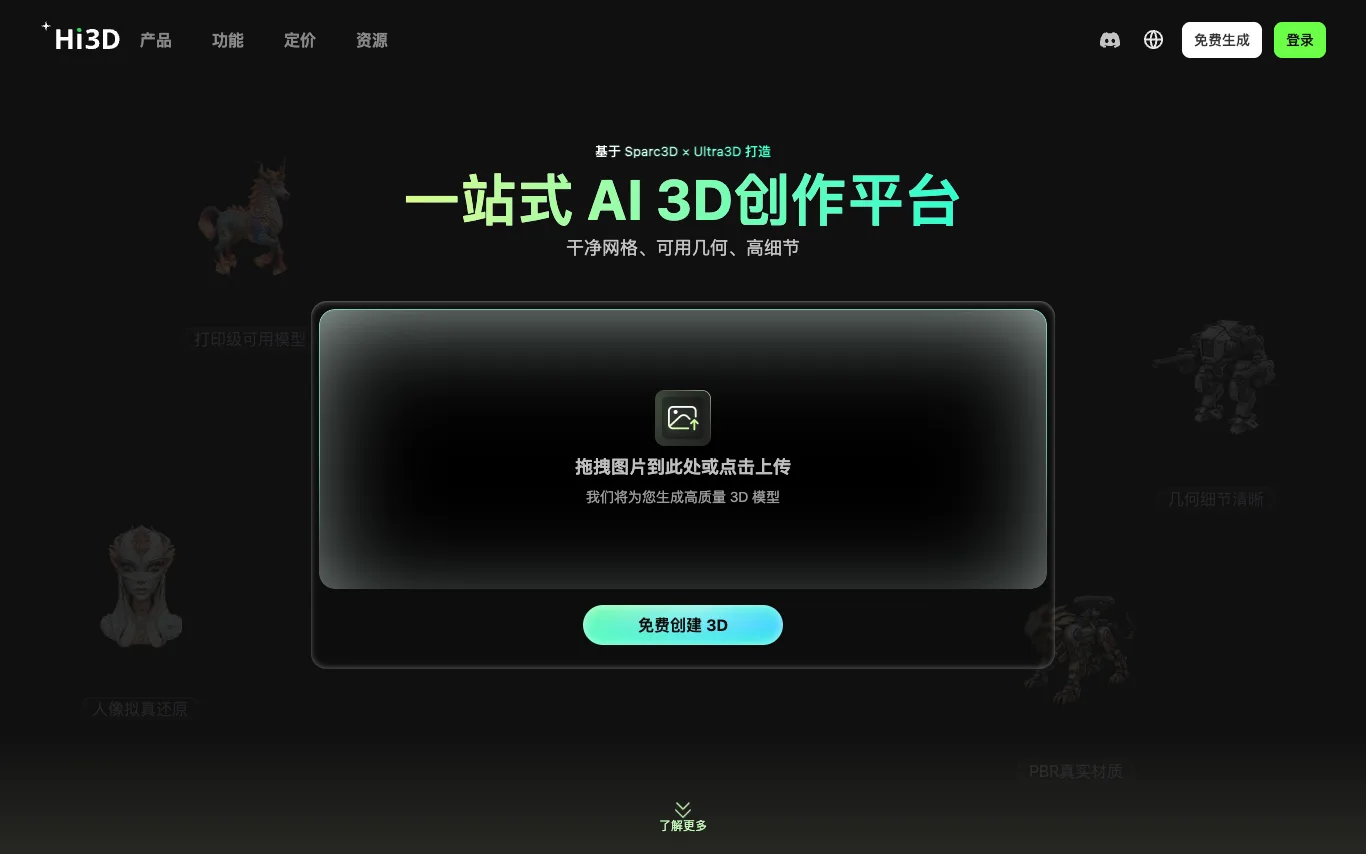

Hi3D is an all-in-one AI 3D creation platform that generates high-fidelity 3D models from images in seconds. It reconstructs hidden structures, removes baked-in lighting, and delivers print-ready geometry with sharp edges and human-like realism. Built on Sparc3D × Ultra3D, it offers PBR textures and supports up to 1536³ Pro resolution for detailed human models.
Related categories
What is a text-to-3D generator?
A text-to-3D generator is an AI tool that turns a written prompt — or a single image — into a full 3D model, complete with geometry, texture, and materials. Instead of modeling by hand in Blender or Maya, you describe an object and get a mesh you can preview, refine, and export in minutes. Most also handle image-to-3D, converting a photo or concept art into a matching model.
What text-to-3D tools can do
- Text prompt to full 3D mesh in minutes
- Image-to-3D from a single photo or concept art
- PBR textures and materials generated automatically
- Auto-rigging and animation for characters
- Export to GLB, FBX, OBJ, USDZ, and STL
- Retopology into clean, game-ready low-poly meshes
Who uses text-to-3D tools?
01
Game developers
Prototype props, characters, and environment assets without waiting on a 3D artist.
02
AR/VR and metaverse creators
Fill scenes and avatars with 3D content exportable to Unity, Unreal, or glTF.
03
3D printing hobbyists
Generate printable STL figurines, toys, and parts from a plain text description.
04
Product designers and marketers
Turn product photos into interactive 3D views for ecommerce listings and pitches.
How does text-to-3D work?
Most tools first use a diffusion model to imagine the object from several viewpoints, then reconstruct a 3D mesh from those views. Newer systems generate the geometry directly with 3D-native models and bake textures and materials onto the surface. You can usually refine the result, retopologize it, and download it in standard formats for your engine or slicer.