

AI Image Enhancer · 14 tools
Best AI Image Enhancer Tools (2026)
Compare AI image enhancers for upscaling, denoising, deblurring, old-photo restoration, batch processing, and free plans.
All AI Image Enhancer tools




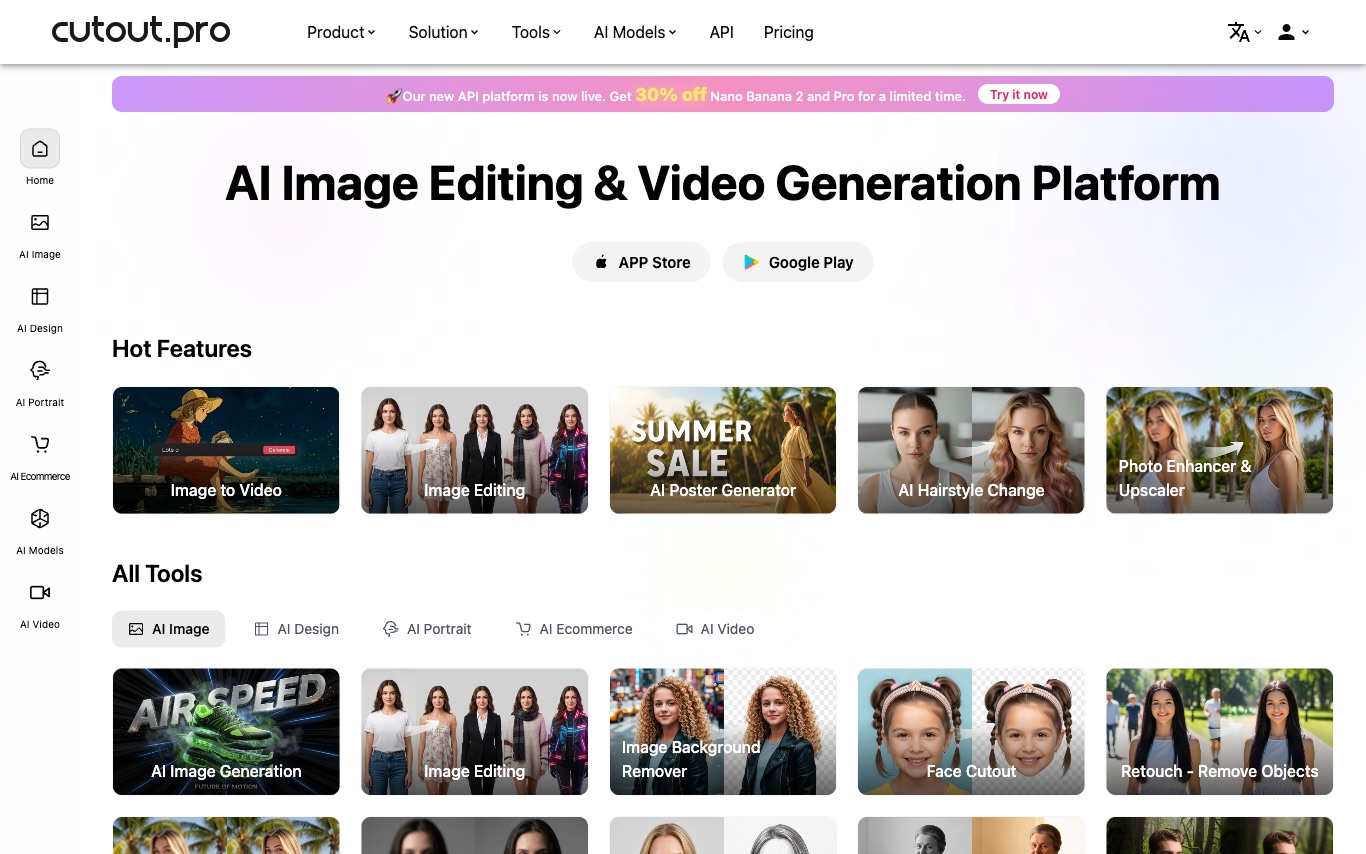

Cutout.Pro is an AI visual content platform offering background removal, image upscaling, portrait retouching, and ecommerce product photo editing via web tools and API.


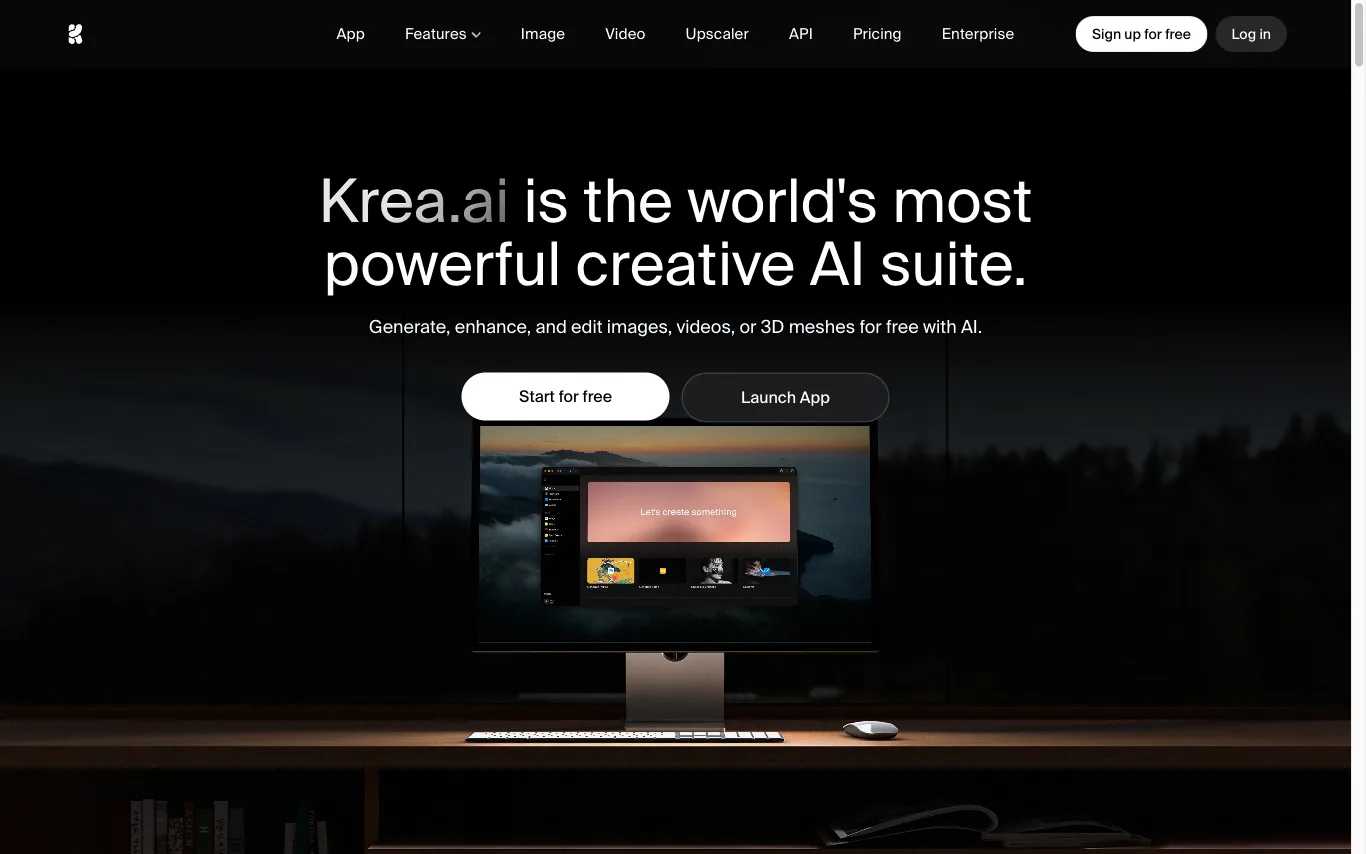

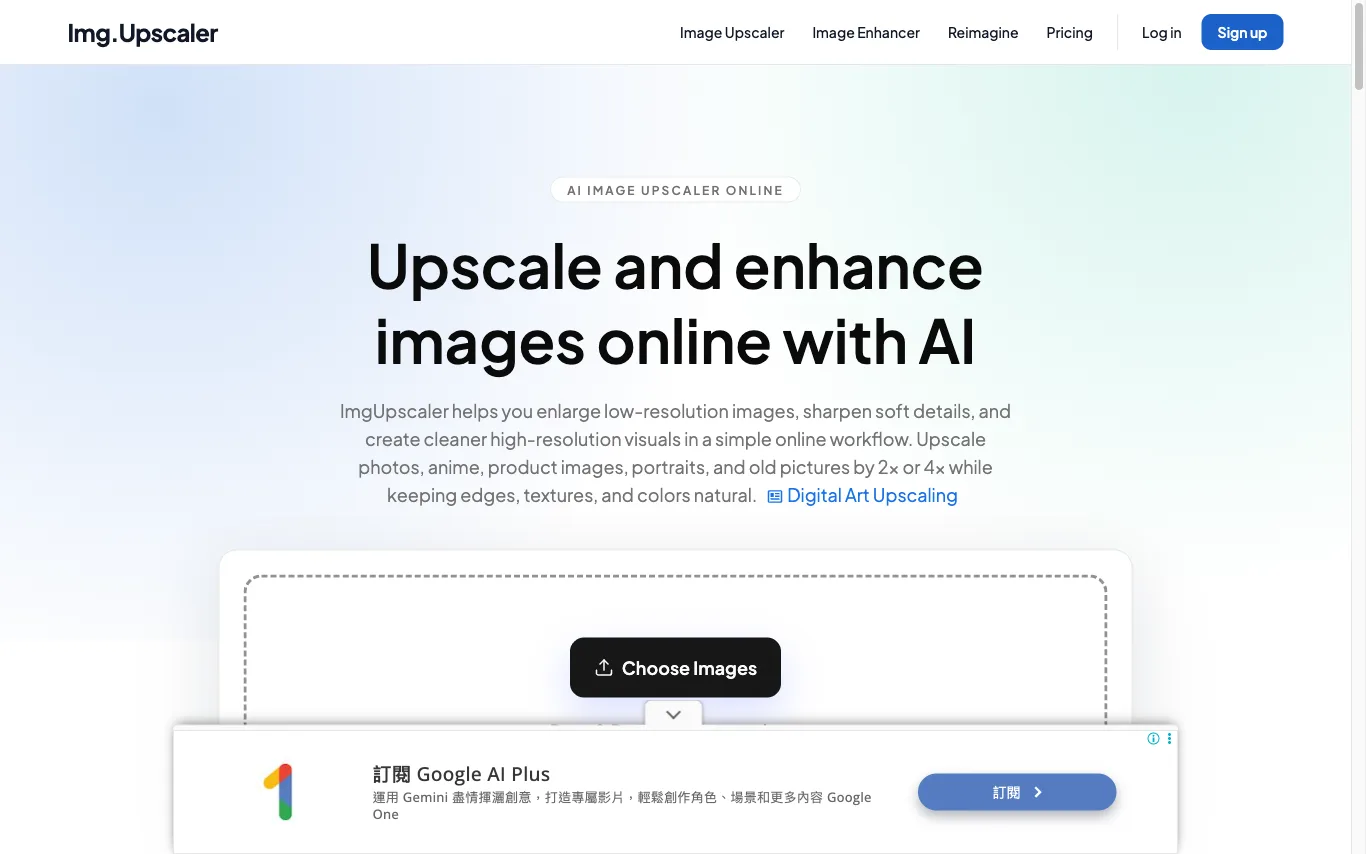

ImgUpscaler uses AI to enlarge low-resolution images, sharpen soft details, and produce cleaner high-resolution visuals. Upload and enhance photos online with no software to install.


Topaz Labs develops desktop AI software for enhancing photo and video quality through noise reduction, sharpening, and upscaling powered by deep learning.
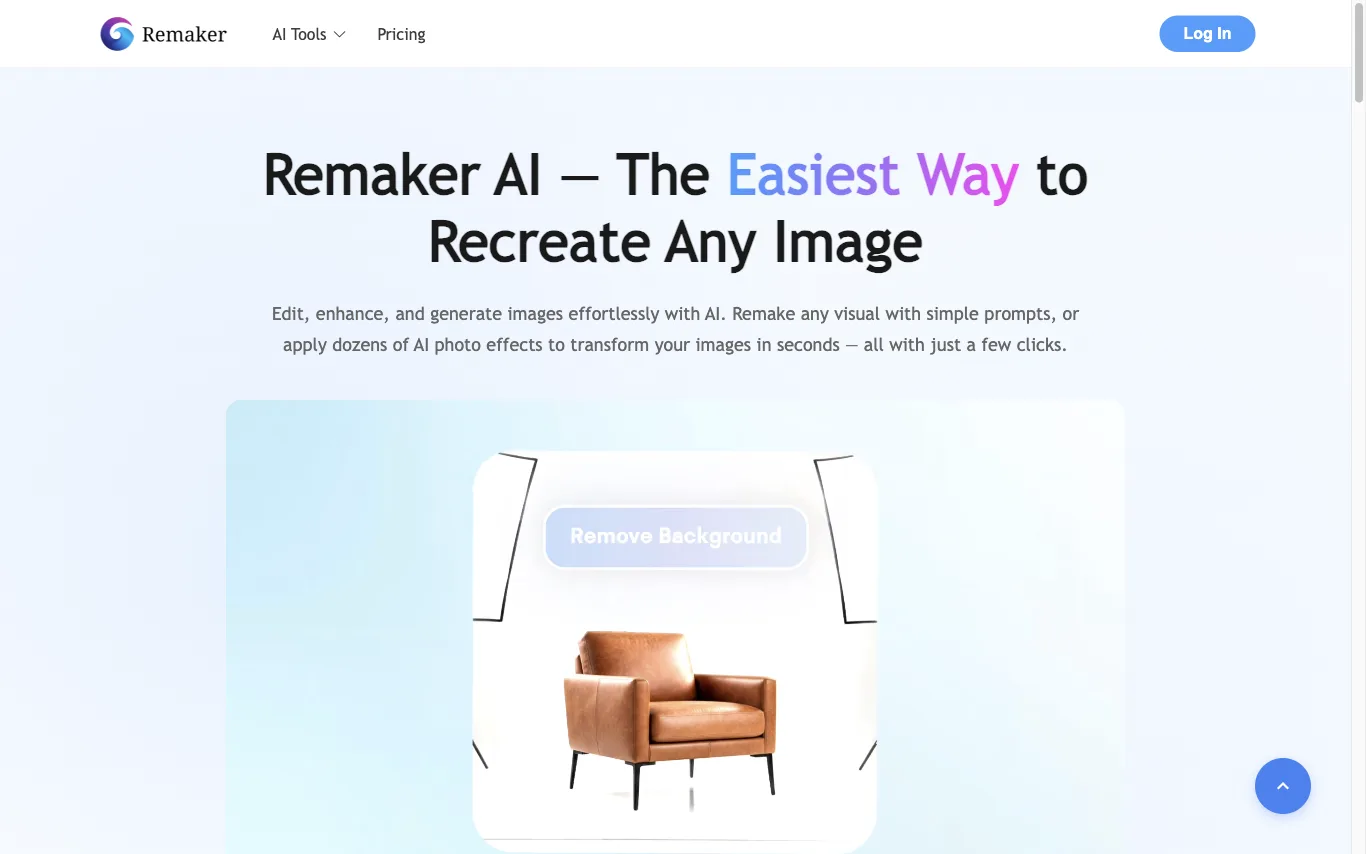

Remaker AI lets you edit, enhance, and generate images with AI. Apply dozens of AI photo effects, remove backgrounds, upscale images, and erase objects — recognized as a Top 50 AI Web Product by a16z.


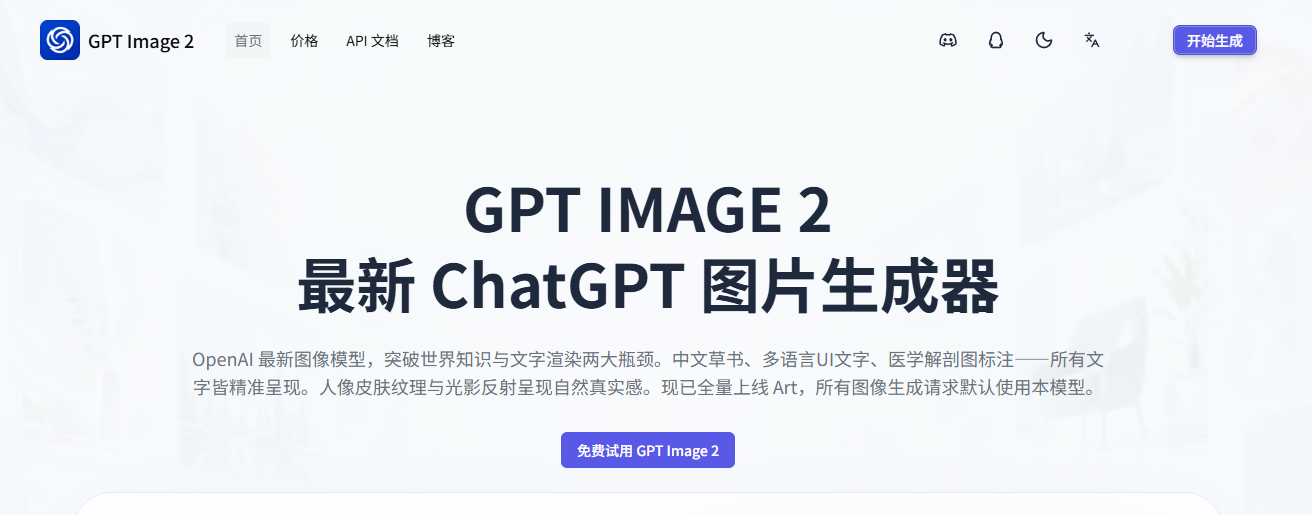

GPT Image 2 helps you generate product visuals, campaign creatives, social media graphics, and polished image edits from simple prompts.
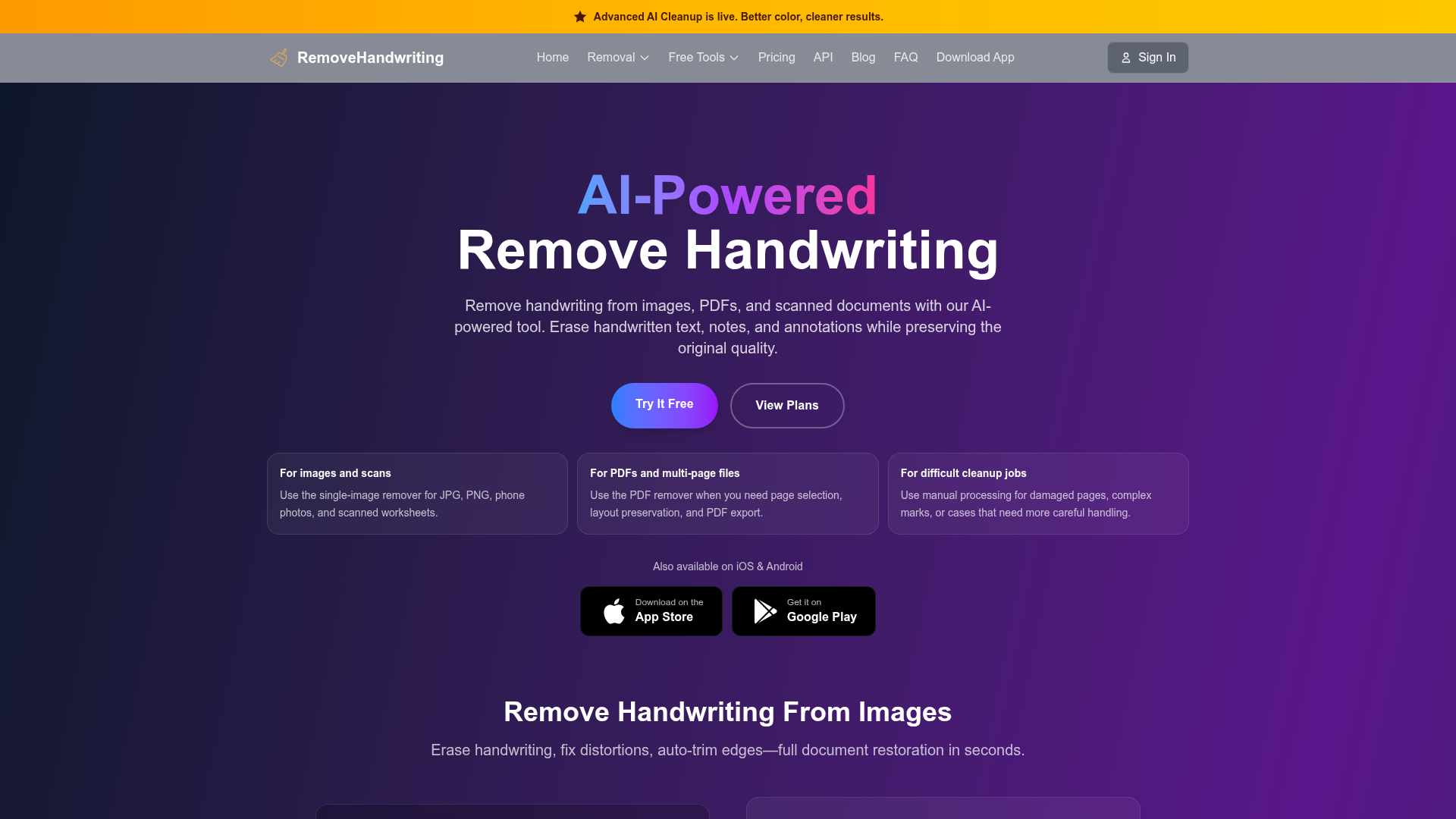

AI-powered tool to remove handwriting from images, PDFs, and scanned documents while preserving original quality.
What is an AI image enhancer?
An AI image enhancer improves photo quality — upscaling resolution, sharpening, cutting noise and blur, and restoring old or damaged images — using models trained to predict missing detail. It's used to rescue low-res, compressed, or aged photos for print, e-commerce, and archives.
Core features to look for
- Upscaling to higher resolution without blur
- Denoising, deblurring, and sharpening
- Face and old-photo restoration
- Compression-artifact and JPEG cleanup
- Batch processing and common export formats
- Free tier with resolution or watermark limits
Who uses AI image enhancers, and how
Upscale & print
Enlarge low-res images for print, posters, and large displays.
Restore old photos
Repair scratches, blur, and fading in aged or damaged photos.
E-commerce & web
Clean up product and web images for sharper listings.
Free vs paid
Compare free enhancers by resolution caps and watermarks.
How does an AI image enhancer work?
AI image enhancers use models trained on pairs of low- and high-quality images to predict the detail a degraded photo is missing, then reconstruct a sharper, higher-resolution version. Because they infer plausible detail rather than recover the original, results are strong on mild degradation but limited on very blurry or tiny sources.