

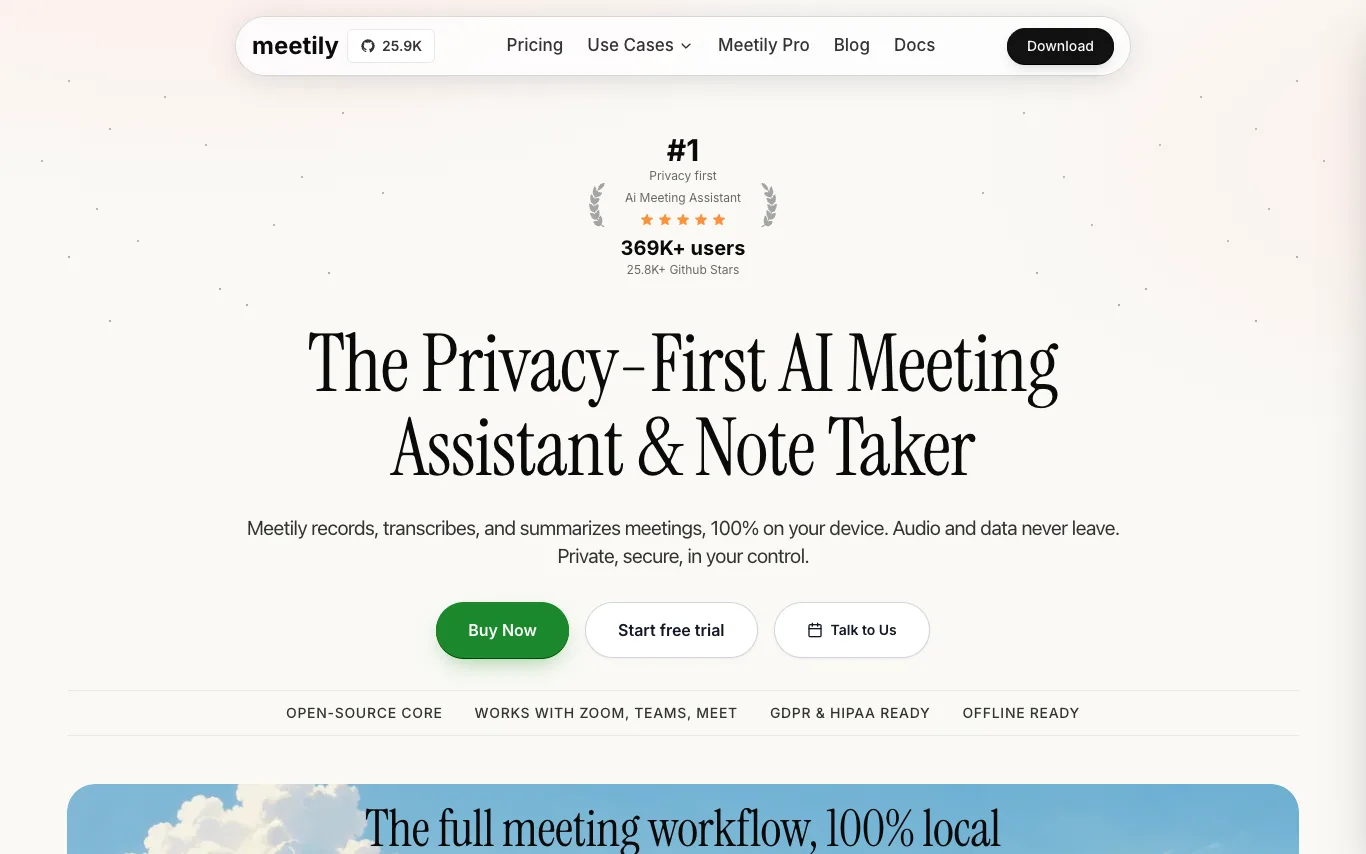

Meetily is a privacy-first AI meeting assistant that records, transcribes, and summarizes meetings entirely on your device. It works with Zoom, Microsoft Teams, Google Meet, and other platforms, offering 100% local transcription and pluggable AI summaries. Open-source core, GDPR/HIPAA compliant, and available as a free Community Edition or Pro subscription.
AI Transcription · 5 tools
Best AI Transcription Tools (2026)
Compare AI transcription tools that turn audio and video into text — with speaker labels, timestamps, subtitles, meeting notes, and support for 100+ languages.
All AI Transcription tools
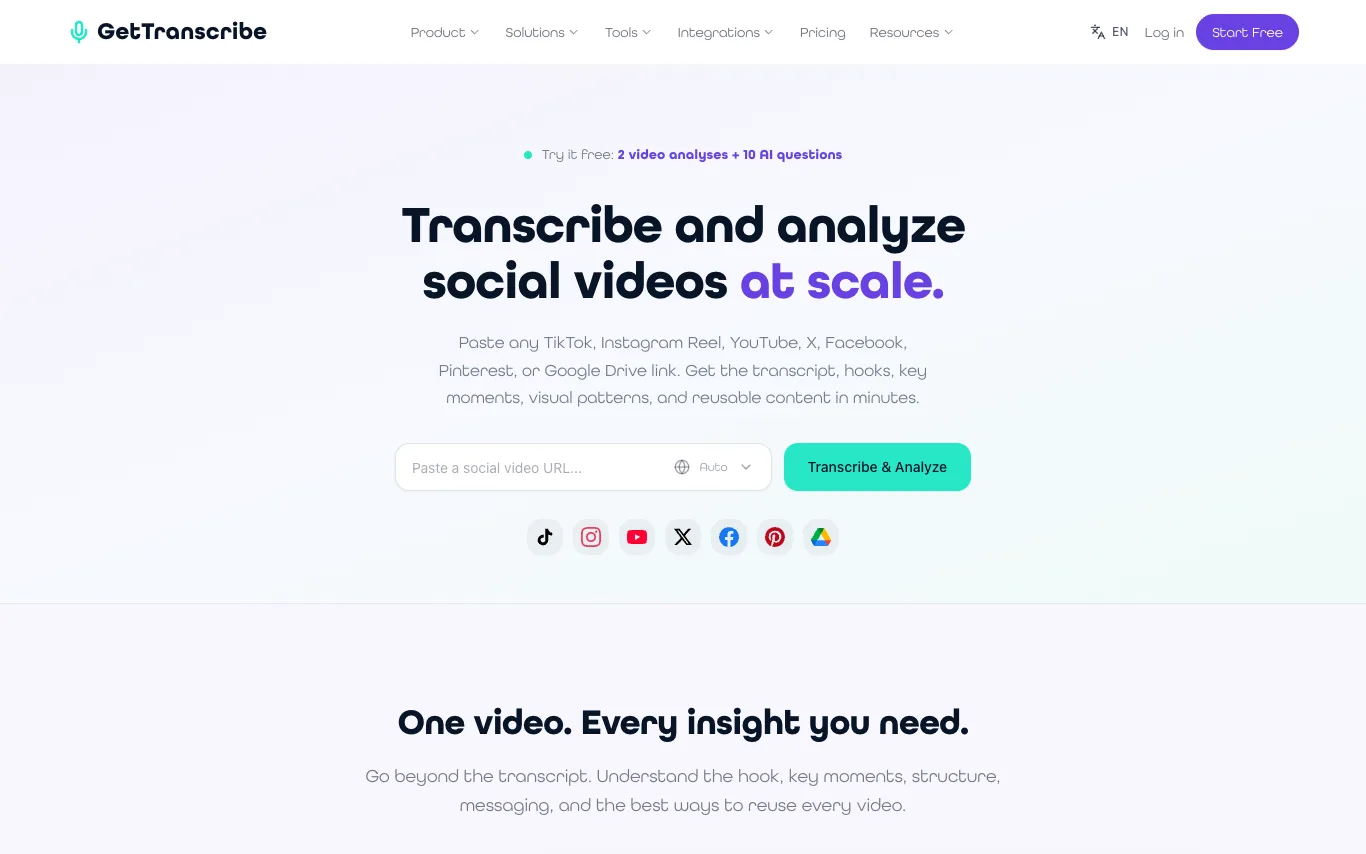

GetTranscribe is a tool that transcribes and analyzes social videos from platforms like TikTok, Instagram Reels, YouTube, X, Facebook, Pinterest, and Google Drive. It provides transcripts, hooks, key moments, visual patterns, and reusable content. Users can compare competitor accounts, uncover recurring patterns, identify content gaps, and generate creative briefs. The platform includes a video library for organizing and searching videos, and offers integrations with tools like Zapier, Make, n8n, and an API.
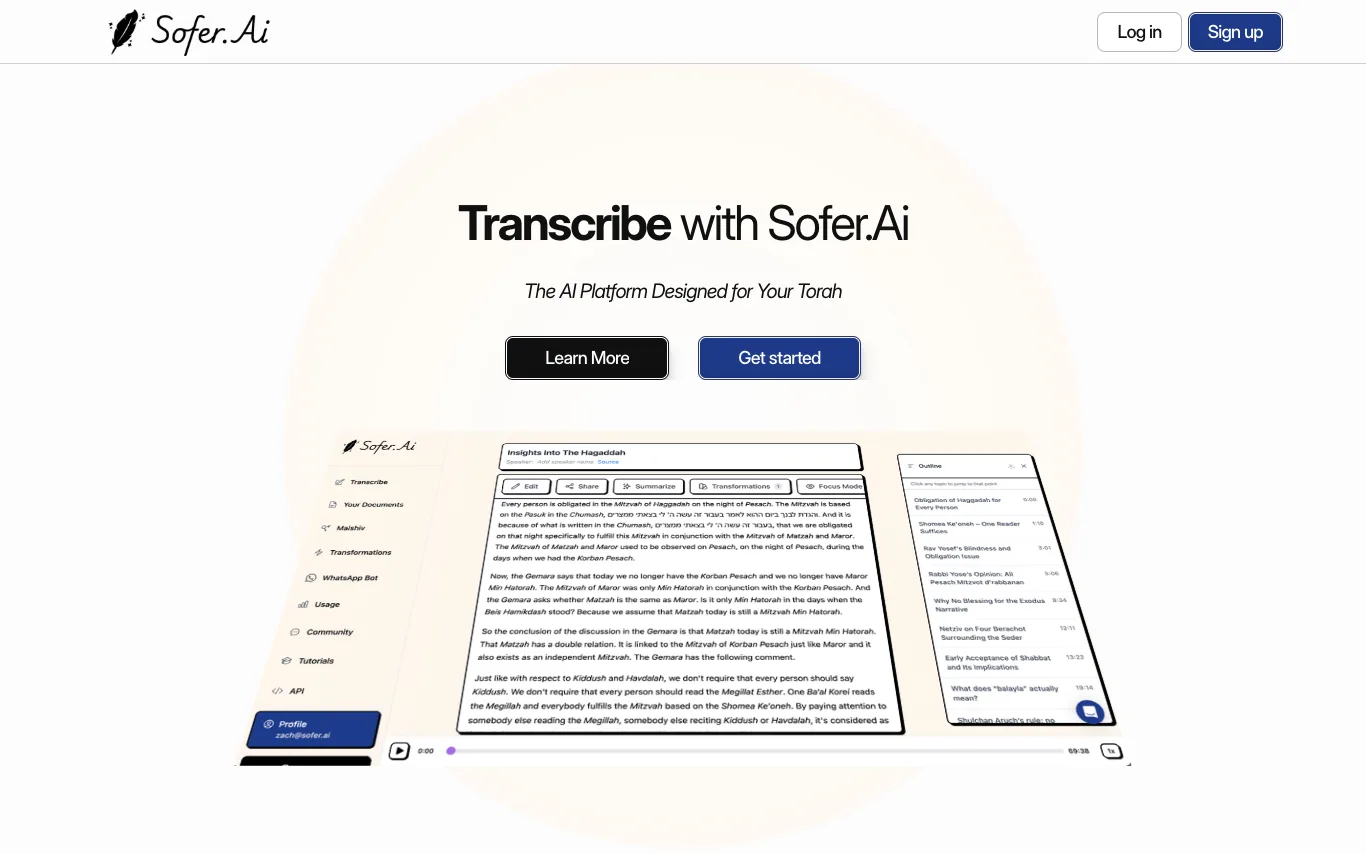

Sofer.Ai is an AI platform built for Torah. It transcribes shiurim into clear, searchable text, with tools for editing, printing, transforming, and studying. Features include multilingual transcription, intelligent playback, topic outlines, and custom transformations. It also offers Maishiv, a personal AI shoel u'Maishiv that searches your curated knowledge base.
GPT Transcribe is a browser-based tool designed to enhance the capabilities of OpenAI's gpt-transcribe speech-to-text model. While gpt-transcribe provides accurate plain text, this platform fills critical gaps by offering SRT subtitles, speaker labels, and word-level timestamps, which are essential for many professional workflows. The service operates using OpenAI Whisper with diarization, allowing users to upload audio or video files up to 60 minutes, record live, or paste media links. It supports transcription in 100 languages, automatically separating speakers and providing precise timestamps. New accounts receive five free minutes to get started, eliminating the need for API key provisioning. Users can leverage GPT Transcribe to streamline tasks like creating captions for videos, transcribing interviews, or documenting meetings. It simplifies the process by delivering ready-to-use subtitle files and speaker-separated transcripts, exportable in multiple formats including SRT, VTT, DOCX, JSON, PDF, and TXT, directly from a browser tab.
Speech Notes is a browser-based workspace designed to transform spoken content into editable, searchable notes. It provides a unified environment for converting recordings, media files, or live conversations into accurate transcripts, making them ready for various uses. The platform allows users to upload common audio/video files, record new voice notes directly in the browser, or import media via a URL. It leverages AI speech-to-text technology, including OpenAI Whisper, to generate a strong first draft across over 100 languages. Users can then review, search, correct wording, and add speaker labels within the same workspace. This tool is ideal for preparing material from meetings, interviews, lectures, podcasts, and video soundtracks. It streamlines the process from capture to a polished transcript, enabling users to produce meeting records, interview copy, lecture notes, or video captions efficiently without needing multiple tools.
What is AI transcription?
AI transcription uses automatic speech recognition (ASR) to convert spoken audio or video into written text without a human typist. It can tell speakers apart, add timestamps, and clean up filler words as it goes. Tools range from meeting note-takers that join your calls to bulk transcribers for interviews, podcasts, and video subtitles.
What these tools do
- Convert audio and video files into editable text
- Label who spoke with speaker diarization
- Add timestamps and word-level timing
- Export captions as SRT or VTT subtitles
- Summarize meetings and pull action items
- Transcribe 50-100+ languages, some in real time
Who uses it and why
01
Meeting and call notes
Automatically capture Zoom, Teams, or Meet calls and turn them into searchable notes and action items.
02
Journalists and researchers
Transcribe interviews and focus groups so quotes stay accurate and easy to search back through.
03
Podcasters and video creators
Generate show transcripts and burned-in captions to make episodes accessible and indexable.
04
Students and lecturers
Record lectures and convert them into study notes you can skim, highlight, and revisit.
How AI transcription works
An acoustic model breaks your audio into sound units and maps them to words, while a language model picks the most likely phrasing from context. A separate diarization step clusters voice fingerprints to decide who spoke when, and timestamps are attached to each segment. Many tools then run the transcript through an LLM to produce a summary, chapters, or action items.