

Speech to Text AI · 7 tools
Best Speech to Text AI Tools (2026)
Compare speech-to-text AI tools for transcription, live captions, meeting notes, subtitles, and voice dictation — from real-time engines to multilingual audio-to-text.
All Speech to Text AI tools

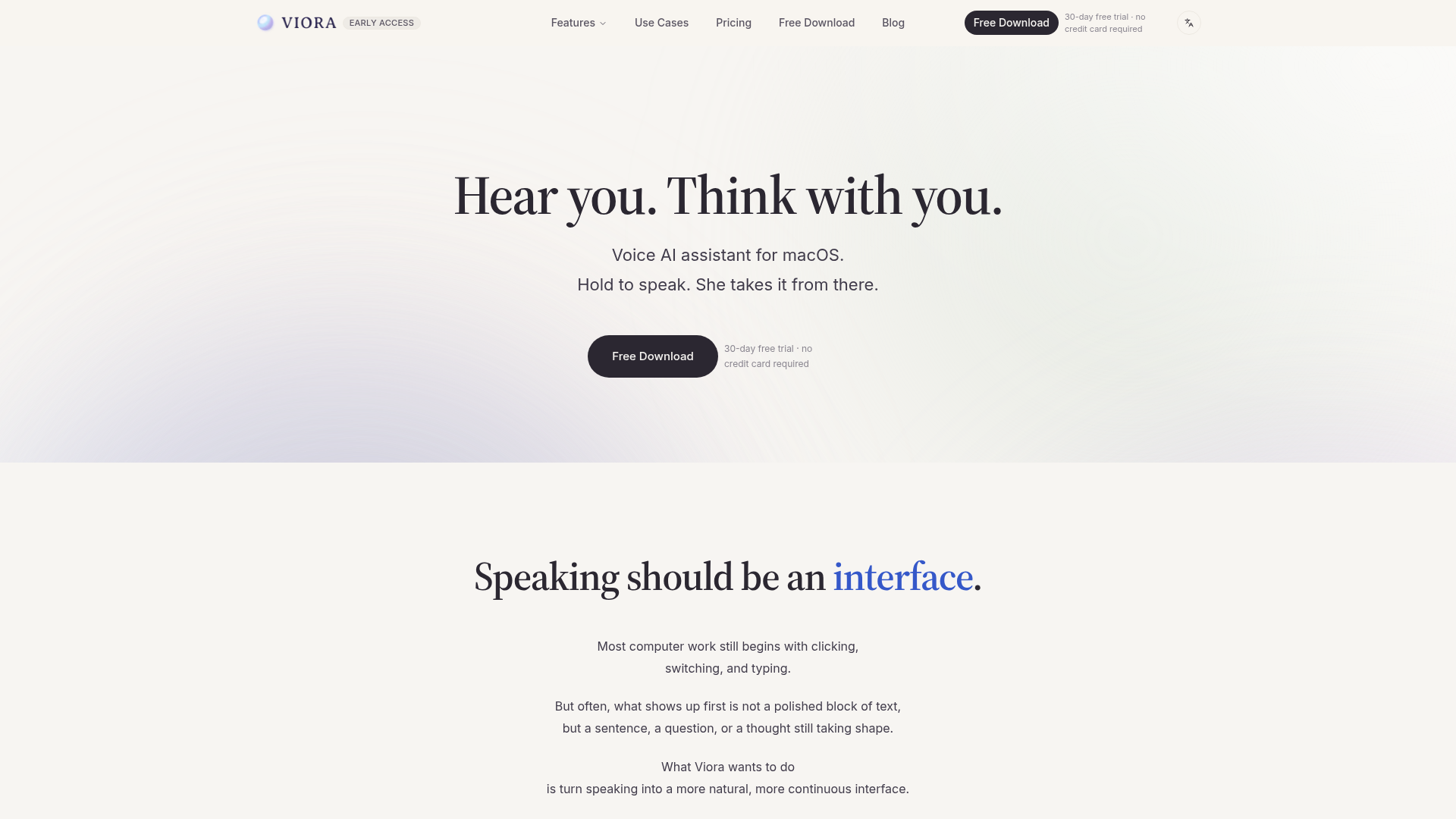

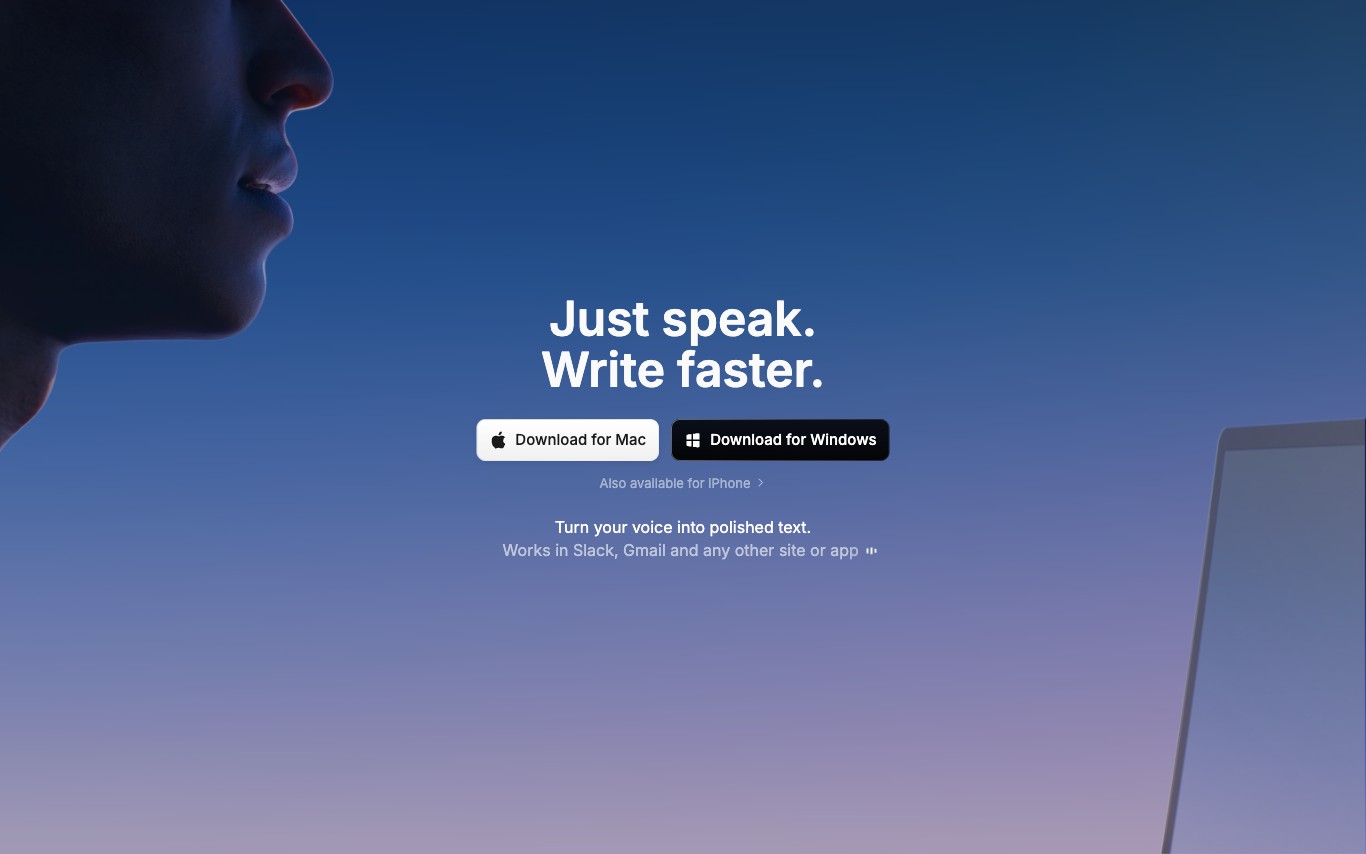

Superwhisper is a system-level AI dictation tool for macOS, Windows, and iOS that transcribes speech to text in any app. It supports local and cloud AI models, custom voice commands, and AI post-processing to clean and format dictated text.
Audio Convert is a browser-based workspace designed for comprehensive speech-to-text transcription. It transforms spoken audio from various sources into editable text, providing a focused workflow from intake to final export. This tool is ideal for anyone needing to convert recordings into written words for notes, documents, or captions without requiring a desktop installation. The platform accepts uploaded audio/video files, live browser recordings, or media URLs. It leverages OpenAI Whisper for AI transcription, supporting over 100 languages. Users can then review and correct the generated text, adjusting names, specialized terms, and speaker changes within the in-browser editor. Audio Convert streamlines the process of turning raw speech recognition into a polished deliverable. Whether you need clean paragraphs for notes, timed captions for video, or structured data for other tools, it offers flexible export options including TXT, SRT, VTT, JSON, PDF, and DOCX. This ensures the transcript matches the specific requirements of your next task.
Speech Notes is a browser-based workspace designed to transform spoken content into editable, searchable notes. It provides a unified environment for converting recordings, media files, or live conversations into accurate transcripts, making them ready for various uses. The platform allows users to upload common audio/video files, record new voice notes directly in the browser, or import media via a URL. It leverages AI speech-to-text technology, including OpenAI Whisper, to generate a strong first draft across over 100 languages. Users can then review, search, correct wording, and add speaker labels within the same workspace. This tool is ideal for preparing material from meetings, interviews, lectures, podcasts, and video soundtracks. It streamlines the process from capture to a polished transcript, enabling users to produce meeting records, interview copy, lecture notes, or video captions efficiently without needing multiple tools.
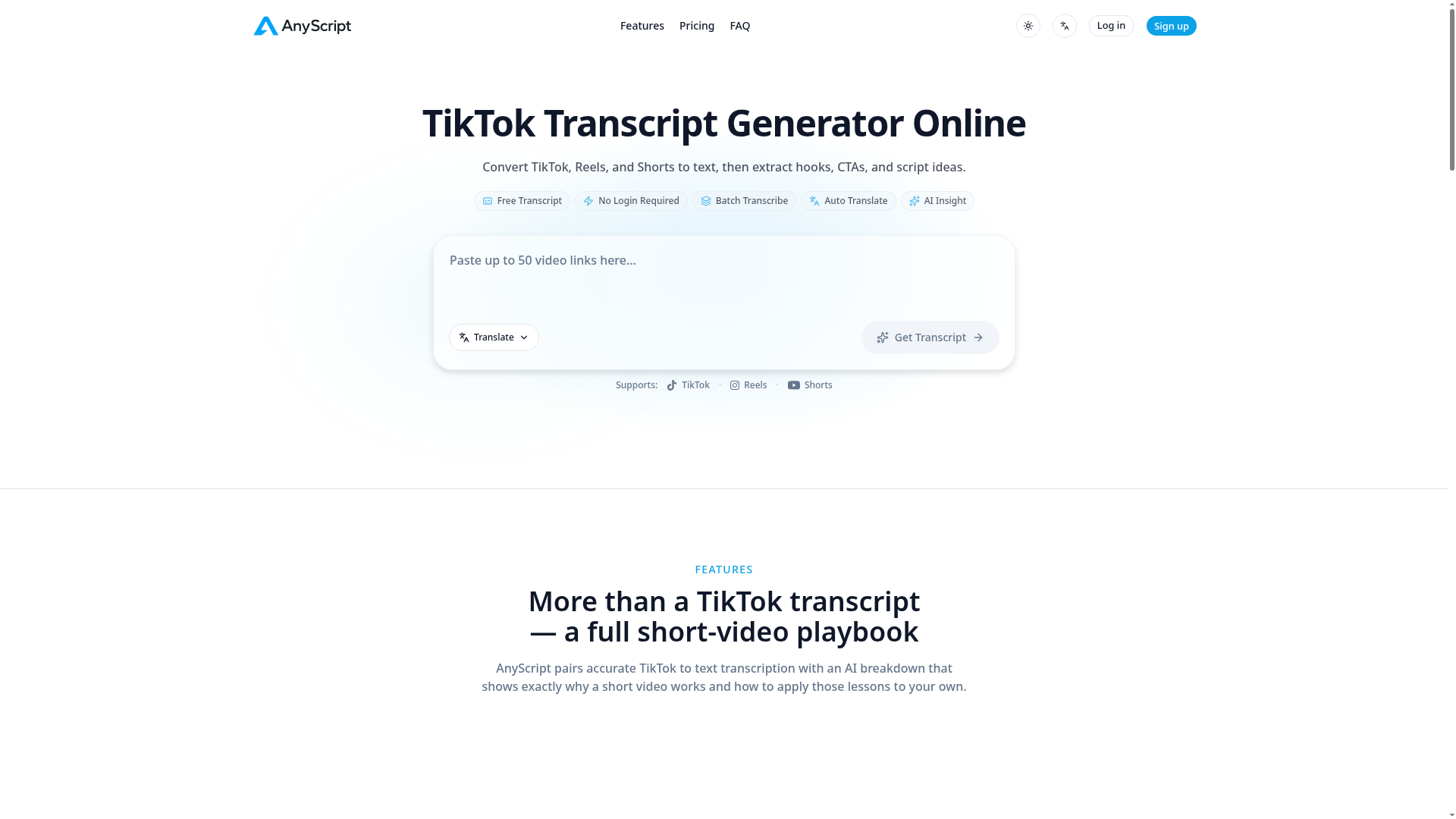

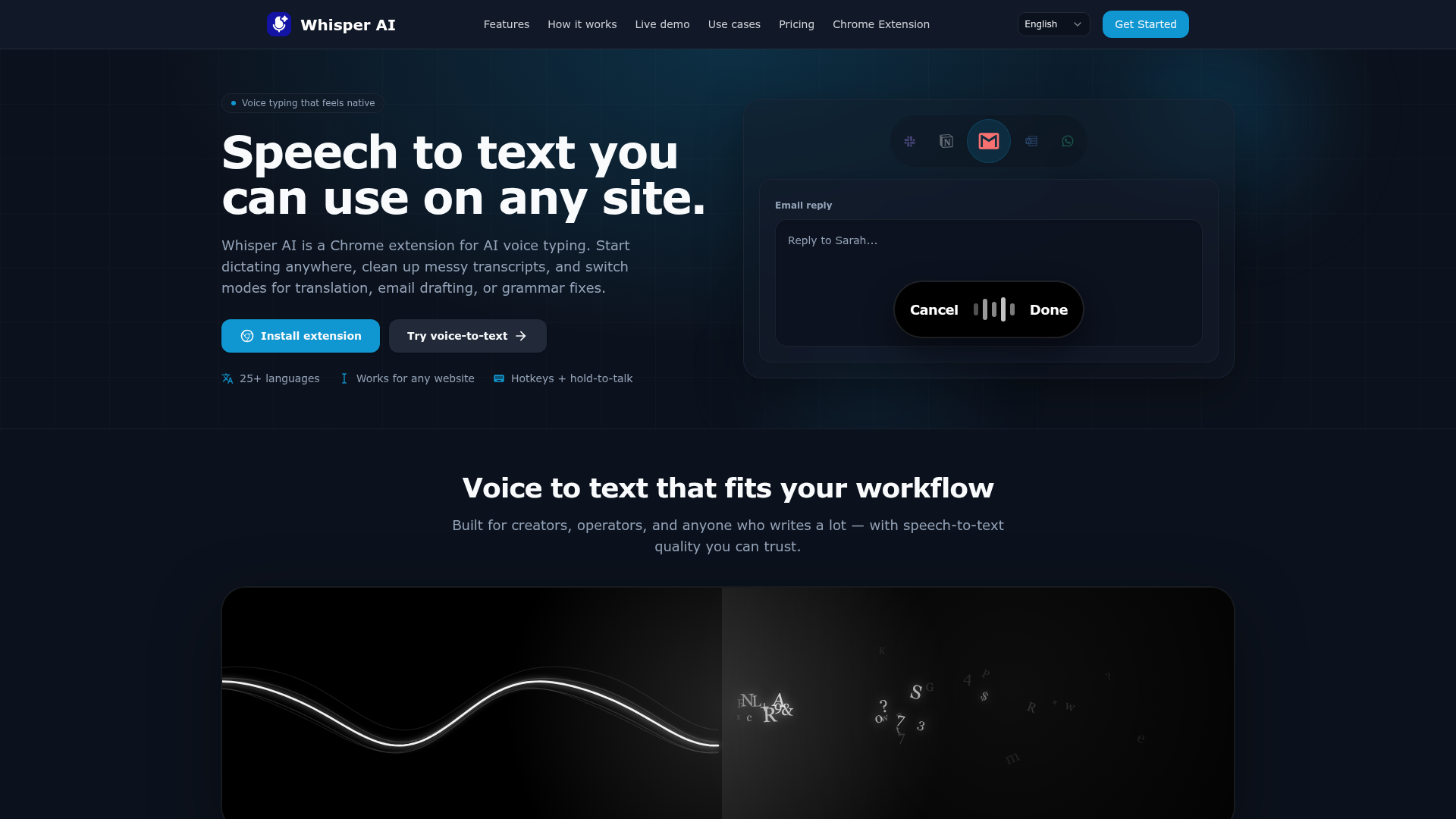

Speech to text you can use on any site.
What is speech-to-text AI?
Speech-to-text AI, also called automatic speech recognition (ASR), converts spoken audio into written text. A model listens to a recording or live stream, identifies the words, and outputs a transcript with timing, usually adding punctuation and speaker labels. Tools range from real-time captioning engines to batch transcription services for interviews, meetings, and video.
What speech-to-text AI can do
- Accurate transcription of recorded audio and video files
- Real-time captions and live streaming transcription
- Speaker diarization: who said what, with labels
- Automatic punctuation, timestamps, and paragraph formatting
- Multilingual recognition and translation across many languages
- Custom vocabulary for names, jargon, and acronyms
Who uses speech-to-text AI
Meeting and interview notes
Turn calls, interviews, and meetings into searchable transcripts and summaries automatically.
Video subtitles and captions
Generate SRT and VTT captions for videos, podcasts, and social clips at scale.
Accessibility and live captioning
Give deaf and hard-of-hearing audiences real-time captions for events and classrooms.
Voice dictation and hands-free input
Write documents, emails, and notes by speaking instead of typing.
How speech-to-text AI works
The model turns audio into short spectrogram frames and maps their sound patterns to the most likely words, using acoustic and language models trained on large speech datasets. Modern systems use end-to-end neural networks, often Transformer-based like Whisper, that predict text directly from those audio features. Extra passes add punctuation, separate speakers, and align each word to a timestamp.