


Headshot Master generates professional AI headshots from selfies, suitable for LinkedIn profiles, corporate directories, and business cards.
AI Headshot Generator · 3 tools
Best AI Headshot Generator Tools (2026)
Compare AI headshot generators that turn phone selfies into professional portraits for LinkedIn, resumes, team pages, and personal branding — no photographer needed.
All AI Headshot Generator tools
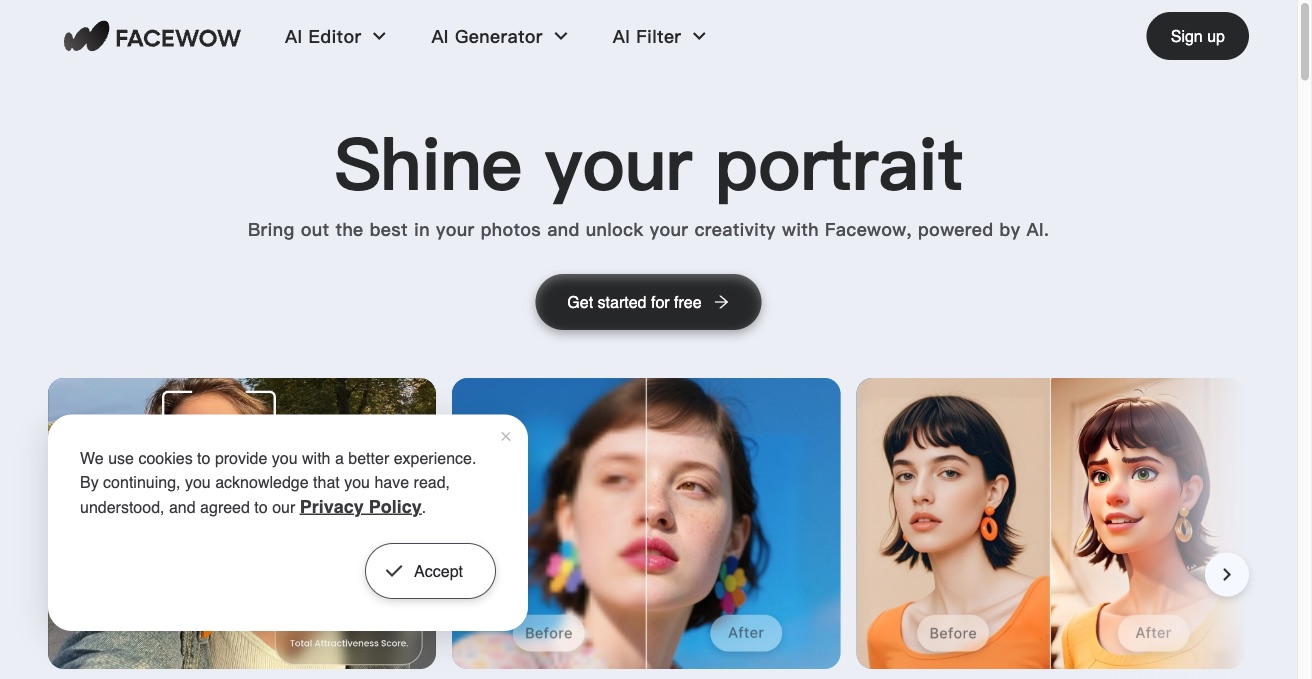

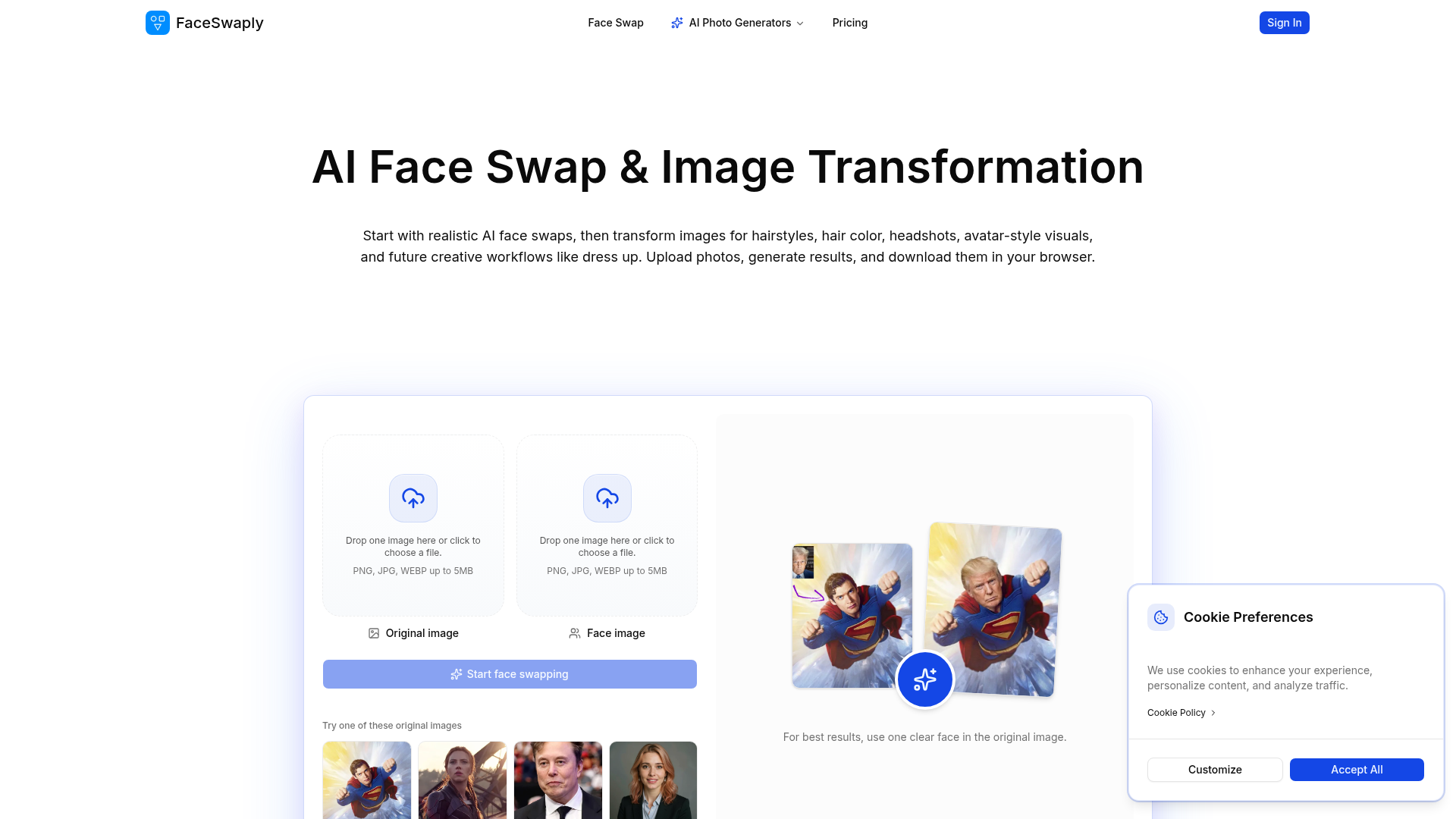
Start with realistic AI face swaps, then transform images for hairstyles, hair color, headshots, avatar-style visuals, a
What is an AI headshot generator?
An AI headshot generator creates professional-looking portrait photos from a handful of ordinary selfies you upload. It learns your face, then generates new images of you in business attire, clean backdrops, and studio-style lighting — with no camera, studio, or photographer involved. The output suits LinkedIn profiles, resumes, company team pages, and speaker bios.
What AI headshot generators do
- Trains on your uploaded selfies to learn your face
- Generates dozens of portraits in varied outfits and settings
- Studio-style lighting, backdrops, and professional wardrobe presets
- Multiple styles: corporate, casual, creative, and outdoor
- High-resolution output ready for LinkedIn and print
- Face-likeness controls to keep results recognizable
Who uses AI headshot generators
01
Job seekers and LinkedIn
Get a polished profile photo for applications, resumes, and networking without booking a studio visit.
02
Remote teams and companies
Give distributed employees consistent, on-brand headshots for About and team pages.
03
Founders and speakers
Produce press-ready portraits and speaker bios for websites, decks, and media kits.
04
Dating and social profiles
Refresh profile pictures for dating apps and social accounts with flattering, natural-looking shots.
How AI headshot generators work
You upload roughly 6 to 20 photos of yourself, and the tool fine-tunes an image model on your face. You then pick styles, outfits, and backgrounds, and it generates a batch of new portraits that blend your likeness with those settings. Most run on diffusion models, and you download the shots that look best.