

AI Video Editor · 19 tools
Best AI Video Editor Tools (2026)
Compare AI video editors that cut long footage into clips, add captions and B-roll, remove filler words, and edit by text — from talking-head repurposing to full timeline tools.
All AI Video Editor tools


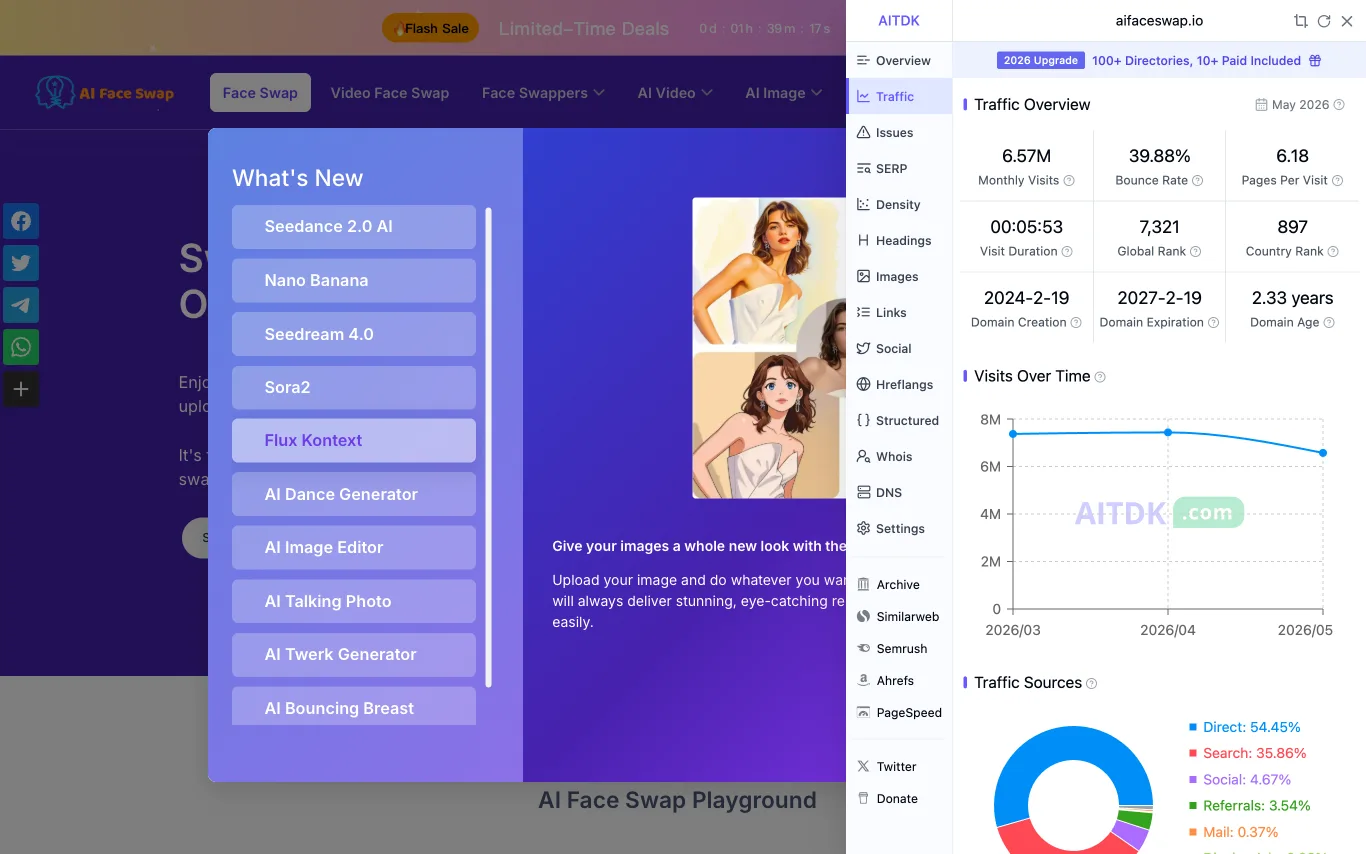

AI Face Swap lets you swap faces in photos online for free. No login required, no watermark, and results are delivered instantly using AI.
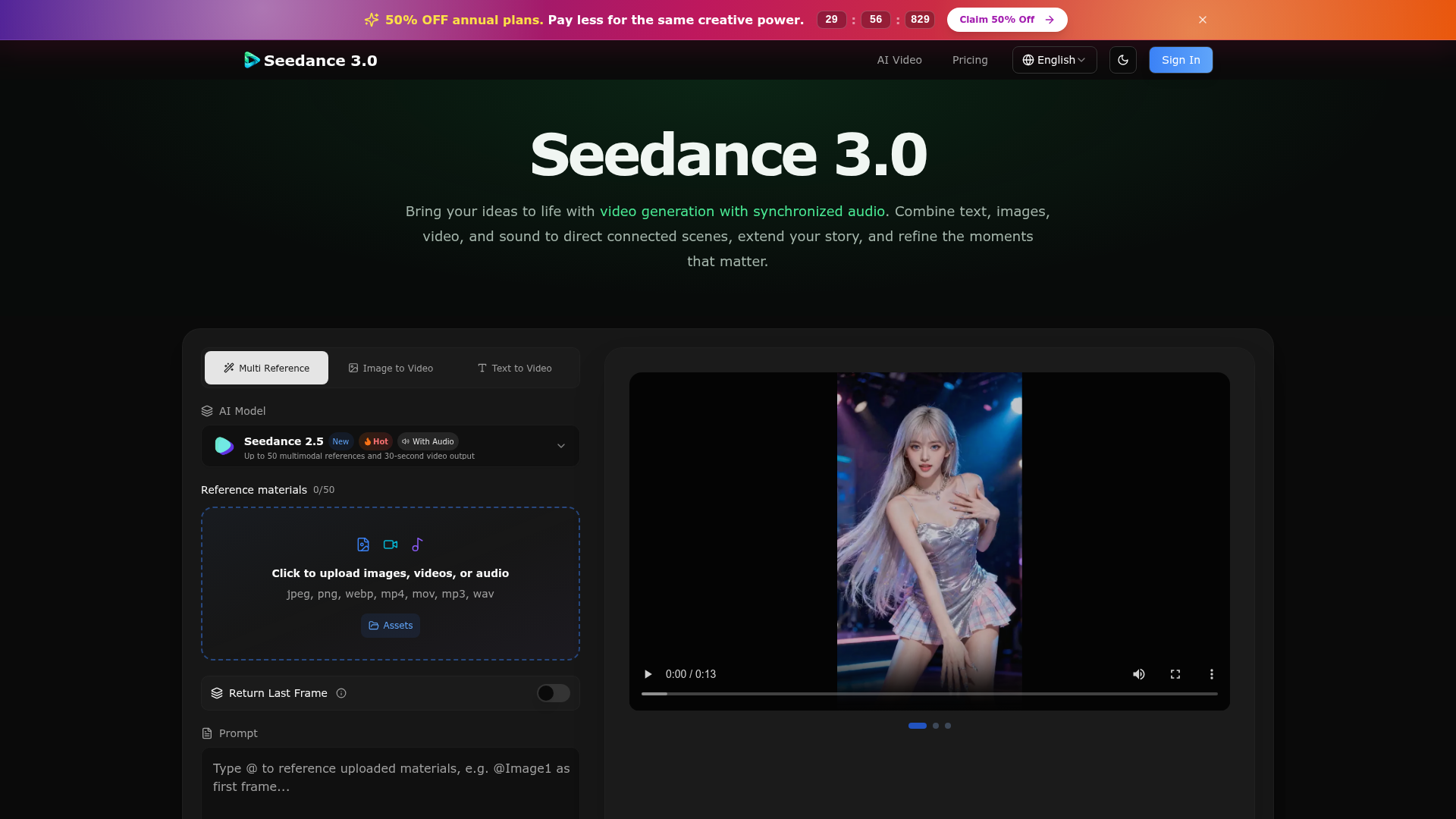

Seedance 3.0 – One AI Video Model for Stories, Motion, Visuals, and Sound
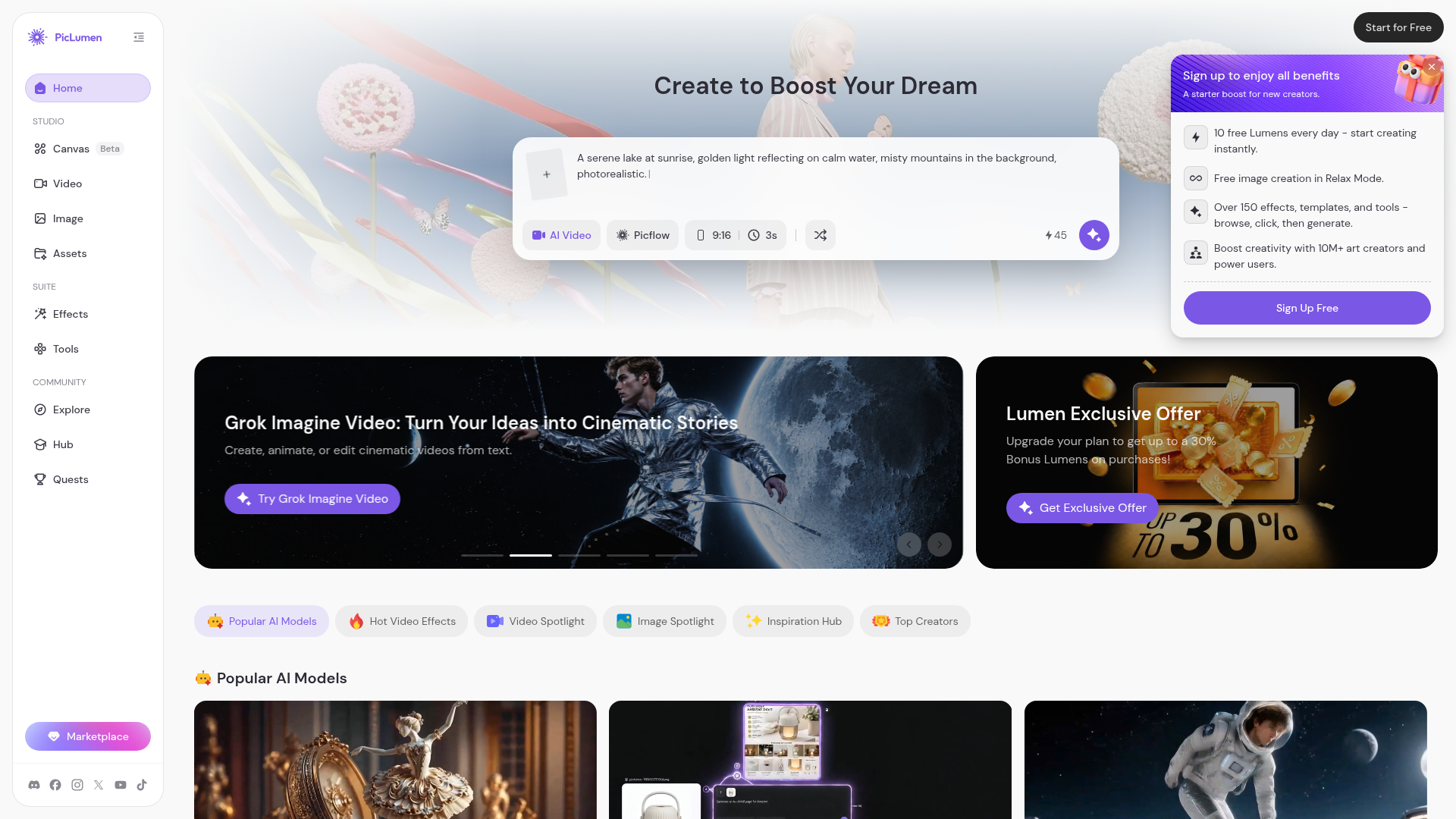

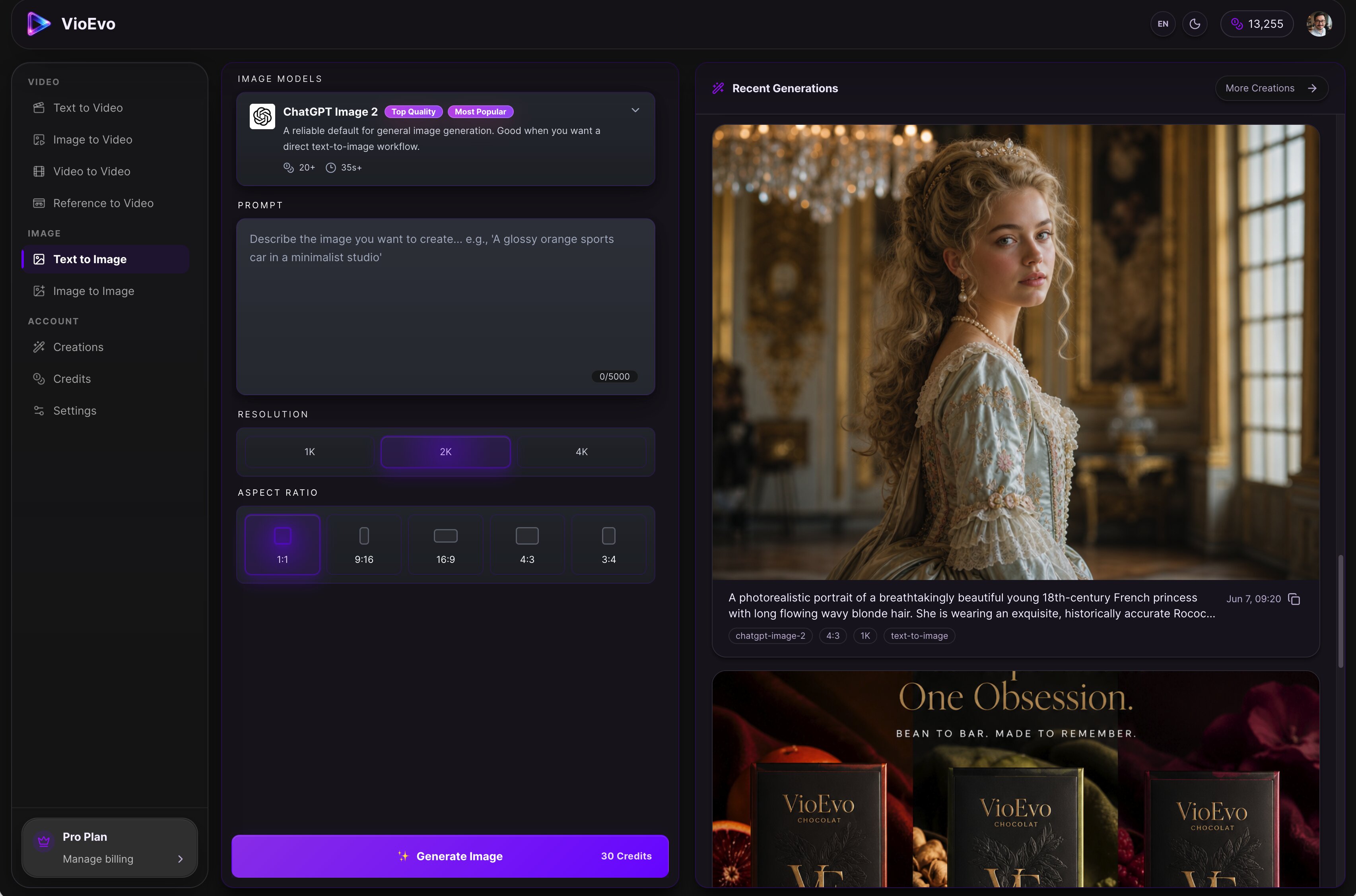

VioEvo is a cinematic AI video and image studio built for creators, marketers, and teams. Powered by leading AI models, it provides a comprehensive platform for producing consistent character assets, polished product visuals, and studio-quality footage. Key Features & Workflows: • Multi-Modal Generation: Text to Video, Image to Video, Video to Video, Reference to Video, Text to Image, and Image to Image. • AI Pose Changer: Easily adjust and regenerate subject poses while preserving the character and style of your original image. • Granular Control: Fine-tune outputs with customizable controls for style, composition, and aspect ratio. Transform your raw ideas, prompts, or reference assets into launch-ready visuals in just three simple steps.





What is an AI video editor?
An AI video editor is software that automates editing tasks that used to be manual — transcribing footage, cutting silences and filler words, generating captions, and finding highlight clips. Many let you edit video by editing its transcript, so deleting a sentence deletes that footage. They range from text-based editors like Descript to tools that turn one long video into short vertical clips.
What AI video editors can do
- Text-based editing that cuts footage by editing the transcript
- Auto captions and subtitles with word-level timing
- Filler-word and silence removal in one click
- Clip long videos into short, social-ready segments
- AI B-roll, stock, and scene suggestions
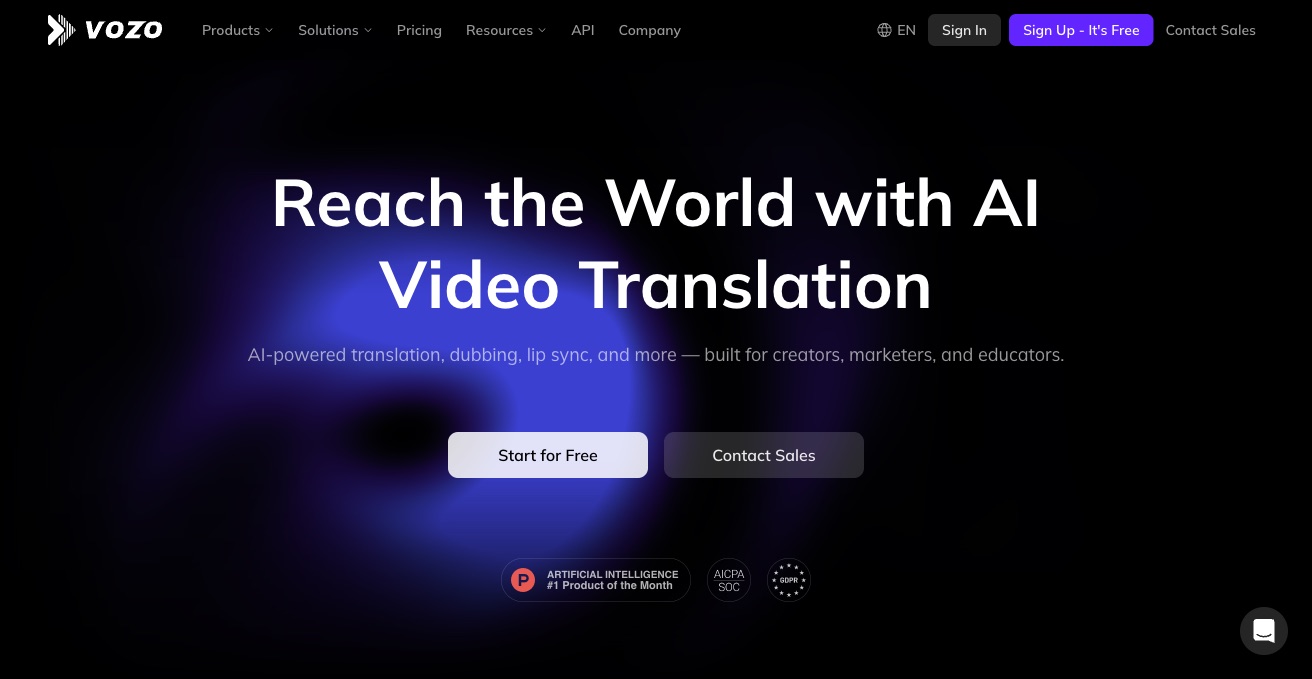
- Voice cloning, dubbing, and multi-language translation
Who uses AI video editors
Podcasters and YouTubers
Turn long recordings into clean episodes and short clips without frame-by-frame trimming.
Social and short-form creators
Auto-caption and reframe footage into vertical clips for TikTok, Reels, and Shorts.
Marketing and course teams
Repurpose webinars, demos, and talks into promos, tutorials, and lesson segments at scale.
Editors avoiding heavy software
Cut, caption, and clean up video by editing text instead of learning a full timeline NLE.
How AI video editors work
The tool first runs speech-to-text to transcribe your footage and align every word to a timestamp. Editing the transcript, detecting filler words, or finding highlights then maps directly back to cuts on the video timeline. Captioning, reframing, and B-roll are added as separate models that read the same transcript and video frames.