

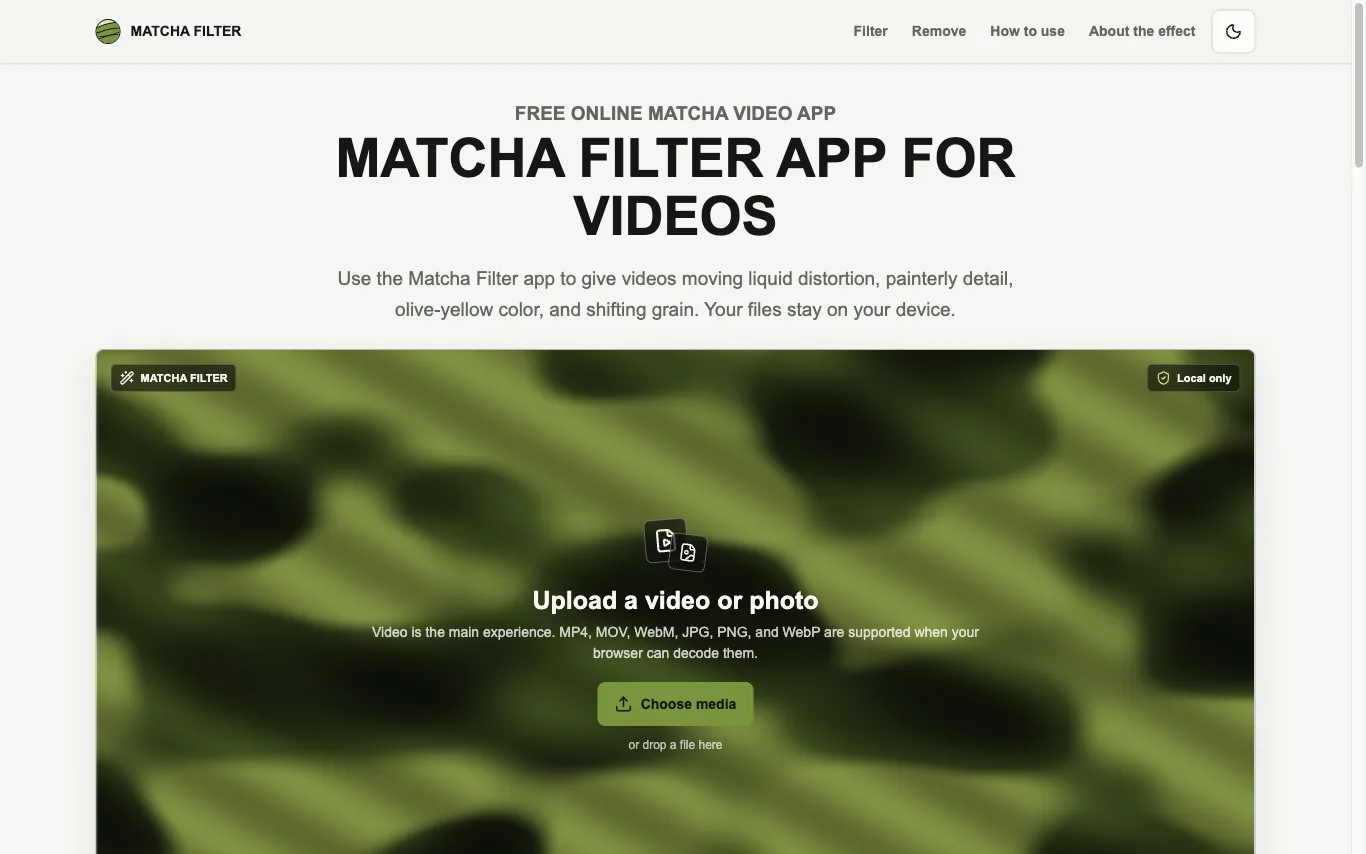

Matcha Filter is a free web tool that applies an animated matcha-style treatment to videos and photos. Media is decoded, rendered with WebGL2, and exported inside the browser tab.
AI Video Editor · 19 tools
Best AI Video Editor Tools (2026)
Compare AI video editors that cut long footage into clips, add captions and B-roll, remove filler words, and edit by text — from talking-head repurposing to full timeline tools.
All AI Video Editor tools
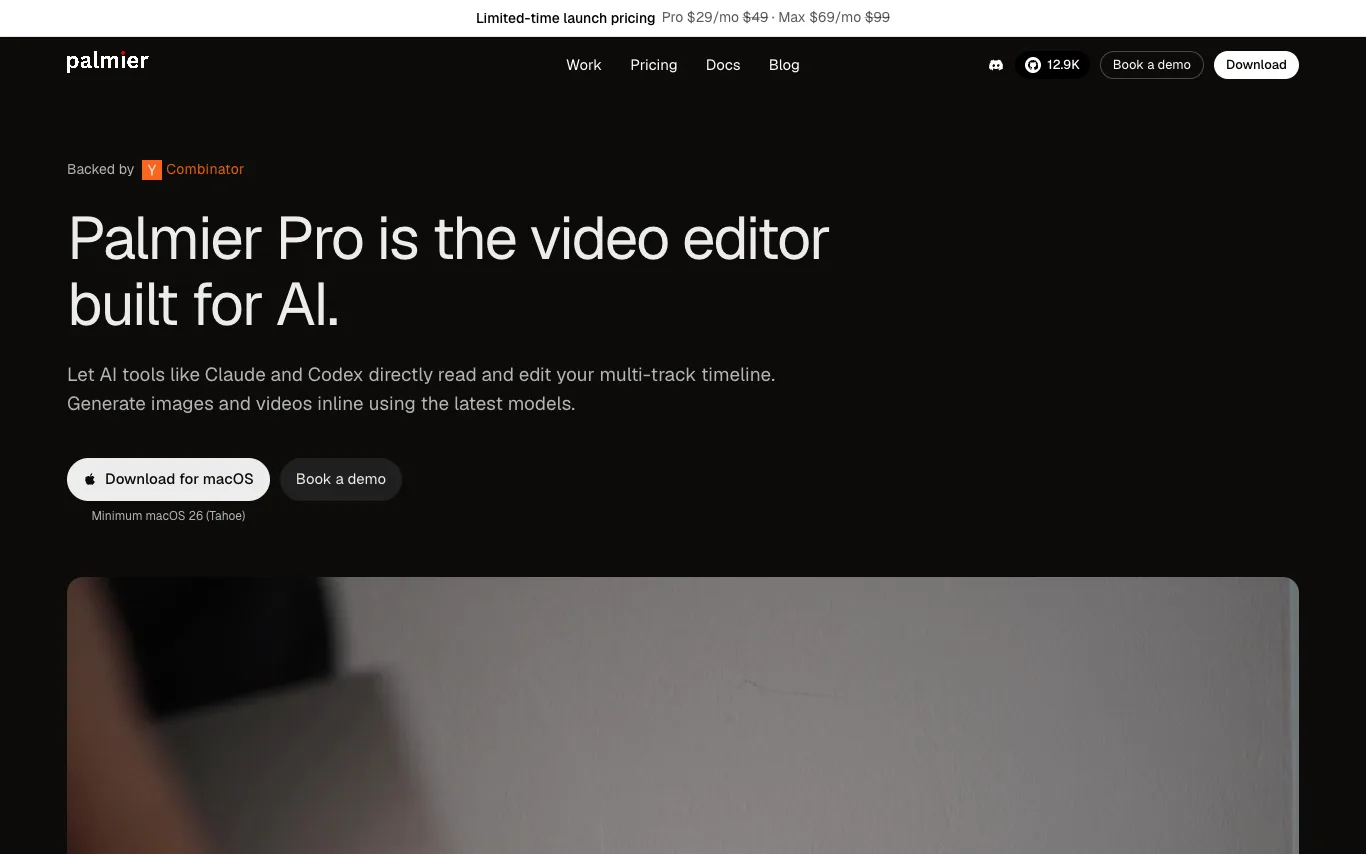

Palmier Pro is a professional video editor that integrates AI generation directly into the timeline. Users can generate AI images, videos, and audio inline, and mix them with imported footage. It supports multi-track editing, export to Premiere and DaVinci, and connects with AI agents via MCP. The editor is free without AI, with paid plans for credits.
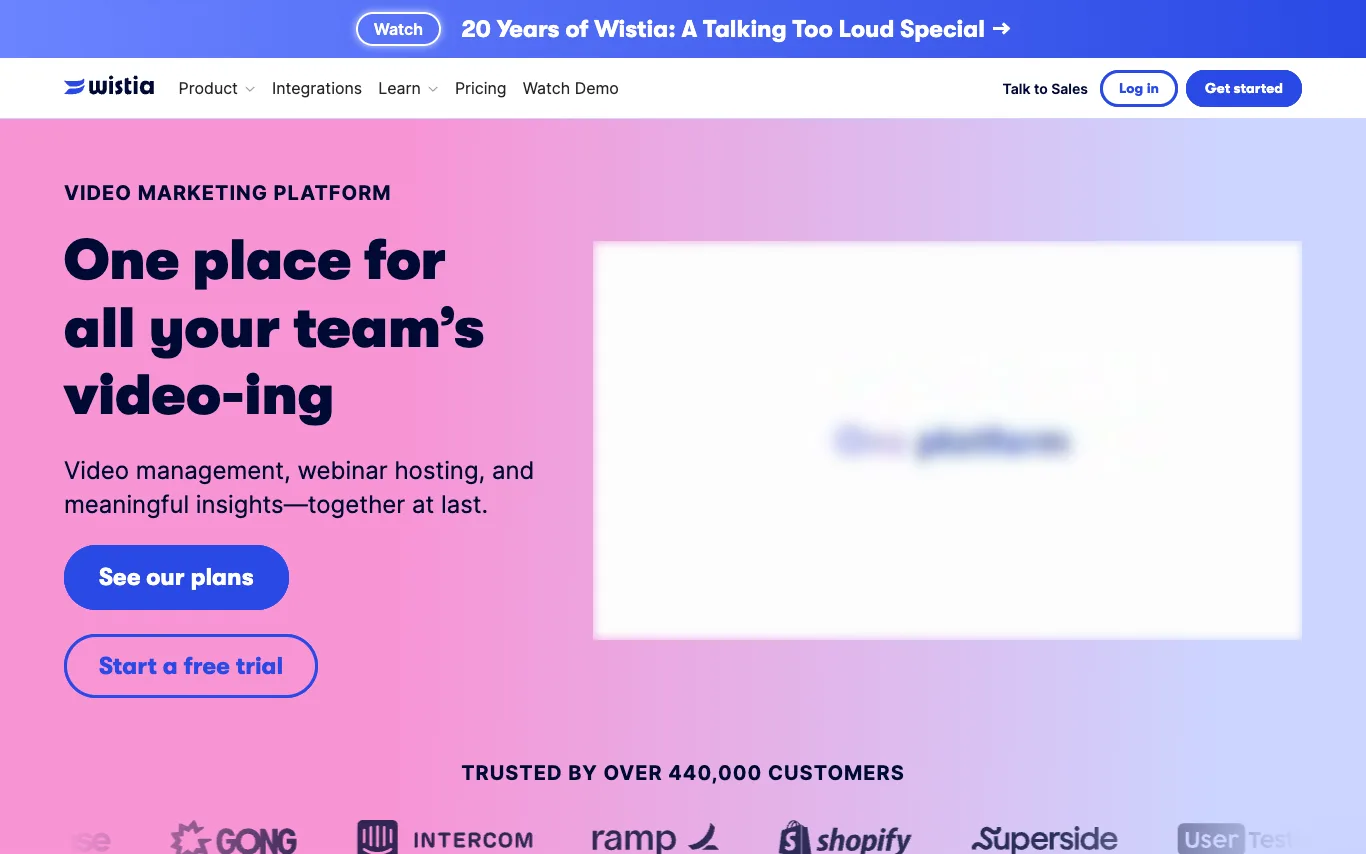

Wistia is a video marketing platform for businesses. It provides tools for video hosting and management, webinar hosting, recording and editing, and analytics. Users can embed videos with a customizable, ad-free player, organize their library, and gain insights into viewer engagement. Wistia integrates with various marketing tools and offers a free plan and trial.
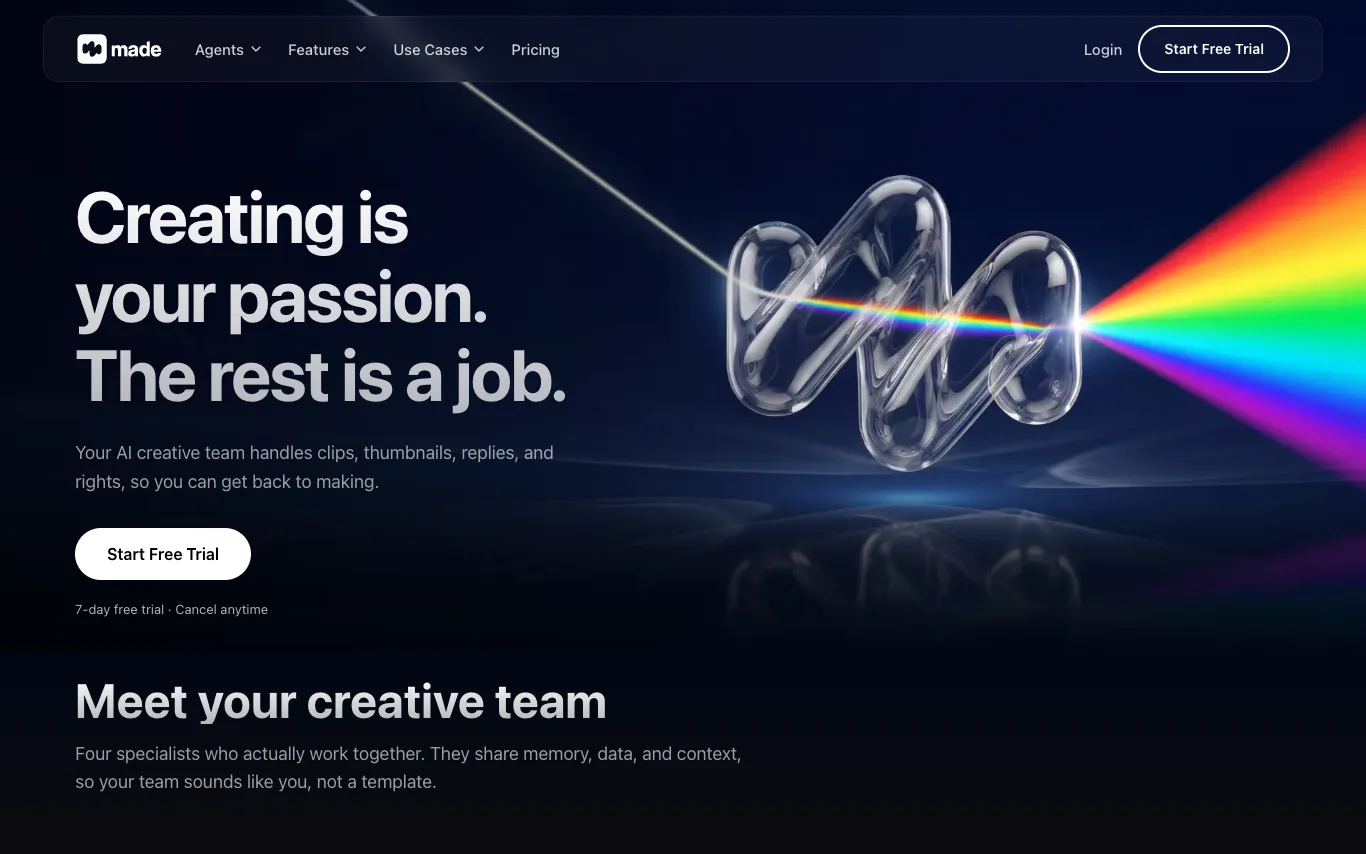

Made is an AI-powered creative team for content creators. It consists of four AI agents: Remi for production, Lila for distribution, Milo for creativity, and Zara for community. These agents work together, sharing memory and context, to help creators with video clipping, thumbnail generation, comment replies, and more. Made supports platforms like YouTube, TikTok, Instagram, and Facebook.
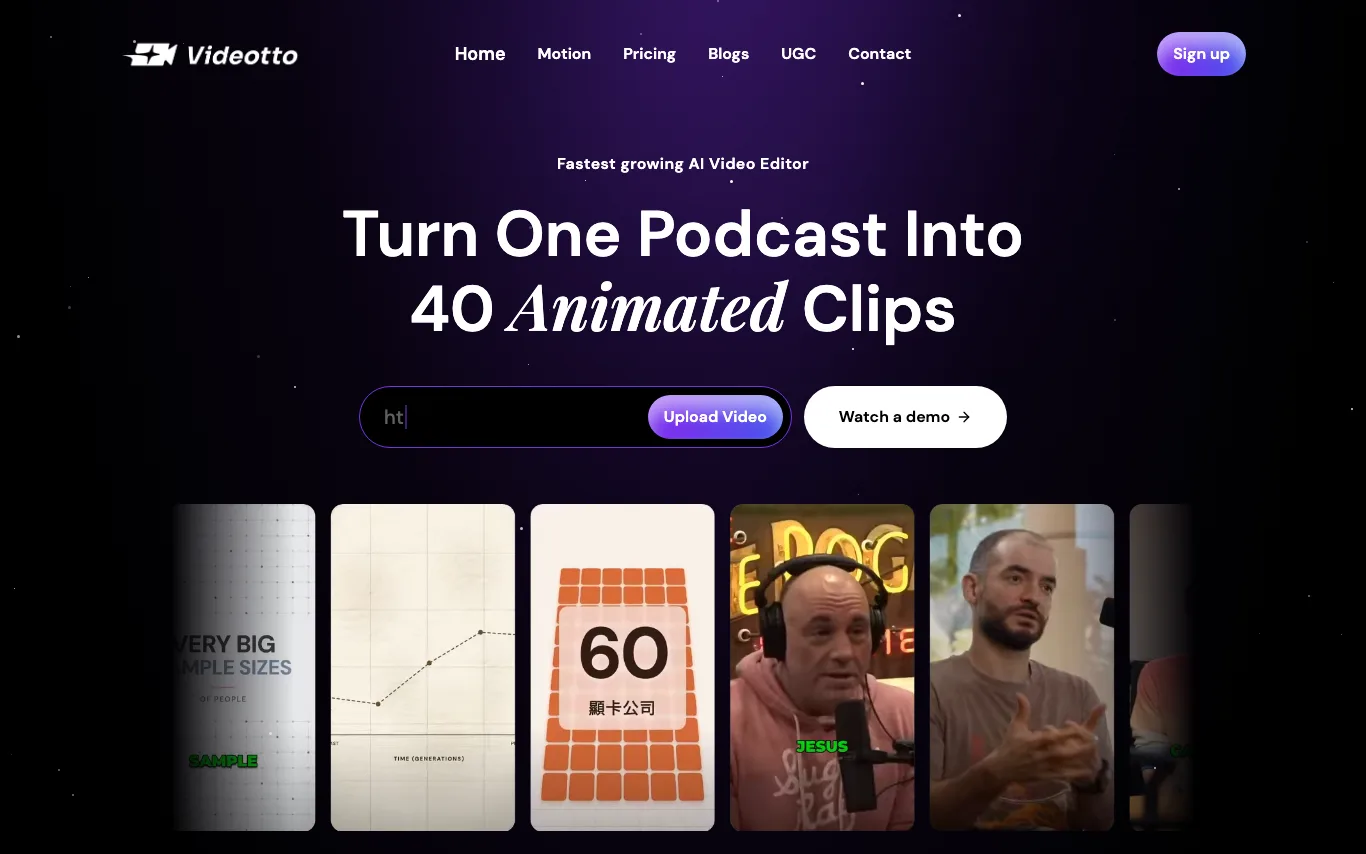

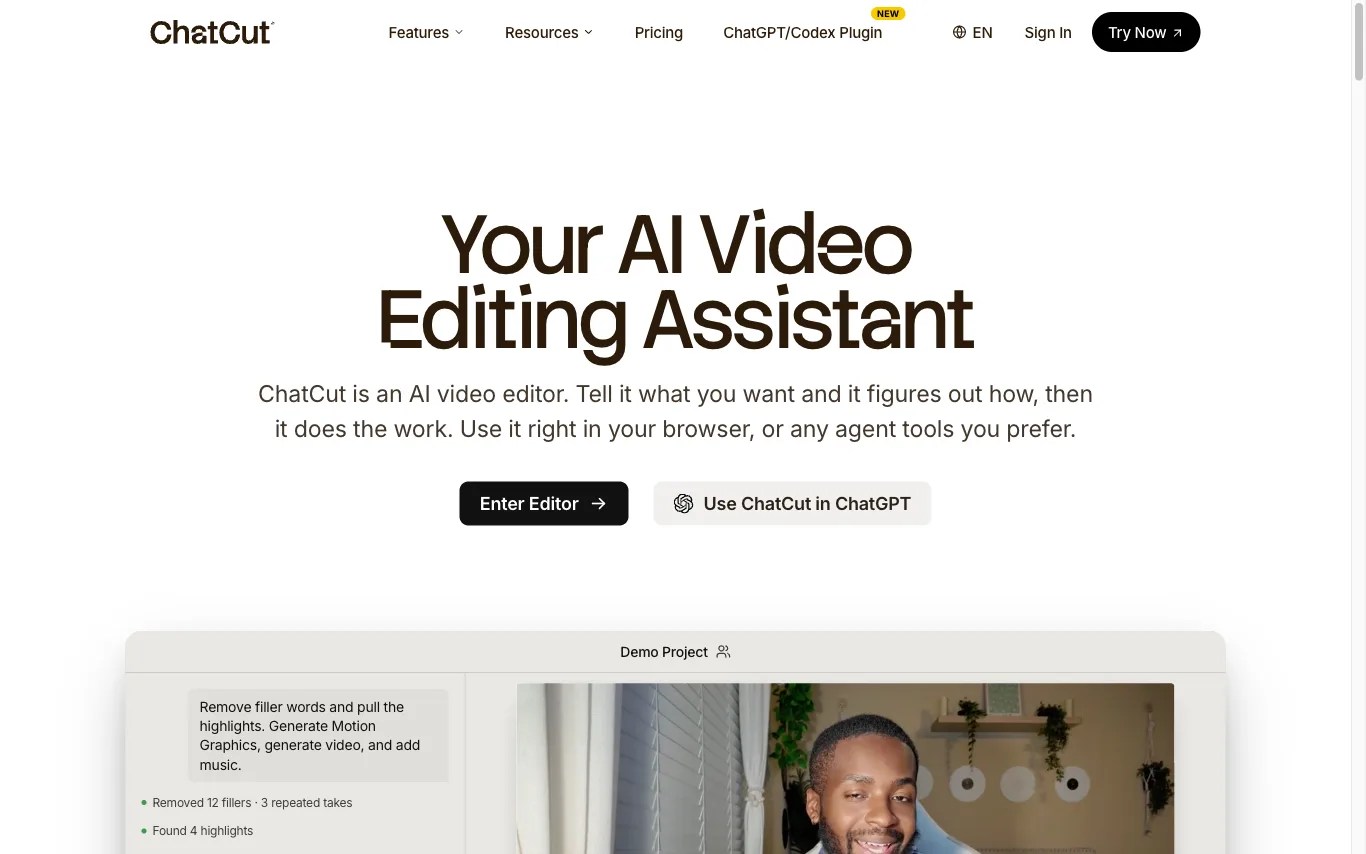


Remove background from video online and export a clean transparent file — no green screen, no manual masking, no waterma
What is an AI video editor?
An AI video editor is software that automates editing tasks that used to be manual — transcribing footage, cutting silences and filler words, generating captions, and finding highlight clips. Many let you edit video by editing its transcript, so deleting a sentence deletes that footage. They range from text-based editors like Descript to tools that turn one long video into short vertical clips.
What AI video editors can do
- Text-based editing that cuts footage by editing the transcript
- Auto captions and subtitles with word-level timing
- Filler-word and silence removal in one click
- Clip long videos into short, social-ready segments
- AI B-roll, stock, and scene suggestions
- Voice cloning, dubbing, and multi-language translation
Who uses AI video editors
01
Podcasters and YouTubers
Turn long recordings into clean episodes and short clips without frame-by-frame trimming.
02
Social and short-form creators
Auto-caption and reframe footage into vertical clips for TikTok, Reels, and Shorts.
03
Marketing and course teams
Repurpose webinars, demos, and talks into promos, tutorials, and lesson segments at scale.
04
Editors avoiding heavy software
Cut, caption, and clean up video by editing text instead of learning a full timeline NLE.
How AI video editors work
The tool first runs speech-to-text to transcribe your footage and align every word to a timestamp. Editing the transcript, detecting filler words, or finding highlights then maps directly back to cuts on the video timeline. Captioning, reframing, and B-roll are added as separate models that read the same transcript and video frames.