

AI Background Remover · 11 tools
Best AI Background Remover Tools (2026)
Compare AI background removers to cut out subjects, make transparent PNGs, batch-clean product photos, and swap backgrounds — from one-click erasers to hair-level cutout tools.
All AI Background Remover tools




Removal.AI is an automated background removal tool that uses AI to remove backgrounds from images in seconds. It requires no sign-up for basic use and supports batch processing for professional workflows.
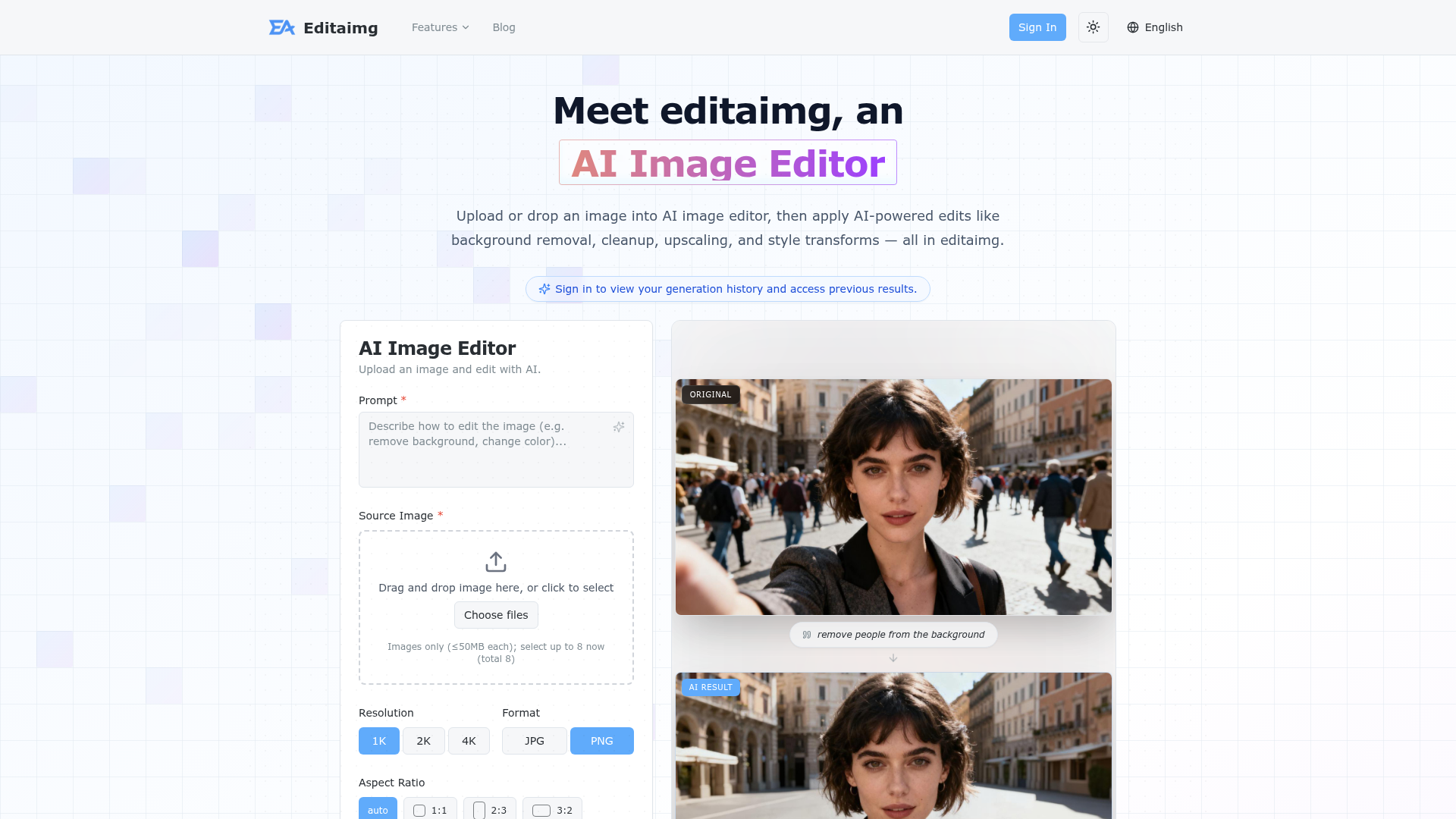



Edit photos with AI in seconds. Remove backgrounds, upscale images, replace objects, and create visuals from text with o


Edit photos with AI in seconds, remove backgrounds, upscale images, replace objects, and create fresh visuals from text


AiPassportPhoto crops, resizes and replaces the background of a phone photo to meet official passport, visa and ID specs across ten countries.





Remove background from video online and export a clean transparent file — no green screen, no manual masking, no waterma


Remove image backgrounds, objects, and text online with AI-powered tools for transparent PNG cutouts and image cleanup.
What is an AI background remover?
An AI background remover automatically detects the main subject in a photo and erases everything behind it, leaving a clean cutout. It outputs a transparent PNG or lets you drop in a new solid color or scene, without manual masking. Built on segmentation models, it handles tricky edges like hair, fur, and glass far faster than tracing by hand.
What AI background removers do
- One-click subject detection and background erase
- Transparent PNG export with clean alpha edges
- Hair, fur, and fine-edge cutout refinement
- Batch processing for many images at once
- Swap to solid color, blur, or new scene
- API and bulk upload for stores and workflows
Who uses background removers
E-commerce product photos
Sellers clean up product shots for white or lifestyle backgrounds on Amazon, Shopify, and marketplaces.
Marketing and social design
Designers cut out people and objects to composite into ads, thumbnails, and social posts.
Portraits and ID photos
Users isolate a face for profile pictures, resumes, or compliant passport and visa backgrounds.
Bulk catalog cleanup
Teams batch-process hundreds of images through an API to standardize a whole product catalog.
How AI background removal works
The tool runs your image through a segmentation model that classifies every pixel as subject or background. It builds an alpha mask around the foreground, refining semi-transparent areas like hair strands and motion blur. The background pixels are then made transparent, and you can export the PNG or paste the cutout onto a new backdrop.