

AI Logo Generator · 3 tools
Best AI Logo Generator Tools (2026)
Compare AI logo generators that turn a business name or prompt into brand logos, with editable vectors, icon sets, color palettes, and free options.
All AI Logo Generator tools


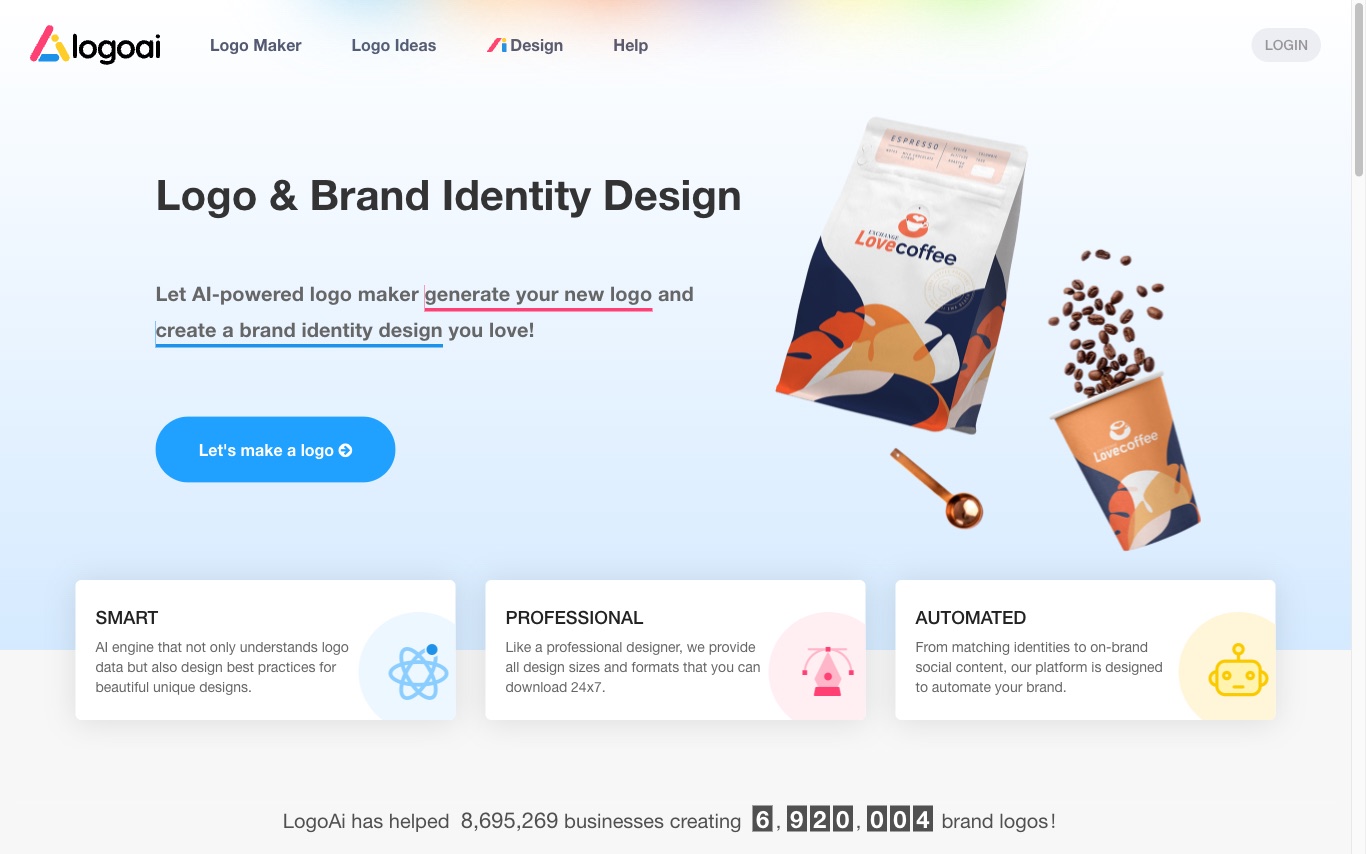

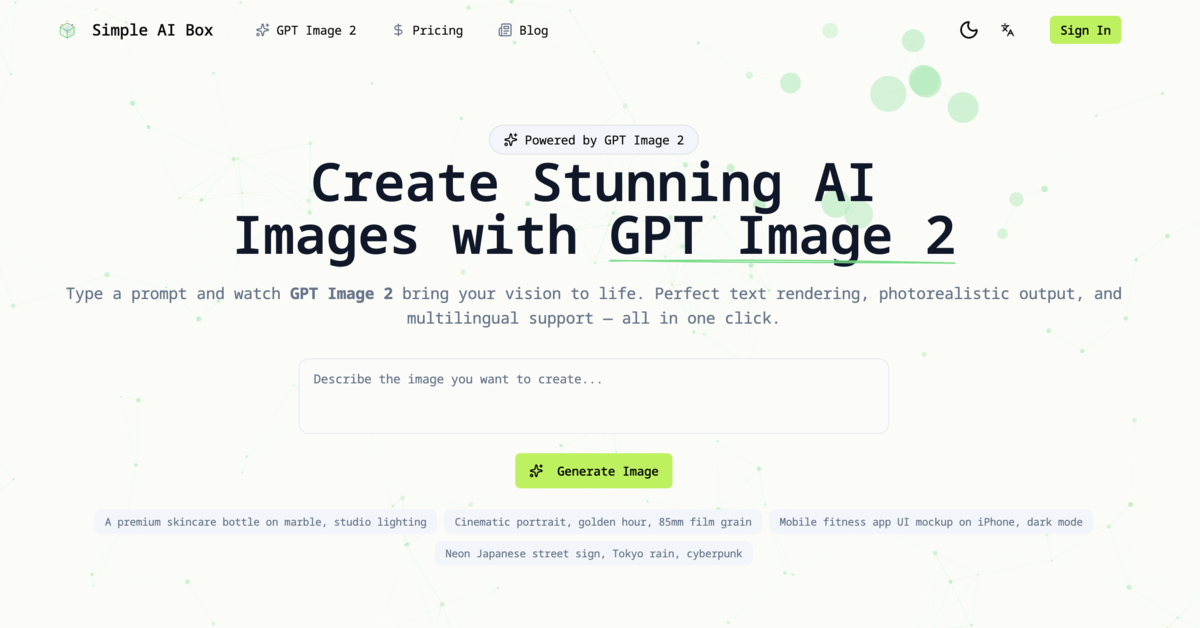

Create stunning AI images with perfect text rendering, photorealistic output, and multilingual support.
What is an AI logo generator?
An AI logo generator creates a logo from a short brief, usually your business name, industry, and a style or color preference. It uses generative and template-based models to produce many logo concepts in seconds, then lets you refine the fonts, icons, colors, and layout. Most export the result as vector and image files plus a matching brand kit for web, social, and print.
What AI logo generators do
- Generate logo concepts from a business name and prompt
- Vector SVG and high-resolution PNG exports
- Editable fonts, icons, colors, and layout
- Brand kits: favicons, social avatars, business cards
- Style presets by industry (tech, cafe, fashion, etc.)
- Transparent backgrounds and one-color (mono) variants
Who uses AI logo generators
Startups and small businesses
Get a usable brand logo fast without hiring a designer or waiting on revisions.
Side projects and creators
Spin up a mark for an app, channel, newsletter, or store on a tight budget.
Marketers and agencies
Draft concepts and mockups quickly to explore directions before committing to a designer.
Events and communities
Create a logo for a one-off event, team, club, or campaign that needs quick branding.
How AI logo generators work
You enter your brand name and pick styles, colors, and an industry, and the tool feeds that to generative and template-based models. Some assemble icons, fonts, and layouts from curated libraries using design rules, while others use diffusion models to draw original marks. You then tweak the result in a browser editor and export vector and raster files.