


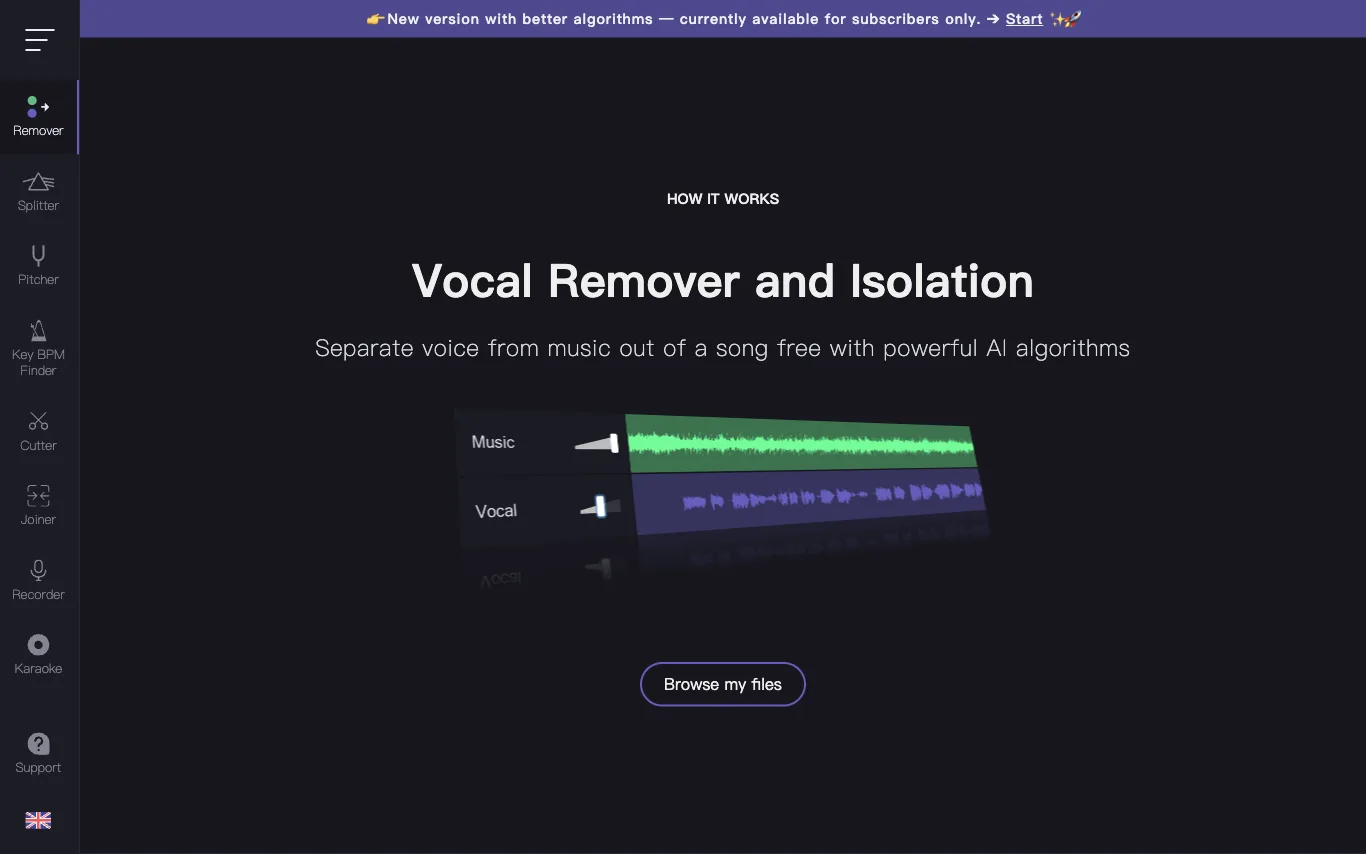

Vocal Remover separates vocals from music using AI, producing a karaoke version and an isolated acapella track. Free online tool, no login required, results in about 10 seconds.
Best AI Audio Editing Tools (2026)
Compare AI audio editing tools for noise removal, vocal isolation, voice enhancement, audio restoration, mastering, and text-based podcast editing.
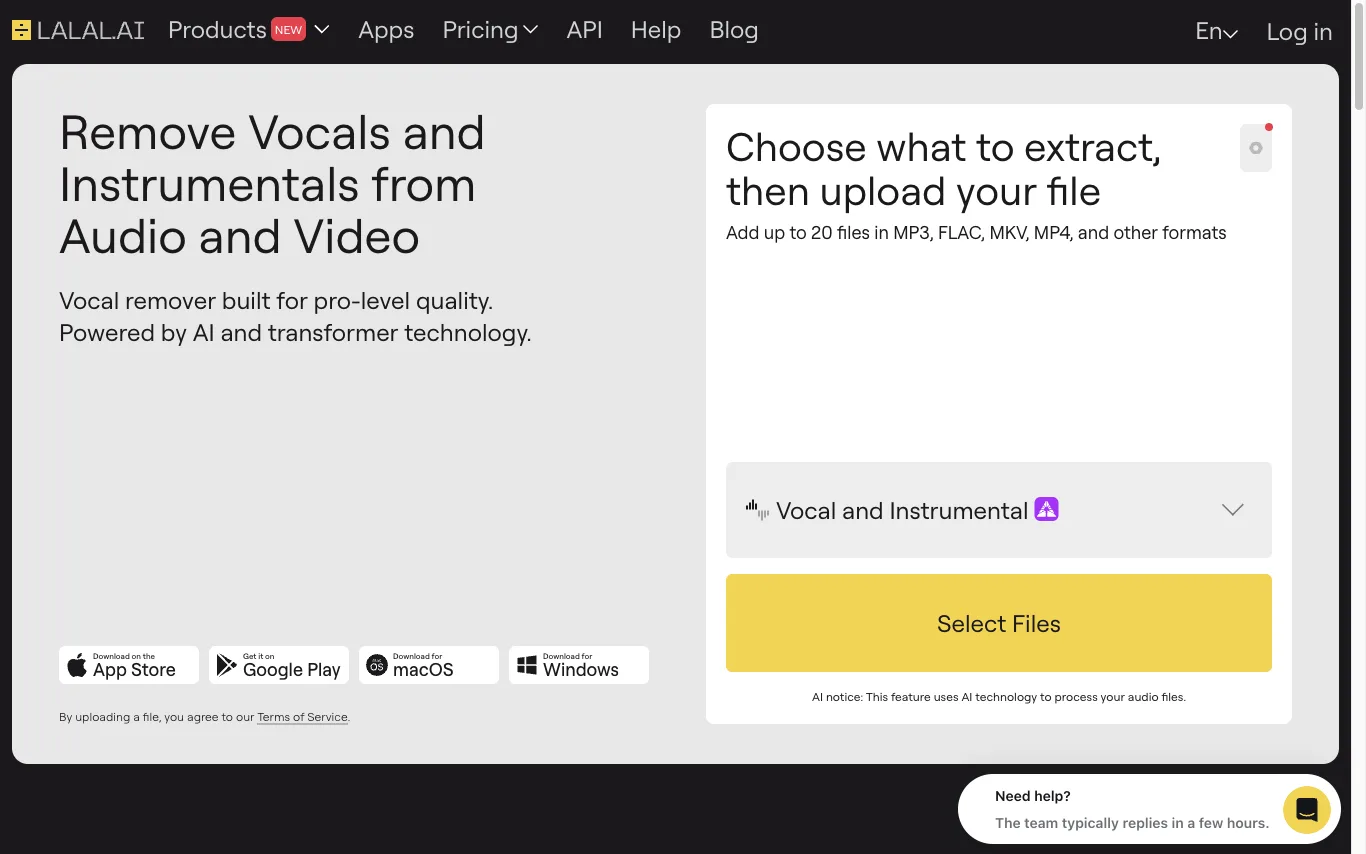

LALAL.AI is an AI audio stem separator that removes vocals and isolates instrumentals from any audio or video file. It uses transformer-based AI and is available as a web tool, desktop app, mobile app, and API.

Reversely is an AI music toolkit. Reverse audio, change tempo and key, separate vocals and instruments, and clone voices—all in a web-based suite for musicians and creators.
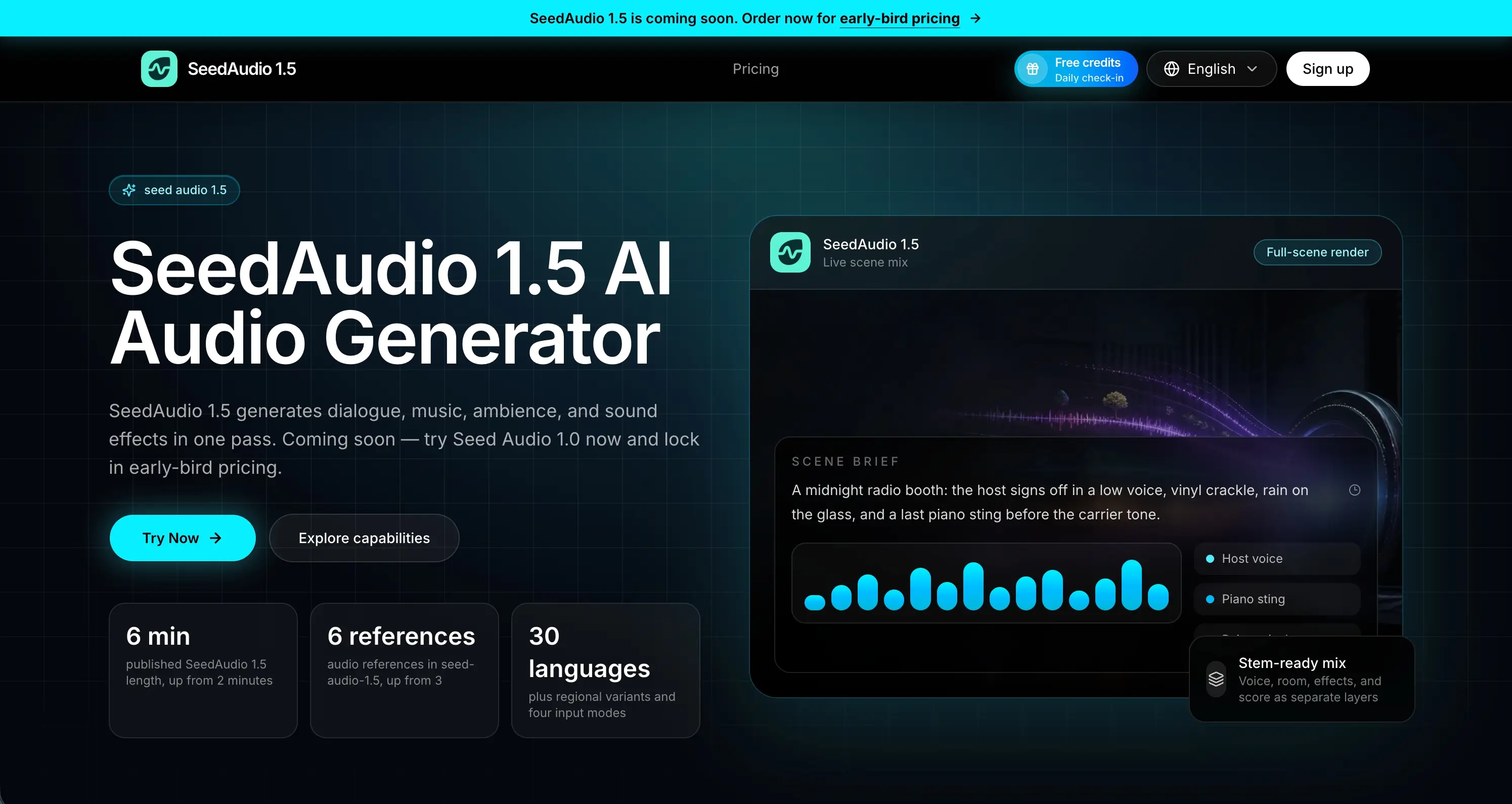

Create dialogue, music, ambience, and sound effects with AI.
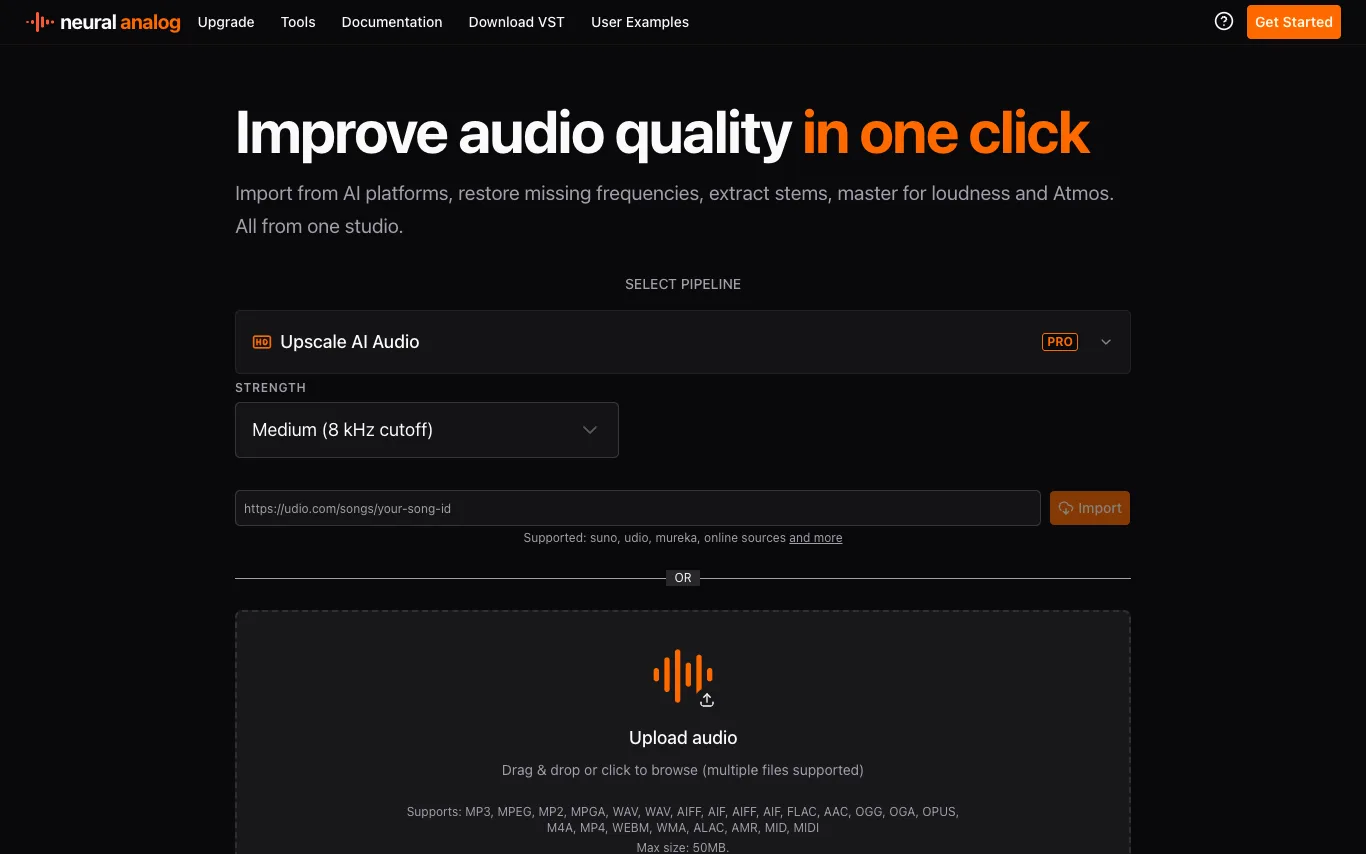

Neural Analog is an online audio processing studio that enhances audio quality using GPU-based models. It offers tools for upscaling AI-generated audio, restoring missing frequencies, extracting stems, mastering for loudness and Atmos, and importing tracks from platforms like Suno and Udio. Users can upload files or paste links, and the platform automatically fetches metadata, measures LUFS, and computes spectrograms. It supports batch processing for playlists and multiple files, and includes features like prompt-based stem separation and Match EQ mastering.
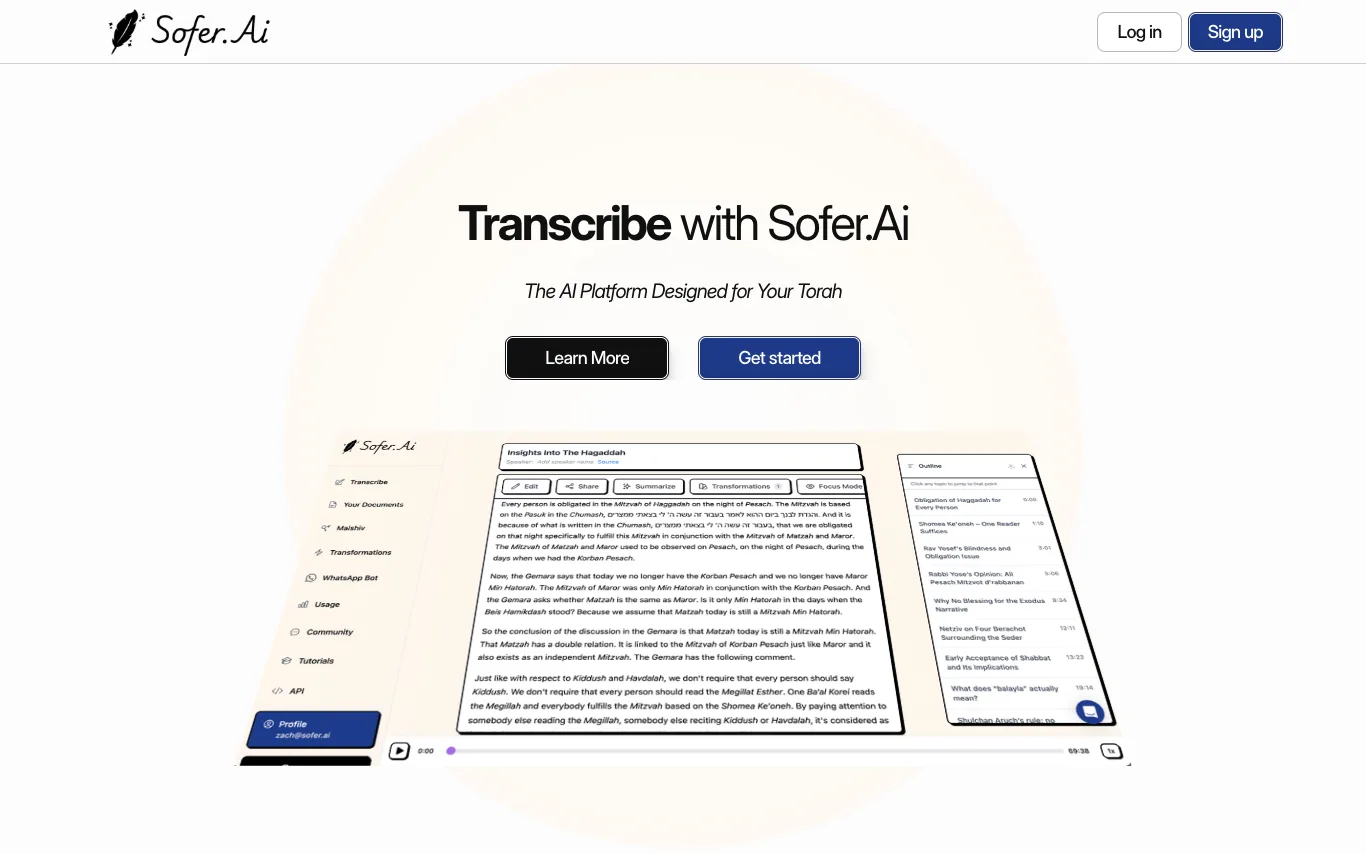

Sofer.Ai is an AI platform built for Torah. It transcribes shiurim into clear, searchable text, with tools for editing, printing, transforming, and studying. Features include multilingual transcription, intelligent playback, topic outlines, and custom transformations. It also offers Maishiv, a personal AI shoel u'Maishiv that searches your curated knowledge base.
Related categories
What is AI audio editing
AI audio editing tools use machine learning to clean, restore, and reshape recorded sound without manual waveform work. They can strip out noise and reverb, isolate vocals or instruments from a finished mix, and let you cut audio by editing its transcript. The line between a repair tool and a full editor blurs, since many pair one-click fixes with a timeline you still control.
What AI audio editors do
- One-click noise, hum, and background removal
- Vocal isolation and stem separation from any mix
- Voice enhancement, de-reverb, and clarity boost
- Text-based editing that cuts audio by transcript
- Filler-word, silence, and stutter removal
- Loudness normalization and automated mastering
Who uses AI audio editing
01
Podcasters and audiobook producers
Clean up recordings, remove noise and misspeaks, and export polished episodes fast.
02
Musicians and remixers
Extract vocals or instruments into stems for covers, remixes, and sampling.
03
Video editors and creators
Repair dialogue, cut background noise, and tame room echo captured on set.
04
Journalists and interview transcribers
Transcribe first, then trim clips by editing the text of the conversation.
How AI audio editing works
Most tools run neural networks trained on large sets of clean-versus-degraded audio, so the model learns to tell wanted sound like a voice from unwanted hiss, hum, and room echo, then rebuilds the clean version. Source separation works on the spectrogram, splitting one file into vocal, drum, or noise stems. Text-based editors transcribe the audio first and map every word to its timestamp, so deleting text trims the waveform.