


Timbal is the production AI platform enterprise teams use to build, deploy, and govern agents, workflows, and knowledge bases on the models they choose. It offers autonomous agents, deterministic workflows, custom interfaces, enterprise-grade RAG, and 100+ native integrations. Everything you build is exportable code, ensuring no vendor lock-in.
AI Knowledge Base · 3 tools
Best AI Knowledge Base Tools (2026)
Compare AI knowledge base tools that turn your docs, wikis, and support content into a searchable assistant that answers questions with cited sources.
All AI Knowledge Base tools
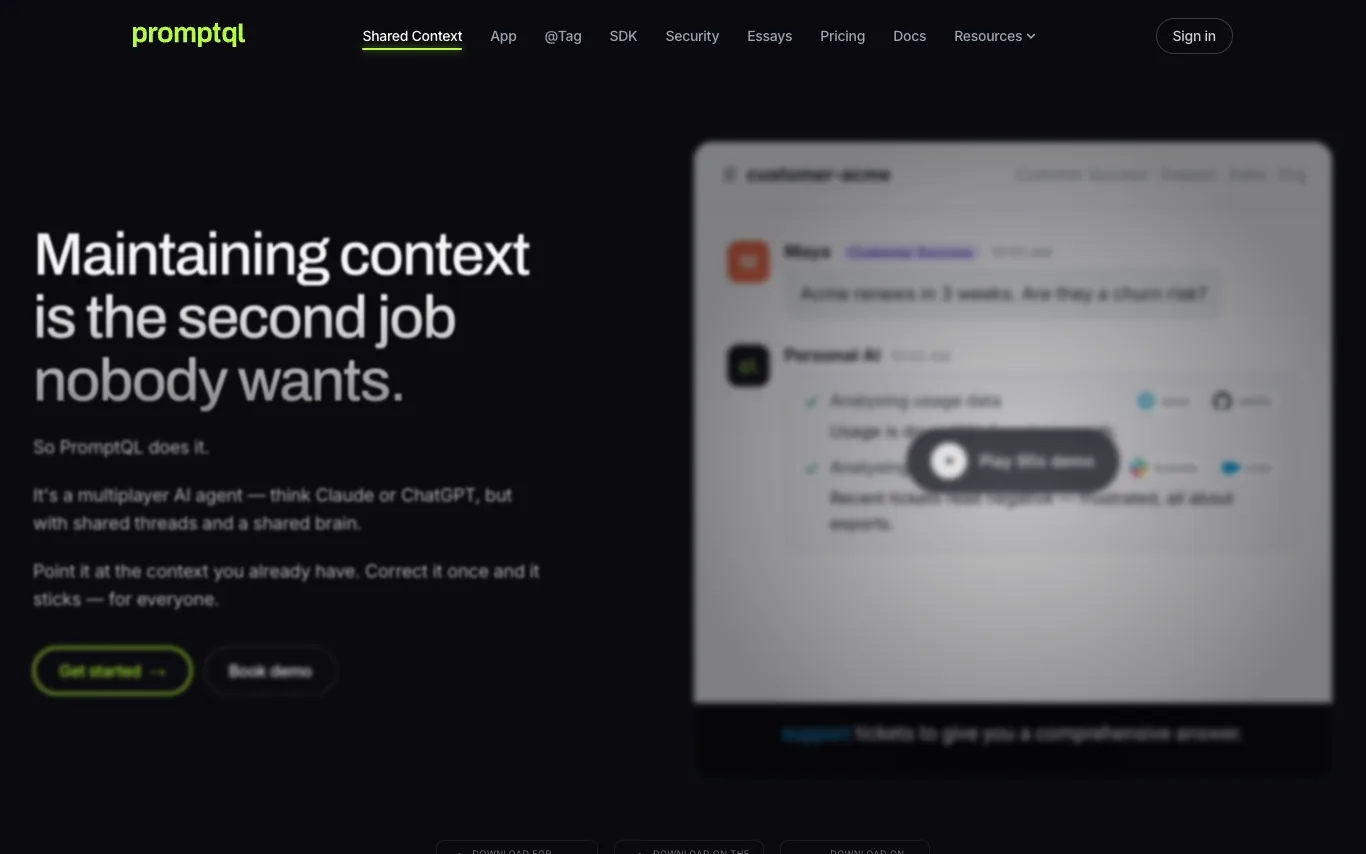

PromptQL is a multiplayer AI agent that maintains shared context for teams. It learns from corrections and turns them into reusable skills, team knowledge, and semantic-model changes. It starts from existing context in Slack, docs, tickets, CRM, and warehouse tables, and suggests updates to a wiki. With shared threads and a shared brain, it helps teams work faster with fewer meetings and status updates.
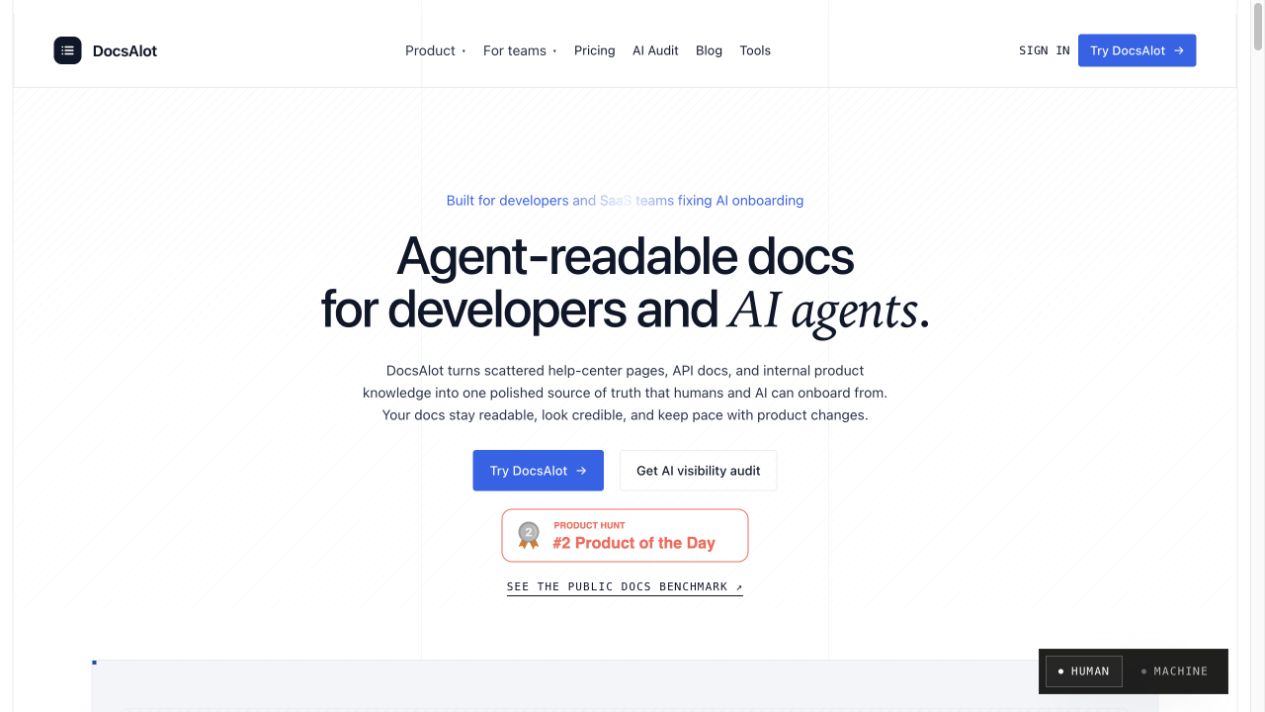

DocsAlot turns scattered help-center pages, API docs, and internal product knowledge into one polished source of truth that humans and AI can onboard from. It integrates with GitHub, OpenAPI, Notion, Intercom, Zendesk, and Confluence, and publishes hosted docs, llms.txt, skill.md, and MCP-ready chunks. Every publish creates a shareable benchmark report showing which answers cite the docs and what to fix next.
What is an AI knowledge base?
An AI knowledge base connects a large language model to your own content — documents, wikis, help articles, and support history — so people ask questions in plain language instead of digging through folders. It uses retrieval-augmented generation (RAG): it finds the passages that match a question, then writes an answer grounded on them with links back to the source. Some run as an internal team assistant, others as a public self-service help center or support bot.
What AI knowledge base tools do
- Ingest docs, PDFs, wikis, Notion, and support tickets
- Semantic search that understands meaning, not just keywords
- Answers with citations linking back to source passages
- Sync connectors keep your content fresh automatically
- Permission controls so answers respect user access
- Deploy as internal assistant, help widget, or API
Who uses AI knowledge bases
01
Internal team wiki
Let employees ask HR, IT, and process questions and get sourced answers instantly.
02
Customer self-service
Deflect support tickets with a help center bot that answers straight from your docs.
03
Support agent assist
Give agents suggested replies drawn from past tickets and product documentation.
04
Personal second brain
Turn saved notes, articles, and research into a searchable personal assistant.
How an AI knowledge base works
When you add content, the tool splits it into chunks and converts each into a vector embedding stored in a search index. A question is embedded the same way, the closest passages are retrieved, and a language model writes an answer using only those passages — citing where each fact came from. Connectors re-sync your sources on a schedule so answers stay current as documents change.