

AI PDF · 8 tools
Best AI PDF Tools (2026)
Compare AI PDF tools to chat with documents, summarize long reports, extract tables and data, translate, edit, convert, and OCR scanned files — ChatPDF alternatives included.
All AI PDF tools




Create realistic receipts with a drag-and-drop builder, perfect for various business needs.



Redia is an AI-powered reading companion that transforms complex academic papers, PDFs, EPUBs, and web articles into clear summaries, highlights, and diagrams. It offers features like continuous reading filter, line-by-line alignment, and evidence-based AI discussion to enhance comprehension and research efficiency.
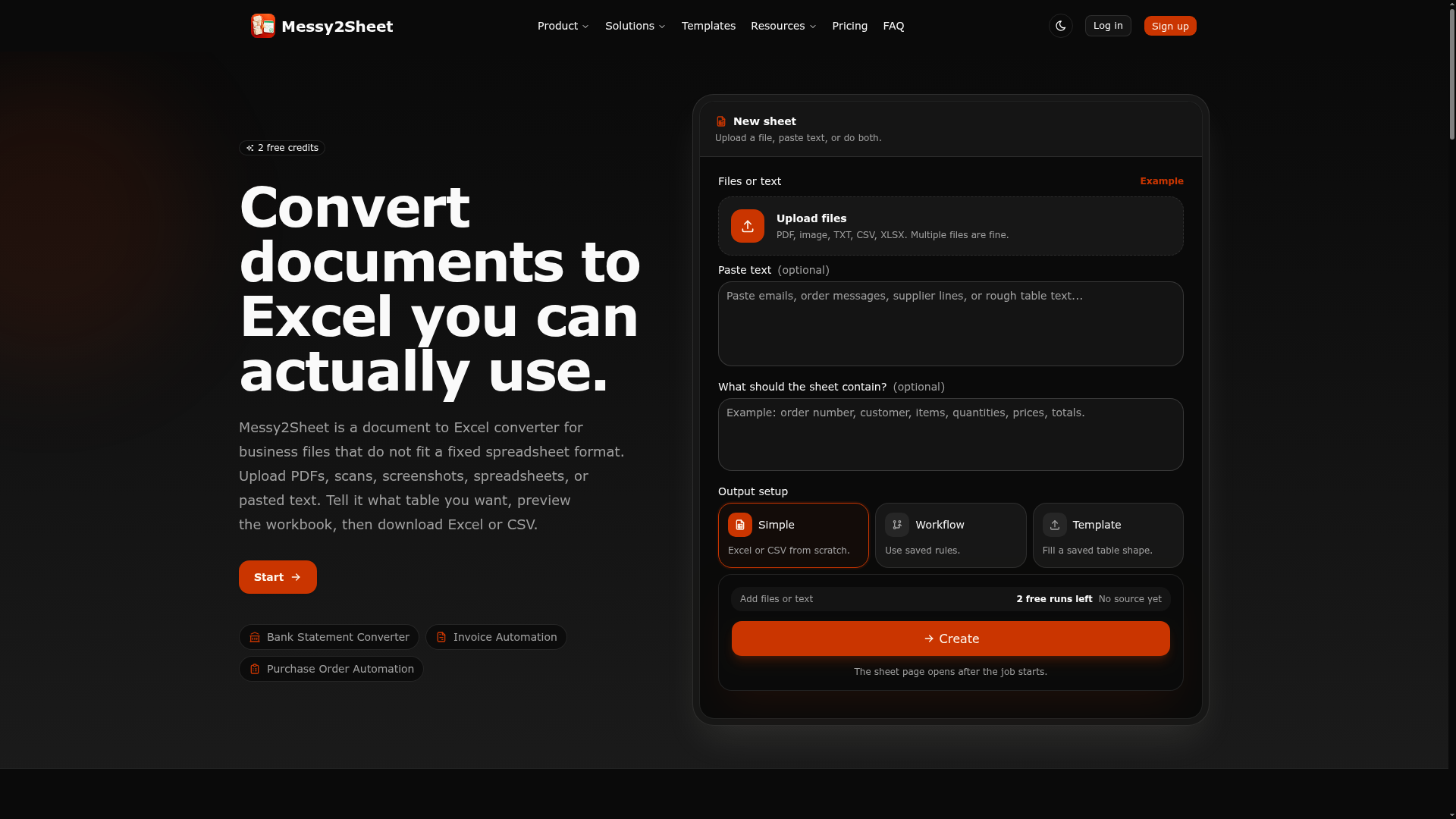

Convert documents to Excel you can actually use.
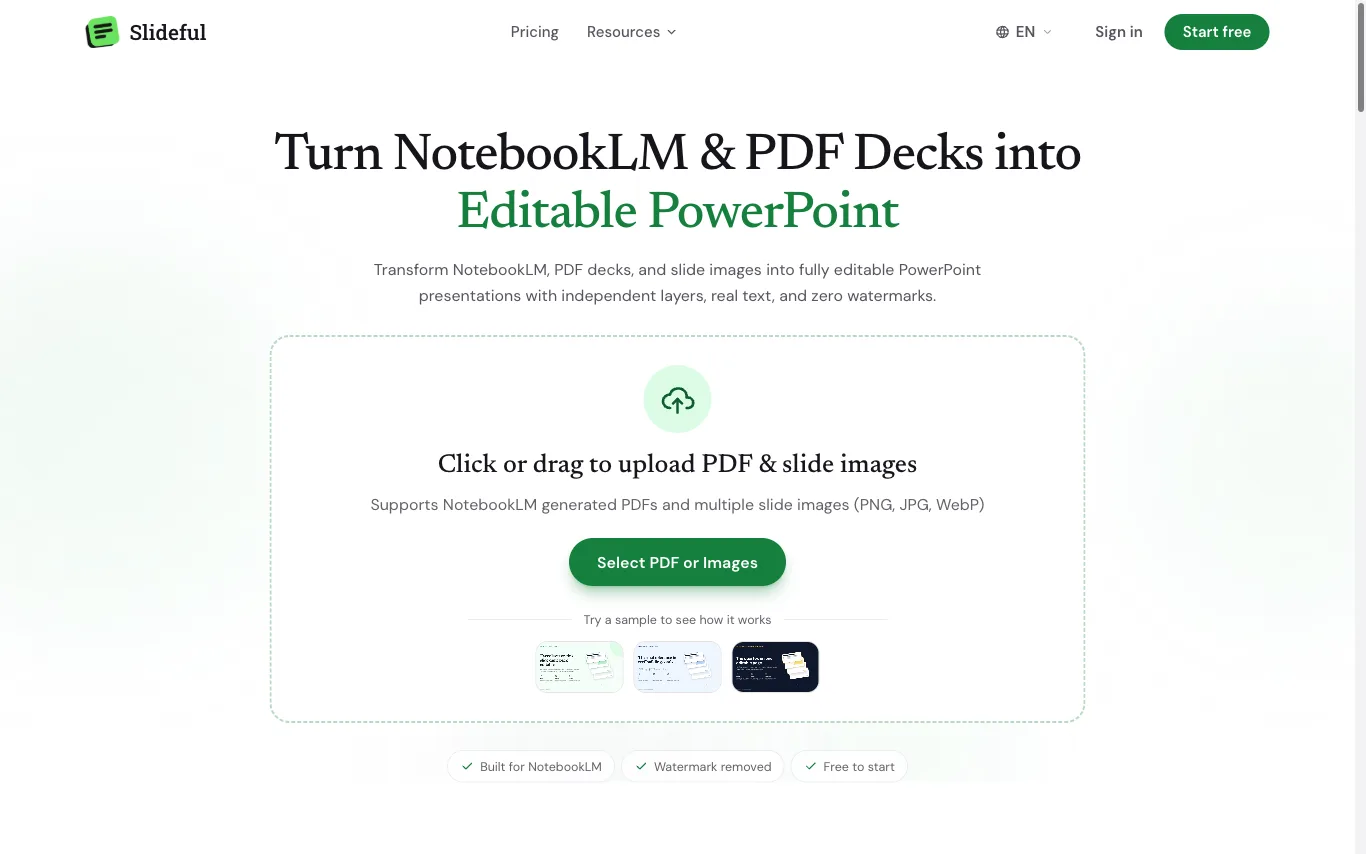

What is an AI PDF tool?
An AI PDF tool uses a large language model to read a PDF and answer questions, summarize it, or pull out specific information in plain language. Instead of scrolling a long document, you upload it and ask — and it cites the pages its answer came from. Many also edit, convert, translate, or run OCR on scanned files so the text becomes searchable.
What AI PDF tools do
- Chat with a PDF and get page-cited answers
- One-click summaries of long reports and papers
- Extract tables, figures, and key data to export
- OCR turns scanned pages into searchable text
- Translate documents while keeping the layout intact
- Ask questions across many PDFs at once
What people use AI PDF tools for
Students and researchers
Summarize papers, quiz yourself, and find citations and sources across a stack of PDFs.
Legal and finance
Review contracts, filings, and reports to surface clauses, numbers, and risks fast.
Business and operations
Pull data from invoices, forms, and statements straight into spreadsheets.
Everyday reading
Understand manuals, leases, and dense documents by asking plain-language questions.
How AI PDF tools work
The tool splits your PDF into chunks and turns each into a vector embedding stored in a searchable index. When you ask a question, it retrieves the most relevant passages and feeds them, along with your question, to a language model that writes a grounded answer with page references. Scanned files pass through OCR first, so the image becomes text the model can actually read.