


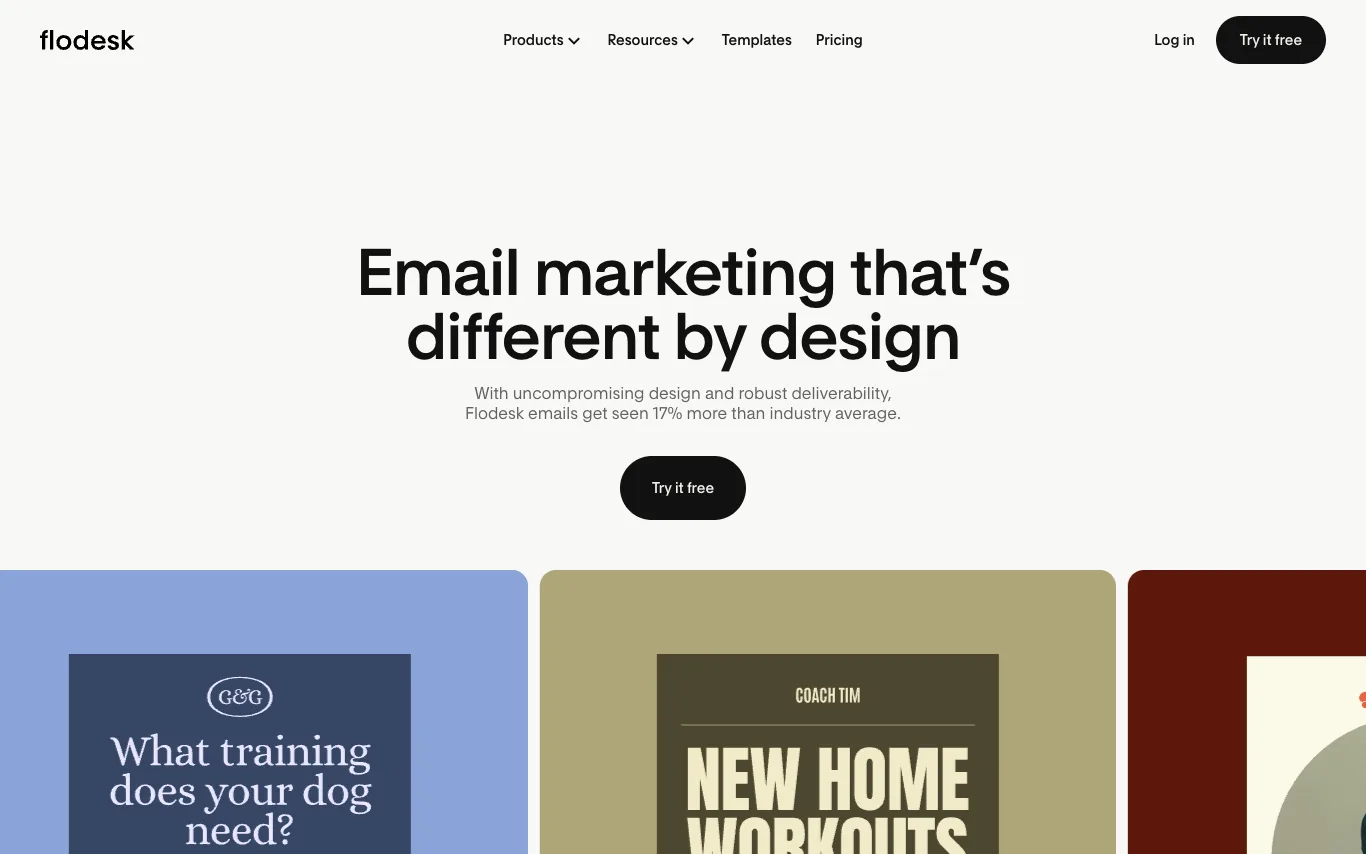

Flodesk is an email marketing platform that combines uncompromising design with robust deliverability. It offers a minimalist interface for creating emails, forms, and landing pages, along with automation, analytics, and e-commerce features. Flodesk integrates with popular tools like Shopify, Canva, and Zapier, and provides a free trial.
Best AI Email Assistant Tools (2026)
Compare AI email assistants that draft replies, write cold outreach, summarize threads, clean your inbox, and integrate with Gmail and Outlook.
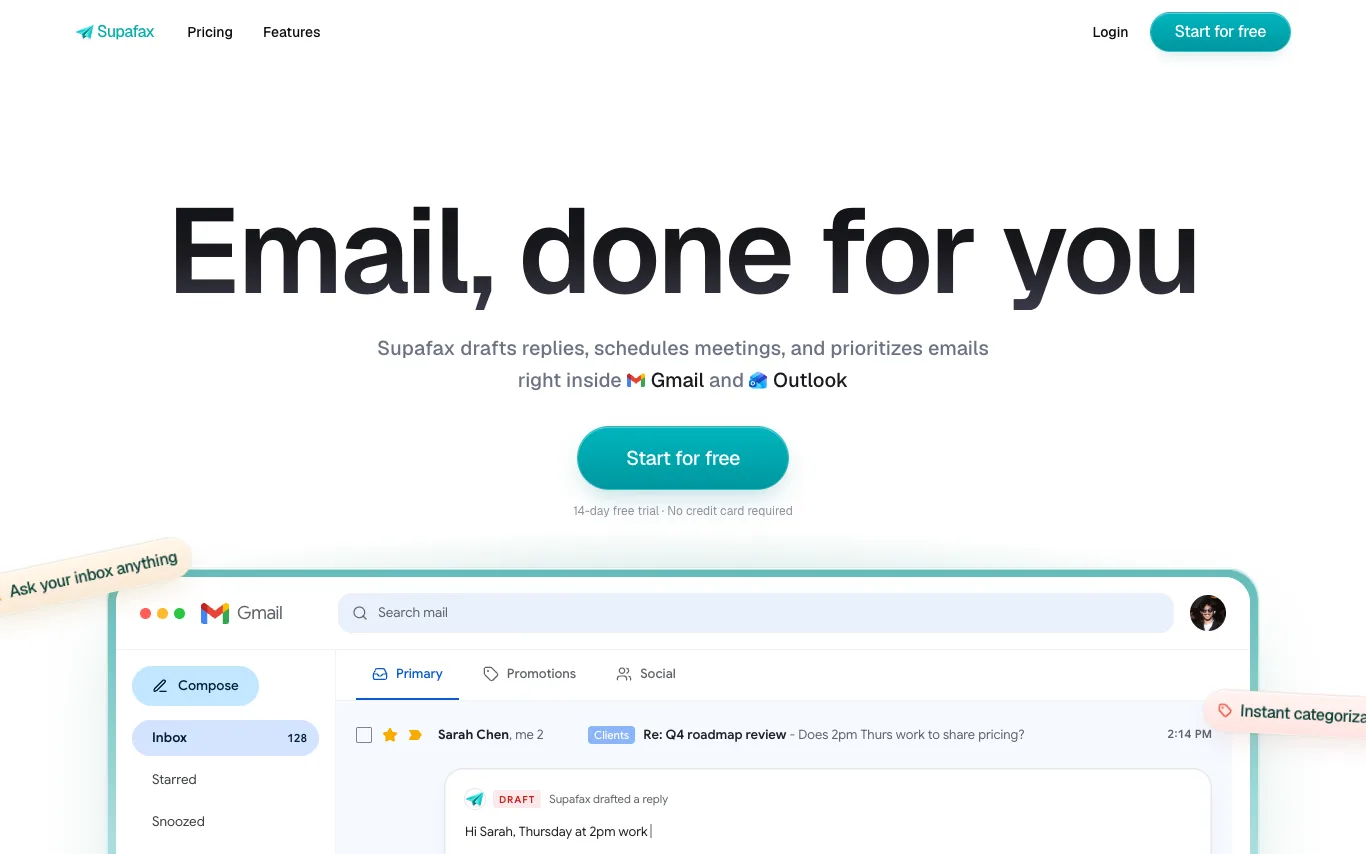

Supafax drafts replies, schedules meetings, and prioritizes emails right inside Gmail and Outlook. It learns your tone from past emails to write replies that sound like you, auto-labels your inbox based on sender, content, or custom rules, and can handle meeting scheduling by finding times and sending calendar invites. With zero setup, you can connect your inbox once and let Supafax handle the rest, saving hours of email time.
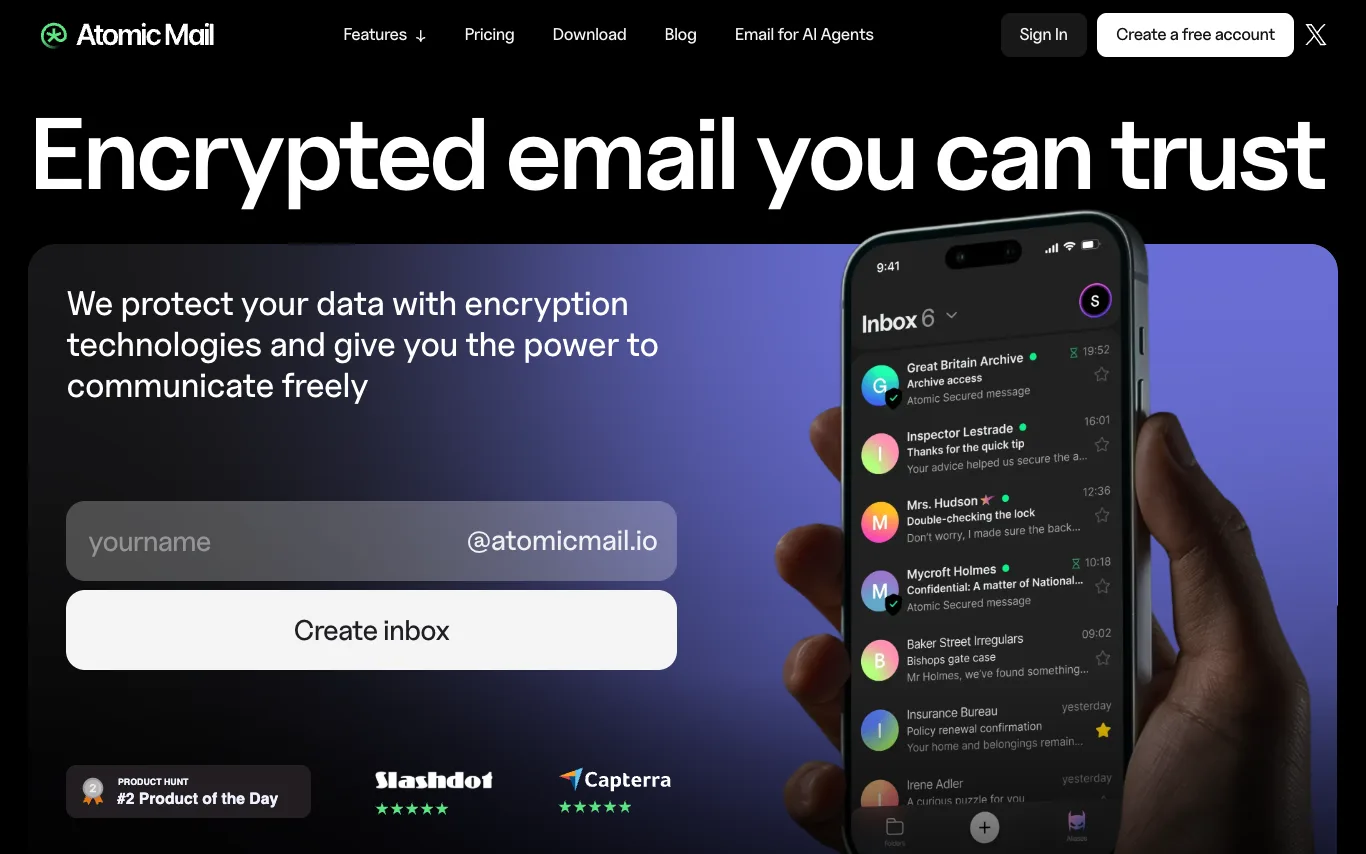

Atomic Mail is a private email service that prioritizes security and privacy. It offers end-to-end encryption, zero-access storage, and blockchain-class privacy. Users can create free accounts, use email aliases, and access AI-powered features like writing assistance, grammar checking, translation, summarization, and text-to-voice. The service is available on Windows, macOS, iOS, Android, and Web.

Loops is email marketing software designed for SaaS teams to send marketing, lifecycle, and transactional email from a single platform. It offers a visual email editor that ensures designs work across major email clients, a developer-friendly API and SDKs, and powerful lifecycle workflow automation. Loops integrates with popular tools like Stripe, Supabase, and Clerk, and provides features for segmentation, goal tracking, and experiments. It is free to start with no credit card required.
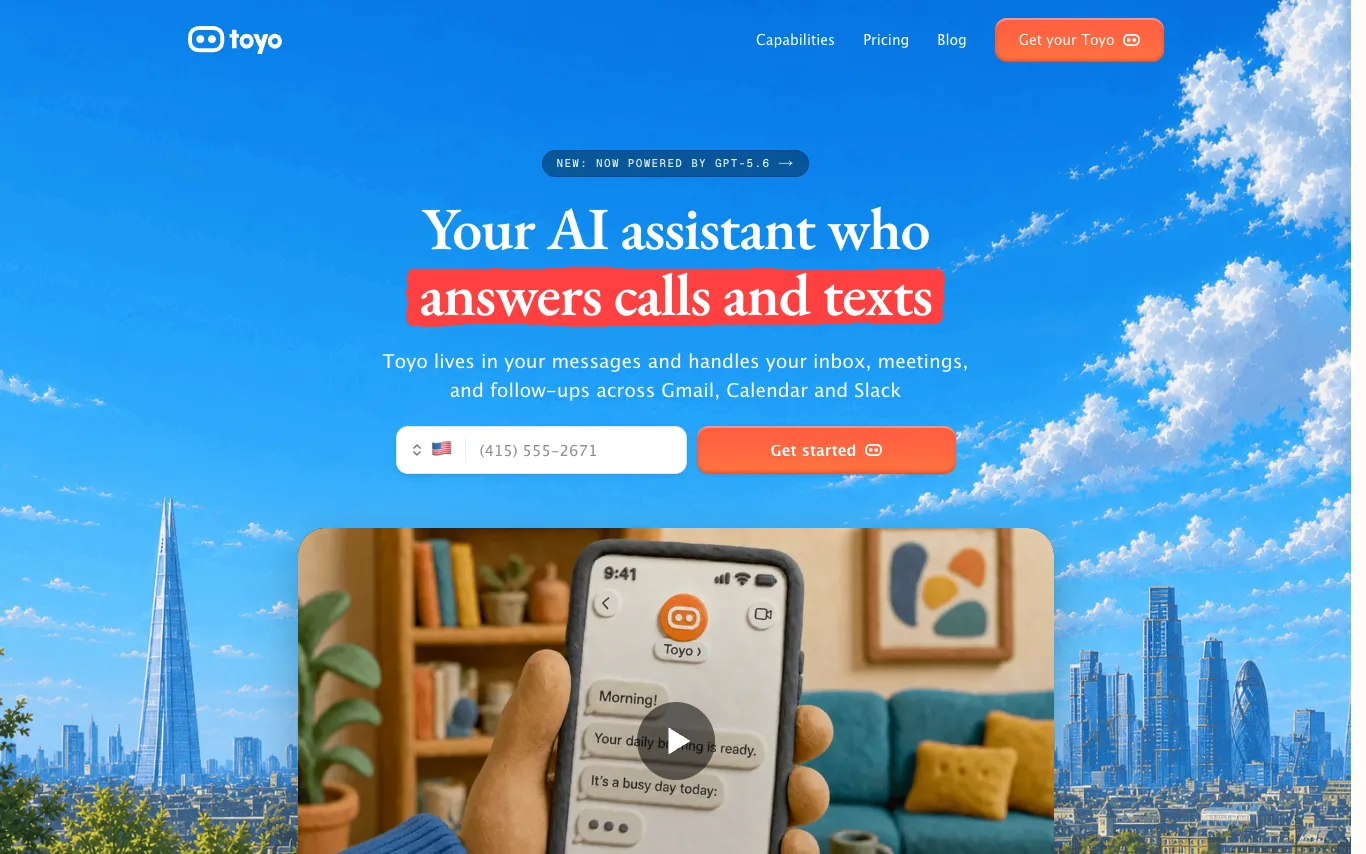

Toyo is an AI assistant for founders and busy teams. It lives in your messages, learns how you work, and handles the work eating your week. It handles email triage, meeting scheduling, and meeting prep across Gmail, Calendar, and Slack.
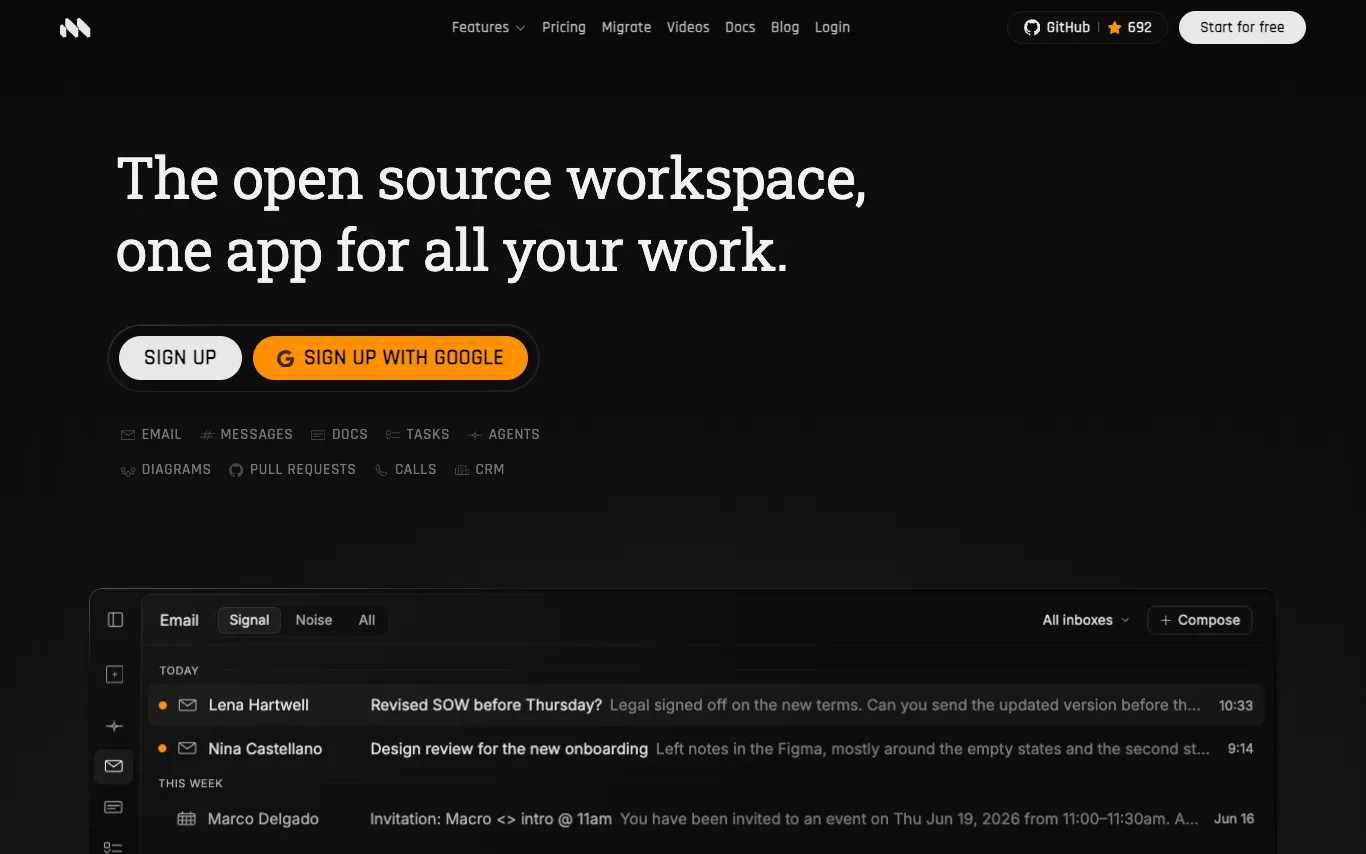

Macro is an open-source workspace that unifies email, messages, docs, tasks, calls, and CRM into a single interface with shared memory. It offers AI-powered email triage, collaborative CRDT-based docs, distraction-free team chat, and keyboard-first tasks. Built for speed with Rust and SolidJS, Macro is SOC 2 Type II certified and supports self-hosting.
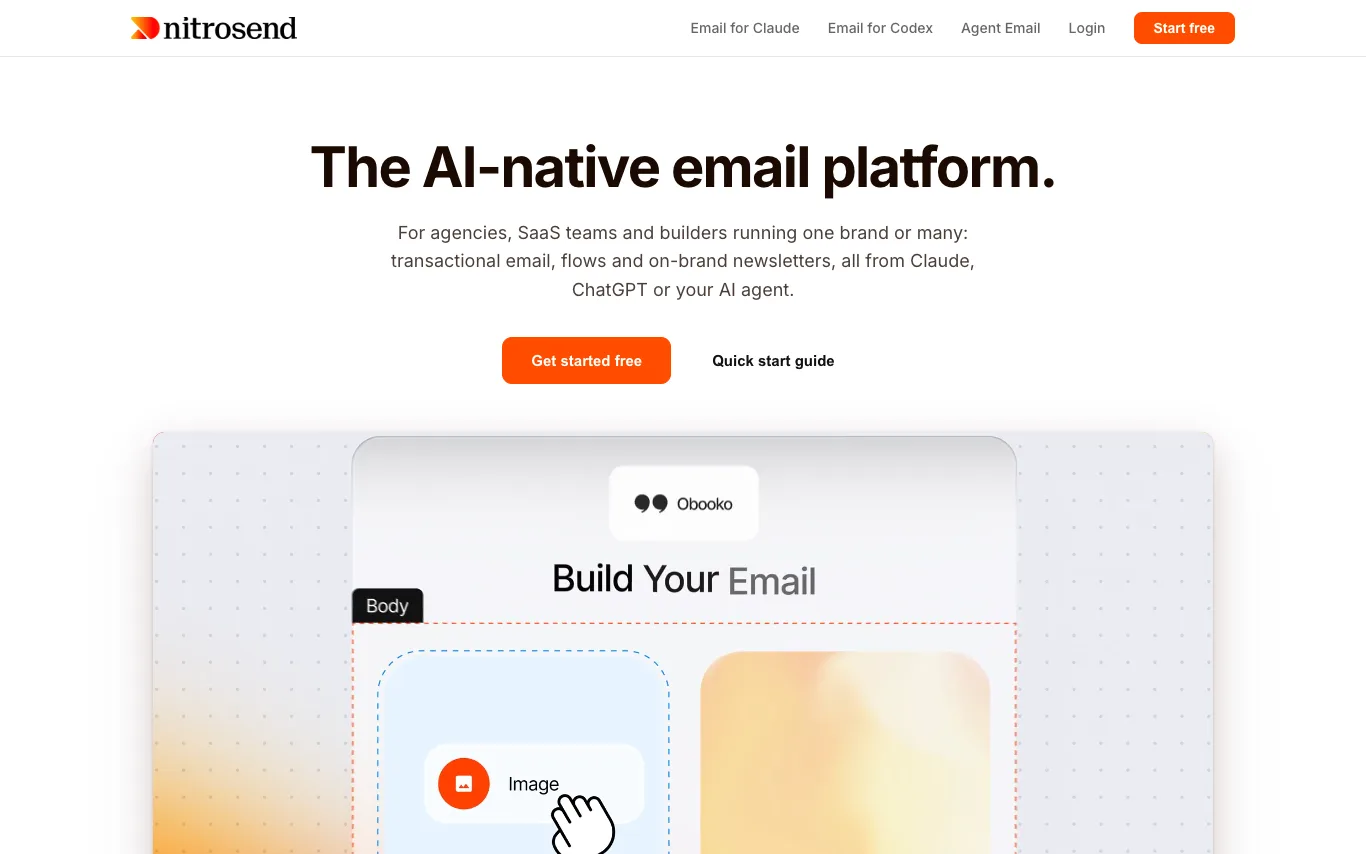

Nitrosend is an AI-native email platform that integrates with AI agents like Claude, ChatGPT, and Cursor. It enables users to create transactional emails, flows, and newsletters through natural language prompts, with human approval gates. The platform supports multiple brands, each with its own Brand Kit, domains, and audience context. It offers detailed performance analytics and is free to start.
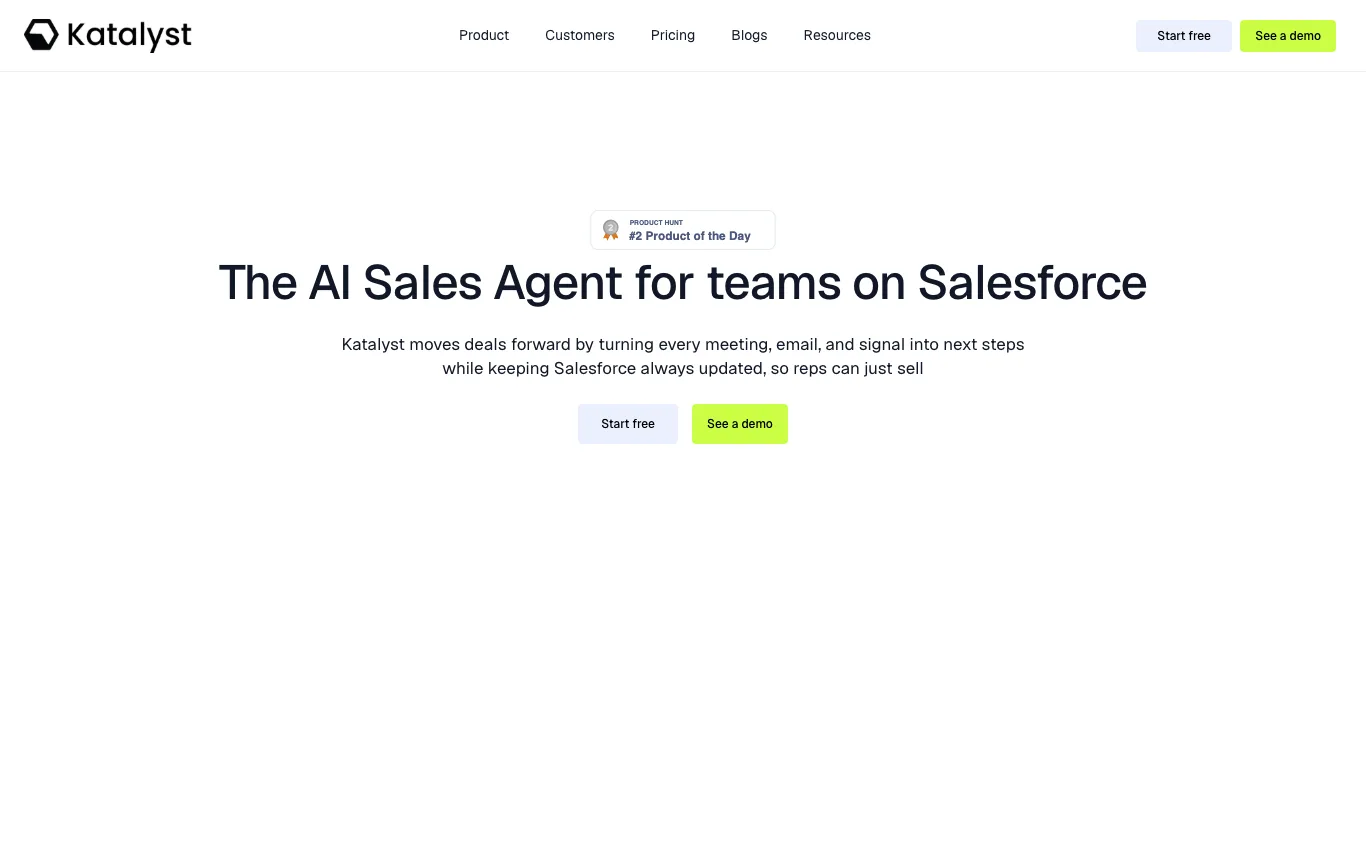

Katalyst is an AI sales agent that automates Salesforce updates, summarizes meetings, emails, and calls, and surfaces critical signals to help enterprise sales reps close deals. It turns every interaction into next steps, builds account plans, drafts follow-ups, and provides deep search across tools, ensuring pipeline data is always current.
Related categories
What is an AI email assistant?
An AI email assistant is a tool that reads your inbox and helps you write, reply to, and manage email using a language model. It can draft messages in your voice, summarize long threads, suggest quick replies, and sort or prioritize what lands in your inbox. Most work inside Gmail or Outlook as an extension, sidebar, or connected app.
What AI email assistants do
- Draft full replies from a short prompt or thread
- Summarize long email threads into key points
- One-click quick replies in your writing tone
- Write cold outreach and follow-up sequences
- Sort, label, and prioritize the inbox automatically
- Work inside Gmail, Outlook, or as an add-on
Who uses AI email assistants
01
Busy professionals
Clear a crowded inbox faster by drafting replies and summarizing threads before you read them.
02
Sales and outreach teams
Write personalized cold emails and follow-up sequences that adapt to each prospect at scale.
03
Customer support
Draft consistent, on-brand responses to common tickets and questions with a human final review.
04
Non-native English writers
Compose clear, correctly toned business email and fix grammar without switching tools.
How AI email assistants work
The assistant connects to your mailbox and feeds the thread, your instruction, and often past emails into a large language model. The model generates a draft in the requested tone, which you review and edit before sending. Tools that manage your inbox add classification and rules on top, tagging and sorting messages as they arrive.