

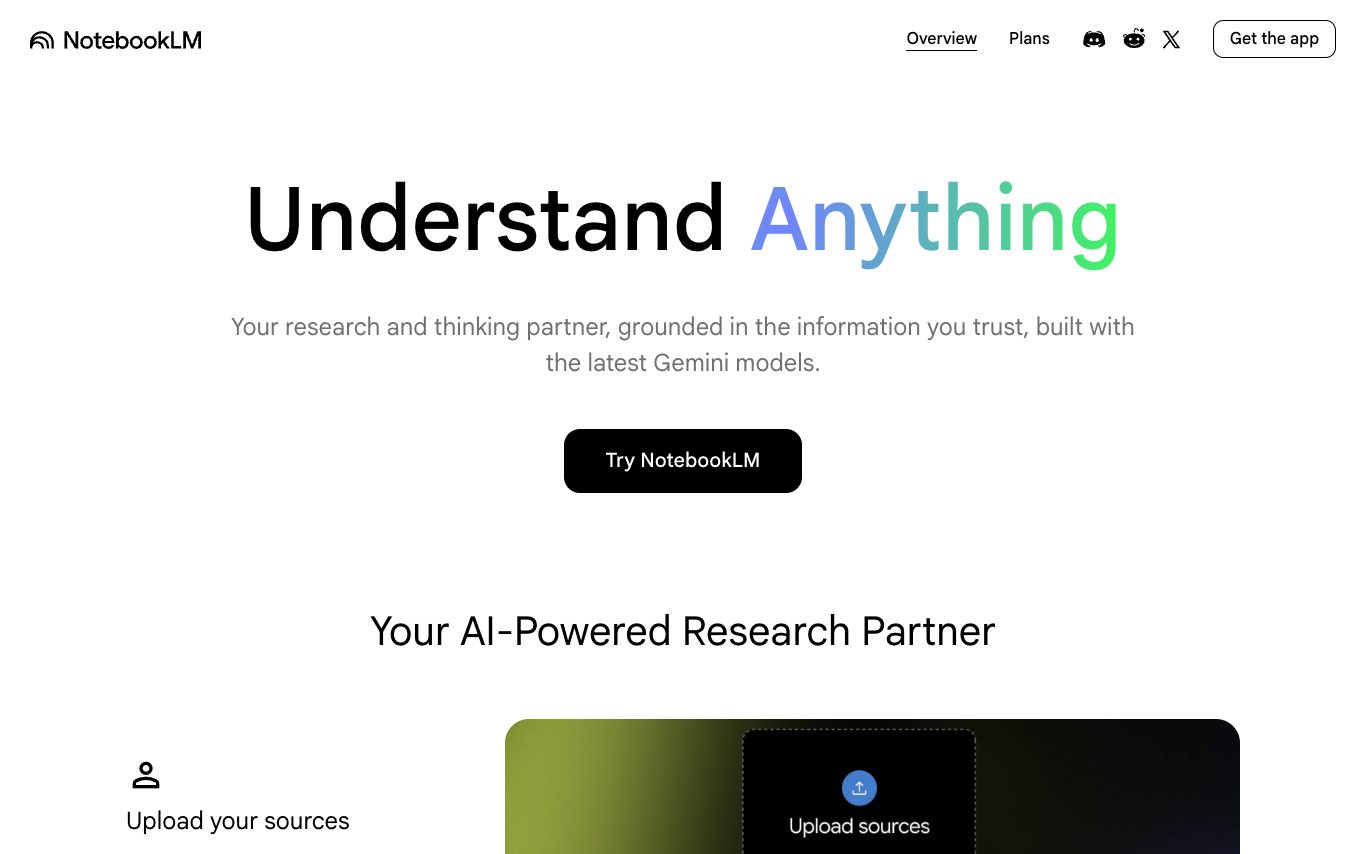

NotebookLM is Google's AI-powered research and note-taking assistant. Ground it in your PDFs, docs, slides, YouTube videos, and web pages to generate summaries, Q&A, study guides, and audio overviews tailored to your sources.
AI Note Taker · 8 tools
Best AI Note Taker Tools (2026)
Compare AI note takers that join meetings, transcribe audio, and turn calls, lectures, and voice memos into summaries, action items, and searchable notes.
All AI Note Taker tools


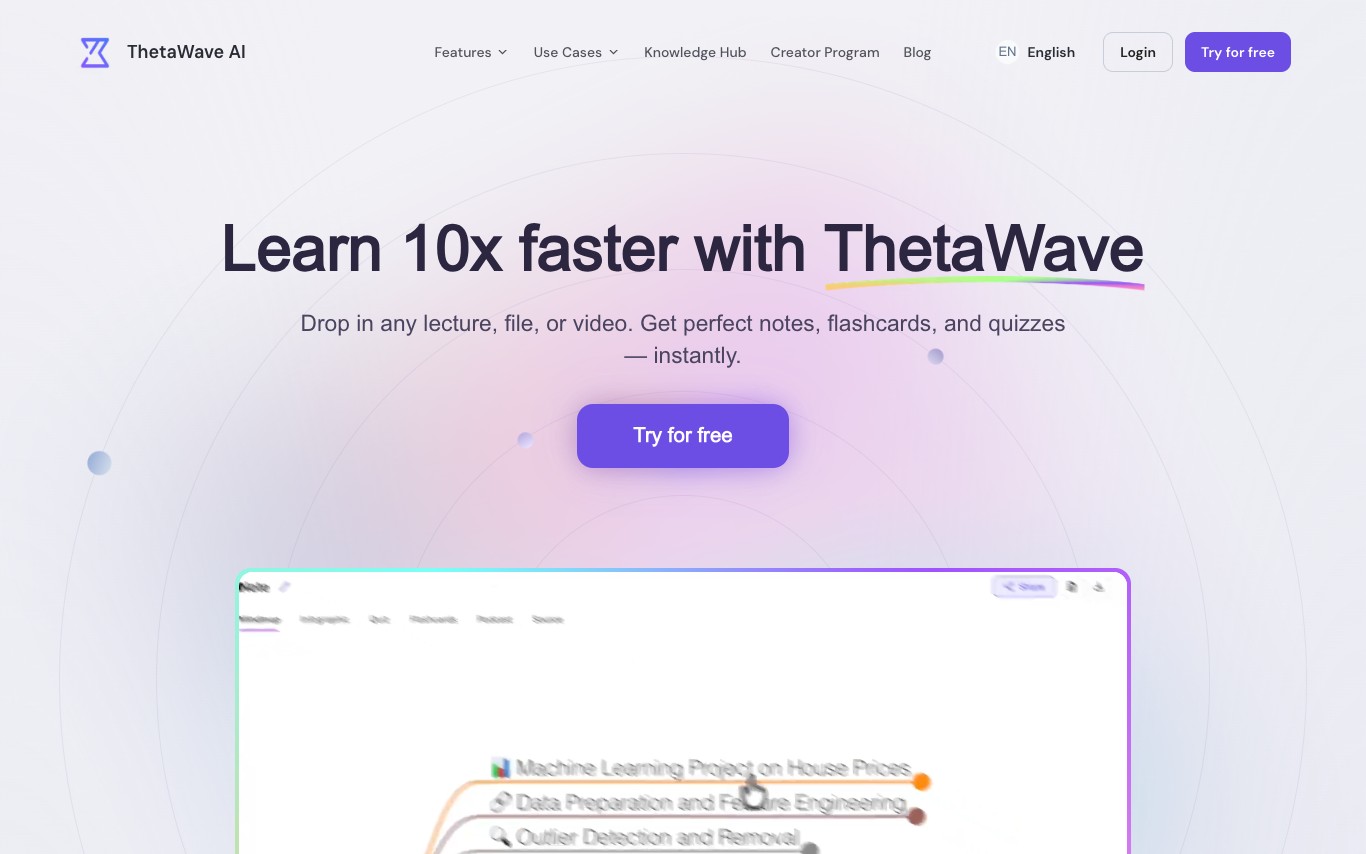




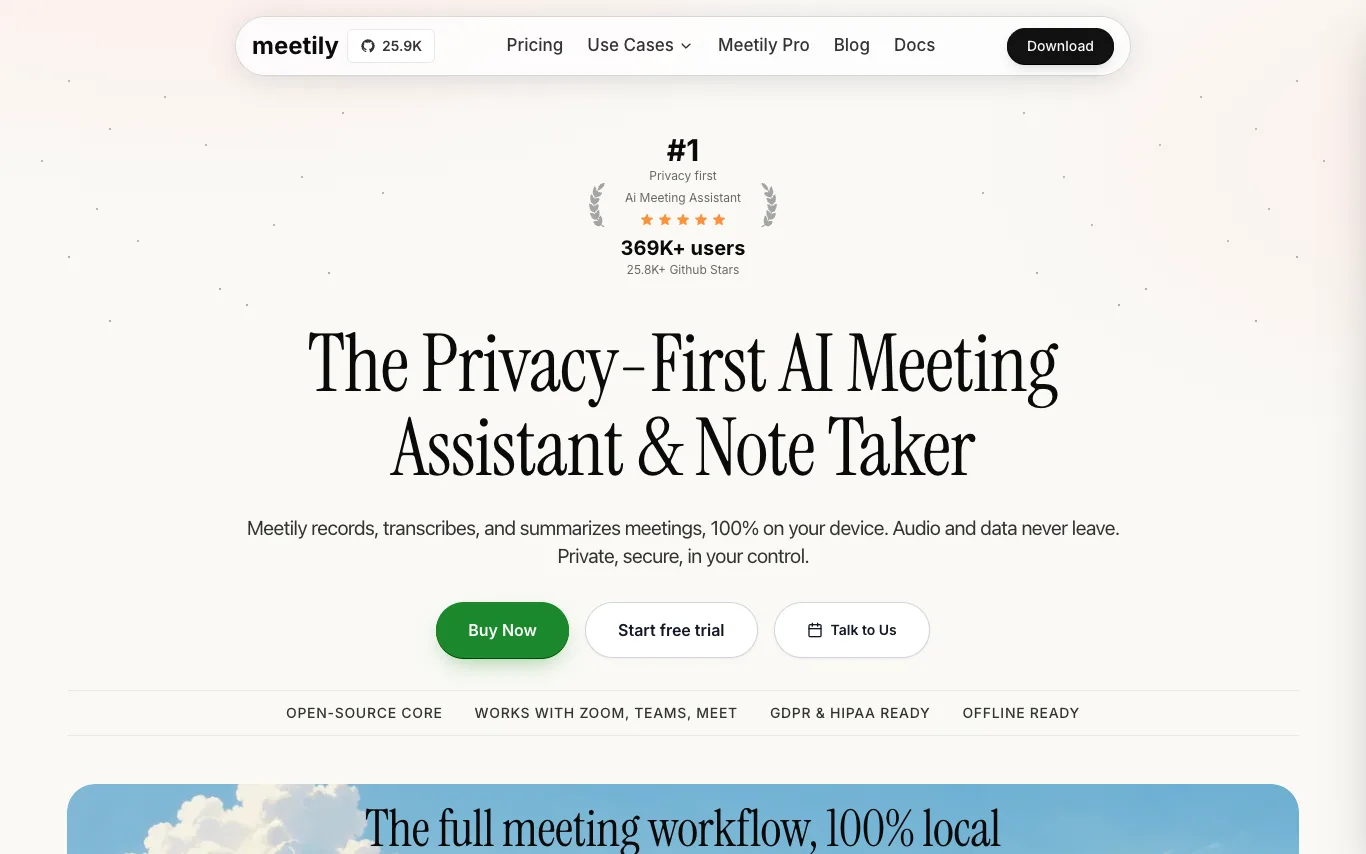

Meetily is a privacy-first AI meeting assistant that records, transcribes, and summarizes meetings entirely on your device. It works with Zoom, Microsoft Teams, Google Meet, and other platforms, offering 100% local transcription and pluggable AI summaries. Open-source core, GDPR/HIPAA compliant, and available as a free Community Edition or Pro subscription.

Speech Notes is a browser-based workspace designed to transform spoken content into editable, searchable notes. It provides a unified environment for converting recordings, media files, or live conversations into accurate transcripts, making them ready for various uses. The platform allows users to upload common audio/video files, record new voice notes directly in the browser, or import media via a URL. It leverages AI speech-to-text technology, including OpenAI Whisper, to generate a strong first draft across over 100 languages. Users can then review, search, correct wording, and add speaker labels within the same workspace. This tool is ideal for preparing material from meetings, interviews, lectures, podcasts, and video soundtracks. It streamlines the process from capture to a polished transcript, enabling users to produce meeting records, interview copy, lecture notes, or video captions efficiently without needing multiple tools.
What is an AI note taker?
An AI note taker records and transcribes conversations — meetings, calls, lectures, or voice memos — then uses a language model to write structured notes. It captures who said what, summarizes the discussion, and pulls out decisions and action items automatically. Many join Zoom, Google Meet, or Teams calls as a bot, so you can stay in the conversation instead of typing.
Core features
- Auto-join Zoom, Google Meet, and Teams calls
- Speaker-labeled transcription in real time
- AI summaries with decisions and action items
- Searchable, timestamped transcript archive
- Sync notes to Notion, Slack, or CRM
- Upload audio, video, or voice memos to transcribe
Who uses AI note takers, and how
01
Meeting notes
Sales, product, and remote teams capturing calls, decisions, and follow-ups without manual note-taking.
02
Lectures and voice memos
Students and researchers turning lectures, interviews, and voice memos into searchable, organized notes.
03
Action items and follow-up
Managers who need action items, owners, and recaps pushed to tasks or email after each meeting.
04
Transcripts and captions
Anyone needing accurate transcripts and captions for review, compliance, or hearing accessibility.
How does an AI note taker work?
A note taker captures audio — from a meeting bot, your mic, or an uploaded file — and runs speech recognition to produce a transcript, often labeling each speaker. A language model then condenses that transcript into a summary and extracts action items, decisions, and topics. The result is stored, searchable, and usually synced to your other tools.