



Codex is OpenAI cloud software engineering agent. It ships as an open-source terminal CLI, a cloud agent inside ChatGPT Plus/Pro/Business/Enterprise, and a GitHub reviewer that writes code, runs tests, and opens pull requests.
Best AI Code Assistant Tools (2026)
Compare AI code assistants for autocomplete, chat, bug fixing, refactoring, and full-project agents — from IDE plugins like Copilot to standalone editors like Cursor.
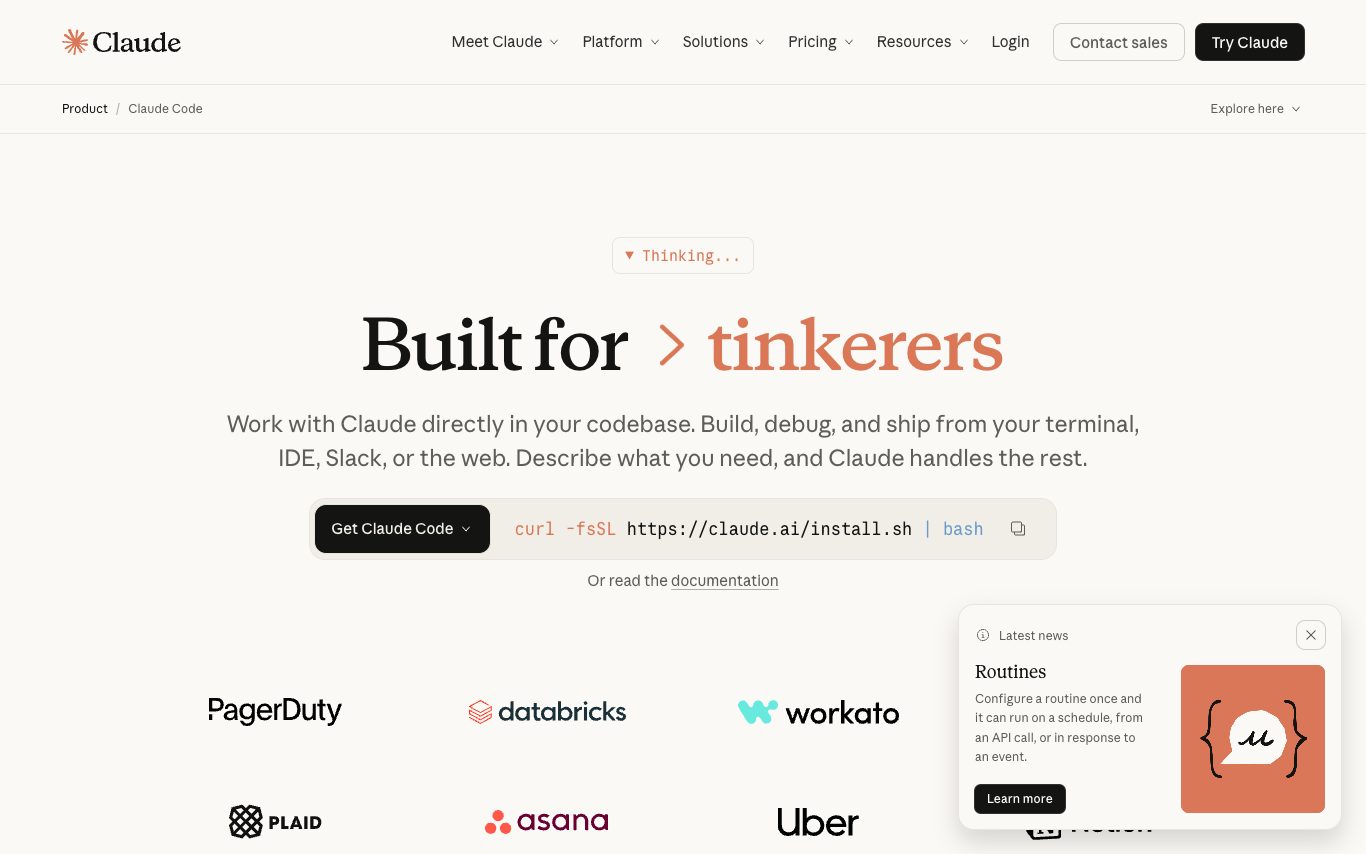

Claude Code is Anthropic's agentic coding assistant that operates in the terminal, IDE extensions, and GitHub, using Claude models to plan, edit, and execute multi-file changes across a codebase.
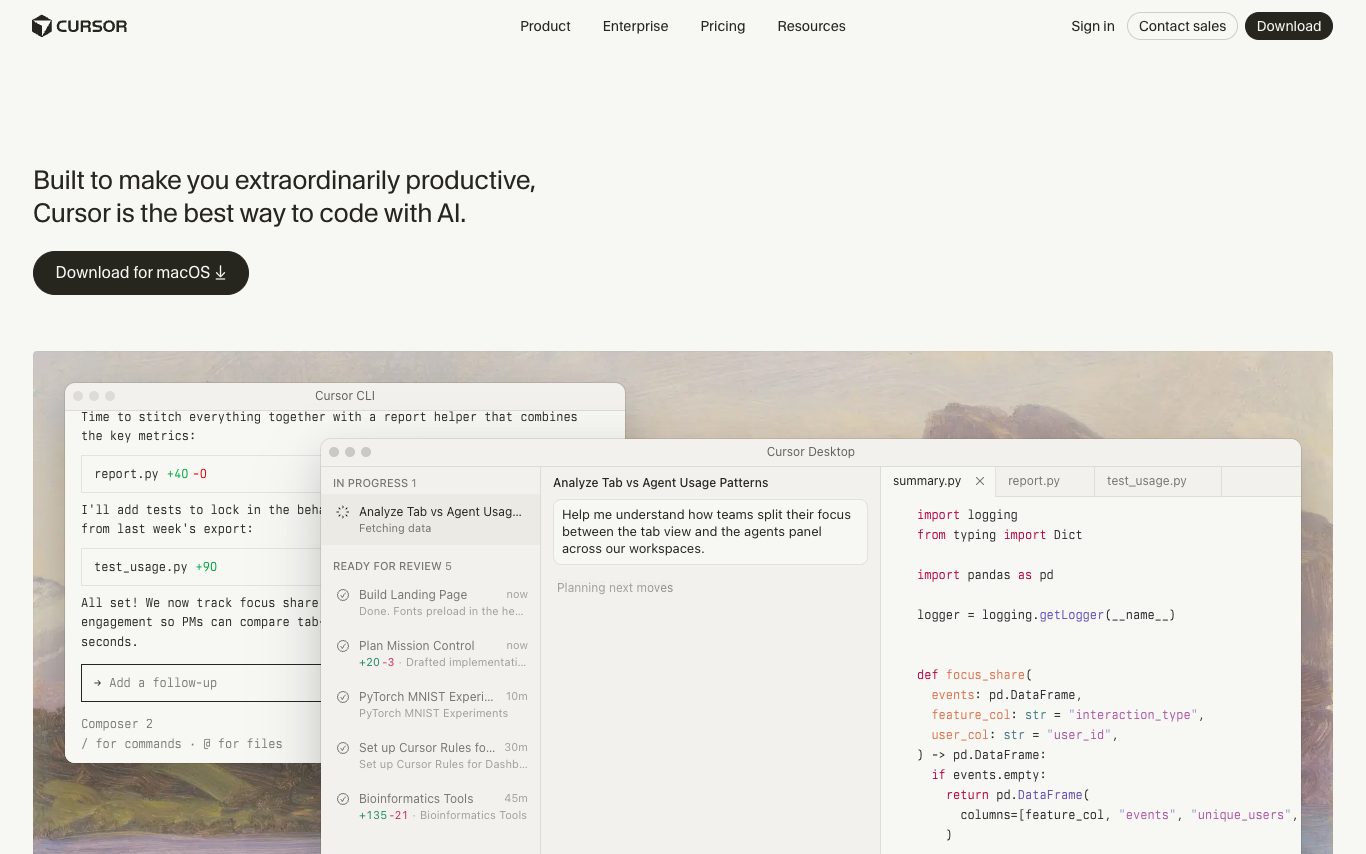

Cursor is an AI-first code editor forked from VS Code, adding Tab completion, Composer multi-file agents, inline chat, and a codebase-aware assistant that can plan, edit, and review code across large projects.
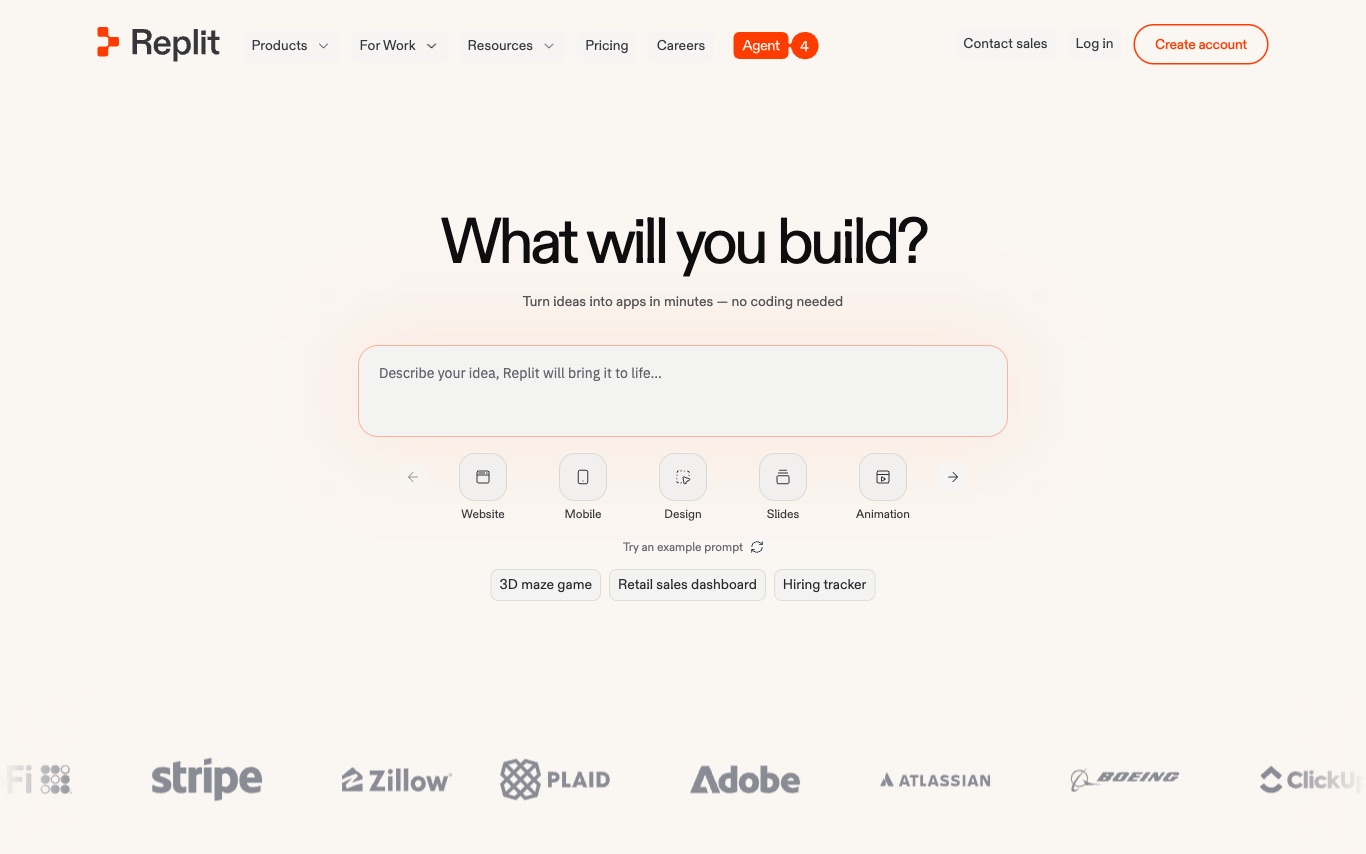

Replit is a browser-based IDE with an integrated AI agent that builds, tests, and deploys full-stack web apps from natural language—combining collaborative coding, instant hosting, and AI pair programming.
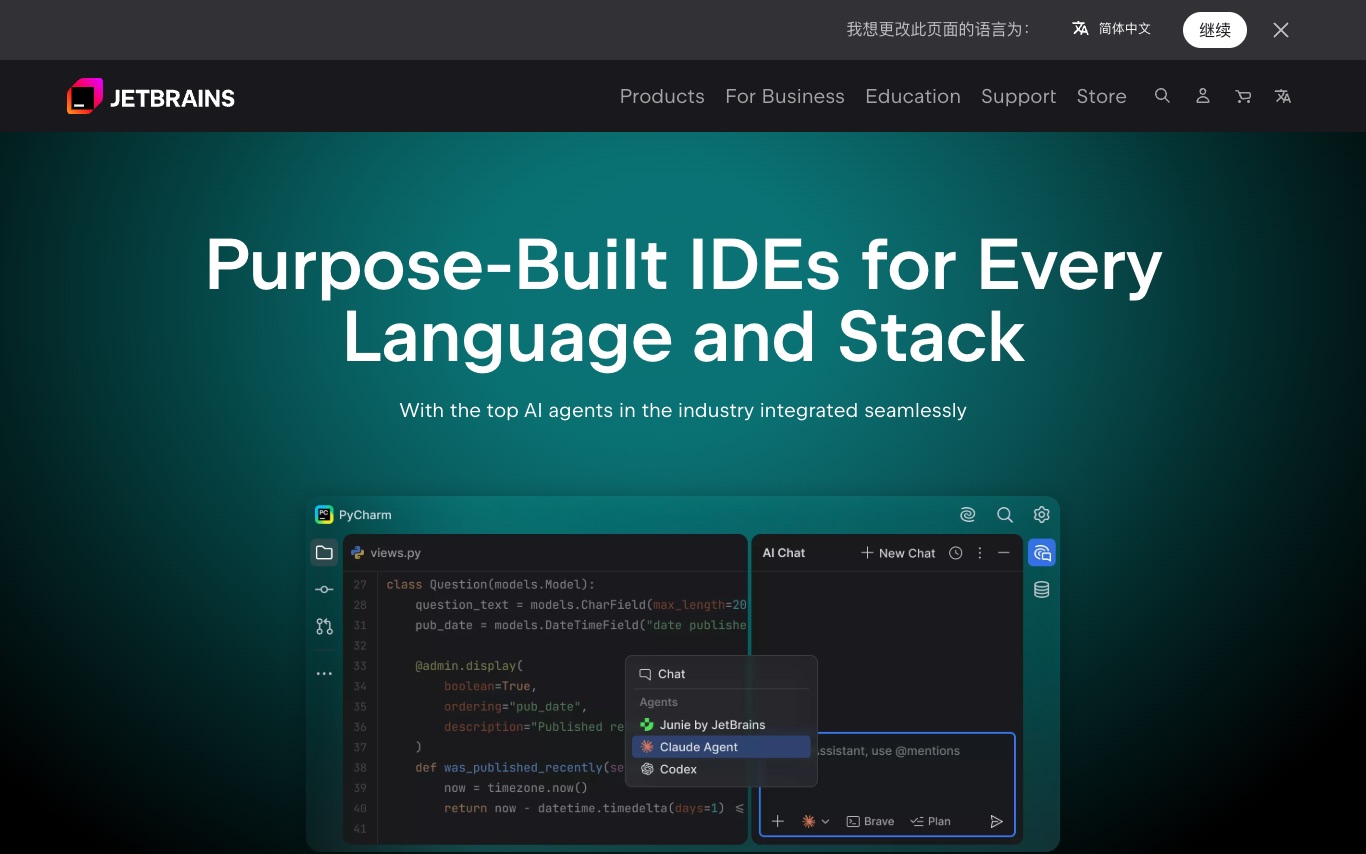

JetBrains builds IDEs for every major programming language—IntelliJ IDEA, PyCharm, WebStorm, Rider, and more—with integrated AI coding assistants for completion, chat, refactoring, and test generation.

Windsurf is Codeium's agentic AI code editor, combining inline autocompletion with Cascade multi-file agents, Flows for repo-wide refactors, and enterprise-grade privacy controls.
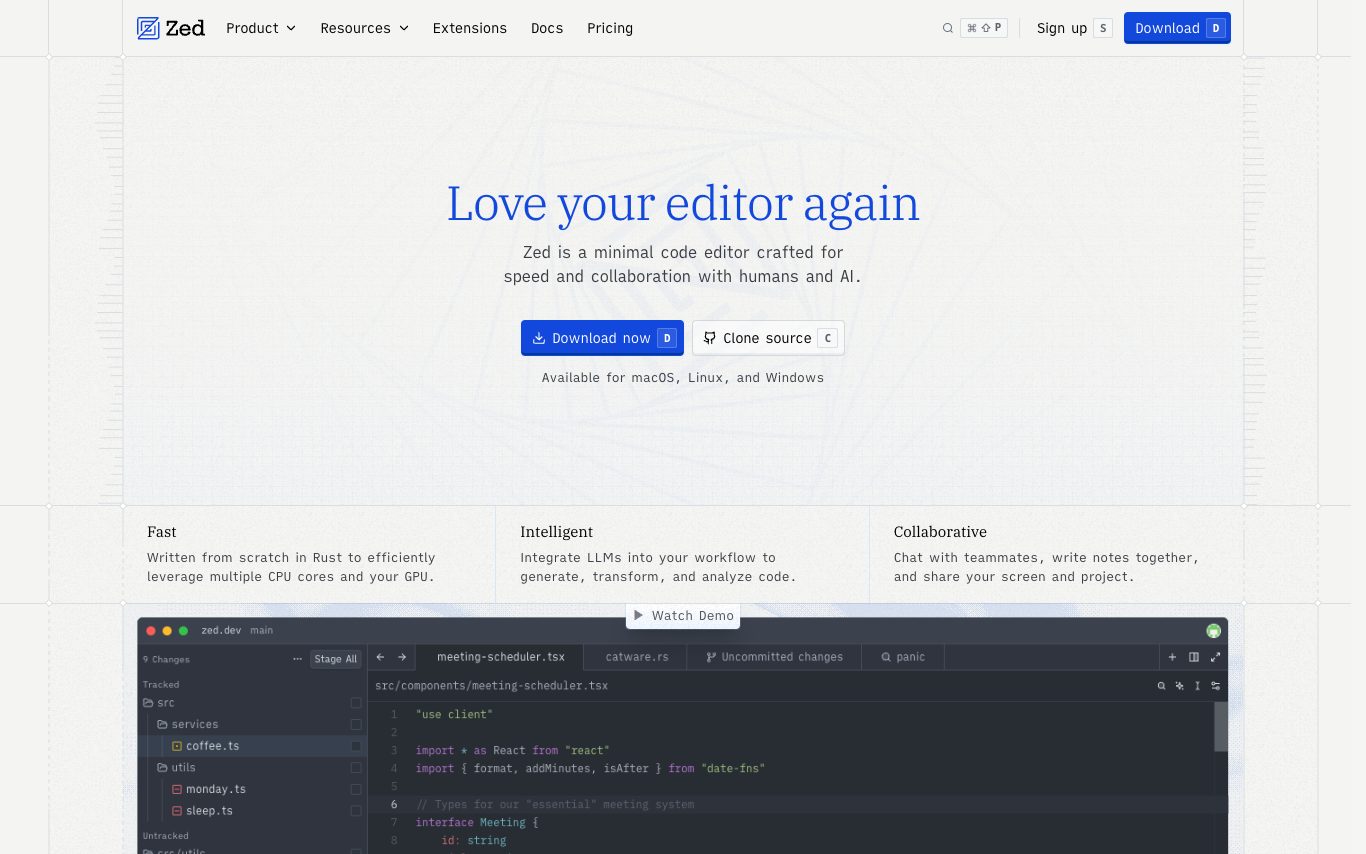

Zed is a fast, collaborative code editor built in Rust by the team behind Atom. It integrates AI agents, inline assistants, edit prediction with an open-weight model, and native debugger and Git tooling.
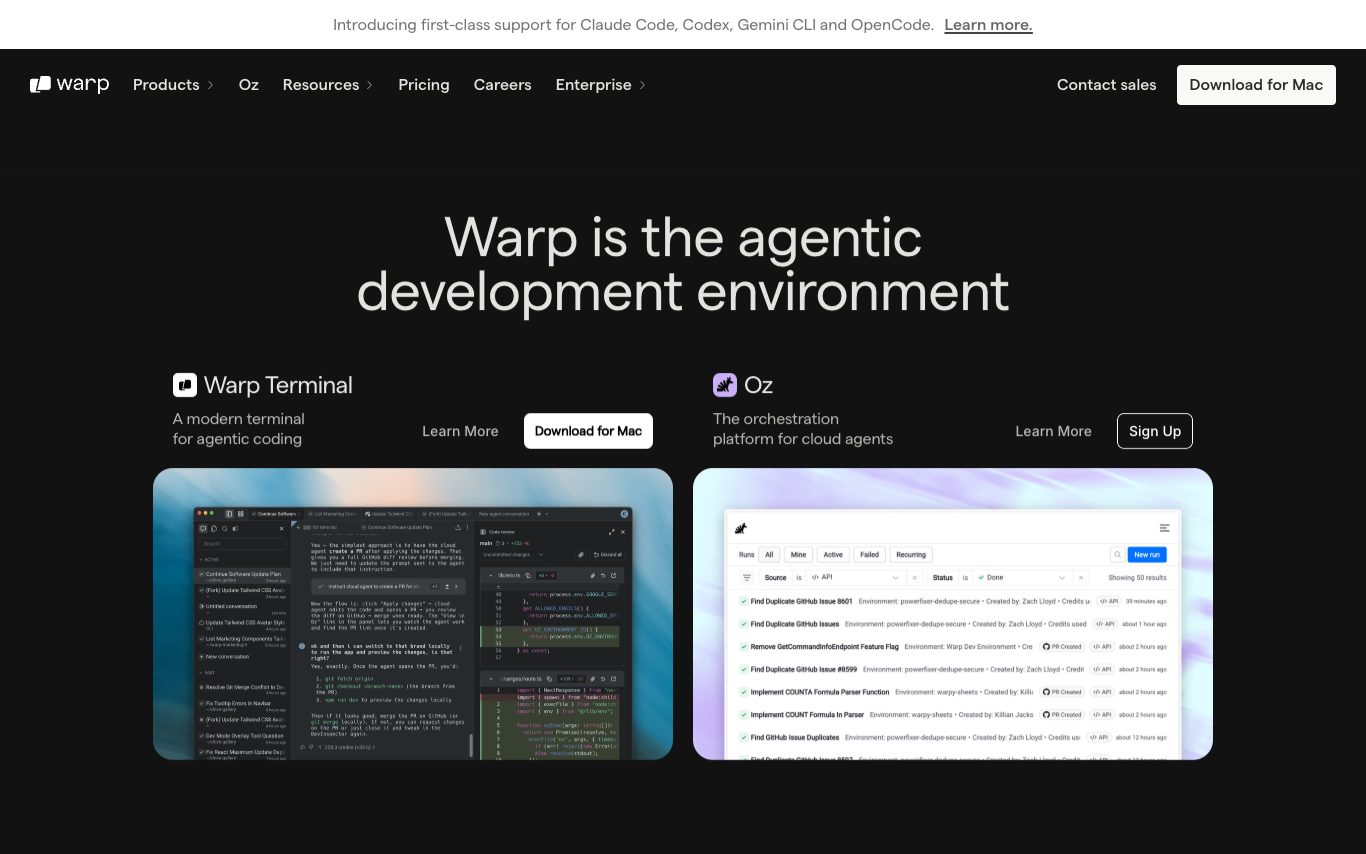

Warp is a modern, AI-powered terminal for macOS, Linux, and Windows. It adds natural-language command suggestions, agents, and a cloud orchestration layer so developers can plan, execute, and share shell workflows alongside AI.
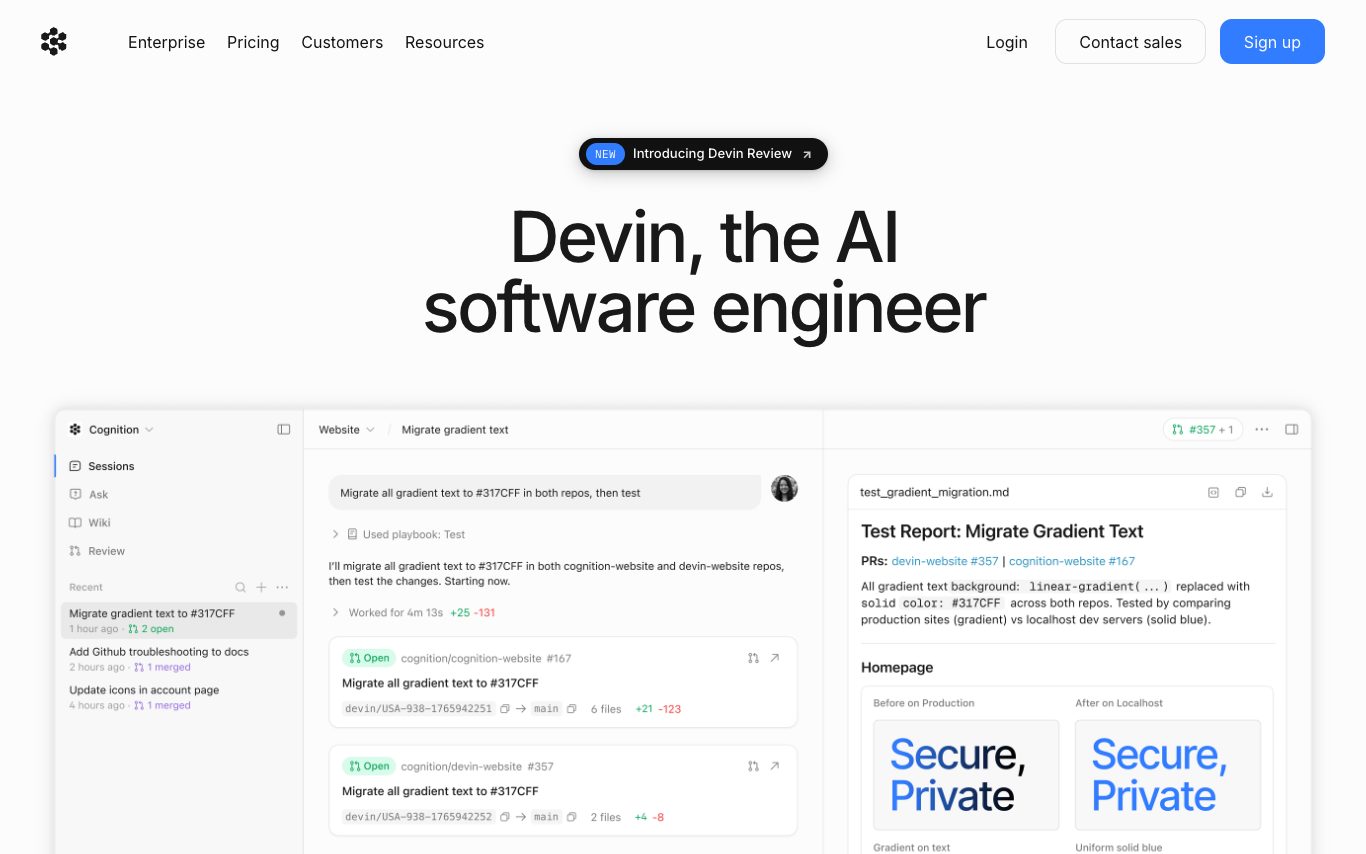

Devin is Cognition Labs' autonomous AI software engineer. It plans, writes, and tests code end-to-end, runs in its own sandbox with shell, browser, and editor, and is used by engineering teams to handle tickets and long-running coding work.
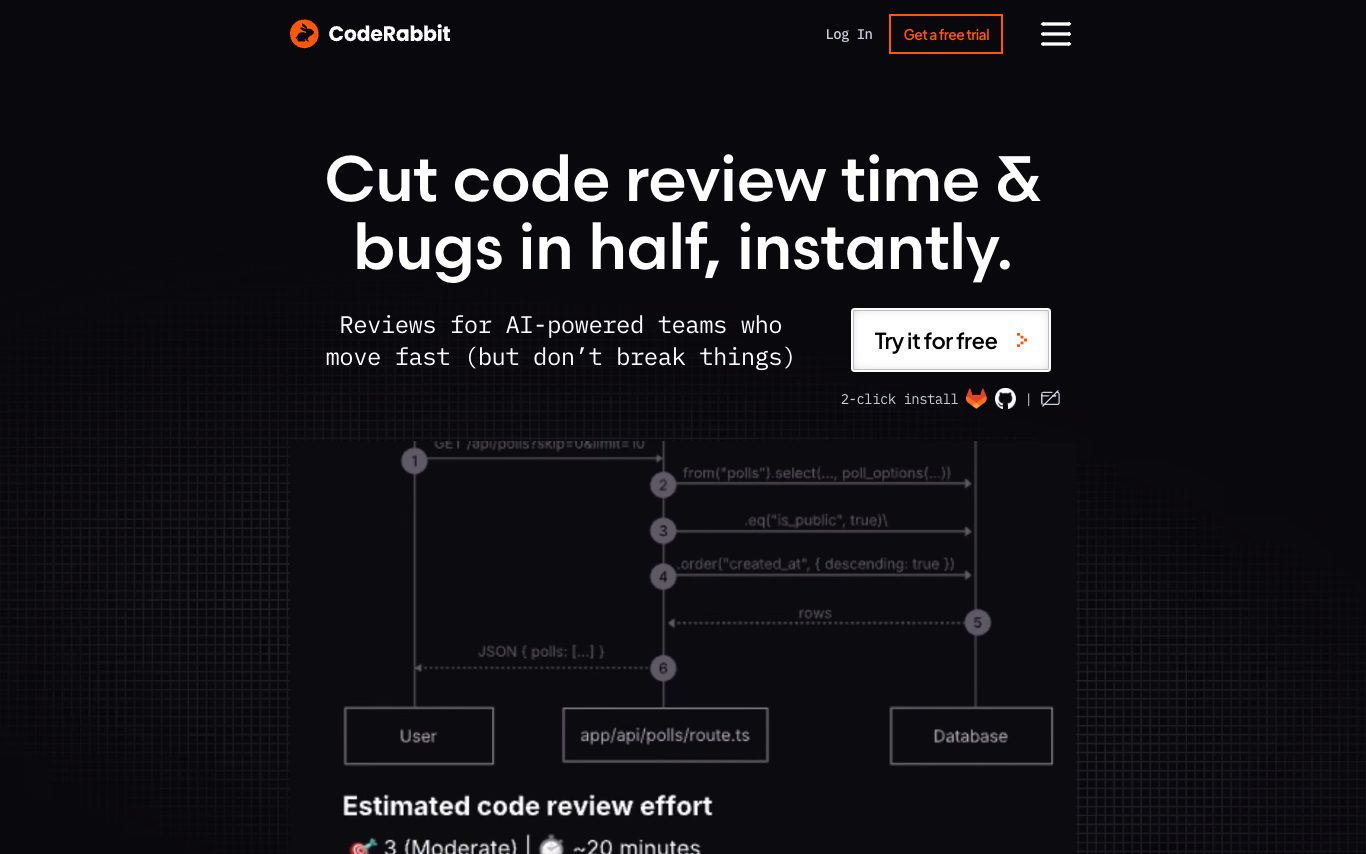

CodeRabbit is an AI code review tool that integrates with GitHub and GitLab. It posts PR summaries, line-level feedback, refactor suggestions, and security checks, cutting review time for engineering teams.
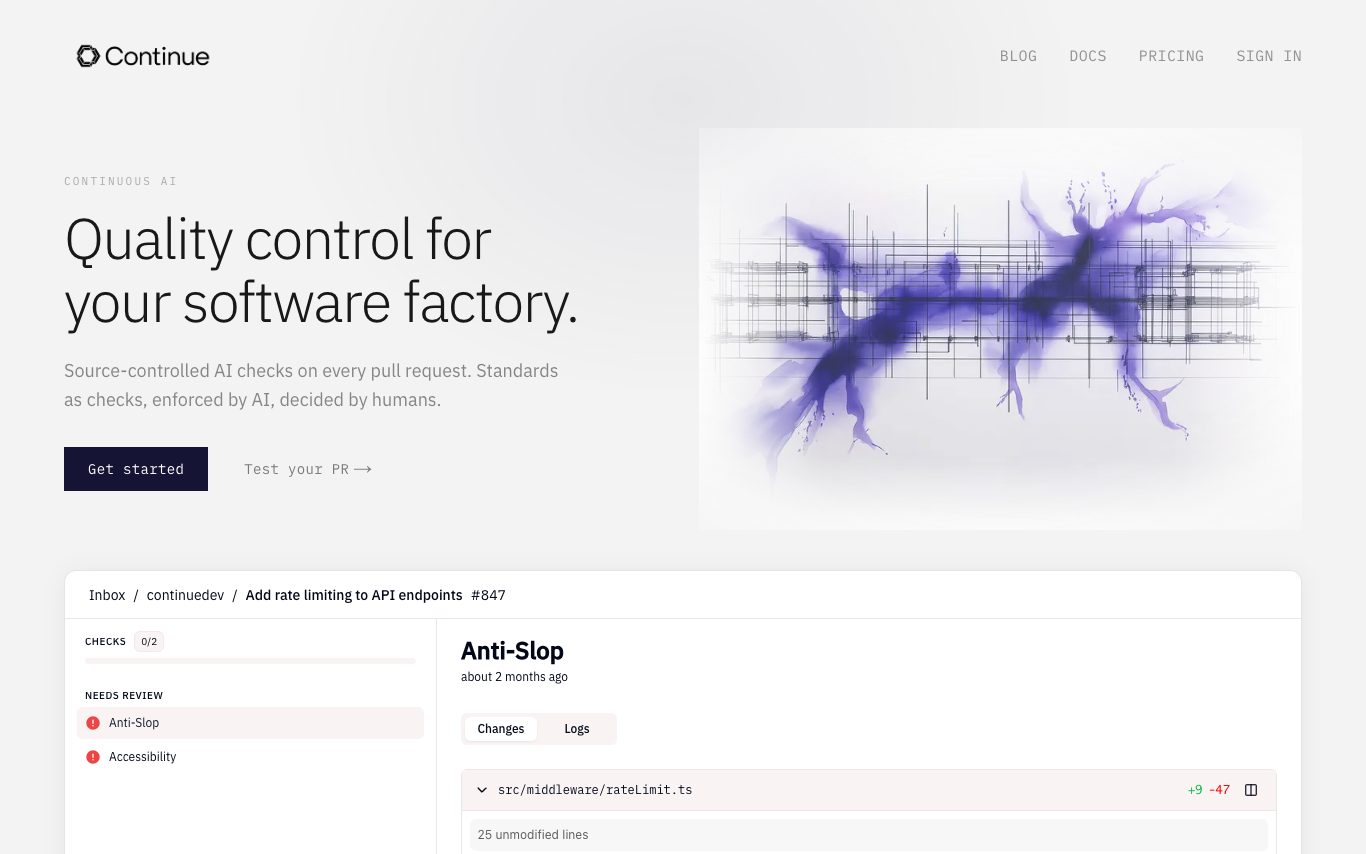

Continue is an open-source AI code assistant for VS Code and JetBrains IDEs. It offers chat, autocomplete, edit, and agent workflows with configurable models and rules, plus a CLI and GitHub PR checks for team governance.

Aider is an open-source AI pair programming tool that lets you chat in the terminal with Claude, GPT, DeepSeek, or local models to edit code across a Git repo, with automatic commits and repo maps.
Related categories
What is an AI code assistant?
An AI code assistant is a developer tool that reads your codebase and helps you write, explain, and fix code using a large language model trained on billions of lines of source. It suggests completions as you type, answers questions in a chat pane, and can run multi-step edits across files on its own. They range from IDE plugins like GitHub Copilot to standalone AI editors like Cursor and terminal-based coding agents.
What AI code assistants do
- Inline autocomplete that predicts the next lines as you type
- Chat pane that explains, reviews, and debugs your code
- Multi-file edits and refactors from a plain-English prompt
- Agent mode that plans, edits, and runs commands autonomously
- Context from your repo, open files, and terminal errors
- Works in VS Code, JetBrains, Neovim, or the terminal
Who uses AI code assistants
01
Individual developers
Speed up daily coding with autocomplete and quick answers without leaving the editor.
02
Teams and enterprises
Adopt shared assistants with policy controls, private-code isolation, and seat management.
03
Learners and beginners
Understand unfamiliar code, get explanations, and pick up a new language or framework.
04
Full-project agentic builds
Hand off whole features or migrations to an agent that edits and tests across many files.
How AI code assistants work
Code assistants send your current file, nearby code, and the prompt to a model trained on public and licensed source code, which predicts the completion or edit token by token. Retrieval pulls in relevant snippets from the rest of your repository so suggestions match your own APIs and style. Agentic tools add a loop where the model runs commands, reads the output, and keeps editing until the task passes.