


Leonardo.Ai is a generative AI platform for creating images, art, and video assets. It offers developer APIs and team tools for marketing and design workflows.
Text to Image AI · 12 tools
Best Text to Image AI Tools (2026)
Compare text-to-image AI generators that turn prompts into art, photos, logos, and anime — from Midjourney and Stable Diffusion to free image makers.
All Text to Image AI tools

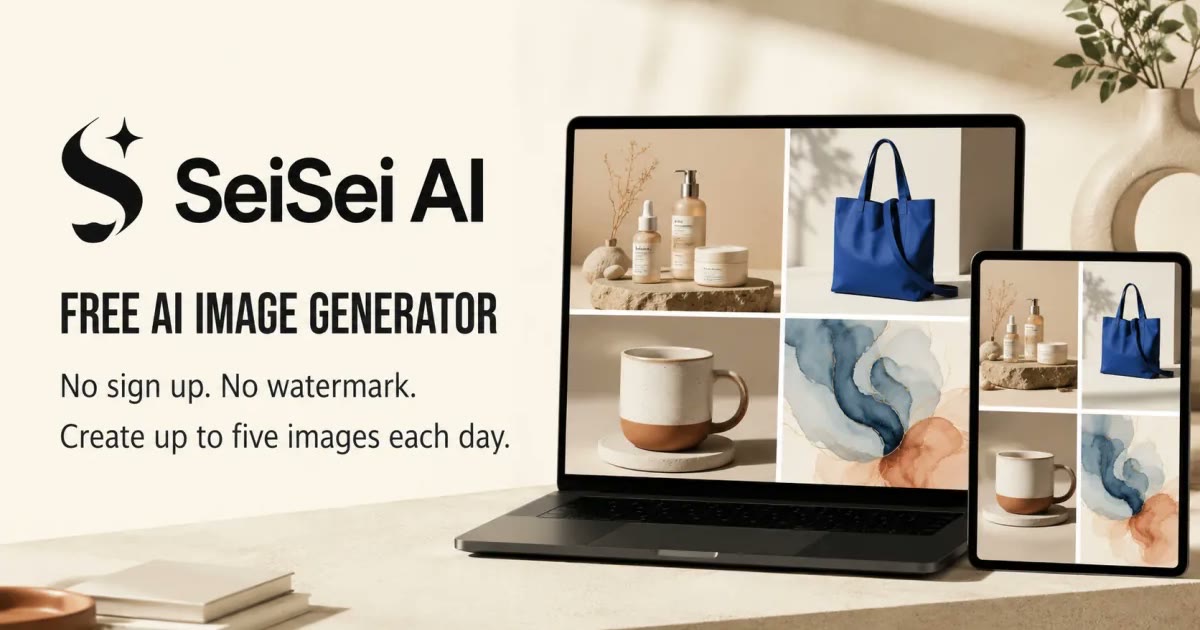


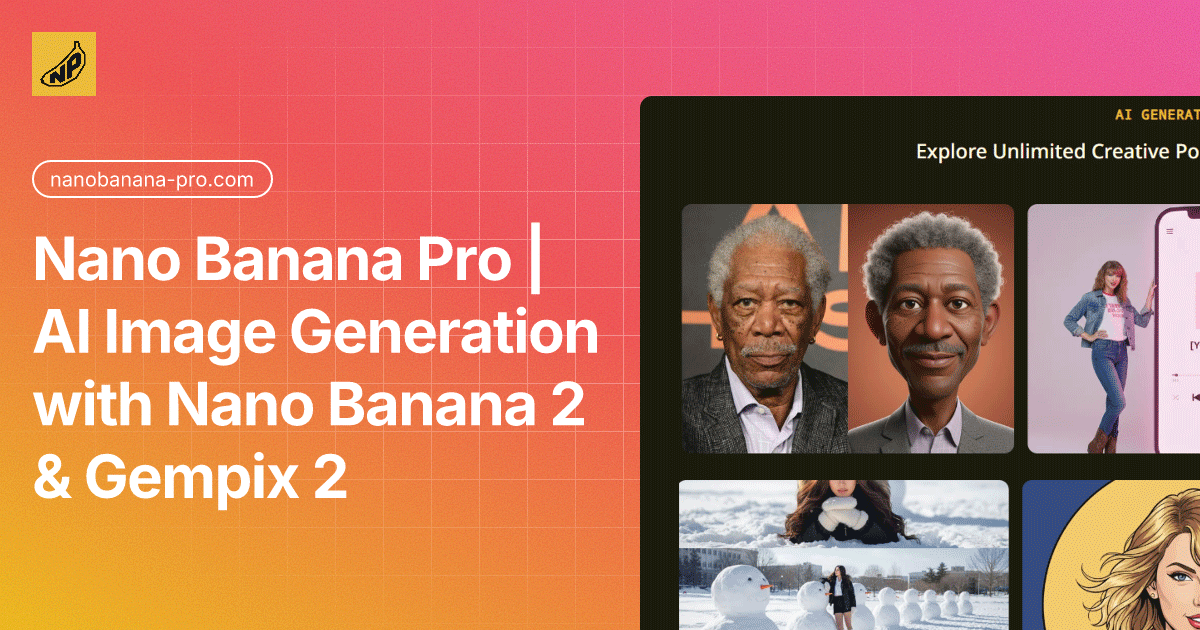

A professional AI image generator powered by Nano Banana Pro, delivering 4K-ready images with character consistency and spe

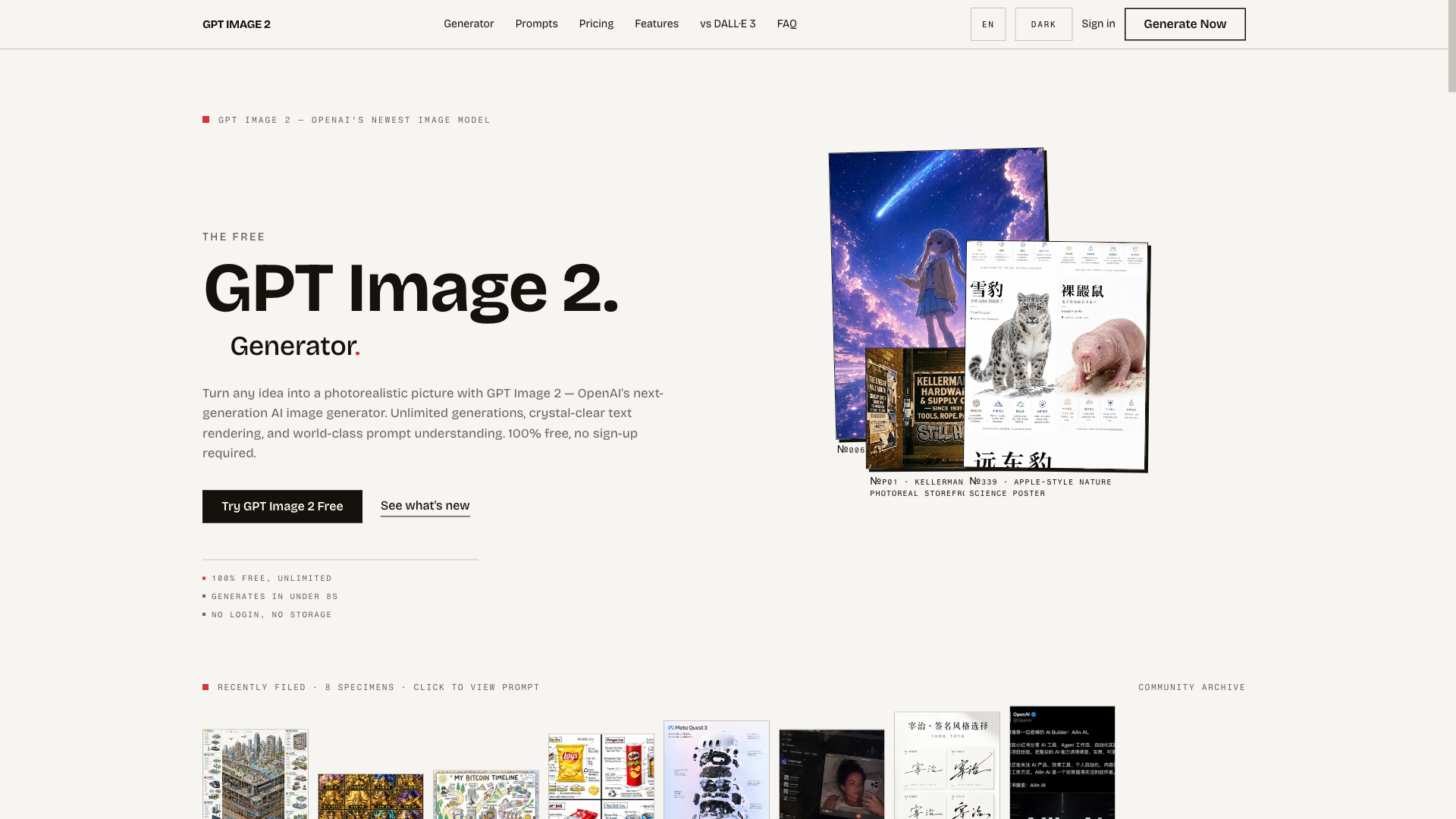
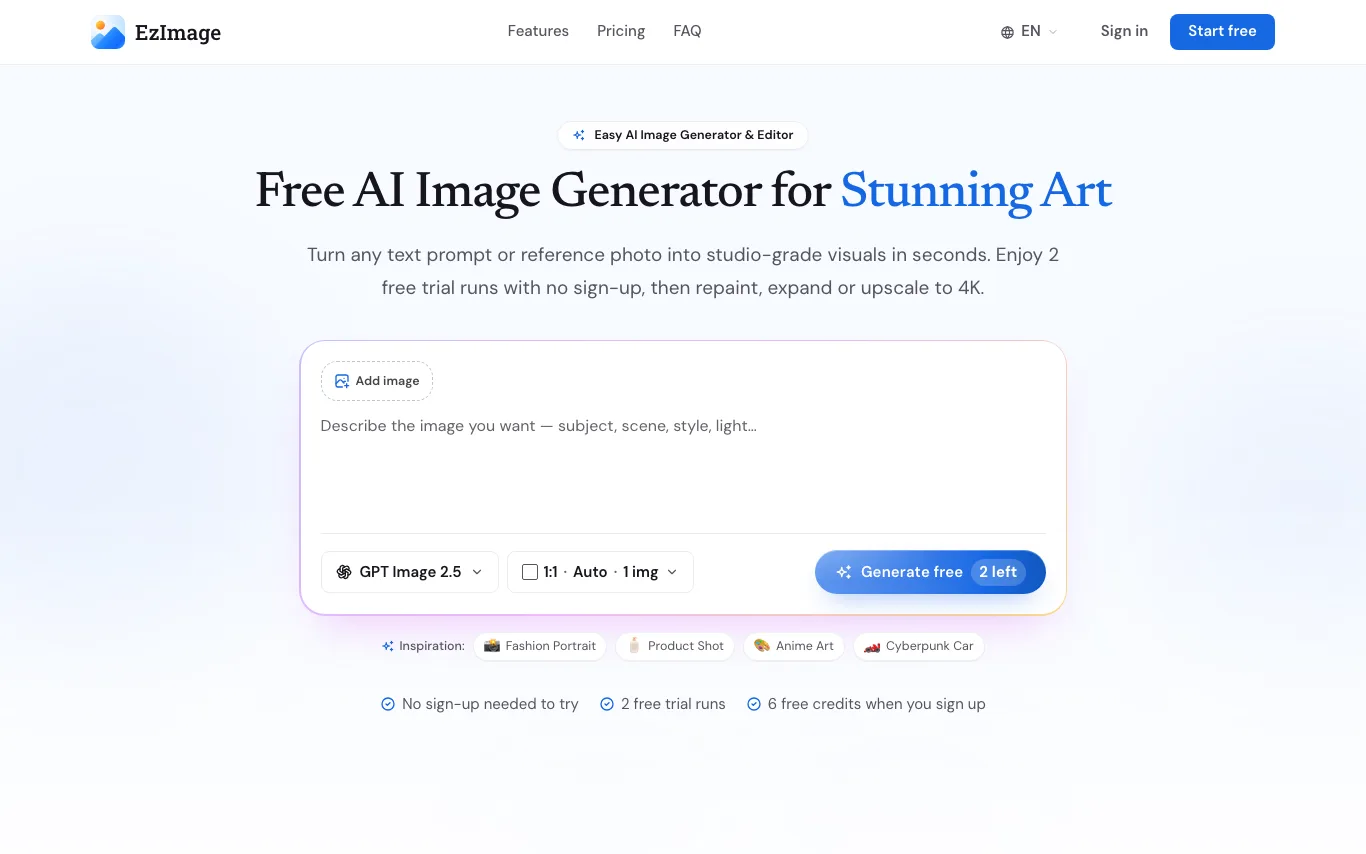
The free, unlimited GPT Image 2 generator — turn any idea into a photorealistic picture in seconds, no sign-up required.

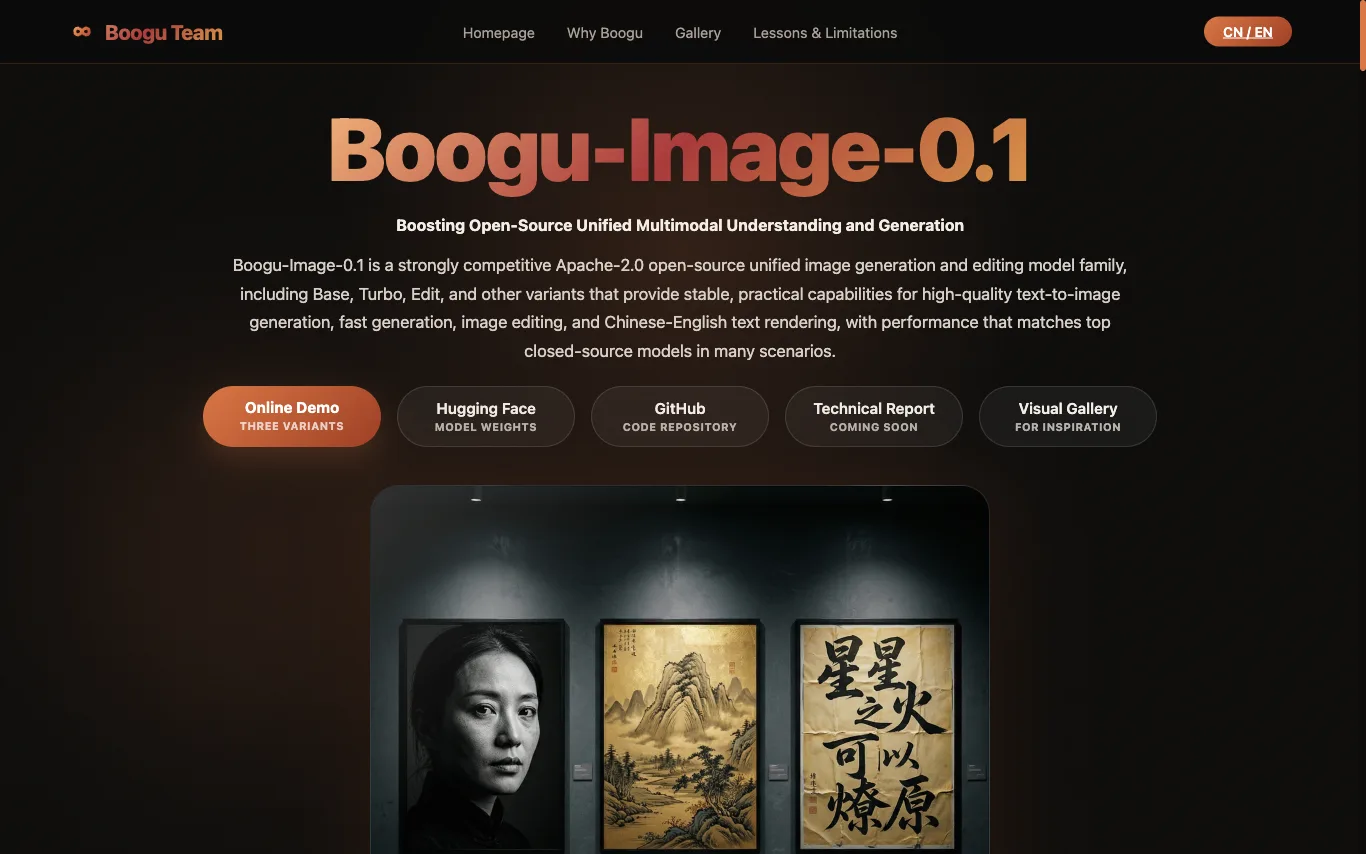

Boogu-Image-0.1 is an Apache-2.0 open-source unified image generation and editing model family, including Base, Turbo, Edit, and other variants that provide high-quality text-to-image generation, fast generation, image editing, and Chinese-English text rendering.
Krea 2 Turbo is a speed-tuned branch of the Krea 2 foundation model, specifically designed for rapid text-to-image generation. It utilizes an eight-step sampling process to deliver 1024px drafts in approximately two seconds, with 2K frames following shortly after. This rapid turnaround fundamentally transforms the workflow for AI image creation, enabling faster iteration and concept exploration. The AI image generator is built on a 12-billion-parameter diffusion transformer, trained from scratch for photographic behavior, ensuring natural depth and texture. It supports both text-to-image and image-to-image workflows, allowing users to start from a written brief or refine existing references. Krea 2 Turbo is particularly useful for creative professionals and teams who need to generate a high volume of concepts, create numerous ad variants, or maintain a consistent house style using LoRA sliders. By offering fast, high-quality drafts at a low iteration cost, Krea 2 Turbo empowers users to test multiple ideas without significant investment. Its open-weights model, available under a custom commercial license, provides flexibility for users to run it in a browser-based workspace or on their own hardware. This makes Krea 2 Turbo an infrastructure tool for visual content production, enabling efficient and scalable creative output.
Create stunning AI images with perfect text rendering, photorealistic output, and multilingual support.
What is text-to-image AI?
Text-to-image is AI that turns a written prompt into an original picture. A diffusion model, trained on billions of image-caption pairs, reads your description and paints matching pixels — a scene, a portrait, a logo, or a product mockup. Results span photorealistic shots, illustration, anime, and 3D render styles, all generated in seconds.
What text-to-image tools do
- Turn plain-language prompts into original images in seconds
- Multiple styles: photorealism, illustration, anime, 3D, oil painting
- Control aspect ratio, resolution, and image count per run
- Negative prompts and seeds to steer and reproduce results
- Inpainting, outpainting, and image-to-image editing
- Upscaling to high resolution for print and web
What people create with text-to-image
01
Marketing and social visuals
Generate ad creatives, blog headers, and post graphics without a photo shoot or stock library.
02
Concept art and illustration
Explore characters, environments, and moodboards quickly for games, film, and books.
03
Product and brand assets
Mock up logos, packaging, icons, and product shots before committing to a designer.
04
Anime and character portraits
Create avatars, fan art, and stylized portraits from a short text description.
How text-to-image generation works
Your prompt is encoded into numbers a model understands, then a diffusion process starts from random noise and refines it step by step toward an image that matches the text. Extra controls — style presets, negative prompts, reference images, or a fixed seed — nudge the output and make results repeatable. More steps and higher resolution take longer but add detail.