



ImageToText is a free online OCR tool that extracts text from images, screenshots, and scanned PDFs using AI-powered optical character recognition.
Best AI Image Recognition Tools (2026)
Compare AI image recognition tools for object detection, face recognition, OCR text extraction, reverse image search, content moderation, and auto-tagging.

Chatbot App is a multi-tool AI chat interface built on top of OpenAI GPT-5 Mini. Chat, analyze images, summarize content, and draft writing in a clean unified UI.
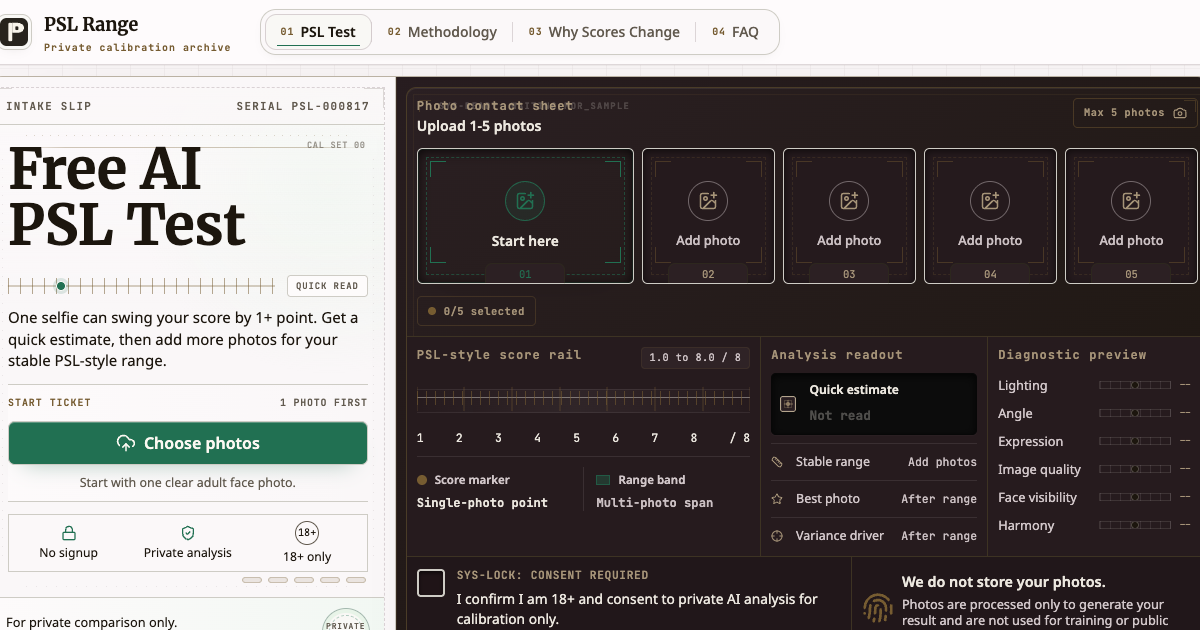

PSL Range is a free, private AI face rating tool built on the PSL scale. Upload one selfie for an instant /8 score estimate, then add up to 5 photos to get a stable score range, your best photo, and a clear breakdown of what moves your score - lighting, angle, expression, image quality, and visibility. No signup. No community rankings. No cruelty. Just a calibrated read of how your photos come across, with the numbers you came for and the context to make sense of them.
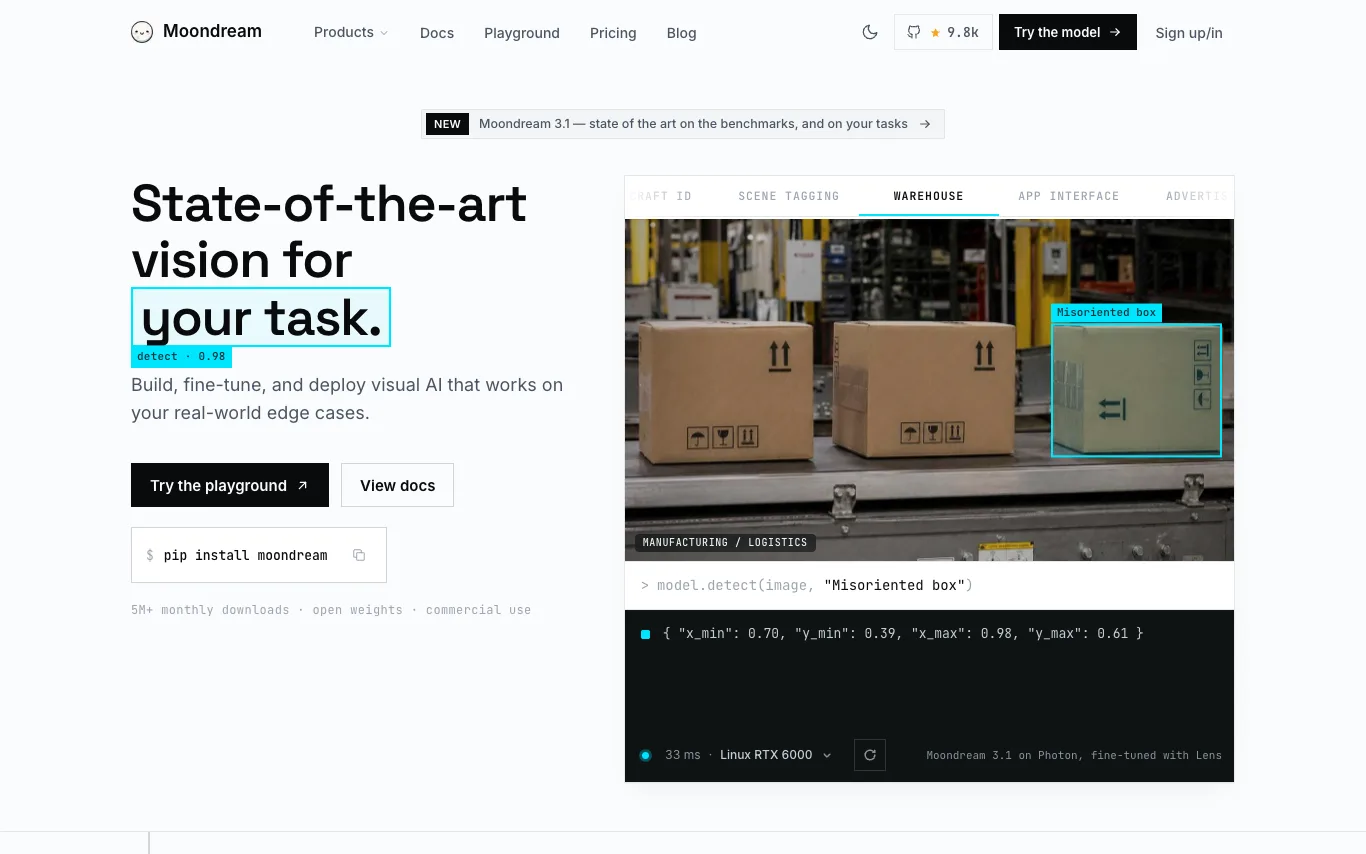

Moondream is a fast and powerful vision model offering state-of-the-art performance for detection, captioning, and segmentation. It provides open models with commercial-friendly licenses, a fine-tuning platform called Lens, and an inference engine called Photon for efficient deployment. Moondream Cloud offers hosted inference with an OpenAI-compatible API. The platform is designed to be flexible, running on various hardware from edge devices to data centers.
Related categories
What is AI image recognition?
AI image recognition is computer vision that reads the contents of a photo — the objects, faces, text, scenes, and logos inside it — and returns labels or coordinates. It runs on neural networks trained on millions of annotated images, so it can name what it sees and locate where each thing sits. Tools range from general tagging APIs to systems specialized for faces, license plates, or product search.
What AI image recognition tools do
- Object detection with bounding boxes and confidence scores
- Image classification and automatic keyword tagging
- Face detection, recognition, and attribute analysis
- OCR to extract printed and handwritten text
- Reverse image and visual similarity search
- Logo, landmark, and explicit-content moderation
Who uses AI image recognition
01
Developers and product teams
Add a vision API that tags, moderates, or detects objects inside user uploads.
02
E-commerce and visual search
Let shoppers search by photo and auto-catalog products straight from their images.
03
Security and access control
Verify identities with facial recognition or read license plates at entry gates.
04
Content moderation and media
Flag explicit or unsafe images and auto-caption large photo libraries at scale.
How does AI image recognition work?
The image is broken into pixels and passed through a convolutional or transformer-based neural network that learned visual patterns from labeled training data. Each layer detects features — edges and textures, then shapes and whole objects — until the model outputs labels, boxes, or a similarity vector. Detection models also predict coordinates, so you get not just what is in the photo but exactly where.