

Image to Image AI · 12 tools
Best Image to Image AI Tools (2026)
Compare image-to-image AI tools that turn a photo into new styles, art, and variations — from style transfer and sketch-to-render to img2img editing and restyling.
All Image to Image AI tools

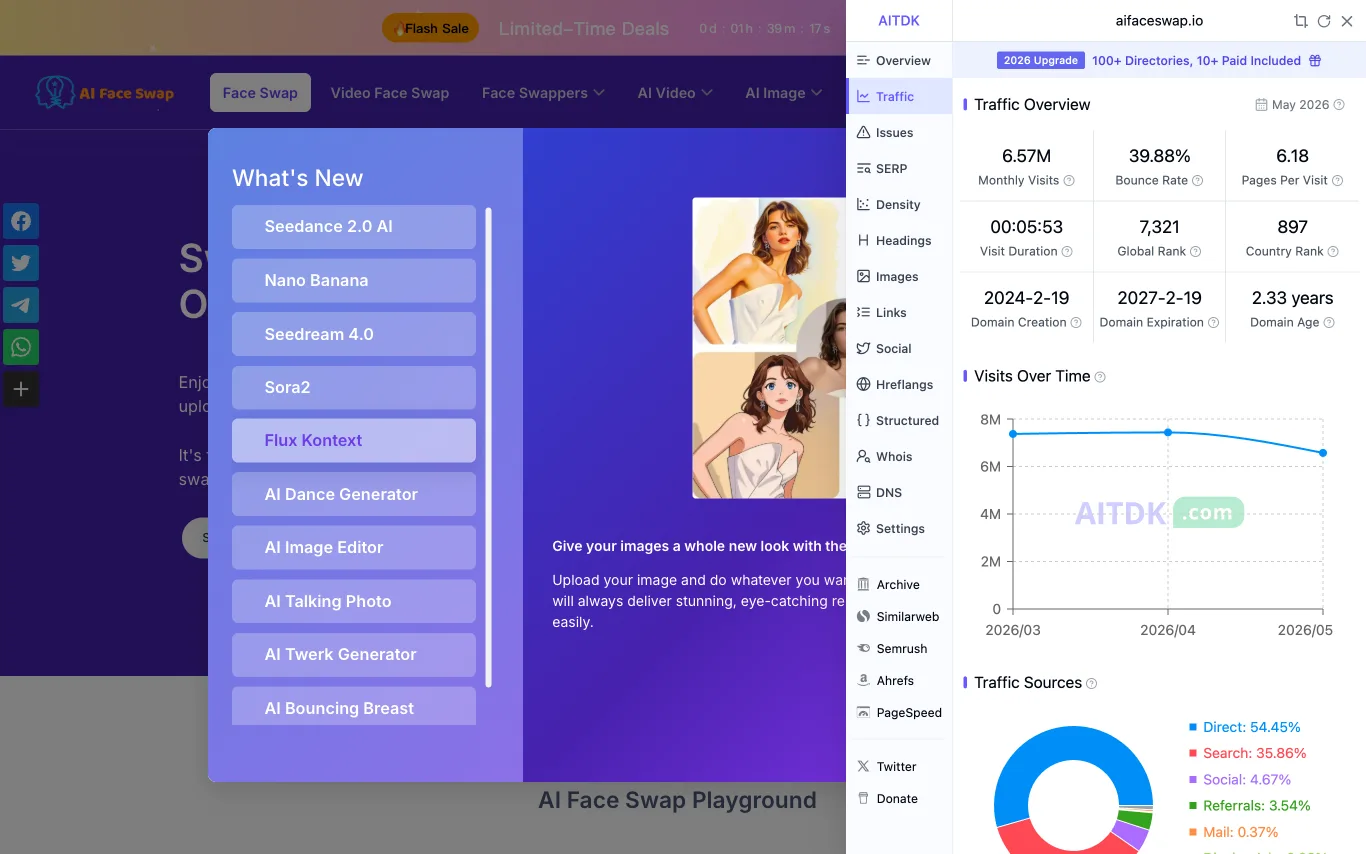

AI Face Swap lets you swap faces in photos online for free. No login required, no watermark, and results are delivered instantly using AI.
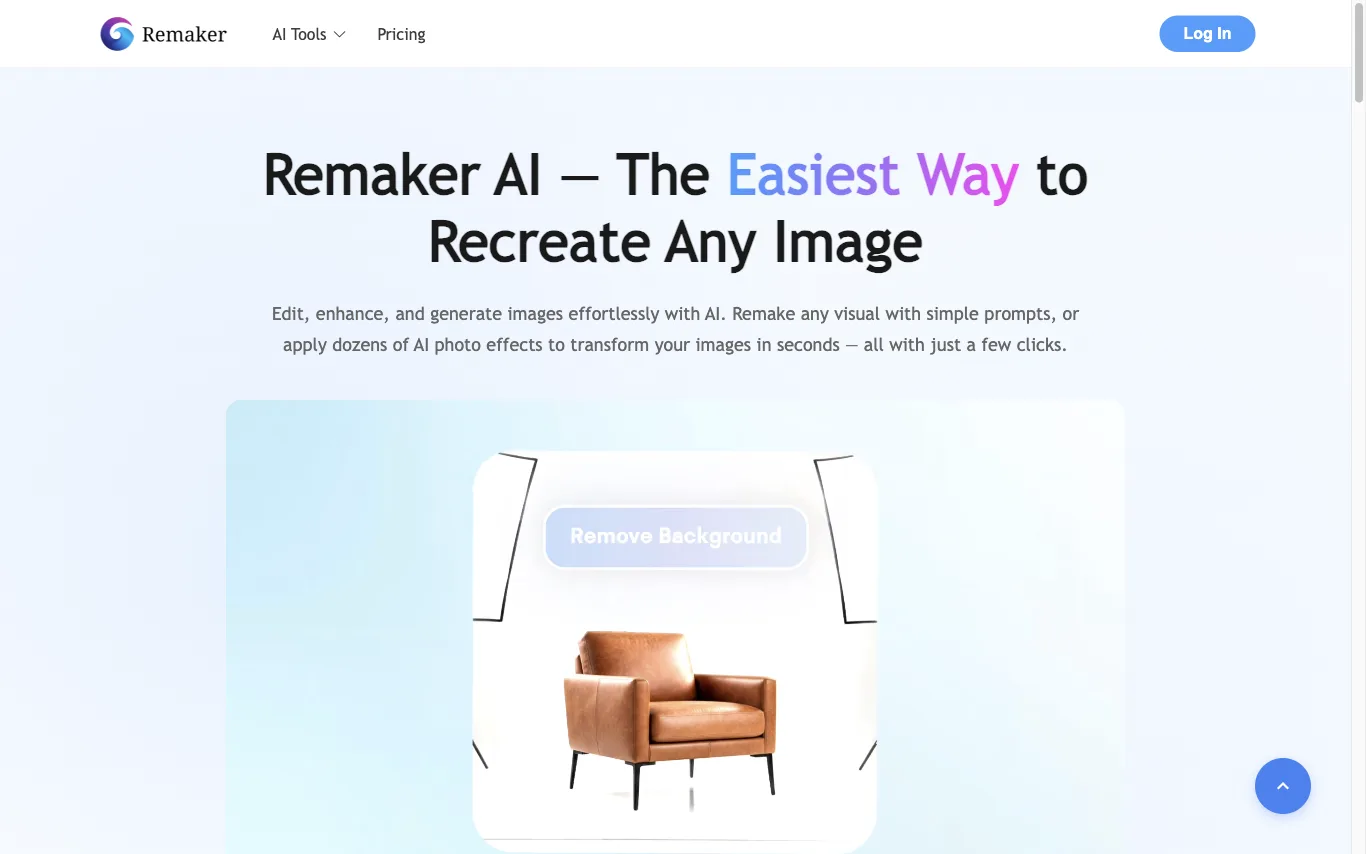

Remaker AI lets you edit, enhance, and generate images with AI. Apply dozens of AI photo effects, remove backgrounds, upscale images, and erase objects — recognized as a Top 50 AI Web Product by a16z.
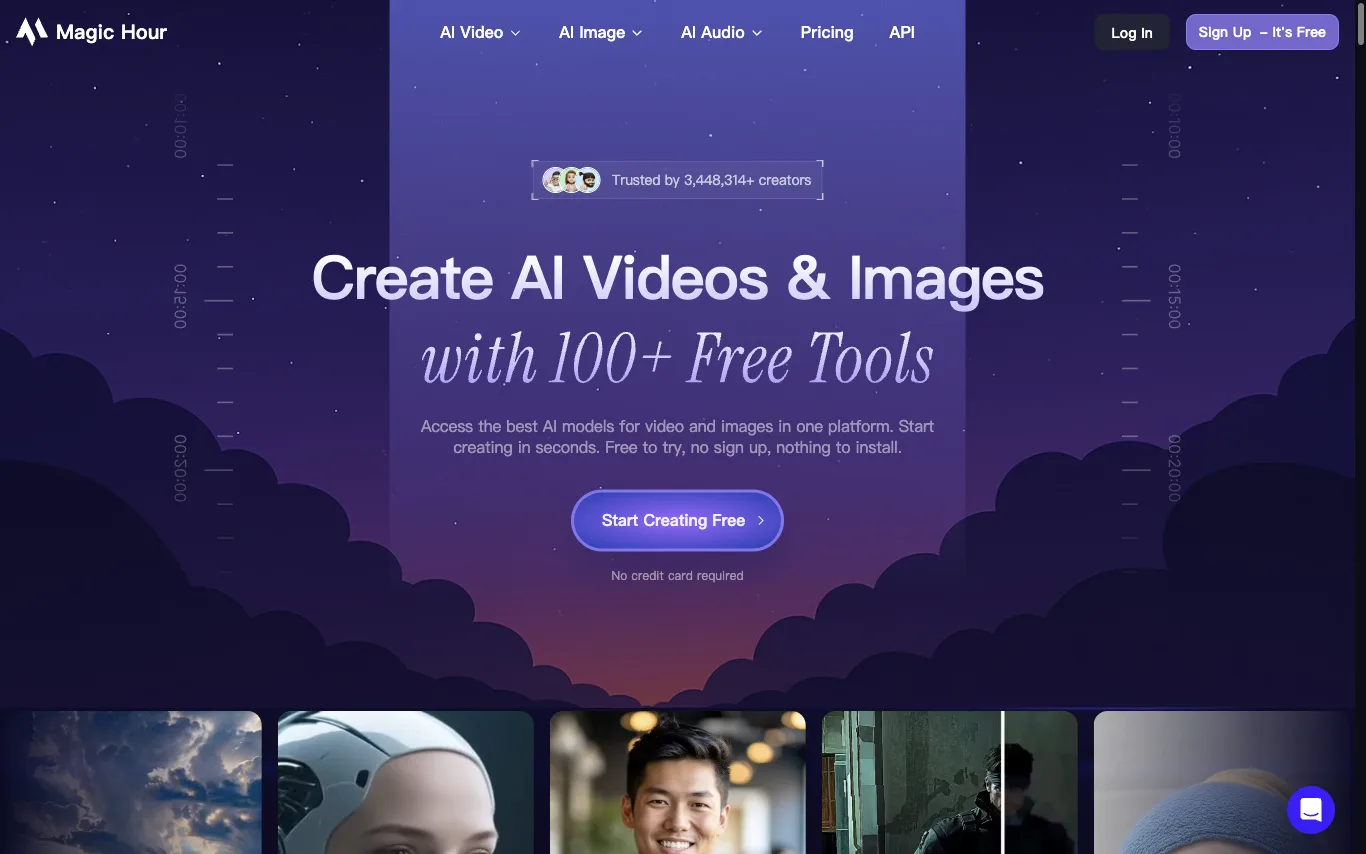

Magic Hour offers 100+ AI tools for video and image creation in one platform: face swap, lip sync, talking photos, AI headshot generator, video upscaler, and more. Credits roll over, and errors are refunded. Trusted by 3M+ creators.
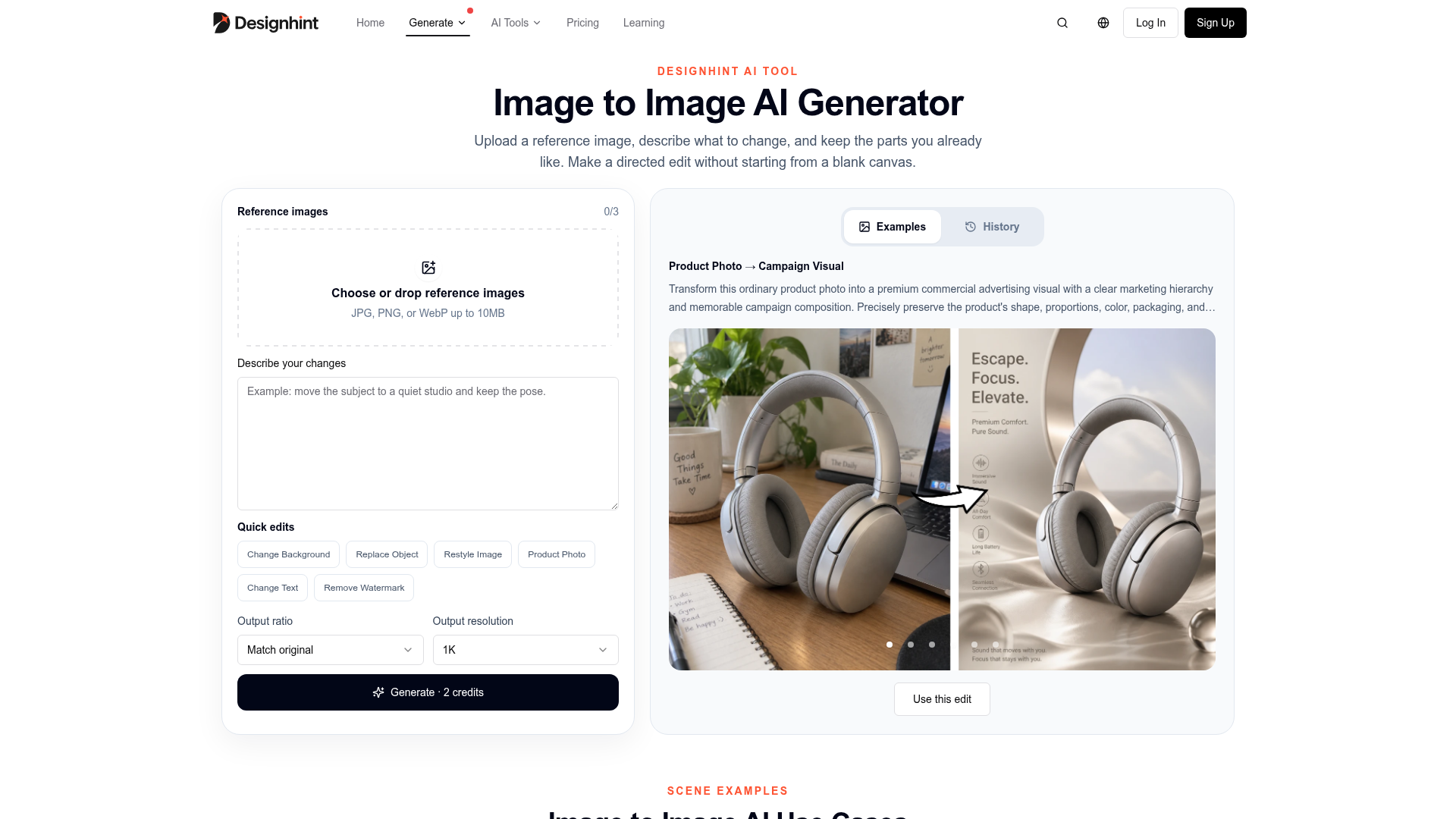

Upload a reference image, describe what to change, and keep the parts you already like to make directed edits without st
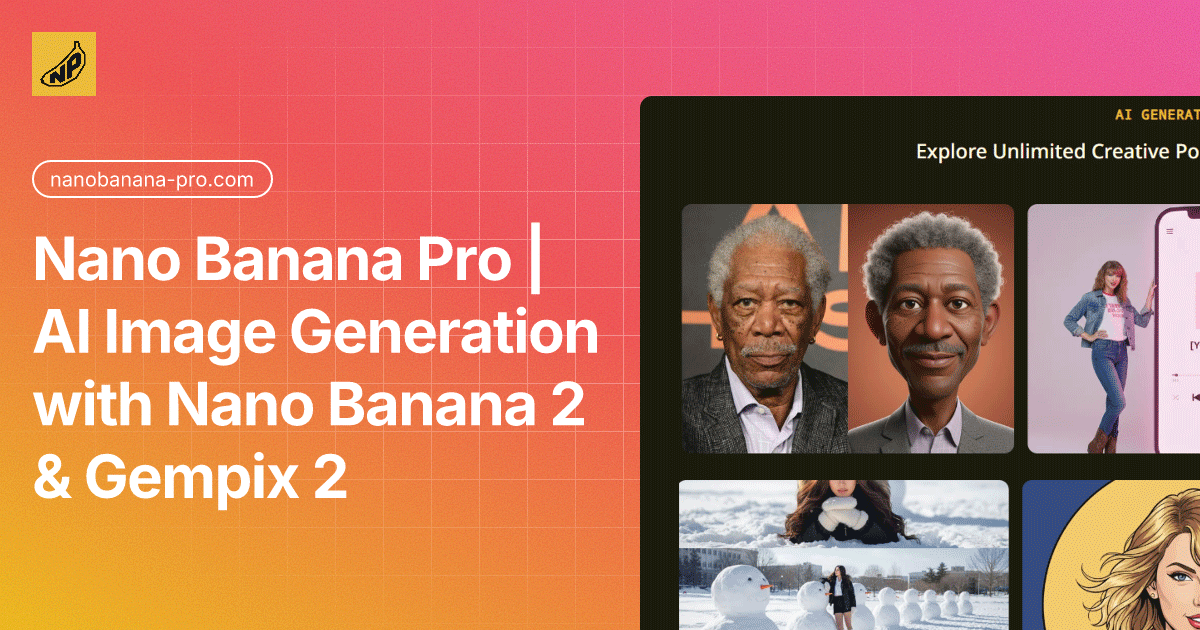

A professional AI image generator powered by Nano Banana Pro, delivering 4K-ready images with character consistency and spe
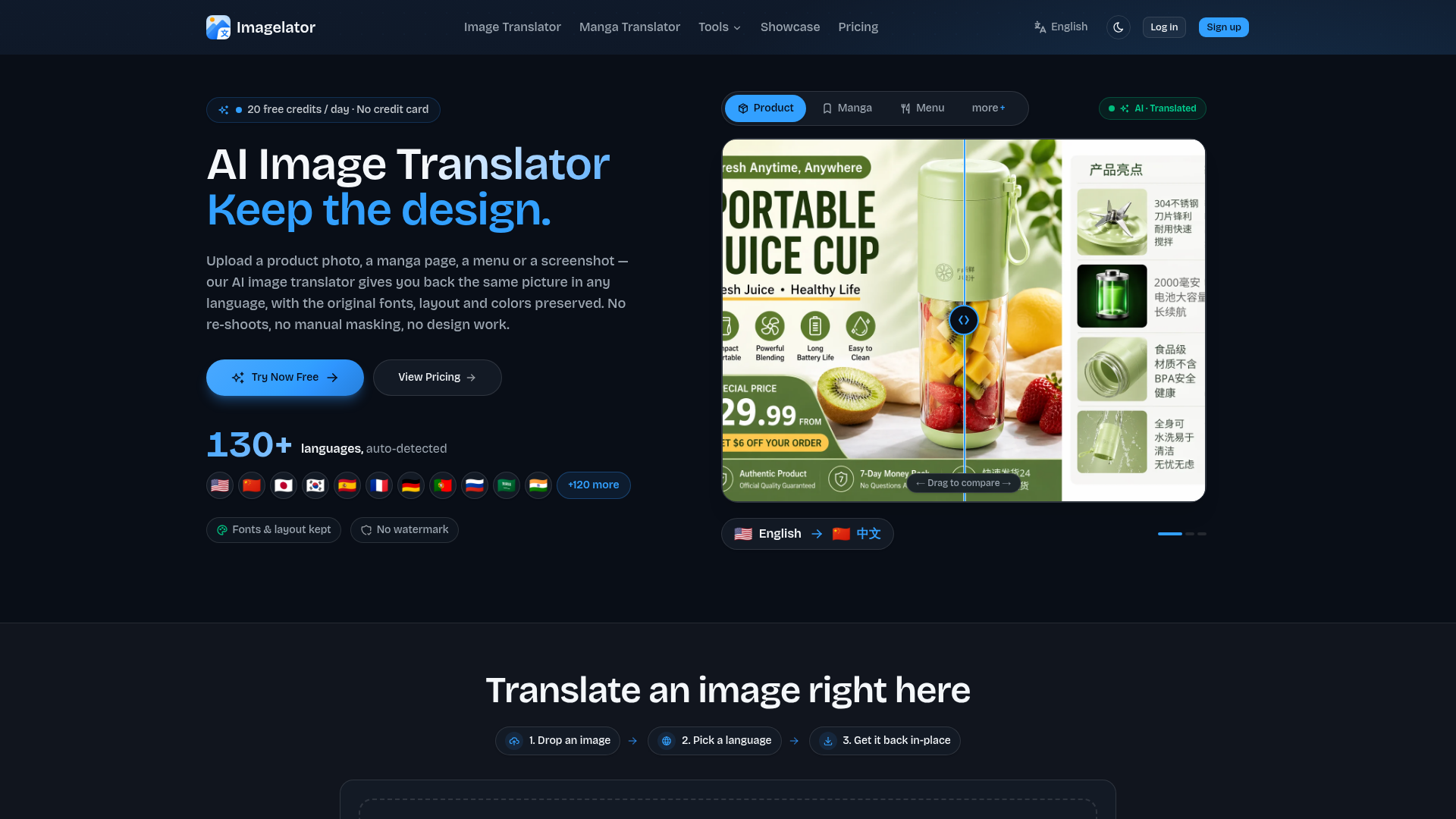

Imagelator translates text in your images across 130+ languages in one click while preserving the original layout, fonts, and style. Built for e-commerce, manga, screenshots, and everyday photos.
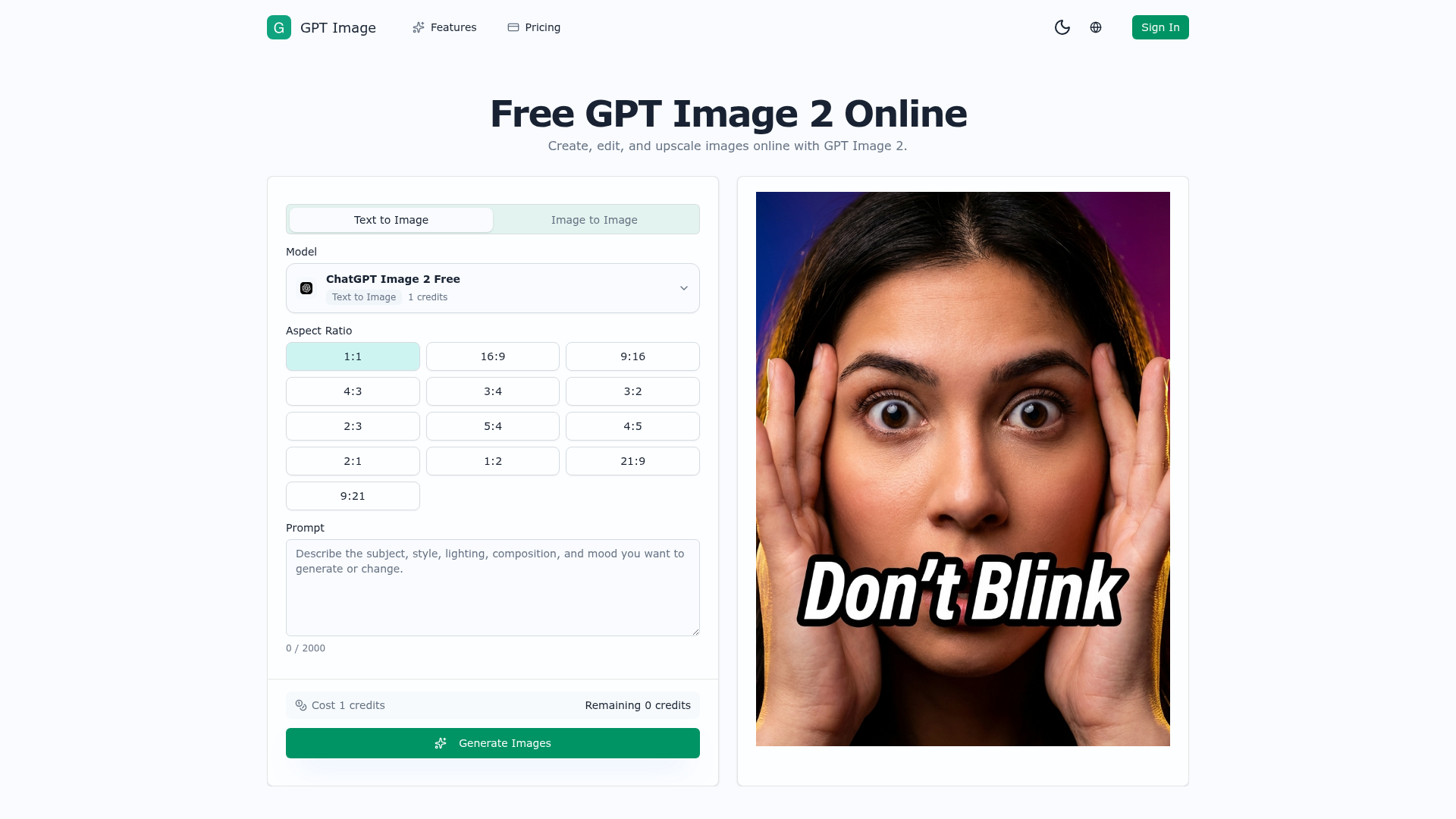

AI image generator and photo editor for prompt edits, upscaling, cleanup, and creative assets.
Krea 2 Turbo is a speed-tuned branch of the Krea 2 foundation model, specifically designed for rapid text-to-image generation. It utilizes an eight-step sampling process to deliver 1024px drafts in approximately two seconds, with 2K frames following shortly after. This rapid turnaround fundamentally transforms the workflow for AI image creation, enabling faster iteration and concept exploration. The AI image generator is built on a 12-billion-parameter diffusion transformer, trained from scratch for photographic behavior, ensuring natural depth and texture. It supports both text-to-image and image-to-image workflows, allowing users to start from a written brief or refine existing references. Krea 2 Turbo is particularly useful for creative professionals and teams who need to generate a high volume of concepts, create numerous ad variants, or maintain a consistent house style using LoRA sliders. By offering fast, high-quality drafts at a low iteration cost, Krea 2 Turbo empowers users to test multiple ideas without significant investment. Its open-weights model, available under a custom commercial license, provides flexibility for users to run it in a browser-based workspace or on their own hardware. This makes Krea 2 Turbo an infrastructure tool for visual content production, enabling efficient and scalable creative output.
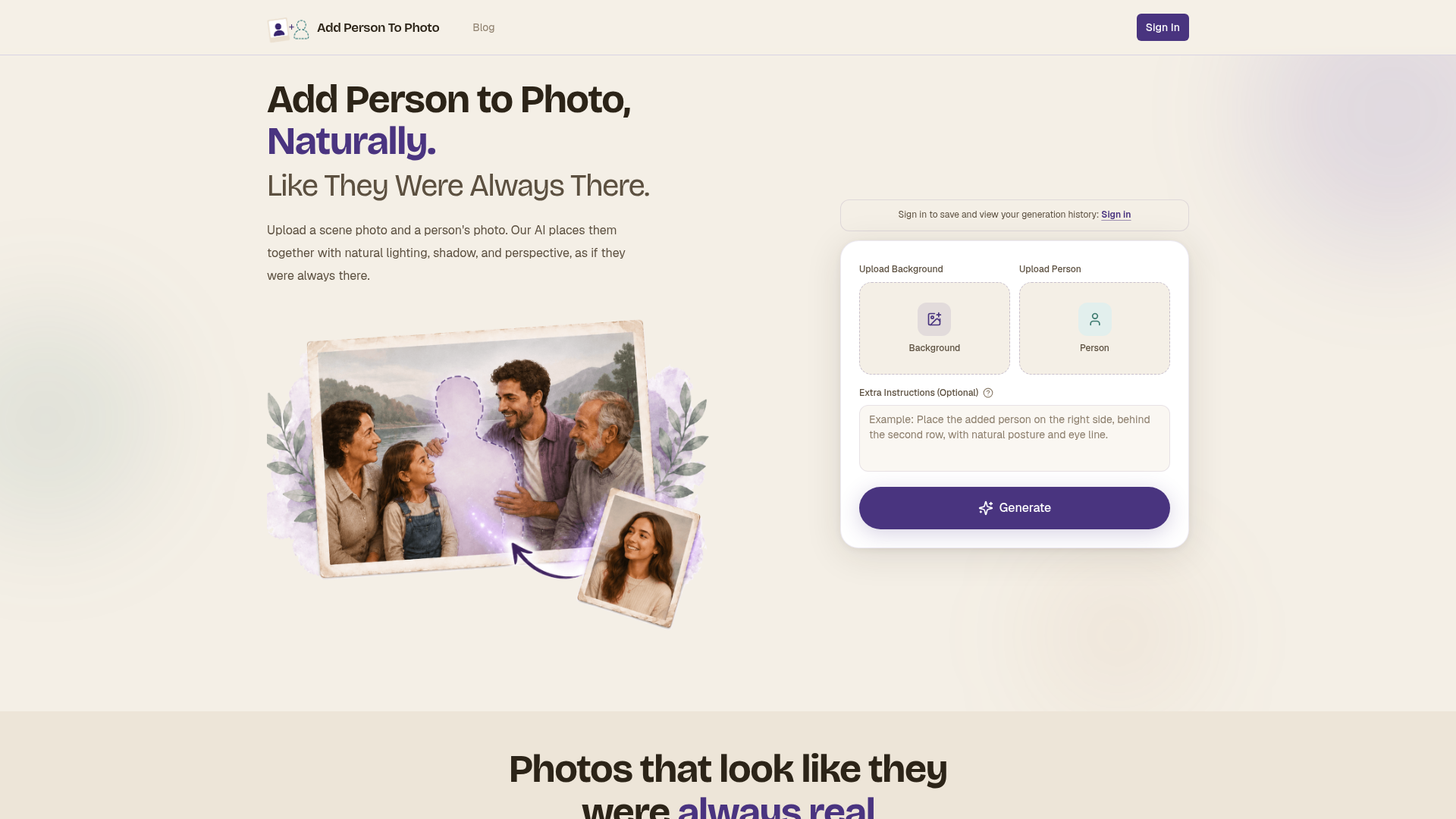
Upload a scene photo and a person's photo. Our AI places them together with natural lighting, shadow, and perspective, a
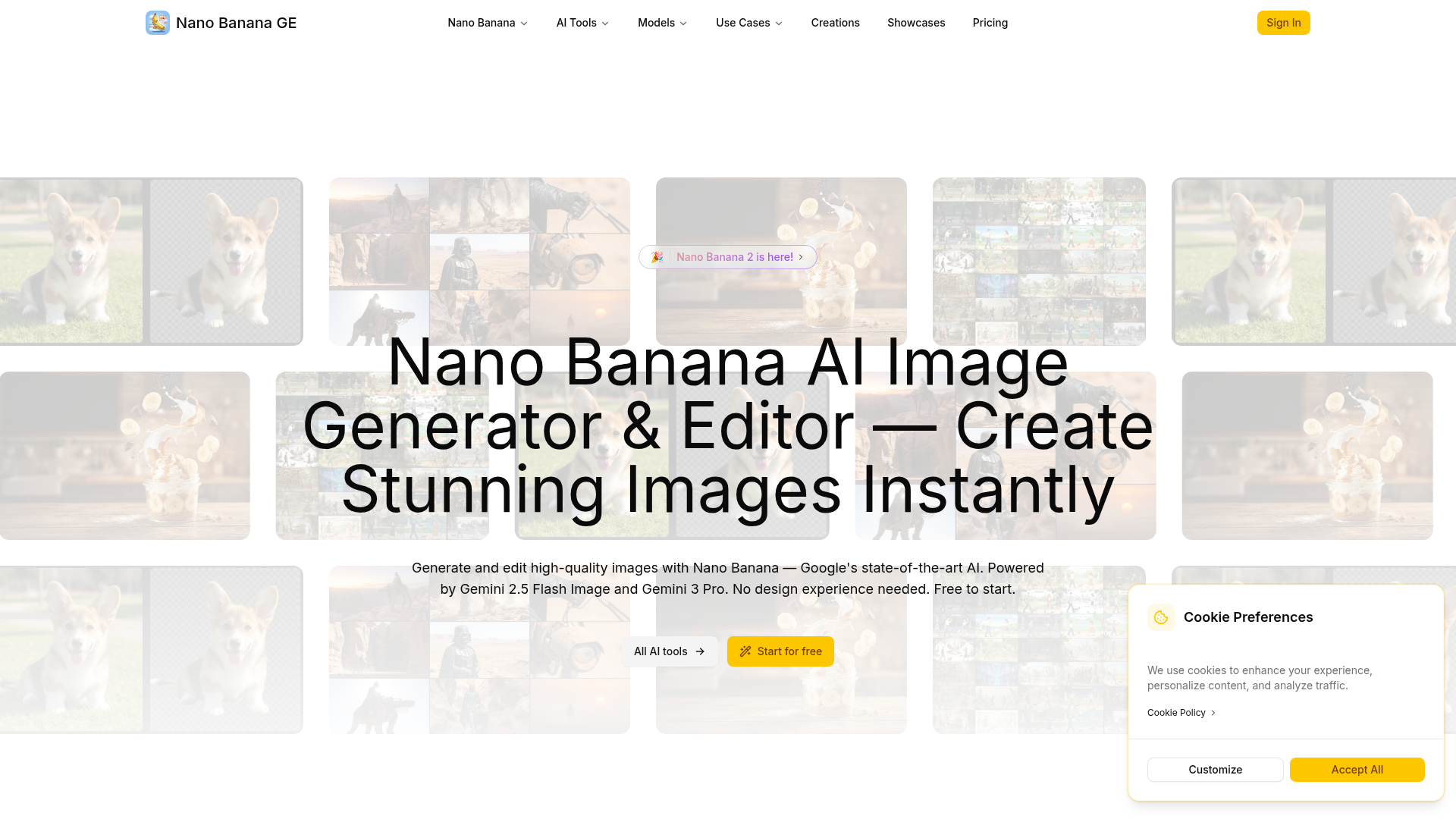
Generate and edit high-quality images with Nano Banana — Google's state-of-the-art AI. Powered by Gemini 2.5 Flash Image
What is image-to-image AI?
Image-to-image AI takes an existing picture as input and generates a new one from it, guided by a text prompt or a reference image. Unlike text-to-image, which starts from a blank canvas, it keeps the composition, pose, or structure of your source and changes style, detail, or content. Common jobs include style transfer, turning a sketch into a render, restyling a photo, and swapping or extending parts of an image.
What image-to-image AI can do
- Keep source composition while restyling from a prompt
- Style transfer between photos, art, and illustration
- Turn sketches or line art into finished renders
- Strength slider to control how much of the source changes
- Inpainting and outpainting to edit or extend images
- Structure control via ControlNet, depth, or pose
Who uses image-to-image AI
Style transfer and restyling
Repaint a photo in an art style while keeping its original layout and subject.
Concept art and design iteration
Turn rough sketches into polished renders and explore many variations quickly.
Photo editing and cleanup
Inpaint to remove objects, fix details, or extend a scene with outpainting.
Product and marketing visuals
Restage product shots and generate on-brand image variations at scale.
How does image-to-image AI work?
Most tools use a diffusion model that adds noise to your source image and then denoises it toward your prompt, so a low strength keeps more of the original and a high strength changes more. Add-ons like ControlNet, depth, or pose maps lock in structure such as edges or a subject's posture. Inpainting limits the change to a masked region, leaving the rest of the image untouched.