

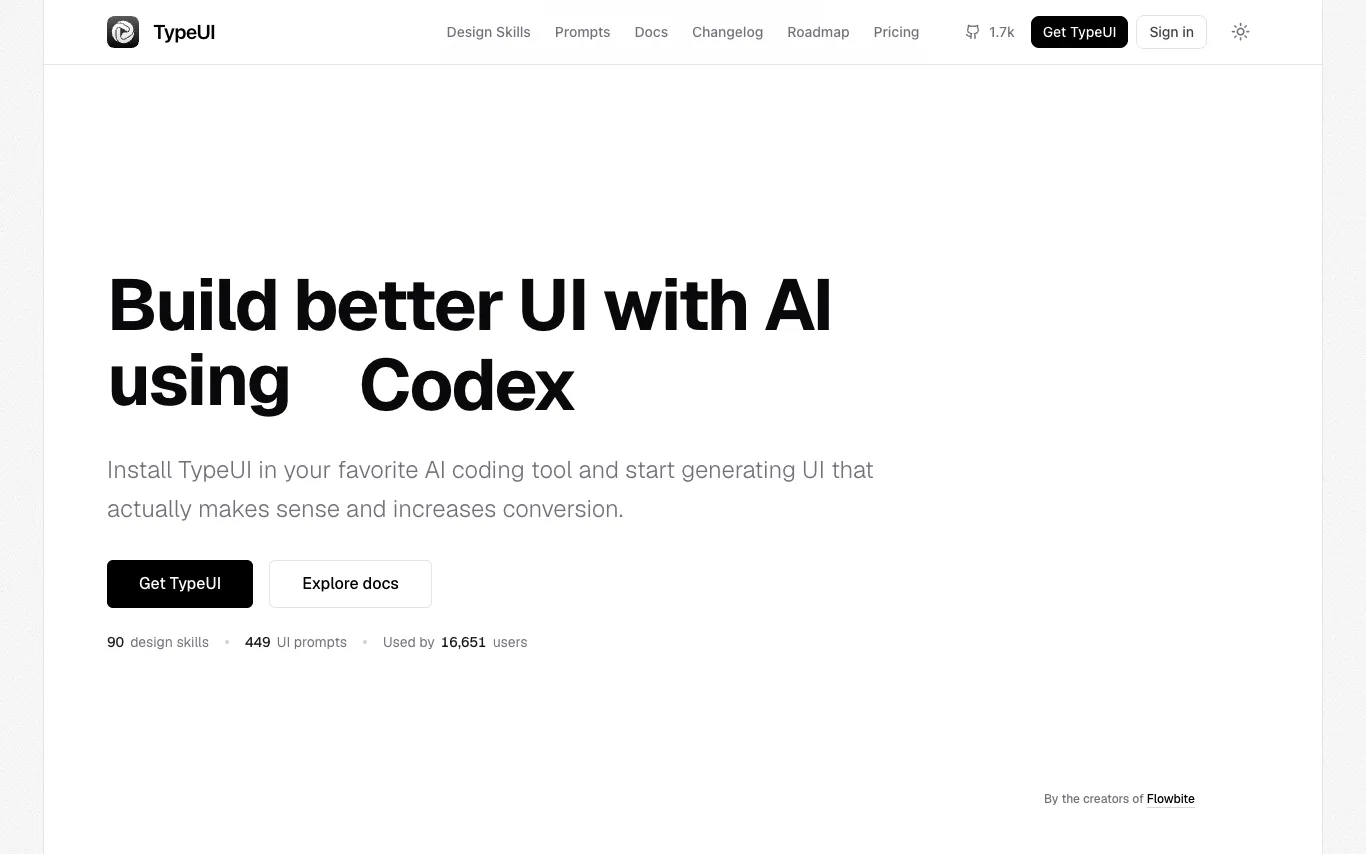

TypeUI is a design system and UI generation platform for AI coding tools. It provides 90 design skills and 449 UI prompts to help developers create consistent, conversion-focused interfaces. The platform includes a workspace for managing design systems, a brand kit maker, and a UI/UX audit tool. It integrates with AI tools via an MCP server, supporting Codex, Claude, and Cursor. TypeUI is created by the makers of Flowbite and is used by over 16,000 users.
AI Design Assistant · 3 tools
Best AI Design Assistant Tools (2026)
Compare AI design assistants for social graphics, logos, presentations, UI mockups, and brand kits — from one-click template generators to full brand systems.
All AI Design Assistant tools
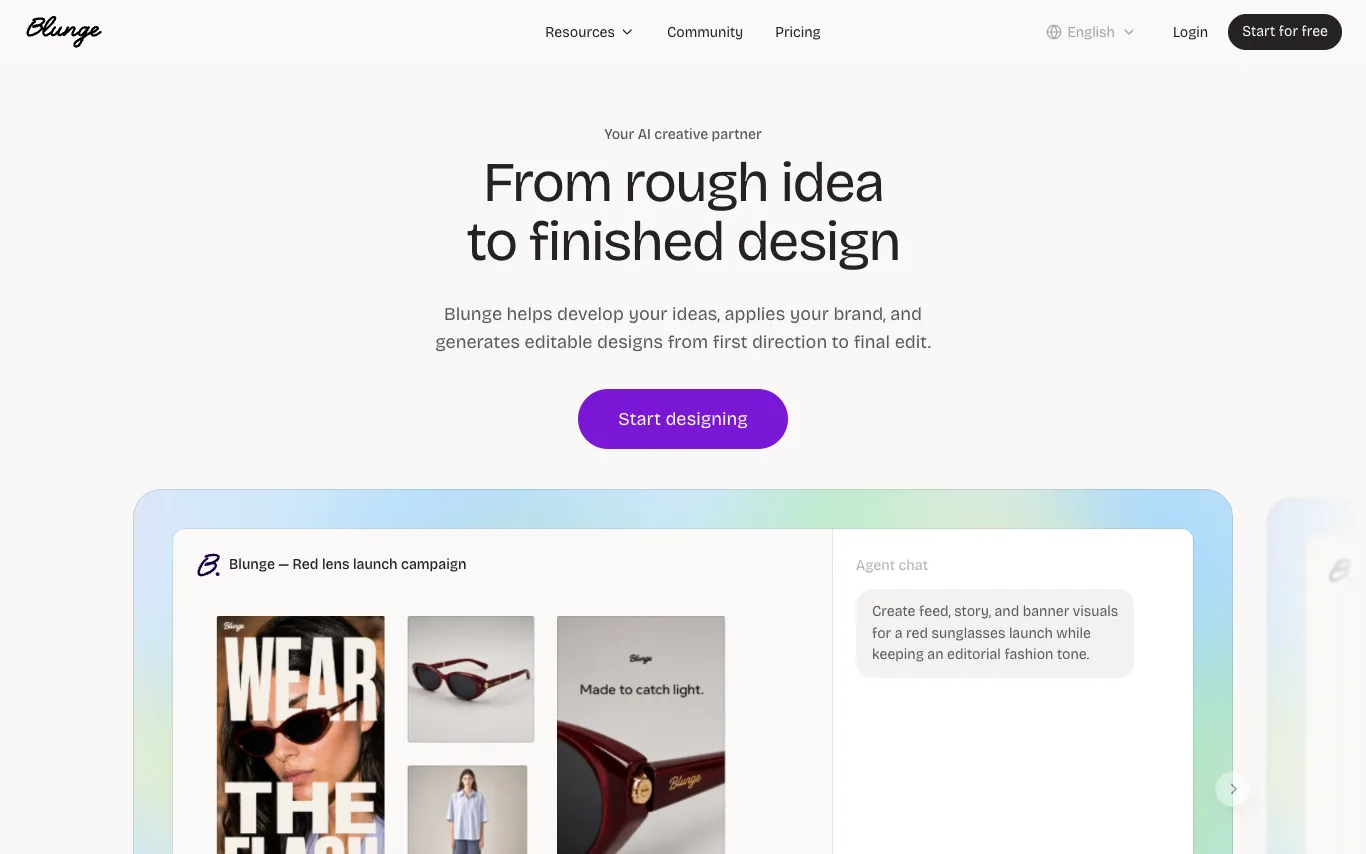

Blunge is an AI creative partner that helps develop ideas, applies your brand, and generates editable designs from first direction to final edit. It works alongside you to research, gather references, explore directions, and create on-brand work, refining each draft until it's ready for your team to ship.
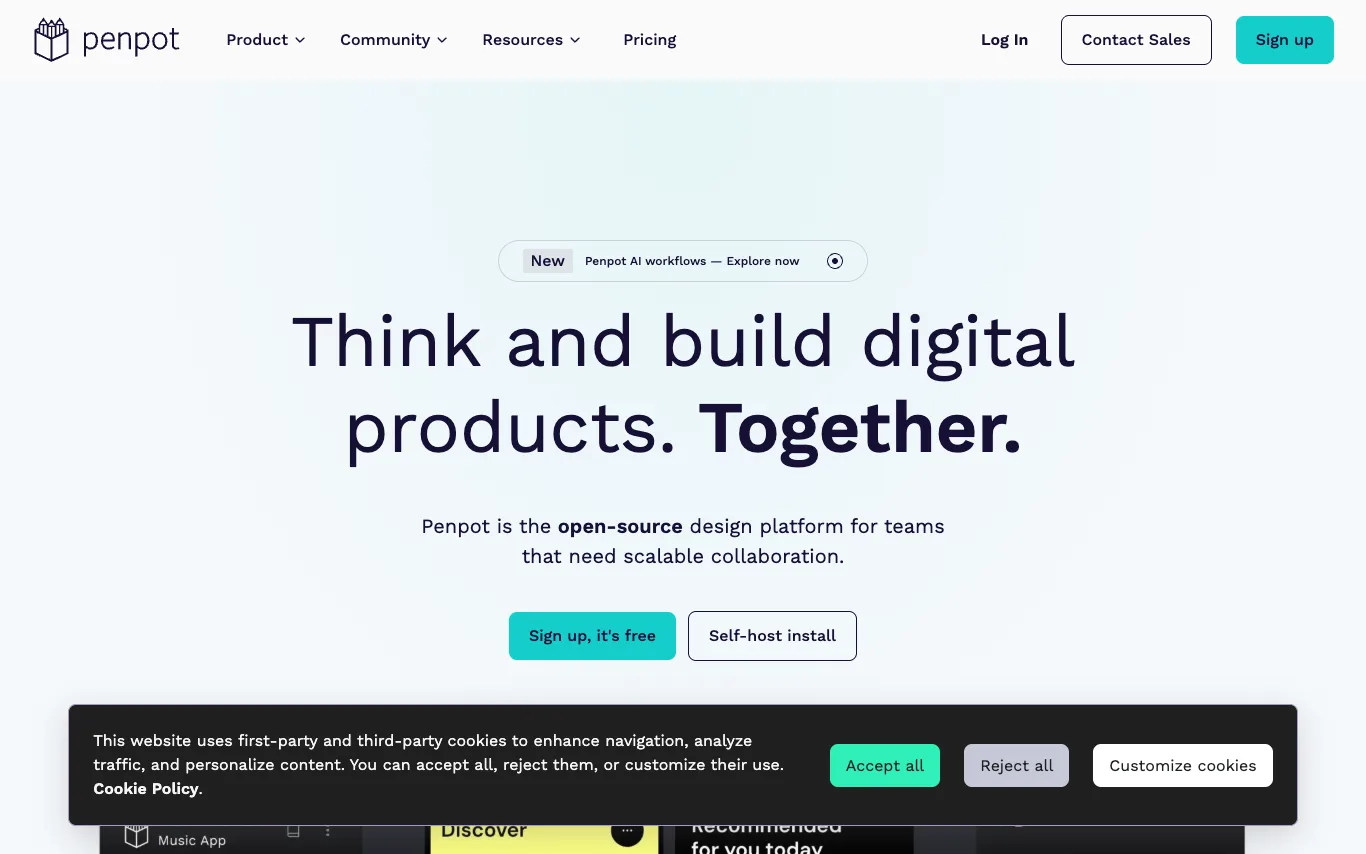

Penpot is the open-source design platform for teams that need scalable collaboration. It enables designers, developers, and AI agents to work together on digital products. Penpot offers UI design, design systems, AI workflows, and code integration, all built on open standards like CSS, HTML, SVG, and JSON.
What is an AI design assistant?
An AI design assistant turns a prompt, your brand details, or a rough draft into finished visual designs — social posts, logos, slide decks, UI screens, and marketing graphics. It suggests layouts, color palettes, and font pairings, then lets you edit every element on a canvas. Tools range from one-click template generators to systems that build a full brand kit and resize a design across every format.
What AI design assistants do
- Generate finished layouts from a text prompt or brief
- On-brand color palette and font-pairing suggestions
- One-click resize across social and ad formats
- Editable text, image, and vector layers on a canvas
- Logo, icon, and brand-kit generation
- Background removal, magic edit, and image cleanup
Who uses AI design assistants
01
Social media and marketing
Spin up on-brand posts, ads, and thumbnails in every platform size quickly.
02
Founders and small teams
Create a logo, brand kit, and pitch deck without hiring a designer.
03
Product and UI teams
Generate wireframes and interface mockups to prototype an app or website.
04
Designers speeding up drafts
Explore layout and color directions fast, then refine the output by hand.
How AI design assistants work
You describe what you need, or import your brand colors, logo, and copy, and the tool generates several finished layouts. Image and layout models handle the visuals while a template engine keeps text, spacing, and alignment fully editable. You pick a direction, tweak any element on the canvas, and export or auto-resize it for each channel.