


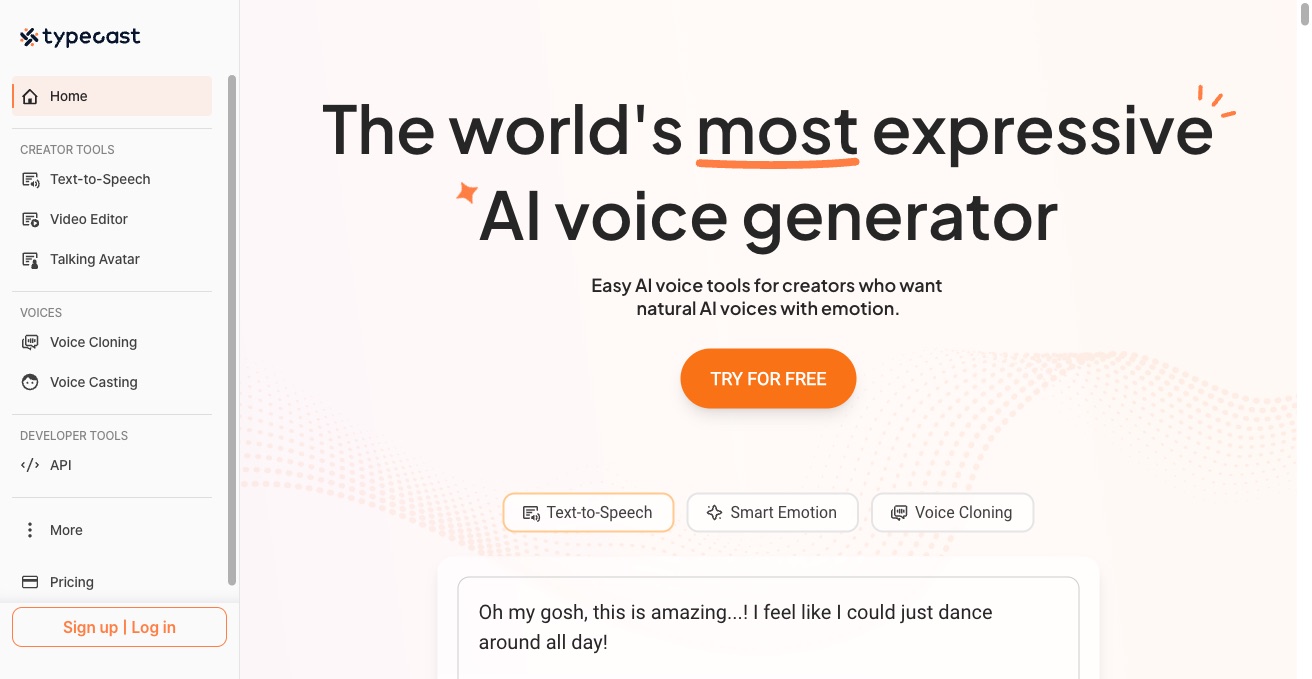

Typecast is an AI voice generator and TTS studio. Produce professional voiceovers with hundreds of voices, emotional controls, and character voices across many languages.
Best AI Voice Over Tools (2026)
Compare AI voice over tools for video narration, YouTube and social voiceovers, audiobooks, e-learning, IVR prompts, and voice cloning — with lifelike text-to-speech.
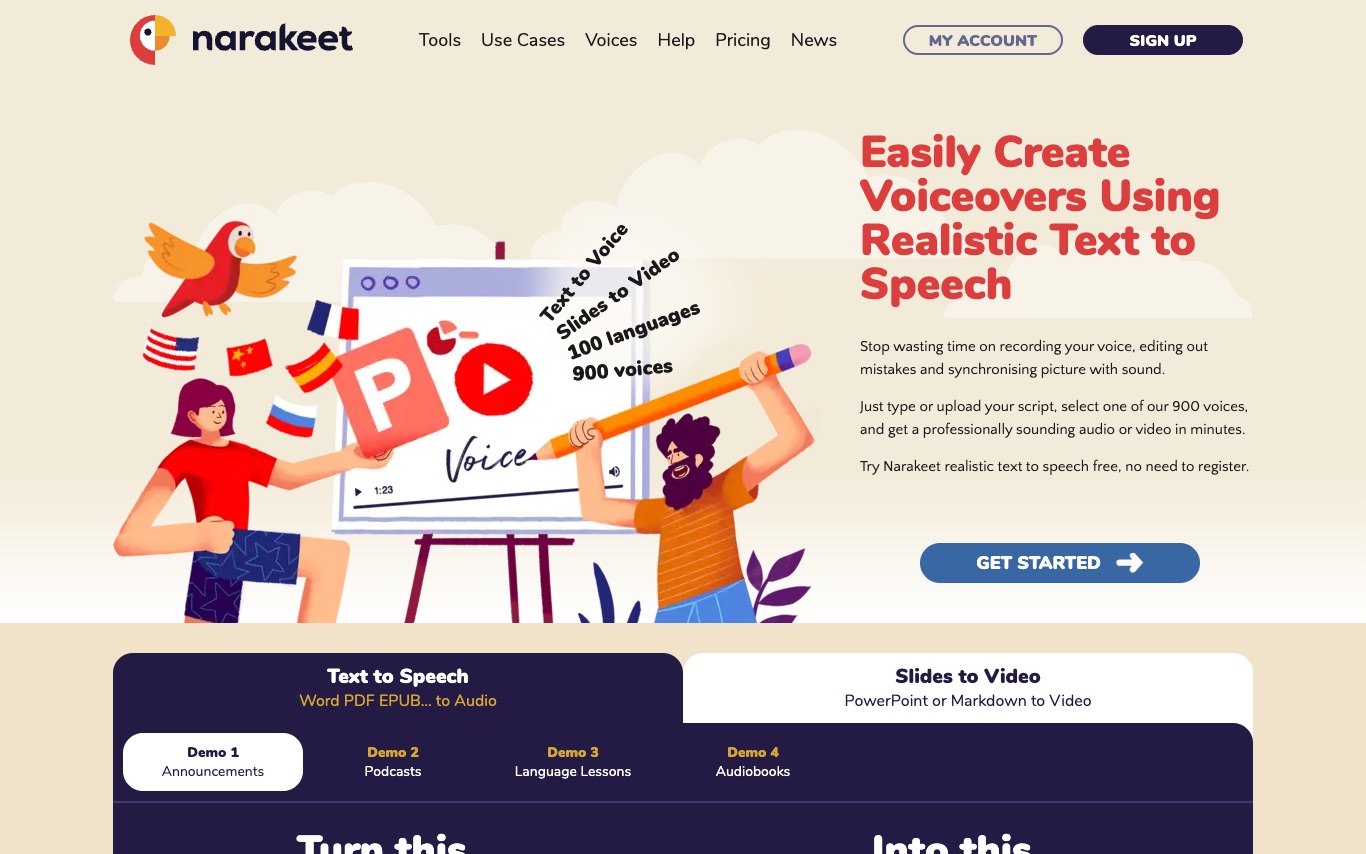

Narakeet is a text-to-speech platform that converts scripts into voiceover narrations and narrated videos using 900+ realistic AI voices in 100 languages—used for e-learning, training, and content creation.
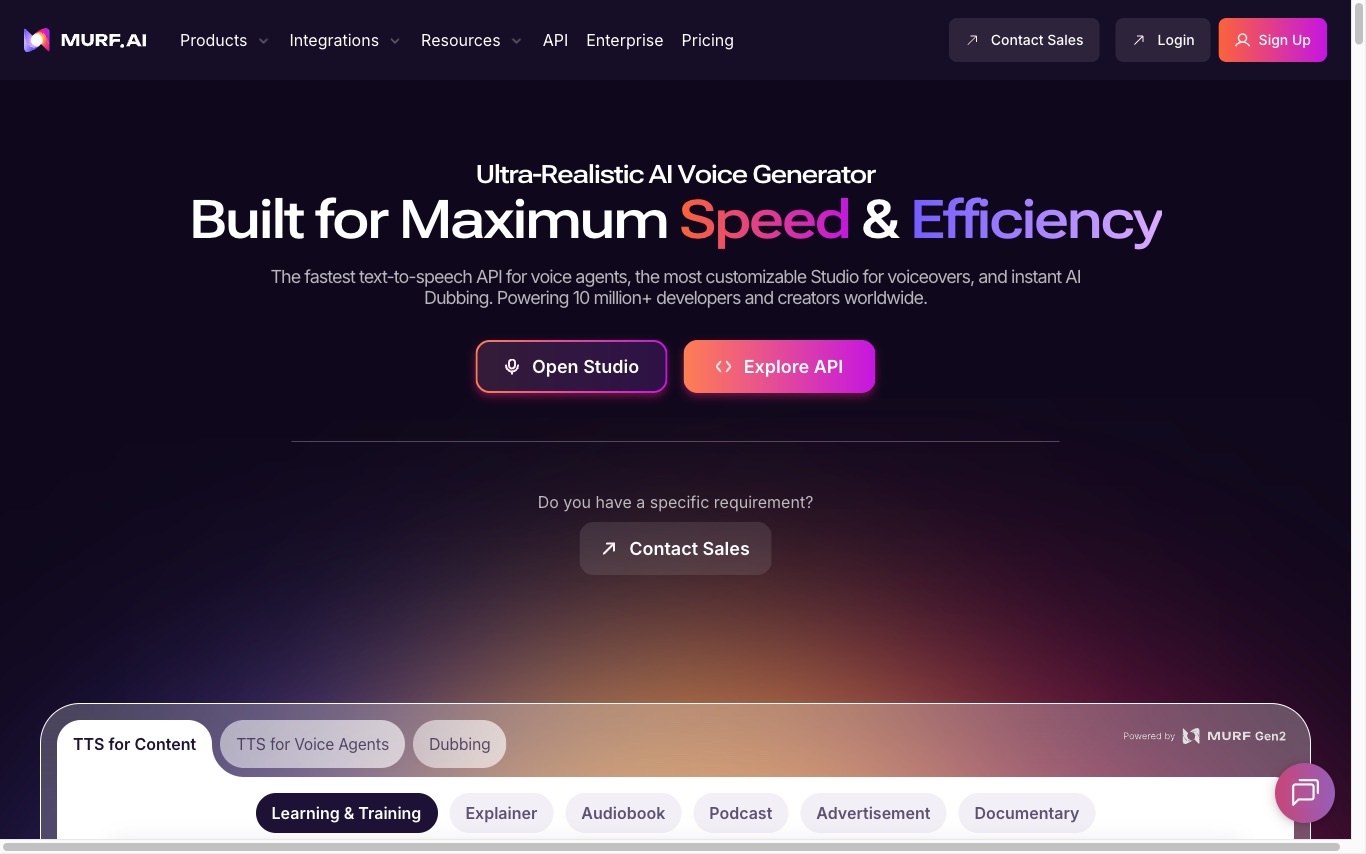

Murf is an AI voice generator built for voiceovers and voice agents. It offers a fast text-to-speech API, customizable Studio, and instant AI dubbing used by 10M+ developers and 300+ Fortune 2000 companies.
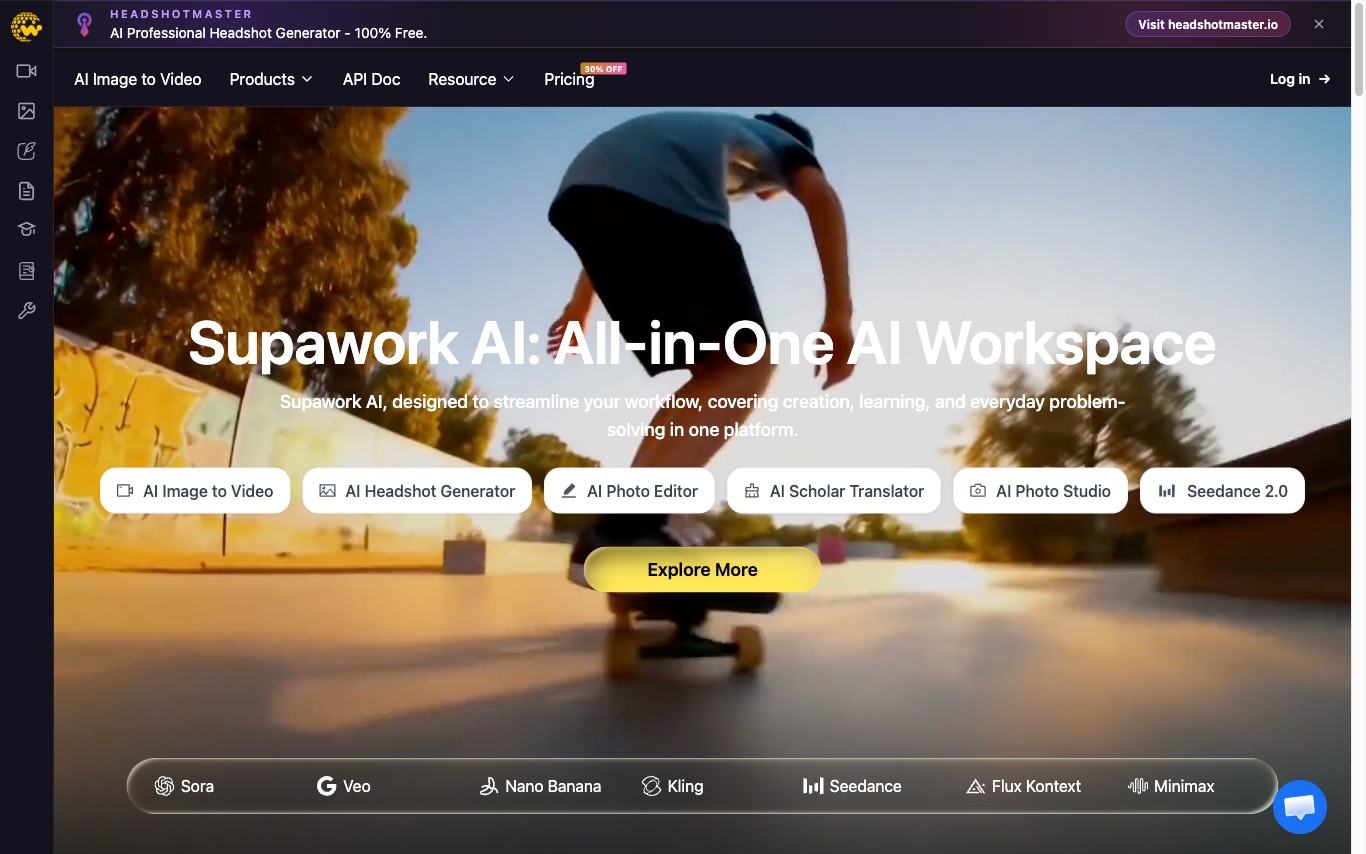

Supawork is an AI video maker for creators. Produce talking avatars, AI voiceovers, subtitles, face-swap, and faceless videos from text or scripts in a single workspace.
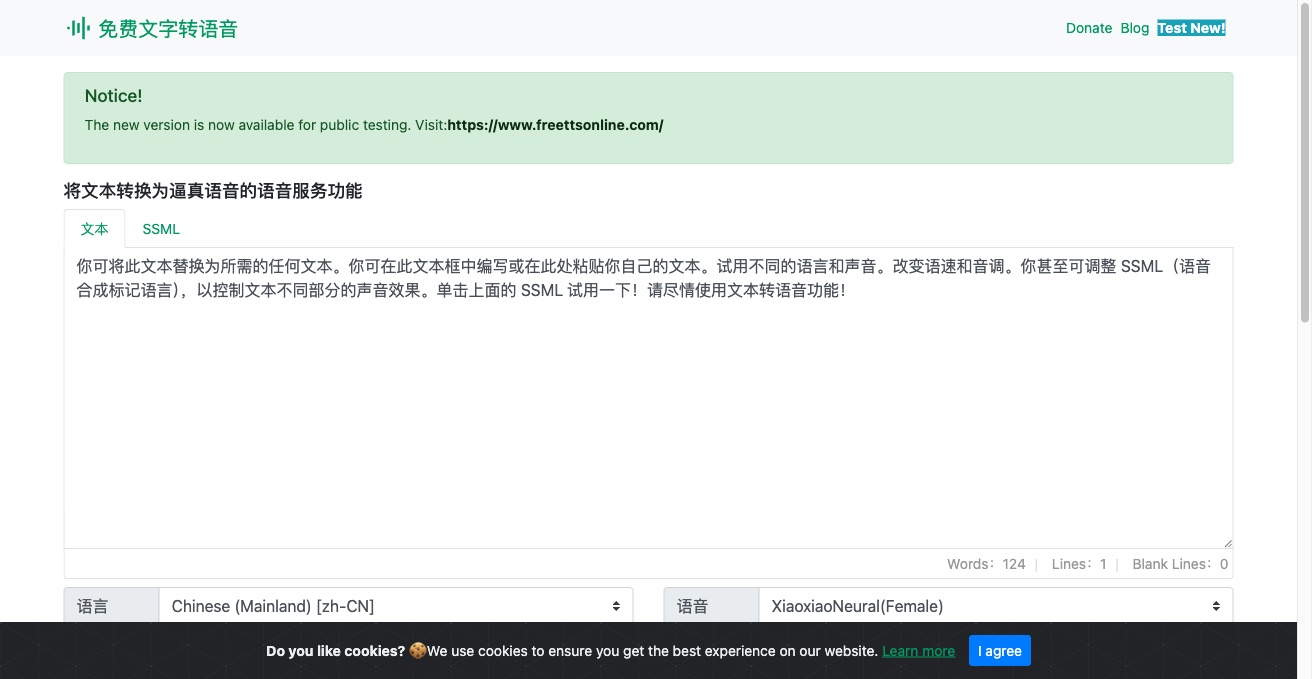

Text to Speech Online is a free Chinese-language TTS tool. Paste text, select a voice, and download a natural-sounding MP3 in seconds.
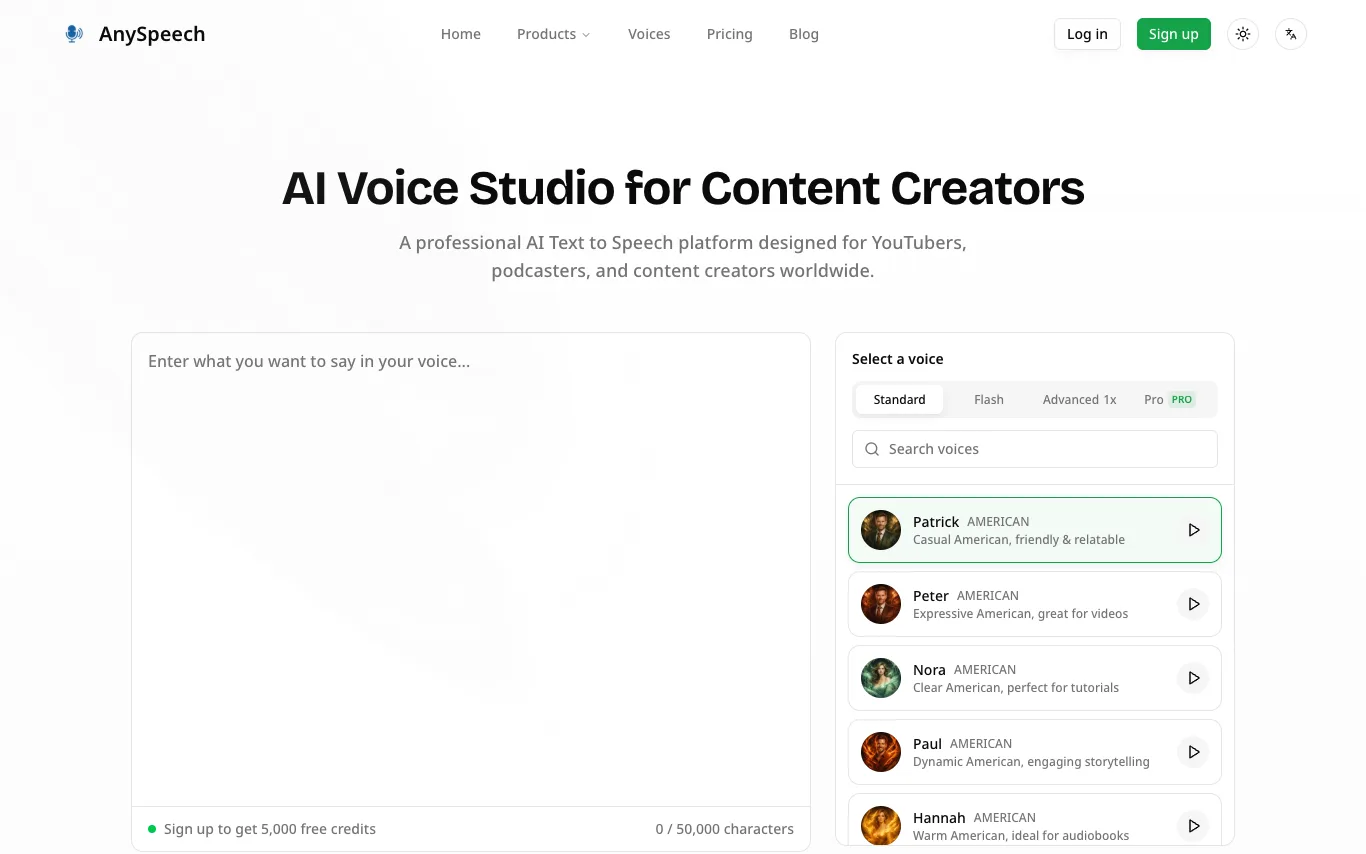

AnySpeech is a professional AI text-to-speech platform that transforms text into natural-sounding speech. It offers over 100 realistic voices across 50+ languages, suitable for YouTubers, podcasters, and content creators. Users can sign up to receive 5,000 free credits and start generating speech without needing a credit card. The platform provides a variety of voice options, including American, British, Australian, Spanish, French, and more, each with distinct characteristics for different use cases.
Related categories
What is AI voice over?
AI voice over turns a written script into spoken narration using synthetic voices produced by a text-to-speech (TTS) model. You type or paste your text, choose a voice, and the tool returns an audio file that sounds like a person reading it. Many tools also clone a specific voice from a short sample, or add controls for emotion, pacing, and pronunciation.
What AI voice over tools do
- Hundreds of natural voices across accents and languages
- Voice cloning from a short recorded sample
- Emotion, tone, and speaking-style controls
- Pronunciation, pauses, emphasis, and speed via SSML
- Export as MP3 or WAV for editing
- Real-time preview and per-line regeneration
Who uses AI voice over
01
Video creators
Narrate YouTube, TikTok, and explainer videos without recording your own voice.
02
E-learning and training
Voice course modules, tutorials, and onboarding at scale across several languages.
03
Audiobooks and podcasts
Turn scripts, articles, or full books into long-form spoken audio.
04
Business and product teams
Generate IVR phone prompts, ad reads, and in-app voice UI quickly.
How AI voice over works
A neural TTS model trained on recorded human speech maps your text to audio, predicting the sounds, rhythm, and intonation of each word. Voice cloning fits the model to a target speaker from a short sample so new lines match that voice. Tags like SSML or an emotion setting let you steer pauses, emphasis, and delivery before you export the file.