

AI Presentation Maker · 9 tools
Best AI Presentation Maker Tools (2026)
Compare AI presentation makers that turn a prompt, outline, or document into a full slide deck — with design, layouts, images, and export to PowerPoint or Google Slides.
All AI Presentation Maker tools


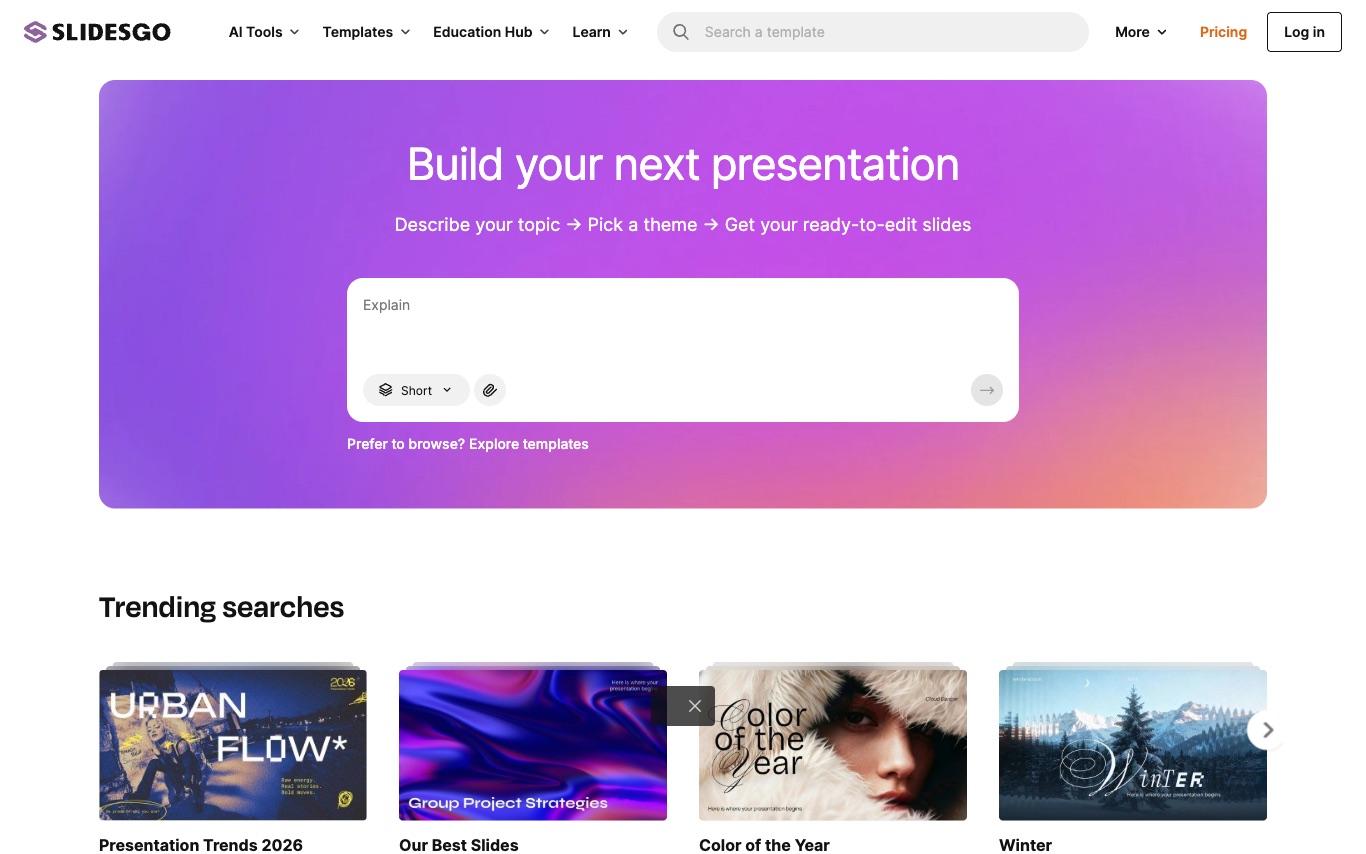



Presentations.AI is an AI presentation maker used by 10M+ presenters. Generate PPT-compatible slides, infographics, timelines, reports, and roadmaps from prompts, with brand sync and analytics.







Alai is an AI presentation maker that helps you create on-brand presentations, social posts, infographics, and more. It allows you to build your own design system using brand assets or choose from hand-crafted templates. You can edit manually or use AI to refine designs, ensuring consistency across all formats. Trusted by users from top companies, Alai is backed by Y Combinator and was #2 Product of the Day on Product Hunt.
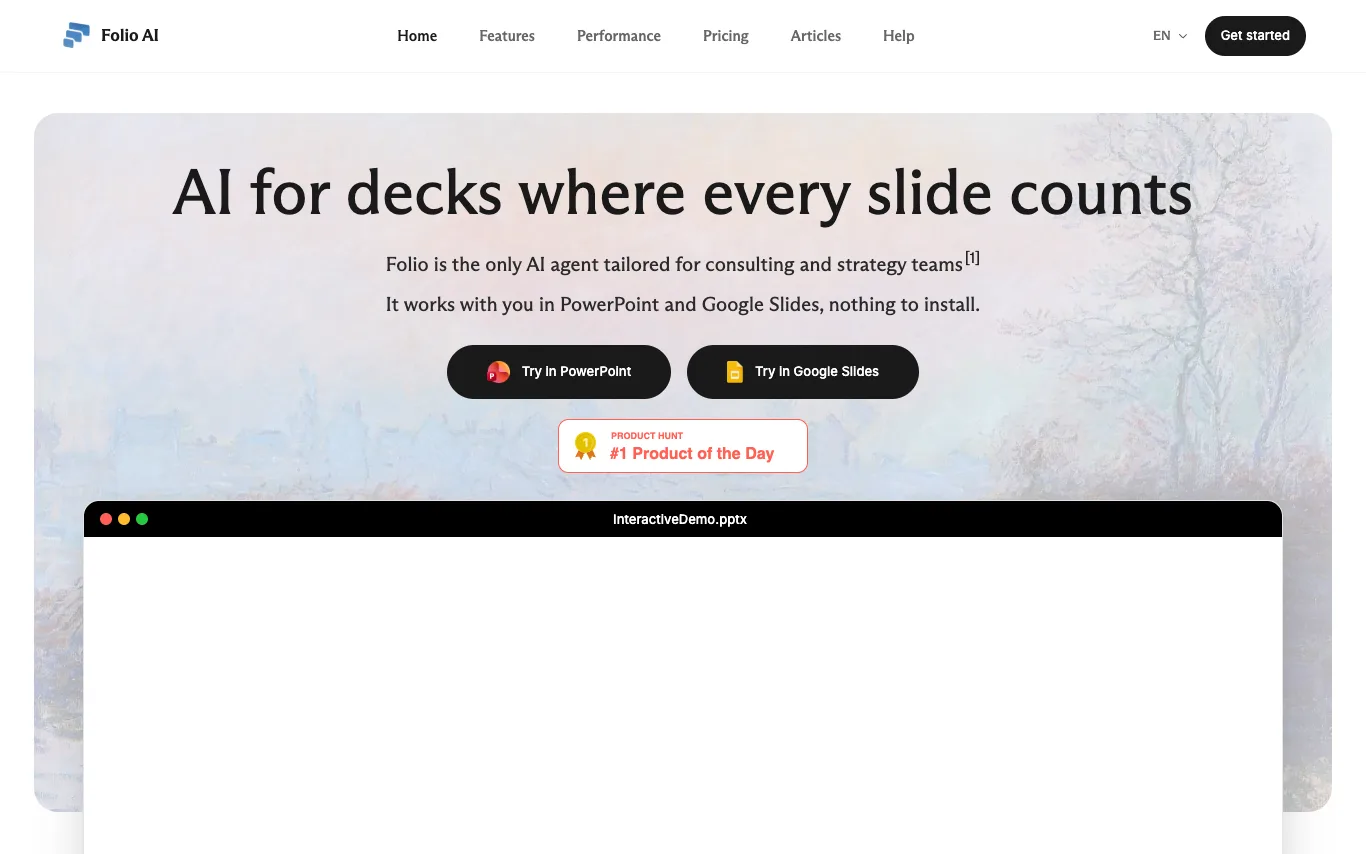

Folio is an AI agent tailored for consulting and strategy teams. It works directly in PowerPoint and Google Slides, with no installation required. Users can generate full slide decks from prompts, edit existing decks, and maintain full control over editable shapes and objects. Folio supports file uploads and offers enterprise features like SSO, MFA, and GDPR compliance.
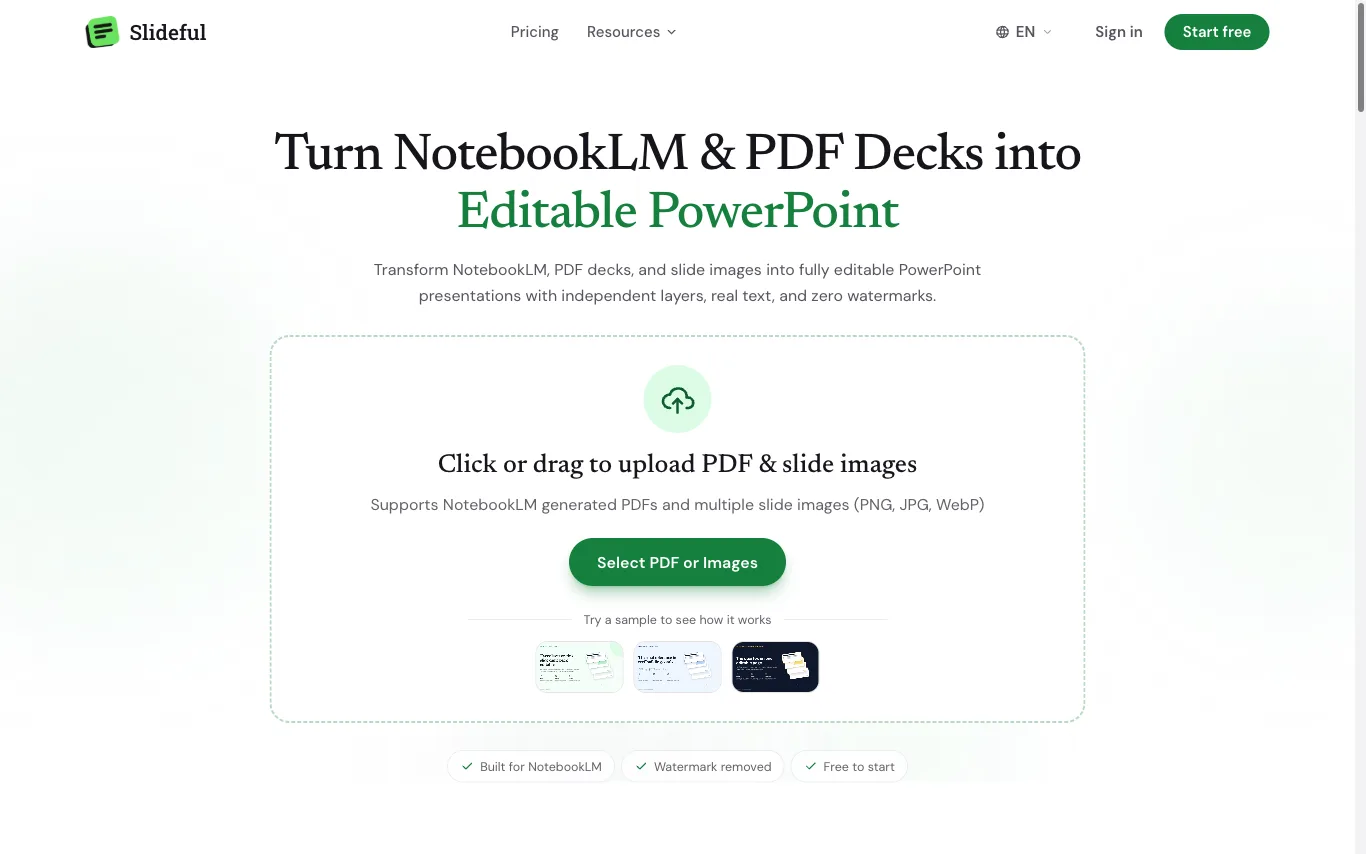

What is an AI presentation maker?
An AI presentation maker builds a complete slide deck from a short prompt, an outline, or a document you paste or upload. It writes the copy for each slide, picks layouts, and applies a consistent theme with matching images, icons, and charts. Most let you edit the result and export to PowerPoint (.pptx), Google Slides, or PDF.
What AI presentation makers do
- Generate a full deck from a prompt or topic
- Turn documents, notes, or URLs into slides
- Auto-apply themes, fonts, and color palettes
- Suggest layouts and arrange text with images
- Add AI images, icons, charts, and diagrams
- Export to PowerPoint, Google Slides, or PDF
Who uses AI presentation makers
Pitch and sales decks
Founders and sales teams draft investor pitches and client proposals fast, then refine the story.
Work reports and reviews
Employees turn meeting notes, docs, or data into quarterly updates and internal briefings.
Teaching and training
Educators and trainers build lesson slides, workshops, and course modules from an outline.
Students and study decks
Students convert essays, readings, or research into presentation slides for class projects.
How AI presentation makers work
You give the tool a prompt, outline, or source document, and a language model drafts a slide-by-slide structure with a title and talking points for each. A design engine then maps that content onto templated layouts, choosing themes, fonts, and imagery so the deck looks consistent. You edit slides directly in the browser and export to an editable format like PowerPoint or Google Slides.