

Turn any photo into video with AI. Free credits, no subscription.
Image to Video AI · 19 tools
Best Image to Video AI Tools (2026)
Compare image-to-video AI for animating photos, camera moves, talking portraits, product and ad clips, and free plans.
All Image to Video AI tools
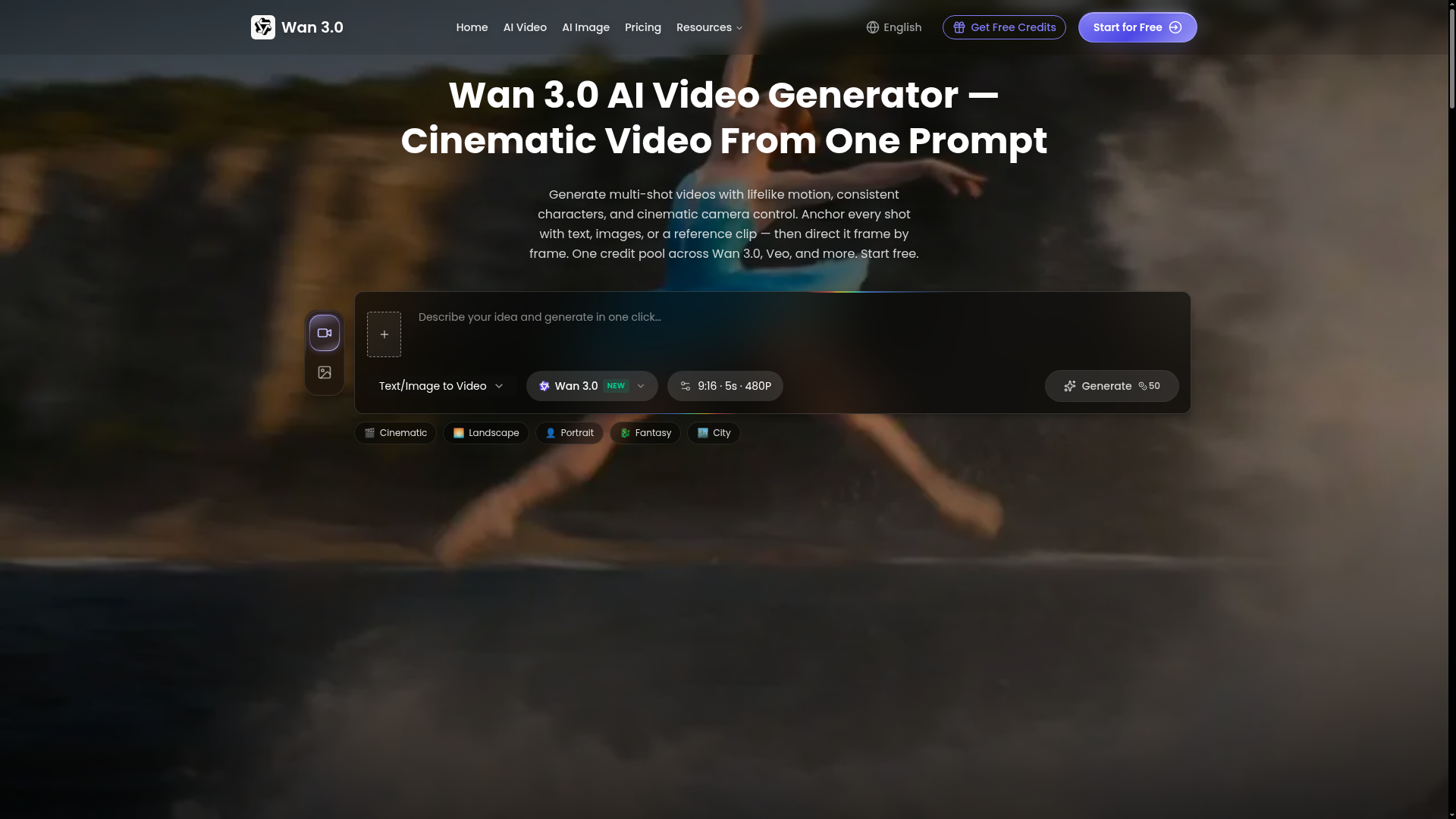

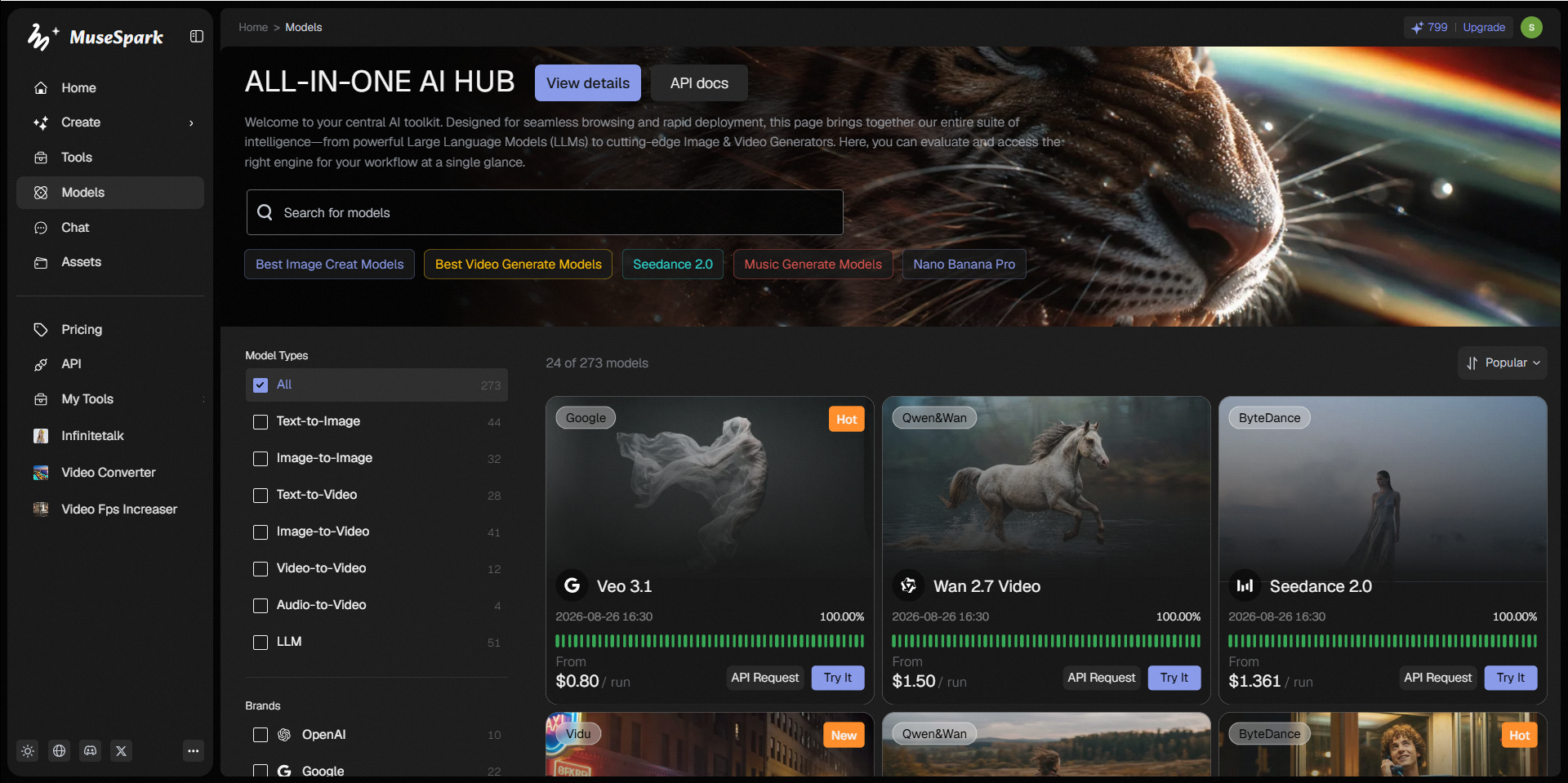

MuseSpark is an upcoming platform designed to provide online access and an API to a diverse range of artificial intelligence models. Its primary value proposition is enabling users to transform creative ideas into tangible outputs across various media types. The platform is structured to support the generation of content including images, videos, 3D models, audio, avatars, and text. It aims to serve creators, developers, and anyone looking to leverage advanced AI for content creation, offering access to models like Kling O3, Sora, and Flux.2. By offering a centralized hub for numerous AI models, MuseSpark allows users to experiment with different generative capabilities. This enables them to bring their inspirations to life, whether for artistic projects, digital media production, or exploring new creative possibilities.

Combine text, images, video, and audio in one creative context to generate coherent native 2K videos.
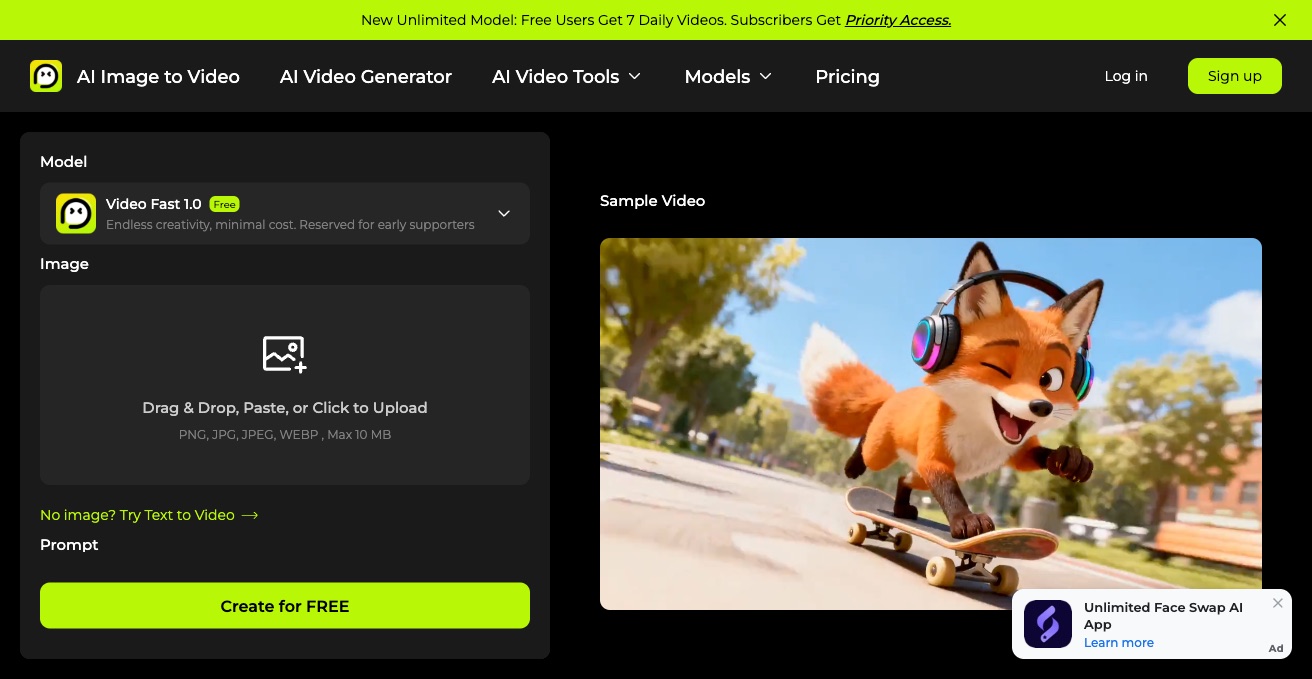

AI Image to Video is an online AI video generator that turns static photos or text prompts into animated videos. It offers multiple models like Veo 3 and Imagen 3, free daily videos without signup, and adjustable aspect ratio, duration, and resolution.
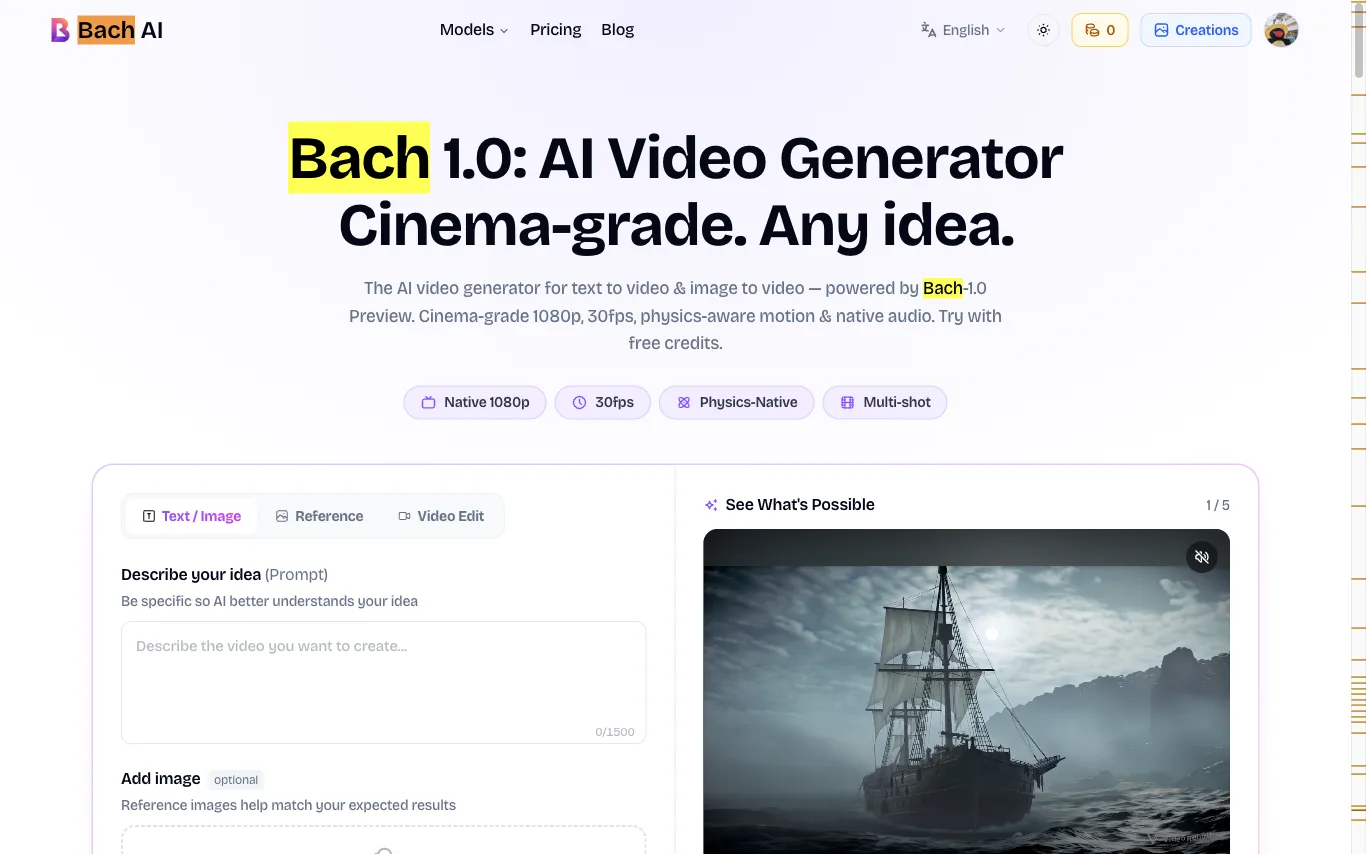

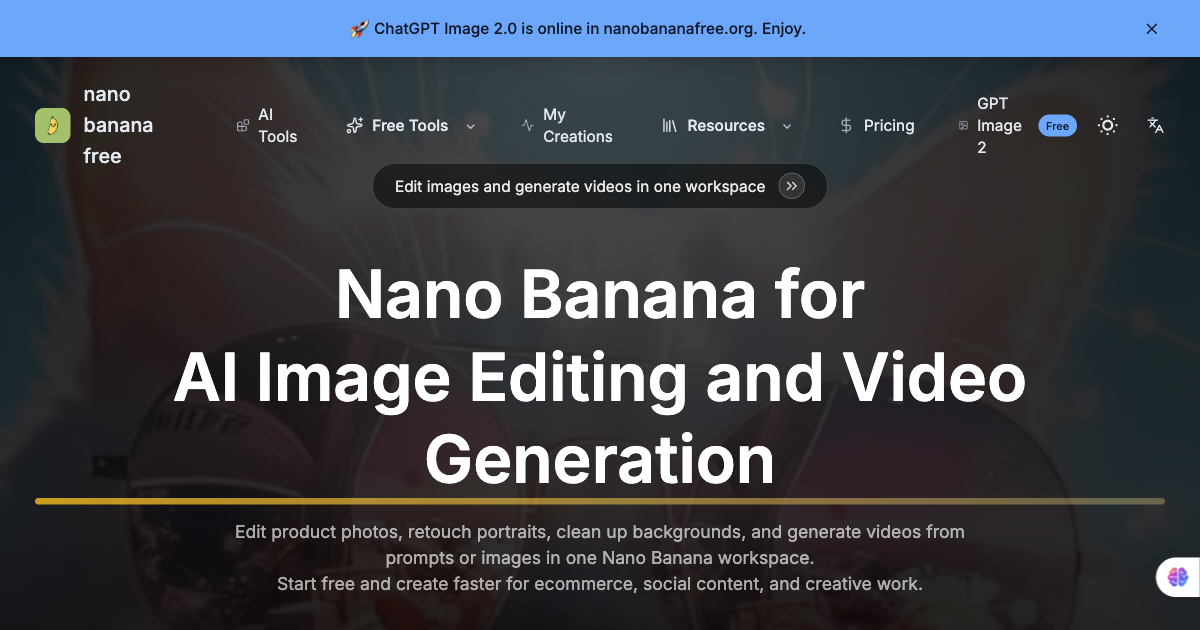

Free AI image editor and video generator for Nano Banana workflows.
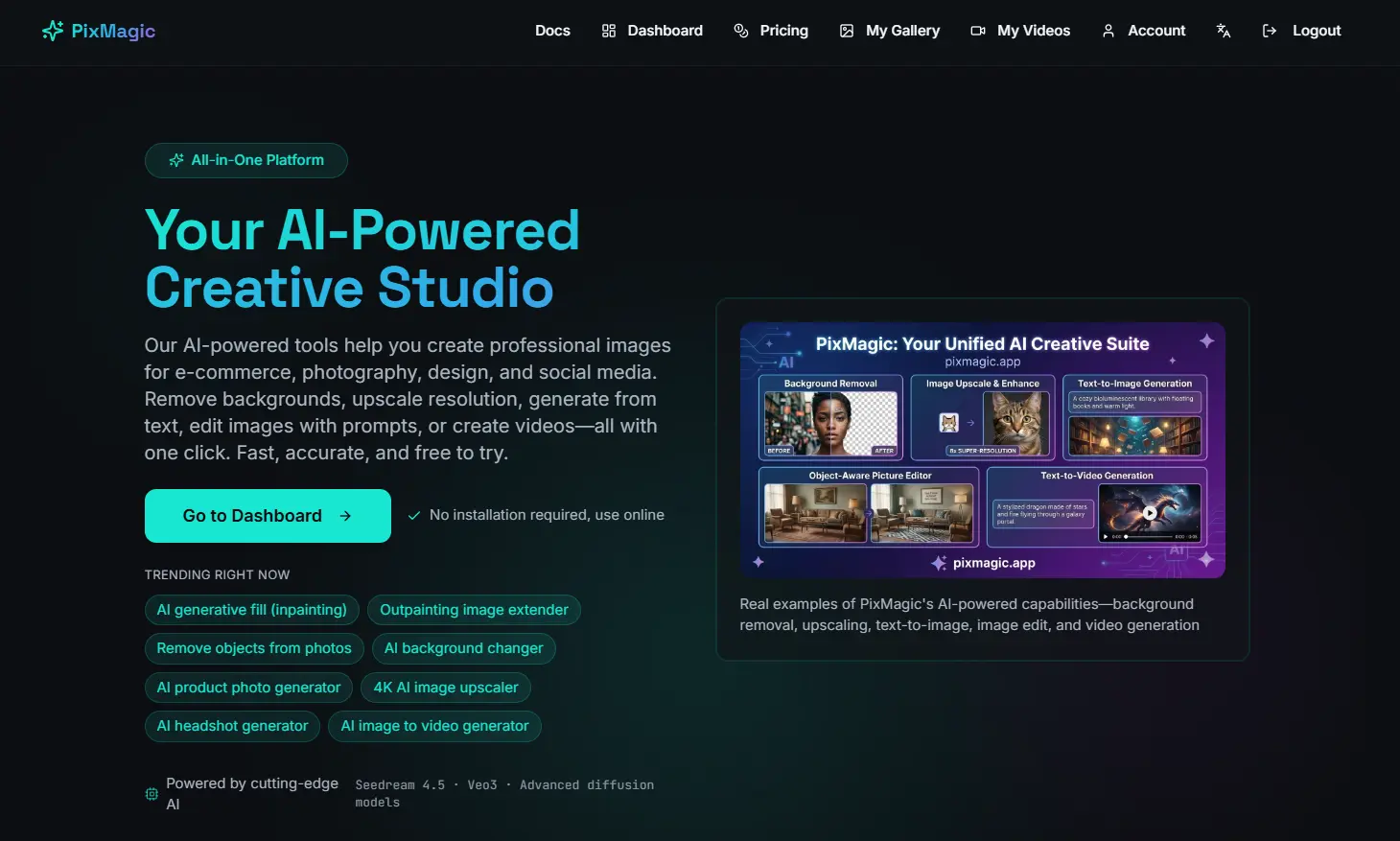


Create videos from a written prompt or animate a reference image.

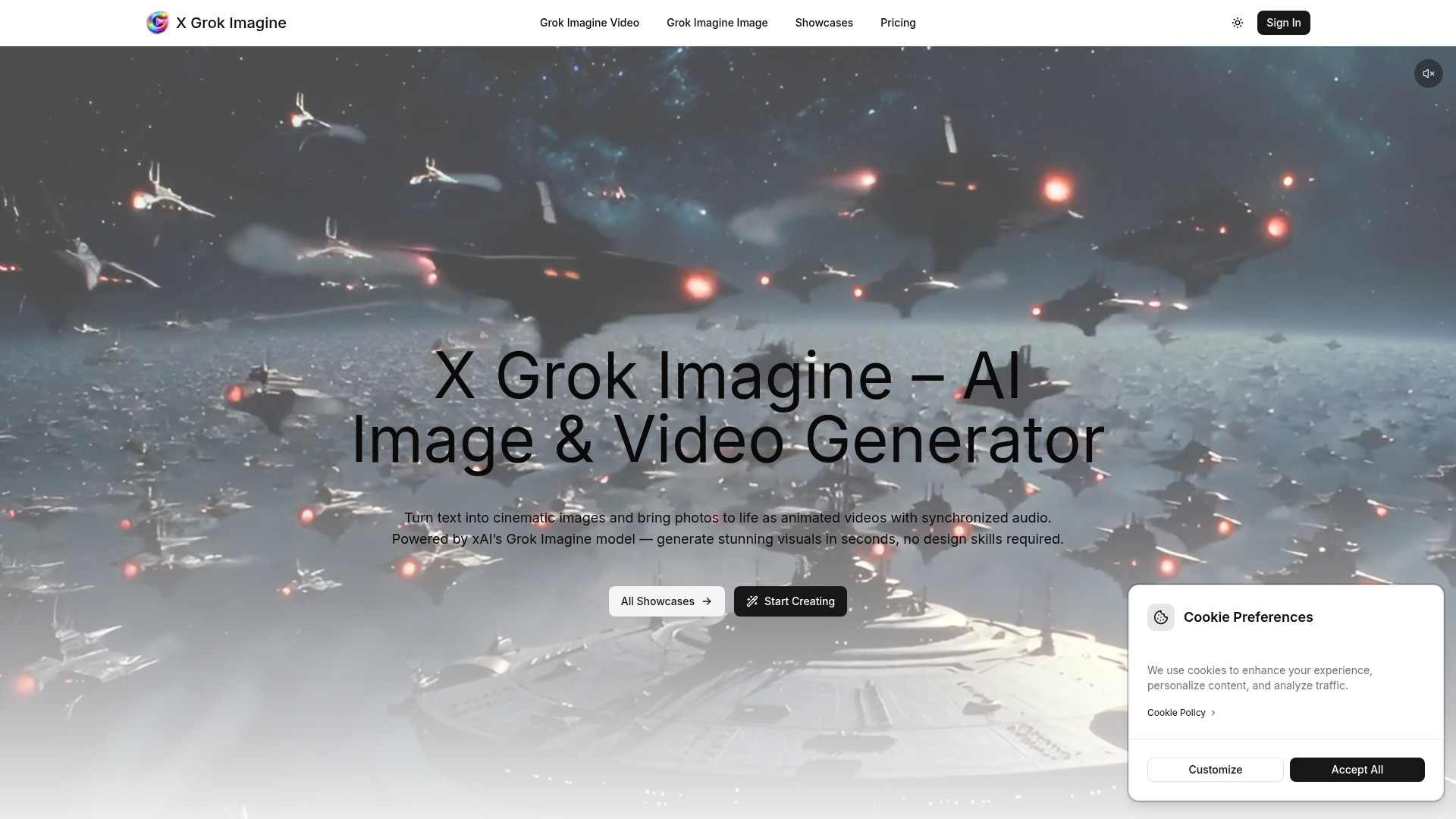

Turn text into cinematic images and bring photos to life as animated videos with synchronized audio.
What is image-to-video AI?
Image-to-video AI animates a still image into a short video clip, adding motion, camera moves, or a talking effect without filming. It's used to bring product shots, characters, portraits, and artwork to life for social media, ads, and presentations.
Core features to look for
- Animate a photo or artwork into a clip
- Camera moves, motion, and looping effects
- Talking-portrait and avatar animation
- Control over motion strength and length
- Aspect ratios for social and ads
- Free plans with watermark and length limits
Who uses image-to-video AI, and how
01
Product & ads
Turn a product photo into a moving clip for social and ads.
02
Portraits & characters
Animate faces, avatars, or characters, including talking effects.
03
Art & assets
Bring illustrations, thumbnails, and design assets to life.
04
Free testing
Compare free tools by watermark, clip length, and quality.
How does image-to-video AI work?
Image-to-video models take your still as the first frame and generate the frames that follow, predicting plausible motion and camera movement that stay consistent with the source. You usually guide it with a prompt or motion controls, then get a short clip; results are best on simple, clear subjects.