


AI Photo Animator
Turn photos into AI videos with natural motion, sound, and ready-to-use templates.
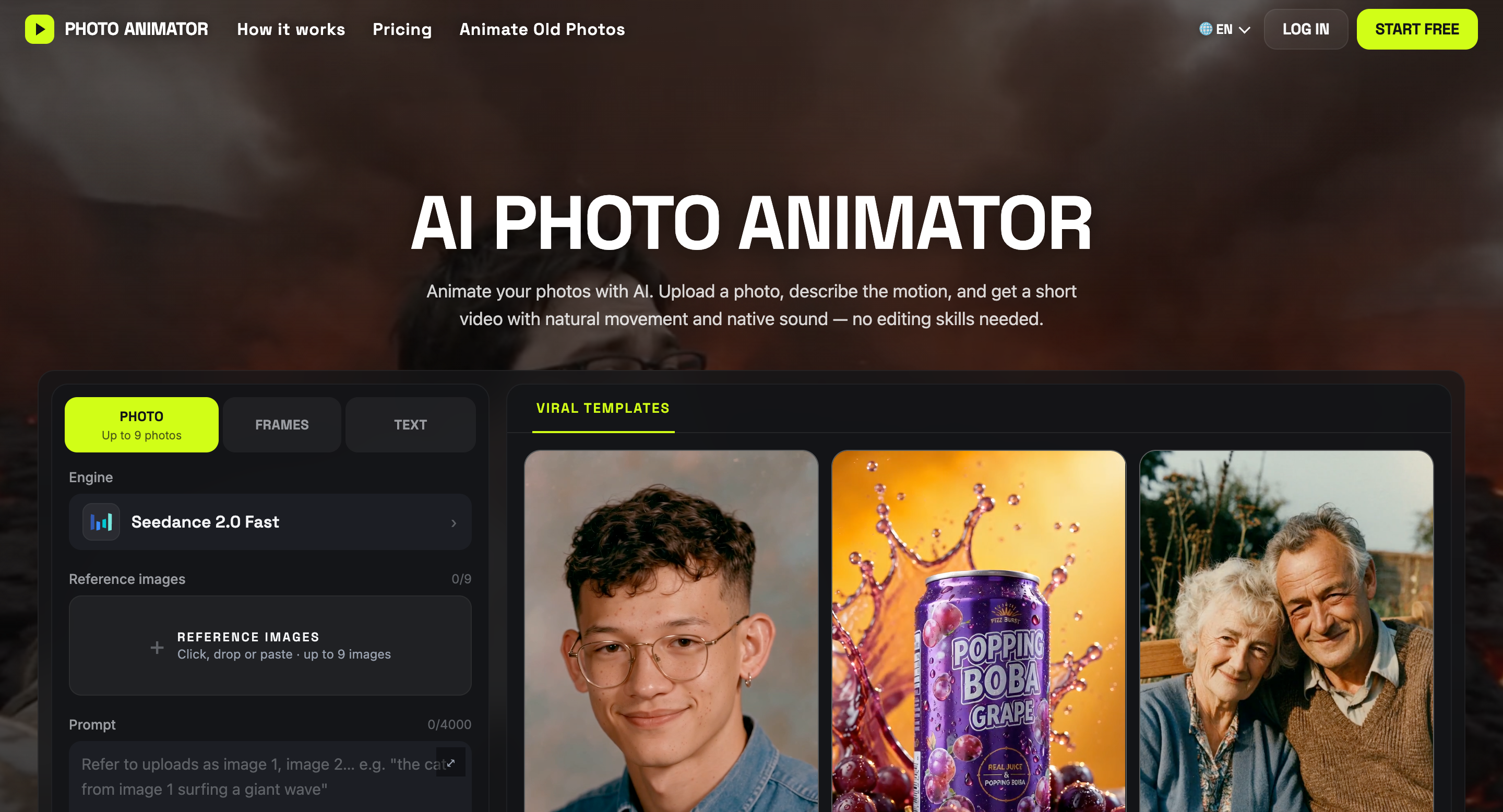
What is AI Photo Animator?
AI Photo Animator is an online tool that turns still photos into short AI-generated videos. Animate old family photos, portraits, pets, artwork, and product images by uploading a picture and describing how you want it to move.
Create a smiling portrait, add movement to a landscape, or turn a product photo into a video for your store or social feed—all in your browser.
Key features
- Photo to video: Upload an image and describe the movement, action, or camera angle.
- Multiple AI models: Choose from Seedance, Kling, Wan, and Hailuo in one place.
- Ready-to-use templates: Upload your photos to a template with preset prompts and settings.
- Flexible creation modes: Generate videos from text, animate between first and last frames, use reference images, or remix an existing clip.
- Custom output settings: Choose the duration, resolution, and aspect ratio supported by your selected model.
- Upfront credit costs: See the credit cost before generating. Credits are automatically returned if generation fails.
AI Photo Animator is built for creators, marketers, small businesses, and anyone who wants to bring their photos to life without learning video editing.
AI Photo Animator Traffic Analysis
Alternatives to AI Photo Animator
Looking for a AI Photo Animator alternative? Compare these curated AI tools that offer similar features and use cases.

MagicShot AI
MagicShot is an AI creative studio that puts 500+ AI models and 85+ tools behind one subscription. Instead of paying separately for an image generator, a video tool, and a text-to-speech app, you get all of it in one place, running on models like Veo 3.1, Kling 3.0, Seedream 5.0, and GPT Image 2. The tools cover five areas: image generation (art, logos, product photos, stickers), video generation (text-to-video, image-to-video, UGC-style ads, real estate videos), AI photoshoots (professional headshots from selfies, fashion model shots, pet portraits), photo editing (background removal, upscaling to 4K, restoring old photos), and audio (voiceovers, music generation, transcription). What you get: - One subscription instead of five. A single credit balance works across every tool, so you're not stacking $20/month plans for image, video, and audio separately. - No skill barrier. Pick a tool, type what you want, download the result. There's no timeline editor or layers panel to learn. - Always-current models. New models get added as they release, so you're not locked into whatever tech existed when you signed up. - Full commercial rights on paid plans for everything you generate. - Works on mobile. The iOS app handles photoshoots, image, and video generation from your phone. Over 500,000 creators use it, and the numbers back that up: 50M+ images and 8M+ videos generated so far. It's built for influencers, ecommerce sellers, agencies, and real estate agents who need a steady stream of content without hiring a production team. Plans start at $5.25/month, rated 4.7/5 on Trustpilot.

CapCut
CapCut is a cross-platform AI video editor from ByteDance offering timeline editing, auto-subtitles, AI effects, and smart templates for short-form video creators on web, desktop, iOS, and Android.

Higgsfield
Higgsfield is an AI creative studio for generating cinematic videos and images from text prompts or reference images, with support for consistent AI characters and plugins for Photoshop and DaVinci Resolve.