

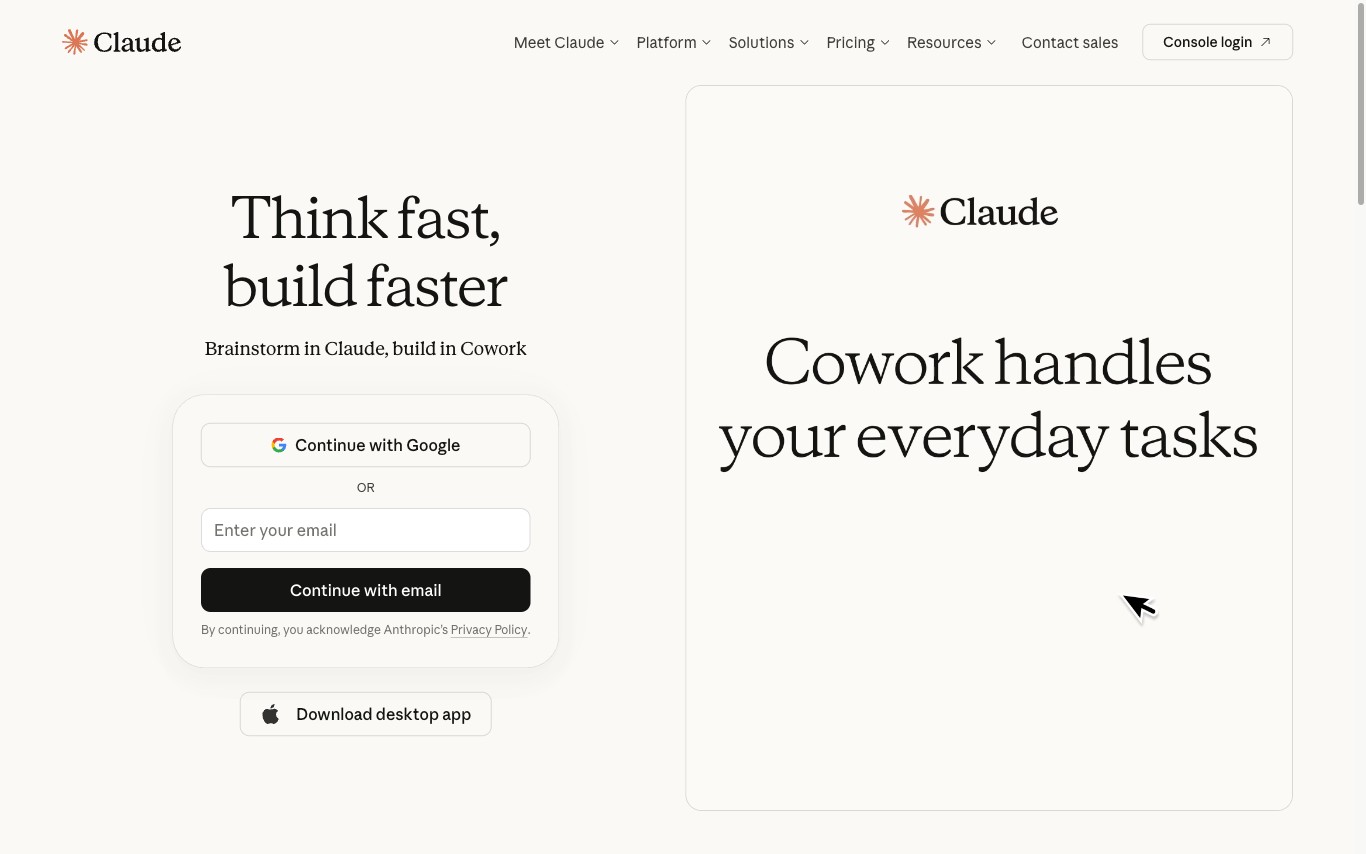

Claude Design is an Anthropic Labs product that turns text, images, documents, and website captures into polished visual work — designs, interactive prototypes, pitch decks, one-pagers, and marketing collateral — powered by Claude Opus 4.7's vision model.
AI Graphic Design · 21 tools
Best AI Graphic Design Tools (2026)
Compare AI graphic design tools for social posts, logos, posters, presentations, brand kits, editable results, and free plans.
All AI Graphic Design tools



Leonardo.Ai is a generative AI platform for creating images, art, and video assets. It offers developer APIs and team tools for marketing and design workflows.
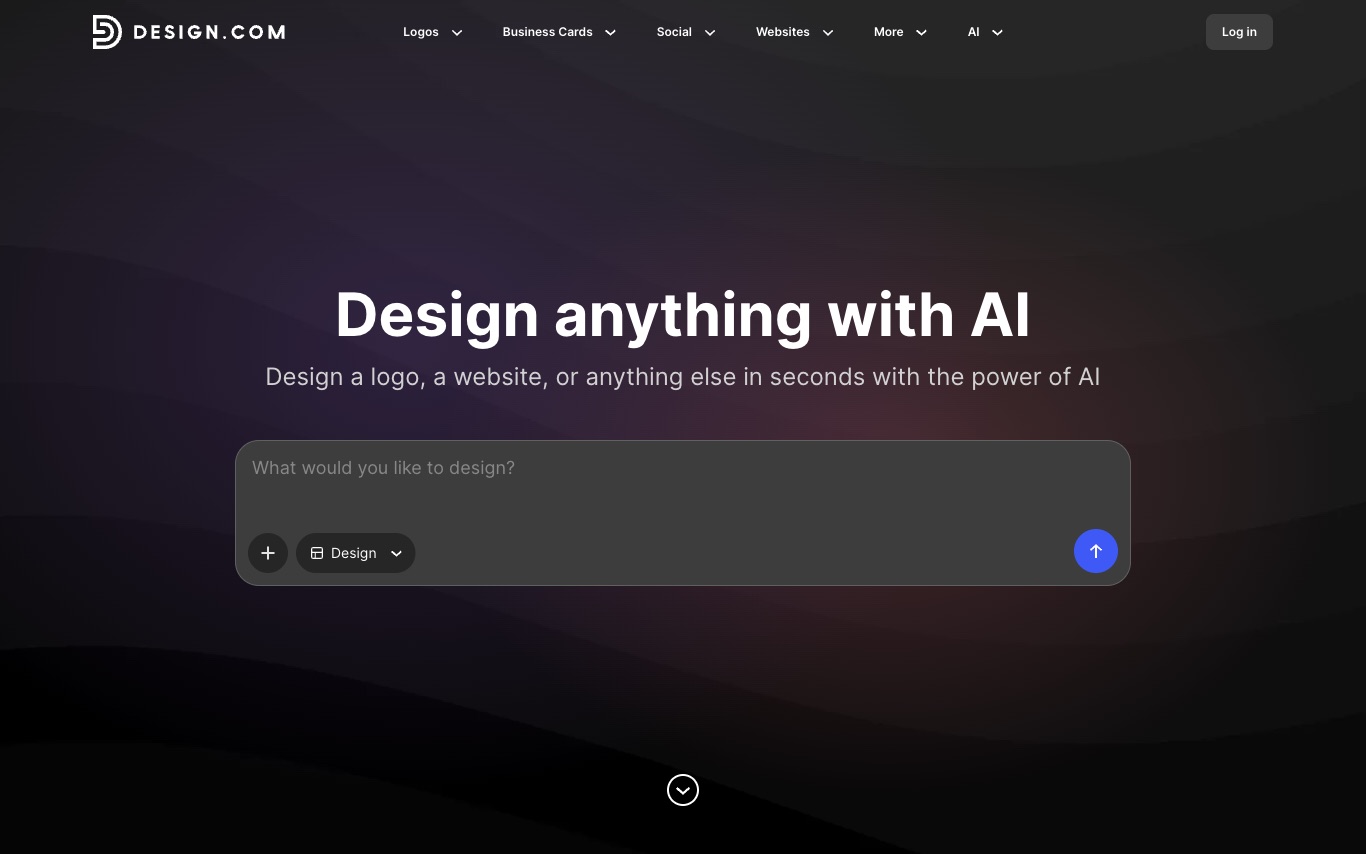
Design.com is an AI branding platform that generates logos, business cards, social media graphics, and simple websites from text prompts—aimed at solopreneurs and small businesses building brand identity.
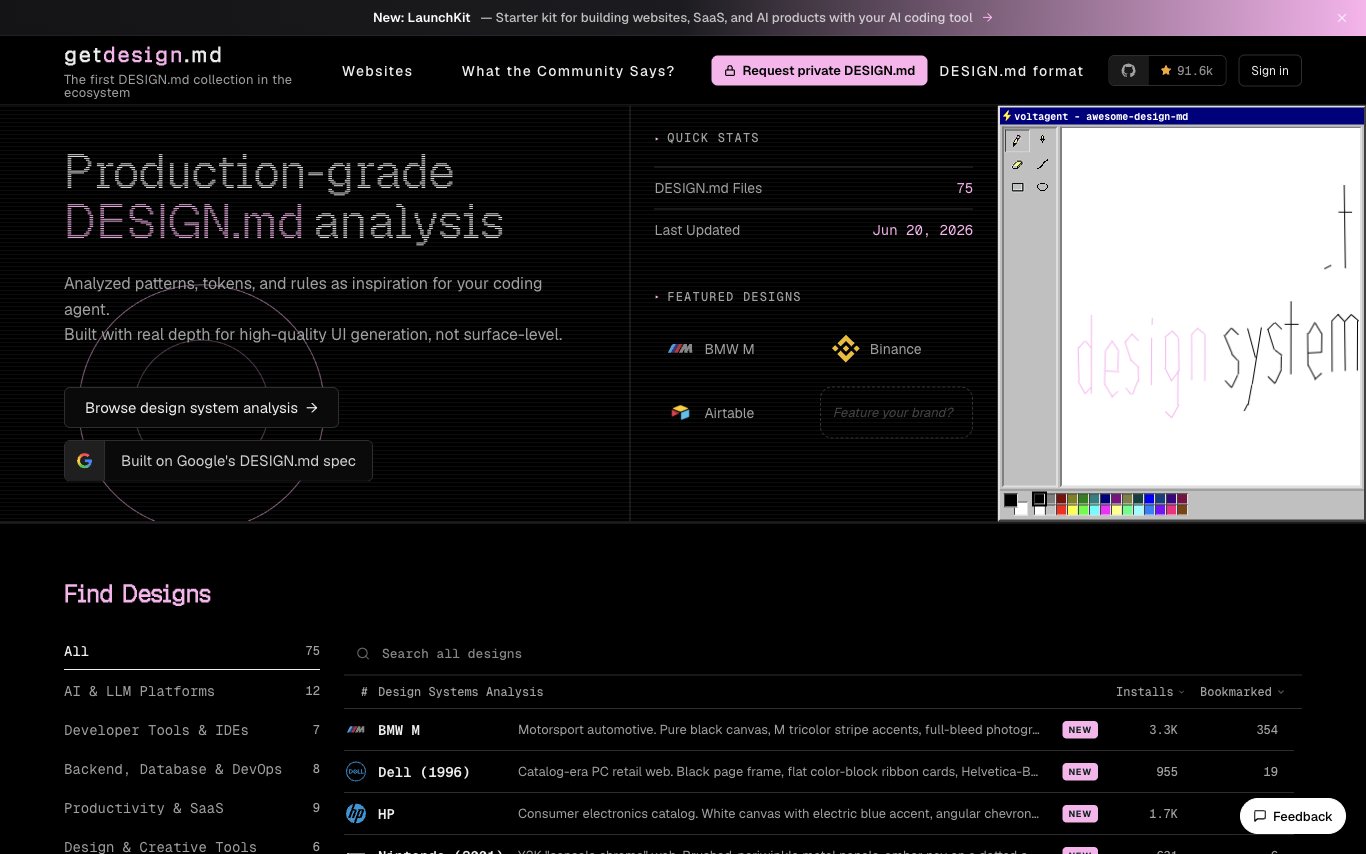
getdesign.md is a curated collection of 75+ analyzed DESIGN.md files from leading brands. It gives AI coding agents production-ready design patterns, tokens, and rules to generate consistent, high-quality UI code based on real design systems.
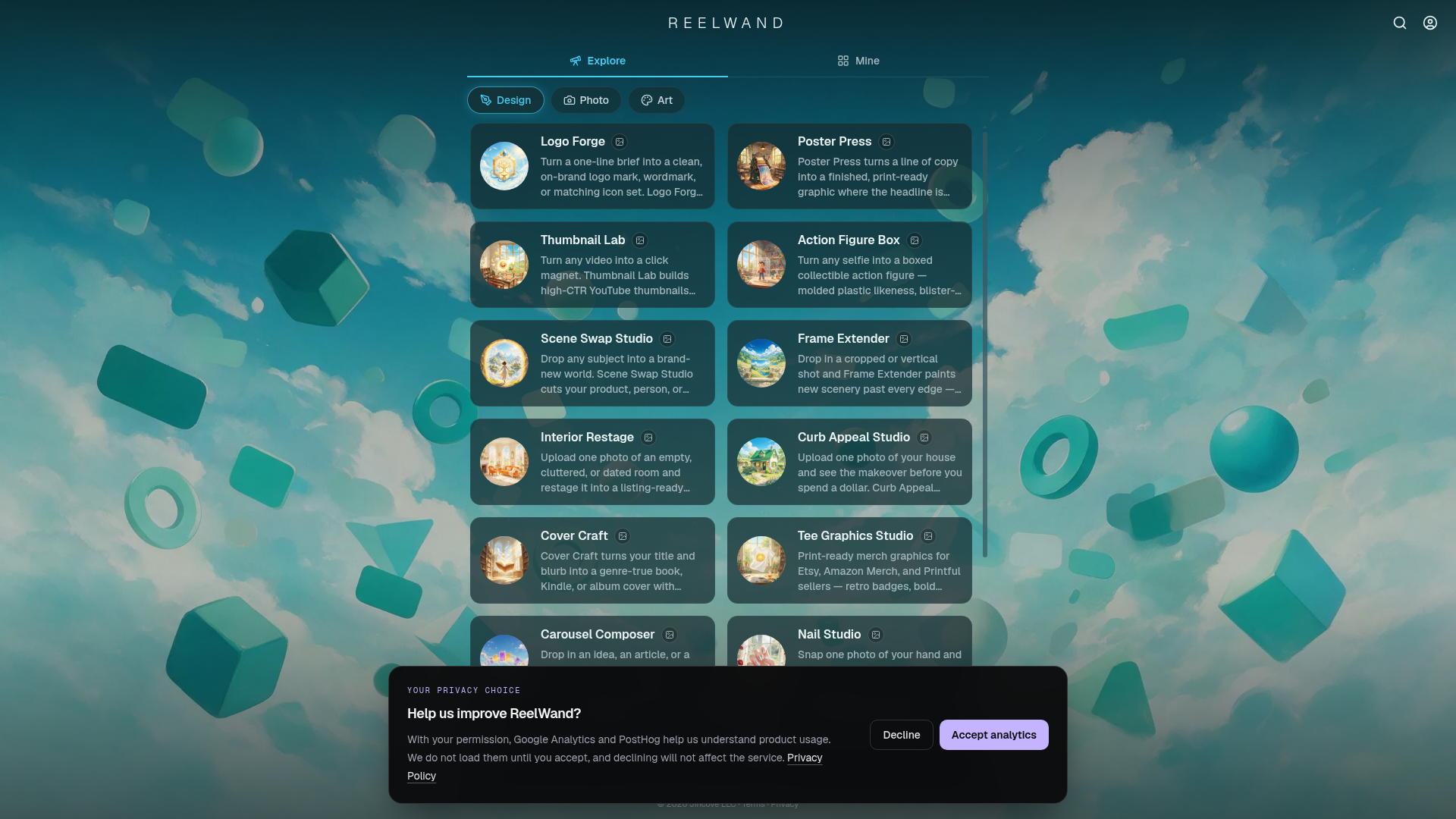

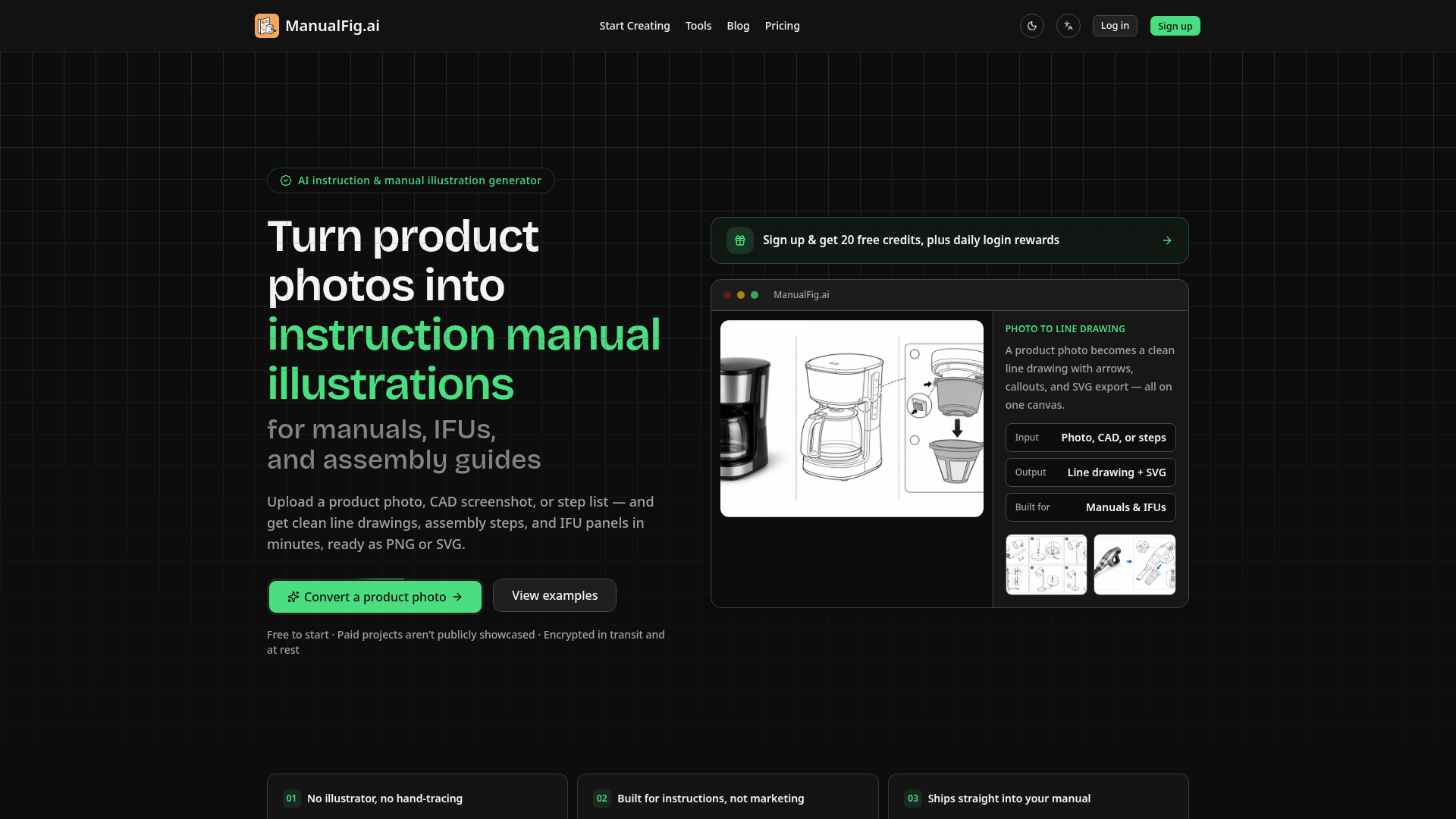

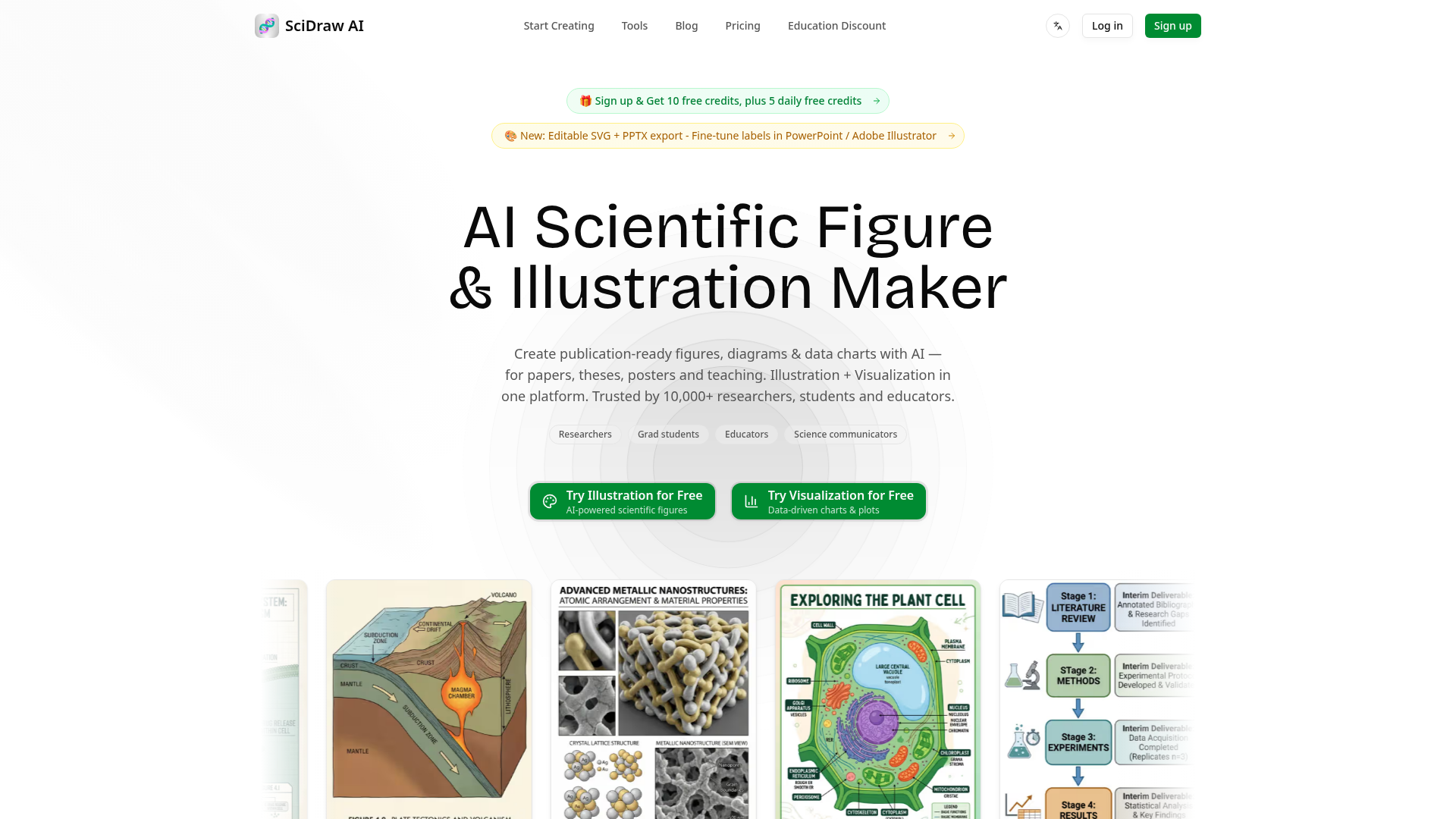

Create publication-ready scientific figures, diagrams & data charts with AI.

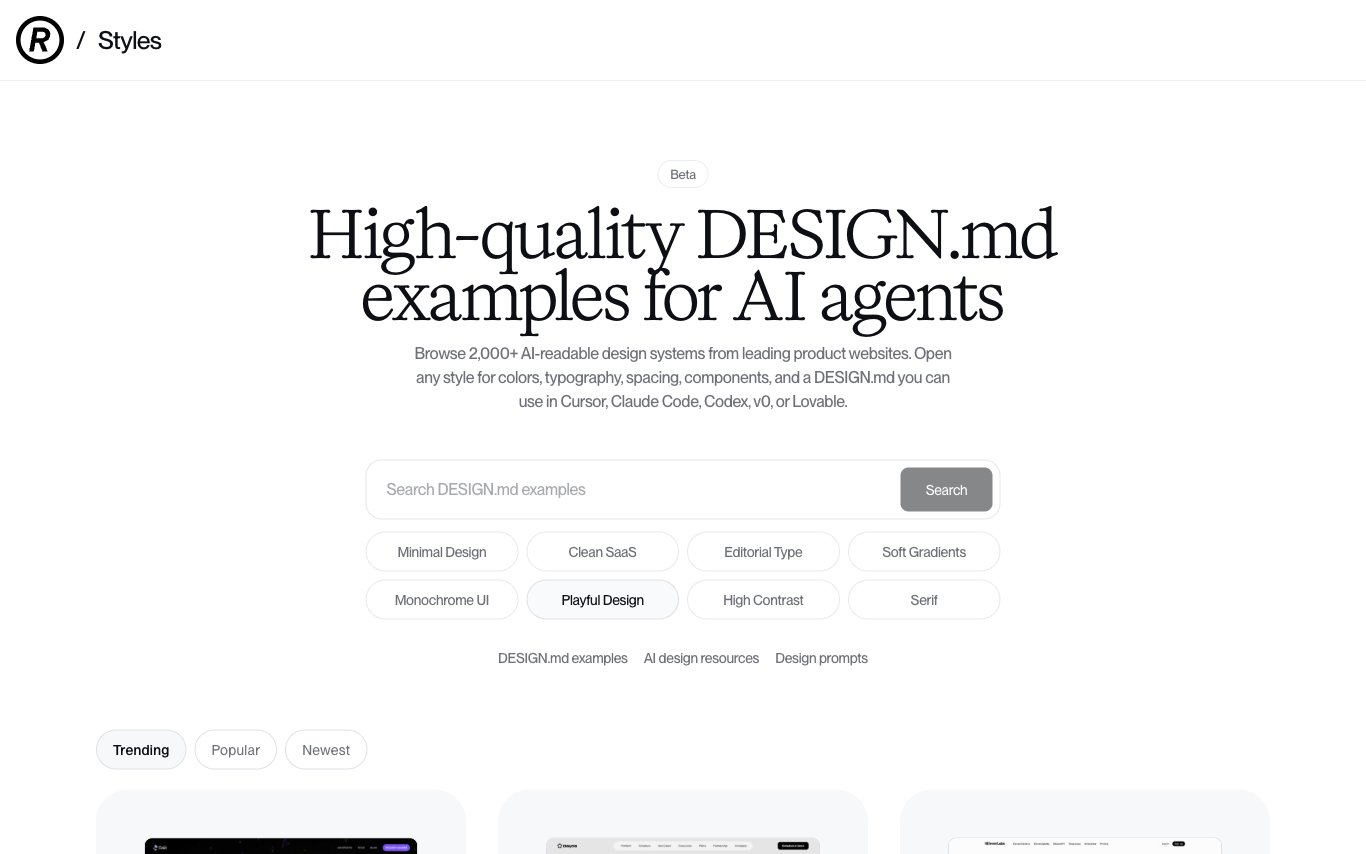

Refero Styles is a library of 2,000+ AI-readable design systems from leading product websites. Each entry includes colors, typography, spacing, components, and a ready-to-use DESIGN.md file compatible with Cursor, Claude Code, Codex, v0, and Lovable.
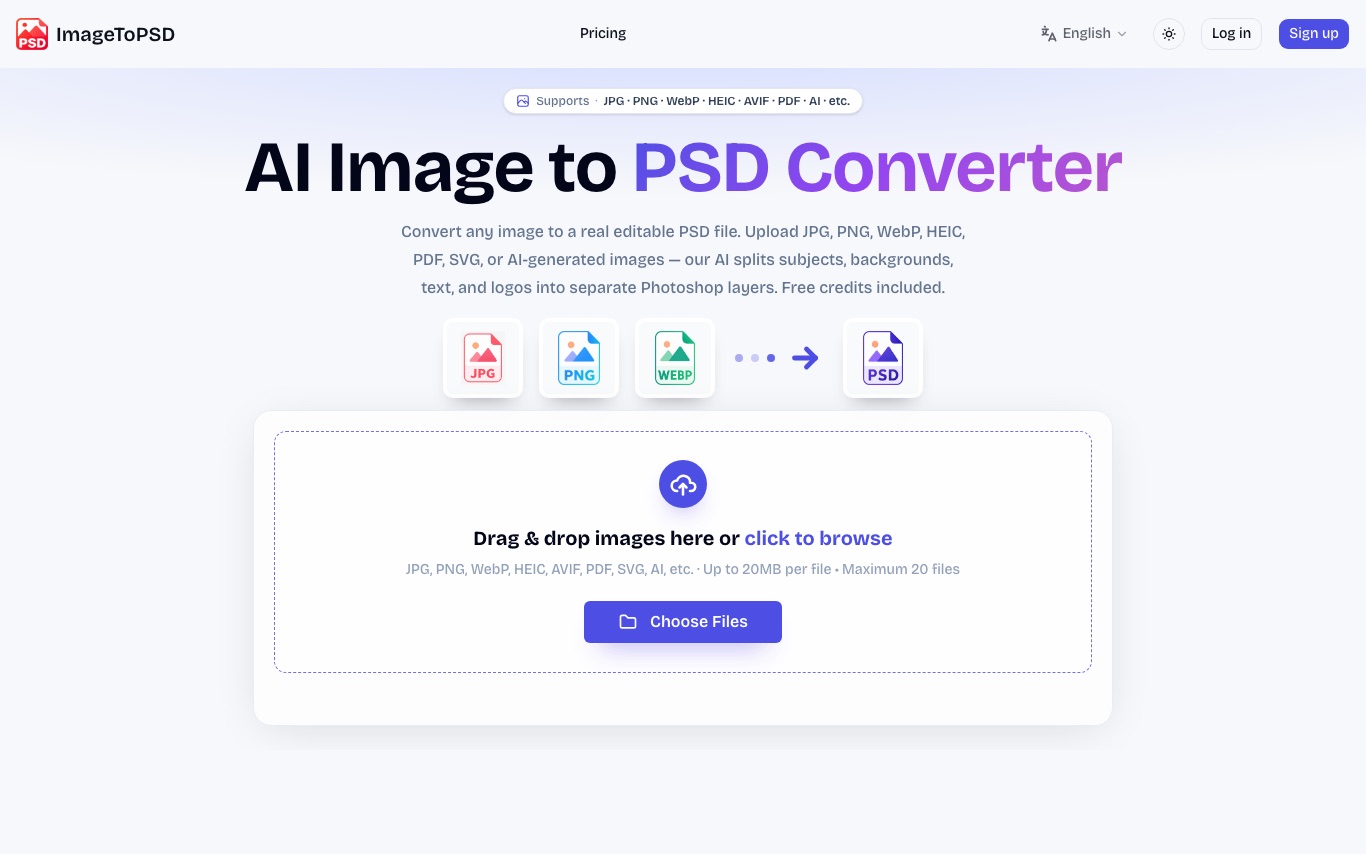

ImageToPSD converts flat images to real layered PSD files. AI separates subjects, backgrounds, text, and logos into editable Photoshop layers. Accepts JPG, PNG, WebP, HEIC, AVIF, PDF, and SVG.
What is an AI graphic design tool?
An AI graphic design tool creates or assists with visual designs — social posts, logos, posters, banners, and presentations — from a prompt or template, handling layout, images, and text together. It ranges from full design generators to AI features inside editors that suggest, resize, or restyle.
Core features to look for
- Prompt- or template-based design generation
- Logos, social posts, posters, and banners
- Auto layout, resizing, and brand kits
- AI images and background removal built in
- Editable results, not flattened images
- Free tier and paid brand/team plans
Who uses AI graphic design, and how
01
Social & marketing
Create on-brand posts, ads, and thumbnails at scale.
02
Logos & branding
Generate logo and brand concepts to start from.
03
Presentations & docs
Turn content into designed slides and one-pagers.
04
Resize & repurpose
Auto-adapt one design to many sizes and platforms.
How does AI graphic design work?
AI graphic design tools combine language, image, and layout models: they interpret your prompt or content, pick or generate visuals, and arrange type and elements into a balanced design on a template system. You then edit everything — text, colors, images, layout — instead of starting from a blank canvas.