



Pixlr is a free online photo editor suite with AI-powered tools for image editing, background removal, batch processing, animation design, and AI image generation—accessible from any browser.
Best AI Graphic Design Tools (2026)
Compare AI graphic design tools for social posts, logos, posters, presentations, brand kits, editable results, and free plans.


Canva is a web and mobile design platform combining drag-and-drop templates, brand kits, and AI generators so non-designers can produce social posts, presentations, videos, and marketing assets without specialist software.


Leonardo.Ai is a generative AI platform for creating images, art, and video assets. It offers developer APIs and team tools for marketing and design workflows.


Recraft is a generative AI design tool for professional creators. It generates logos, icons, illustrations, mockups, and vector graphics with consistent style sets, brand kits, and a fast vector-native workflow.


Logo.com uses AI to generate professional logos, business cards, and complete brand kits in minutes, no design experience required.


Relume is an AI-powered website design system for agencies and teams. It generates sitemaps, low-fidelity wireframes, and provides a massive Figma and Webflow component library to ship websites faster.
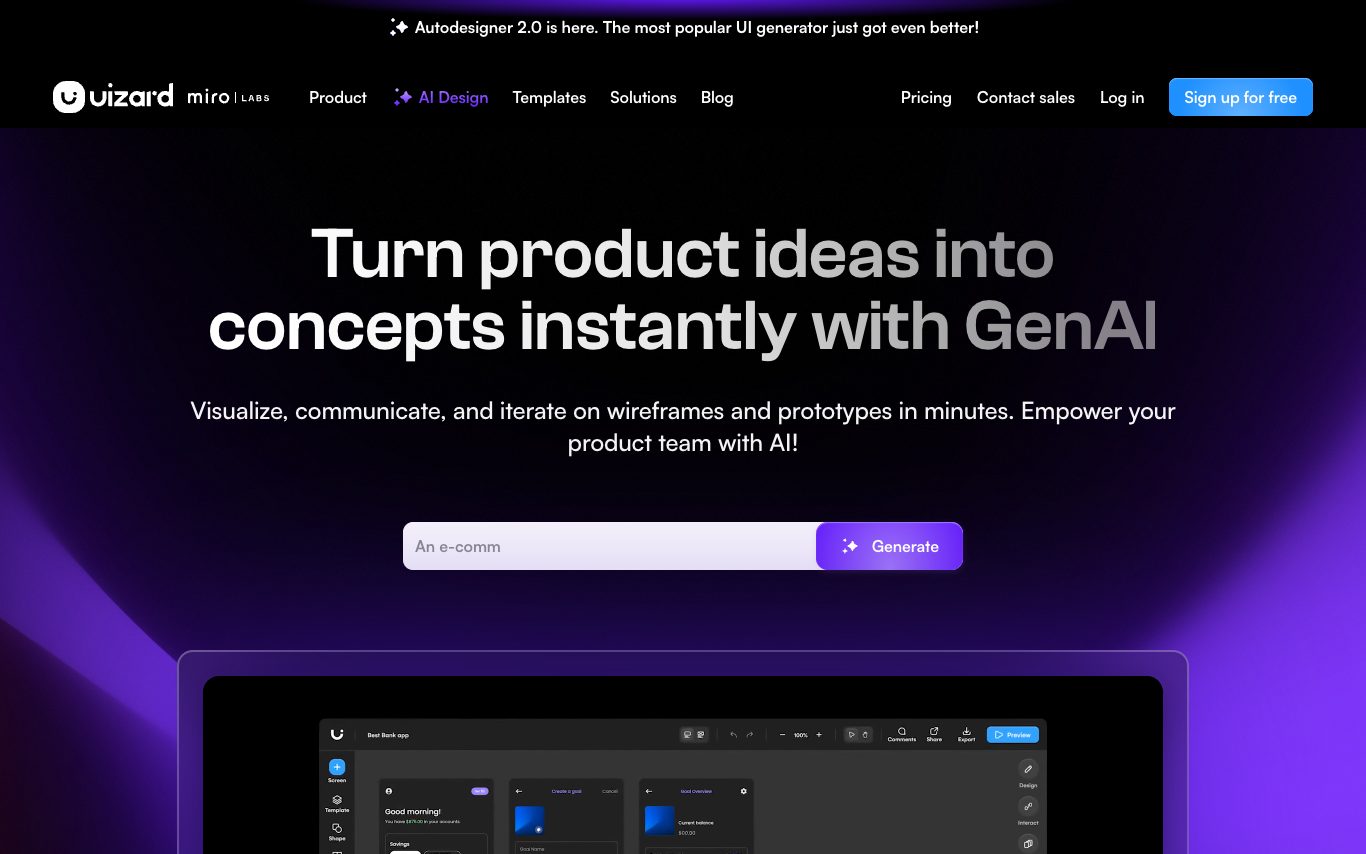

Uizard is an AI UX design tool that generates multi-screen app designs, wireframes, and mockups from text prompts, screenshots, or hand-drawn sketches, aimed at product managers, founders, and designers.
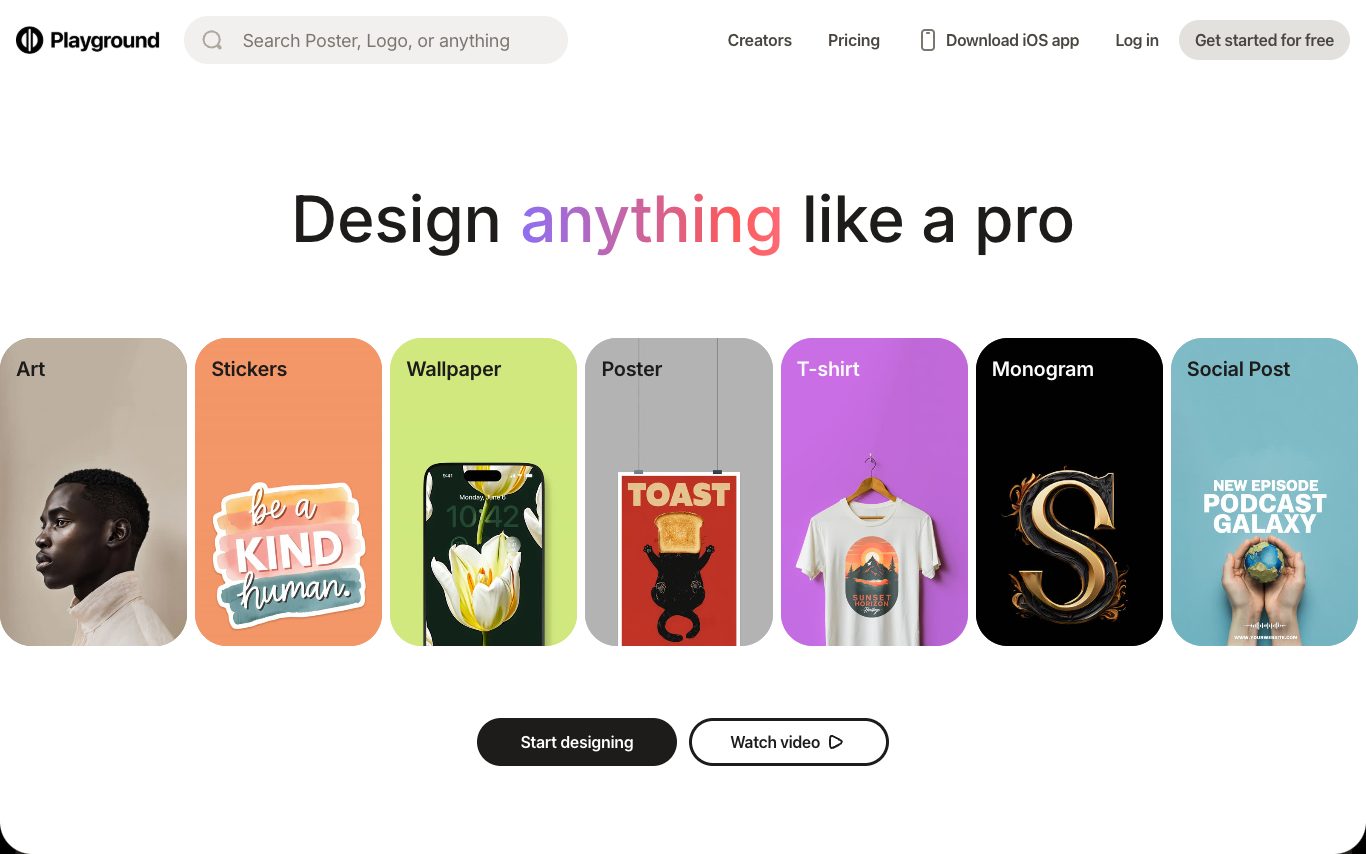

Playground is an AI image generator and editor for marketers and designers. It offers a simple canvas, proprietary and third-party models, brand kits, style references, and workflows for producing consistent visual content.
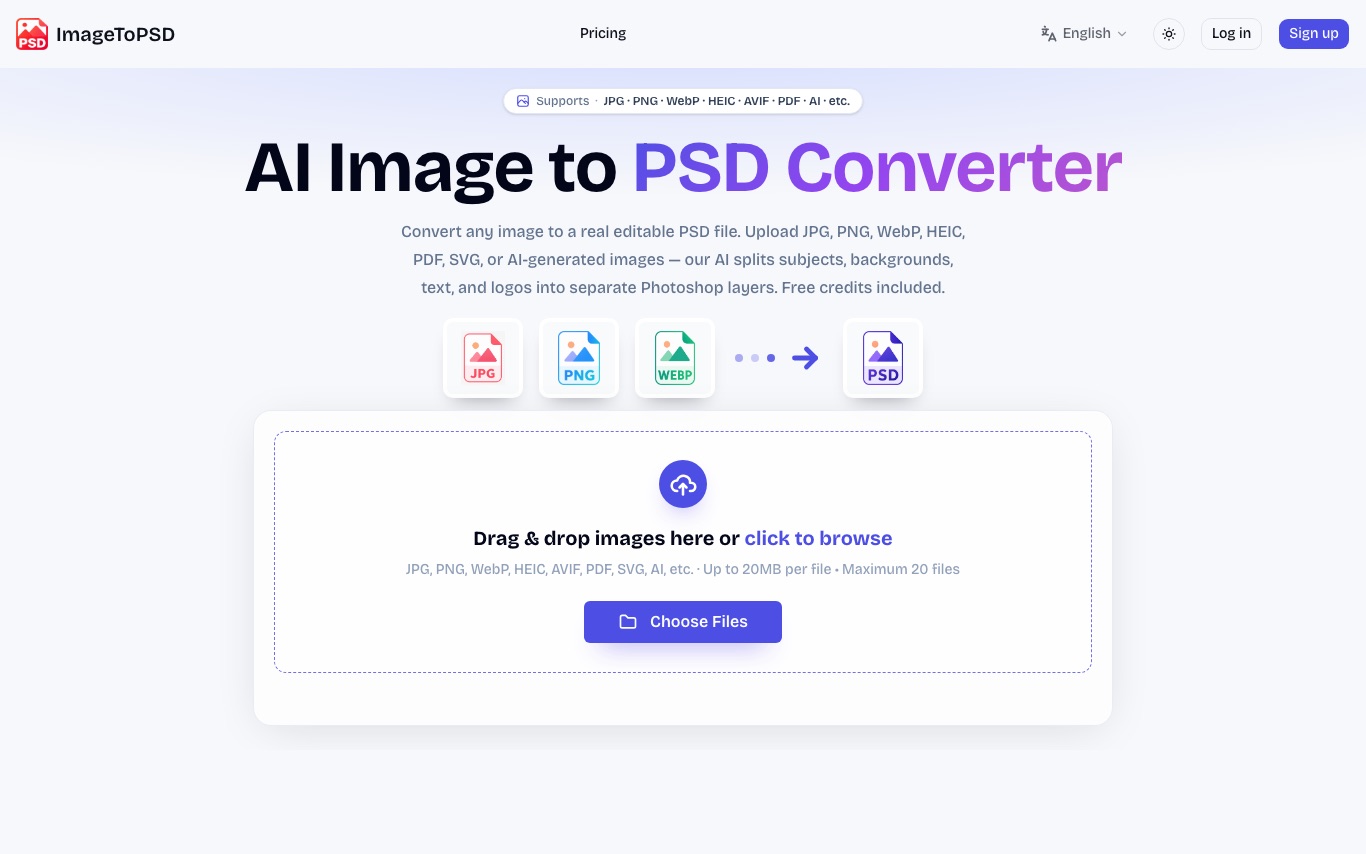

ImageToPSD converts flat images to real layered PSD files. AI separates subjects, backgrounds, text, and logos into editable Photoshop layers. Accepts JPG, PNG, WebP, HEIC, AVIF, PDF, and SVG.
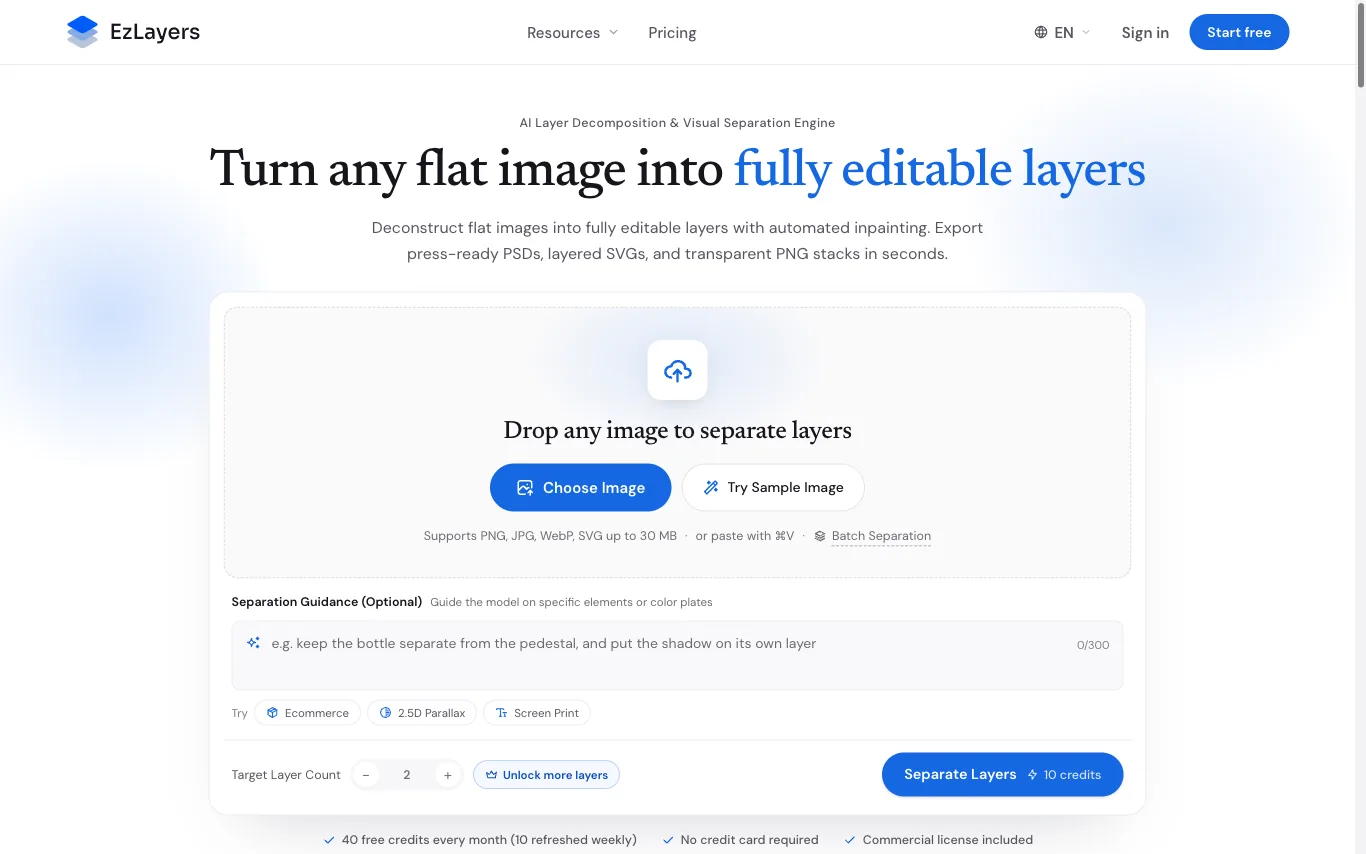

EzLayers decomposes a flattened image into up to 16 separate layers, inpaints the areas each object was covering, and exports the stack as layered PSD, vector SVG, or transparent PNG.

FancyAI empowers marketers and retailers with AI creative agents, professional skill libraries, and elite models like Seedance and Kling. Access 10,000+ real-world business cases and generate visuals instantly.
Related categories
What is an AI graphic design tool?
An AI graphic design tool creates or assists with visual designs — social posts, logos, posters, banners, and presentations — from a prompt or template, handling layout, images, and text together. It ranges from full design generators to AI features inside editors that suggest, resize, or restyle.
Core features to look for
- Prompt- or template-based design generation
- Logos, social posts, posters, and banners
- Auto layout, resizing, and brand kits
- AI images and background removal built in
- Editable results, not flattened images
- Free tier and paid brand/team plans
Who uses AI graphic design, and how
01
Social & marketing
Create on-brand posts, ads, and thumbnails at scale.
02
Logos & branding
Generate logo and brand concepts to start from.
03
Presentations & docs
Turn content into designed slides and one-pagers.
04
Resize & repurpose
Auto-adapt one design to many sizes and platforms.
How does AI graphic design work?
AI graphic design tools combine language, image, and layout models: they interpret your prompt or content, pick or generate visuals, and arrange type and elements into a balanced design on a template system. You then edit everything — text, colors, images, layout — instead of starting from a blank canvas.