

AI Image Segmentation · 1 tools
Best AI Image Segmentation Tools (2026)
Compare AI image segmentation tools for background removal, object cutouts, subject masking, and semantic and instance segmentation — from one-click cutout apps to Segment Anything models.
All AI Image Segmentation tools
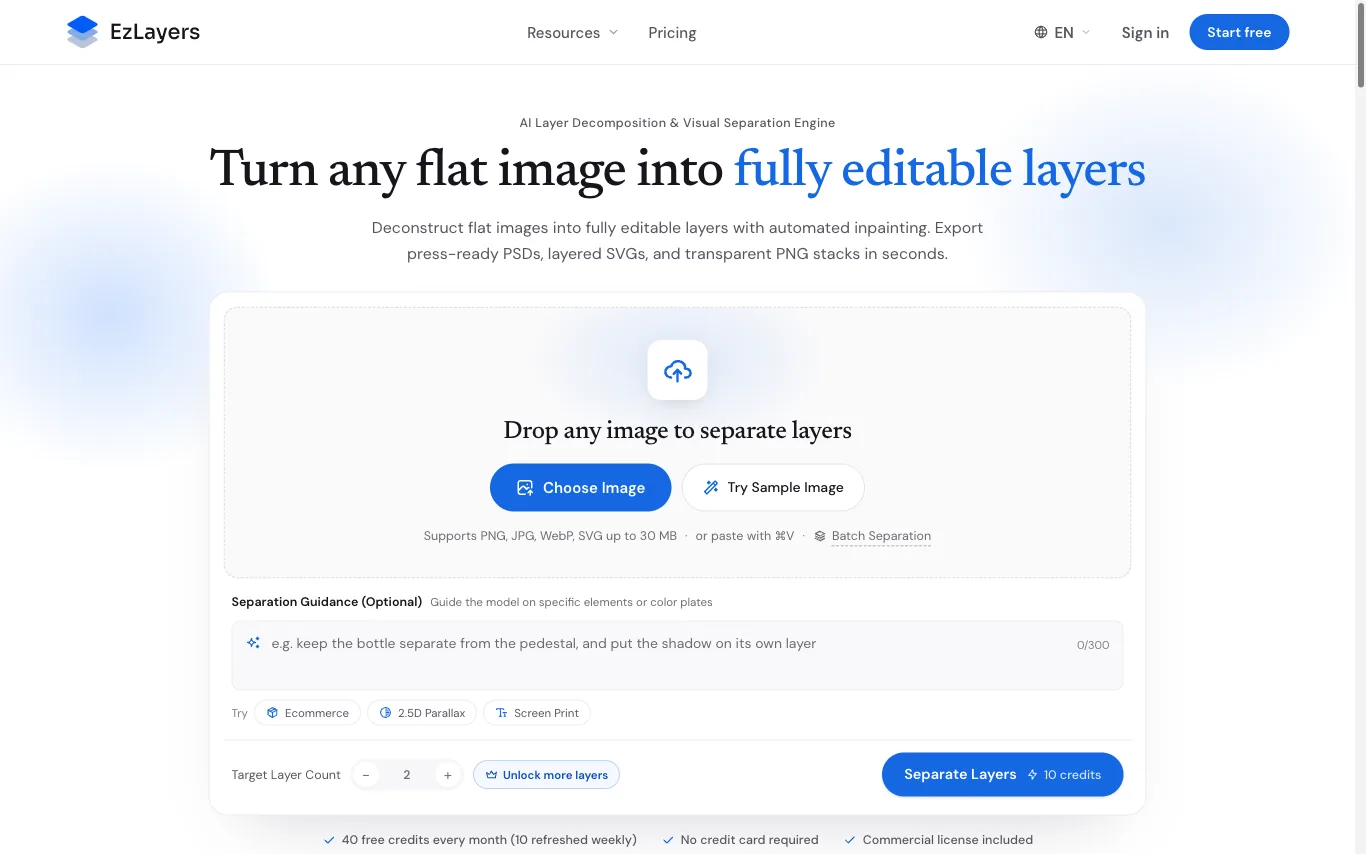

What is AI image segmentation?
AI image segmentation partitions an image at the pixel level, labeling which pixels belong to each object, subject, or background. Unlike a crop or a bounding box, it produces a precise mask that follows an object's exact outline. Tools range from one-click background removers to models that detect and separate every object in a scene.
Key features of AI segmentation tools
- One-click background removal with clean edge masks
- Object and instance detection across a whole scene
- Semantic labeling of every pixel by class
- Click, box, or text prompt to select a subject
- Fine edges: hair, fur, glass, and transparency
- Export masks, alpha channels, or transparent PNGs
Who uses AI image segmentation
E-commerce product cutouts
Batch-remove backgrounds to produce clean white-background catalog and marketplace images.
Photo editing and compositing
Isolate a subject to swap backgrounds, build montages, and retouch selectively.
ML dataset labeling
Generate segmentation masks and annotations to train computer-vision models faster.
Medical and scientific imaging
Outline organs, cells, or regions of interest in scans and microscopy images.
How AI image segmentation works
Segmentation models are neural networks trained to classify each pixel of an image and group pixels into objects or regions. You supply an image and sometimes a prompt — a click, a box, or a text label — and the model returns a mask marking which pixels belong to your target. Newer tools rely on foundation models like Segment Anything that generalize to objects they were never explicitly trained on.