

AI Art Generator · 7 tools
Best AI Art Generator Tools (2026)
Compare AI art generators for text-to-image, anime and character art, logo and mockup design, image editing, and Midjourney or DALL-E alternatives.
All AI Art Generator tools



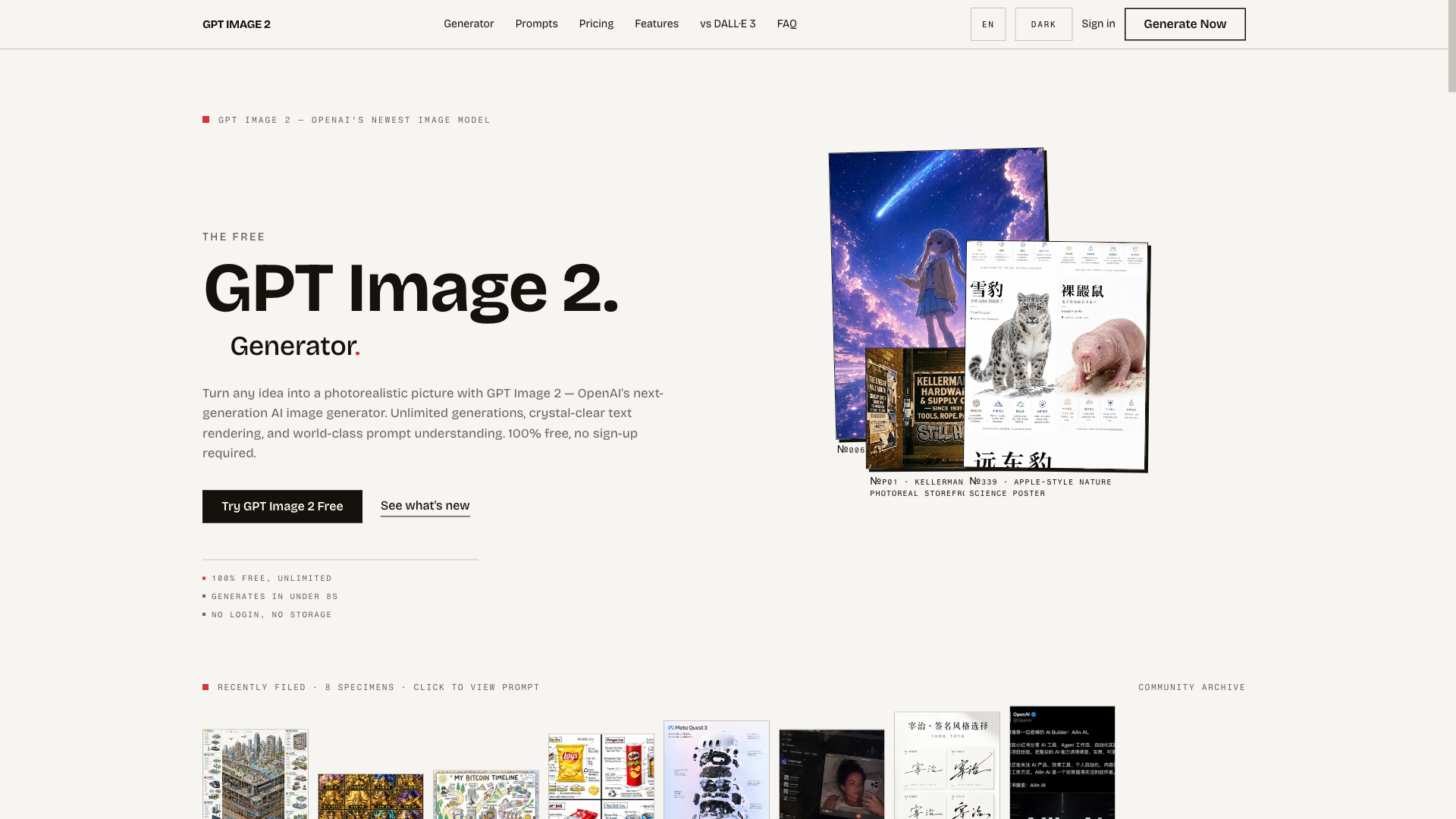
The free, unlimited GPT Image 2 generator — turn any idea into a photorealistic picture in seconds, no sign-up required.
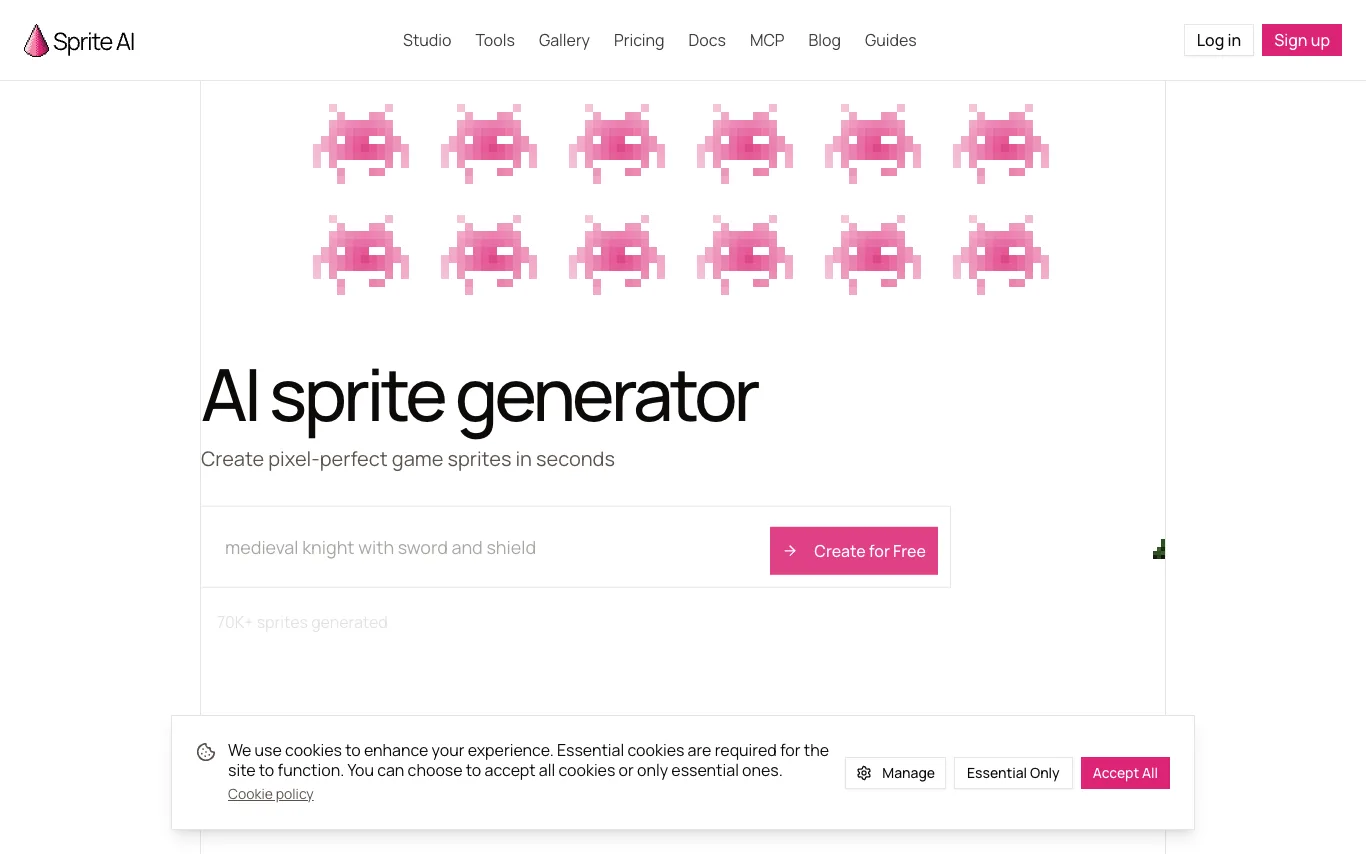

Sprite-AI is an AI-powered tool for generating pixel art sprites. Users describe a character, item, or creature and receive a clean pixel art sprite in seconds. It includes a built-in editor, animator, and palette transfer, with game-ready sizes for Unity, Godot, and GameMaker. A free tier is available without requiring a credit card.
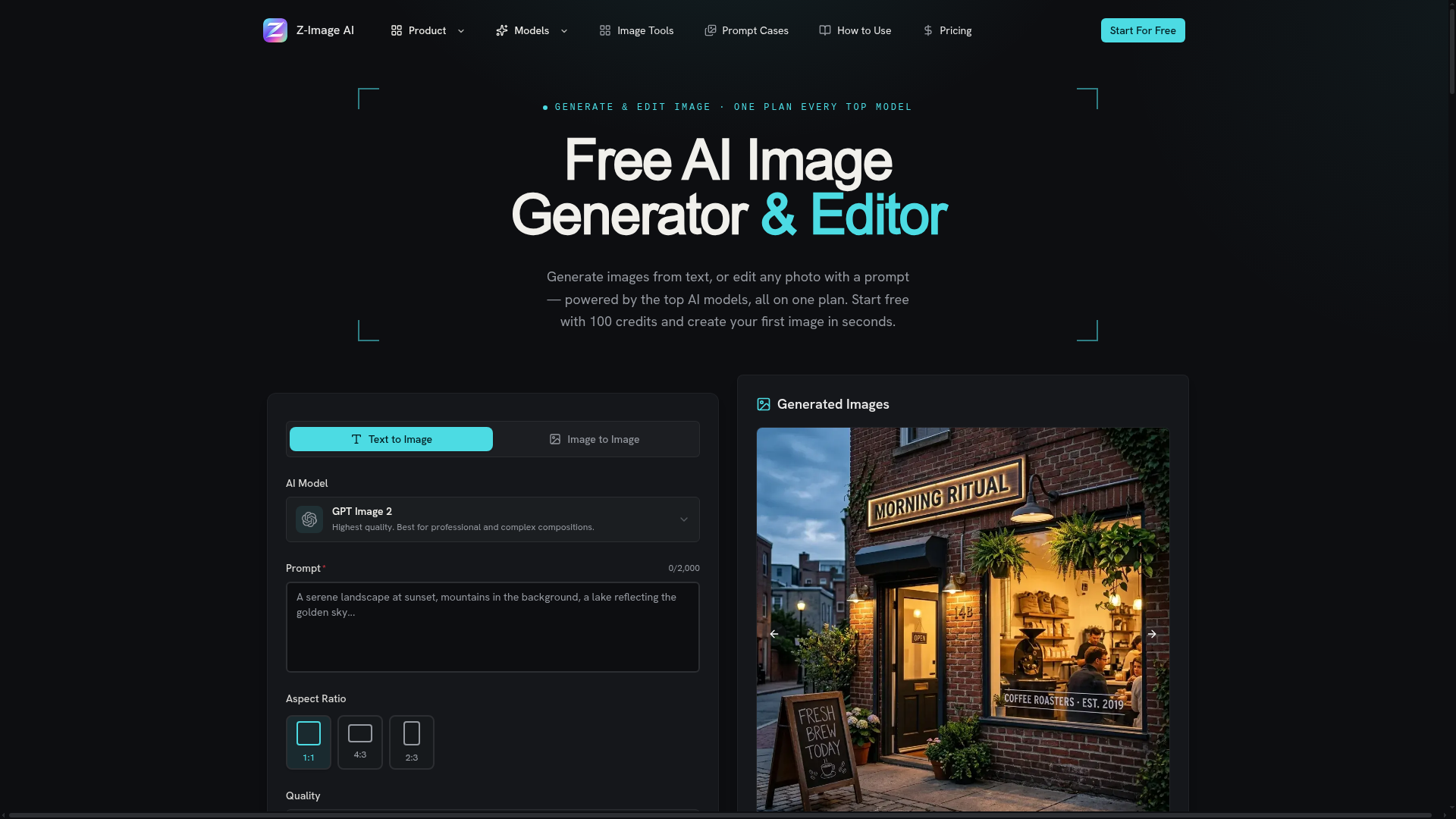

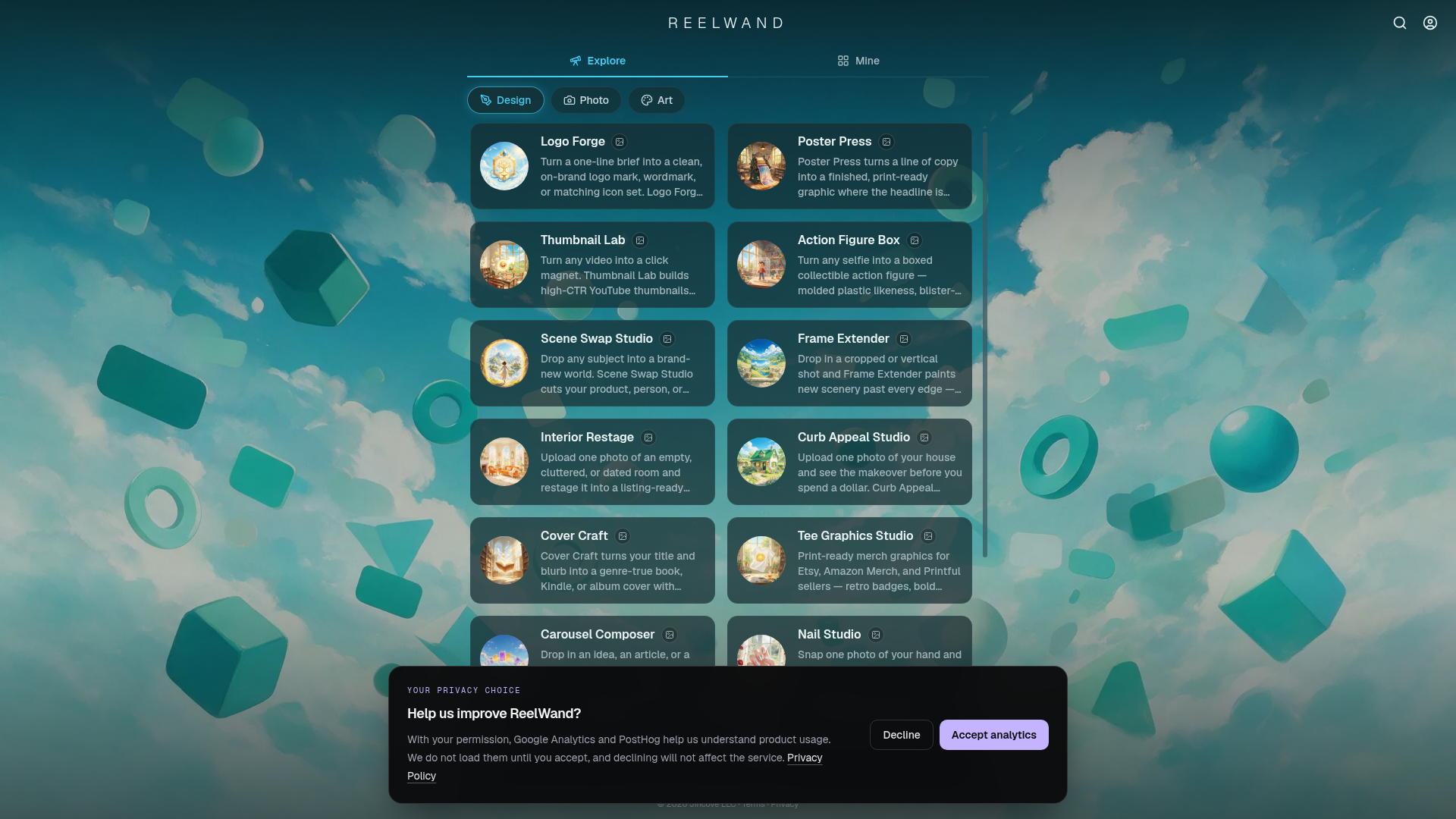
Generate images from text, or edit any photo with a prompt — powered by the top AI models, all on one plan.
What is an AI art generator?
An AI art generator turns a written prompt into an original image using a diffusion model trained on billions of images. You describe a subject, style, and mood in plain language, and it renders illustrations, artwork, or photorealistic scenes in seconds. Tools range from general engines like Midjourney, DALL-E, and Stable Diffusion to specialized ones for anime, logos, or product photos.
What AI art generators do
- Text-to-image generation from a written prompt
- Style control: photoreal, anime, oil painting, 3D render
- Image-to-image, inpainting, and outpainting edits
- Character and pose consistency across a set
- Upscaling to high resolution and print sizes
- Negative prompts, seeds, and reference-image guidance
Who uses AI art generators
Concept art and illustration
Artists and designers explore visual ideas, moodboards, and reference frames before committing to a final piece.
Marketing and social visuals
Marketers create ad creatives, blog headers, and social posts without stock photos or a photo shoot.
Anime and character art
Fans and creators generate original characters, avatars, and fan art in specific anime or illustration styles.
Product and brand mockups
Small businesses render logos, packaging, and product shots to test branding on a budget.
How AI art generators work
Most run on a diffusion model that starts from random noise and gradually refines it into an image matching your prompt. A text encoder translates your words into numbers the model uses to steer each denoising step toward the described subject and style. You can guide results further with reference images, negative prompts, and a fixed seed to reproduce or vary an output.