

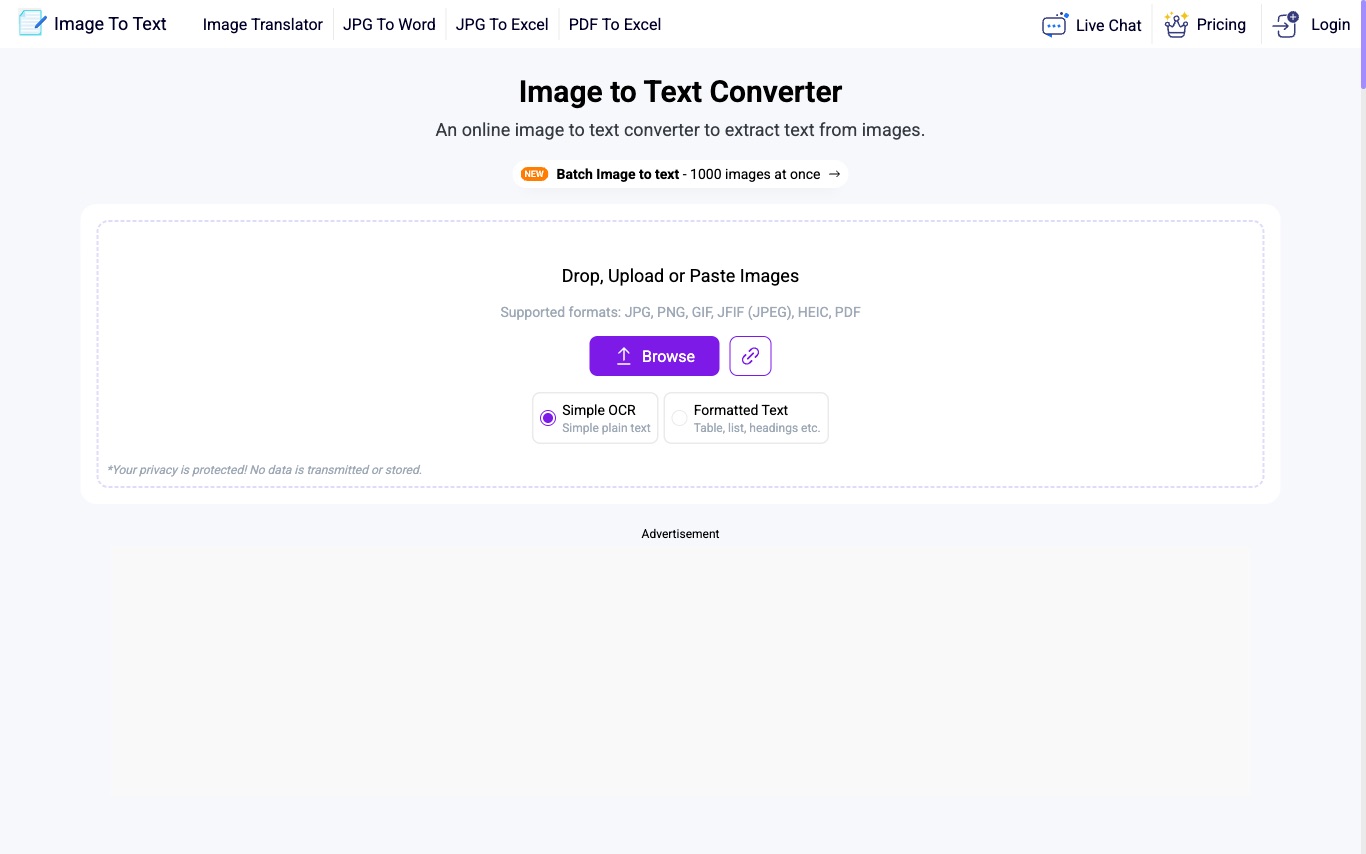

ImageToText is a free online OCR tool that extracts text from images, screenshots, and scanned PDFs using AI-powered optical character recognition.
AI OCR · 3 tools
Best AI OCR Tools (2026)
Compare AI OCR tools that pull text from scanned documents, photos, PDFs, receipts, handwriting, and tables — with multi-language support and export to editable files.
All AI OCR tools
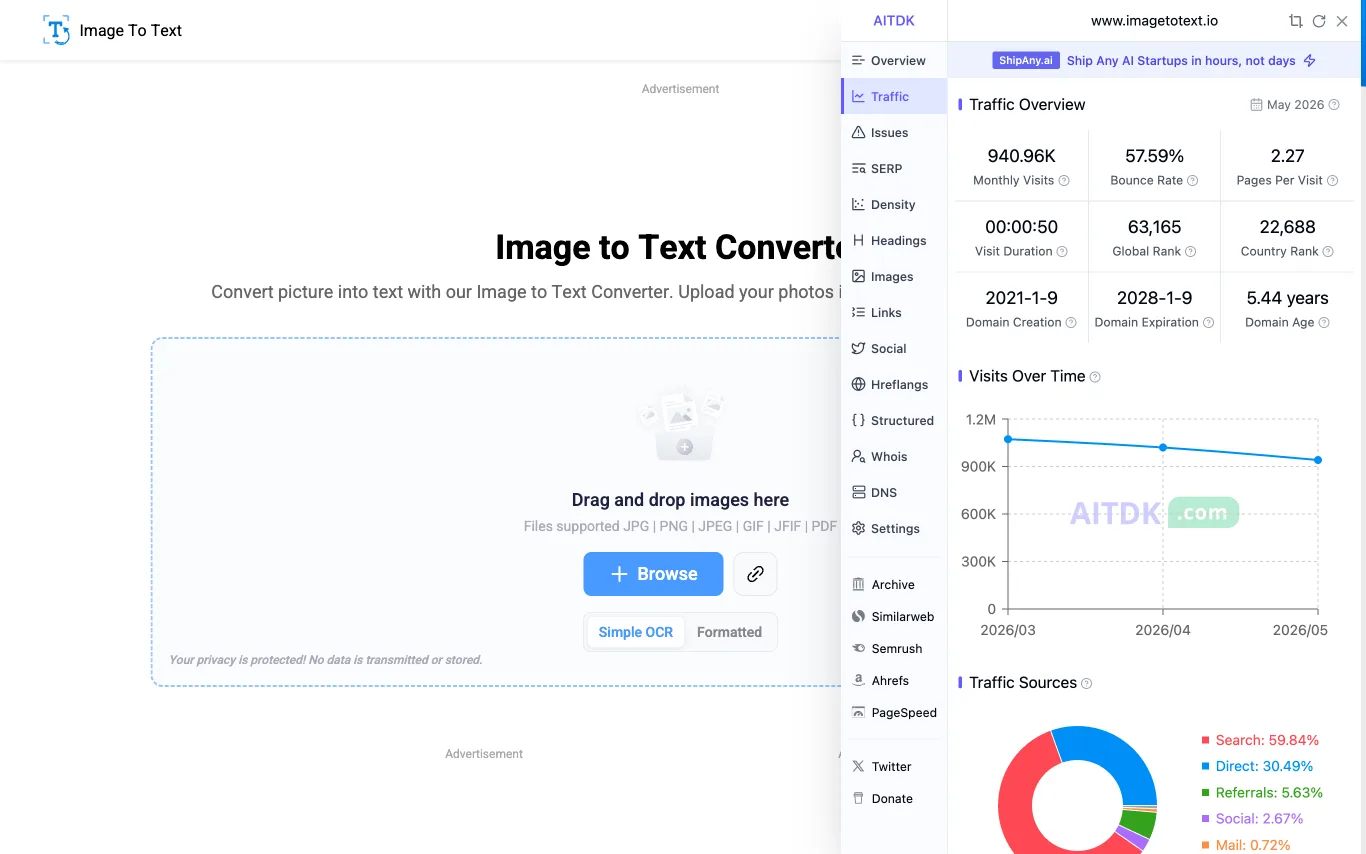

Image to Text Converter is a free online OCR tool that extracts text from images, scanned documents, and low-resolution photos quickly and accurately. Supports 5 interface languages including English, Spanish, French, German, and Italian.
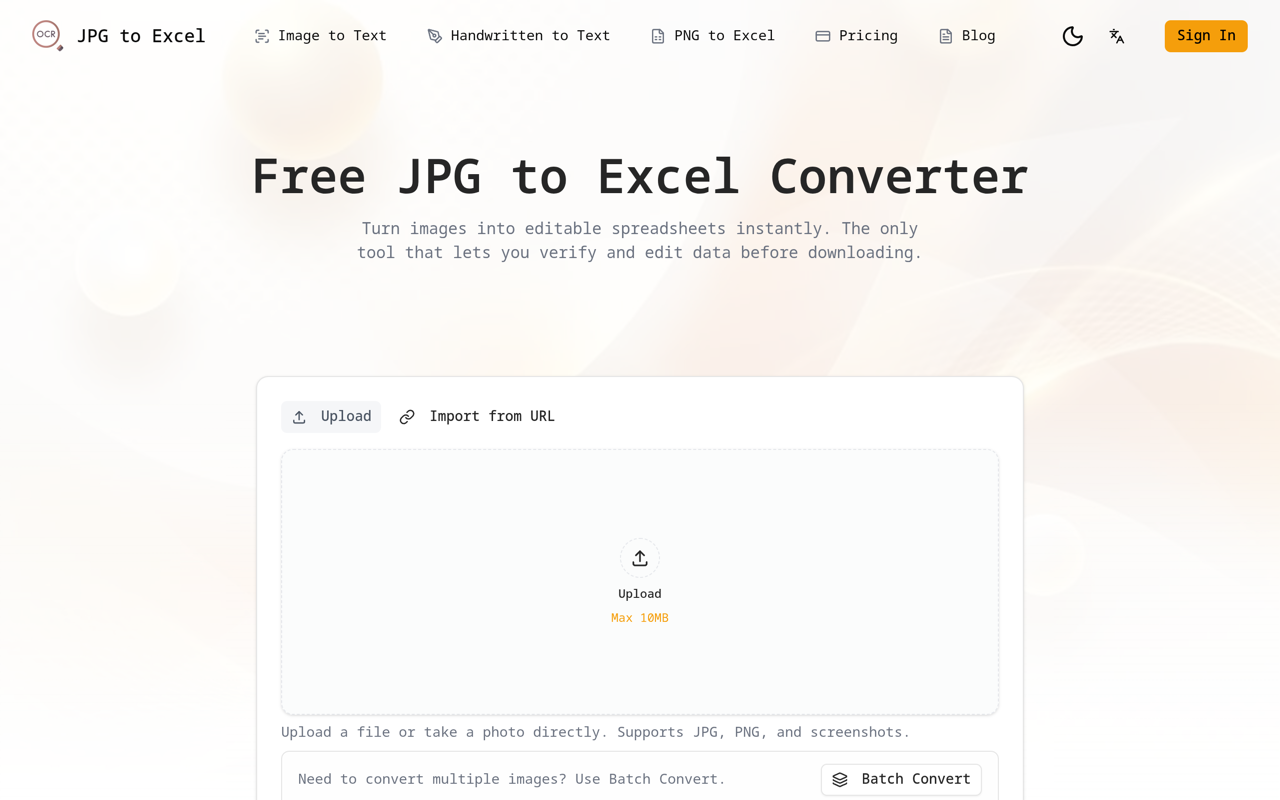
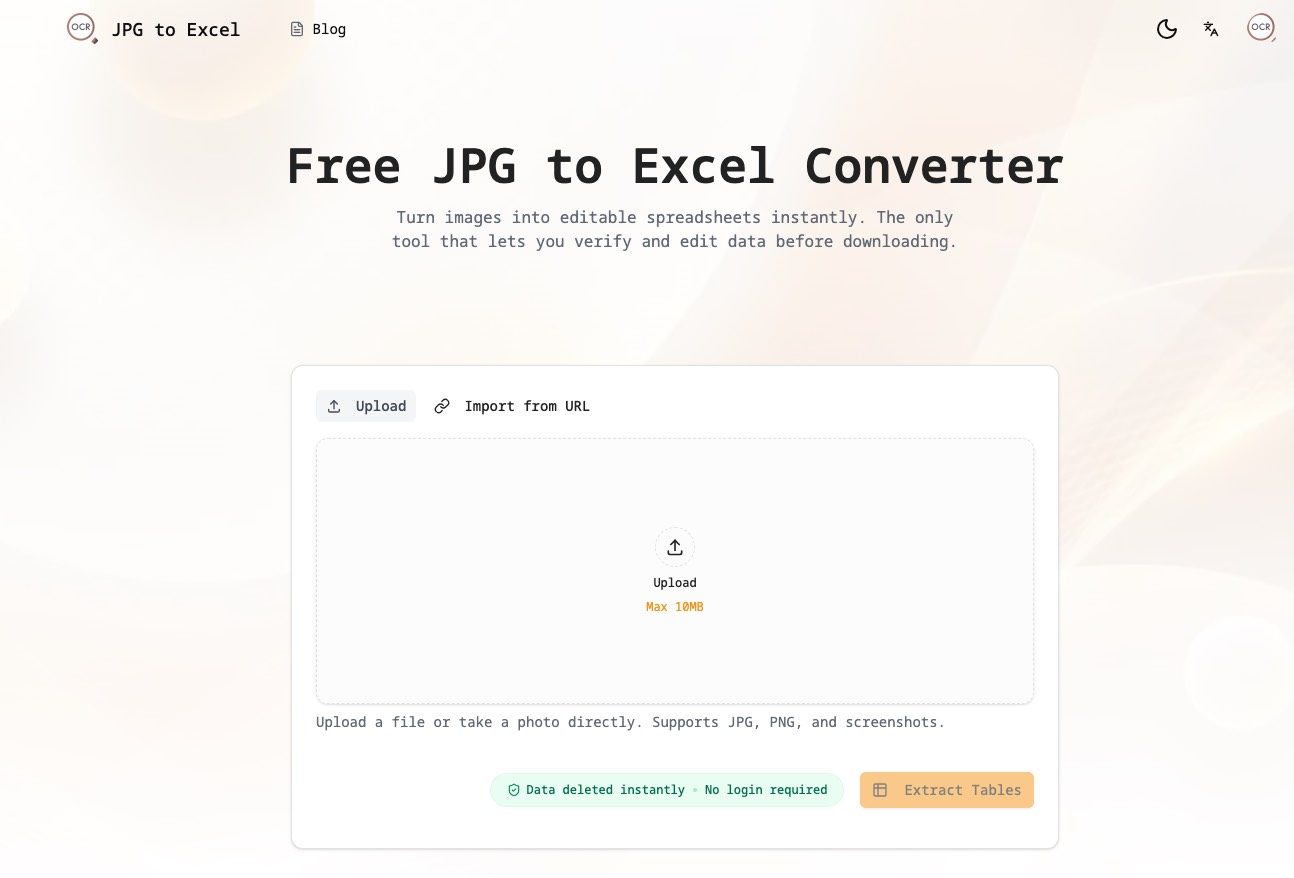
JPG to Excel: The AI-Powered Data Extraction Platform
What is AI OCR?
AI OCR (optical character recognition) reads printed or handwritten text inside images, scans, and PDFs and converts it into machine-readable text. Modern tools go beyond older OCR by using deep-learning and vision-language models to handle messy layouts, low-quality photos, multiple languages, and structured content like tables and forms. The output is searchable, editable text — often mapped back to its position on the page.
What AI OCR tools do
- Extract text from images, scans, and PDF files
- Recognize printed and handwritten characters
- Read dozens of languages and mixed scripts
- Preserve layout, tables, columns, and reading order
- Pull structured fields from invoices, receipts, and forms
- Export to searchable PDF, Word, Excel, or JSON
Who uses AI OCR
01
Digitizing paper archives
Turn scanned books, records, and files into searchable, editable documents for storage and retrieval.
02
Invoice and receipt processing
Automatically capture amounts, dates, and line items from financial documents for accounting workflows.
03
Data entry automation
Replace manual typing by extracting fields from forms, IDs, and business documents at scale.
04
Accessibility and translation
Read text aloud from images or feed extracted text into translation for signs, menus, and printed pages.
How AI OCR works
The tool first finds where text sits in an image, then a neural network recognizes each character or word and assembles them into lines. A layout model reconstructs the reading order, tables, and structure so the result matches the original page. Vision-language models increasingly handle both steps at once, improving accuracy on handwriting, rotated scans, and complex documents.