jpg-to-excel logo

jpg-to-excel

Free
Visit

JPG to Excel: The AI-Powered Data Extraction Platform
Categories

What is jpg-to-excel?#

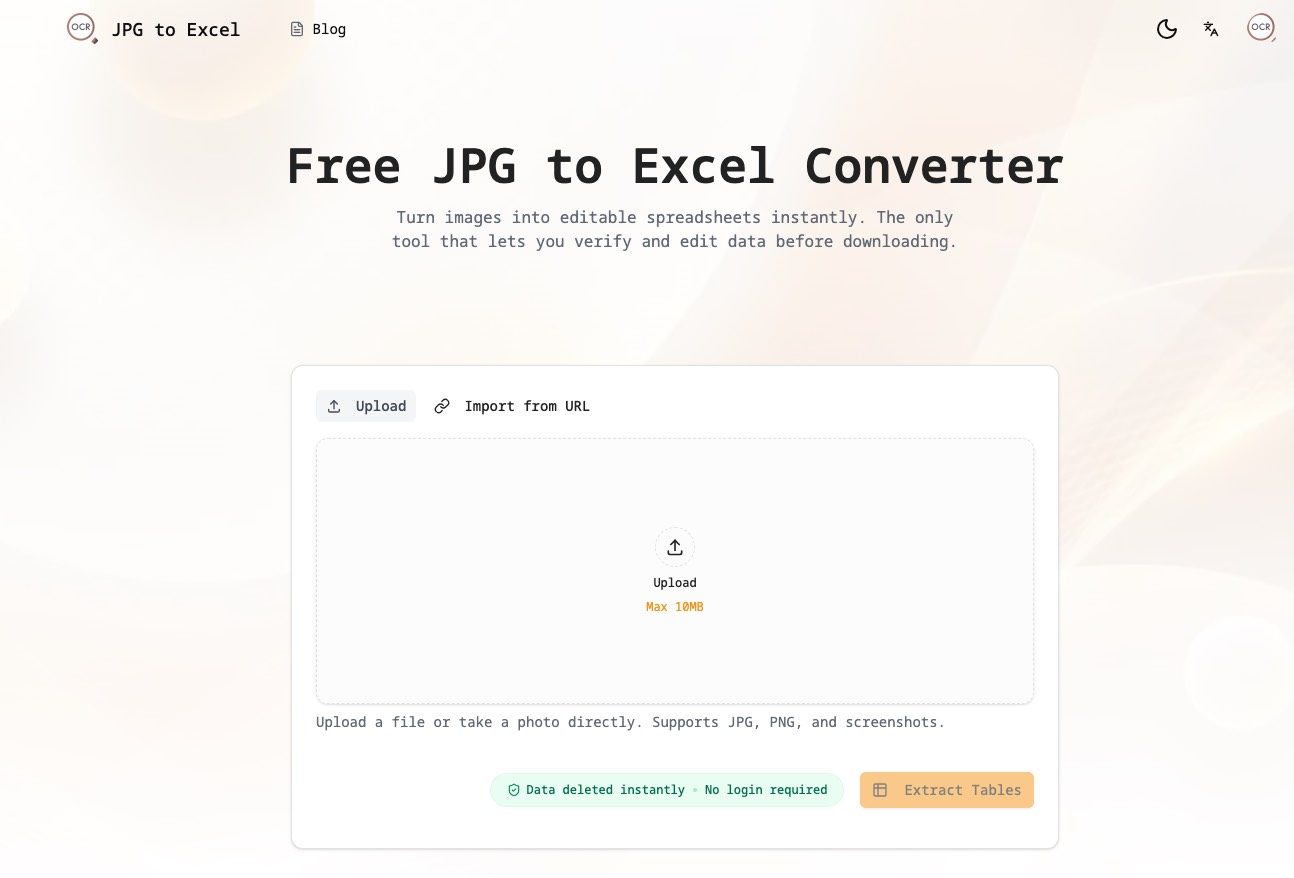
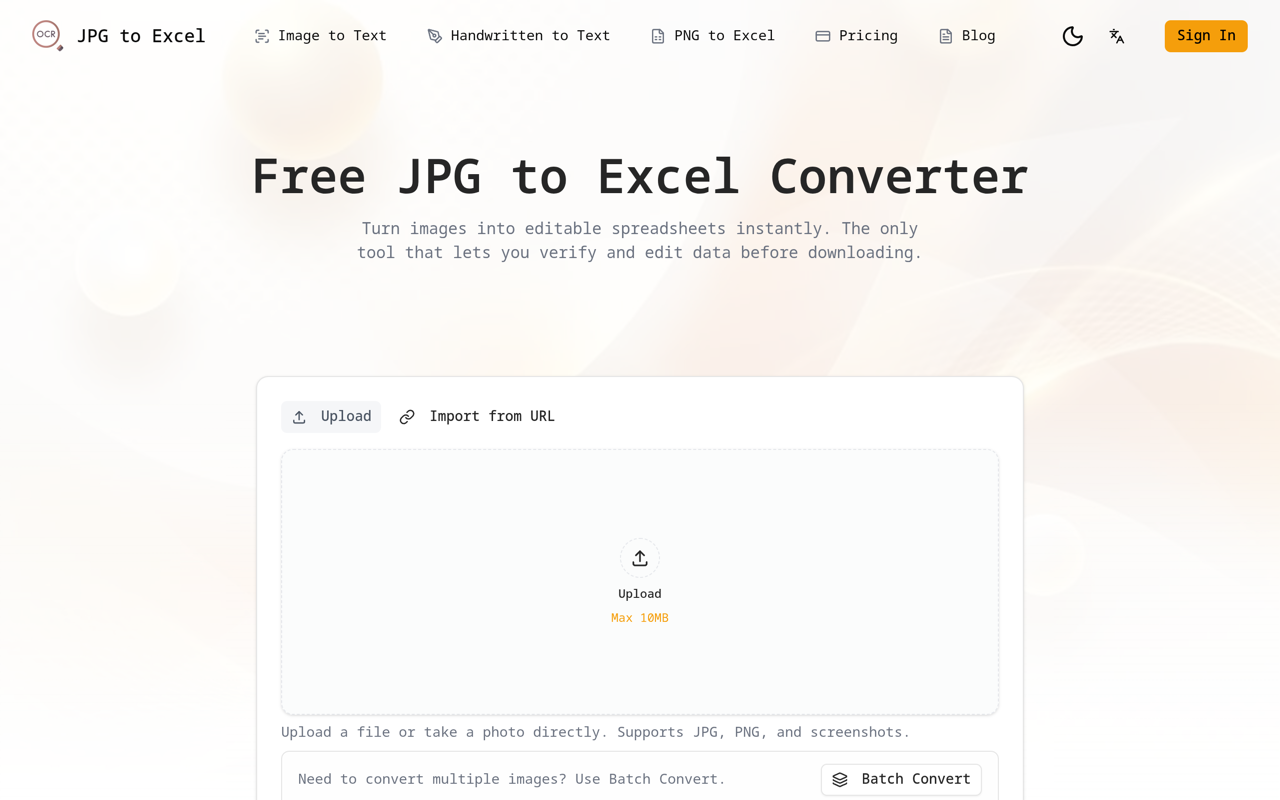
# JPG to Excel: The AI-Powered Data Extraction Platform ### Introduction **JPG to Excel** is a specialized AI-powered data extraction platform designed to bridge the gap between static images and dynamic spreadsheets. Leveraging next-generation Vision AI models, it achieves **near-perfect accuracy** in converting images (JPG, PNG, WebP) into editable Excel (`.xlsx`) and CSV files. Unlike generic OCR tools that output messy, unstructured text, JPG to Excel is purpose-built to **reconstruct complex table structures**, making it the ultimate tool for financial, administrative, and academic data digitization. The core of our platform lies in its specialized table-centric processing pipeline: 1. **Smart Table Detection**: Upon upload, our AI doesn't just "read text"; it "sees structure." It identifies table boundaries, detects merged cells (rowspans/colspans), and recognizes headers, distinguishing them from surrounding body text or captions. 2. **Structure Reconstruction**: The engine intelligently maps the visual grid to a logical spreadsheet format. It accurately handles challenges that break traditional OCR, such as invisible border lines, colored backgrounds, and multi-line cell content, ensuring the output matches the original layout pixel-for-pixel. 3. **Human-in-the-Loop Verification**: We believe AI should assist, not dictate. Our unique **Split-Screen Editor** allows users to verify data instantly. Clicking a cell in the digital table highlights the corresponding area in the original image, enabling rapid, error-free proofreading before export. ### Key Features * **Financial-Grade Accuracy**: Optimized for numbers and financial statements. The AI distinguishes between similar characters (e.g., '0' vs 'O', '1' vs 'l') with superior precision, critical for accounting and data entry tasks. * **Split-Screen Comparison**: An industry-leading interactive editor that places your original image and the extracted table side-by-side. Spot errors, edit values, and adjust rows/columns in real-time without switching tabs. * **Dual-Mode Extraction**: Not just for tables—our platform accepts diverse inputs. Use **"Table Mode"** for invoices and spreadsheets, or switch to **"Text Mode"** to extract paragraphs, notes, and formulas from document screenshots. * **Privacy First**: We operate on a strict "read-and-burn" policy. Your sensitive financial data and documents are processed in a secure environment and **permanently deleted** from our servers immediately after processing. No data storage, no training on user data. ### Use Cases **JPG to Excel** transforms the way professionals handle data entry, unlocking new efficiencies across industries: * **Finance & Accounting**: Instantly convert bank statements, invoices, and balance sheets into Excel for immediate analysis, eliminating hours of manual data entry. * **Business & Administration**: Digitize inventory lists, price sheets, and attendee logs from paper scans or photos, integrating physical data into ERP systems effortlessly. * **Research & Academia**: Extract data tables from PDF papers, textbooks, or old archives directly into spreadsheets for statistical analysis. * **Data Analysis**: Quickly scrape data from screenshots of dashboards, competitor pricing pages, or reports where raw data export is unavailable. The platform is **100% web-based**, requiring no installation and accessible from any device. Whether you are a student digitizing a single table or a professional managing bulk data entry, **JPG to Excel** provides a seamless, secure, and accurate solution. 👉 **Try it for free at [jpg-to-excel.org](https://jpg-to-excel.org)**

jpg-to-excel Traffic Analysis

Alternatives to jpg-to-excel

Looking for a jpg-to-excel alternative? Compare these curated AI tools that offer similar features and use cases.