

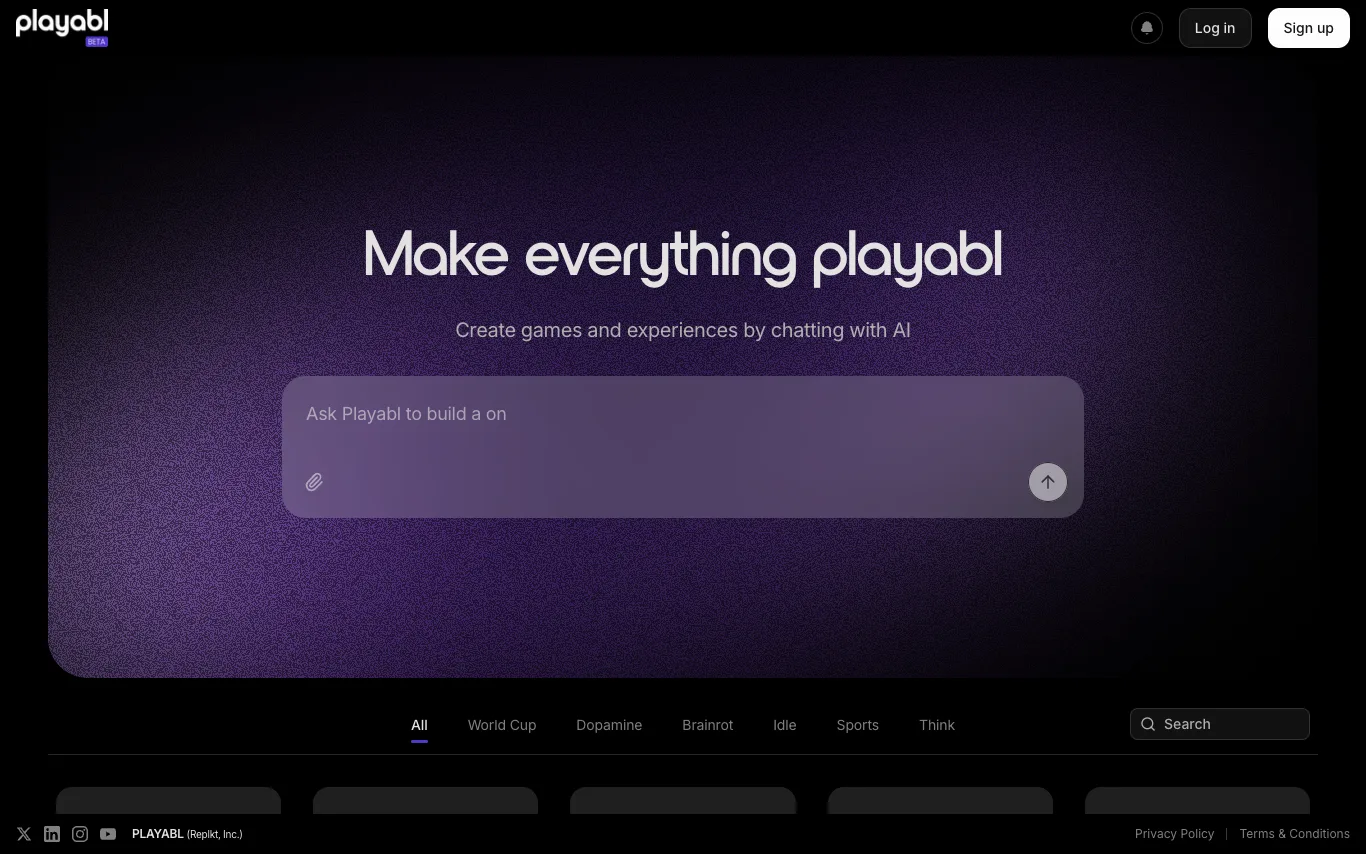

Playabl turns any idea into a playable web game through AI chat. Describe your game, iterate in real time, and publish instantly — no coding or game engine experience needed. The platform showcases a variety of user-created games, from sports to puzzles, demonstrating its versatility.
No-Code&Low-Code · 4 tools
Best No-Code&Low-Code Tools (2026)
Compare no-code and low-code platforms for building web apps, internal tools, automations, and databases — visual builders that ship software without heavy coding.
All No-Code&Low-Code tools
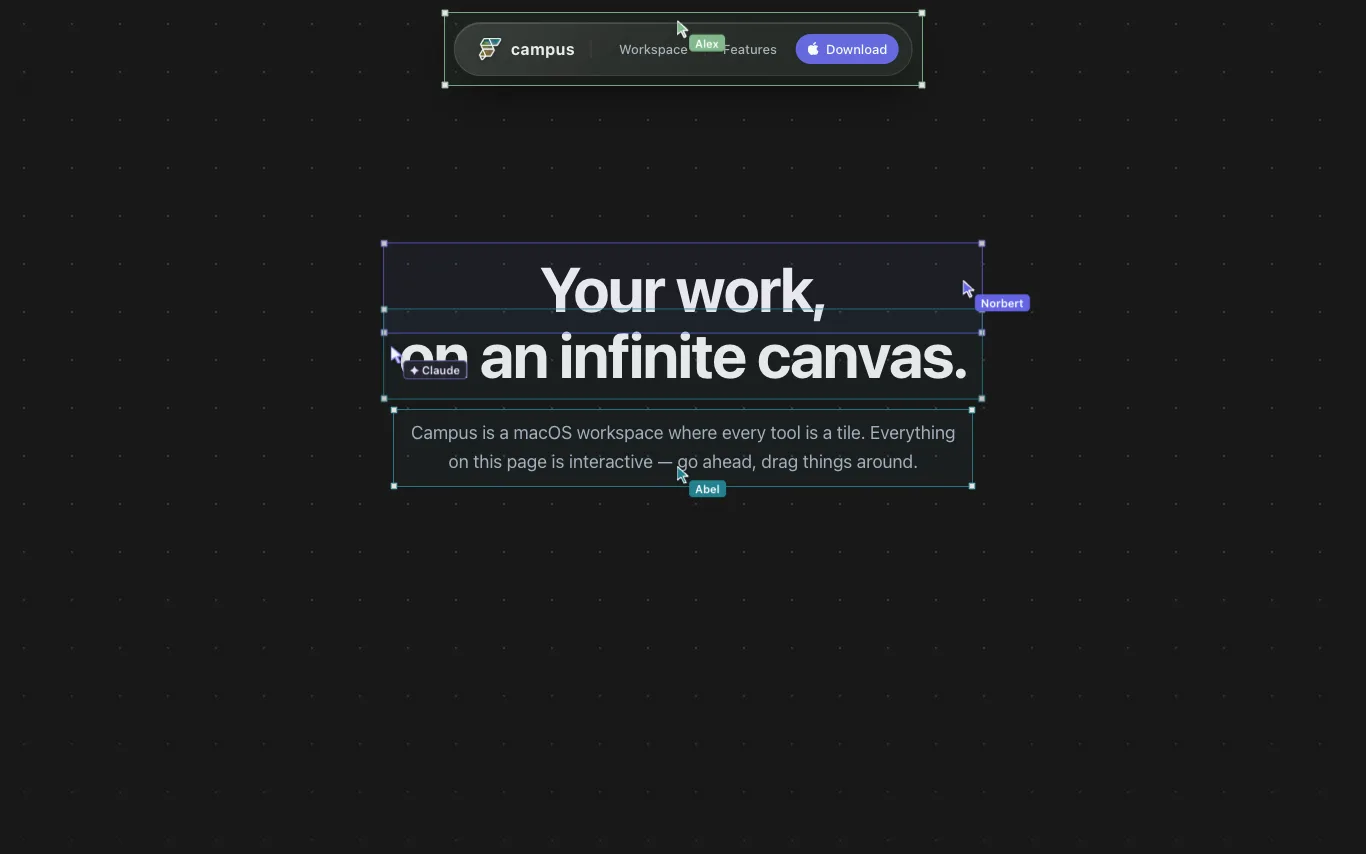

Campus is a macOS workspace where terminals, developer tools, teammates, and agents work together on one infinite canvas. It allows you to arrange tools as tiles on a persistent, zoomable surface, with live terminals, webviews, notes, and more. You can share a link to collaborate with your team in real-time, and AI agents like Claude and Codex can join as peers to drive tiles. Campus is built with a custom Flutter engine, is local-first, and offers a full Dart SDK for customization.

Latenode is an AI workflow automation platform that enables users to build AI-powered automations and deploy AI agents. It offers a no-code visual builder, access to 1,200+ AI models, and 5,500+ integrations with popular apps. The platform provides a free tier with 10,000 CPU seconds, and paid plans starting at $199/month for business teams.
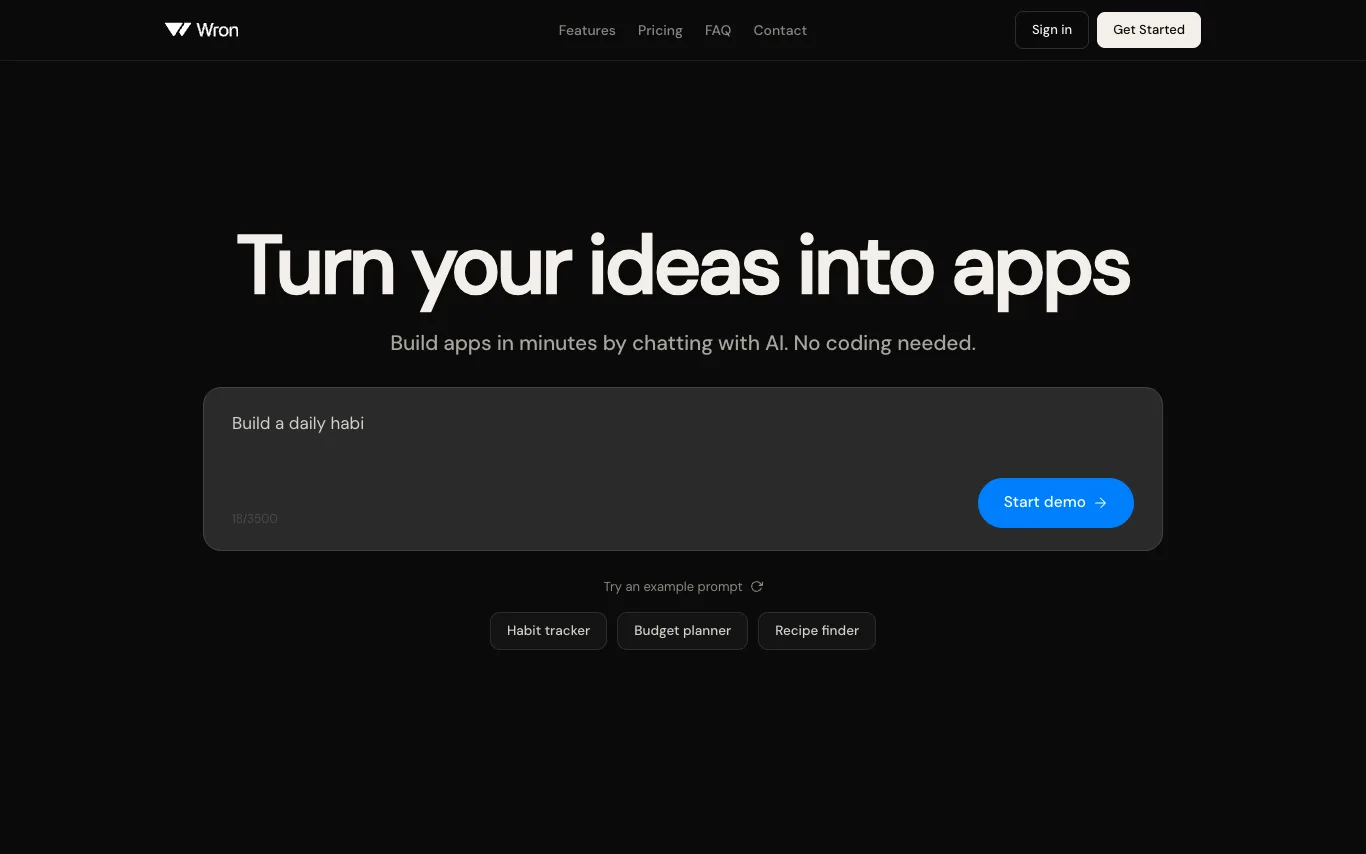

Wron is an all-in-one app studio that tracks profitable niches, builds them, and discovers winning ads you can copy. It allows users to build native apps by chatting with AI, without coding. The platform includes a Niche Finder to track app downloads and revenue, an App Builder for no-code app creation, and an Ad Library to find viral ad formats. Wron offers various pricing plans with credits for building apps and websites.
What is a no-code / low-code platform?
A no-code or low-code platform lets you build working software — web apps, internal tools, forms, databases, and automations — by dragging components and configuring logic visually instead of writing most of the code. No-code targets non-developers with fully visual builders, while low-code speeds up engineers by generating boilerplate and leaving room for custom code. Both connect to data sources and deploy the result as a real, hosted application.
What these platforms do
- Drag-and-drop visual builder for UI and pages
- Built-in or connected databases and tables
- Workflow and automation logic without code
- Prebuilt connectors to APIs and third-party apps
- One-click hosting, publishing, and deployment
- Custom code escape hatches for developers
Who uses no-code / low-code
01
Internal tools for operations
Teams build admin panels, dashboards, and CRUD apps on top of existing databases in days, not sprints.
02
Founders shipping an MVP
Non-technical founders launch a working product or marketplace to validate an idea before hiring engineers.
03
Business process automation
Operations and finance staff replace manual spreadsheets with automated workflows across their SaaS stack.
04
Enterprise dev acceleration
Engineering teams use low-code to ship departmental apps faster while keeping governance and custom code.
How no-code / low-code works
You assemble an app in a visual editor by dropping components onto a canvas and binding them to a database or API. Instead of hand-writing code, you configure logic through rules, formulas, and workflow steps, and the platform compiles that into a running app it hosts for you. Low-code tools add a code layer so developers can extend the generated app with scripts, custom components, or SQL.