


Furriq is a free AI-powered cat breed identifier that provides honest clues about a cat's likely breed influences based on visual analysis. Its primary value lies in offering an educational starting point for cat owners curious about their pet's heritage, without claiming definitive proof. Users upload a cat photo, and the AI examines over 40 visual markers such as coat pattern, color, face shape, and body structure. It's designed for cat owners who are curious about their cat's breed and are comfortable with 'likely' rather than 'certain' results. A key capability is its deliberate uncertainty, providing plausible breed influences as hypotheses rather than verdicts. This tool is ideal for those seeking to learn more about their cat's visual traits and potential breed connections. Users receive a clue report that highlights distinctive features and explains which breeds share those traits, fostering a more informed understanding of their cat's appearance.
AI Productivity Tools · 24 tools
Best AI Productivity Tools Tools (2026)
Compare AI productivity tools for task and project management, note-taking, meeting notes, scheduling, email, and automated daily workflows.
All AI Productivity Tools tools
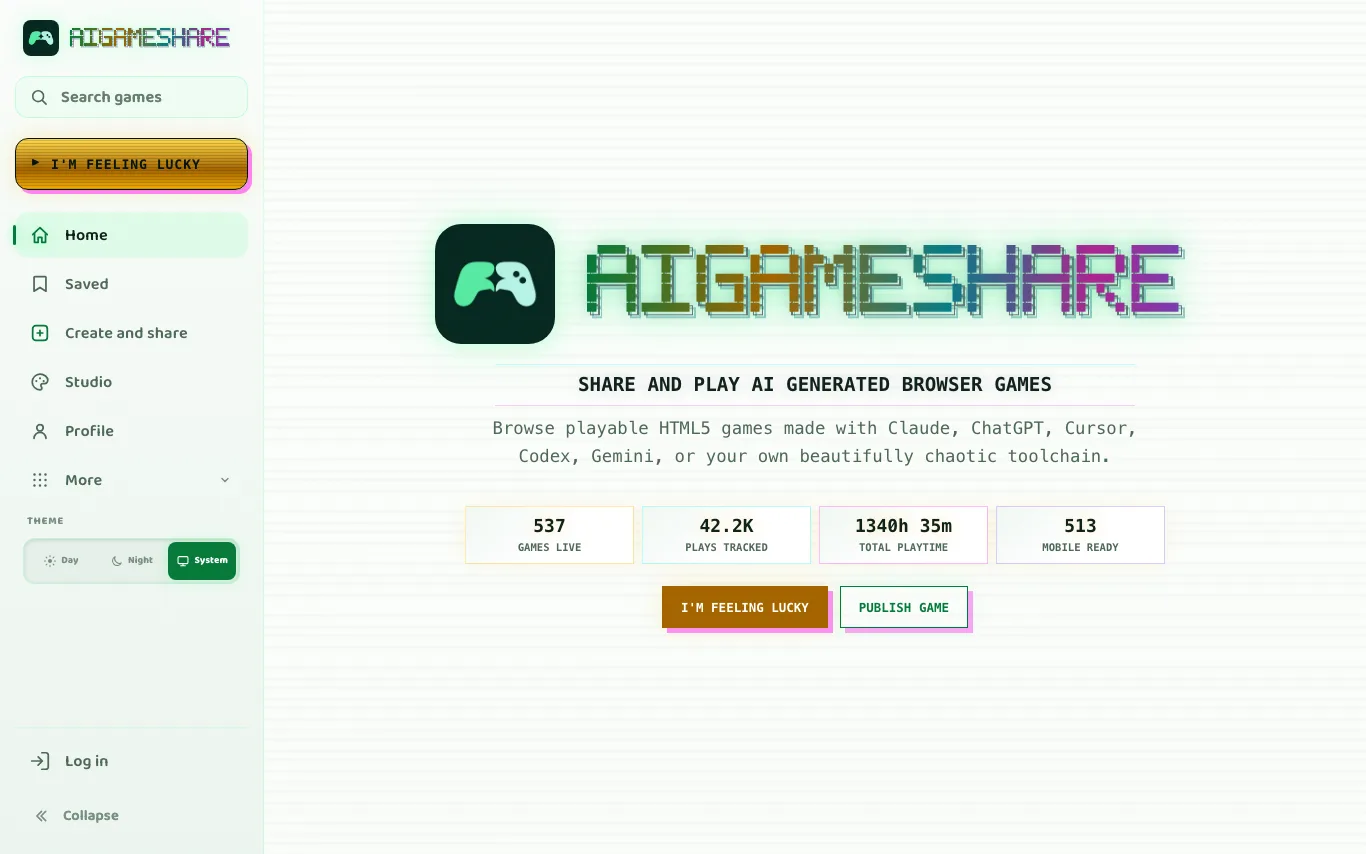

AIGameShare is an open gaming portal where developers and players host, explore, and play AI-crafted browser games across action, arcade, and roguelite genres.
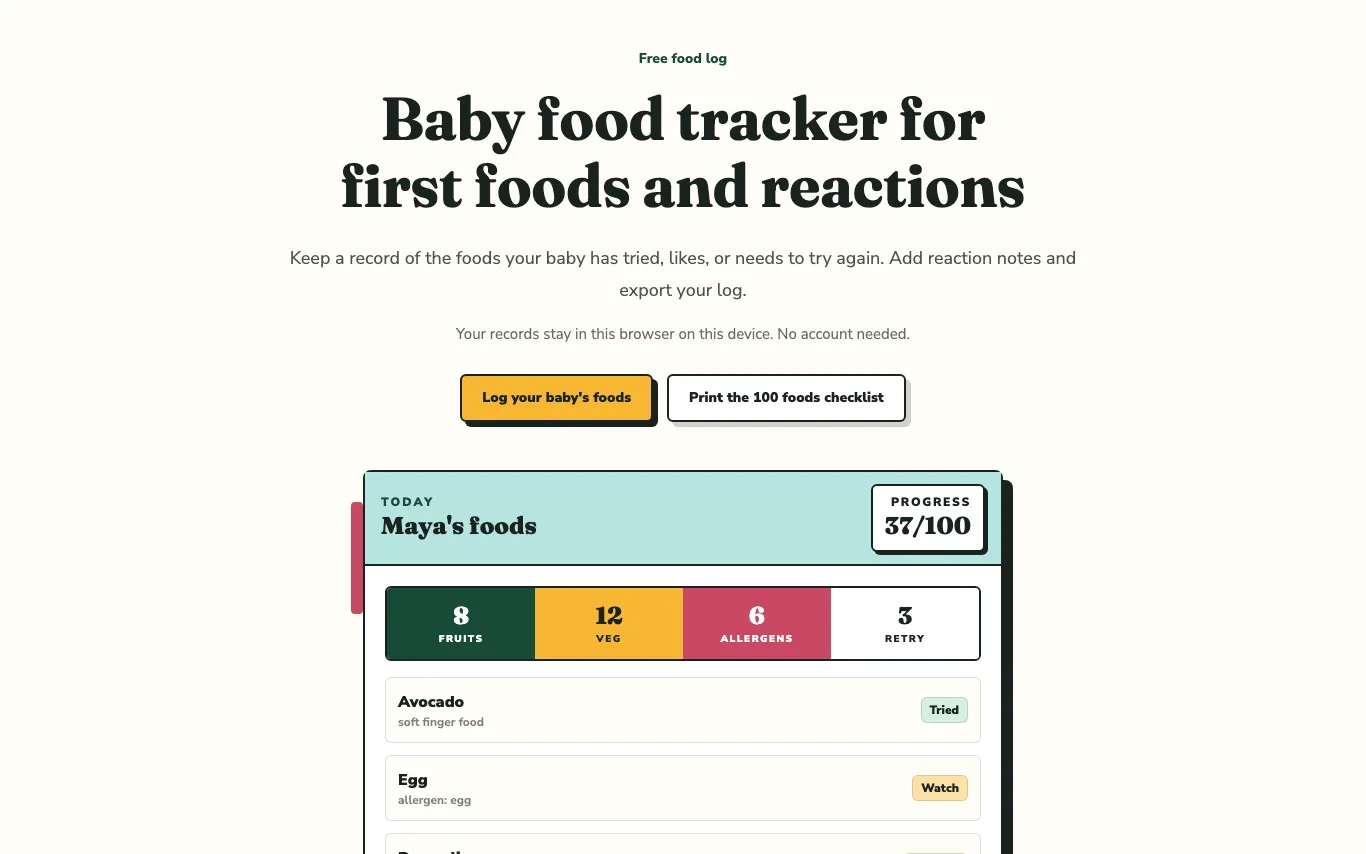

BabyFoodTracker is a private browser-based baby feeding log that helps parents monitor first foods, track allergen exposures, and note pediatric symptoms.


prepros is a shoot production platform for creative teams. It provides tools for moodboards, shotlists, storyboards, styling, call sheets, and more, all in one workspace. The platform aims to streamline the entire production process, from planning to execution, ensuring nothing is missed on set.
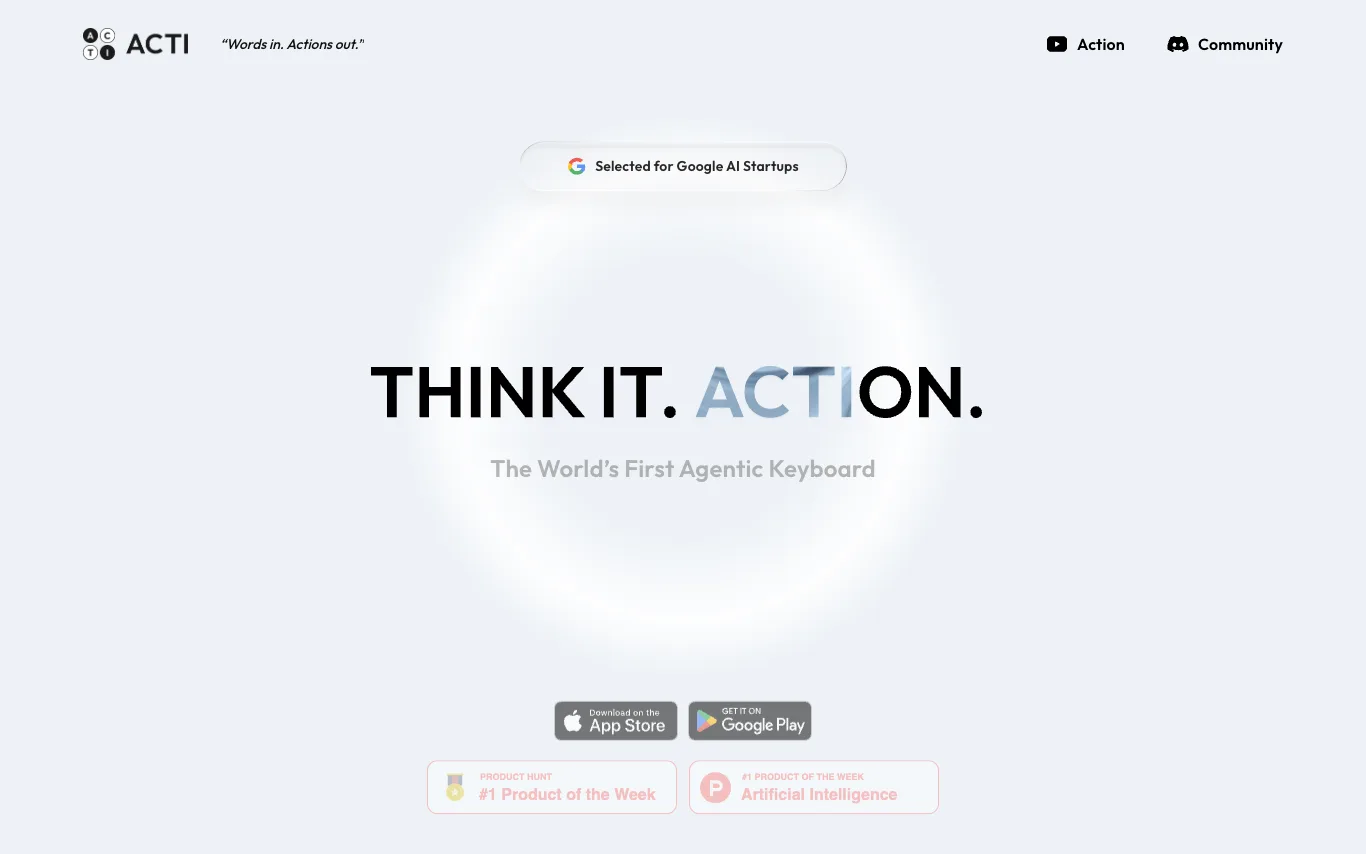

Acti is the world's first Agentic Keyboard, a unified command layer that lets you command apps and APIs directly from your keyboard. It works across any text field on iOS and Android. With Acti, you can type your intent, hold the Acti Bar, and invoke actions without switching apps. It offers customizable Skill Keys tailored to your subculture, and allows you to mash up APIs and applications to forge custom commands.
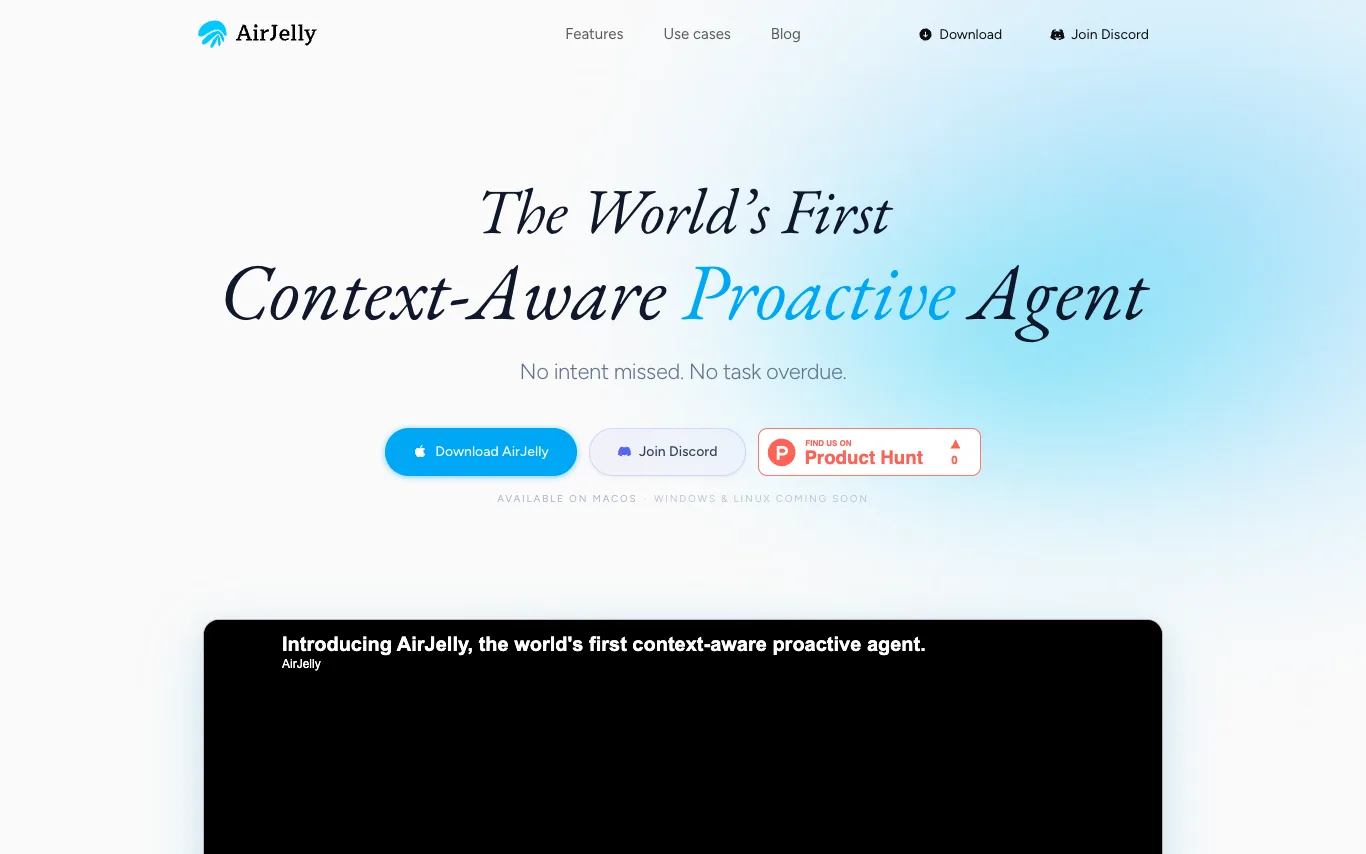

AirJelly is an always-on desktop AI that watches your workflow, remembers everything, and acts before you ask. It runs entirely local, reading across apps like Slack, Zoom, Docs, and Calendar to build a living timeline of your work. It surfaces what matters, creates tasks, prepares briefs, and sends reminders proactively. Available on macOS, with Windows and Linux coming soon.
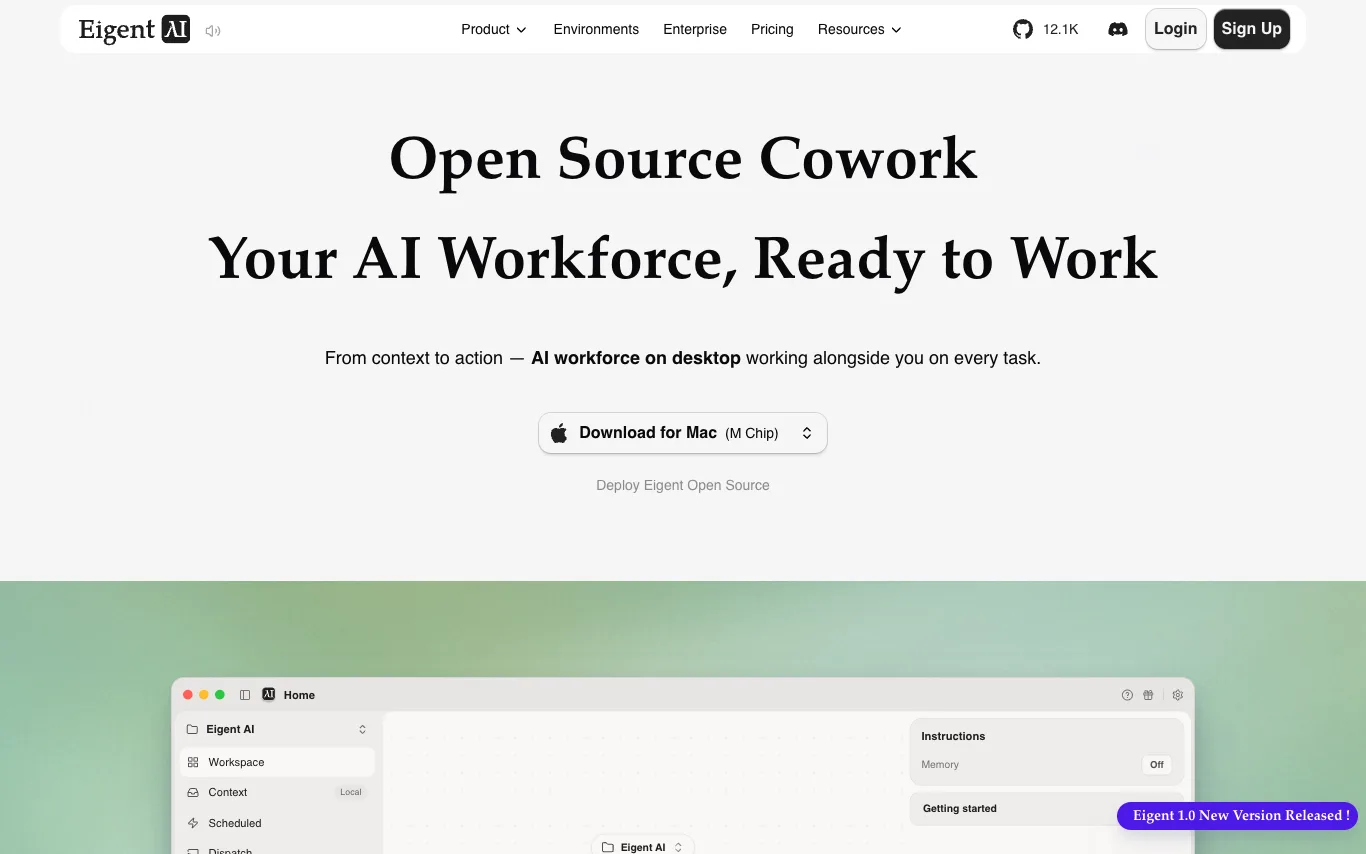

Eigent Open Source Cowork is a desktop multi-agent workforce that connects to your context and can control the browser and desktop apps to automate real work. It is 100% open source, allowing you to host it yourself for free with your own API keys or local models. The platform supports any model you like, including cloud APIs, enterprise gateways, or local inference, without locking into one vendor. With local-first execution, your files, credentials, and context stay under your control.
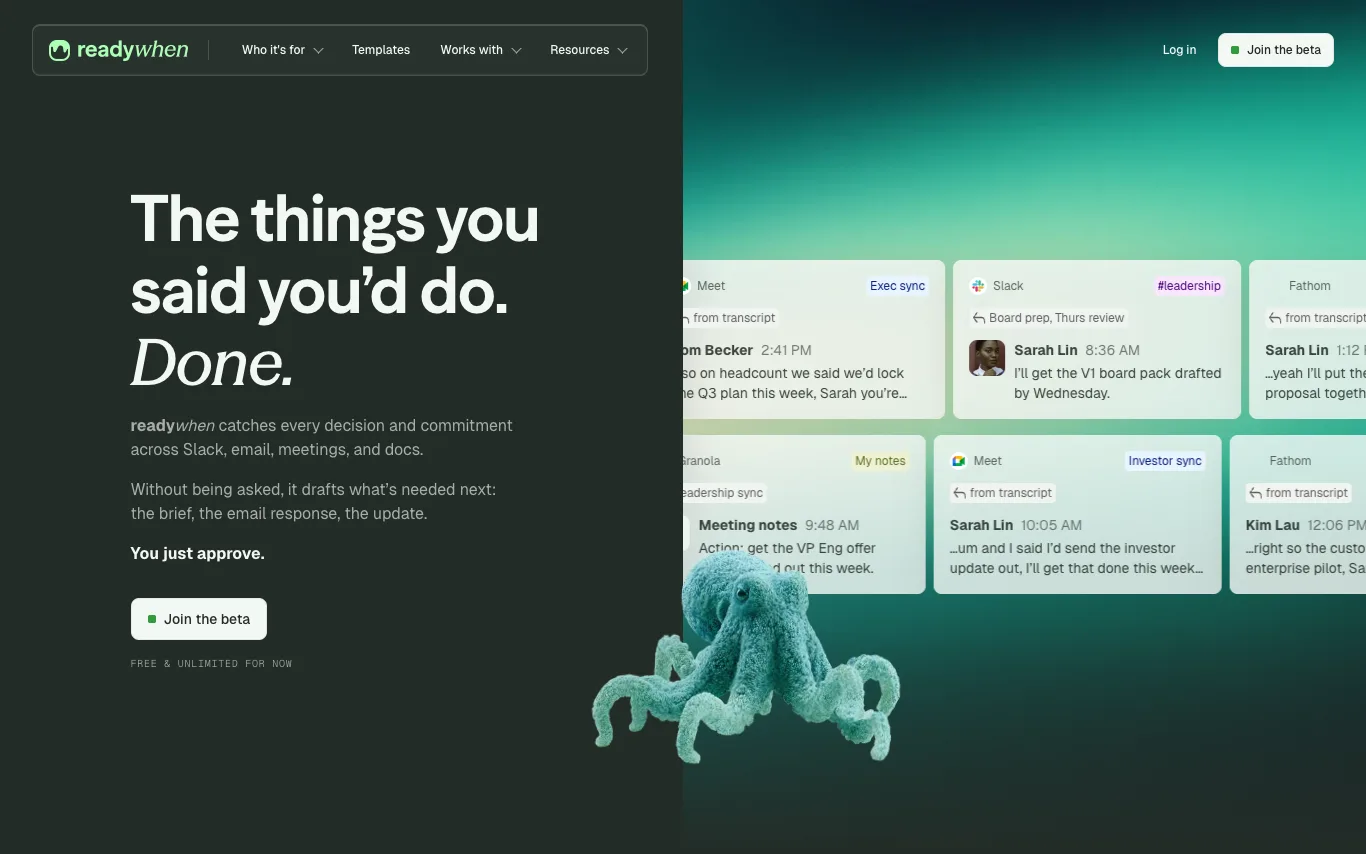

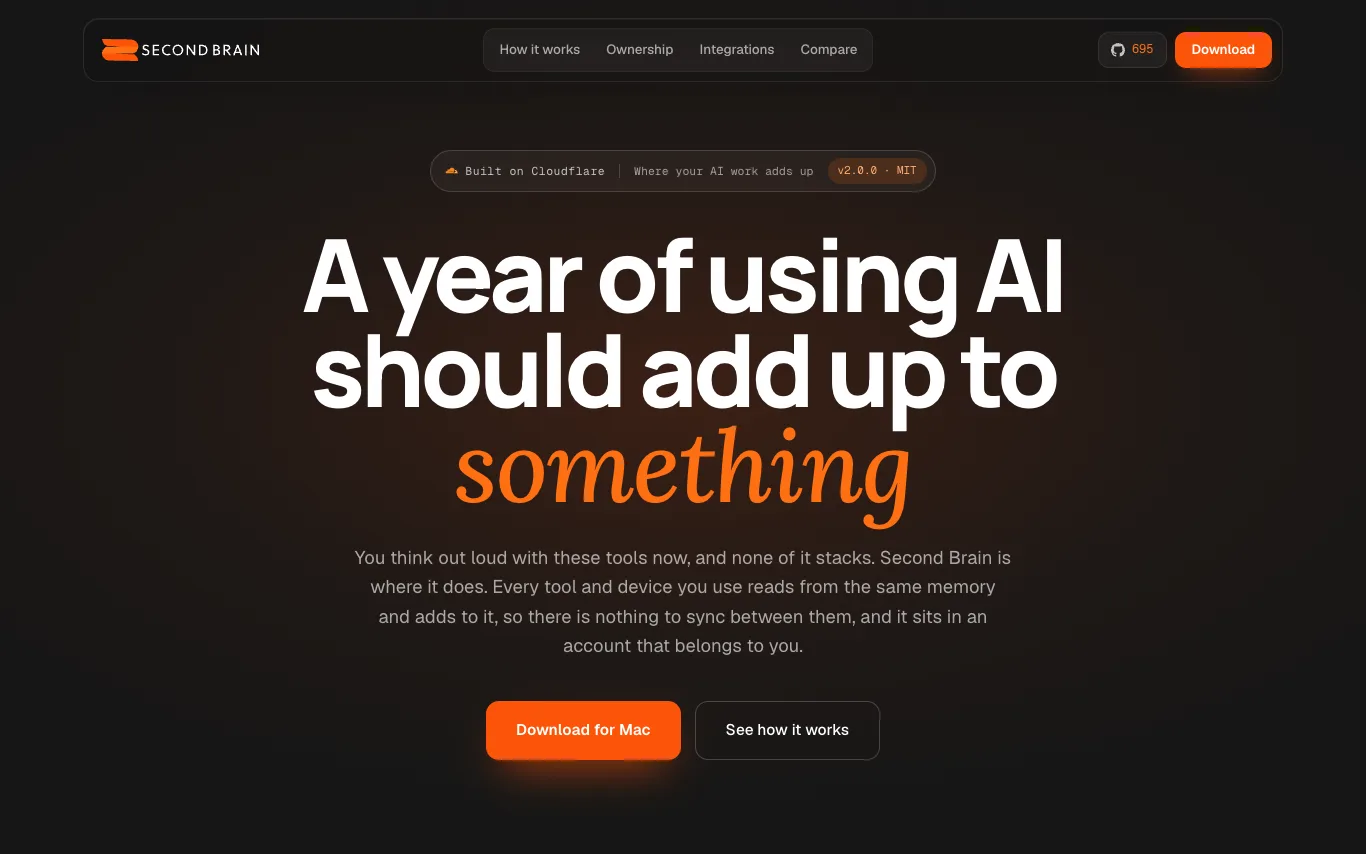

Second Brain is an open-source, self-hosted AI memory layer that connects to your existing tools like ChatGPT, Claude, and Cursor. It stores your conversations, notes, and decisions in your own Cloudflare account, making them searchable and synthesizable across all your AI tools. With features like AI synthesis, pattern derivation, and contradiction detection, it ensures your knowledge compounds over time.
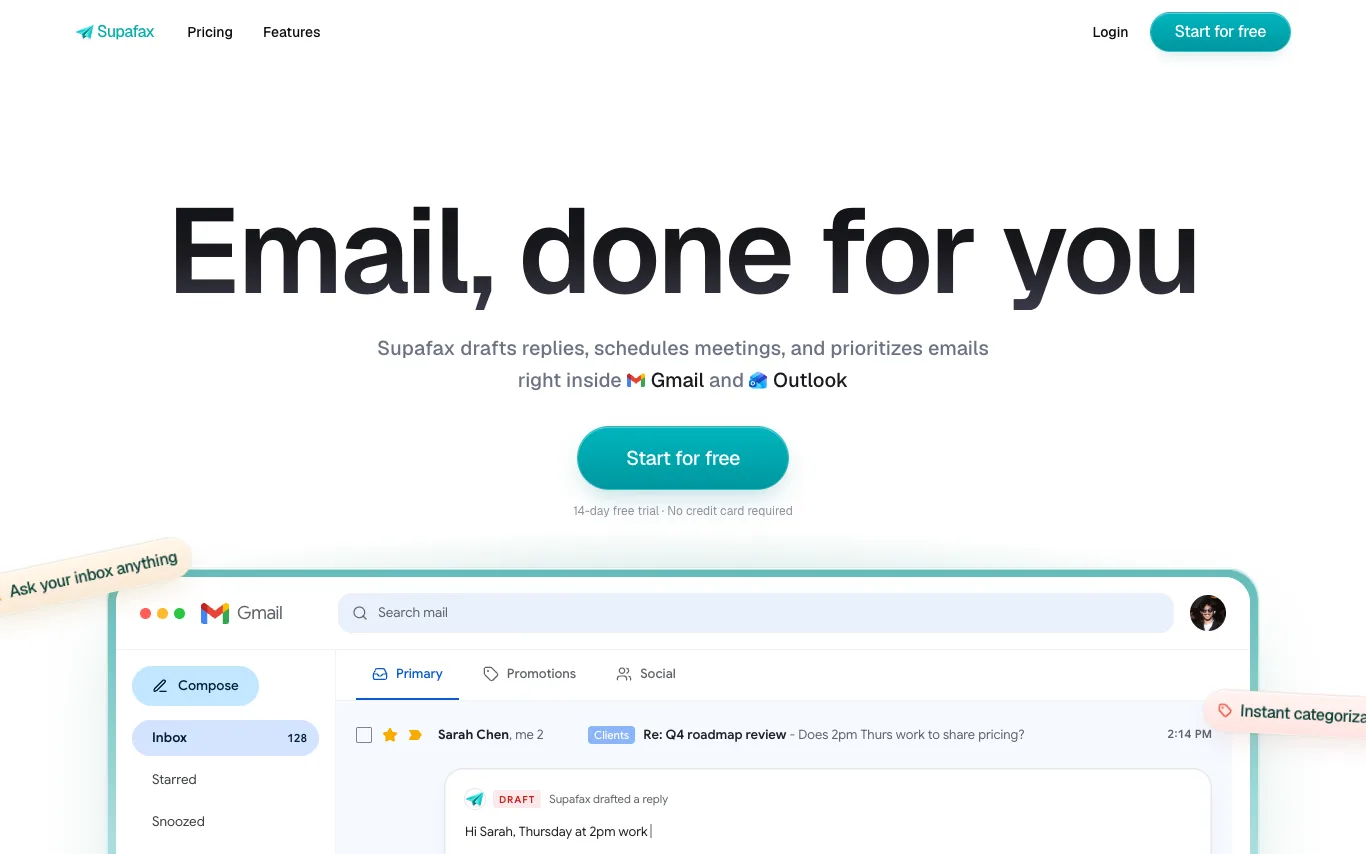

Supafax drafts replies, schedules meetings, and prioritizes emails right inside Gmail and Outlook. It learns your tone from past emails to write replies that sound like you, auto-labels your inbox based on sender, content, or custom rules, and can handle meeting scheduling by finding times and sending calendar invites. With zero setup, you can connect your inbox once and let Supafax handle the rest, saving hours of email time.
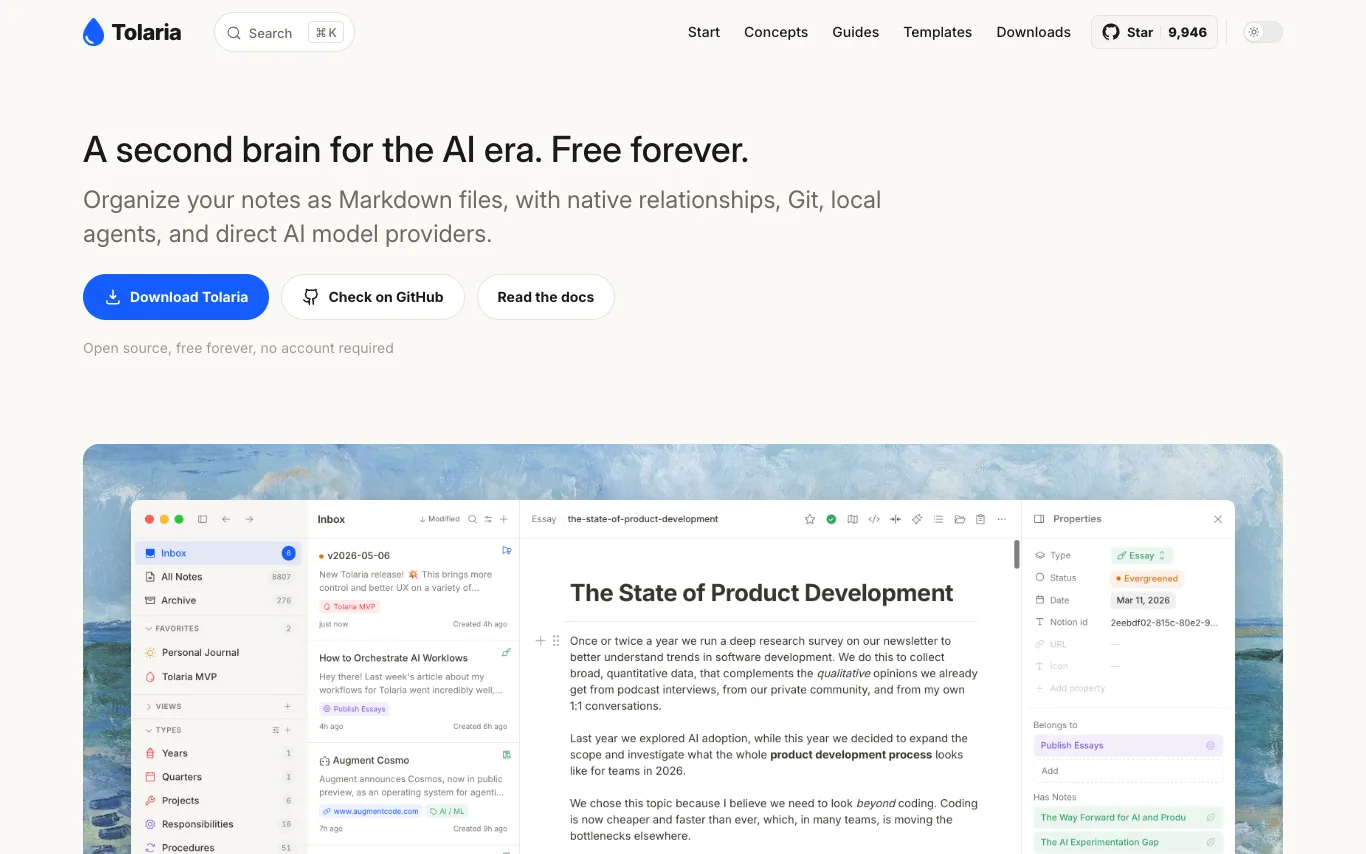

Tolaria is an open-source note-taking app that organizes notes as Markdown files with YAML frontmatter, offering native relationships, Git integration, local agents, and direct AI model providers. It features a block-based editor with wikilinks, whiteboards, and media previews, plus a fully integrated Git client for version control. Designed for AI-assisted development, it supports CLI coding agents and local or API model providers for chat over note context. Free forever, no account required.
What are AI productivity tools?
AI productivity tools use language models to speed up everyday work like planning tasks, taking notes, summarizing meetings, drafting email, and scheduling. They read your calendar, documents, or transcripts, then surface actions, summaries, and next steps automatically. This category spans task and project managers, AI notebooks, meeting recorders, inbox assistants, and no-code automation builders.
What AI productivity tools do
- Auto-summarize meetings, docs, and long threads
- Turn notes and transcripts into action items
- Draft, reply to, and triage email
- Prioritize and schedule tasks on your calendar
- Search across notes, files, and apps
- Automate repetitive workflows without code
Who uses AI productivity tools
Meeting-heavy professionals
Record calls, get transcripts and summaries, and never manually take meeting notes again.
Solo founders and freelancers
Run tasks, inbox, and scheduling from one assistant instead of juggling separate apps.
Knowledge workers and note-takers
Capture ideas in an AI notebook that organizes, links, and answers questions about them.
Ops and automation builders
Connect apps and let AI trigger multi-step workflows that used to run by hand.
How AI productivity tools work
Most tools connect to your calendar, inbox, notes, or meeting audio and feed that context into a language model. The model summarizes, extracts tasks, drafts replies, or ranks priorities, then writes the results back into your apps. Automation tools go further, watching for a trigger and running a chain of steps you defined once.