


Agently builds a company brain across your whole stack, then spins up agents to handle the work, orchestrated by Jarvis. It connects to 100+ tools via MCP connectors, enabling two-way OAuth live updates. Agents can act autonomously or with approval, producing real artifacts like docs, presentations, and sheets. Plans start at $29/mo with a free tier and trial.
AI Productivity Tools · 24 tools
Best AI Productivity Tools Tools (2026)
Compare AI productivity tools for task and project management, note-taking, meeting notes, scheduling, email, and automated daily workflows.
All AI Productivity Tools tools

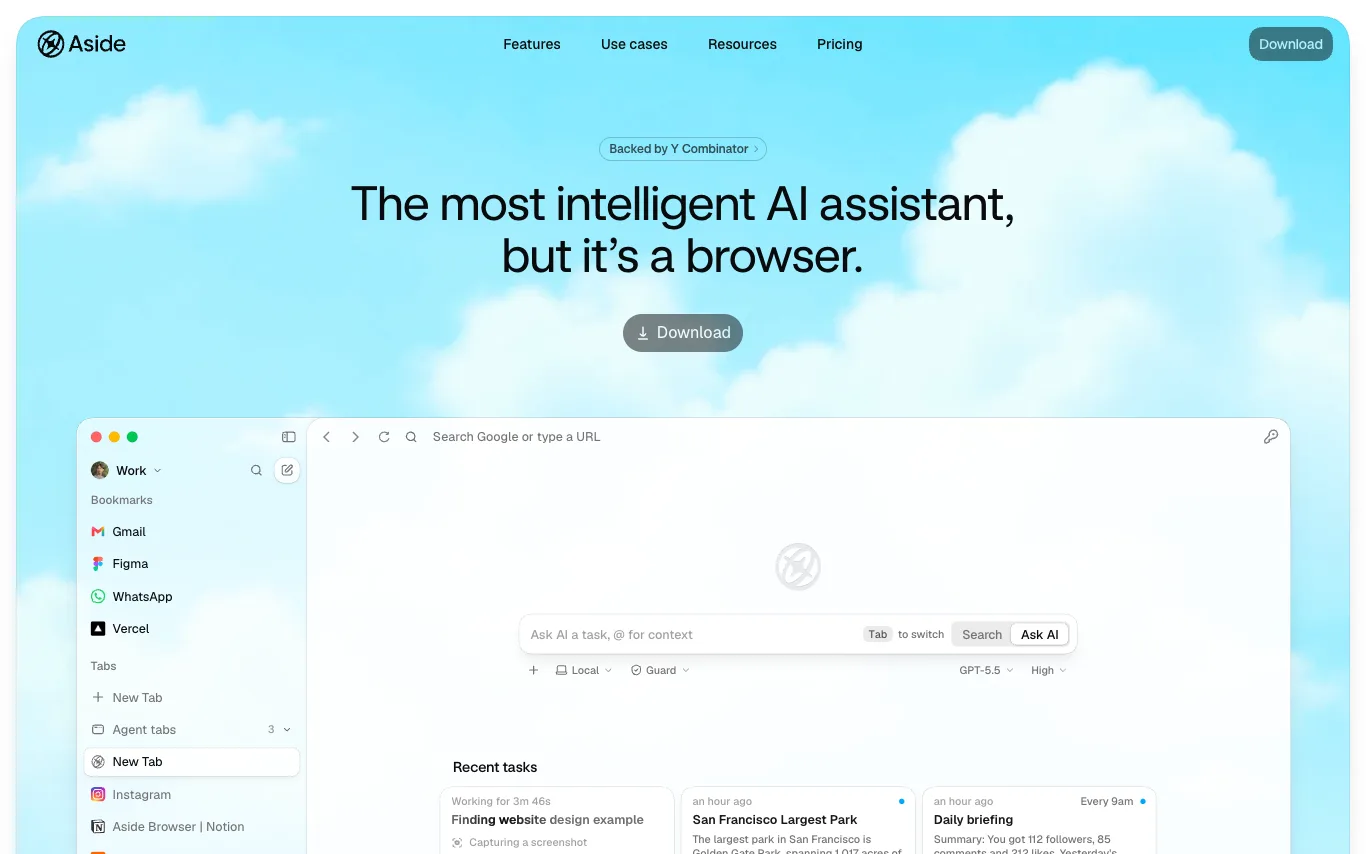

Aside is a browser rebuilt for people and agents. It works across your logged-in websites and handles complex work other agents can't: messages, payments, internal tools, and everything in between. Unlike other AI agents that rely on integrations, Aside uses websites and accounts directly. It ranks #1 on three browser agent benchmarks: Online-Mind2Web, BU-Bench-V1, and Odysseys. Memory stays local on your device and is never shared. The password manager lets agents sign in through autofill without exposing credentials to the AI.


Cofounder is an AI company operating system for founders, coordinating engineering, sales, marketing, design, finance, and operations agents. It provides a full roadmap tailored to your company, guiding you through steps to start, build, sell, and scale. Agents work alongside you, requiring approval for potentially dangerous actions. It is fully extensible with MCP, custom APIs, skills, or custom codebases.
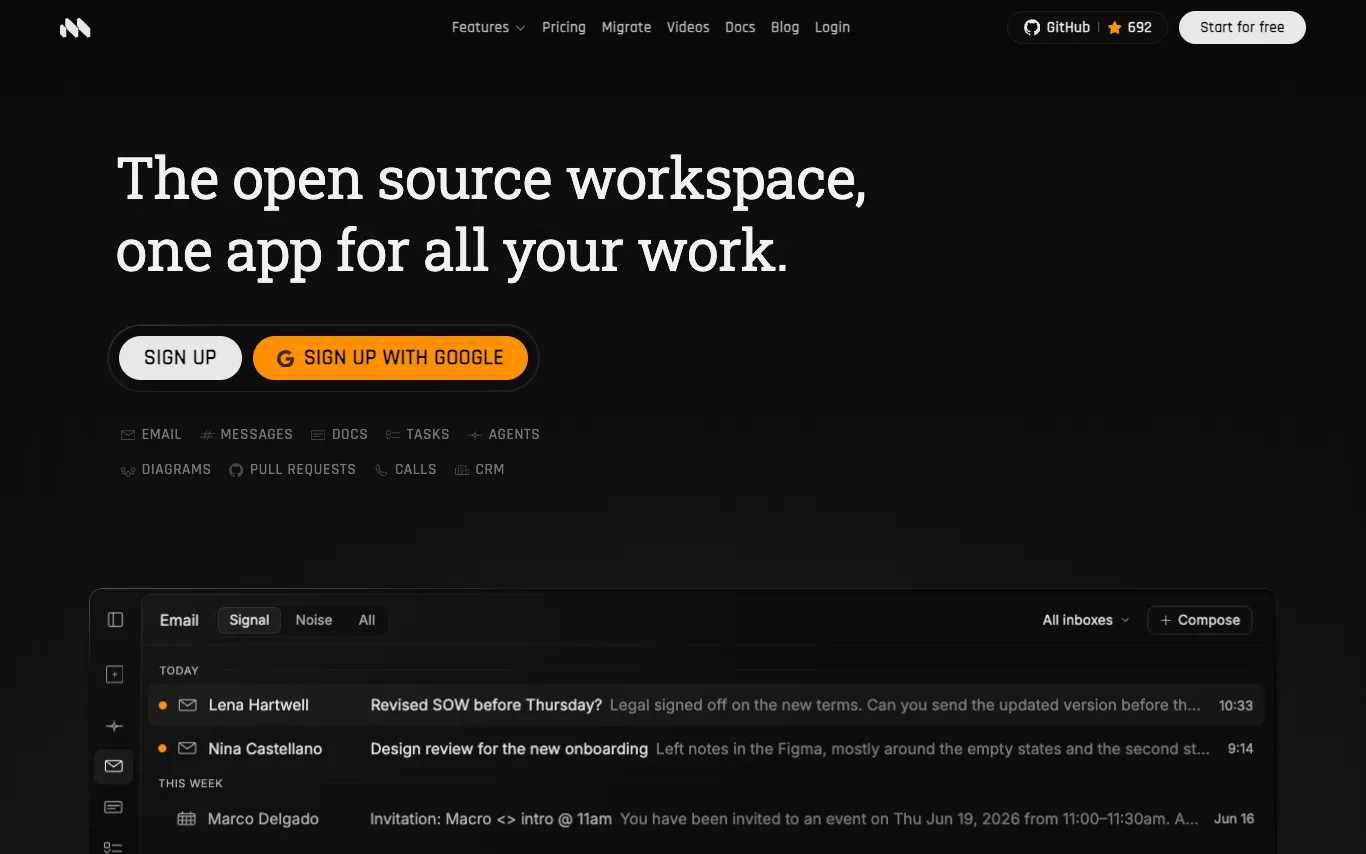

Macro is an open-source workspace that unifies email, messages, docs, tasks, calls, and CRM into a single interface with shared memory. It offers AI-powered email triage, collaborative CRDT-based docs, distraction-free team chat, and keyboard-first tasks. Built for speed with Rust and SolidJS, Macro is SOC 2 Type II certified and supports self-hosting.
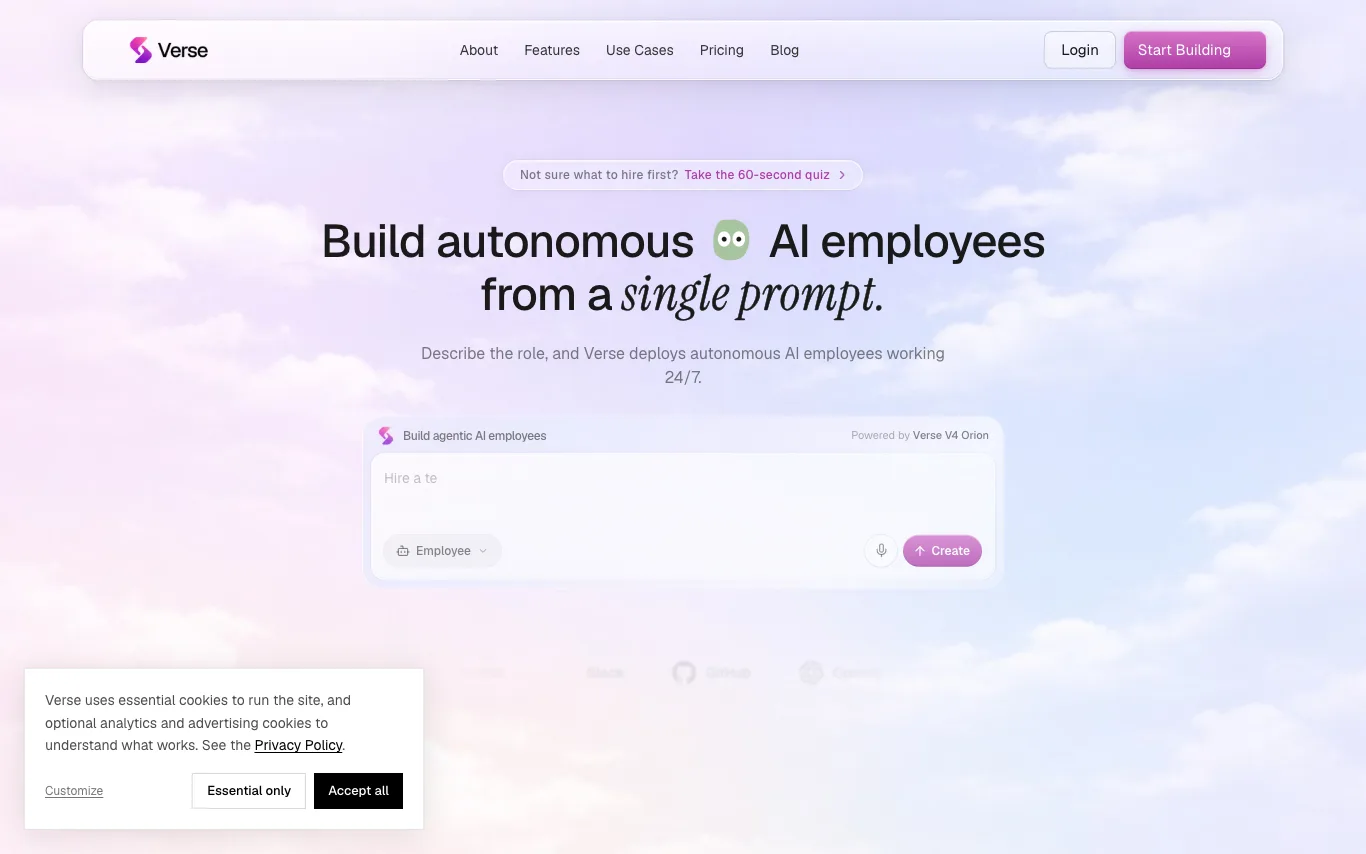

Verse is a platform that lets you create autonomous AI employees from a single prompt. These AI agents can use your tools, hold context, and run work around the clock without code. You can hire specialists for sales, marketing, support, operations, recruiting, research, and more. Each employee gets its own email, phone, virtual card, computer, and crypto wallet.


Bo is an AI personal assistant that operates via text messaging. It helps users stay organized, save time, live healthier, and get answers to questions. Bo integrates with services like Apple Health, Gmail, Google Calendar, Strava, Oura, and more to provide personalized assistance. It can track nutrition, set reminders, manage schedules, and offer health insights.
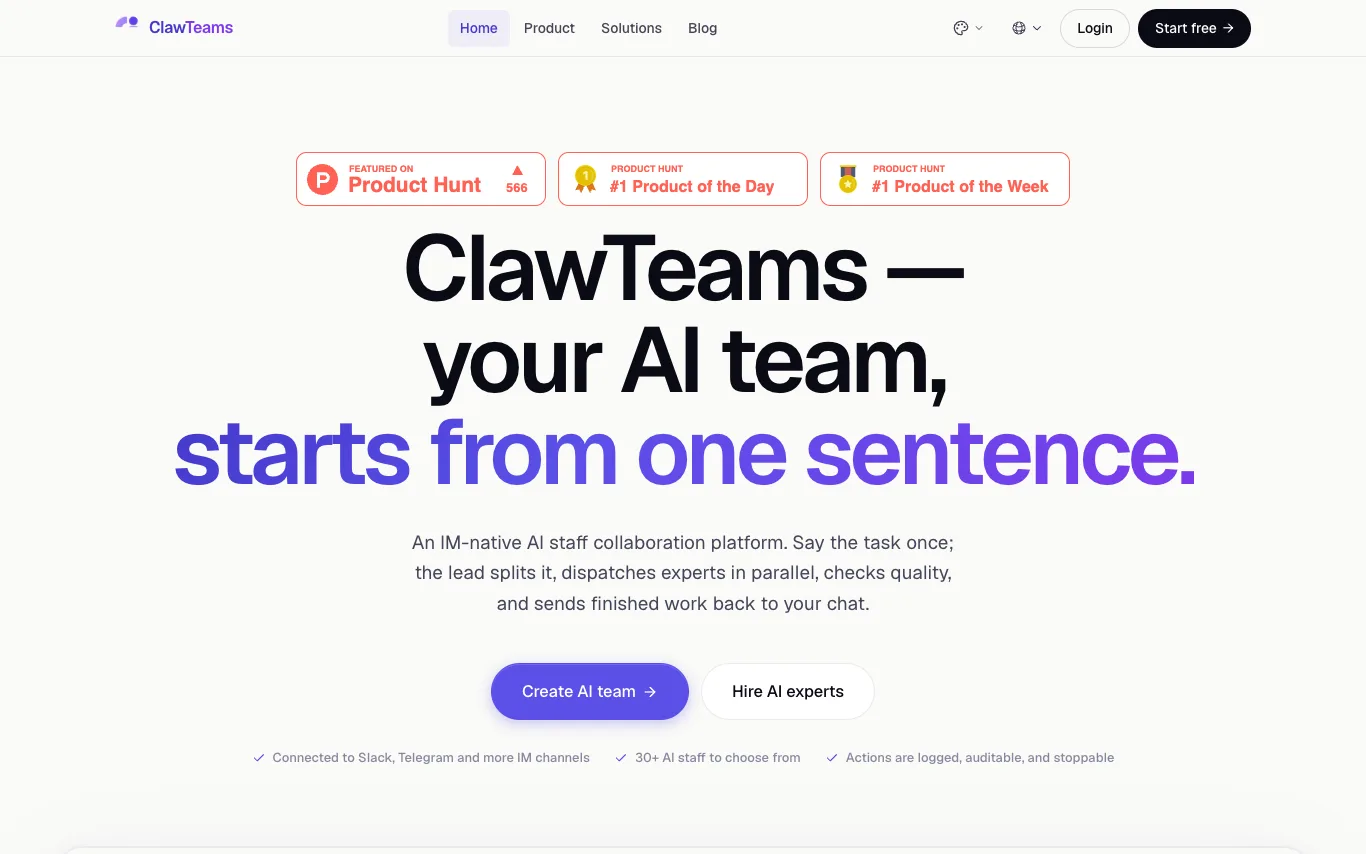

ClawTeams is an IM-native AI staff collaboration platform. Users describe a task once; the lead AI splits it, dispatches specialist AI staff to work in parallel, checks quality, and sends finished work back to the chat. It connects to Slack, Telegram, and other IM channels, offering 30+ AI staff roles. Actions are logged, auditable, and stoppable, with enterprise security controls.
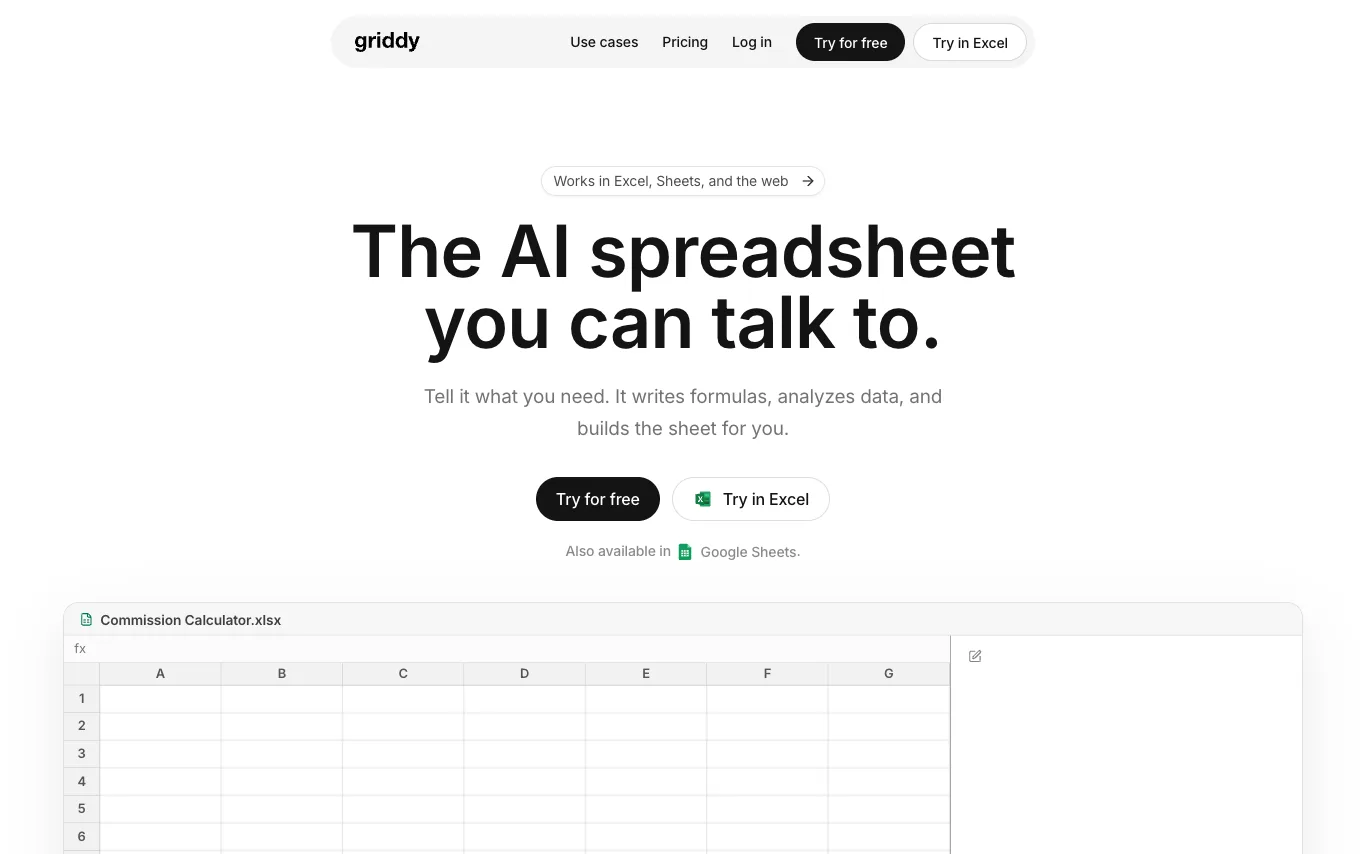

Griddy is an AI-powered spreadsheet assistant that works in Microsoft Excel, Google Sheets, and the web. Users describe what they need in plain language, and Griddy writes formulas, generates charts, cleans data, and builds reports. It is trusted by individuals at companies like Google, PwC, PepsiCo, Capgemini, Lenovo, and Amazon.
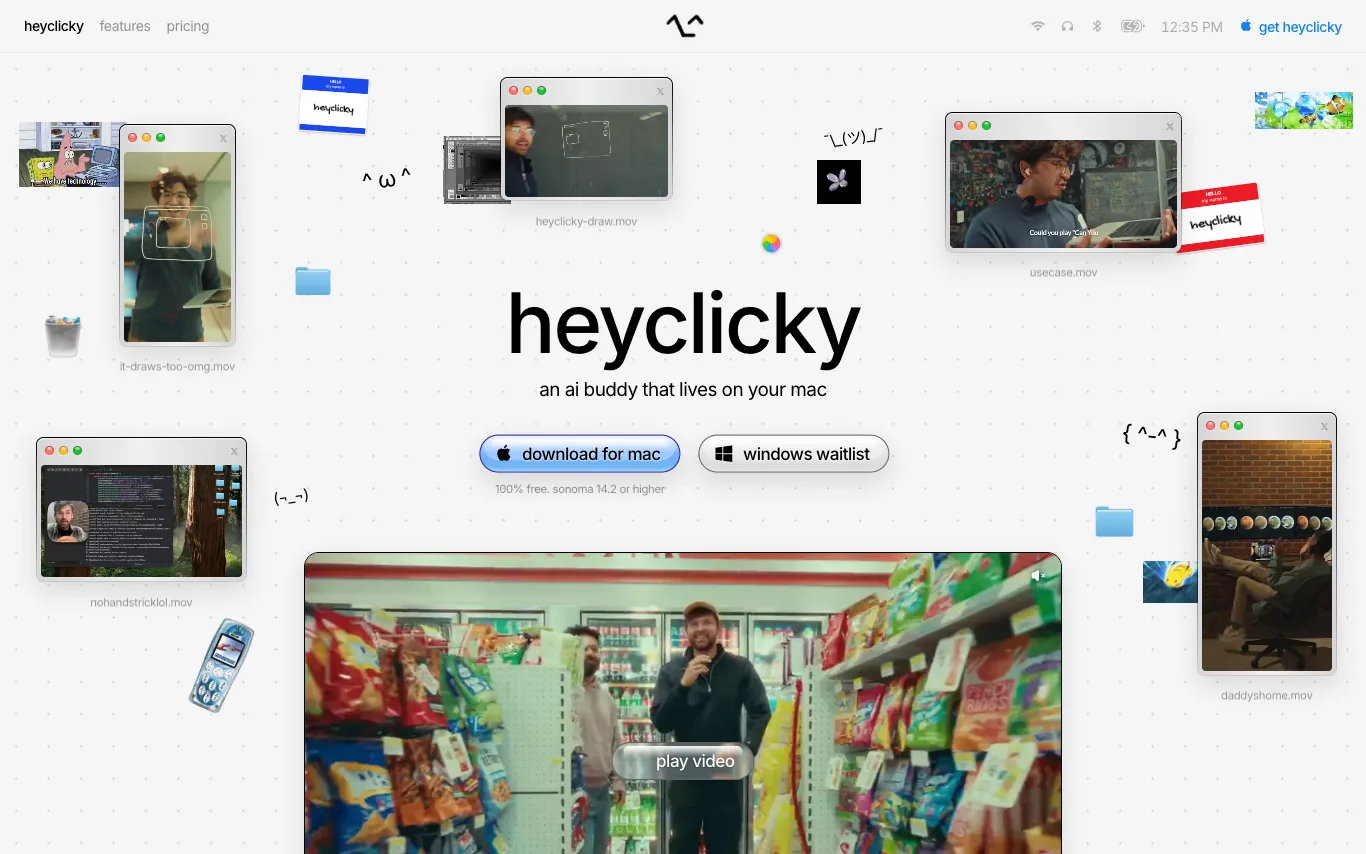

heyclicky is an AI assistant for your Mac. It's a little buddy on screen that teaches you anything, guides you when you're stuck, and runs agents while you're away. It uses your screen as context to walk you through steps in any tool, and you can spawn AI agents with your voice. It's 100% free for basic use, with paid plans for more.
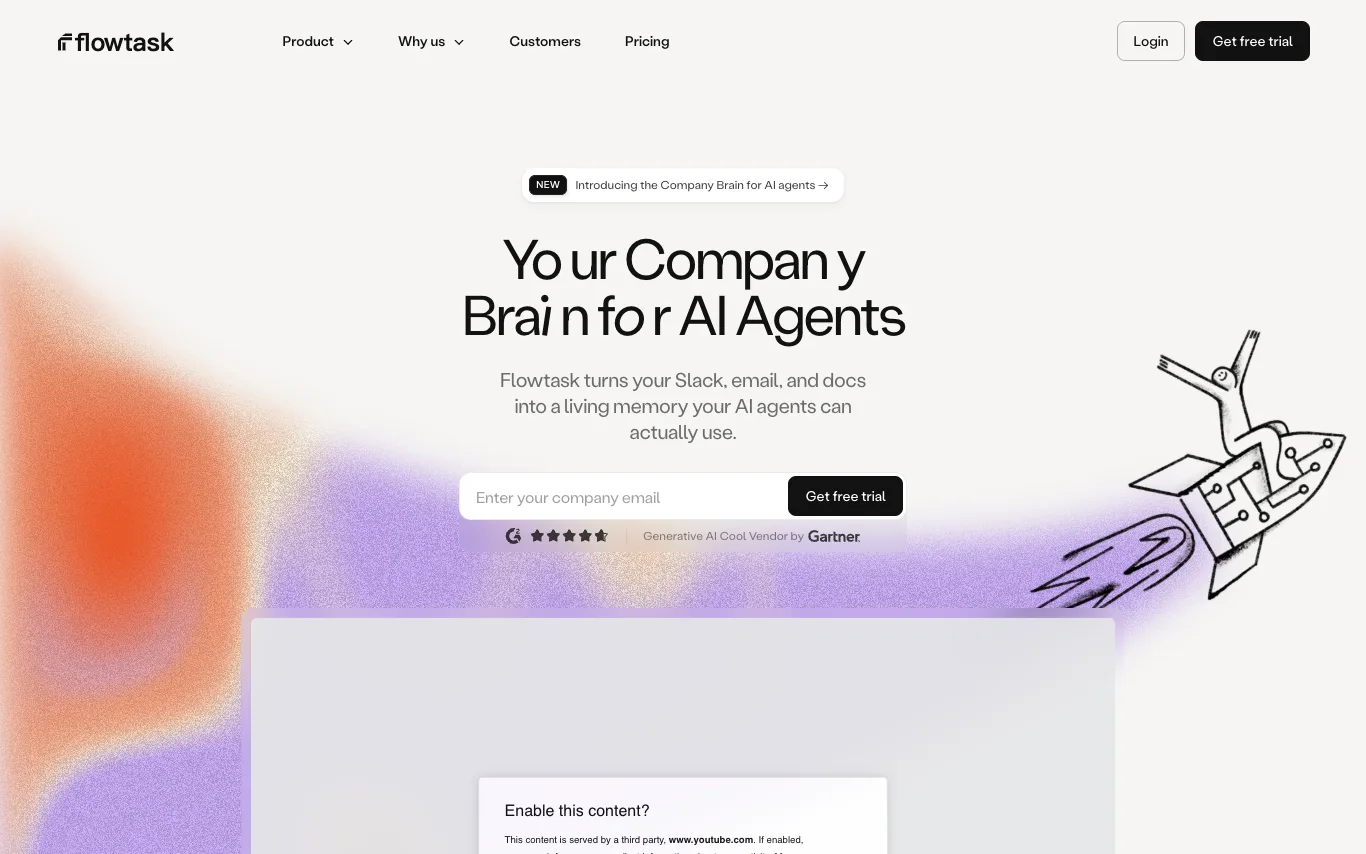

Flowtask turns your Slack, email, and docs into a Company Brain — a living, structured memory your AI agents can use to operate. No repeated context, no daily updates. It transforms conversations into accountable work, automates workflows, and retains knowledge to improve over time.
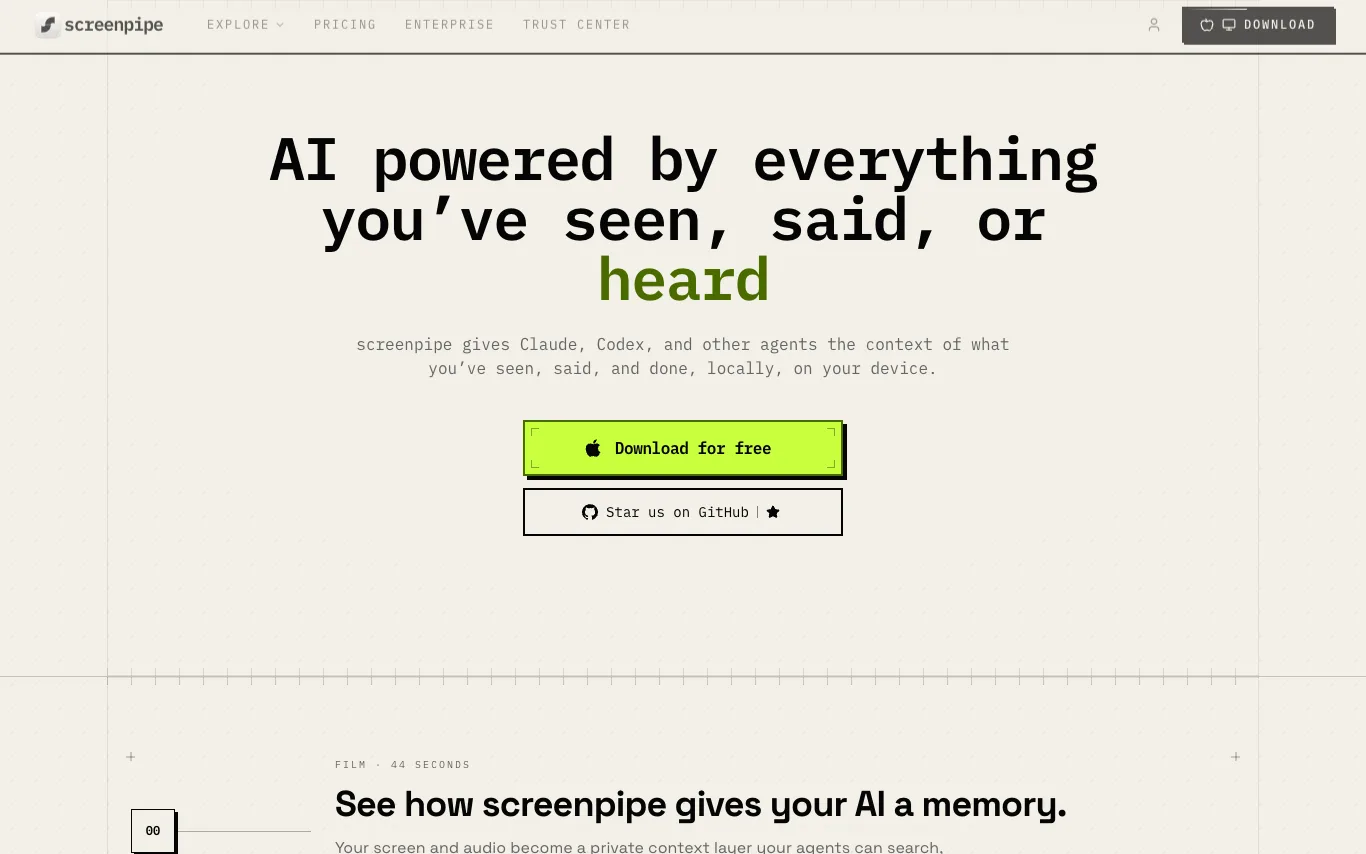

screenpipe is a screen record app that captures screen and audio, making everything searchable and automating workflows. It provides a private context layer for AI agents, enabling them to search, understand, and act on your work. Local-first and private, it supports macOS, Windows, and Linux.
What are AI productivity tools?
AI productivity tools use language models to speed up everyday work like planning tasks, taking notes, summarizing meetings, drafting email, and scheduling. They read your calendar, documents, or transcripts, then surface actions, summaries, and next steps automatically. This category spans task and project managers, AI notebooks, meeting recorders, inbox assistants, and no-code automation builders.
What AI productivity tools do
- Auto-summarize meetings, docs, and long threads
- Turn notes and transcripts into action items
- Draft, reply to, and triage email
- Prioritize and schedule tasks on your calendar
- Search across notes, files, and apps
- Automate repetitive workflows without code
Who uses AI productivity tools
01
Meeting-heavy professionals
Record calls, get transcripts and summaries, and never manually take meeting notes again.
02
Solo founders and freelancers
Run tasks, inbox, and scheduling from one assistant instead of juggling separate apps.
03
Knowledge workers and note-takers
Capture ideas in an AI notebook that organizes, links, and answers questions about them.
04
Ops and automation builders
Connect apps and let AI trigger multi-step workflows that used to run by hand.
How AI productivity tools work
Most tools connect to your calendar, inbox, notes, or meeting audio and feed that context into a language model. The model summarizes, extracts tasks, drafts replies, or ranks priorities, then writes the results back into your apps. Automation tools go further, watching for a trigger and running a chain of steps you defined once.