

AI Product Photography · 7 tools
Best AI Product Photography Tools (2026)
Compare AI product photography tools for studio white-background shots, lifestyle scenes, on-model try-ons, and batch ecommerce images — from phone photo to listing-ready.
All AI Product Photography tools
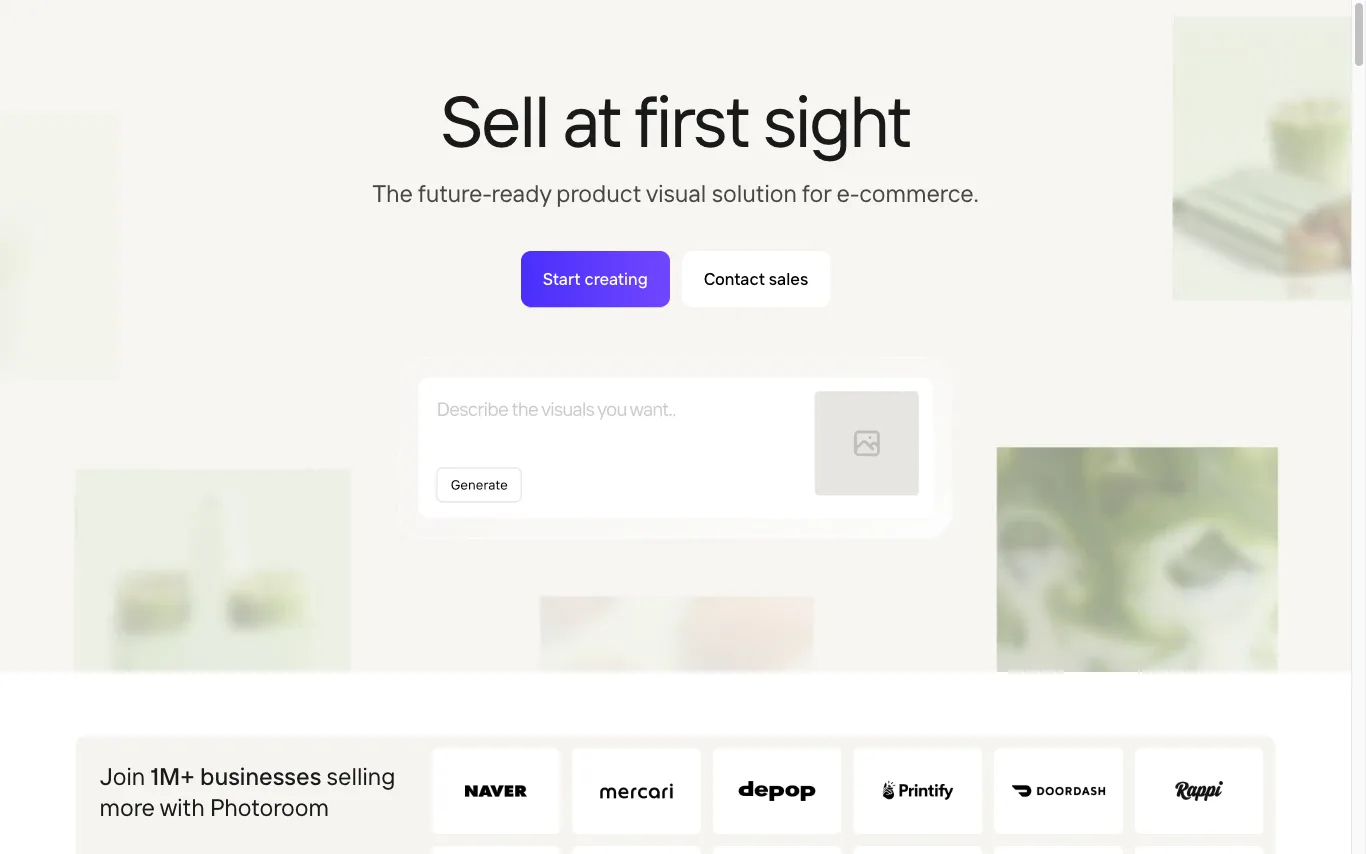

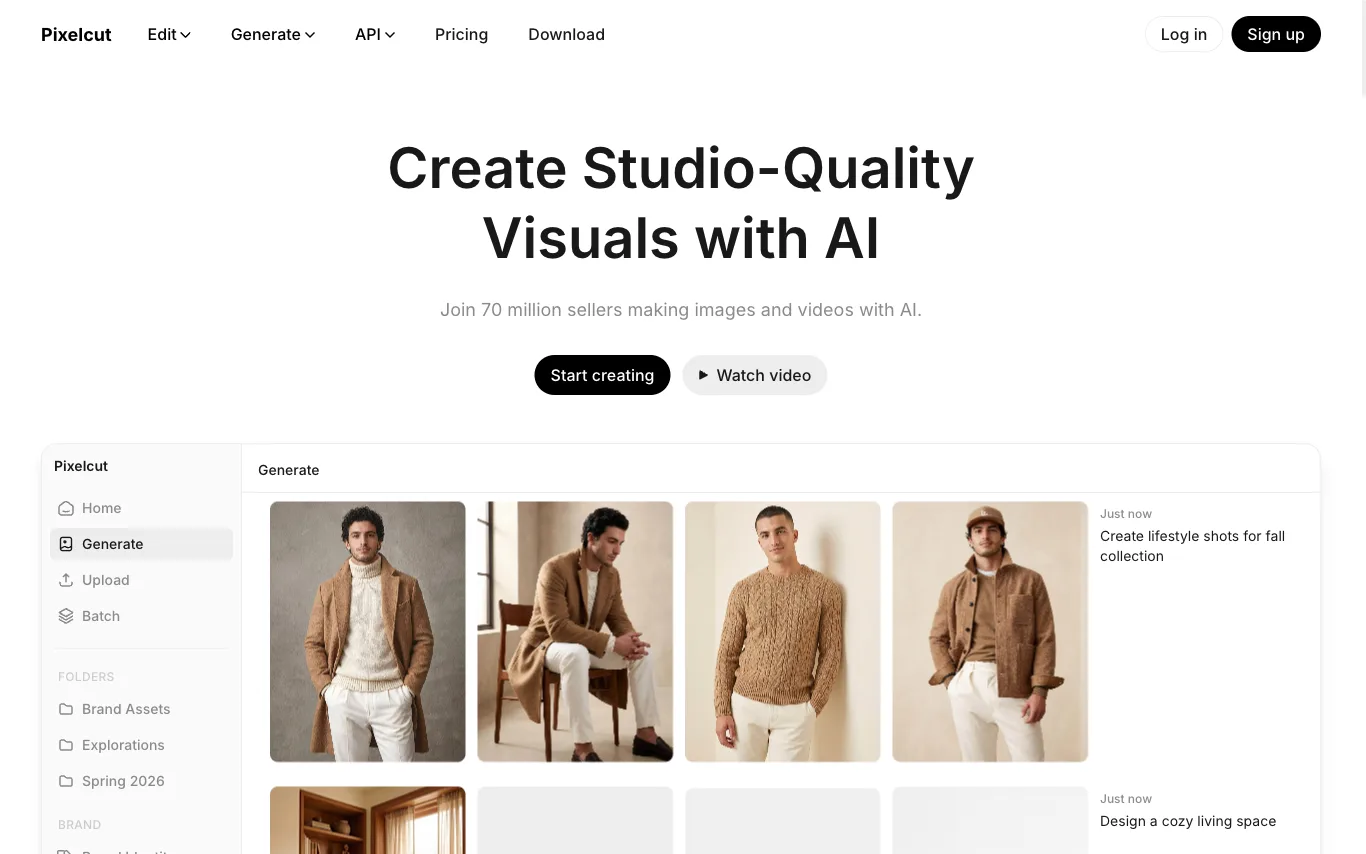

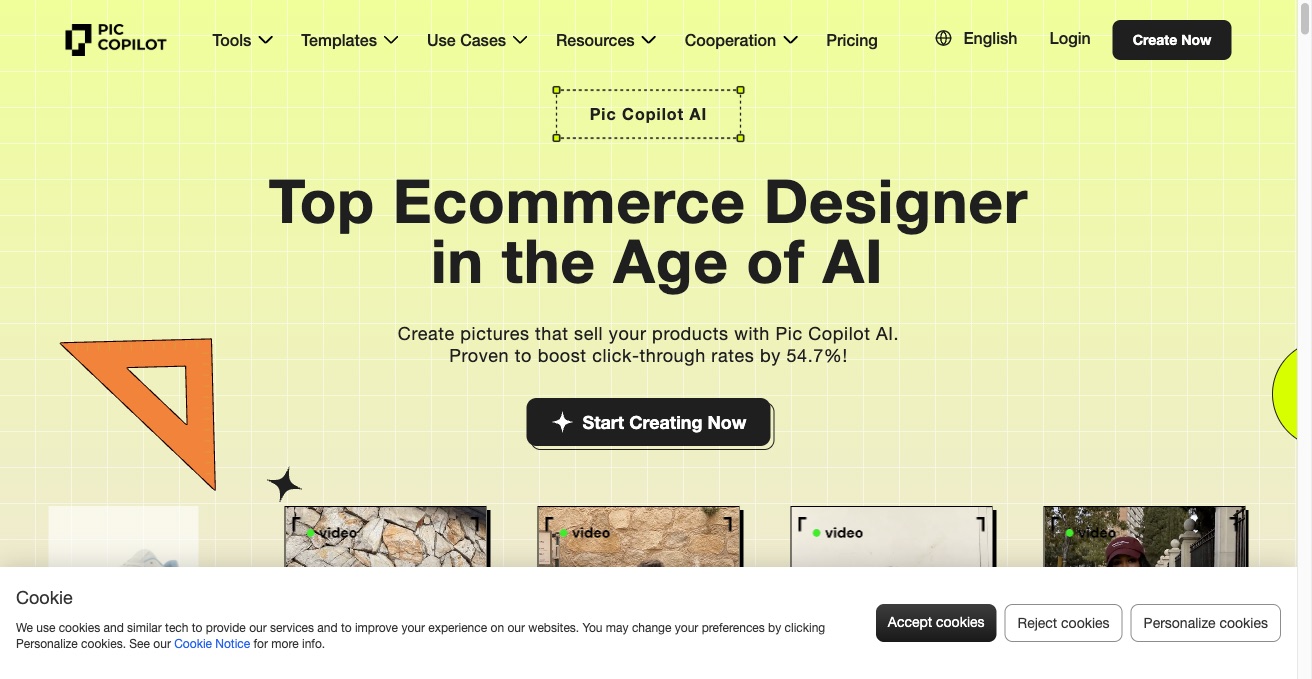

Pic Copilot is an AI product photography tool for 1M+ e-commerce brands. It generates AI fashion models, virtual try-on visuals, product avatars, and UGC videos to boost click-through rates.






Turn one product photo into ecommerce-ready listing image sets
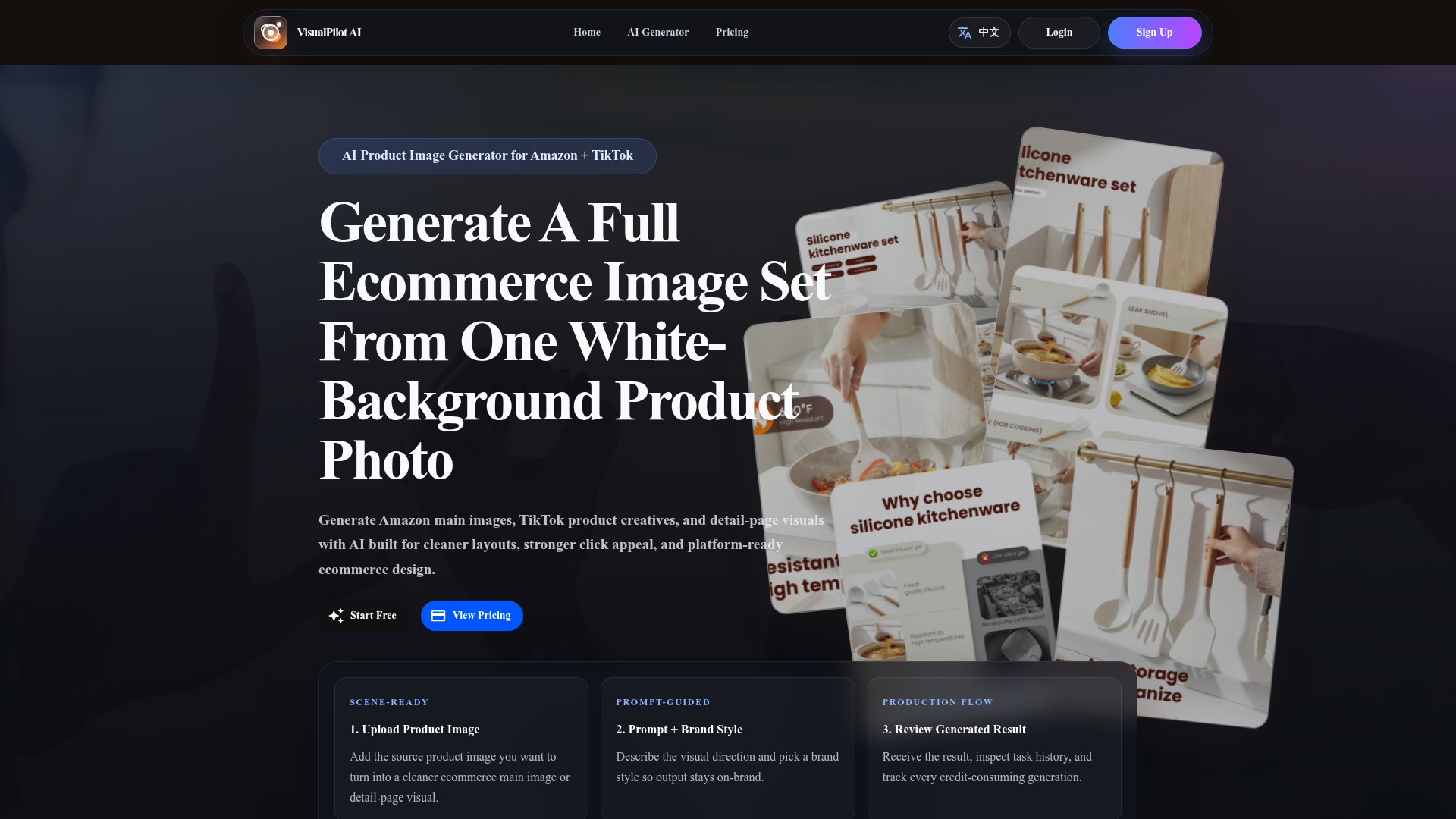

Generate Amazon main images, TikTok product creatives, and detail-page visuals with AI built for cleaner layouts, strong
What is AI product photography?
AI product photography uses generative models to turn a plain product photo — often shot on a phone against a white or messy background — into polished commercial imagery. You upload the item and the tool cuts it out, places it in a studio setup or lifestyle scene, relights it, and outputs marketplace-ready shots. Some tools also dress the product on AI models or generate short product videos from the same image.
What AI product photography tools do
- Background removal and clean white or transparent cutouts
- Studio, lifestyle, and seasonal scene backgrounds
- AI relighting, shadows, and reflections for realism
- On-model try-on for apparel, jewelry, and accessories
- Batch processing across a large product catalog
- Marketplace size presets and image-to-video for listings
Who uses AI product photography
Ecommerce sellers & dropshippers
Create listing images from supplier photos without booking a photo studio.
Apparel & fashion brands
Show clothing and accessories on diverse AI models in varied poses and settings.
Food, beauty & CPG marketers
Place packaged goods in styled lifestyle scenes for ads and social posts.
Marketplace & agency teams
Standardize thousands of SKUs into consistent, on-brand catalog imagery at scale.
How does AI product photography work?
The tool first isolates your product with segmentation, separating it cleanly from its original background. A diffusion model then generates a new scene around it and re-renders lighting, shadows, and reflections so the item looks naturally placed. You steer the result with text prompts, reference scenes, or presets, then export in the sizes each marketplace expects.