

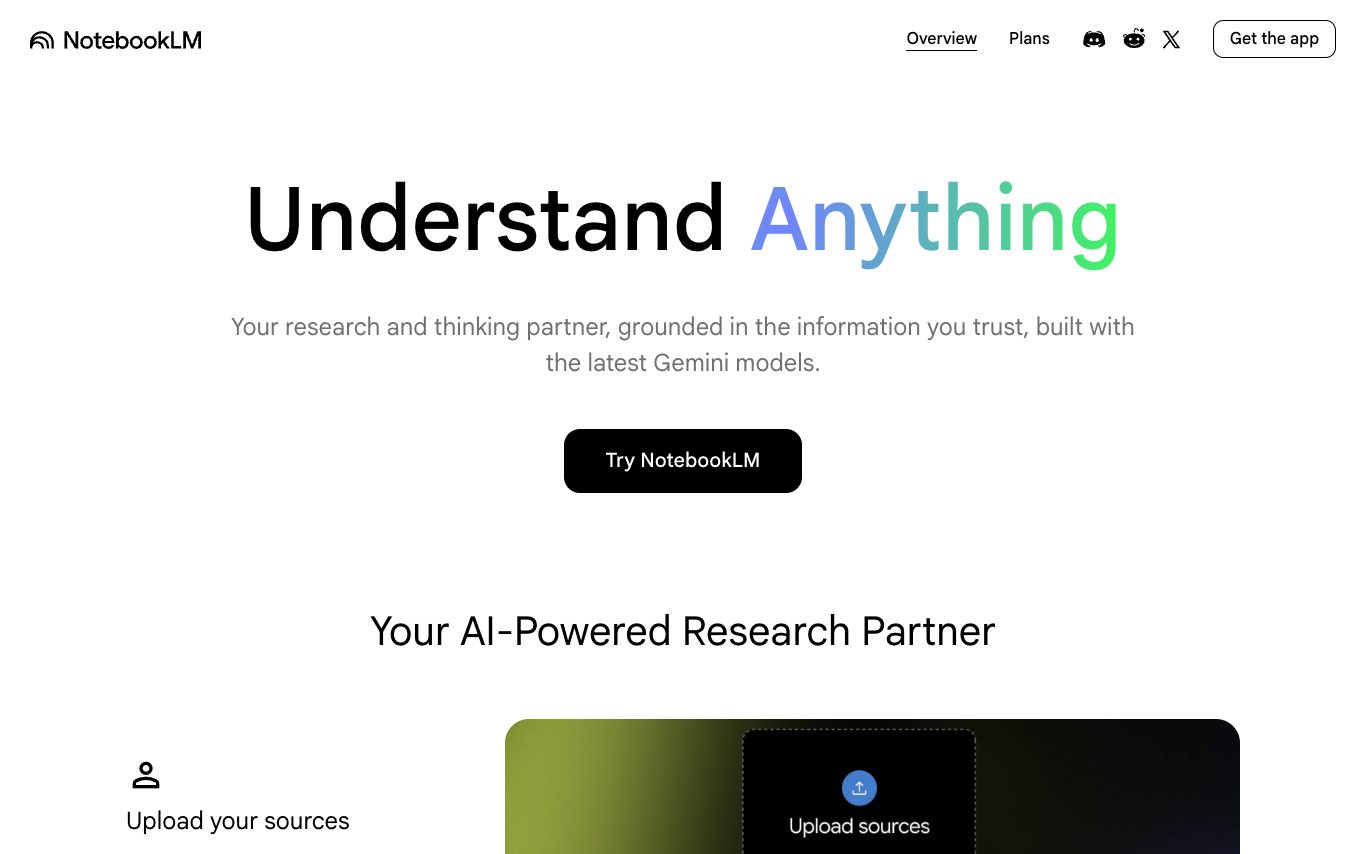

NotebookLM is Google's AI-powered research and note-taking assistant. Ground it in your PDFs, docs, slides, YouTube videos, and web pages to generate summaries, Q&A, study guides, and audio overviews tailored to your sources.
AI Assistant · 41 tools
Best AI Assistant Tools (2026)
Compare AI assistants for everyday productivity, email and calendar help, working across your apps, personal knowledge, and free plans.
All AI Assistant tools
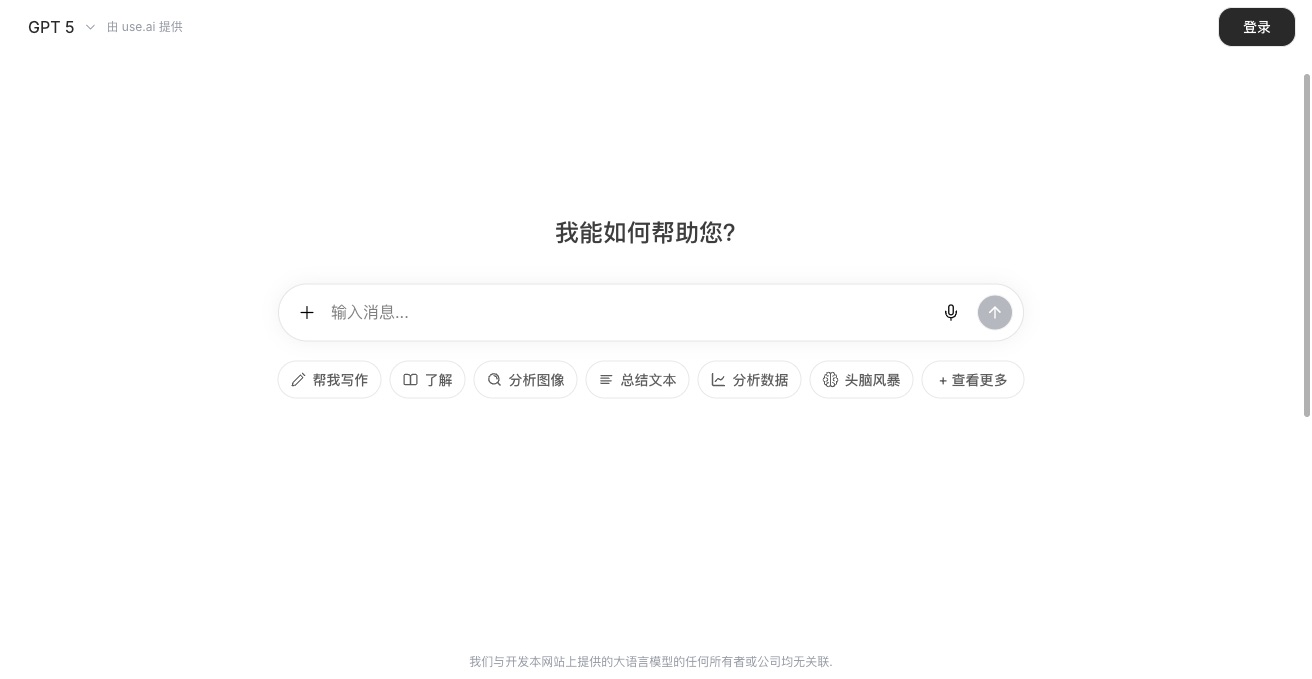




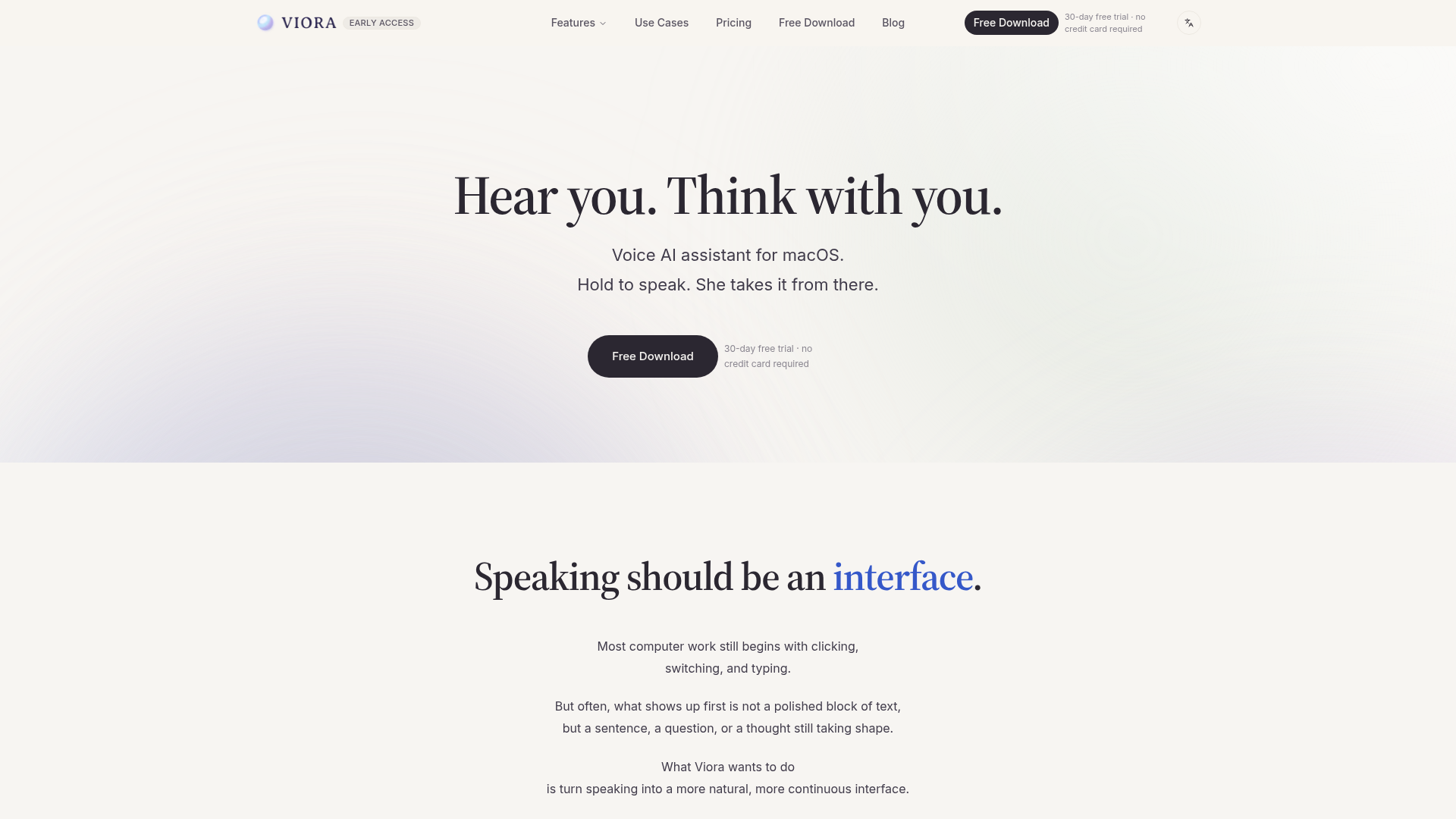

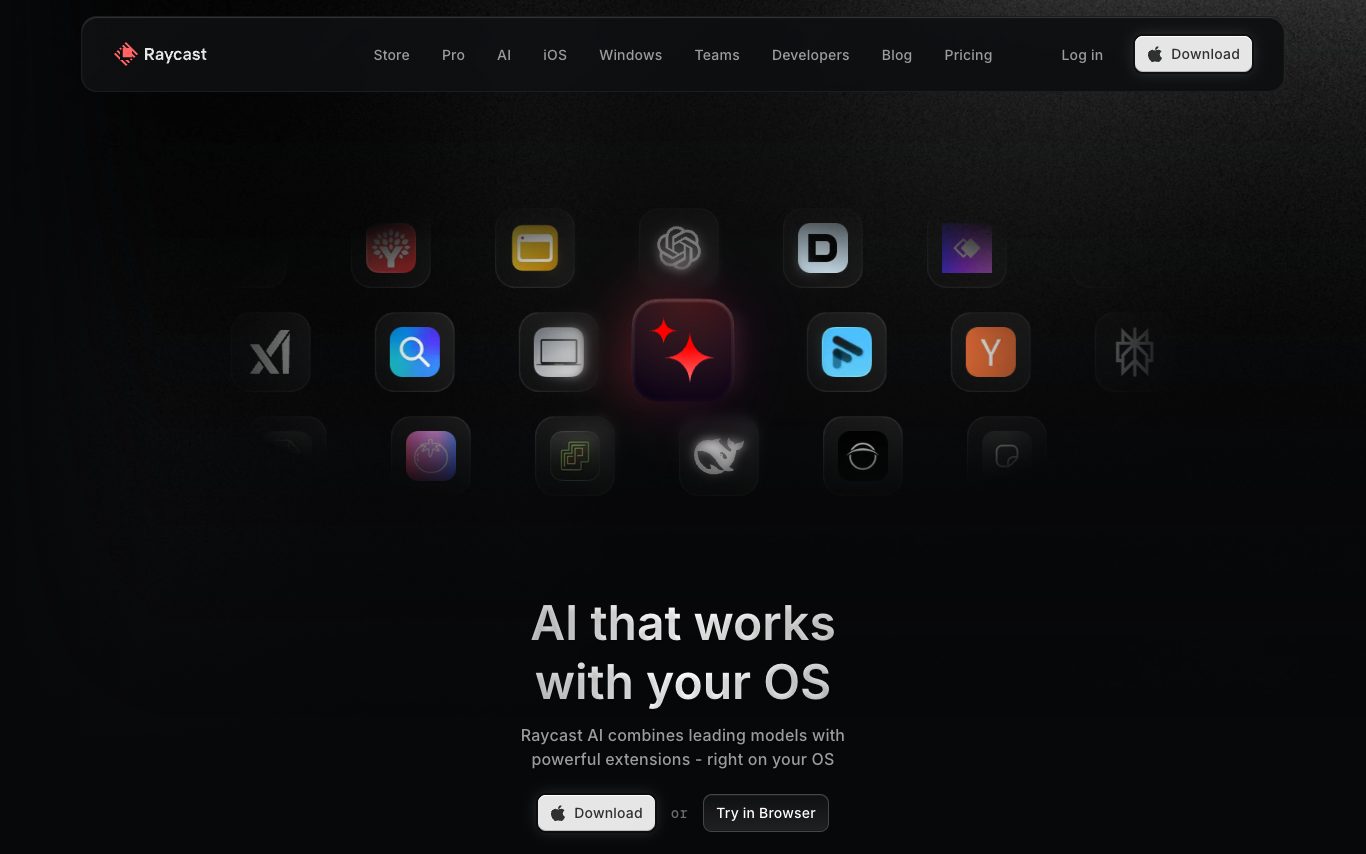
Raycast AI is the AI assistant built into the Raycast macOS launcher. It offers quick chat, inline commands, and model choice (GPT, Claude, Llama) right from a keystroke, with Pro and Team plans for heavier use.


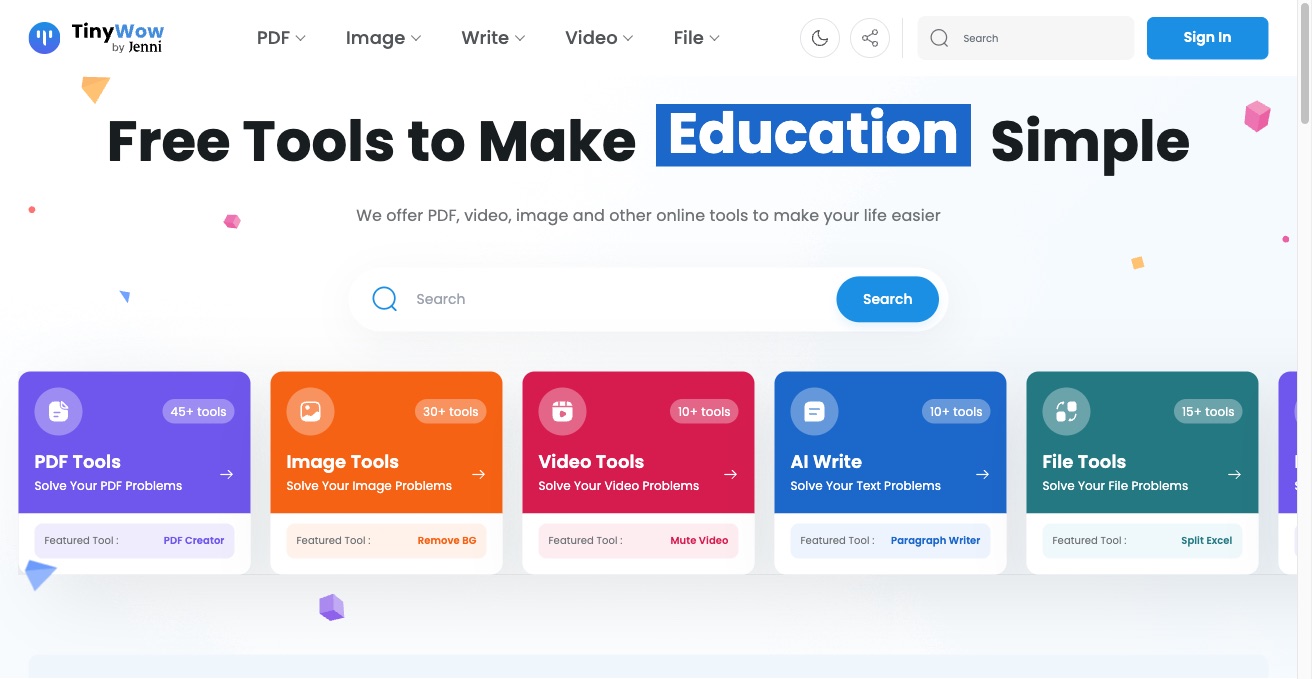
Easy-Peasy.AI bundles access to leading AI models—Claude, OpenAI, Gemini, Runway, ElevenLabs, Flux, Kling—plus 200+ templates for writing, images, audio, and video in one app with 3M+ users.



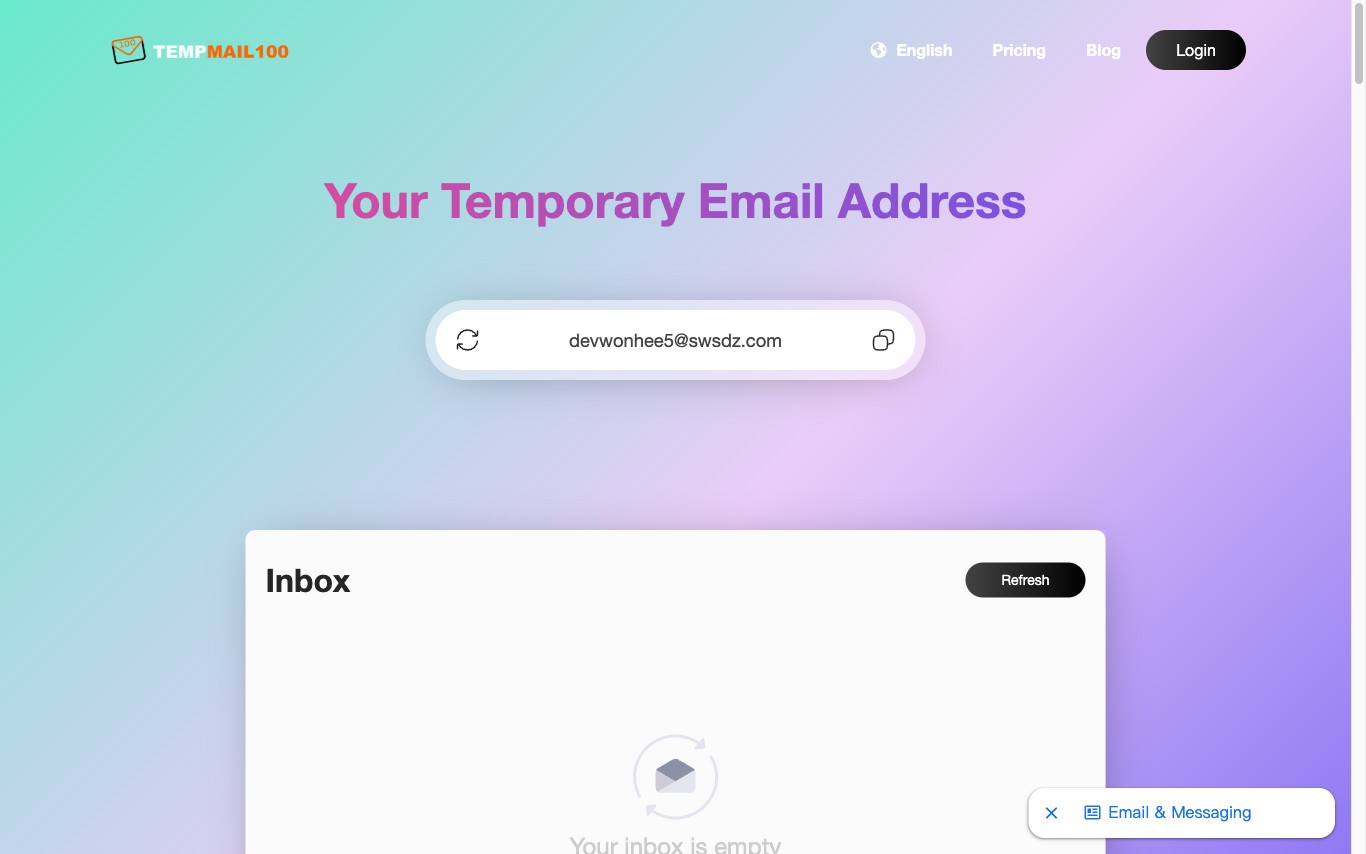

Temp Mail 100 provides free temporary email addresses instantly. Create a disposable email inbox without registration to block spam, protect your real address, and stay anonymous online.

What is an AI assistant?
An AI assistant is a language-model tool that helps you get things done — answering questions, drafting and summarizing, planning, and increasingly taking actions like managing email, calendars, and documents. Some are general helpers, others are built into a specific app or your device.
Core features to look for
- Drafting, summarizing, and answering across tasks
- Works across email, calendar, docs, and apps
- Voice and text input, on desktop and mobile
- Memory of your context and preferences
- Actions, not just answers, in newer tools
- Free tier and paid productivity plans
Who uses AI assistants, and how
01
Everyday productivity
Draft emails, summarize documents, plan, and answer questions in one place.
02
App & device assistants
Assistants built into your OS, browser, or work tools to help in context.
03
Personal knowledge
Ask across your own notes, files, and history for quick recall.
04
Free vs paid
Compare free assistants against paid plans for limits and integrations.
How does an AI assistant work?
An AI assistant sits on a language model and adds context about you — your prompt, past chats, and connected apps like email or calendar — to give relevant help. Newer assistants can also take actions through integrations, moving from answering questions to completing tasks for you.