

AI Assistant · 41 tools
Best AI Assistant Tools (2026)
Compare AI assistants for everyday productivity, email and calendar help, working across your apps, personal knowledge, and free plans.
All AI Assistant tools
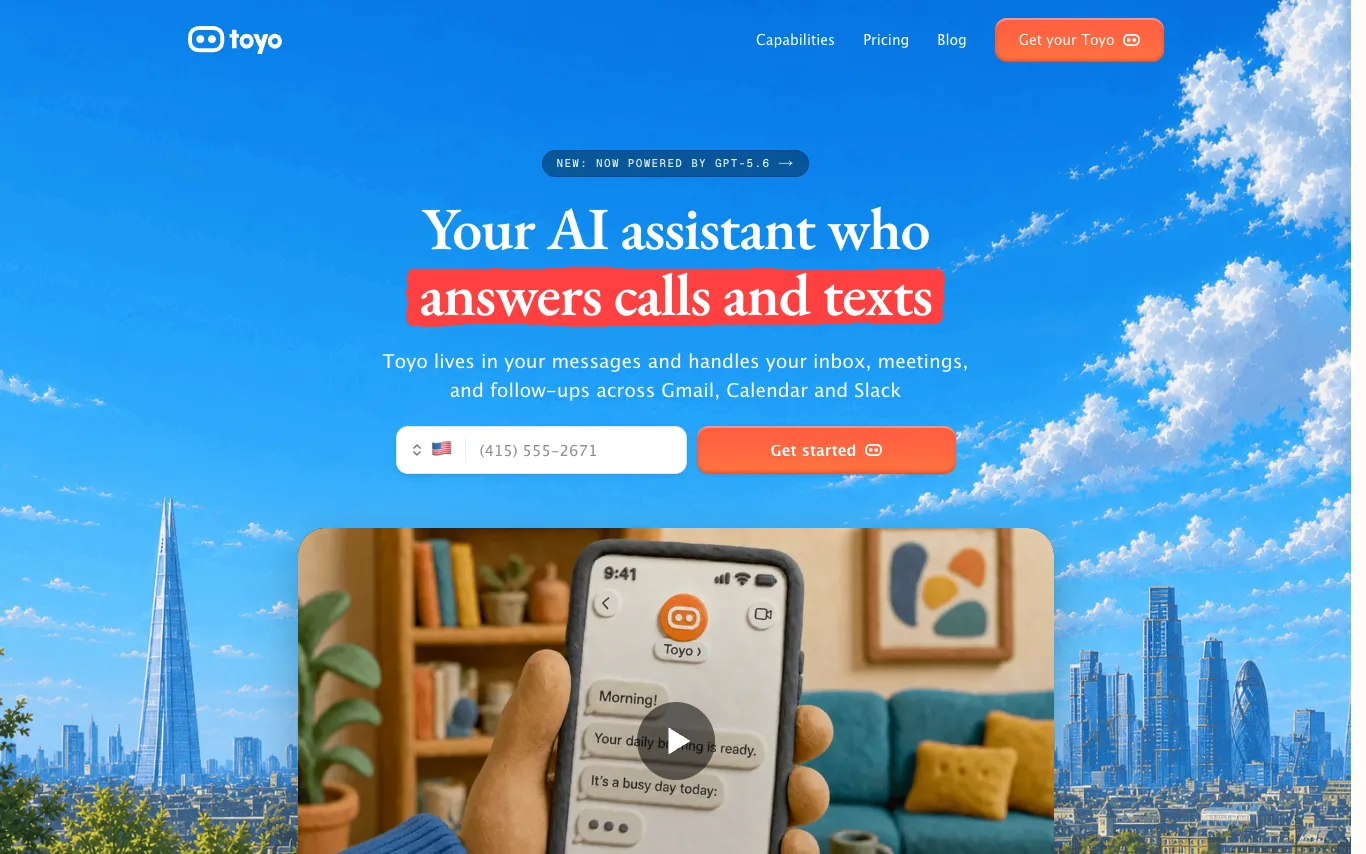

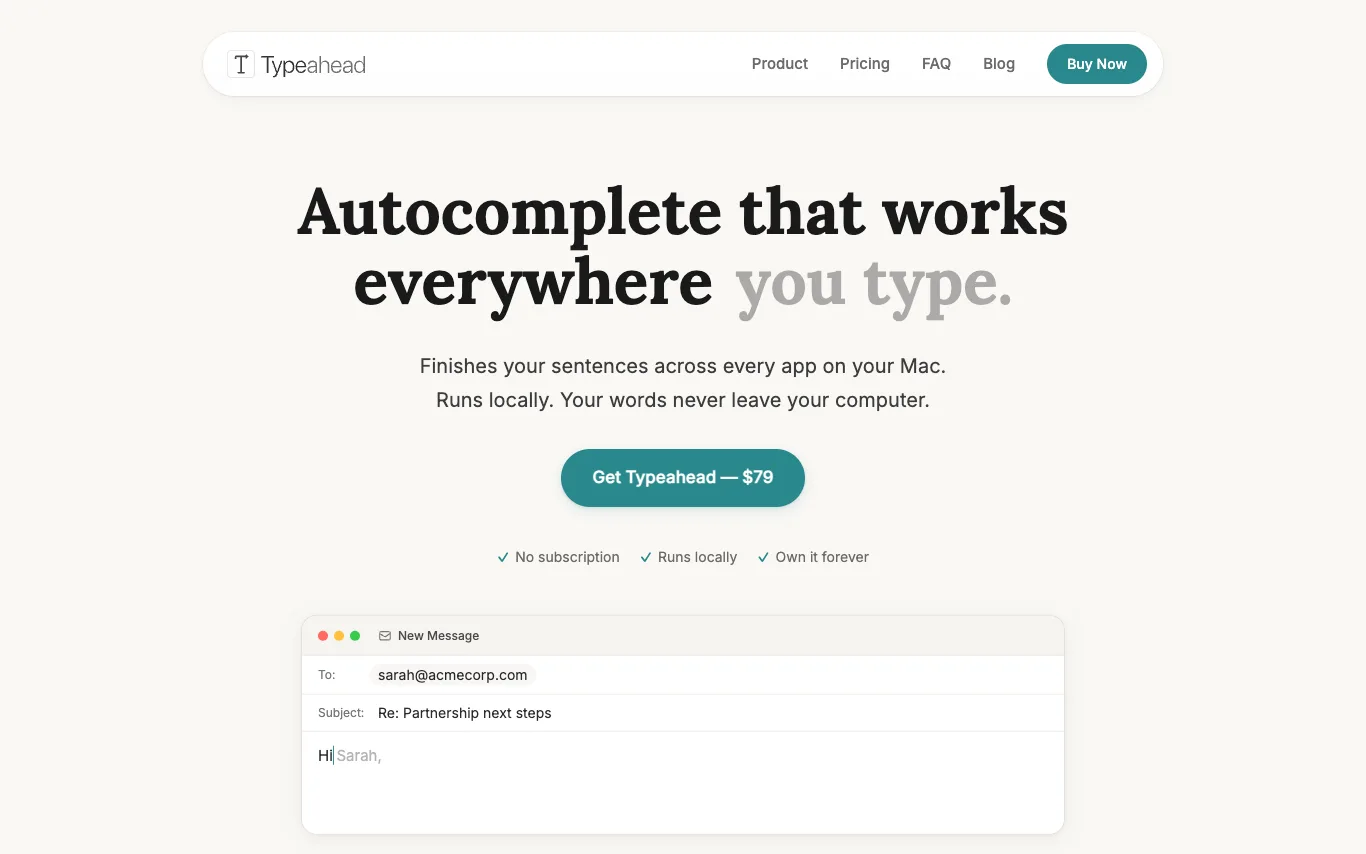

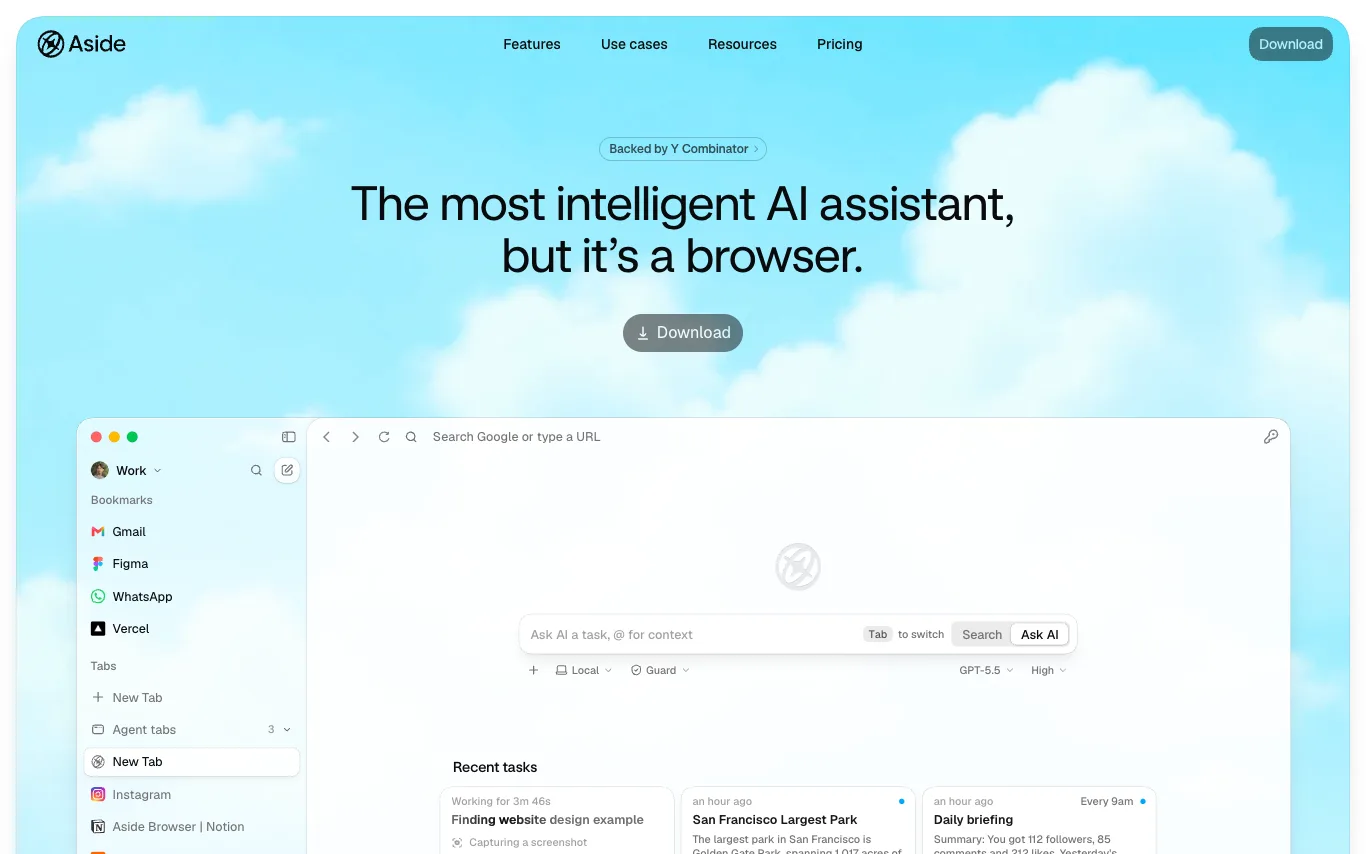

Aside is a browser rebuilt for people and agents. It works across your logged-in websites and handles complex work other agents can't: messages, payments, internal tools, and everything in between. Unlike other AI agents that rely on integrations, Aside uses websites and accounts directly. It ranks #1 on three browser agent benchmarks: Online-Mind2Web, BU-Bench-V1, and Odysseys. Memory stays local on your device and is never shared. The password manager lets agents sign in through autofill without exposing credentials to the AI.
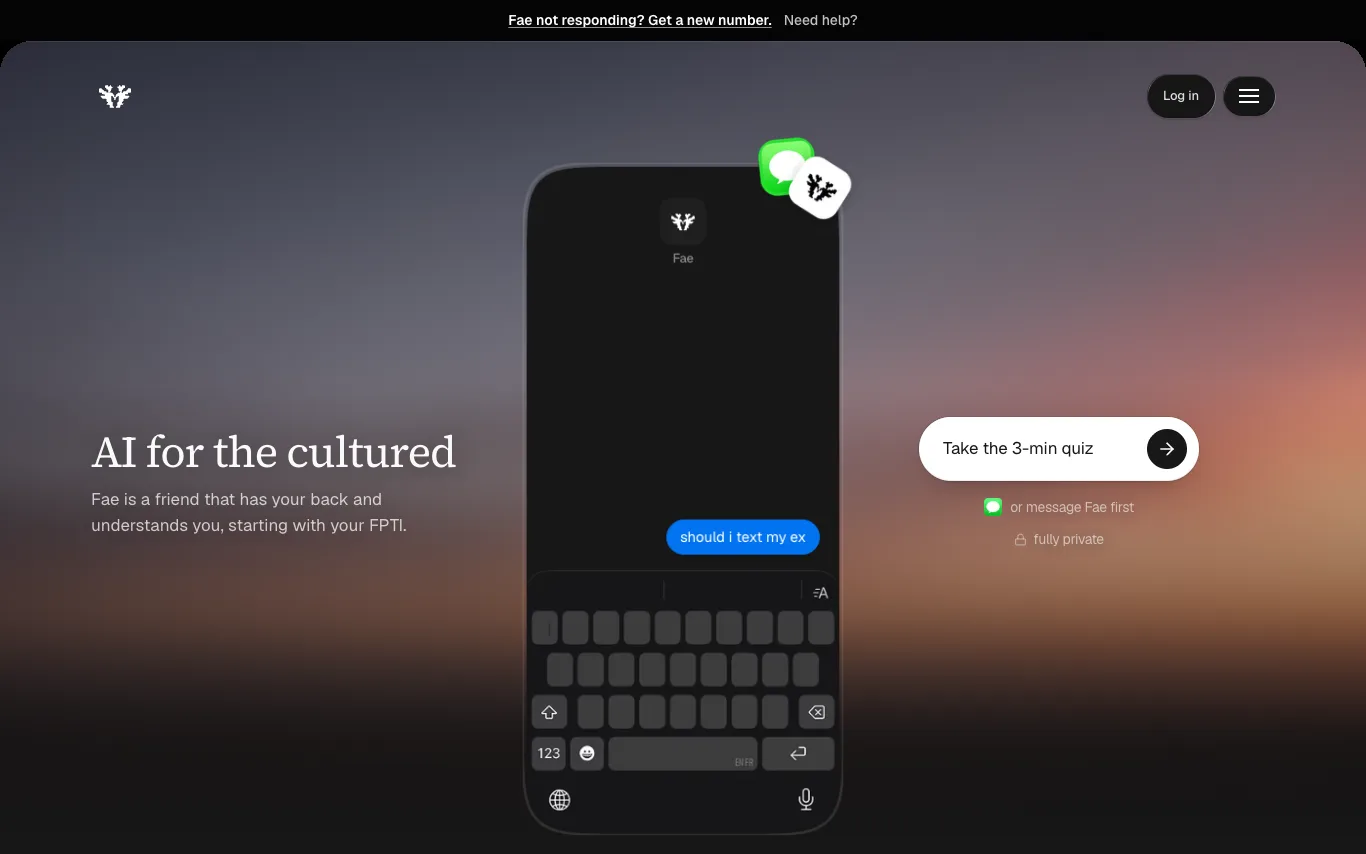


Intelli is an AI-powered customer engagement platform that helps B2C businesses convert leads into customers through automated conversations across WhatsApp, Instagram, website, and email. It offers a unified inbox, AI assistants, and campaign tools to streamline support and sales.


Bo is an AI personal assistant that operates via text messaging. It helps users stay organized, save time, live healthier, and get answers to questions. Bo integrates with services like Apple Health, Gmail, Google Calendar, Strava, Oura, and more to provide personalized assistance. It can track nutrition, set reminders, manage schedules, and offer health insights.
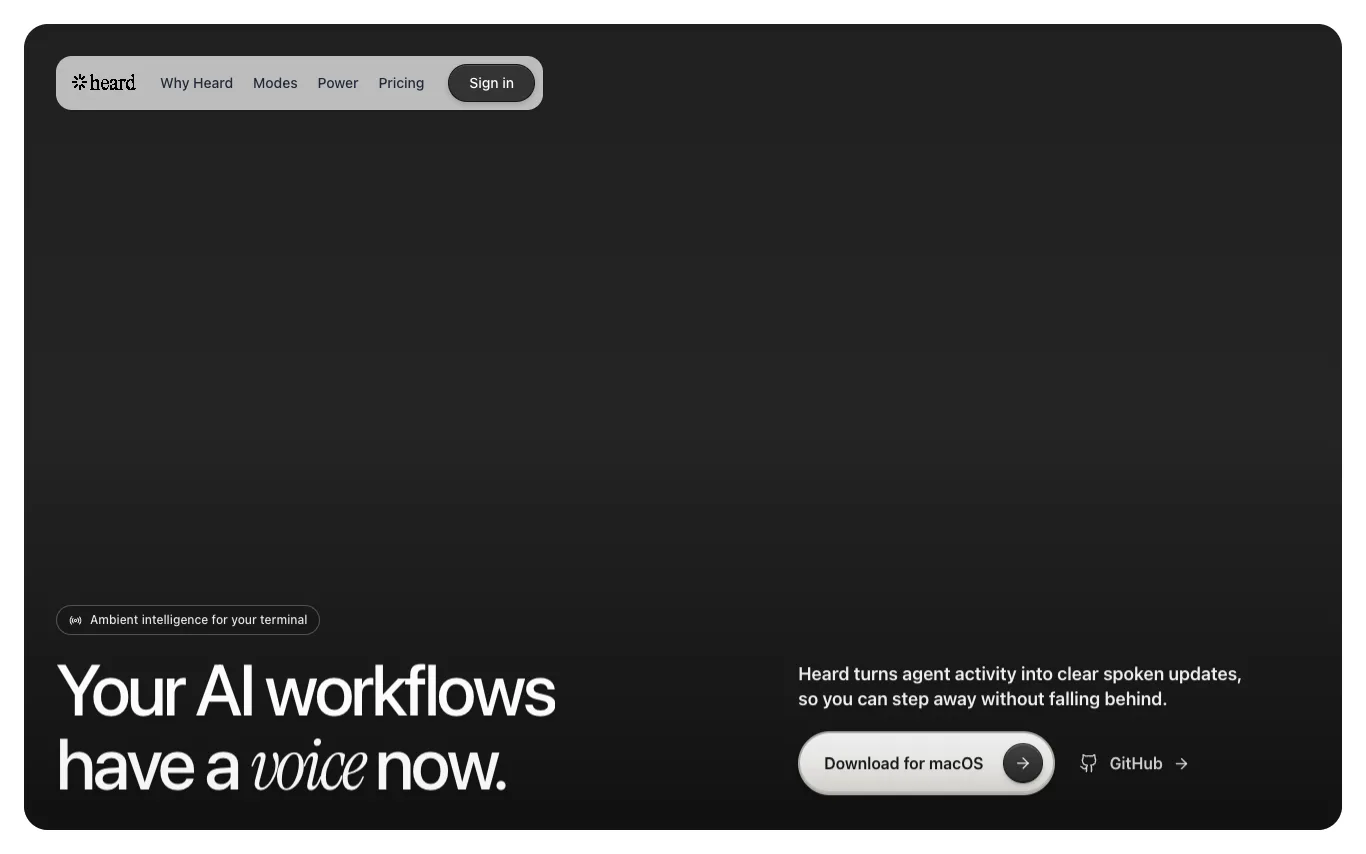

Heard is a macOS app that listens to your coding agent's events, understands what matters in context, and turns the useful parts into concise, natural speech. It offers multiple listening modes (Co-pilot, Companion, Focus) and supports multi-agent awareness, allowing you to follow parallel sessions with distinct voices. Heard also includes Heard Power for mobile pairing, enabling you to listen, approve, and reply by voice while away from your Mac. The app is open-source (Apache-2.0) and offers free, Pro, and Power plans.
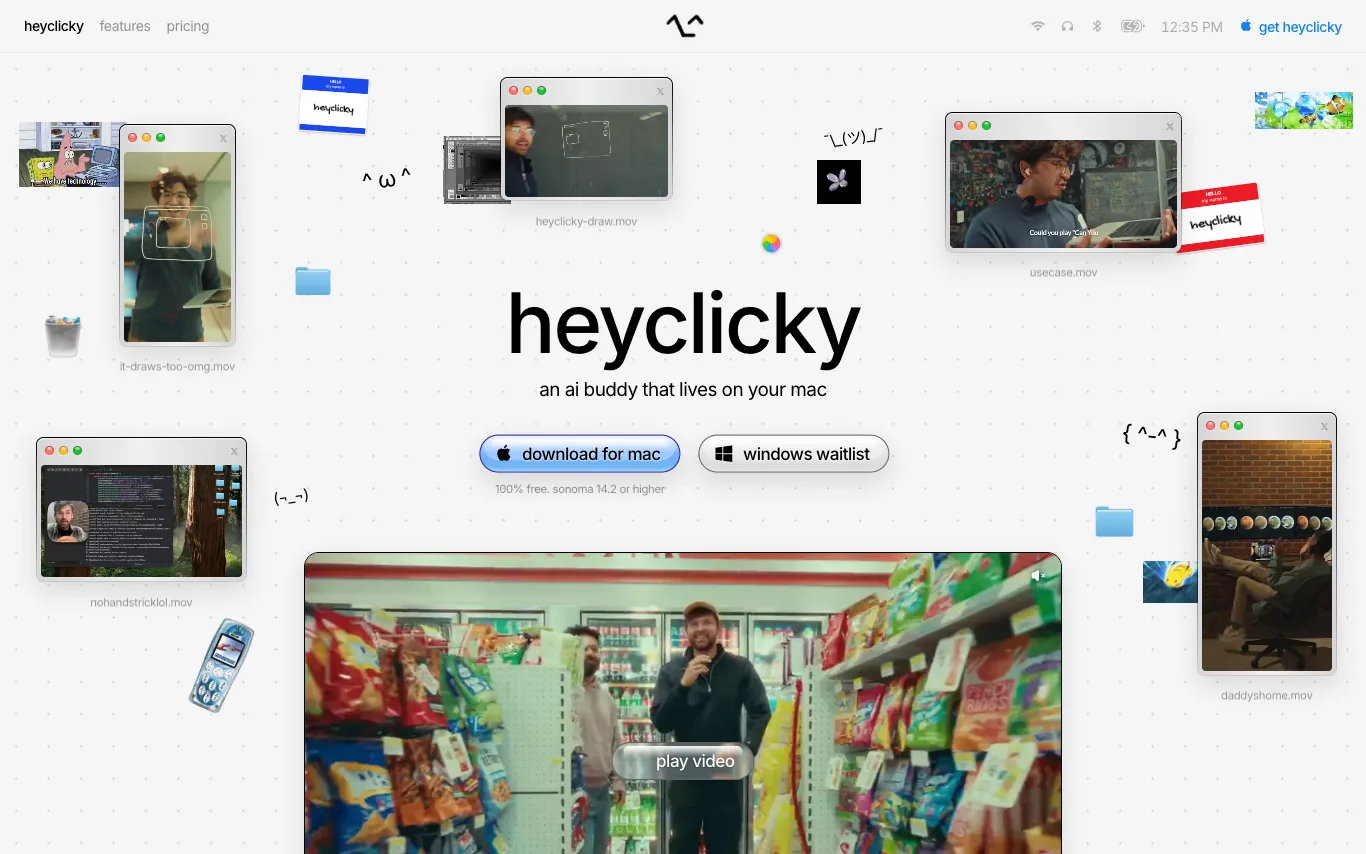

heyclicky is an AI assistant for your Mac. It's a little buddy on screen that teaches you anything, guides you when you're stuck, and runs agents while you're away. It uses your screen as context to walk you through steps in any tool, and you can spawn AI agents with your voice. It's 100% free for basic use, with paid plans for more.


River provides an AI digital account executive that instantly demos to every prospect and closes SMB deals. The AI agent, Liv, jumps on live video calls, shares screens, and follows up across email and WhatsApp to close deals or hand off warm prospects. It operates 24/7 in multiple languages, with pricing based on commission only on closed deals.
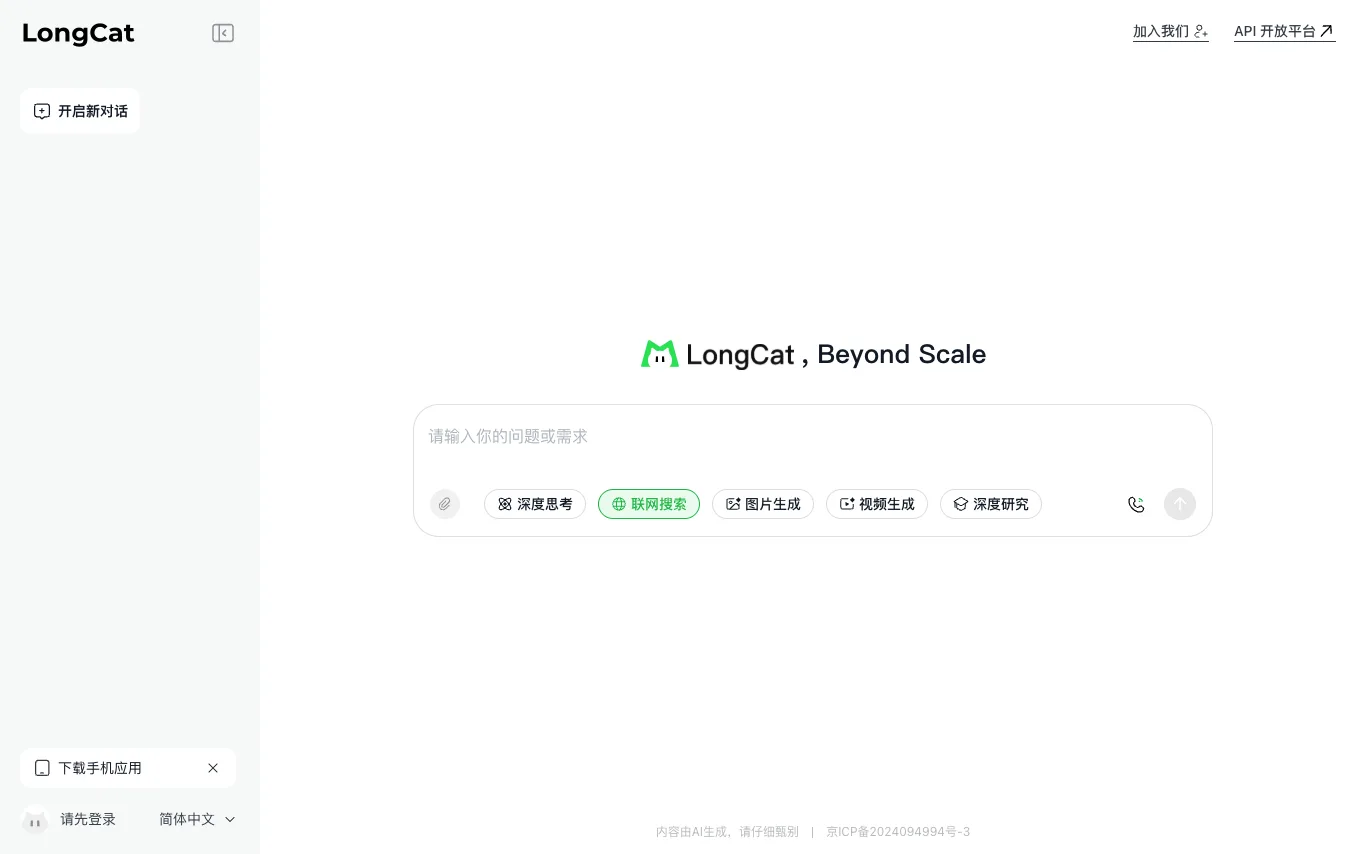

LongCat AI is an AI-powered chat platform that offers a new chat interface and an API platform. The service emphasizes a 'Beyond Scale' approach, suggesting advanced capabilities. Users can start new chats, download the app, and log in to access features. The platform also provides an API for developers. Content generated is AI-generated and should be reviewed carefully.
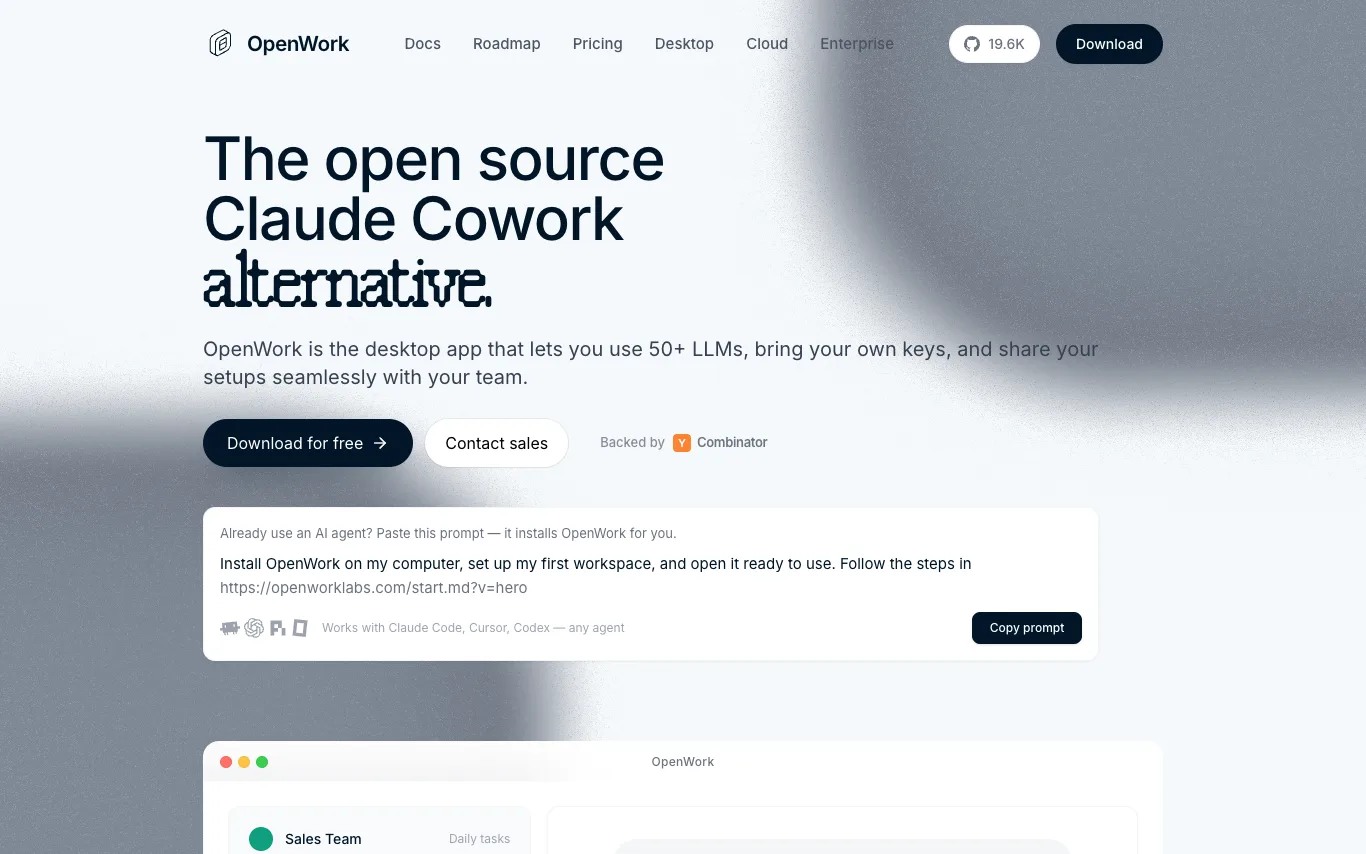

OpenWork is a free, open-source desktop app for macOS, Windows, and Linux that lets you do work with AI agents on your own files. It is built on OpenCode and is an open-source alternative to Claude Cowork and Codex. The app supports 50+ LLMs, allows you to bring your own keys, and share your setups with your team. It works with Claude Code, Cursor, Codex, and any agent. Teams can package skills, MCP servers, plugins, and configs into a single link that teammates import in one click.
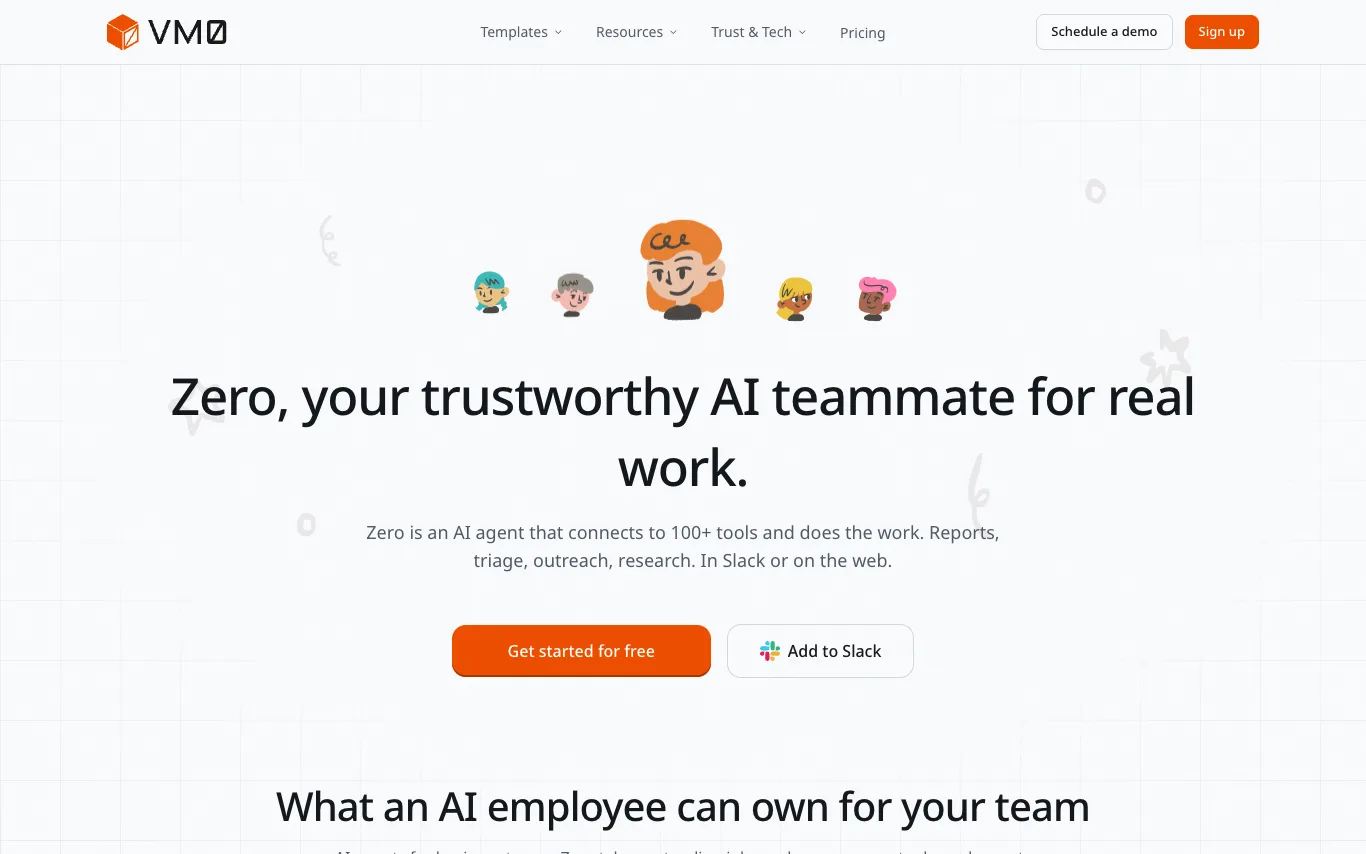

Zero is an AI agent that connects to 100+ tools and does the work. Reports, triage, outreach, research. In Slack or on the web. It can take a standing job, work across your tools, and report back when it is done. Zero is hosted, with safer permissions, ready for non-developers. It runs autonomous recurring tasks, daily error scans, tech debt reports, morning briefs, without being prompted. Zero carries past decisions, project context, and your preferences across sessions. It resolves your identity across GitHub, Slack, and Linear automatically. Every task runs in its own microVM. Credentials never leave the sandbox. Fully auditable. And open source.
What is an AI assistant?
An AI assistant is a language-model tool that helps you get things done — answering questions, drafting and summarizing, planning, and increasingly taking actions like managing email, calendars, and documents. Some are general helpers, others are built into a specific app or your device.
Core features to look for
- Drafting, summarizing, and answering across tasks
- Works across email, calendar, docs, and apps
- Voice and text input, on desktop and mobile
- Memory of your context and preferences
- Actions, not just answers, in newer tools
- Free tier and paid productivity plans
Who uses AI assistants, and how
Everyday productivity
Draft emails, summarize documents, plan, and answer questions in one place.
App & device assistants
Assistants built into your OS, browser, or work tools to help in context.
Personal knowledge
Ask across your own notes, files, and history for quick recall.
Free vs paid
Compare free assistants against paid plans for limits and integrations.
How does an AI assistant work?
An AI assistant sits on a language model and adds context about you — your prompt, past chats, and connected apps like email or calendar — to give relevant help. Newer assistants can also take actions through integrations, moving from answering questions to completing tasks for you.