

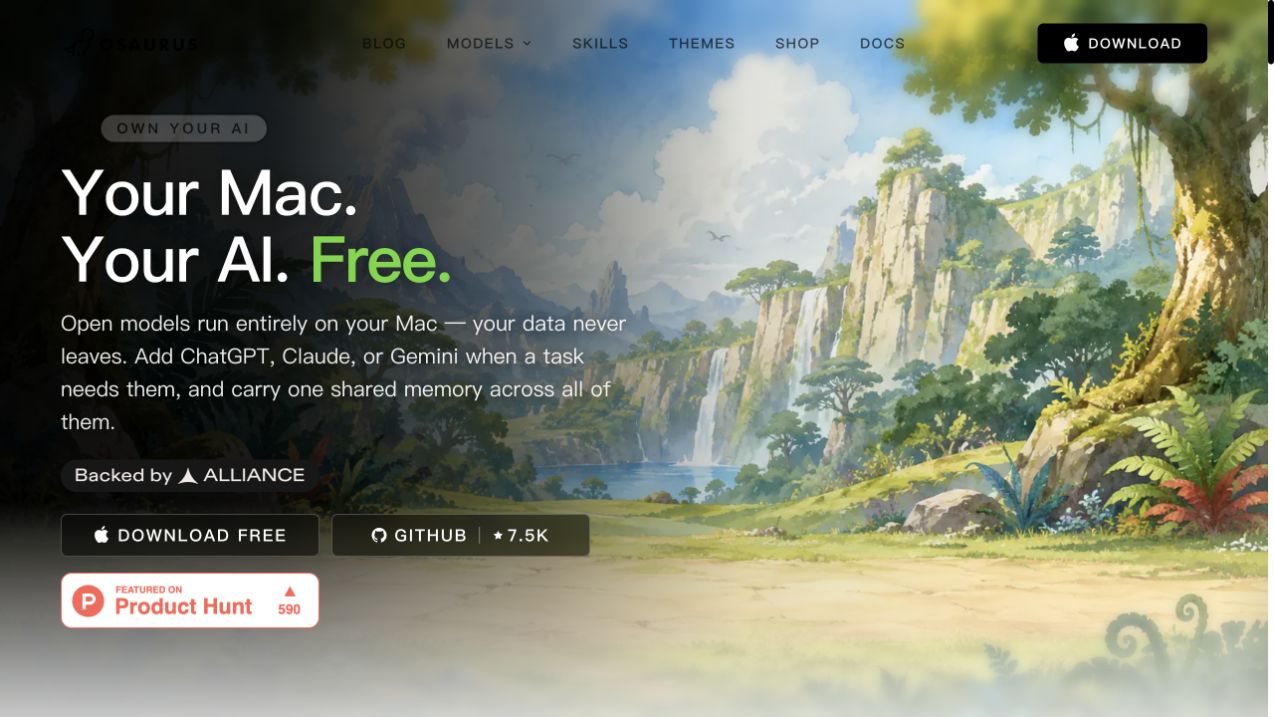

Osaurus is a native macOS harness for AI agents, built in Swift and fully open source under the MIT license. It allows users to run open models locally on Apple Silicon, ensuring privacy and offline functionality. Users can also connect cloud models like ChatGPT, Claude, or Gemini when needed, with a shared memory across all models. The app supports autonomous agents, file reading/writing, and tool execution, all without sending data to servers.
AI Assistant · 41 tools
Best AI Assistant Tools (2026)
Compare AI assistants for everyday productivity, email and calendar help, working across your apps, personal knowledge, and free plans.
All AI Assistant tools
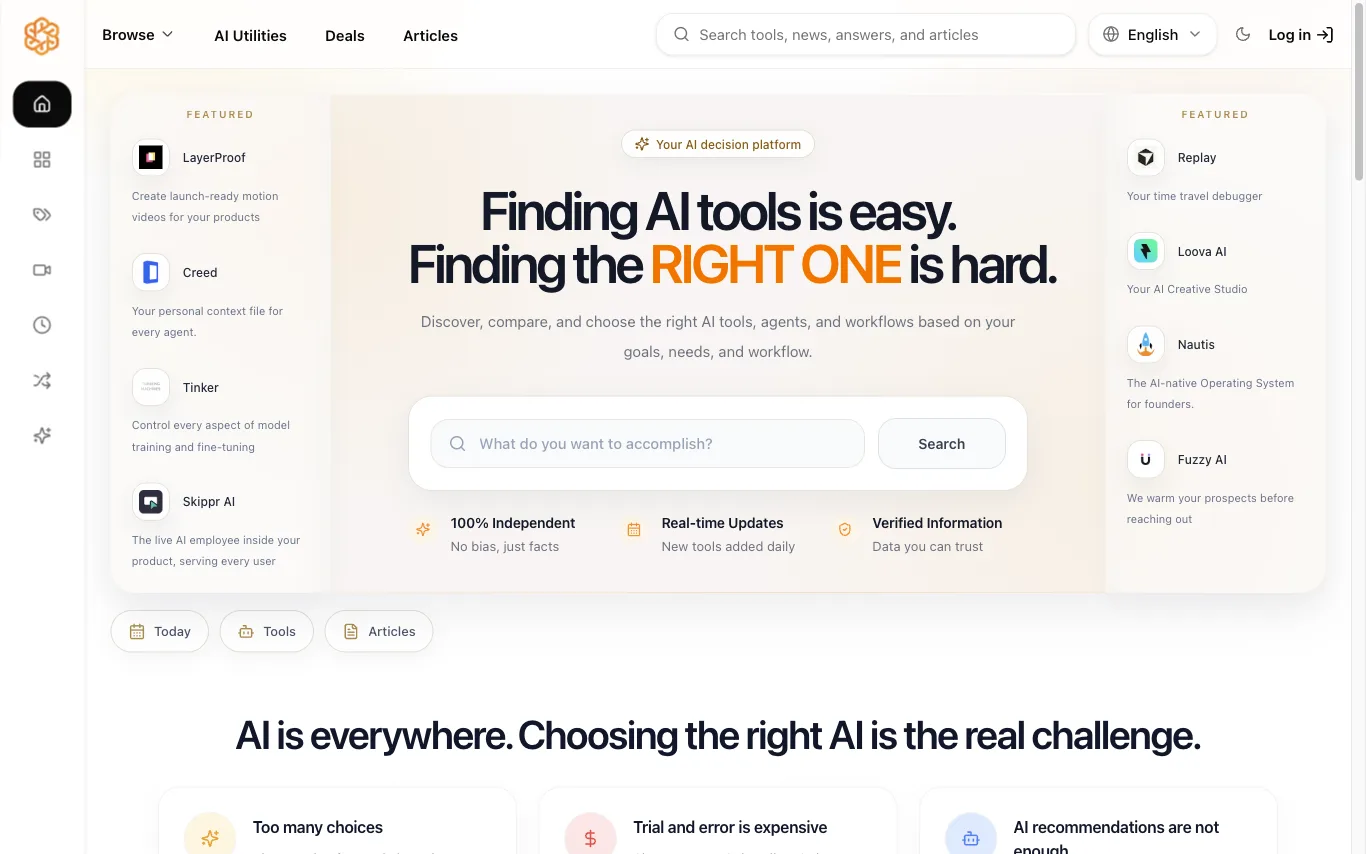

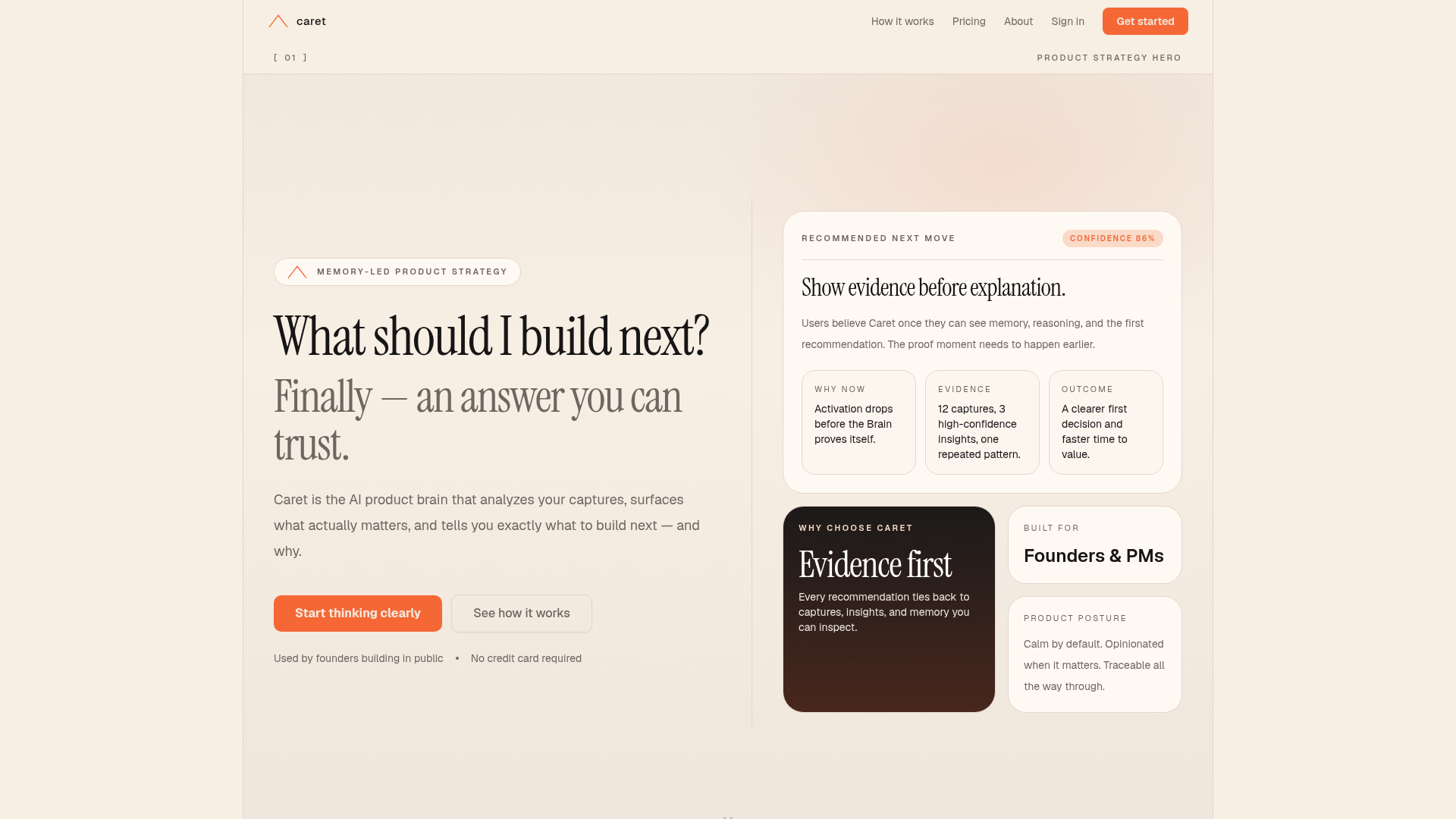

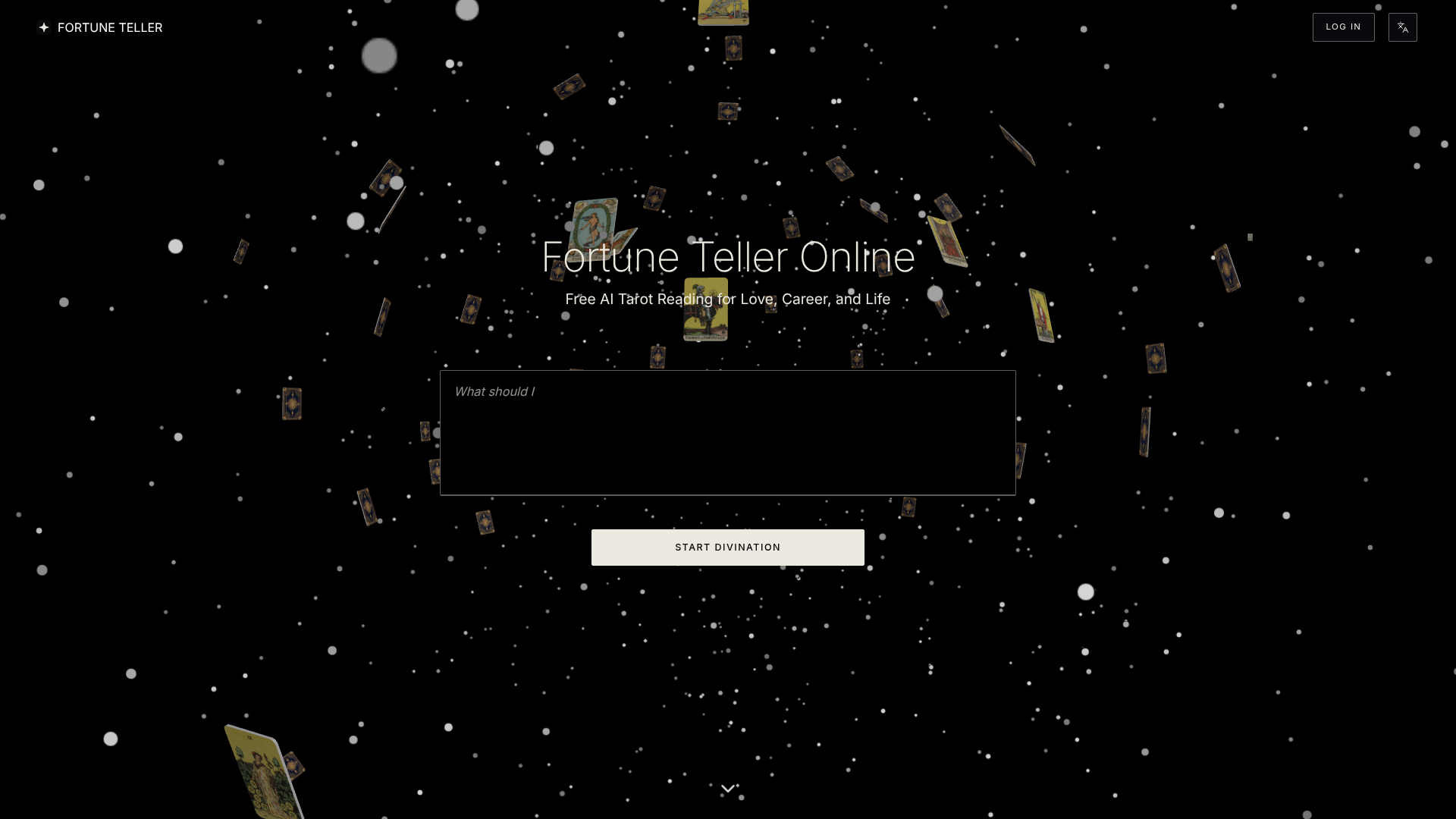

Fortune Teller Online offers free AI tarot readings designed to provide clarity and actionable guidance for significant decisions in love, career, and life. It combines traditional tarot structures with modern AI interpretation to help users navigate uncertainty. The process involves users bringing one focused question, drawing three virtual tarot cards, and receiving a clear, practical action step. This platform is ideal for individuals seeking immediate insights into relationships, work, or general life direction, translating complex card symbolism into plain language. By using Fortune Teller Online, users can quickly identify core tensions, understand timing signals, and gain a stronger sense of direction. The goal is to transform abstract insights into concrete, grounded next steps, enabling calmer and more intentional decision-making.
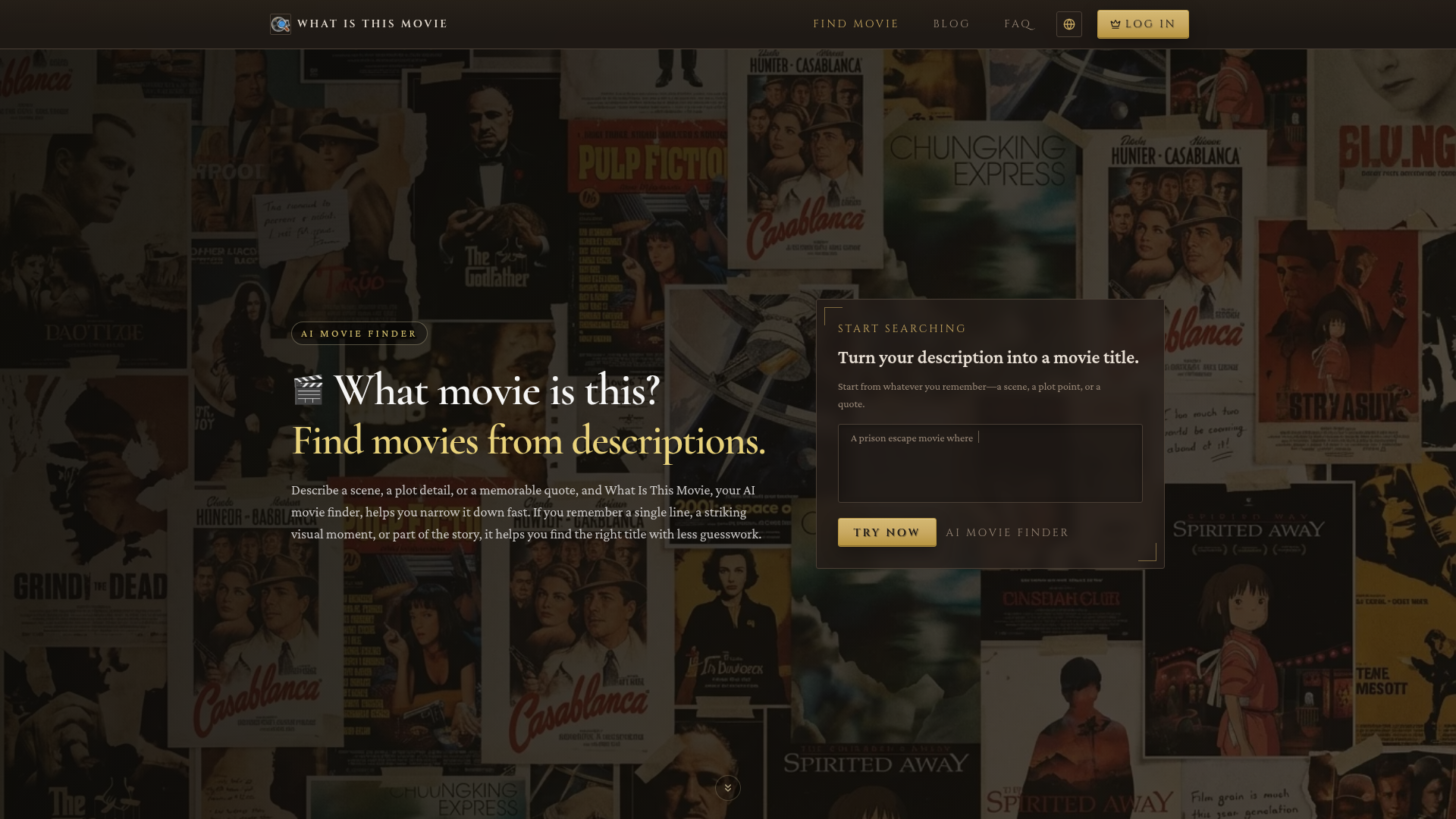

Find movies from descriptions, plot details, or memorable quotes using AI.
What is an AI assistant?
An AI assistant is a language-model tool that helps you get things done — answering questions, drafting and summarizing, planning, and increasingly taking actions like managing email, calendars, and documents. Some are general helpers, others are built into a specific app or your device.
Core features to look for
- Drafting, summarizing, and answering across tasks
- Works across email, calendar, docs, and apps
- Voice and text input, on desktop and mobile
- Memory of your context and preferences
- Actions, not just answers, in newer tools
- Free tier and paid productivity plans
Who uses AI assistants, and how
01
Everyday productivity
Draft emails, summarize documents, plan, and answer questions in one place.
02
App & device assistants
Assistants built into your OS, browser, or work tools to help in context.
03
Personal knowledge
Ask across your own notes, files, and history for quick recall.
04
Free vs paid
Compare free assistants against paid plans for limits and integrations.
How does an AI assistant work?
An AI assistant sits on a language model and adds context about you — your prompt, past chats, and connected apps like email or calendar — to give relevant help. Newer assistants can also take actions through integrations, moving from answering questions to completing tasks for you.