


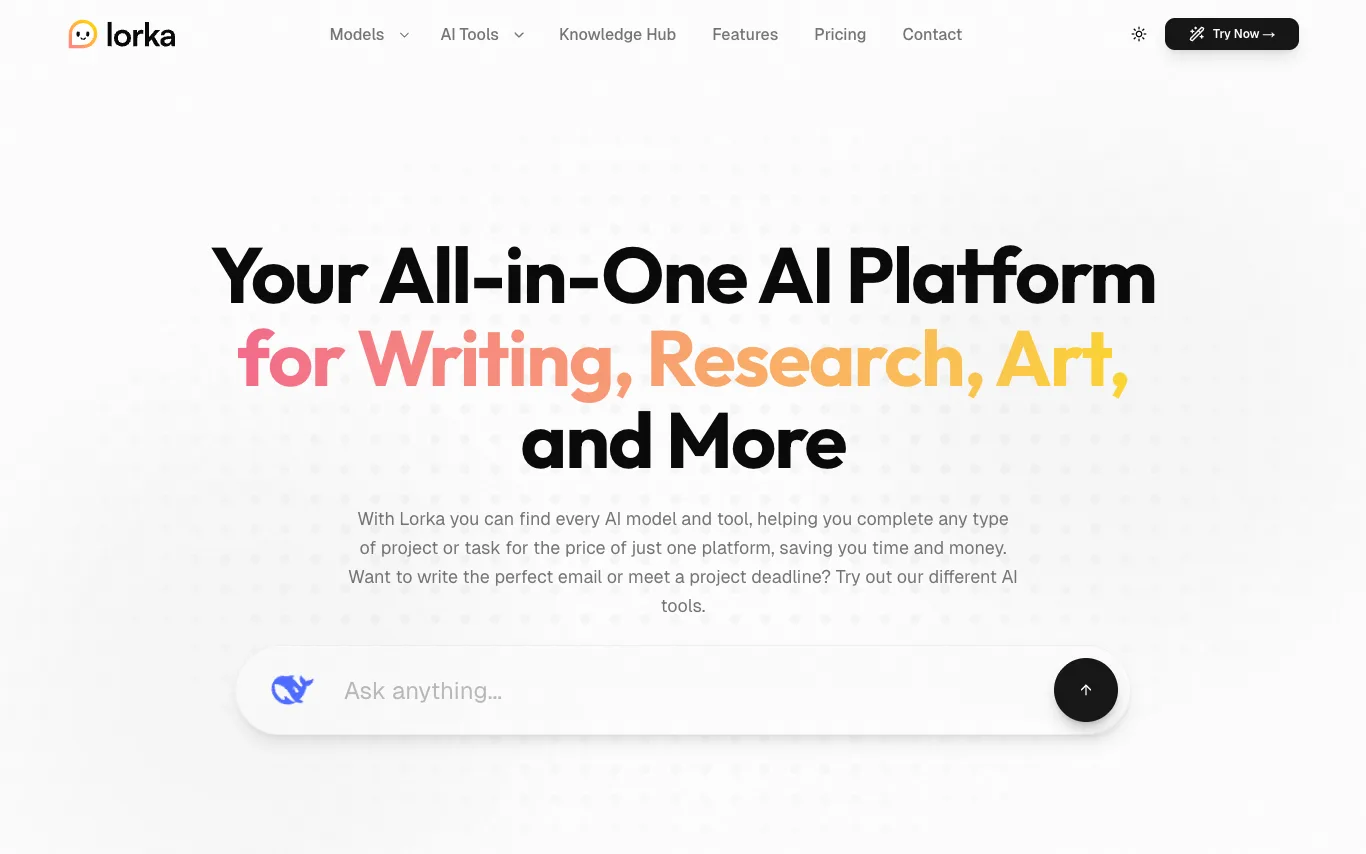

Lorka AI aggregates multiple leading AI models — including ChatGPT, Claude, Grok, Gemini, Qwen, and DeepSeek — into one web platform with a unified chat interface, PDF chat, and web search tools.
Best AI Assistant Tools (2026)
Compare AI assistants for everyday productivity, email and calendar help, working across your apps, personal knowledge, and free plans.
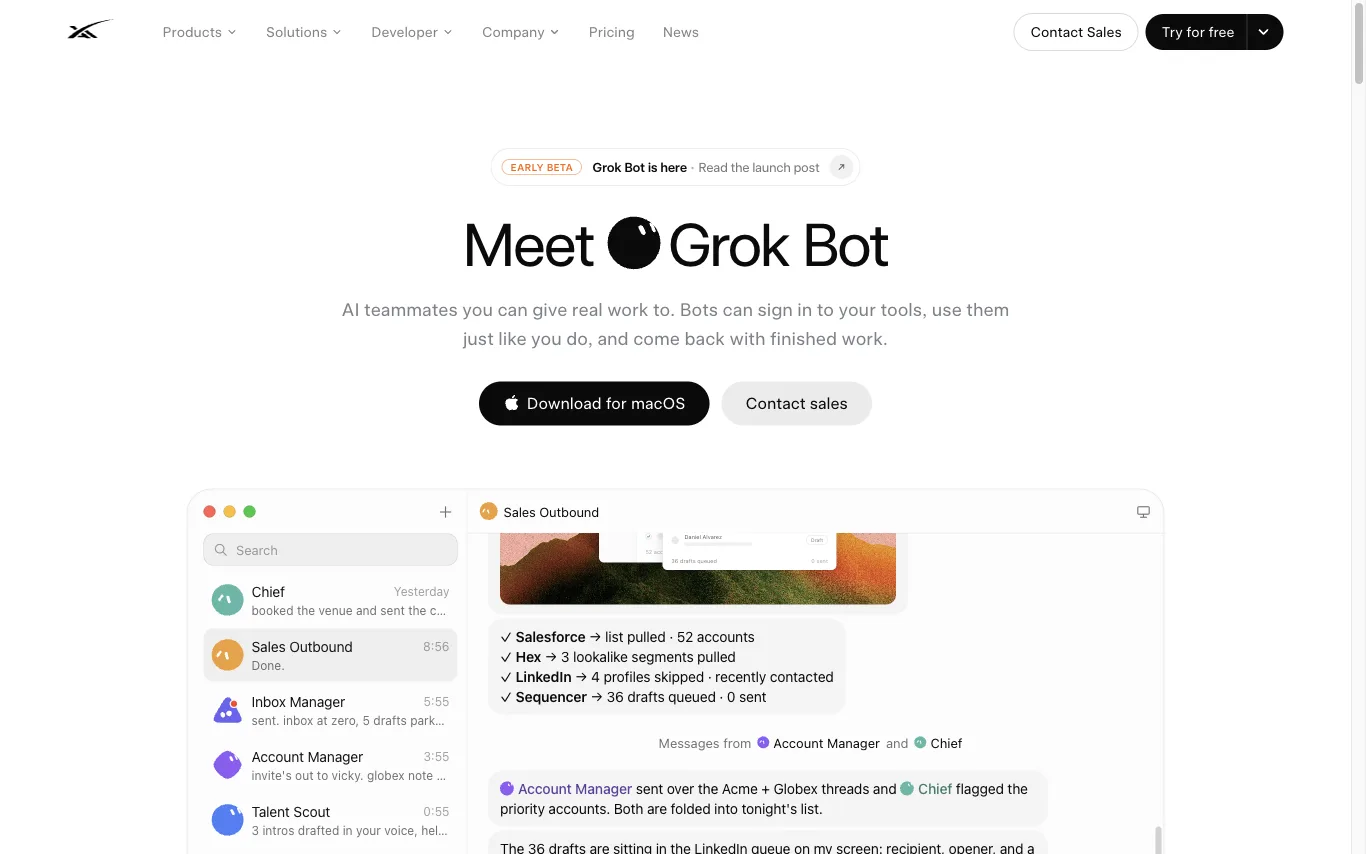
Grok Bot is SpaceXAI's agent product. Bots share a persistent cloud computer, log in to your apps, run in parallel around the clock, and return completed work for review.
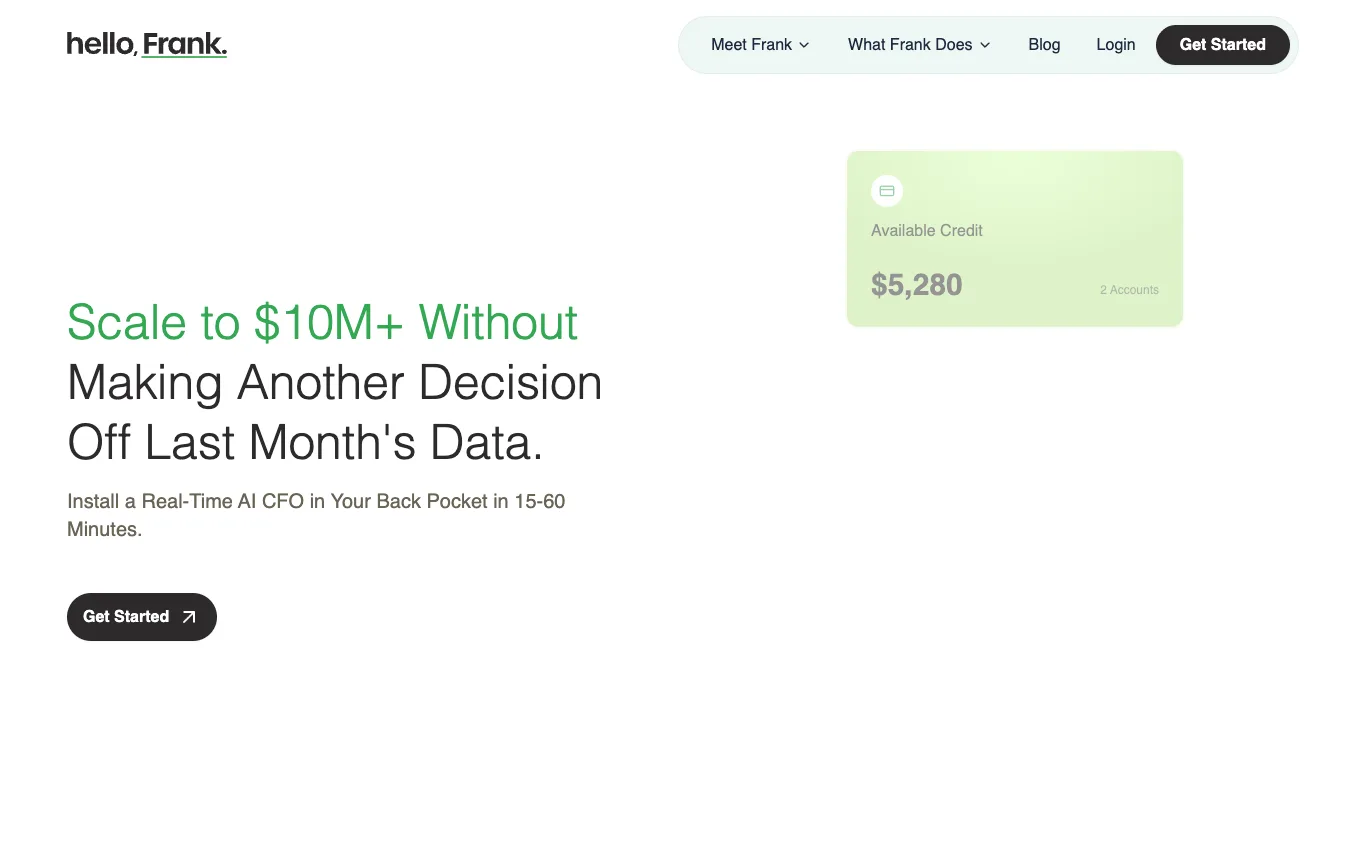

Hello Frank is an AI CFO that connects to your bank accounts and financial systems to provide real-time financial intelligence. It tracks transactions daily, monitors cash position, detects anomalies, and forecasts runway. Designed for founder-led service businesses, it offers live dashboards and plain-English answers to critical financial questions.
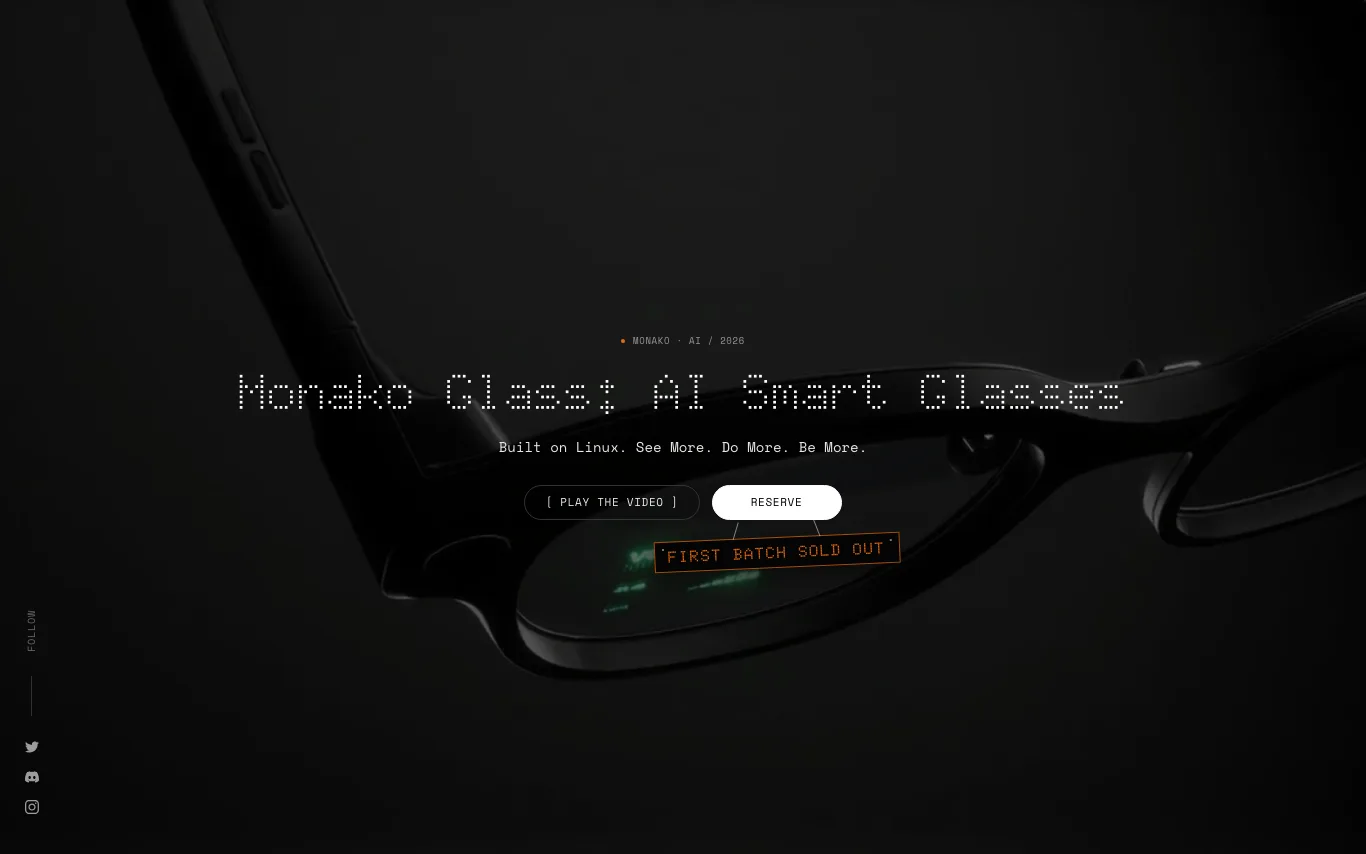

Monako Glass is the world's lightest smart glasses with wave guide display, camera, and speakers, weighing 48 grams. It features a bone conduction microphone, Vision Engine for micro gesture tracking, and runs MonoOS, a Linux-based operating system with Lua application layer and embedded Rive animation runtime. The device integrates with tools like Claude Code, Codex, Unreal Engine, Blender, and After Effects, and is available for reservation at $19.
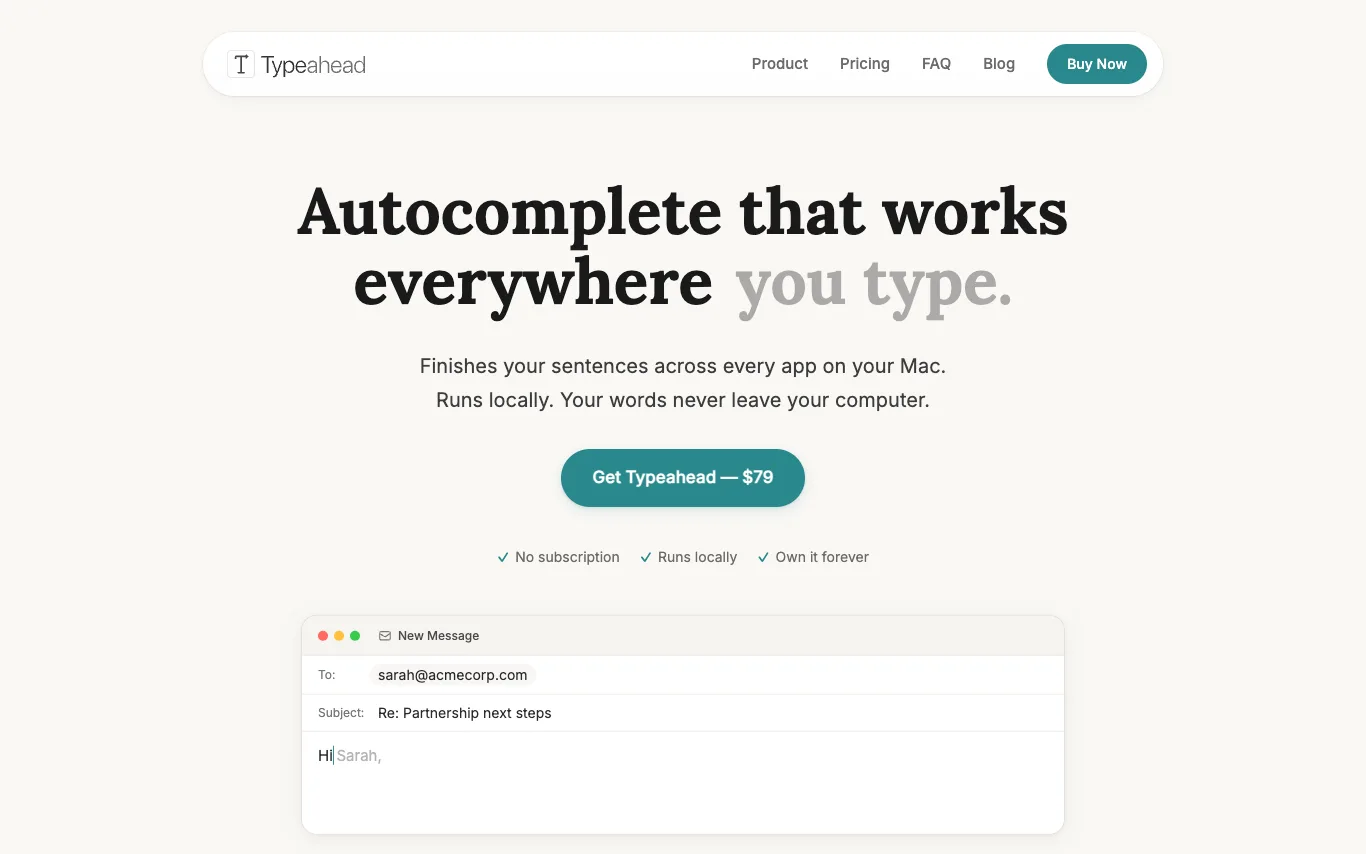

Typeahead is a system-wide AI autocomplete for Mac that works in every app. It runs locally, ensuring privacy. It adapts to your writing style and offers a one-time purchase. It is optimized for Apple Silicon and works offline.
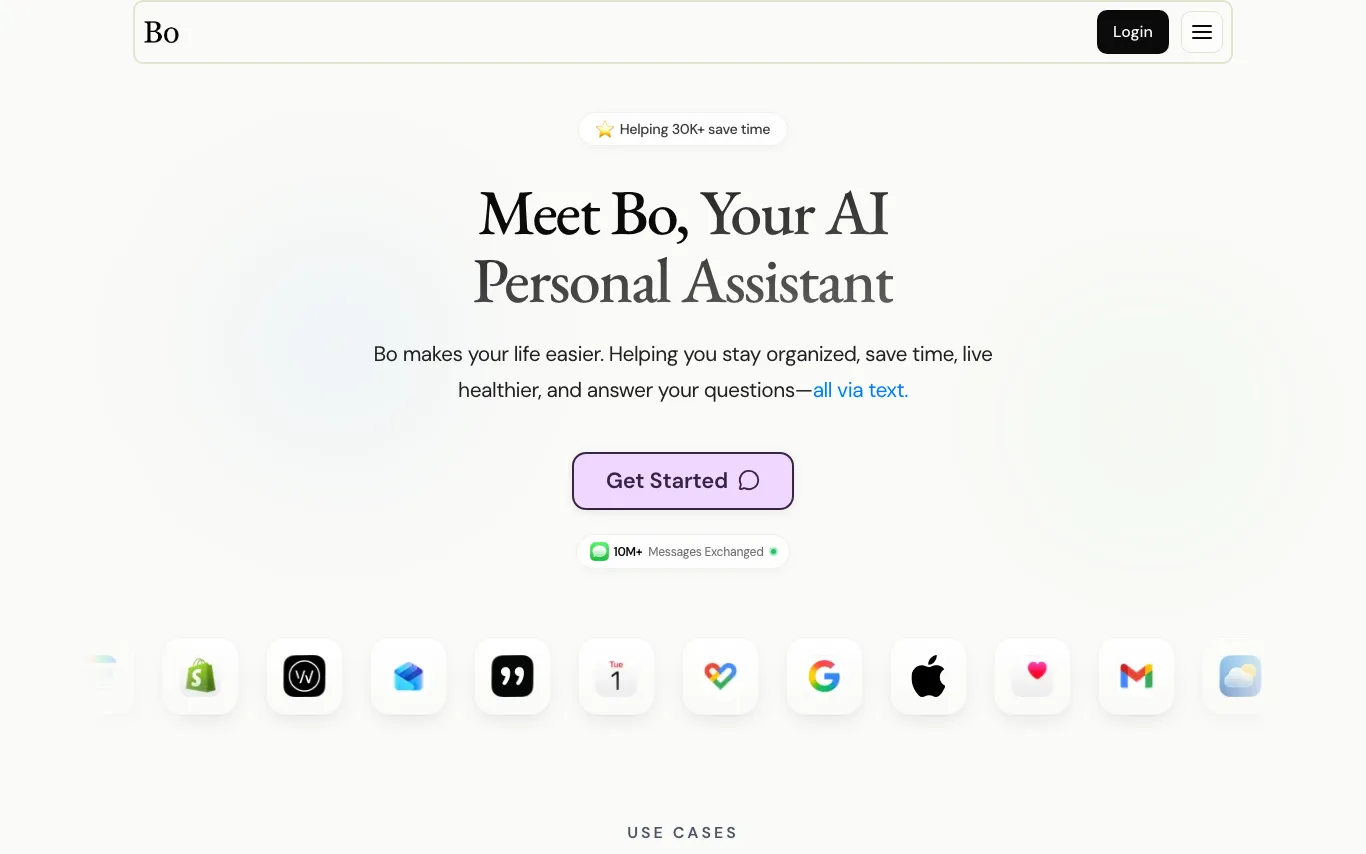

Bo is an AI personal assistant that operates via text messaging. It helps users stay organized, save time, live healthier, and get answers to questions. Bo integrates with services like Apple Health, Gmail, Google Calendar, Strava, Oura, and more to provide personalized assistance. It can track nutrition, set reminders, manage schedules, and offer health insights.
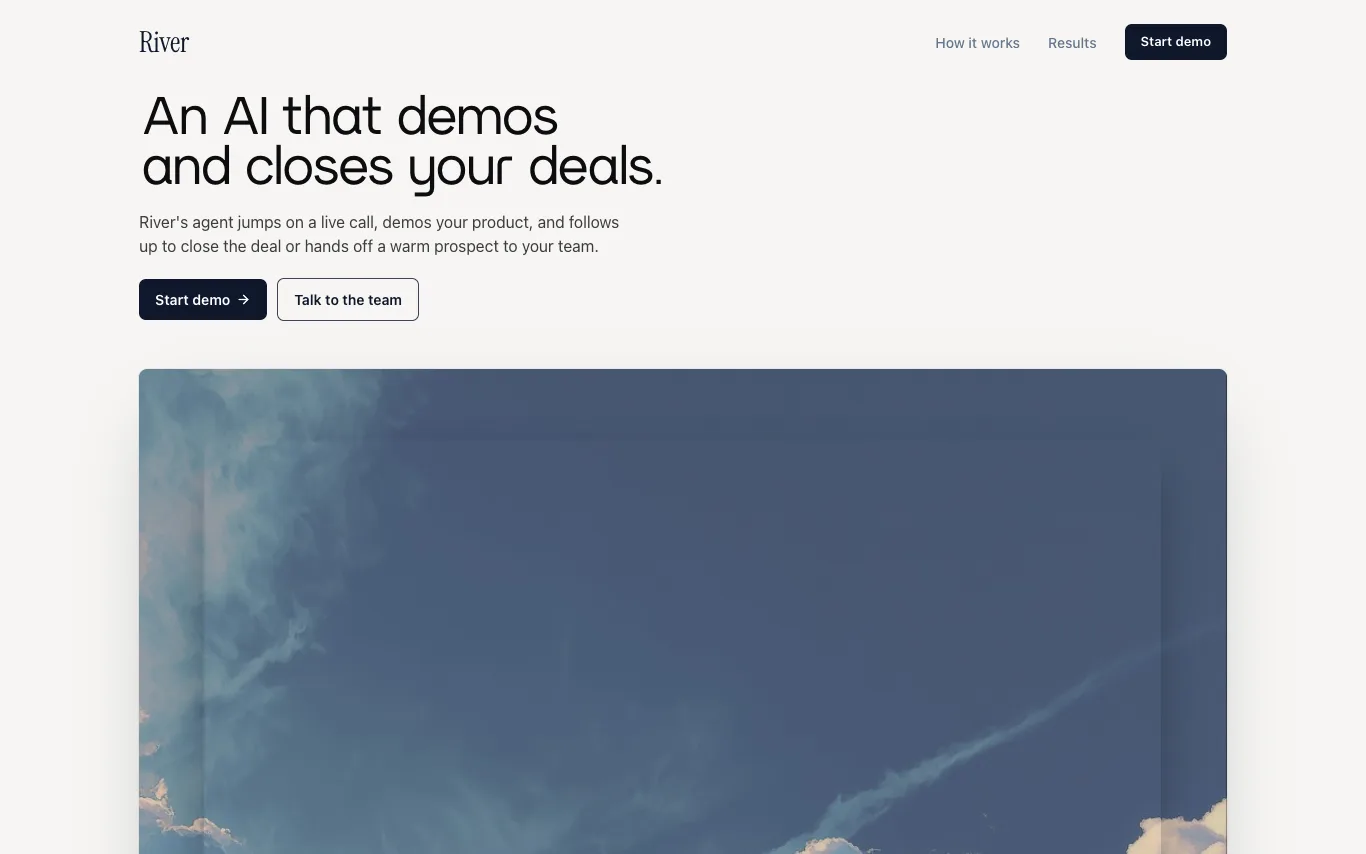

River provides an AI digital account executive that instantly demos to every prospect and closes SMB deals. The AI agent, Liv, jumps on live video calls, shares screens, and follows up across email and WhatsApp to close deals or hand off warm prospects. It operates 24/7 in multiple languages, with pricing based on commission only on closed deals.
Related categories
What is an AI assistant?
An AI assistant is a language-model tool that helps you get things done — answering questions, drafting and summarizing, planning, and increasingly taking actions like managing email, calendars, and documents. Some are general helpers, others are built into a specific app or your device.
Core features to look for
- Drafting, summarizing, and answering across tasks
- Works across email, calendar, docs, and apps
- Voice and text input, on desktop and mobile
- Memory of your context and preferences
- Actions, not just answers, in newer tools
- Free tier and paid productivity plans
Who uses AI assistants, and how
01
Everyday productivity
Draft emails, summarize documents, plan, and answer questions in one place.
02
App & device assistants
Assistants built into your OS, browser, or work tools to help in context.
03
Personal knowledge
Ask across your own notes, files, and history for quick recall.
04
Free vs paid
Compare free assistants against paid plans for limits and integrations.
How does an AI assistant work?
An AI assistant sits on a language model and adds context about you — your prompt, past chats, and connected apps like email or calendar — to give relevant help. Newer assistants can also take actions through integrations, moving from answering questions to completing tasks for you.