


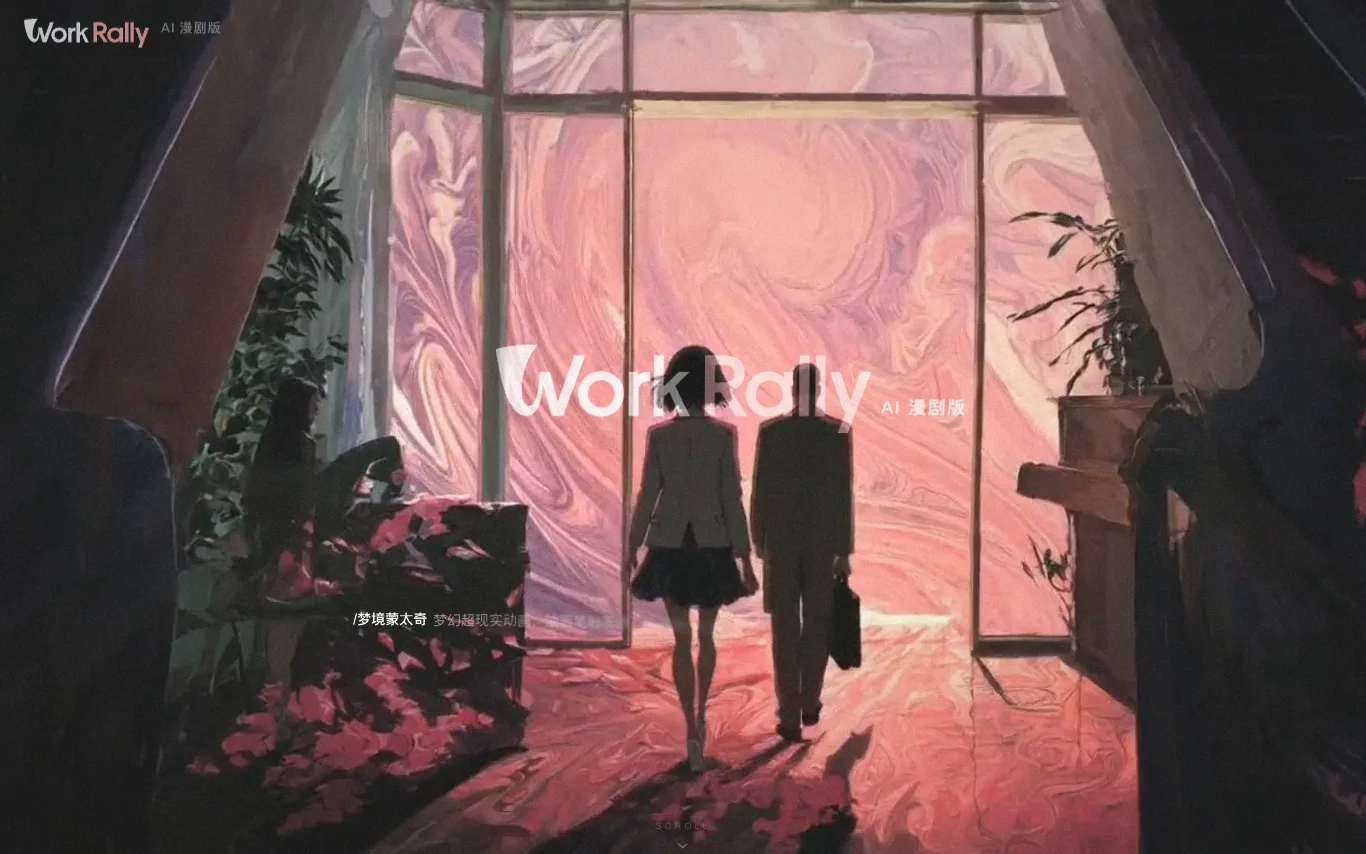

WorkRally is an AI-powered video creation platform by Tencent Video, designed for the full production workflow of comic dramas (漫剧) and short series. It provides an AI toolchain covering the entire creation process, from keyframe drawing to motion effects, ensuring high-quality generation with precise control. The platform enables creators to activate creativity and enhance production efficiency.
Best AI Animated Video Tools (2026)
Compare AI animated video generators that turn scripts, prompts, and images into cartoon, anime, motion-graphic, explainer, and character-driven clips.
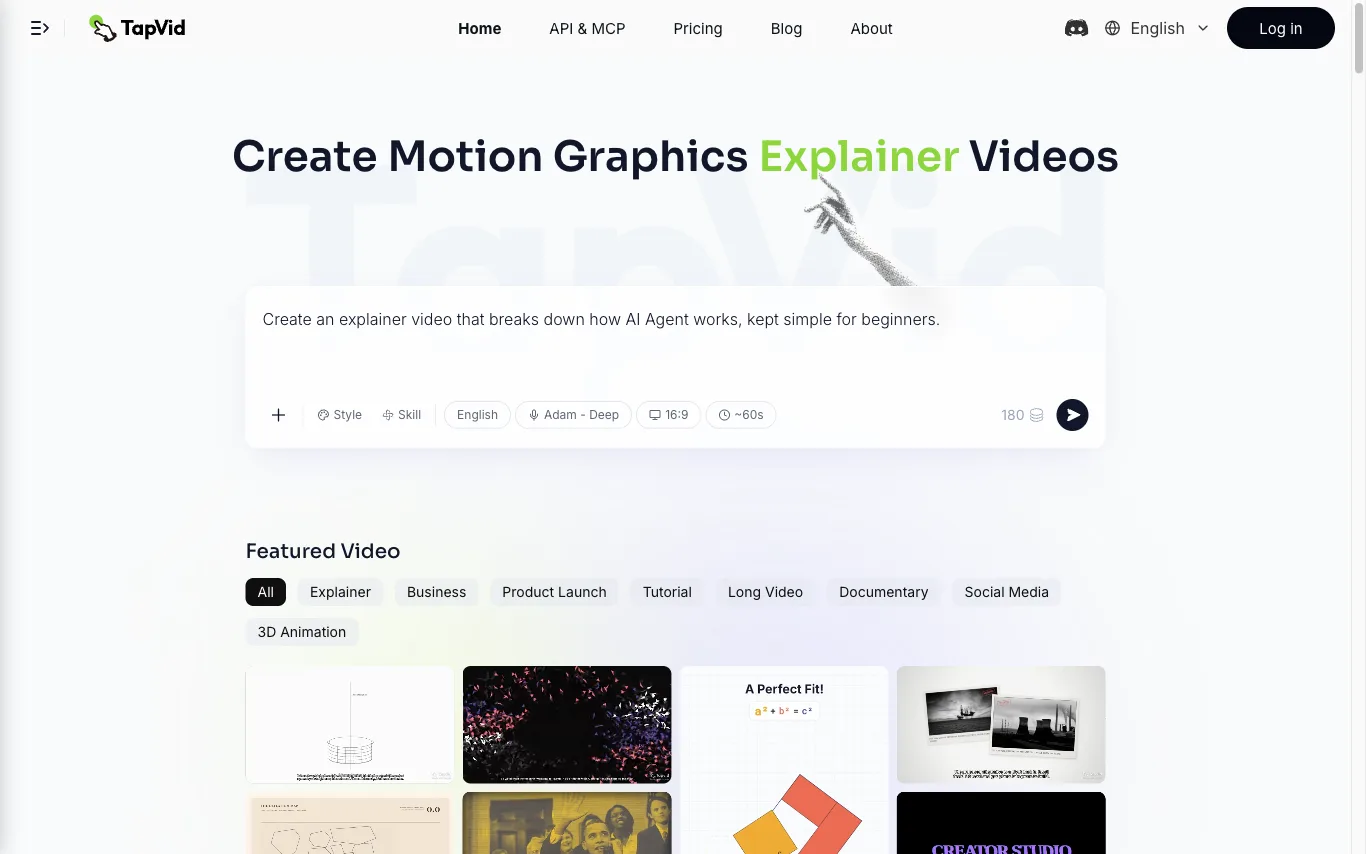

TapVid is an AI explainer video generator that turns a prompt, PDF, document, or link into a motion-graphics video. It assembles the outline, script, visuals, voiceover, and subtitles in a single pass, so source material becomes a publish-ready clip without opening a timeline editor. Three modes cover the workflow. Explainer Video turns a prompt, PDF, or link into a finished clip with motion graphics. One Shot produces a complete video from outline to script to final output in one run. Intelligent Edit revises the result through plain-language instructions instead of frame-level editing, so refinements are typed rather than cut. Rendering is billed in credits at roughly 3 credits per second of finished video, and renders that fail or time out have their credits returned. Free exports are 720p with a TapVid watermark, while Pro, Max, and Ultra export watermark-free 1080p, with clips up to 3 minutes on Pro and Max and up to 5 minutes on Ultra. TapVid also publishes an API and MCP entry point, and its interface is available in seven language versions.
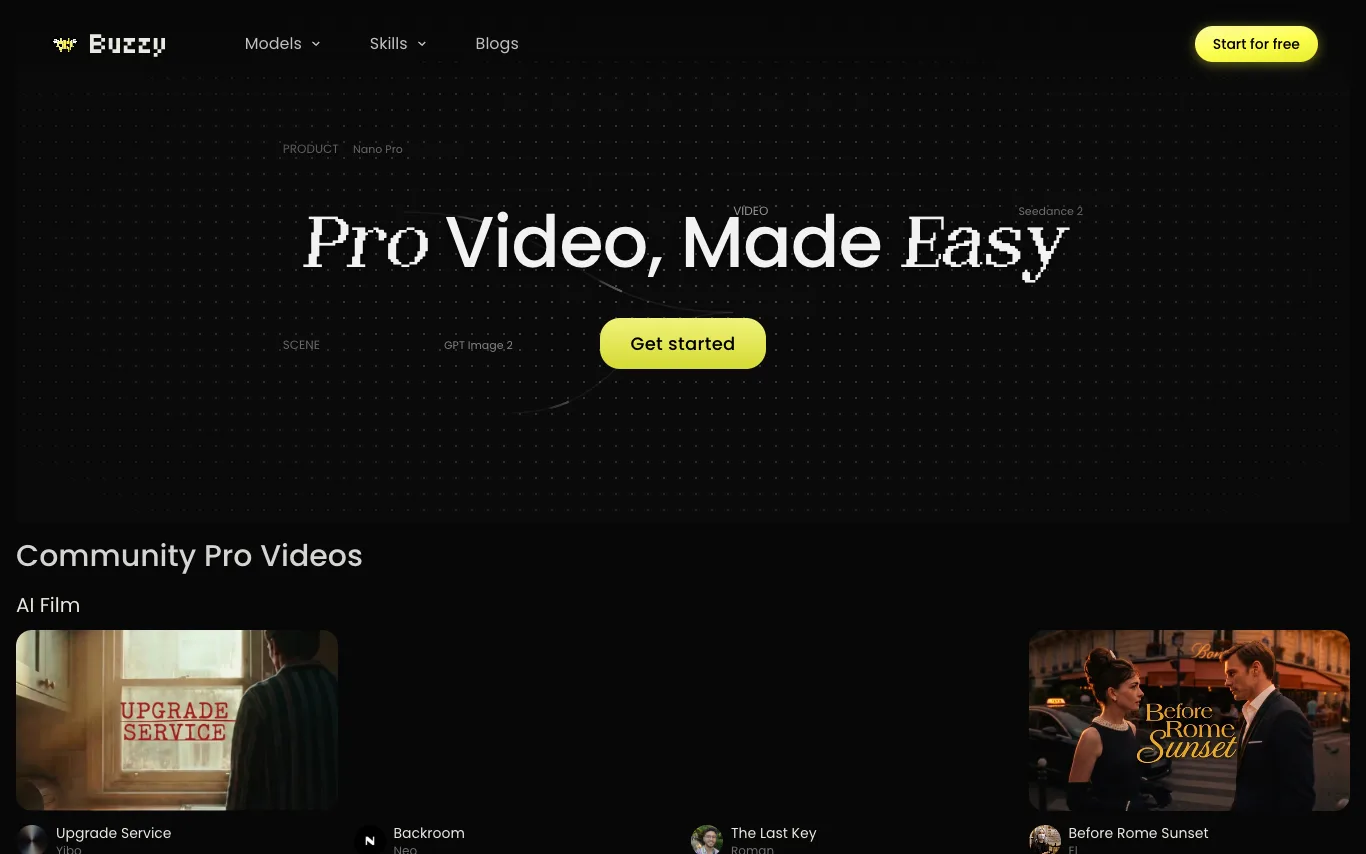

Buzzy AI is a pro video engine that enables users to create long-form, high-quality videos such as AI films and AI commercials. The platform showcases community-created projects including AI films, branding ads, and animations, with workflows available for viewing. Buzzy AI integrates with tools like Nano Pro, GPT Image 2, and Seedance 2 to support video production.

ByThen is an AI video producer for faceless content. It lets you generate storytelling videos in a single workflow. The platform includes scriptwriting, key visuals, storyboarding, voiceover, video generation, music, and timeline editing. Every project exports directly as an MP4 file.
Related categories
What is an AI animated video generator?
An AI animated video generator creates animated clips from a text prompt, a script, or still images, without manual frame-by-frame drawing. It handles the motion, characters, scenes, and transitions, and often adds voiceover, lip-sync, and music. Styles range from 2D cartoon and anime to 3D, whiteboard, and motion-graphic explainers.
What AI animated video generators do
- Text or script to animated video in one pass
- Cartoon, anime, 3D, and whiteboard style presets
- Animated characters with lip-sync and expressions
- Image-to-motion: bring a still drawing to life
- Auto voiceover, captions, and background music
- Scene templates, storyboards, and drag-drop editing
Who uses AI animated video generators
01
Marketers and explainer videos
Turn a product script into a short animated explainer or ad without hiring an animation studio.
02
Educators and course creators
Build animated lessons, storybooks, and concept walkthroughs that hold a learner's attention.
03
Social and short-form creators
Produce cartoon skits, anime shorts, and looping clips for TikTok, Reels, and YouTube Shorts.
04
Studios and hobbyist animators
Prototype scenes, animatics, and character motion fast before committing to full production.
How AI animated video generation works
You describe the scene or upload a script, and the model plans shots, characters, and camera moves before rendering frames in your chosen style. Diffusion or motion models generate the animation, while separate systems add synced voiceover, lip movement, and music. You then edit timing, swap characters, or regenerate individual scenes until the cut works.