



TapVid
AI explainer video generator that turns prompts, PDFs, and links into motion-graphics videos.
What is TapVid?
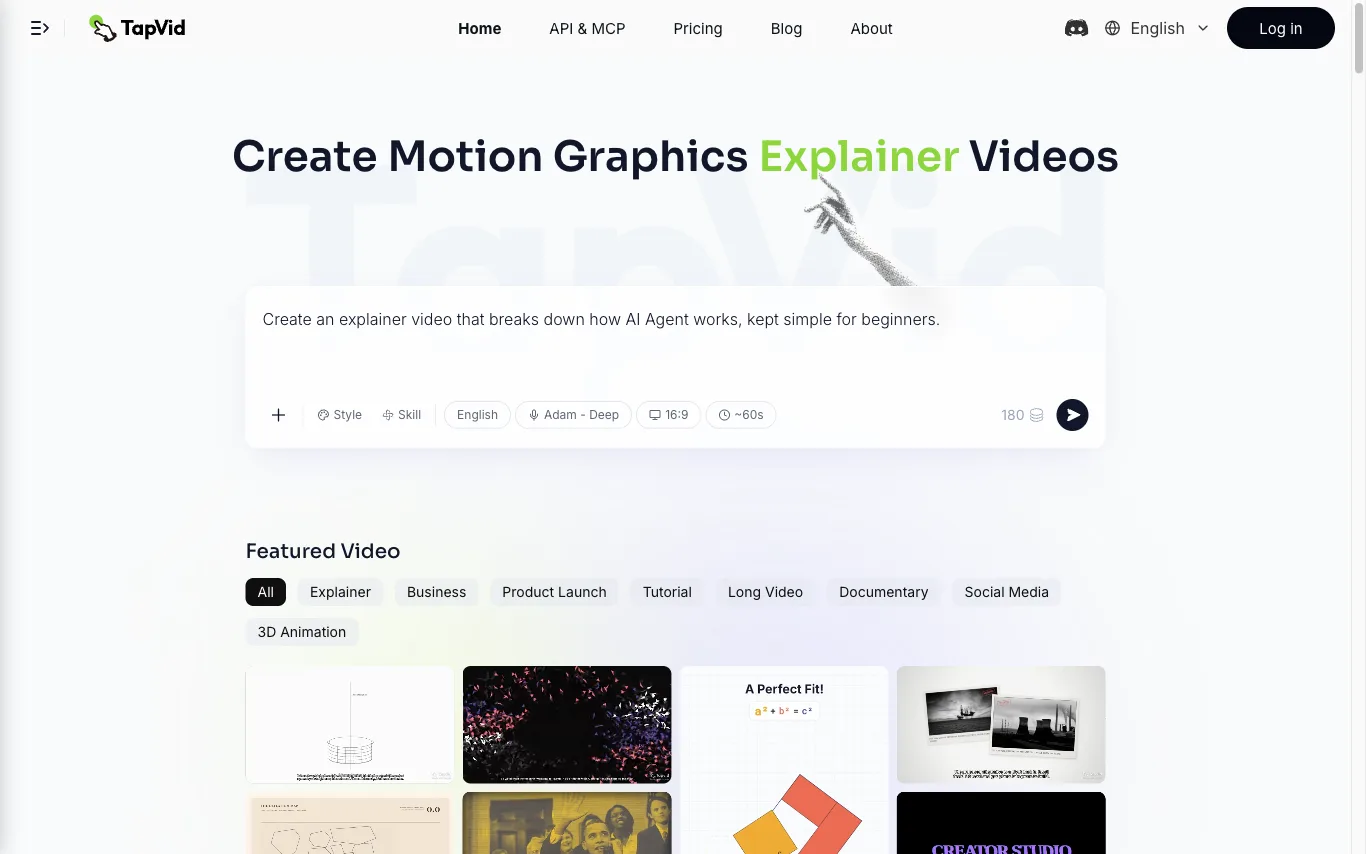
TapVid is an AI explainer video generator that turns a prompt, PDF, document, or link into a motion-graphics video. It assembles the outline, script, visuals, voiceover, and subtitles in a single pass, so source material becomes a publish-ready clip without opening a timeline editor.
Three modes cover the workflow. Explainer Video turns a prompt, PDF, or link into a finished clip with motion graphics. One Shot produces a complete video from outline to script to final output in one run. Intelligent Edit revises the result through plain-language instructions instead of frame-level editing, so refinements are typed rather than cut.
Rendering is billed in credits at roughly 3 credits per second of finished video, and renders that fail or time out have their credits returned. Free exports are 720p with a TapVid watermark, while Pro, Max, and Ultra export watermark-free 1080p, with clips up to 3 minutes on Pro and Max and up to 5 minutes on Ultra. TapVid also publishes an API and MCP entry point, and its interface is available in seven language versions.
What can TapVid do?
Prompt, PDF, or Link to Video
Converts a written prompt, uploaded document, or URL into a structured explainer video with motion graphics.
One Shot Generation
Produces a complete video from outline to script to final output in a single run.
Intelligent Edit
Refines a finished video through plain-language instructions rather than frame-level editing.
AI Voiceover and Subtitles
Generates narration and on-screen subtitles automatically, across multiple voices and languages.
Motion-Graphics Output
Builds animated typography, charts, and graphics from the supplied content instead of stitching stock clips.
Credit-Based Rendering
Charges about 3 credits per second of video and returns credits when a render fails or times out.
Watermark-Free 1080p Export
Paid plans export 1080p without a watermark; clip length reaches 3 minutes on Pro and Max and 5 minutes on Ultra.
API and MCP Access
Exposes an API and MCP entry point for triggering video generation outside the web app.
Who is TapVid for?
- Product Marketing
- Turn a product doc into a SaaS explainer or product demo video.
- Product Marketing
- Produce product launch and feature announcement videos for release cycles.
- Educators
- Convert course slides or written lessons into educational and tutorial videos.
- Customer Support
- Create customer onboarding, help-center, and API documentation videos.
- Content Marketing
- Repurpose blog articles and newsletters into animated social media clips.
- FreeFree
- Trial Pass — 1 video, 24h$4.99 one-time
- Pro — 2,000 credits/mo$49/mo
- Max — 6,000 credits/mo$99/mo
- Ultra — 14,000 credits/mo$199/mo
as of Aug 5, 2026
Frequently Asked Questions



 +4
+4Looking for something else?
Compare TapVid with similar tools on pricing, features and traffic.
More AI Video Generator tools
View all UpsamplerFree AI video generator and free AI image generator
 VeoNanoAI video and image generator for text to video, image to video, and AI image creation.
 VideoAnyVideo-first creation with a free, uncensored AI video generator plus built-in AI image and audio tools.
 VidnozAI video generator and face swap platform with avatars, voice cloning, and free short videos for marketing and education.
 ViMindTurn documents, slides, notes, and links into clear explainer videos with visuals, AI voiceover, and captions.
 VioEvo AICinematic AI Video & Image Studio for Creators and Marketers
 Vmake LabsAI social video studio for creators and small businesses
 VozmiTurn one sentence into a song and music video with AI.