


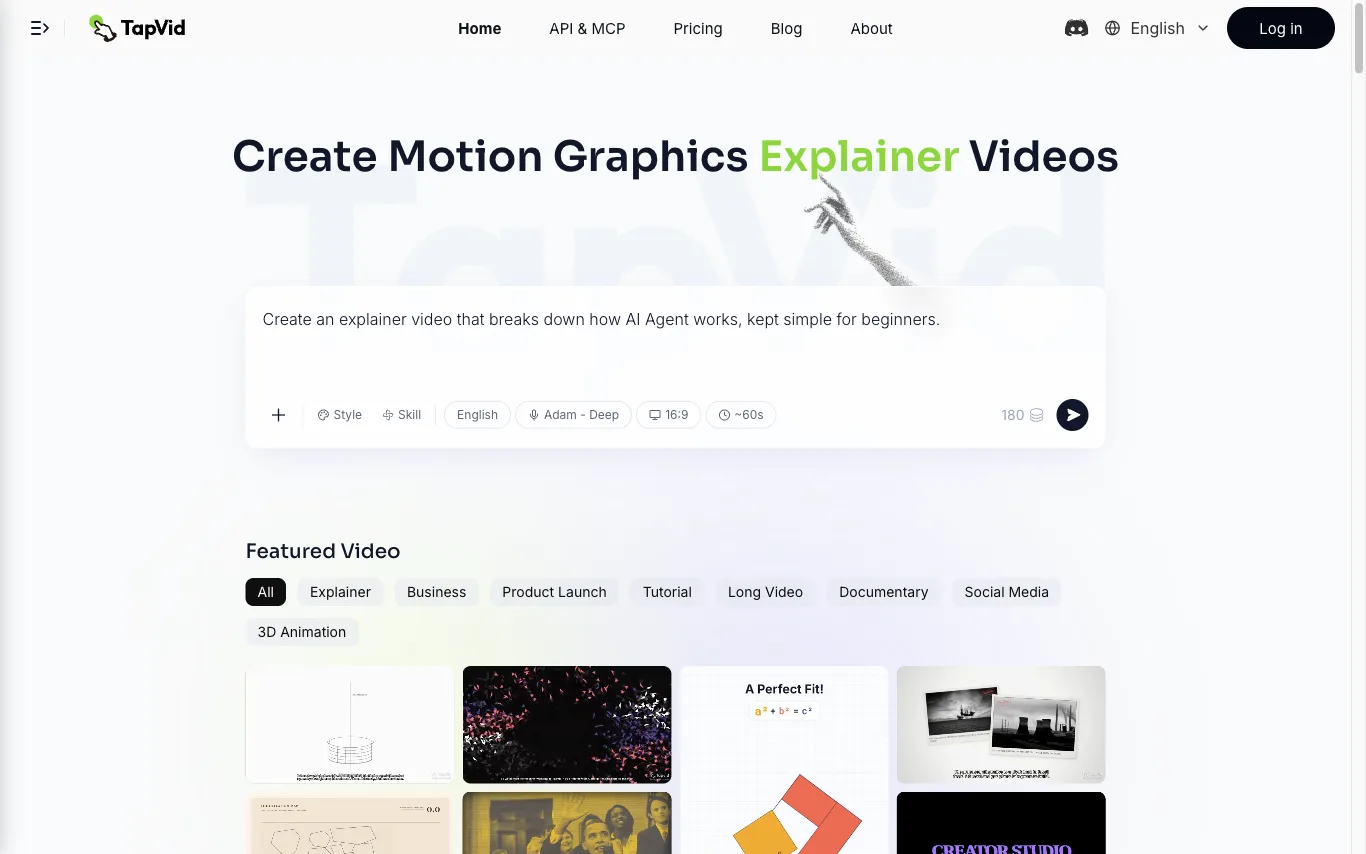

TapVid is an AI explainer video generator that turns a prompt, PDF, document, or link into a motion-graphics video. It assembles the outline, script, visuals, voiceover, and subtitles in a single pass, so source material becomes a publish-ready clip without opening a timeline editor. Three modes cover the workflow. Explainer Video turns a prompt, PDF, or link into a finished clip with motion graphics. One Shot produces a complete video from outline to script to final output in one run. Intelligent Edit revises the result through plain-language instructions instead of frame-level editing, so refinements are typed rather than cut. Rendering is billed in credits at roughly 3 credits per second of finished video, and renders that fail or time out have their credits returned. Free exports are 720p with a TapVid watermark, while Pro, Max, and Ultra export watermark-free 1080p, with clips up to 3 minutes on Pro and Max and up to 5 minutes on Ultra. TapVid also publishes an API and MCP entry point, and its interface is available in seven language versions.
Best Script To Video AI Generator Tools (2026)
Compare script-to-video AI generators that turn a written script into a finished video with AI voiceover, matched b-roll, avatars, captions, and music.
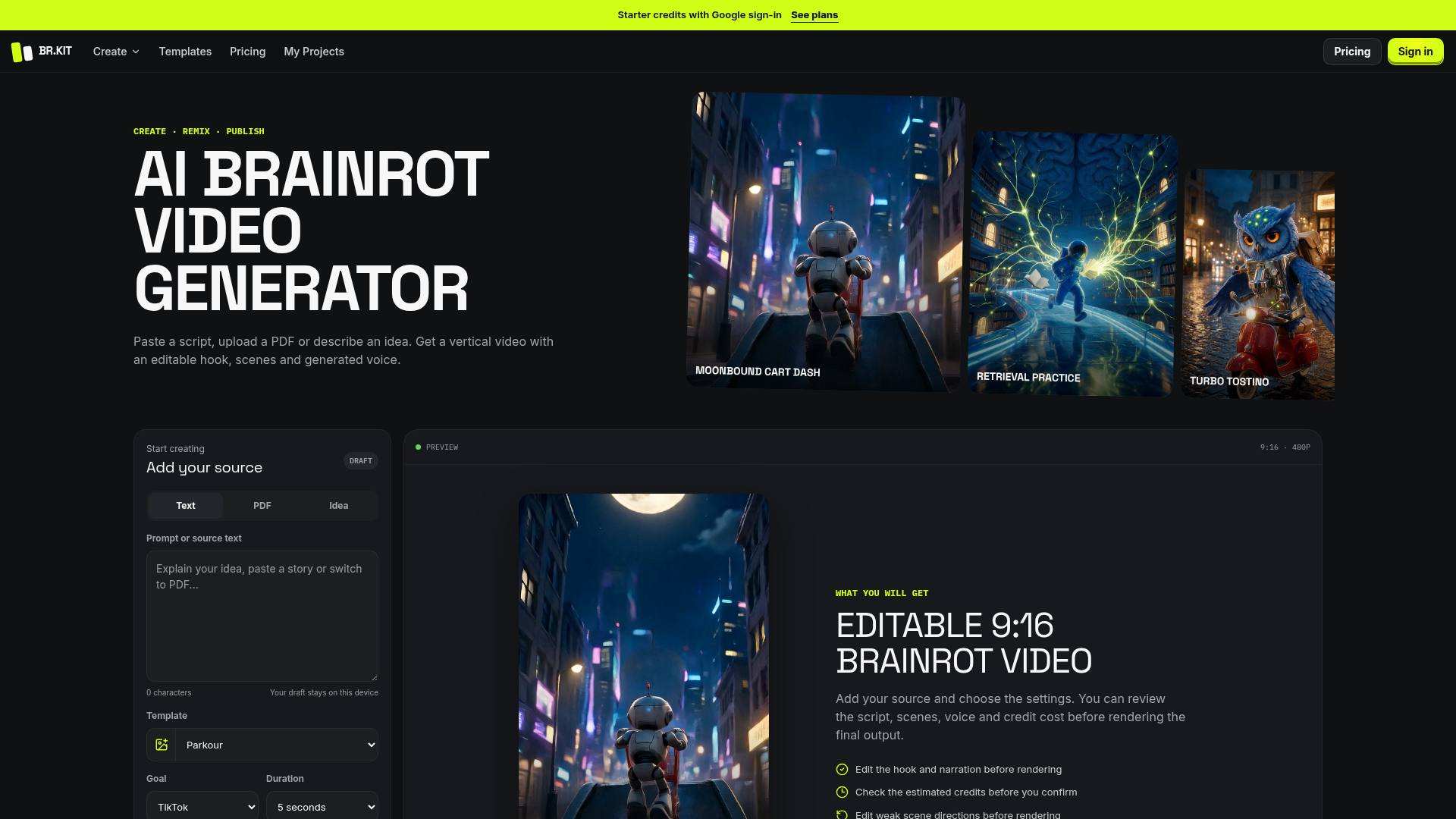

Paste a script, upload a PDF or describe an idea. Get a vertical video with an editable hook, scenes and generated voice
Related categories
What is a script-to-video AI generator?
A script-to-video AI generator turns a block of written text into a finished video without filming anything. It reads your script, breaks it into scenes, and auto-matches each line to stock footage, images, or an AI avatar, then adds an AI voiceover, captions, and background music. The output is an editable, ready-to-publish clip for social, YouTube, ads, or training.
What these tools do
- Paste a script and auto-generate a full video
- AI voiceover in many voices and languages
- Auto-matched stock b-roll, images, and clips
- Talking-head AI avatars from text
- Auto captions and burned-in subtitles
- Export in 16:9, 9:16, and 1:1 aspect ratios
Who uses script-to-video generators
Faceless YouTube and Shorts creators
Turn a written script into narrated, b-roll videos without a camera or on-screen presence.
Social and content marketers
Batch-produce short promo, explainer, and ad clips from blog posts or ad copy.
Course and training teams
Convert lesson scripts and SOPs into narrated avatar videos for onboarding and e-learning.
Repurposing and localization
Reshape articles into video and dub the voiceover into other languages for wider reach.
How script-to-video AI works
You paste or write a script, and the tool splits it into scenes sentence by sentence. For each scene it uses AI to pick relevant stock footage or generate visuals, then a text-to-speech model reads your words as a voiceover with synced captions. You swap clips, edit the voice, and adjust timing before exporting the finished video.