

AI Agent · 66 tools
Best AI Agent Tools (2026)
Compare AI agents for task automation, coding, tool use, autonomous workflows, and no-code or SDK agent builders.
All AI Agent tools




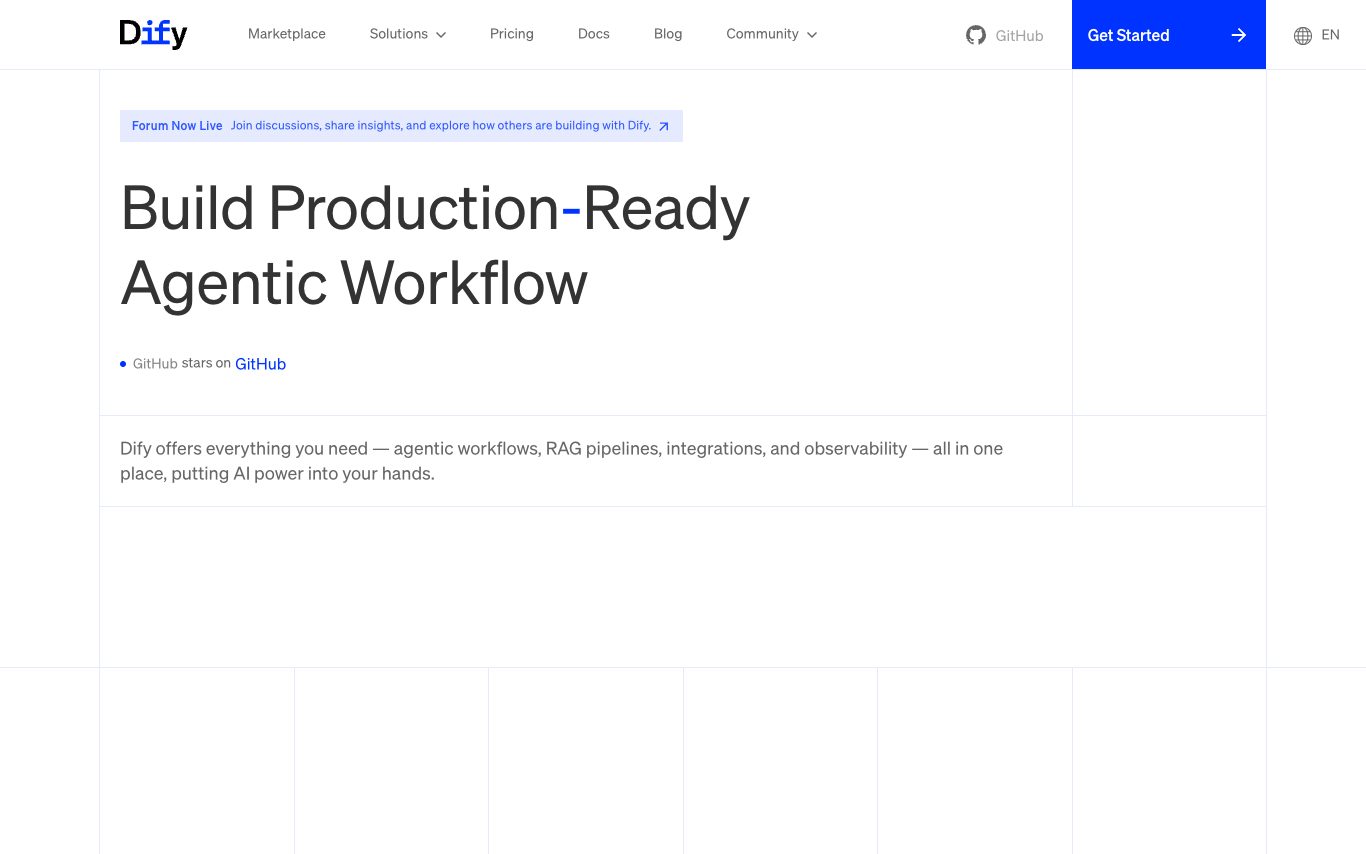

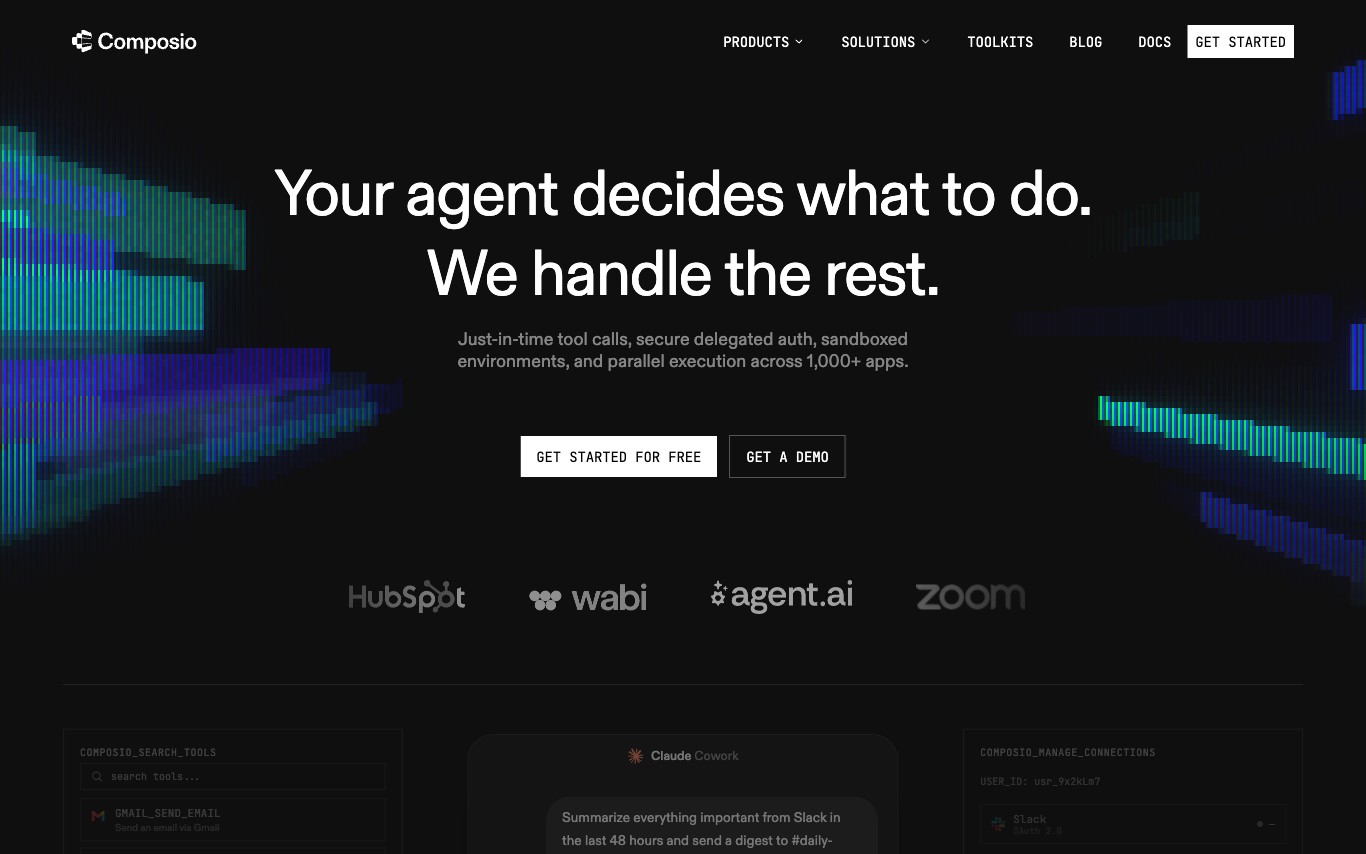



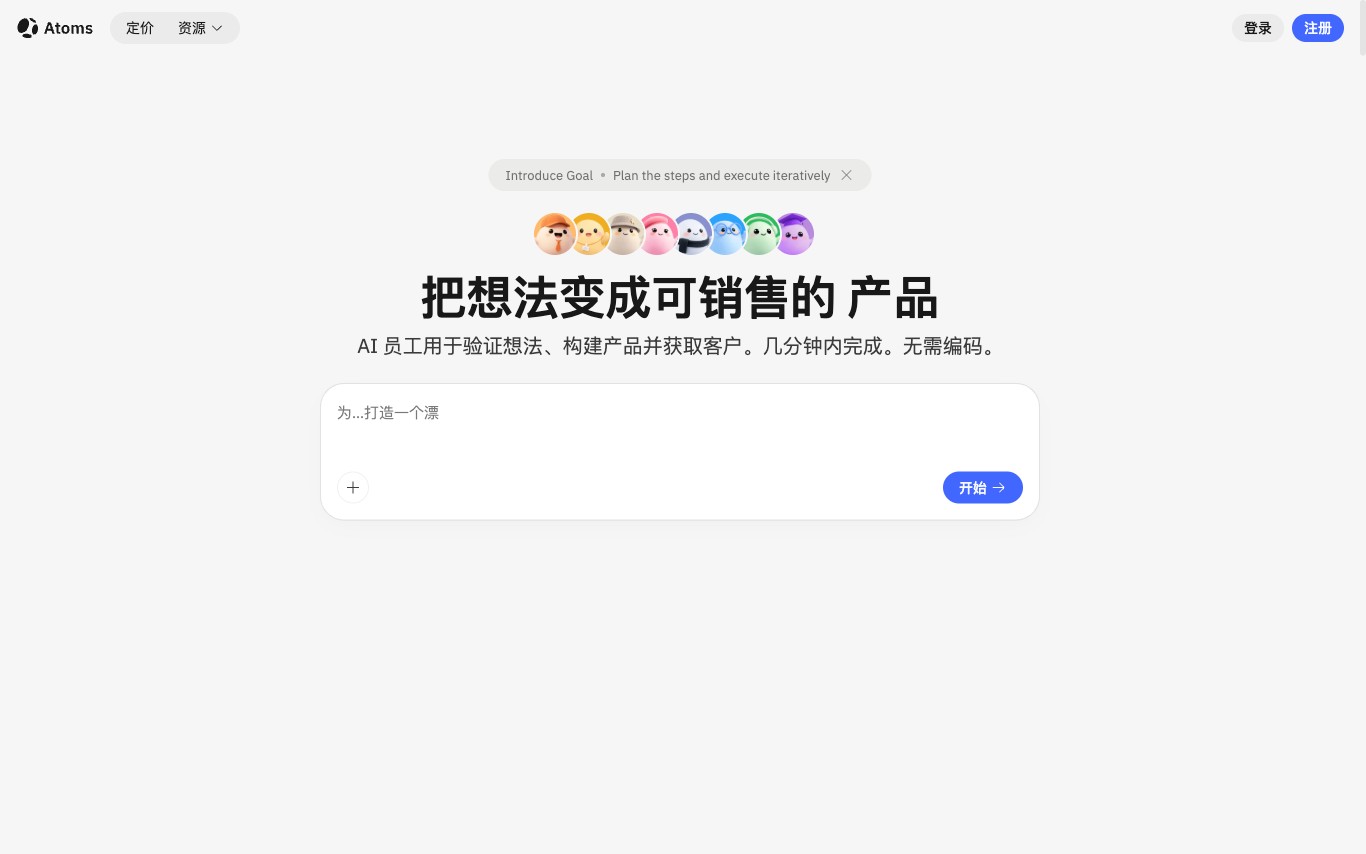



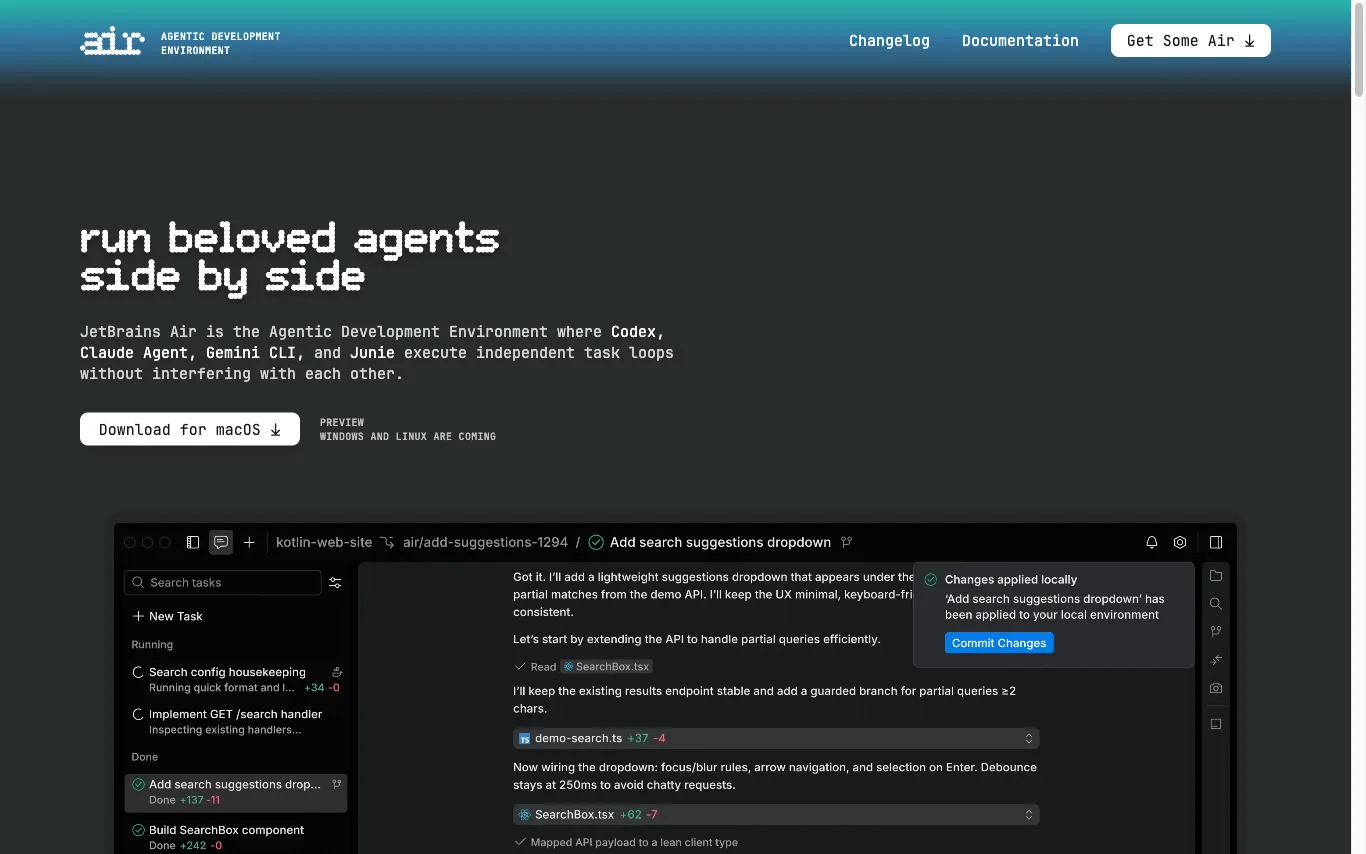

JetBrains Air is a desktop IDE that lets developers run multiple AI coding agents — Codex, Claude Agent, Gemini CLI, Junie — as parallel, isolated task loops. Each agent works on its own branch or container so tasks don't interfere with each other.
What is an AI agent?
An AI agent is a system built on a large language model that can pursue a goal over multiple steps on its own — planning, calling tools and APIs, browsing, running code, and reacting to results — instead of just answering one prompt. Agents range from ready-made assistants to platforms for building your own.
Core features to look for
- Multi-step planning toward a goal, not single replies
- Tool and API calling (search, code, browsers, apps)
- Memory and state across a task or session
- Autonomy with optional human-approval steps
- Build-your-own with no-code or an SDK/framework
- Multi-agent teams that delegate subtasks
Who uses AI agents, and how
Task automation
Automate research, data entry, outreach, and repetitive multi-step workflows end to end.
Coding agents
Plan, write, and edit across a codebase, run commands, and fix failures autonomously.
Build-your-own
Use no-code builders or SDKs to create agents wired to your own tools and data.
Customer & ops
Agents that resolve tickets, take actions, and coordinate across business apps.
How does an AI agent work?
An AI agent wraps a language model in a loop: it plans the next step, picks a tool or action, runs it, reads the result, and repeats until the goal is met. Access to tools, APIs, memory, and sometimes other agents is what turns a chat model into something that acts, not just answers.