


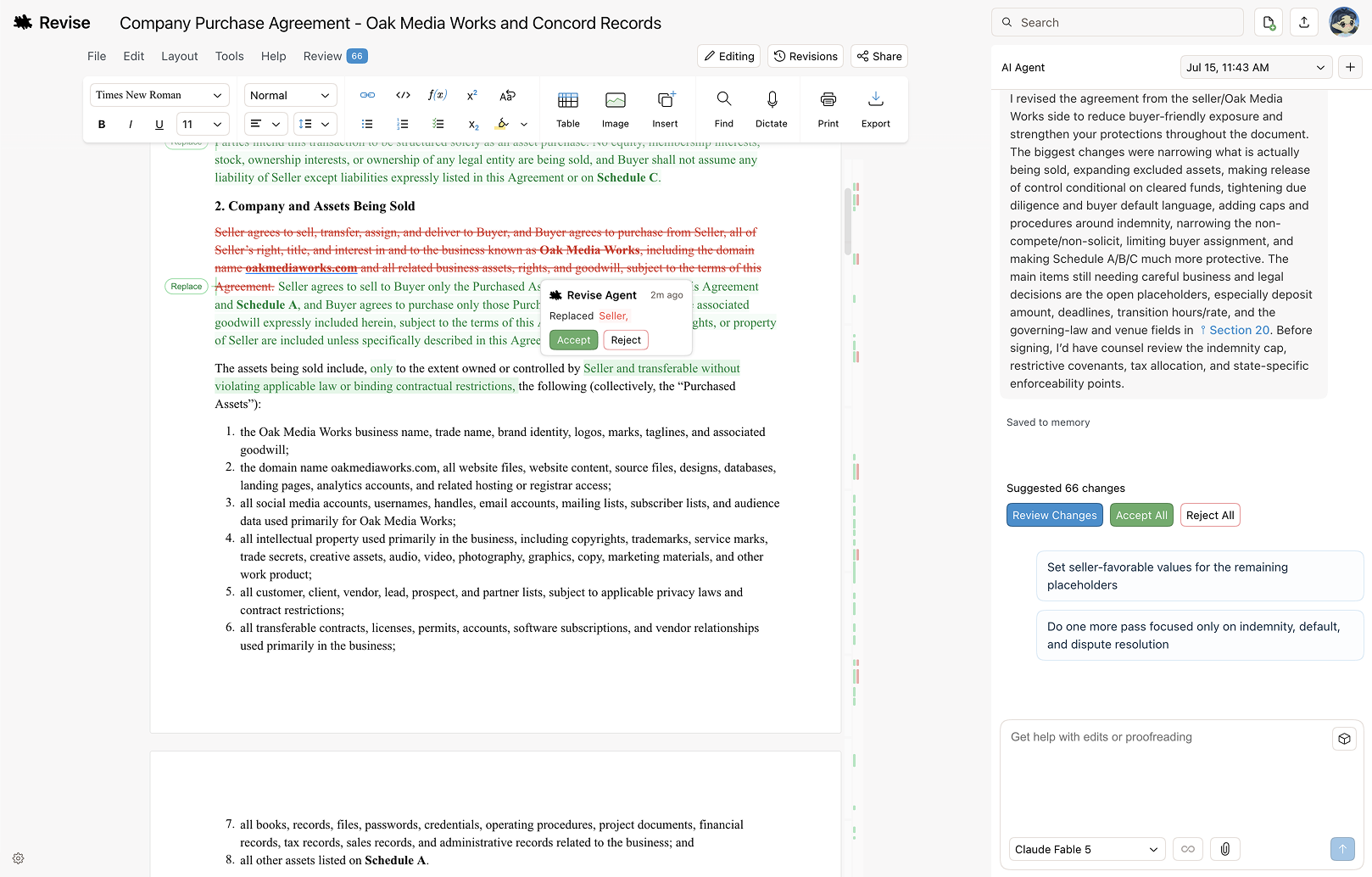

Free document editor with a powerful AI agent
Best AI Document Generator Tools (2026)
Compare AI document generators that draft reports, proposals, contracts, resumes, and business docs from a prompt, template, or your own data.
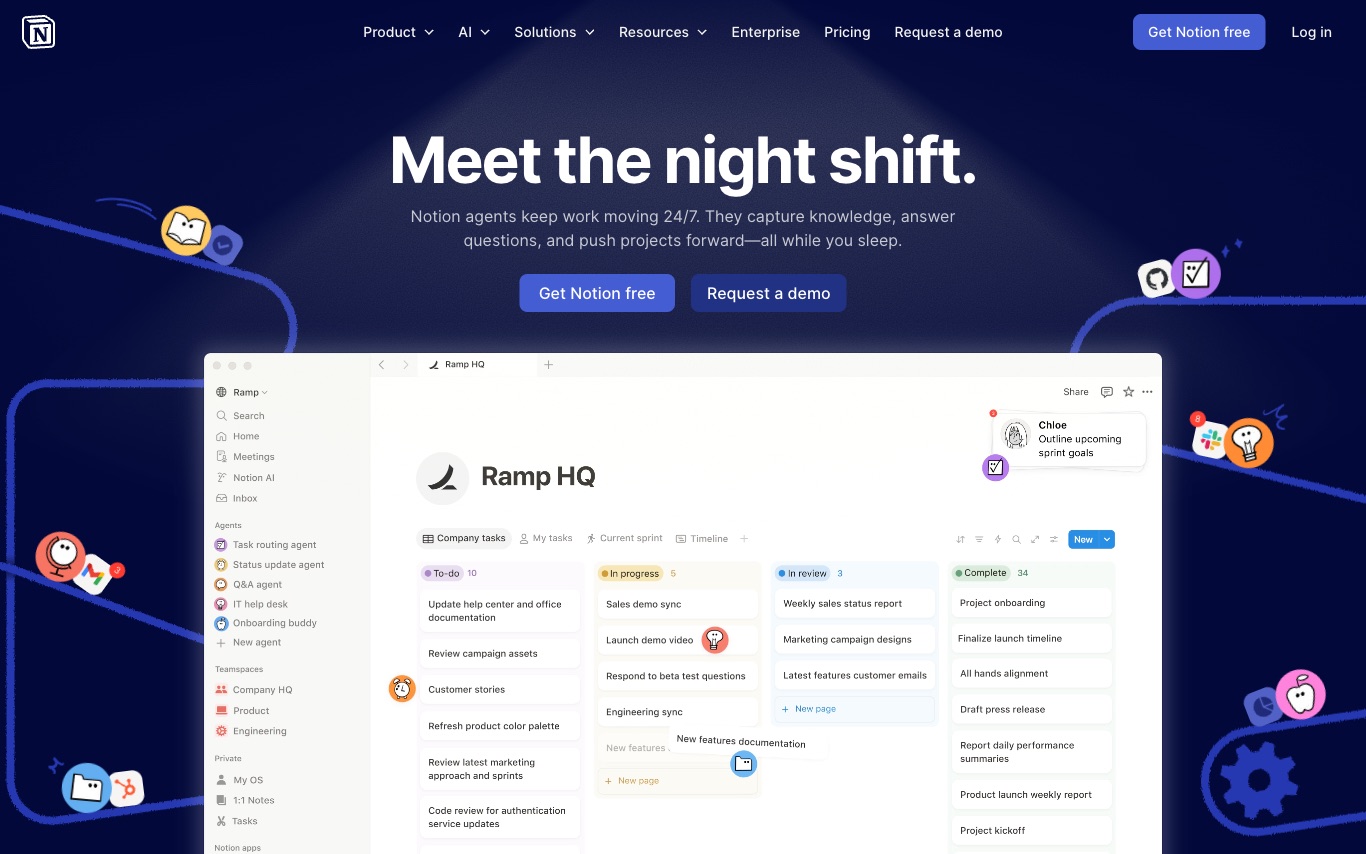

Notion is a connected workspace where teams write docs, manage projects, build wikis, and deploy custom AI agents—all in one app that replaces scattered tools with a unified, searchable knowledge layer.
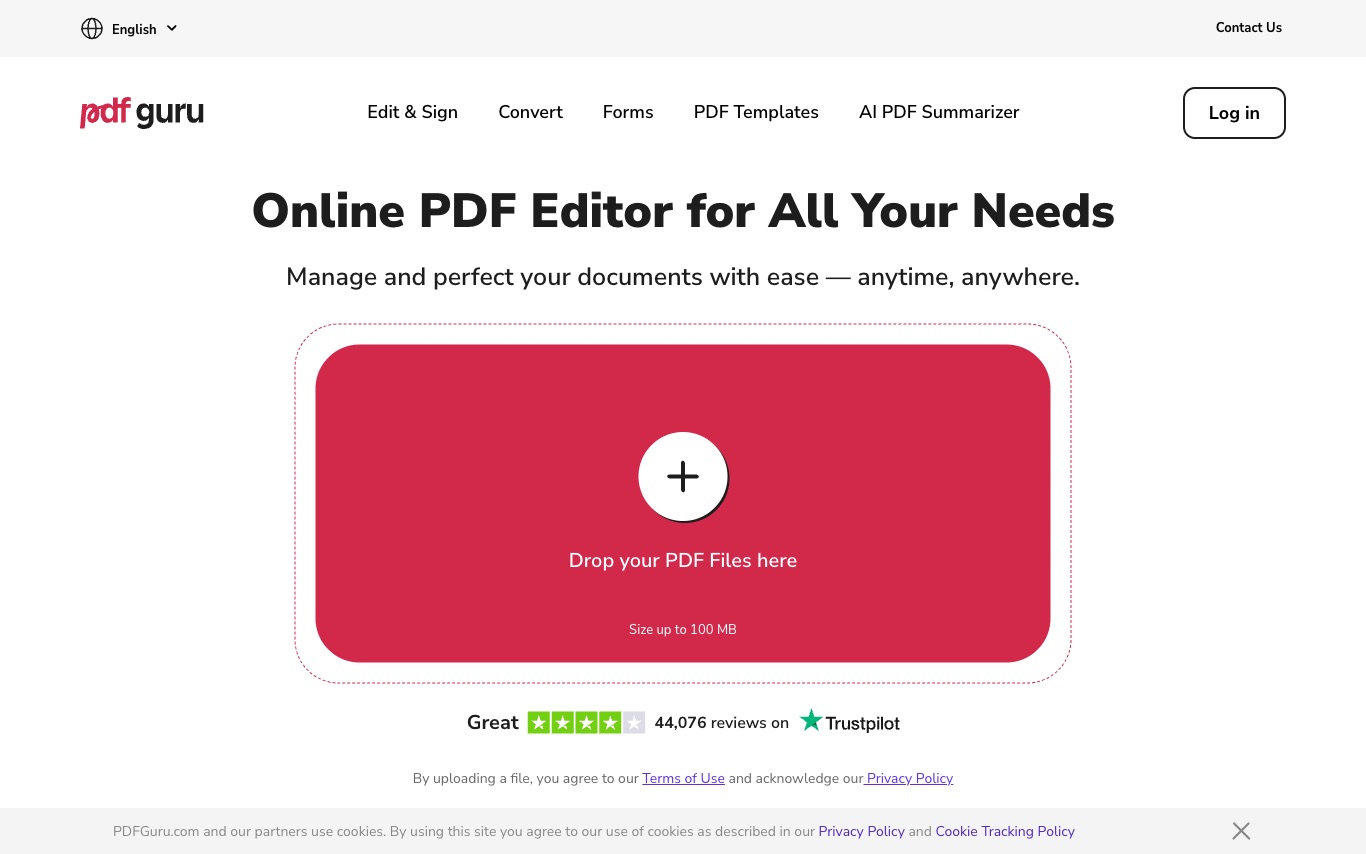

PDF Guru is an online PDF editor offering AI-assisted editing, format conversion, e-signatures, compression, and document management without desktop software installation.
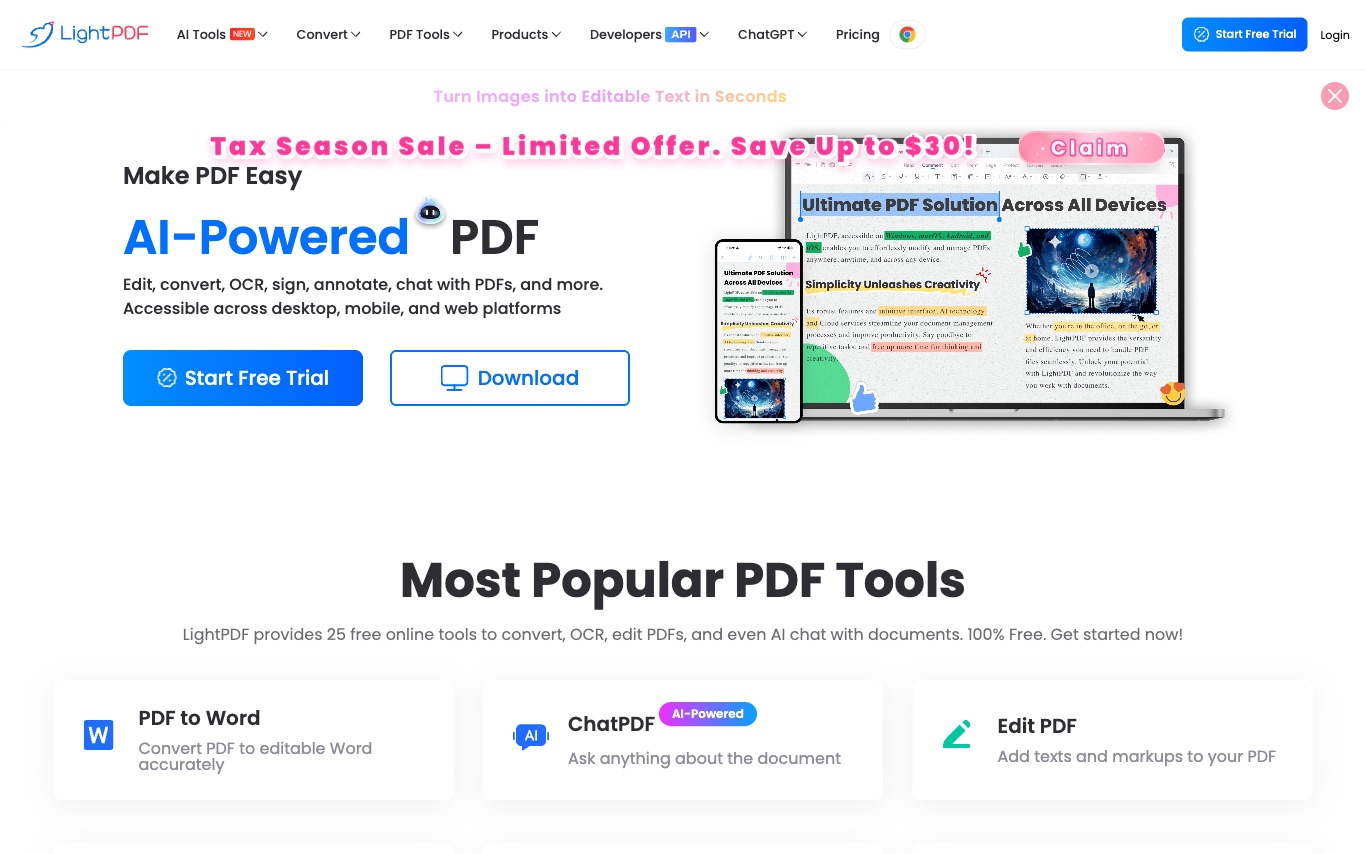

LightPDF is a cloud-based PDF platform offering AI-powered editing, conversion, OCR, e-signatures, and document Q&A—accessible from any browser without installation.


Eraser is an AI-powered tool for creating technical diagrams, system architecture designs, and engineering documentation with consistent, accurate outputs.


Turn any menu into an online ordering system, creating a digital menu, pickup, and delivery system from a PDF, photo, or


Create realistic receipts with a drag-and-drop builder, perfect for various business needs.
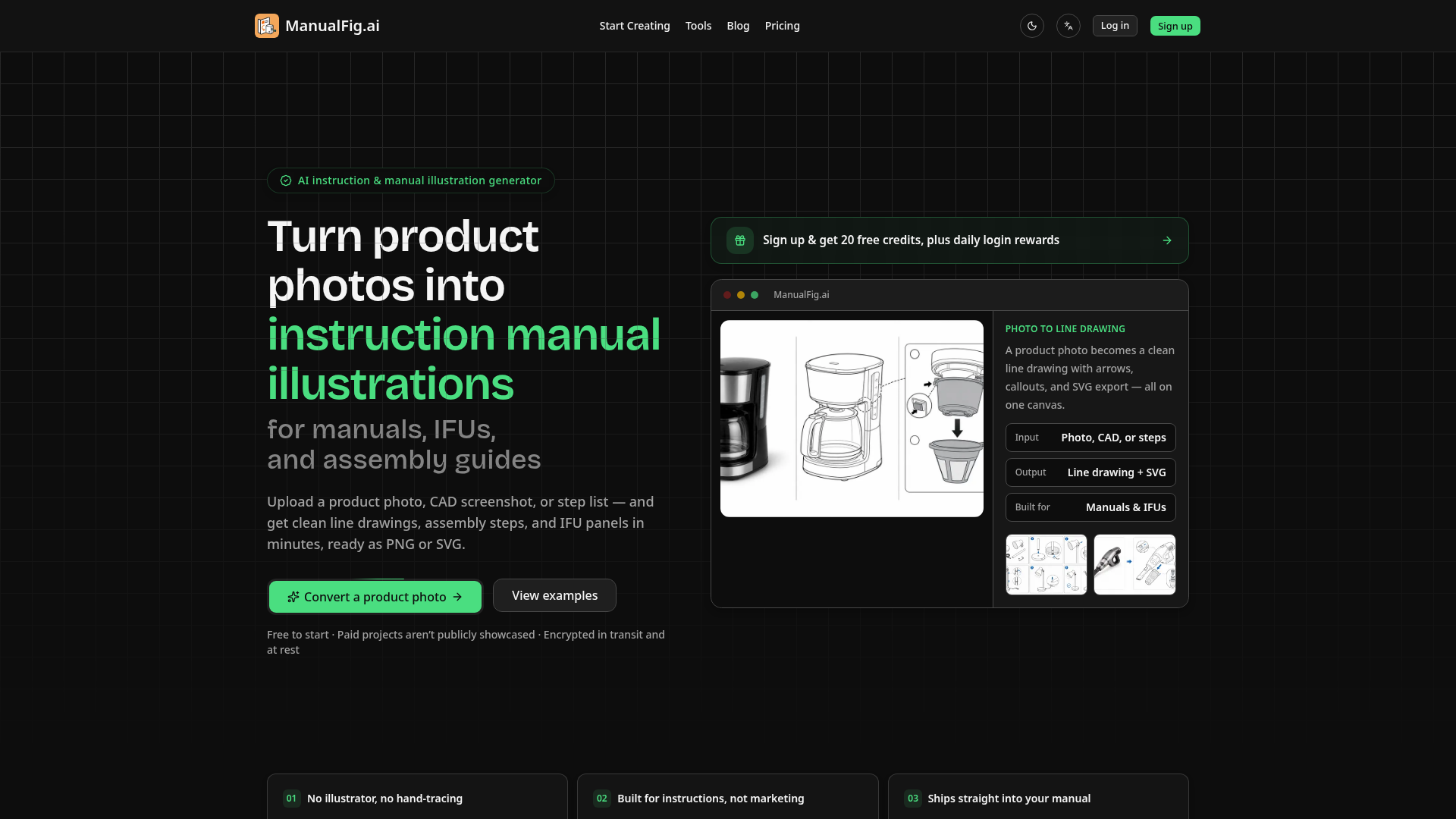

Turn product photos into instruction manual illustrations for manuals, IFUs, and assembly guides.


AI Doc Maker is an AI document generator that creates multi-page reports, PDFs, Word documents, slides, and spreadsheets from a single prompt. It ships with an AI-managed workspace that refines outputs as you chat.
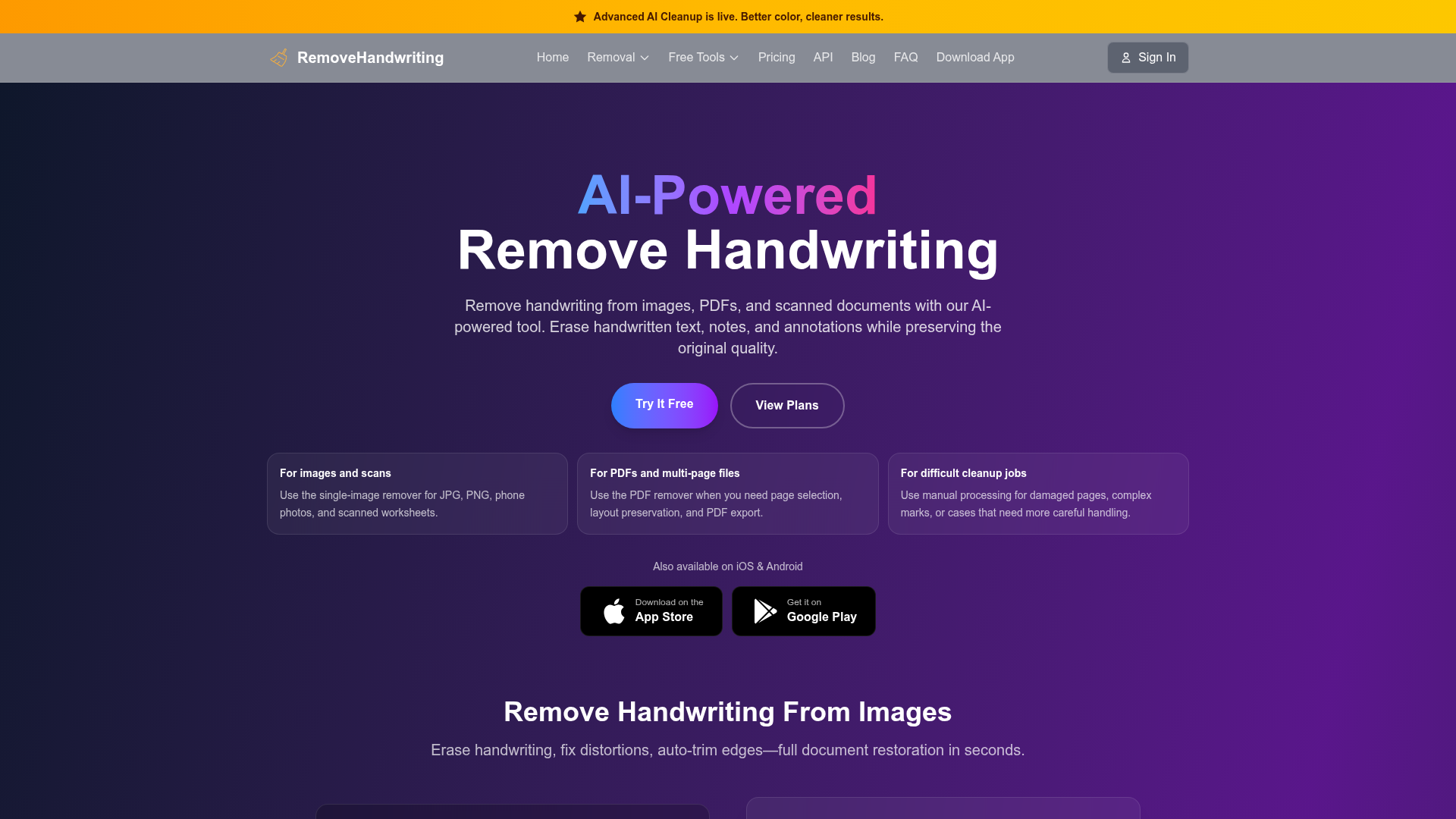

AI-powered tool to remove handwriting from images, PDFs, and scanned documents while preserving original quality.


Your job search, on autopilot—but you stay in the driver's seat. From job posting to ready-to-send application in 60 sec
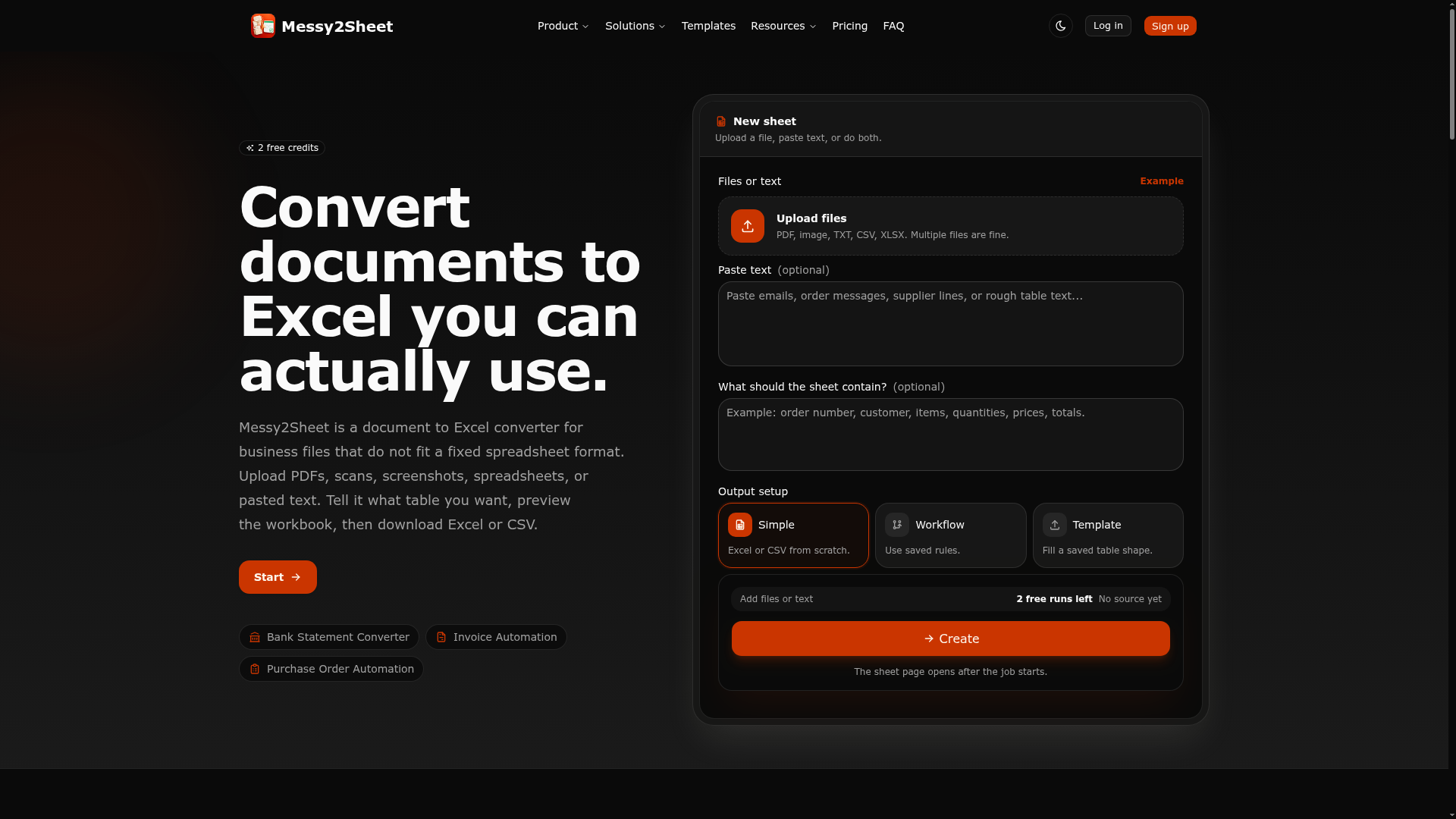

Related categories
What is an AI document generator?
An AI document generator turns a short prompt, an outline, or raw data into a finished, formatted document — a report, proposal, contract, resume, or spec. It uses a large language model to write the prose and structure the sections, then applies templates so the output is ready to export as Word, PDF, or Google Docs. Some work from your own files or a knowledge base so the wording stays specific to your business.
What AI document generators do
- Draft full documents from a prompt or outline
- Fill reusable templates for reports, proposals, and contracts
- Pull facts from your files, data, or CRM
- Format headings, tables, and sections automatically
- Export to Word, PDF, Google Docs, or Markdown
- Rewrite a section, resize it to a page limit, and match a required tone or format
Who uses AI document generators
01
Business and sales teams
Generate proposals, quotes, and reports from CRM data and reusable templates.
02
Job seekers
Build tailored resumes and cover letters matched to a specific job posting.
03
Legal and operations
Draft contracts, policies, and SOPs from clause libraries and standard templates.
04
Consultants and analysts
Turn research notes and data into client-ready reports and briefs.
How AI document generators work
You give the tool a prompt, an outline, or source files, plus the document type you want. A language model drafts each section in context and fits it into a template that controls layout, headings, and styling. Tools grounded on your data first retrieve the relevant facts, then write around them so figures and details stay accurate before you export.