Remove Handwriting
AI-powered tool to remove handwriting from images, PDFs, and scanned documents while preserving…
What is Remove Handwriting?
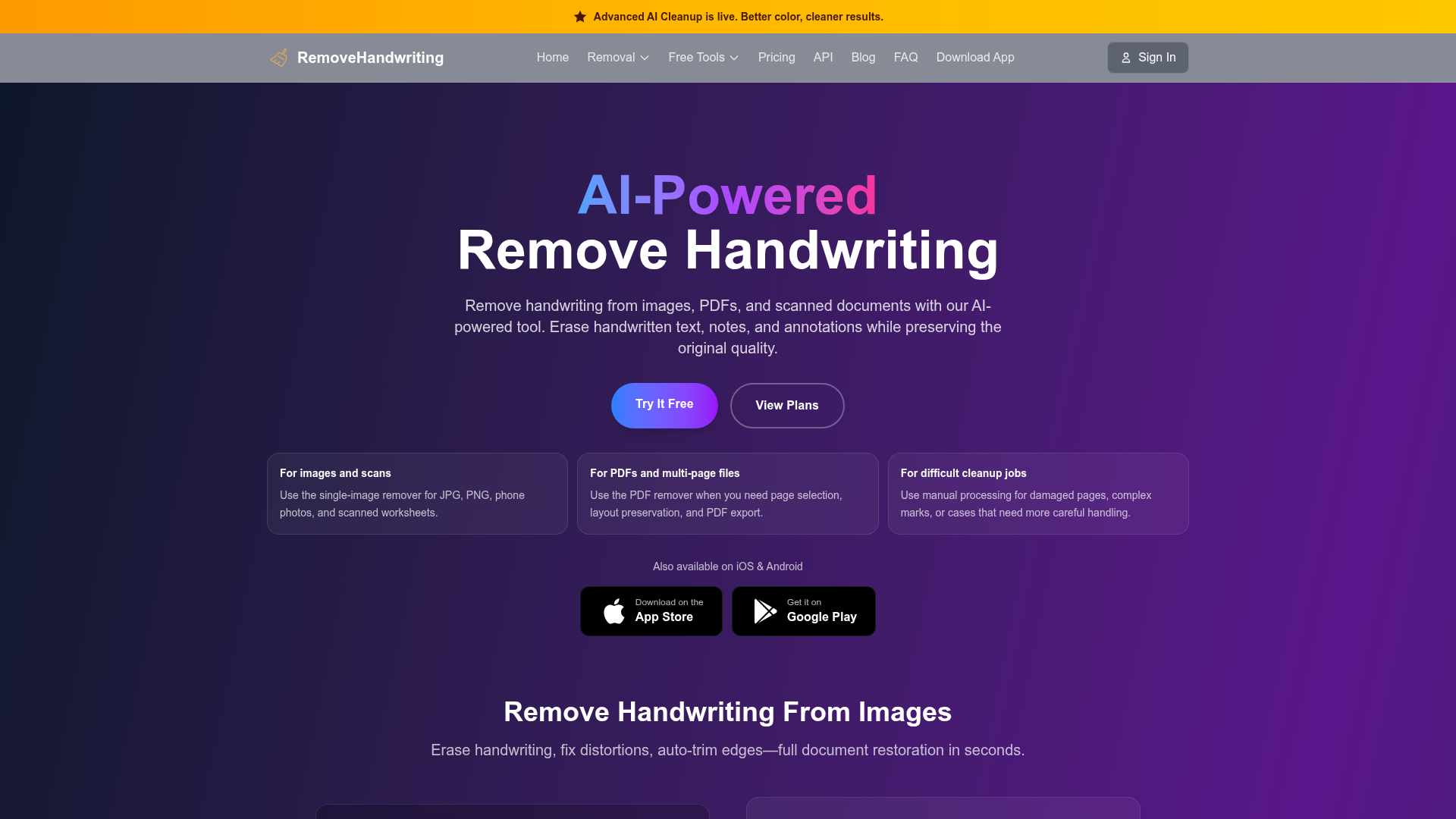
Removehandwriting.com is a web-based AI tool that erases handwritten notes, annotations, and marks from images, PDFs, and scanned documents while preserving printed text and layout. It also corrects skewed pages, auto-crops paper edges, and keeps original document color.
What can Remove Handwriting do?
- 01
Handwriting removal
Erases handwritten notes while keeping printed text and layout
- 02
Color preservation
Keeps original paper tone and document colors intact
- 03
Skew & warp correction
Straightens tilted pages and flattens warped scan areas
- 04
Auto-crop
Detects paper edges and removes desk and scanner borders
- 05
PDF & image support
Processes JPG, PNG, JPEG and PDF documents
- 06
Privacy handling
Deletes uploaded images automatically after processing
Use Cases
- Students — A student removes handwritten annotations from a scanned textbook page to get a clean copy.
- Office workers — An office worker erases handwritten notes on a scanned form before archiving it.
- Teachers — A teacher cleans handwritten marks off a worksheet to reuse it for a new class.
Quick facts about Remove Handwriting
- Domain Rating
- Platforms
- Web·iOS·Android
Frequently Asked Questions
Remove Handwriting Traffic Analysis
Alternatives to Remove Handwriting
Looking for a Remove Handwriting alternative? Compare these curated AI tools that offer similar features and use cases.