


Remove image backgrounds automatically and download full-resolution transparent PNGs without a watermark
What is PixRemove?
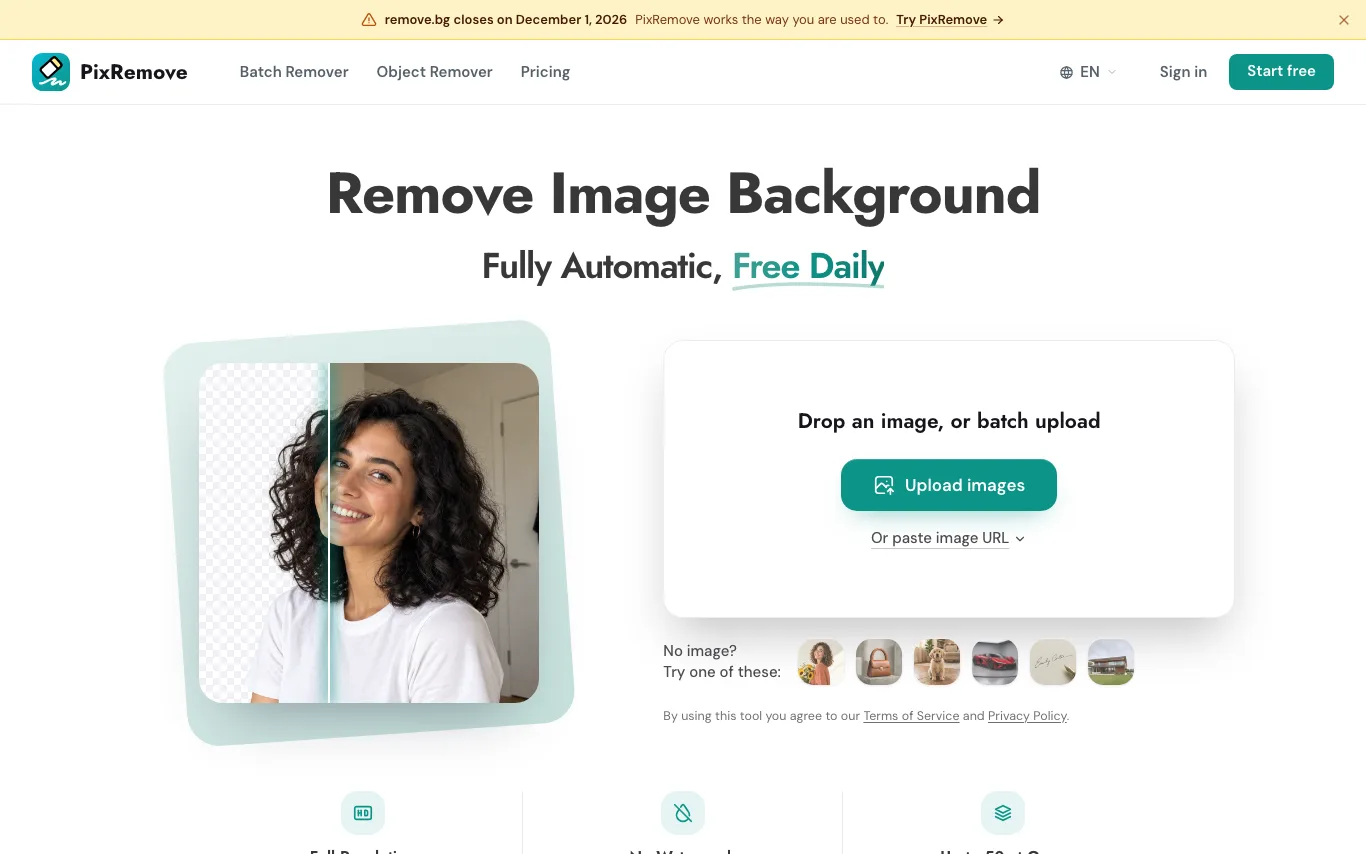
PixRemove cuts the subject out of a photo and returns a transparent PNG at the size you uploaded. It is built for sellers, designers, photographers and marketers who need clean cutouts of products, portraits, pets, cars or signatures, with batch upload and an editor for new backgrounds.
What can PixRemove do?
- 01
Automatic background removal
Cuts out the subject and exports a transparent PNG at original resolution
- 02
No watermark
Downloads are watermark-free and can be used commercially
- 03
Batch remover
Upload up to 50 images at once and download them in one ZIP
- 04
Object remover
Brush over people, text or logos and AI fills in the area
- 05
Built-in editor
Add photo or AI backgrounds, blur, drop shadow, outline, text and filters
- 06
Prompt-guided cut-out
Keep, add or drop objects in the cutout with a short text prompt
- 07
Paste a URL or image
Import an image by link or with Ctrl+V instead of uploading a file
Use Cases
- Online sellers — Batch-create product photos on white for Amazon, eBay and Shopify
- Photographers — Cut out client portraits while keeping fine hair detail
- Auto dealers — Place street photos of vehicles into virtual showroom backgrounds
- Real estate teams — Get clean building cutouts ready for sky replacement
- Marketers — Create campaign assets without waiting on a design queue
Quick facts about PixRemove
- Domain Rating
- Platforms
- Web
- Languages
- English·Chinese
Frequently Asked Questions
PixRemove Traffic Analysis
Alternatives to PixRemove
Looking for a PixRemove alternative? Compare these curated AI tools that offer similar features and use cases.

remove.bg
remove.bg automatically removes image backgrounds in seconds with one click, supporting HD output and batch processing via API.

Picsart
Picsart is an AI-powered creative platform offering photo editing, graphic design, and generative AI tools. It provides templates, asset libraries, and AI features for individuals and teams to create visual content quickly.

Removal.AI
Removal.AI is an automated background removal tool that uses AI to remove backgrounds from images in seconds. It requires no sign-up for basic use and supports batch processing for professional workflows.