

AI Workflow · 29 tools
Best AI Workflow Tools (2026)
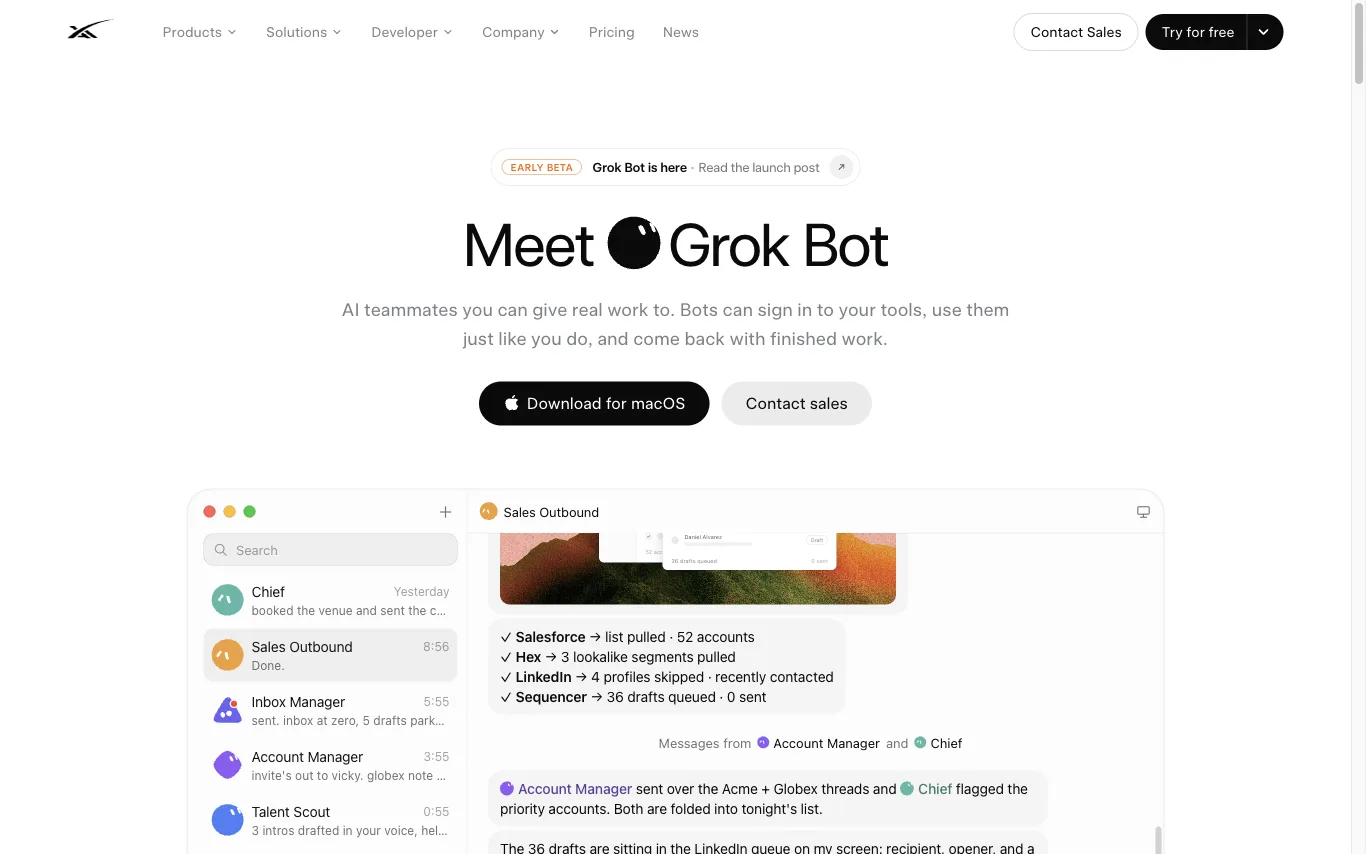
Compare AI workflow tools for automating multi-step tasks, building AI agents, connecting apps, and running no-code pipelines — from Zapier and Make to n8n, Dify, and Coze.
All AI Workflow tools


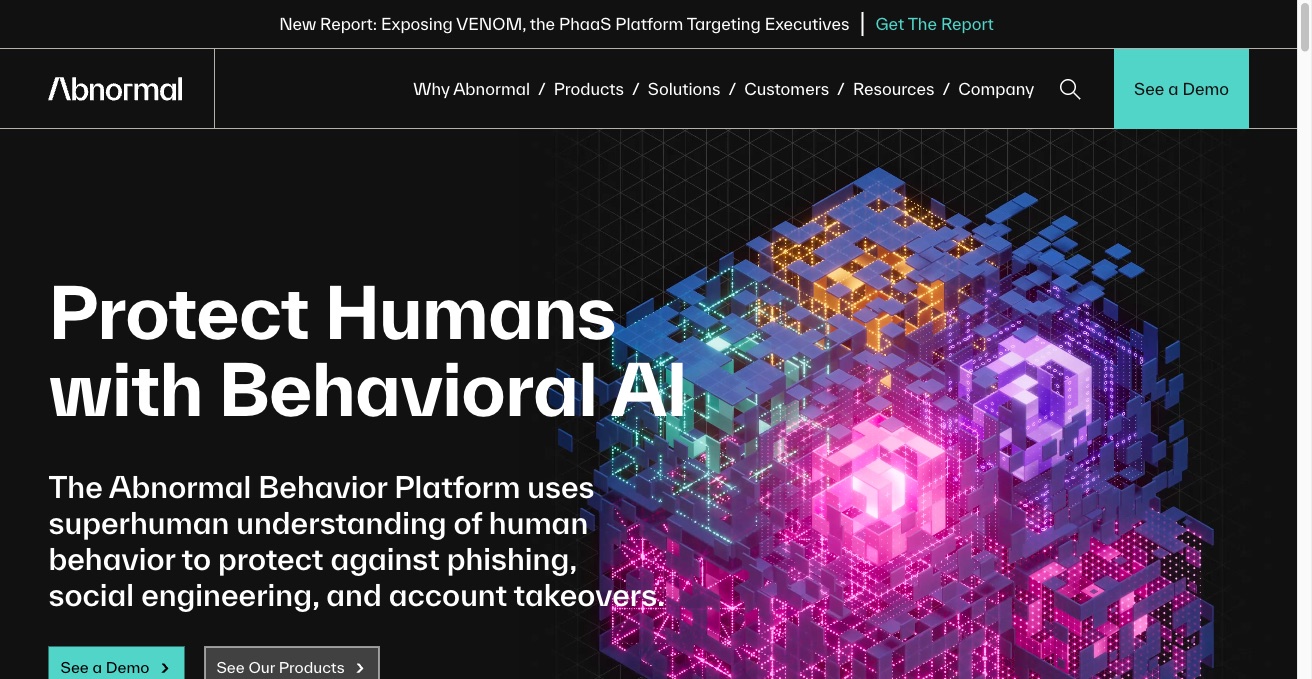

Abnormal is a cloud email and SaaS security platform that models user behavior to autonomously detect phishing, business email compromise, and account takeovers across Microsoft 365, Google Workspace, and connected SaaS apps.
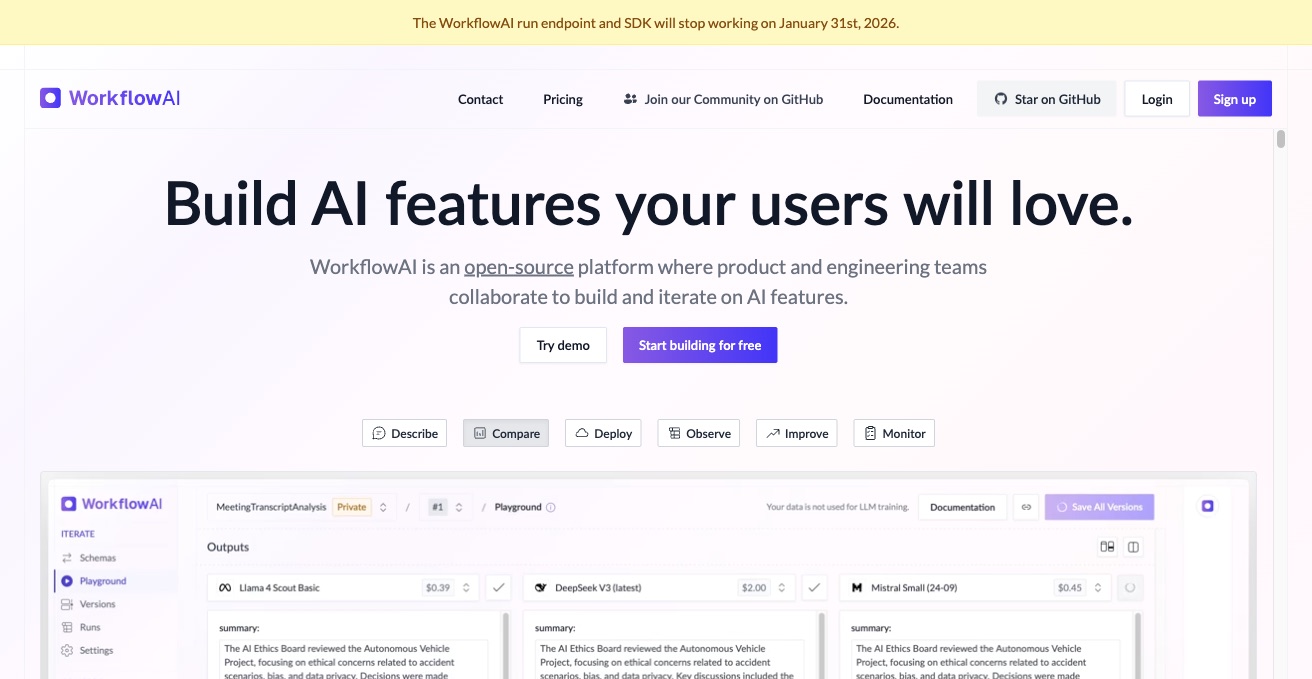

WorkflowAI helps product and engineering teams ship AI features. It bundles prompt workflows, evaluation, observability, and deployment into one platform.


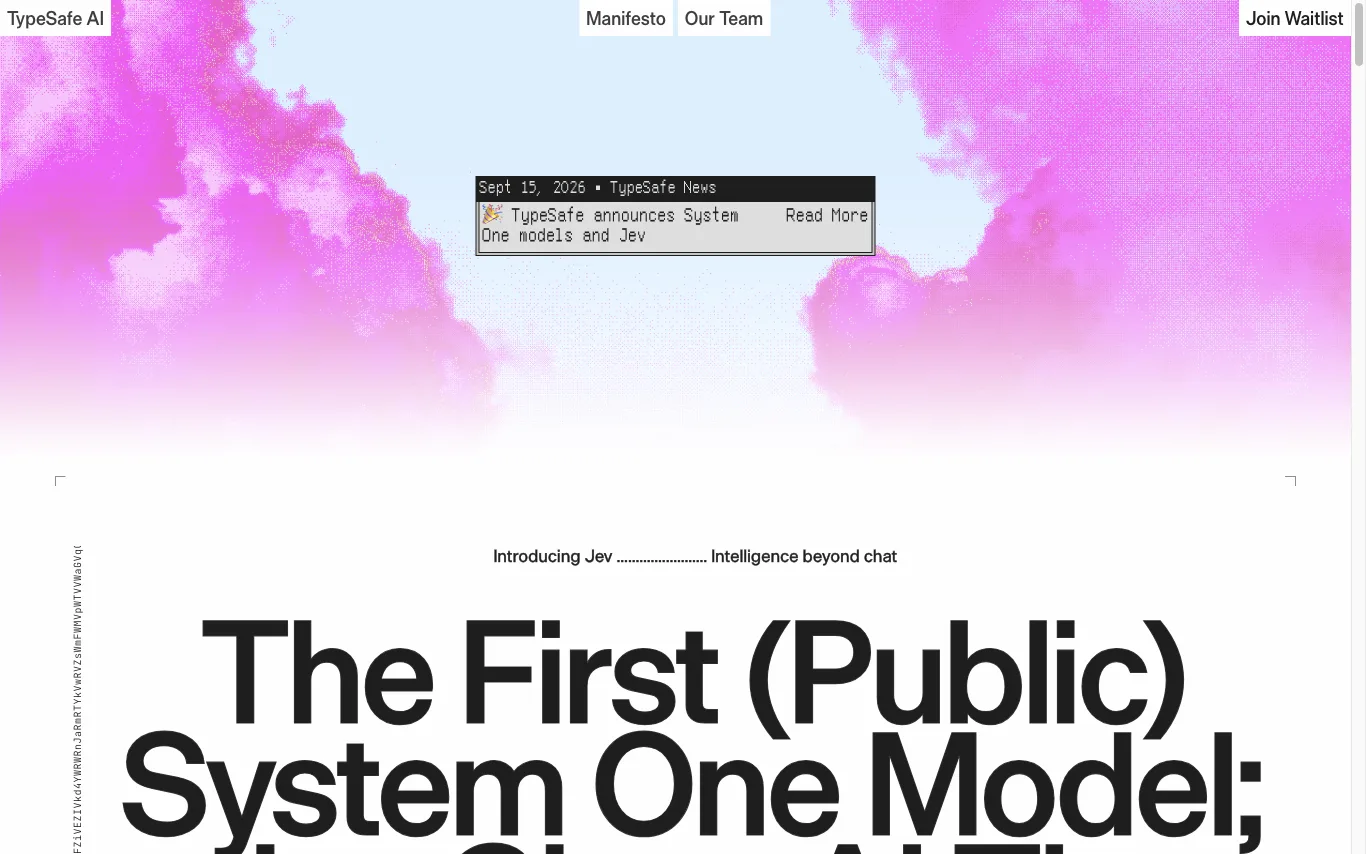
TypeSafe AI is a San Francisco lab building System One models for automation. Its first public model, Jev, answers typed questions against a state and returns structured decisions code can act on.



prepros is a shoot production platform for creative teams. It provides tools for moodboards, shotlists, storyboards, styling, call sheets, and more, all in one workspace. The platform aims to streamline the entire production process, from planning to execution, ensuring nothing is missed on set.
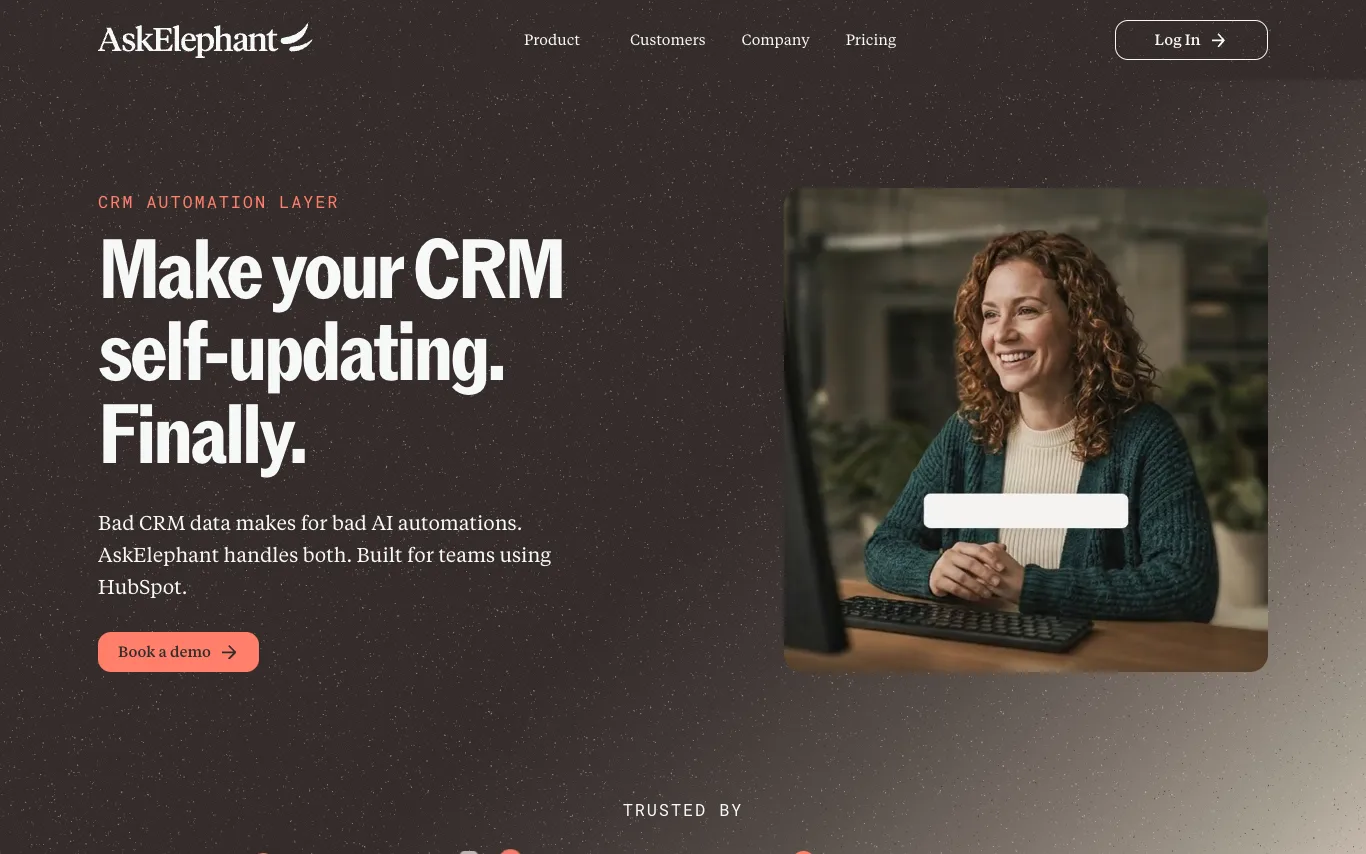

AskElephant is a CRM automation layer that uses AI-native workflows to keep your CRM data accurate and up-to-date. It is designed for teams using HubSpot, handling both bad CRM data and AI automations. The platform captures call details, reduces CRM errors, and speeds up intervention, as evidenced by customer case studies.
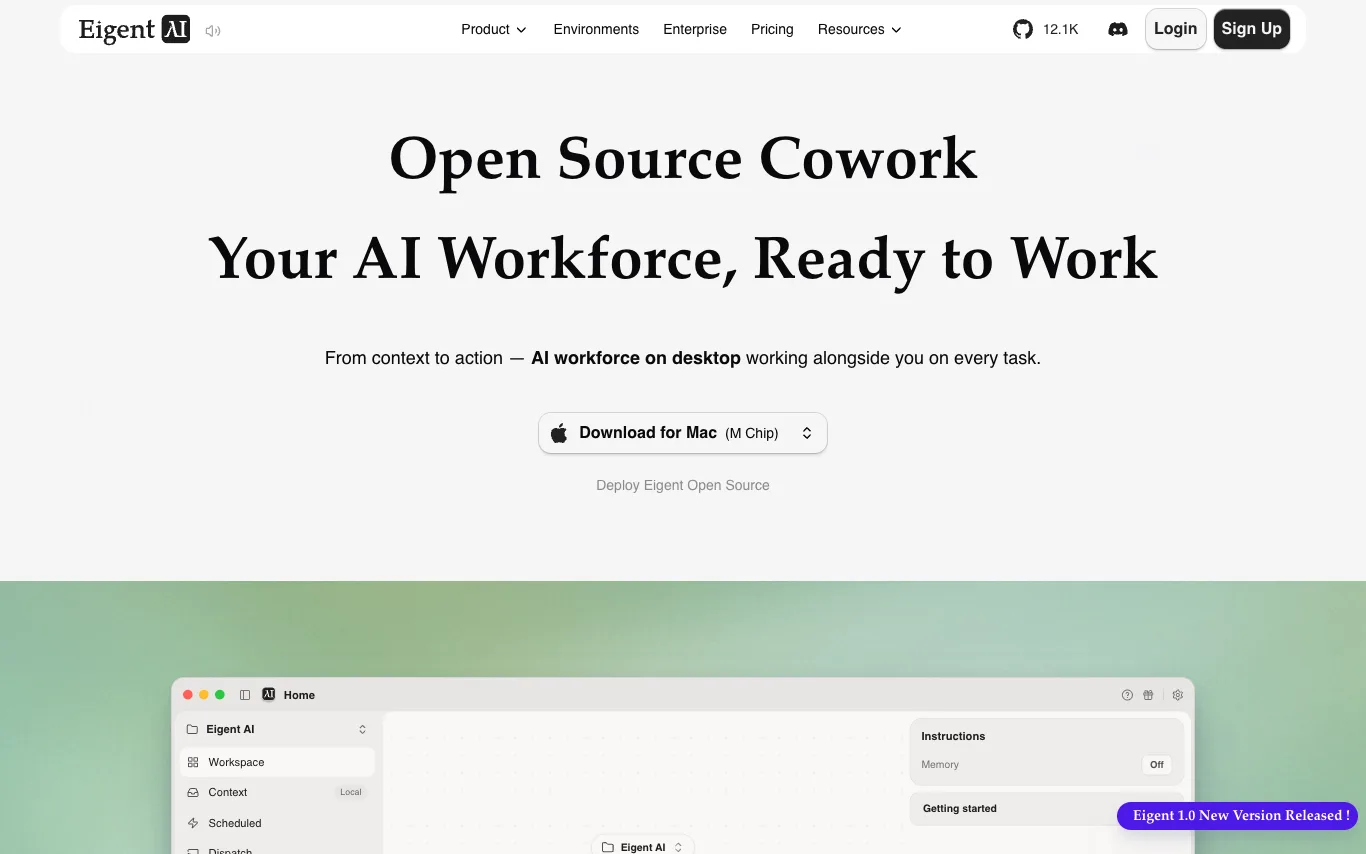

Eigent Open Source Cowork is a desktop multi-agent workforce that connects to your context and can control the browser and desktop apps to automate real work. It is 100% open source, allowing you to host it yourself for free with your own API keys or local models. The platform supports any model you like, including cloud APIs, enterprise gateways, or local inference, without locking into one vendor. With local-first execution, your files, credentials, and context stay under your control.
What is an AI workflow tool?
An AI workflow tool lets you chain models, apps, and logic into an automated pipeline that runs on a trigger or a schedule. Instead of writing glue code, you connect steps on a visual canvas — call an LLM, branch on its output, fetch data, and post the result — or hand a goal to an autonomous AI agent that decides the steps itself. They range from no-code builders like Zapier and Make to developer-focused and agent platforms like n8n, Dify, and Coze.
Key features of AI workflow tools
- Visual canvas to chain triggers, steps, and conditions
- Built-in LLM, embedding, and vector-database nodes
- AI agents that plan and pick their own steps
- Hundreds of app integrations and API connectors
- Branching, loops, and error handling between steps
- Runs on schedules, webhooks, or event triggers
Who uses AI workflow tools?
Non-technical automators
Marketers and ops staff who wire up repetitive tasks without writing any code.
Developers building agents
Engineers orchestrating multi-step LLM agents, RAG, and tool calls in code.
Business process teams
Teams automating approvals, data entry, and handoffs across their SaaS stack.
AI app builders
Founders shipping chatbots and internal tools on top of workflow platforms.
How AI workflow tools work
You define a trigger — an incoming webhook, a schedule, or a new record — then lay out the steps that follow. Each node does one thing: call a model, transform data, branch on a condition, or hit an external API, passing its output to the next. Agent-based tools flip this: you describe a goal and give the model tools, and it decides which steps to run and in what order.