

AI Workflow · 29 tools
Best AI Workflow Tools (2026)
Compare AI workflow tools for automating multi-step tasks, building AI agents, connecting apps, and running no-code pipelines — from Zapier and Make to n8n, Dify, and Coze.
All AI Workflow tools
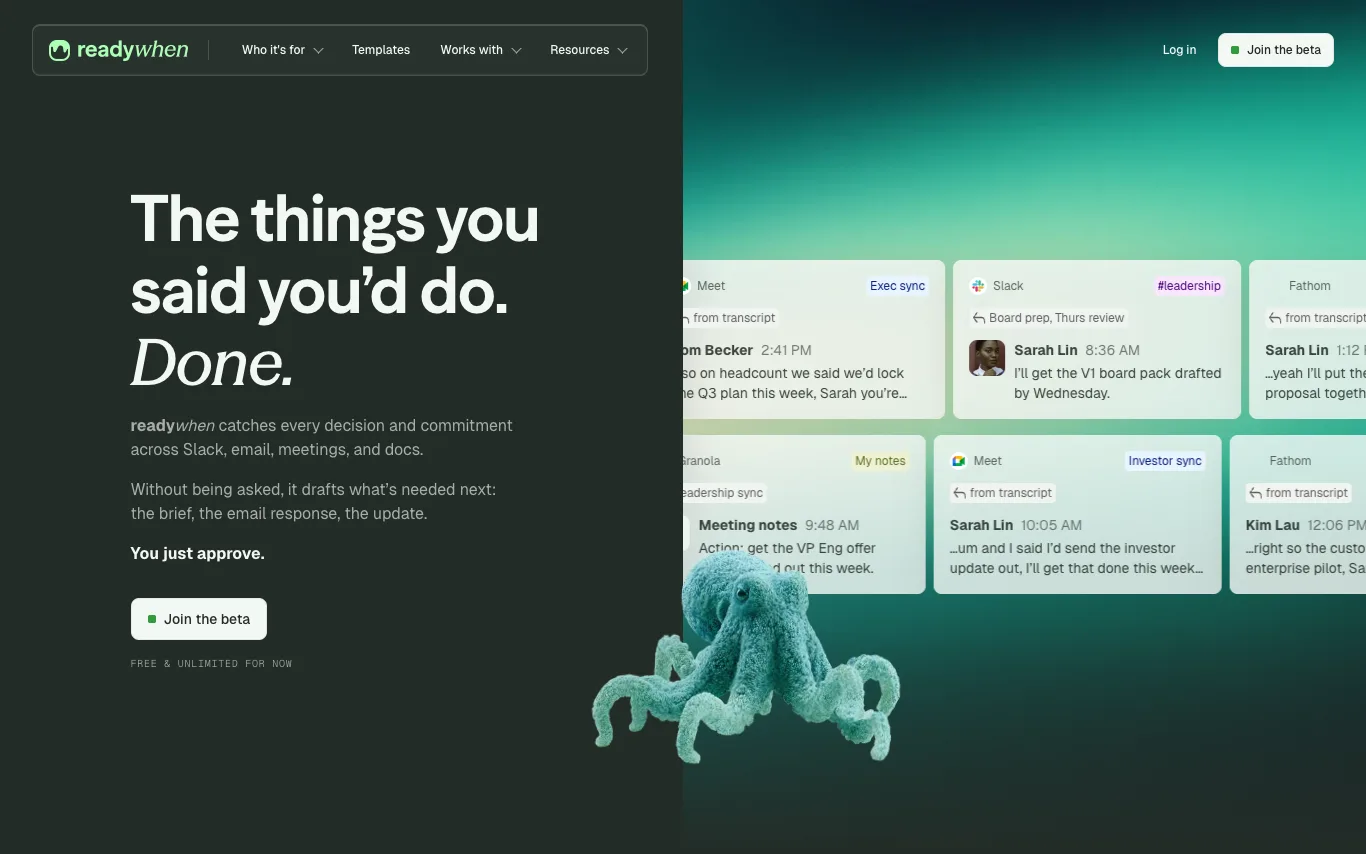

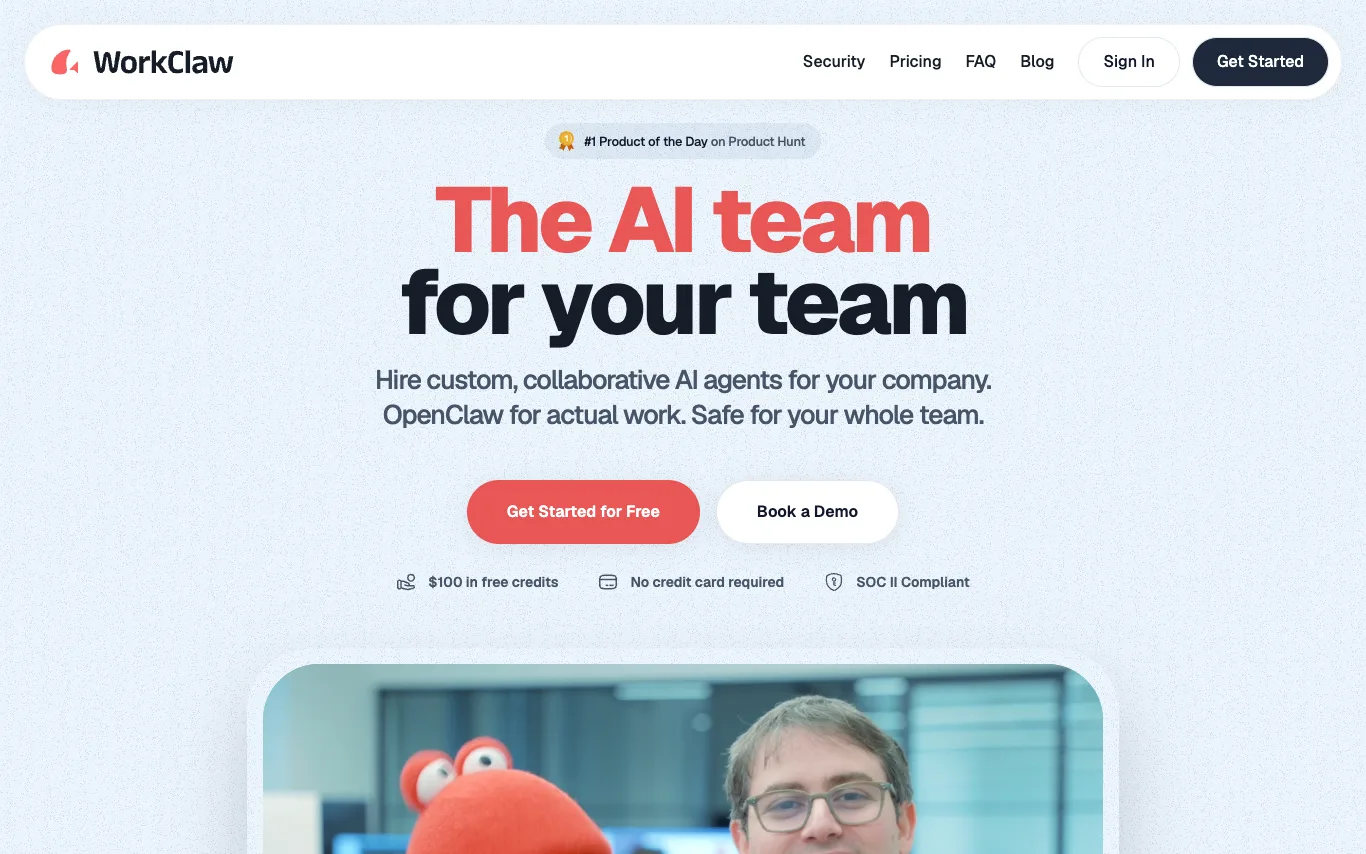

WorkClaw is a platform for creating and deploying custom, collaborative AI agents, called Claws, for teams. It is built on OpenClaw and offers pre-built Claws like Team Assistant, Chief of Staff, Software Engineer, Outbound Sales, Research Analyst, Recruiter, Content Marketer, and Data Analyst. WorkClaw emphasizes security with SOC II compliance and provides $100 in free credits without requiring a credit card.


Agently builds a company brain across your whole stack, then spins up agents to handle the work, orchestrated by Jarvis. It connects to 100+ tools via MCP connectors, enabling two-way OAuth live updates. Agents can act autonomously or with approval, producing real artifacts like docs, presentations, and sheets. Plans start at $29/mo with a free tier and trial.
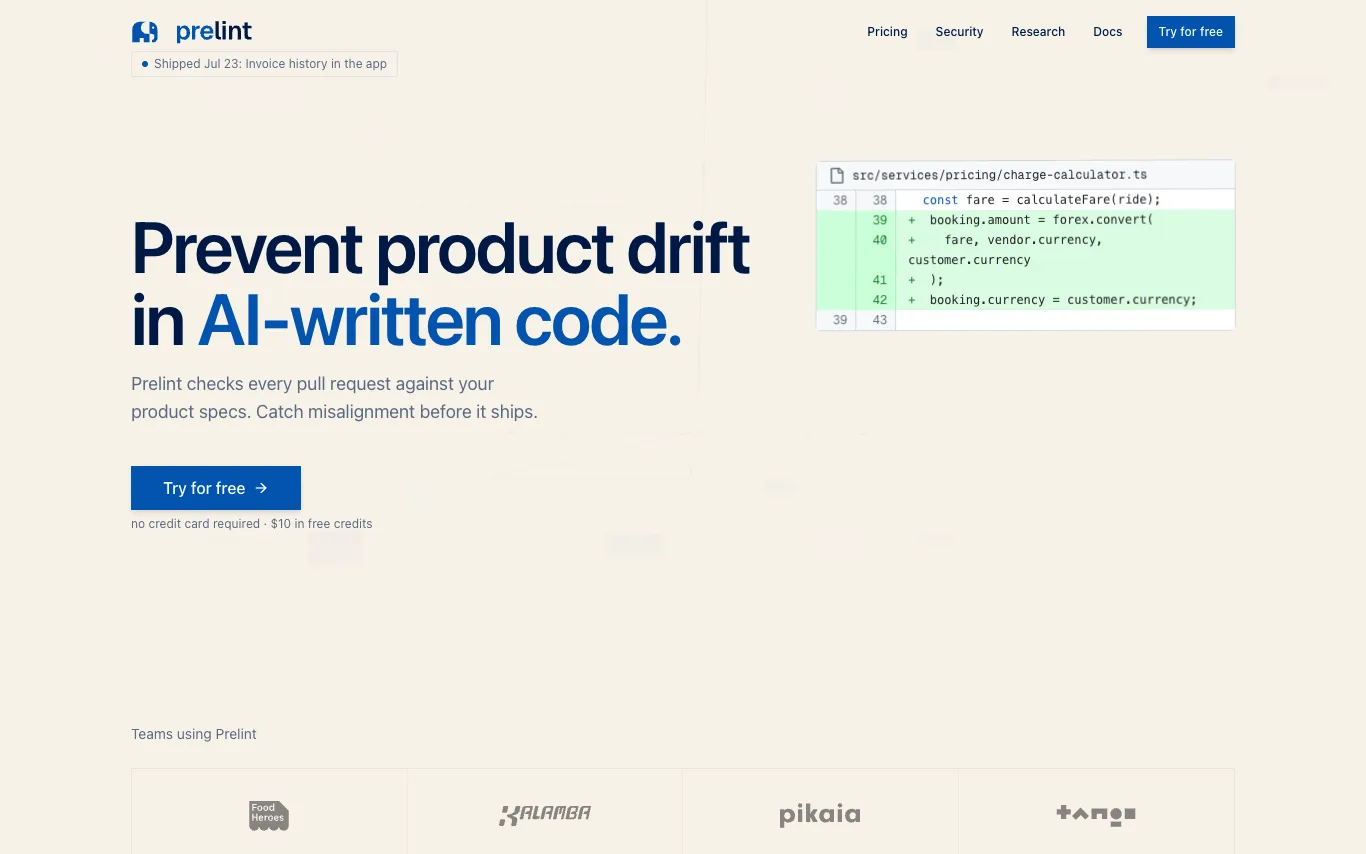

Prelint reviews every pull request against your product specifications, catching product drift, inconsistencies, and misalignment before they ship. It enforces product intent by checking business logic, compliance, tooling, domain language, scope, and strategic alignment. With tenant-isolated infrastructure and no training on your data, Prelint integrates with GitHub and GitLab, using specs in Markdown, YAML, or structured formats. Pricing is $1 per completed review, with $10 free credits and free for open source.
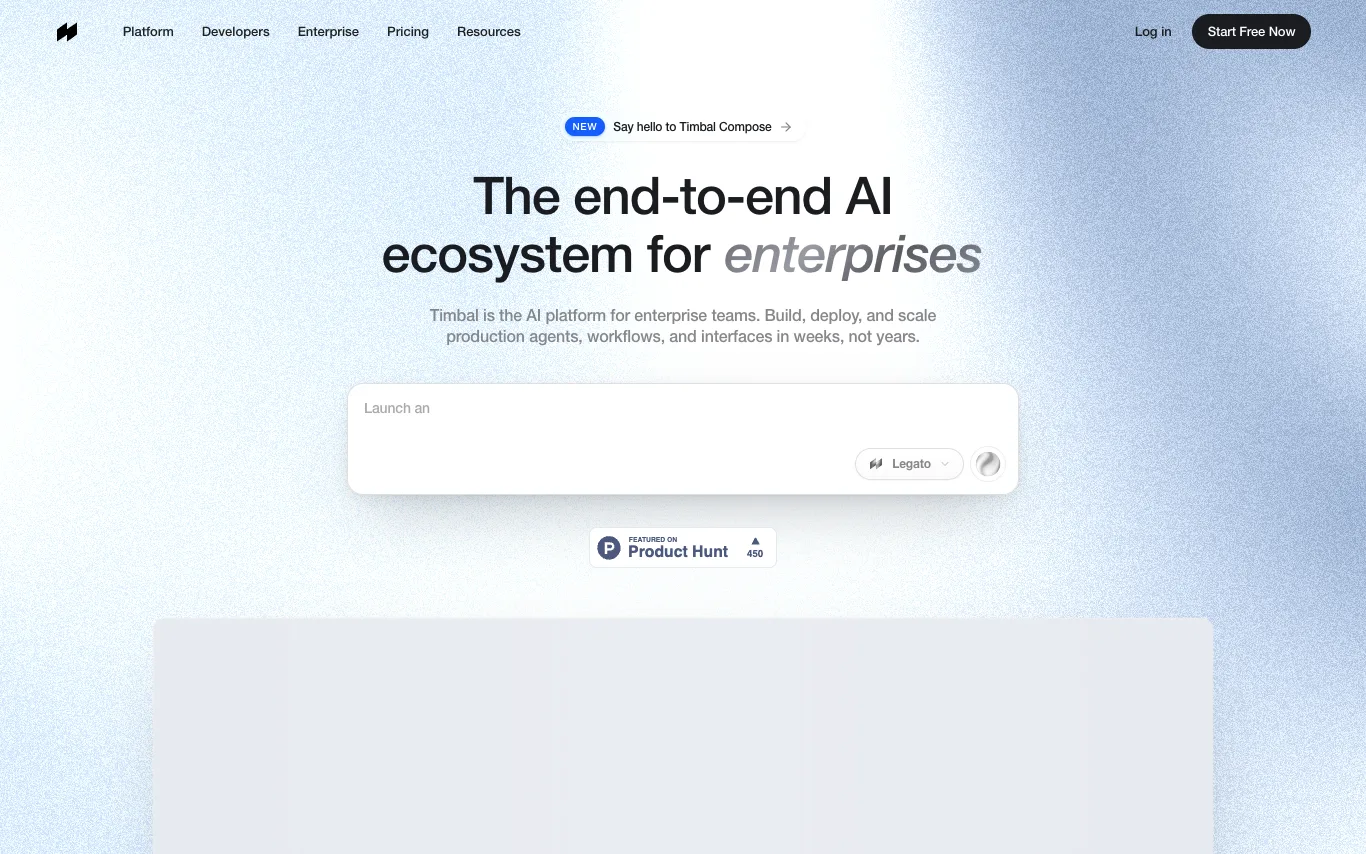

Timbal is the production AI platform enterprise teams use to build, deploy, and govern agents, workflows, and knowledge bases on the models they choose. It offers autonomous agents, deterministic workflows, custom interfaces, enterprise-grade RAG, and 100+ native integrations. Everything you build is exportable code, ensuring no vendor lock-in.


Cofounder is an AI company operating system for founders, coordinating engineering, sales, marketing, design, finance, and operations agents. It provides a full roadmap tailored to your company, guiding you through steps to start, build, sell, and scale. Agents work alongside you, requiring approval for potentially dangerous actions. It is fully extensible with MCP, custom APIs, skills, or custom codebases.
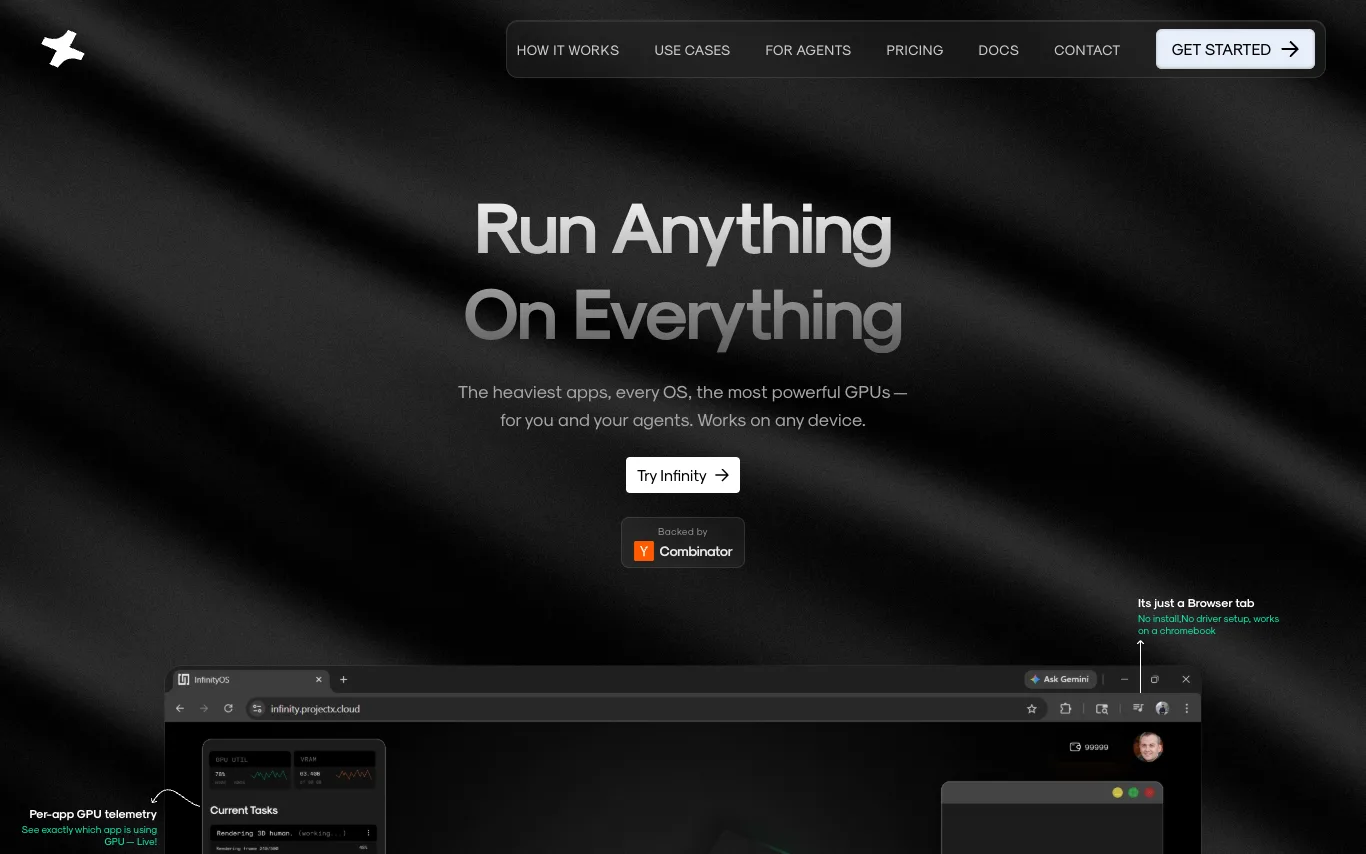

Infinity is an operating system designed for AI agents, where agents are first-class citizens. It allows users to run heavy applications like Blender, VS Code, and Isaac Sim on any device through a browser tab, with dedicated GPU compute per app. The platform supports running Windows and Linux apps simultaneously, cold starts in under a minute, and enables humans and agents to coexist in the same workspace. Infinity offers a chat interface for agents to orchestrate GPU workloads, eliminating the need for API keys or rate limits.
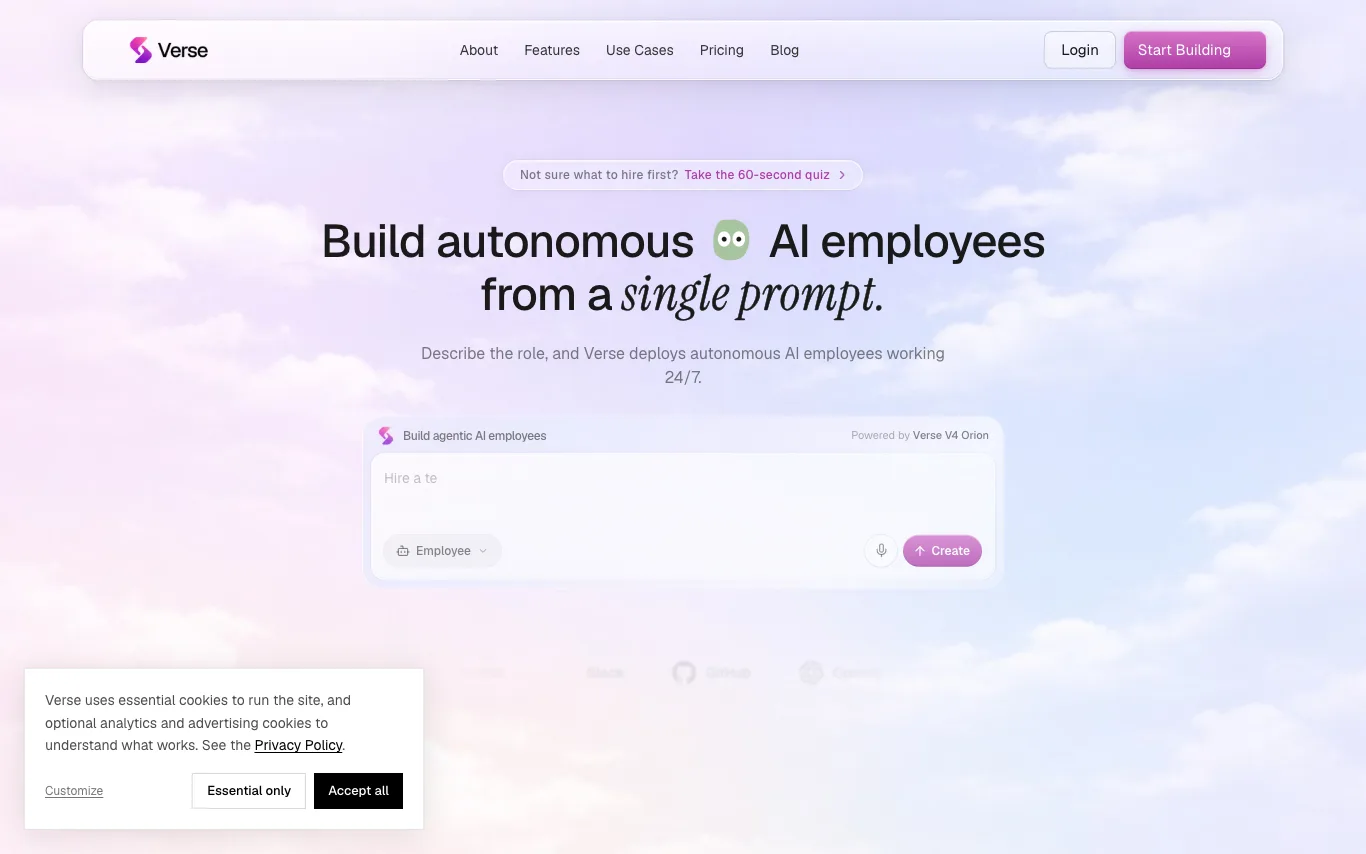

Verse is a platform that lets you create autonomous AI employees from a single prompt. These AI agents can use your tools, hold context, and run work around the clock without code. You can hire specialists for sales, marketing, support, operations, recruiting, research, and more. Each employee gets its own email, phone, virtual card, computer, and crypto wallet.
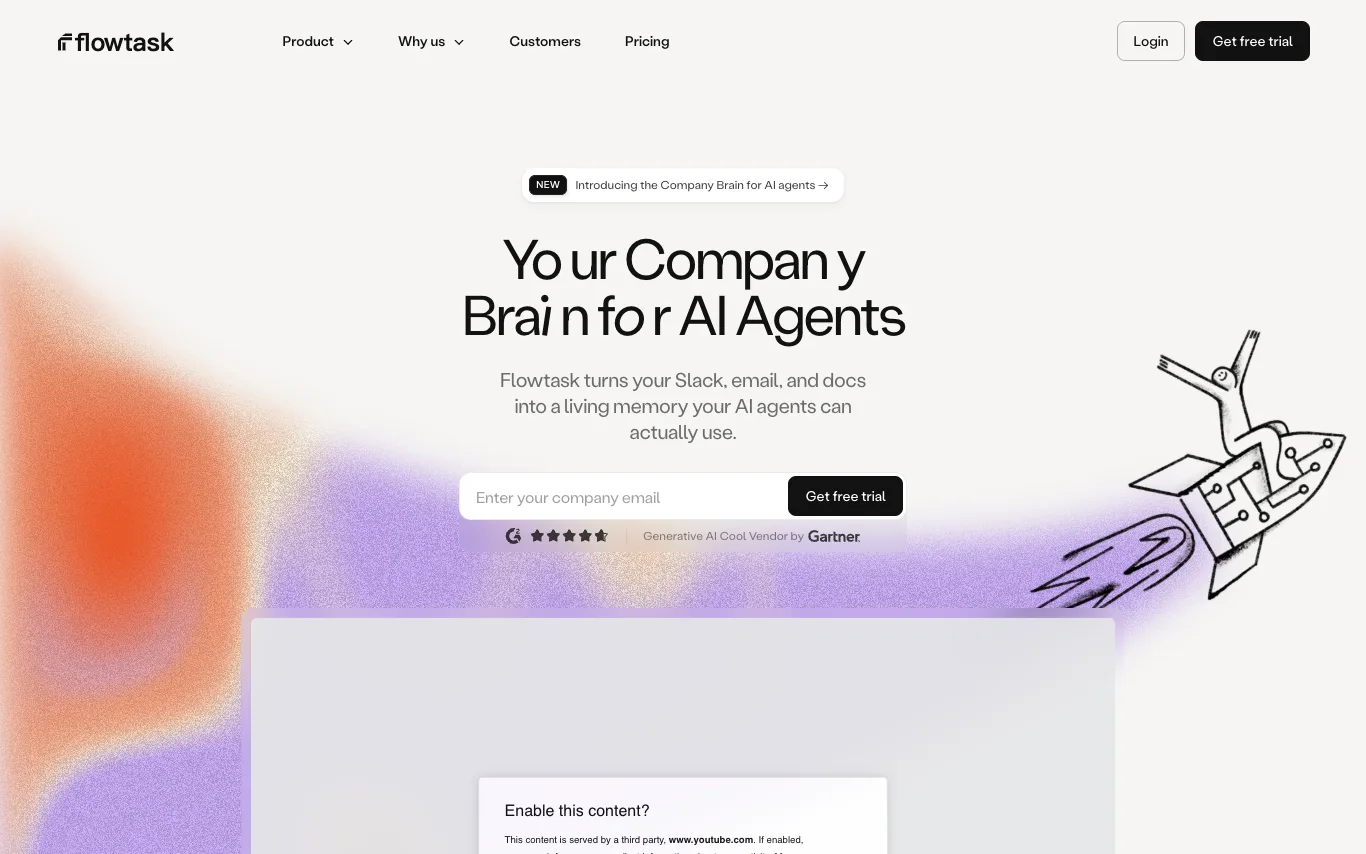

Flowtask turns your Slack, email, and docs into a Company Brain — a living, structured memory your AI agents can use to operate. No repeated context, no daily updates. It transforms conversations into accountable work, automates workflows, and retains knowledge to improve over time.

Latenode is an AI workflow automation platform that enables users to build AI-powered automations and deploy AI agents. It offers a no-code visual builder, access to 1,200+ AI models, and 5,500+ integrations with popular apps. The platform provides a free tier with 10,000 CPU seconds, and paid plans starting at $199/month for business teams.


Lium is a workflow automation platform that enables users to connect and analyze their data. It provides a chat-based interface where users can ask questions about their data and receive insights. The platform includes pre-built workflows for various domains such as weather, utilities, logistics, and finance, allowing users to quickly access specialized analyses.
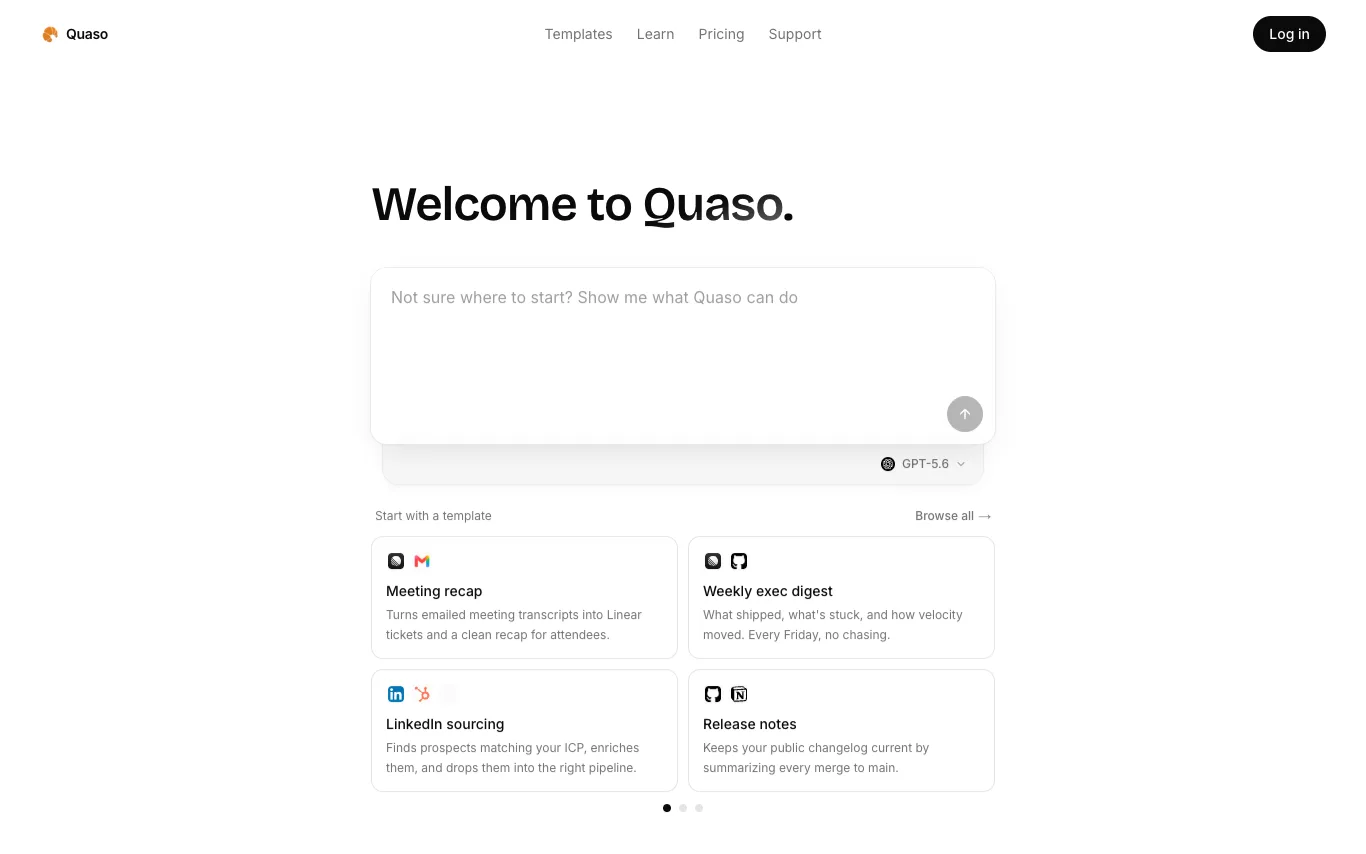

Quaso is an AI automation agent that converts plain English instructions into web automations. It allows users to browse live, deploy scheduled functions, and connect various apps. Built on Notte's browser platform, Quaso enables tasks like triaging emails, fixing bugs, reconciling books, and more.
What is an AI workflow tool?
An AI workflow tool lets you chain models, apps, and logic into an automated pipeline that runs on a trigger or a schedule. Instead of writing glue code, you connect steps on a visual canvas — call an LLM, branch on its output, fetch data, and post the result — or hand a goal to an autonomous AI agent that decides the steps itself. They range from no-code builders like Zapier and Make to developer-focused and agent platforms like n8n, Dify, and Coze.
Key features of AI workflow tools
- Visual canvas to chain triggers, steps, and conditions
- Built-in LLM, embedding, and vector-database nodes
- AI agents that plan and pick their own steps
- Hundreds of app integrations and API connectors
- Branching, loops, and error handling between steps
- Runs on schedules, webhooks, or event triggers
Who uses AI workflow tools?
Non-technical automators
Marketers and ops staff who wire up repetitive tasks without writing any code.
Developers building agents
Engineers orchestrating multi-step LLM agents, RAG, and tool calls in code.
Business process teams
Teams automating approvals, data entry, and handoffs across their SaaS stack.
AI app builders
Founders shipping chatbots and internal tools on top of workflow platforms.
How AI workflow tools work
You define a trigger — an incoming webhook, a schedule, or a new record — then lay out the steps that follow. Each node does one thing: call a model, transform data, branch on a condition, or hit an external API, passing its output to the next. Agent-based tools flip this: you describe a goal and give the model tools, and it decides which steps to run and in what order.